Kroto
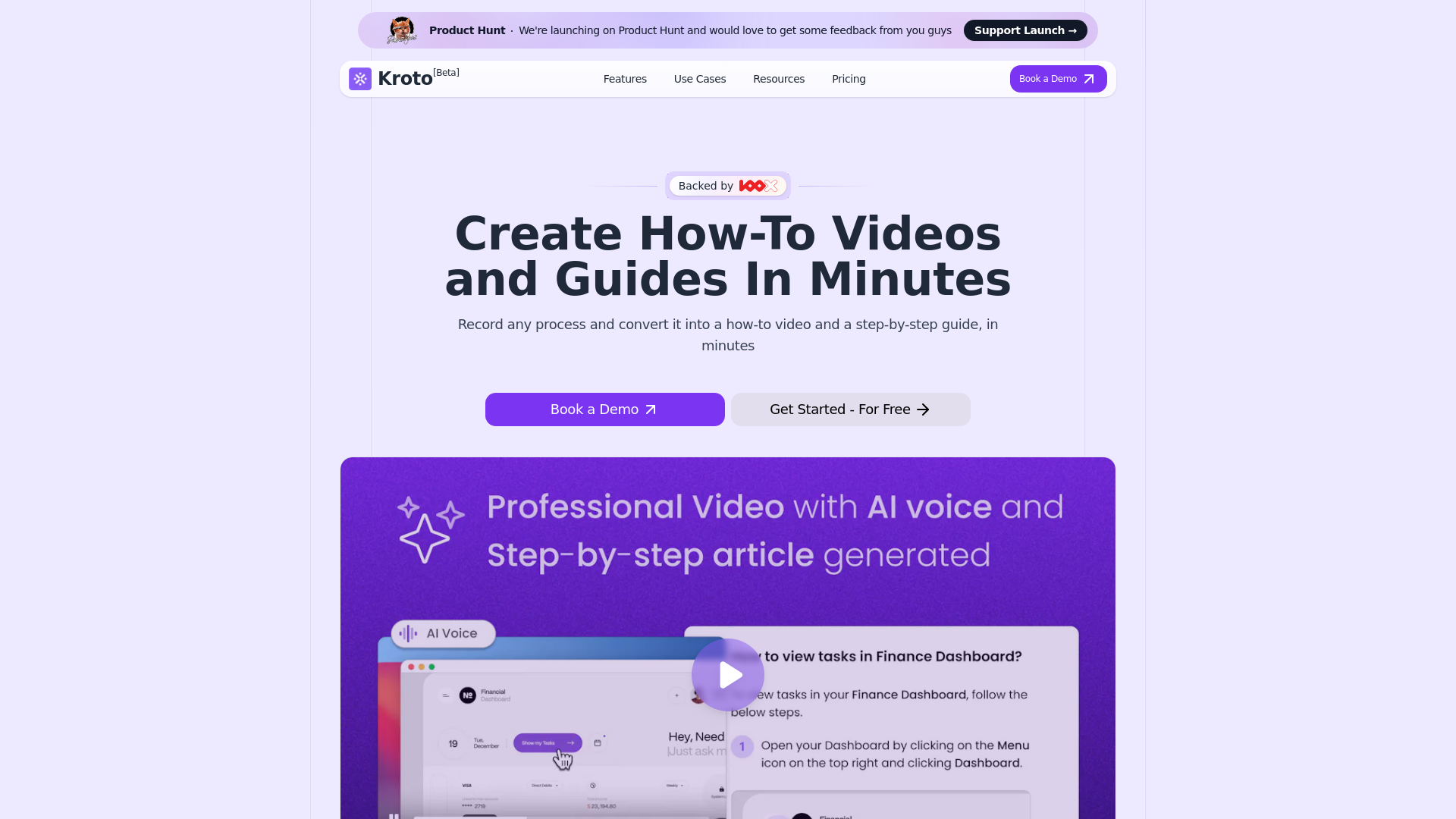
Bulid product videos and documents insanely fast. Take a basic recording of a product walk-through and generate professional videos with zoom-in and pan effects along with a step by step article in minutes
What is Kroto?
Kroto is an innovative platform designed to simplify the creation and sharing of step-by-step guides, tutorials, and process documentation. By utilizing advanced AI technology, Kroto enables users to generate professional-quality how-to videos and detailed articles in just a few minutes, enhancing documentation and training capabilities for businesses and organizations.
What are the main features of Kroto?
- AI-Enhanced Video Tutorials
- Create engaging and professional video guides backed by AI-generated voiceovers for clarity.
- Detailed Step-By-Step Articles
- Include perfectly cut GIFs for every step to visually guide users through processes.
- SEO-Optimized Help Center
- Build a user-friendly help center tailored to your brand, helping you reach a wider audience.
- Multi-language Support
- Easily translate content into various languages to cater to a global user base.
- Seamless Integrations
- Integrate Kroto with various third-party tools to enhance workflow efficiency.
How does Kroto work?
Using Kroto is straightforward:
- Record Your Process
- Utilizing the Chrome extension, users can record any process they wish to document.
- AI Processing
- Once the video is uploaded, Kroto's AI analyzes the content, ensuring it is structured and engaging.
- Export Options
- Choose to export the video and guide to your local computer or host them securely on Kroto’s platform.
Pricing
Kroto offers flexible pricing plans to suit a variety of needs:
- Free Trial
- Explore basic features at no cost for 7 days.
- Essential Plan ($40/month)
- Ideal for power users with 25 credits/month and additional features.
- Premium Plan ($100/month)
- Designed for organizations needing comprehensive support, with 150 credits/month and customized host options.
Helpful Tips for Using Kroto
- Utilize the Chrome Extension
- Make recording processes smoother by using the built-in Chrome extension.
- Make Use of AI Voiceovers
- Enhance video tutorials with AI-generated voiceovers for professionalism and clarity.
- Customize Your Branding
- Take advantage of the customization features to present a consistent brand image in your help center.
- Explore Step-By-Step Guides
- Create detailed guides that include visuals, ensuring users can easily follow along with the process.
Frequently Asked Questions
Is there a free trial available?
Yes, Kroto provides a 7-day free trial across all pricing plans for users to explore the features.
Can I customize the branding on my help center?
Absolutely! Kroto allows users to reflect their brand in their help centers, maintaining consistency in user experience.
Does Kroto support multiple languages?
Yes, with one-click translation options, Kroto helps reach a broader audience by supporting multiple languages.
Can I integrate Kroto with other tools?
Yes, Kroto is designed for seamless integration with multiple third-party tools to improve workflow.
What kind of support is available?
Kroto offers 24/7 customer support through live chat, email, and a comprehensive help center.
How secure is Kroto?
Kroto employs industry-standard security measures to safeguard user data and ensure information safety.
What industries can benefit from Kroto?
Kroto is adaptable and effective across various sectors, including education, technology, healthcare, and more.
Start your journey today by signing up for Kroto and discover how it can revolutionize your documentation and training processes!
Kroto
Bulid product videos and documents insanely fast. Take a basic recording of a product walk-through and generate professional videos with zoom-in and pan effects along with a step by step article in minutes
 Kestrel
 Microsoft ASP.NET
Free AI anime and manga generator. Turn text into anime episodes, manga, comics, webtoons and comic shorts in any art style — no drawing or animation skills needed.
Translate image text across 70+ languages with our advanced AI Image Translator to help you better expand your products globally to various countries
Advertised Here
Reach thousands of visitors daily. Get your spot now!
Tools similar to Kroto
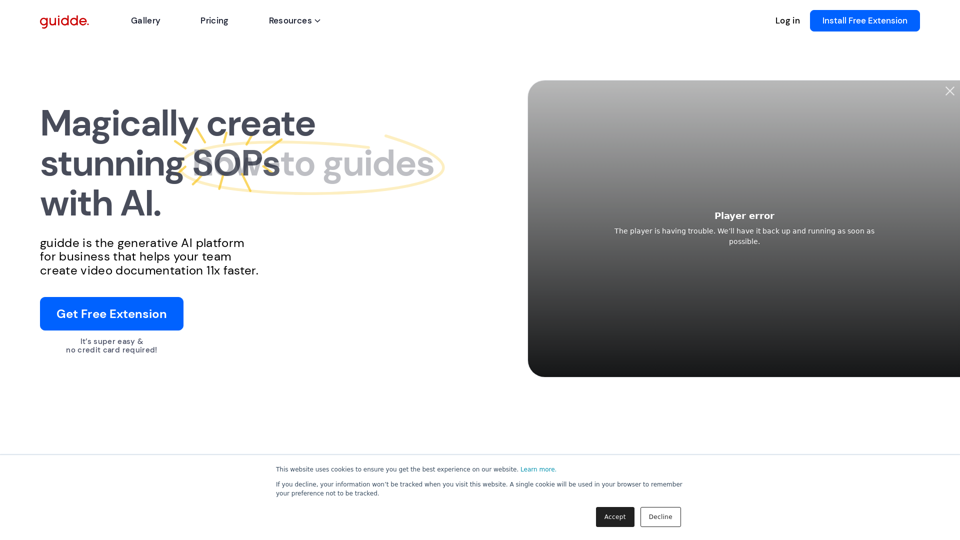
Guidde lets you capture instant step-by-step videos and documents for anyone to create.
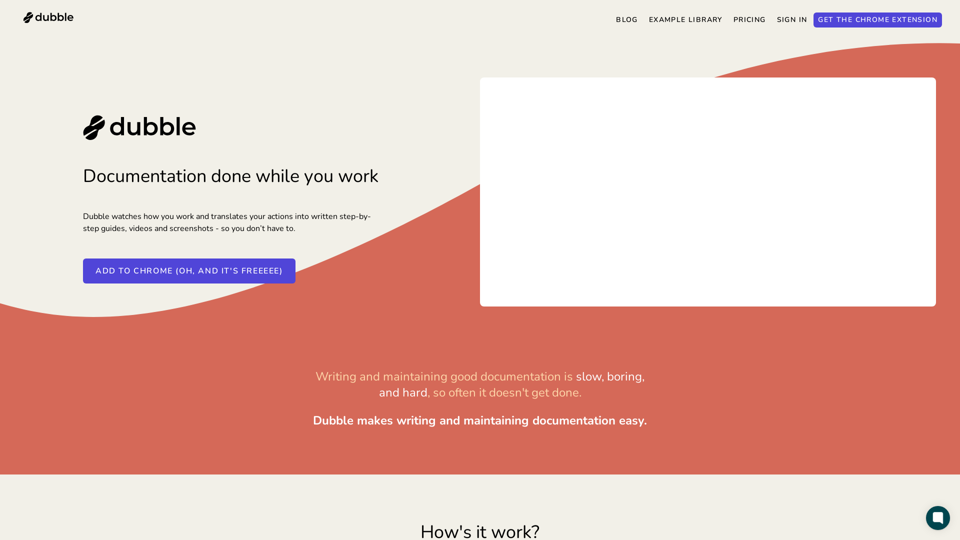
Dubble is a documentation tool that watches how you work and translates your actions into written step-by-step guides, videos and screenshots - so you don’t have to.
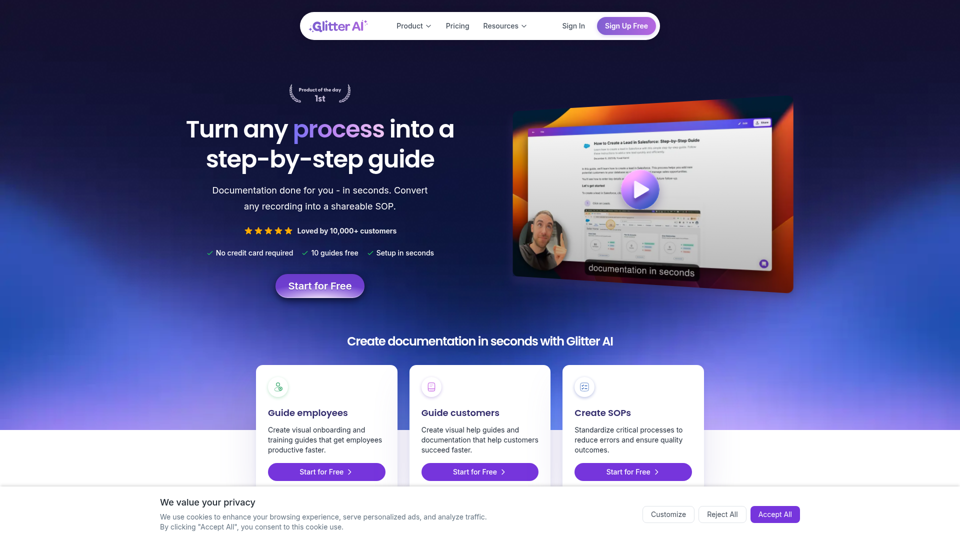
Turn any process, video, meeting, or recording into a step-by-step guide with Glitter AI. Documentation done for you in seconds.
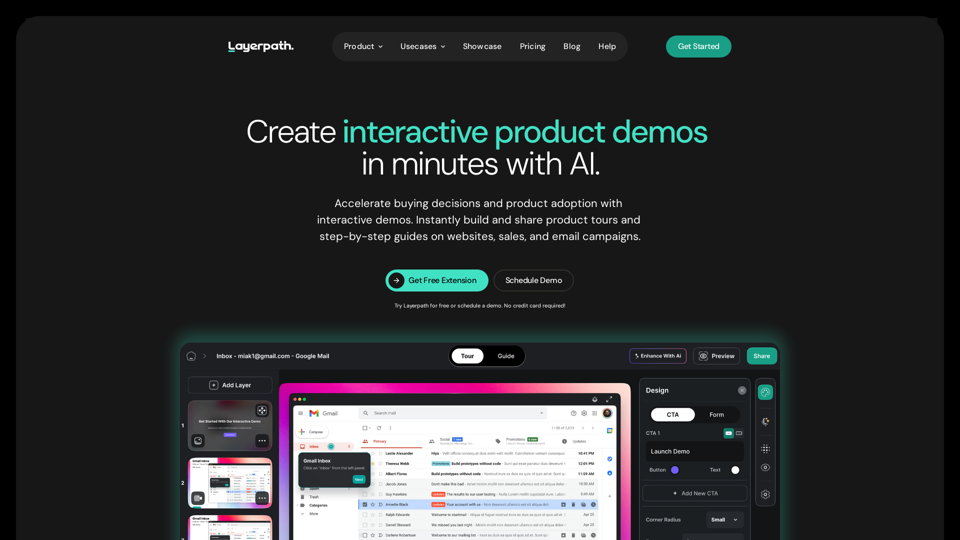
Layerpath is the fastest way to create interactive demos. Capture and convert your screen recordings into product tours, step-by-step guides, and videos. Organize and measure users' engagement with Playlists, Lead Forms, and Analytics features.
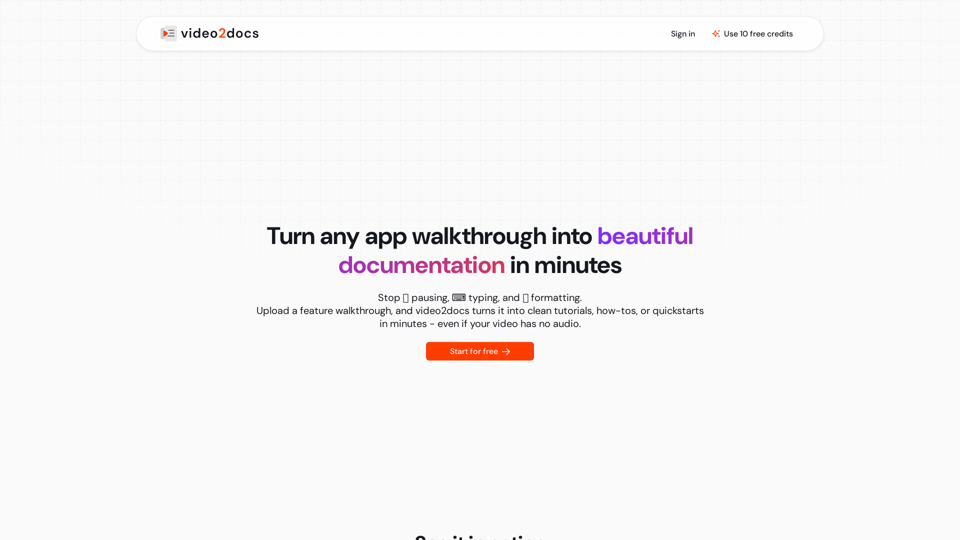
Transform app walkthrough videos into beautiful, structured documentation using AI. Works without audio narration. No extensions or installs needed.
Easily generate tutorials based on recorded actions, making it simple to share knowledge and processes with others.