Goodnotes
Discover Goodnotes 6, the AI note-taking app loved by millions around the world.
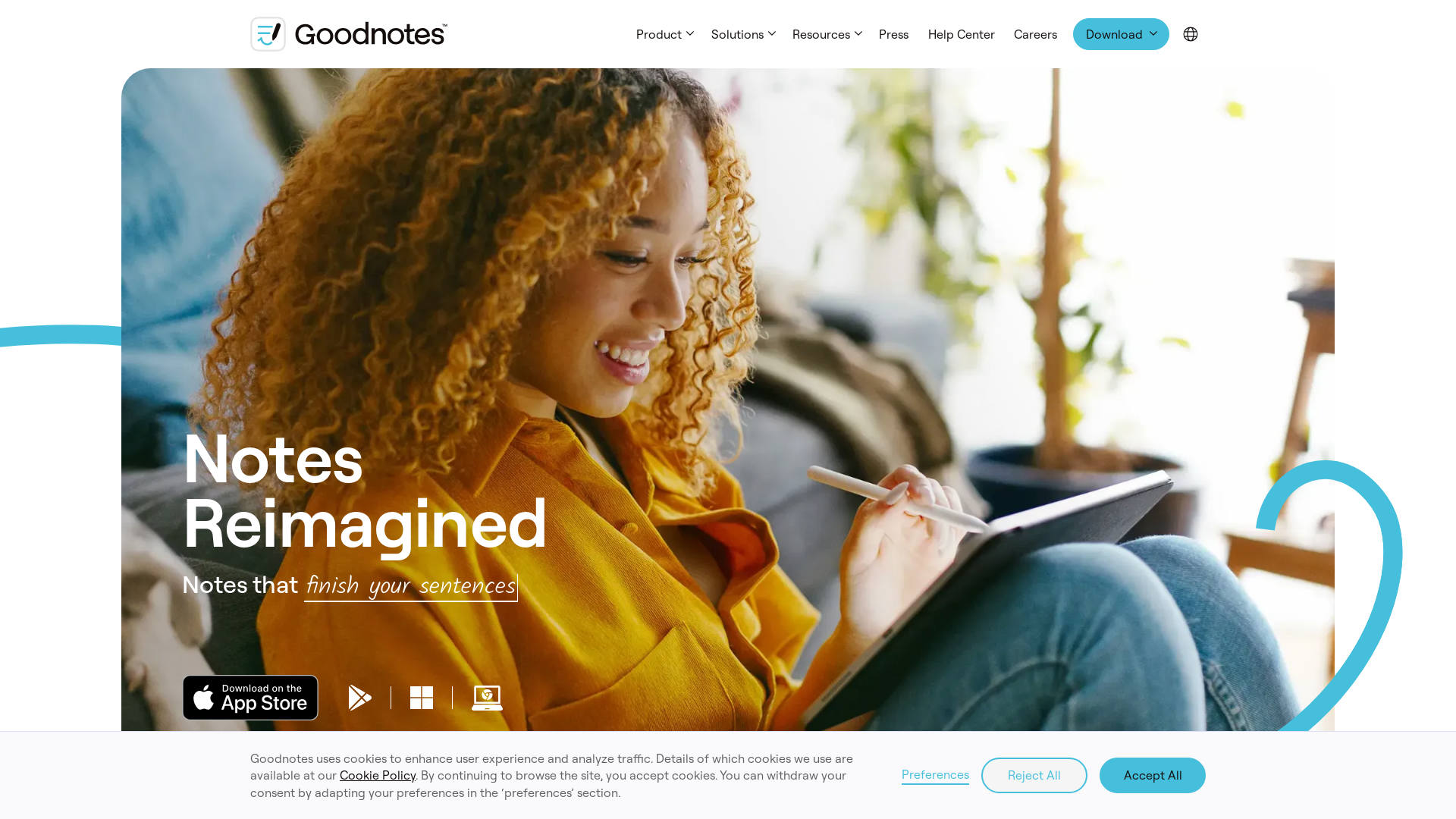
What is Goodnotes?
Goodnotes is a revolutionary note-taking application designed to transform the way you take and organize notes. With its advanced handwriting recognition and intuitive digital ink technology, it allows users to create beautifully formatted notes on various devices, including iOS, Mac, Windows, Android, and even the web. Goodnotes reimagines traditional note-taking by combining the feel of writing on paper with the convenience of digital organization.
Main Features of Goodnotes
- Digital Ink Technology
- Experience a handwriting experience that feels natural and fluid, allowing you to fall in love with writing all over again.
- Powerful AI Tools
- With features like Spellcheck and Word Complete, Goodnotes ensures your notes remain free from typos and grammatical errors, helping you focus on your ideas.
- Cross-Device Compatibility
- Access your entire library from any device—be it a laptop, tablet, or smartphone—with seamless syncing across platforms.
- Study Sets and Annotation
- Enhance your study experience by creating interactive study sets and annotating PDFs effortlessly.
How to Use Goodnotes
To start using Goodnotes, simply download the app on your desired device from the App Store or the official website. Once downloaded, you can create notebooks, import PDFs for annotation, or begin writing freely using your stylus or finger. Users who are already on Goodnotes 5 can upgrade to Goodnotes 6 in-app and enjoy exclusive savings for a limited time.
Pricing
Goodnotes offers a variety of pricing options tailored to different needs:
- Free Trial
- Test out Goodnotes for a limited time with access to basic features.
- One-Time Purchase
- Purchase the app for a competitive price without any recurring subscription fees.
- Exclusive Upgrades
- Users of Goodnotes 5 can upgrade to Goodnotes 6 with significant discounts.
Helpful Tips
- Explore All Features
- Take some time to familiarize yourself with all the features, including digital inks, templates, and study sets, to maximize your note-taking experience.
- Sync Across Devices
- Ensure that you sync your notes across devices for seamless access—whether you’re studying from a tablet or reviewing on your phone.
- Utilize Templates
- Use the available templates to structure your notes effectively, which can save time and enhance your study efficiency.
Frequently Asked Questions
Can I use Goodnotes on multiple devices?
Yes, Goodnotes is compatible across various devices including iOS, Mac, Windows, and Android, allowing you to access your notes wherever you are.
Is Goodnotes secure?
Absolutely! Goodnotes takes user privacy seriously; your notes are stored securely and are not shared without your consent.
Can I import PDFs to Goodnotes?
Yes, Goodnotes allows users to import PDFs for annotation and personalized note-taking, enhancing your studying process.
Is there a free version of Goodnotes?
While there is no free version, Goodnotes typically offers a free trial that allows users to explore the app's functionalities before committing to a purchase.
What if I already use Goodnotes 5?
Your notes from Goodnotes 5 are safe. You can continue using Goodnotes 5. If you'd like to try Goodnotes 6, you can upgrade within the app with exclusive discounts available.
Goodnotes
Discover Goodnotes 6, the AI note-taking app loved by millions around the world.
 Cloudflare
 Google Font API
 Google Hosted Libraries
 Google Tag Manager
 HTTP/3
 Osano
Osano jQuery:3.5.1
Free AI anime and manga generator. Turn text into anime episodes, manga, comics, webtoons and comic shorts in any art style — no drawing or animation skills needed.
Translate image text across 70+ languages with our advanced AI Image Translator to help you better expand your products globally to various countries
Advertised Here
Reach thousands of visitors daily. Get your spot now!
Tools similar to Goodnotes
Transform your note-taking with Moosy, a free AI-powered notebook for effortless organization and smart knowledge management.
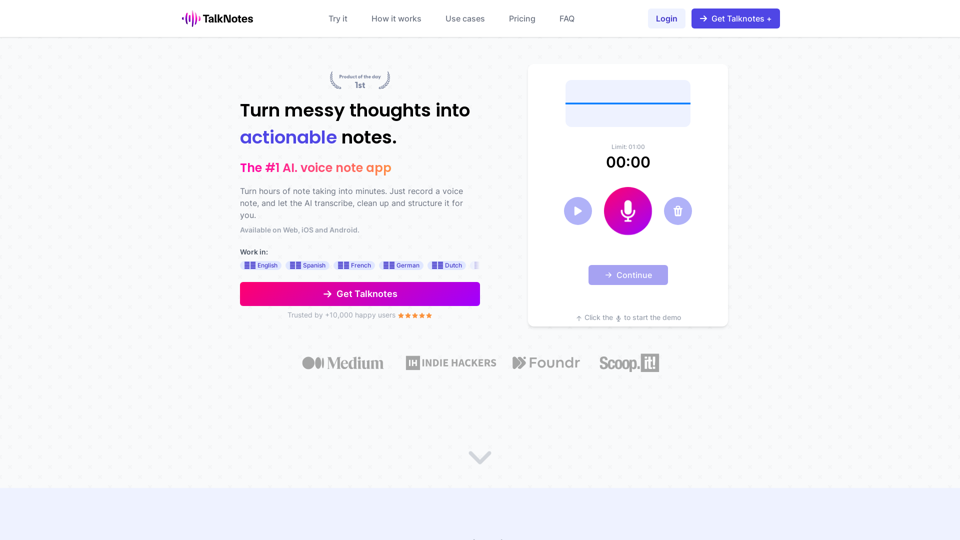
Turn hours of note taking into seconds. Record voice notes, and let the AI transcribe & structure them into actionable text. Create task lists, transcripts, blog posts, and more! Works in 50+ languages.
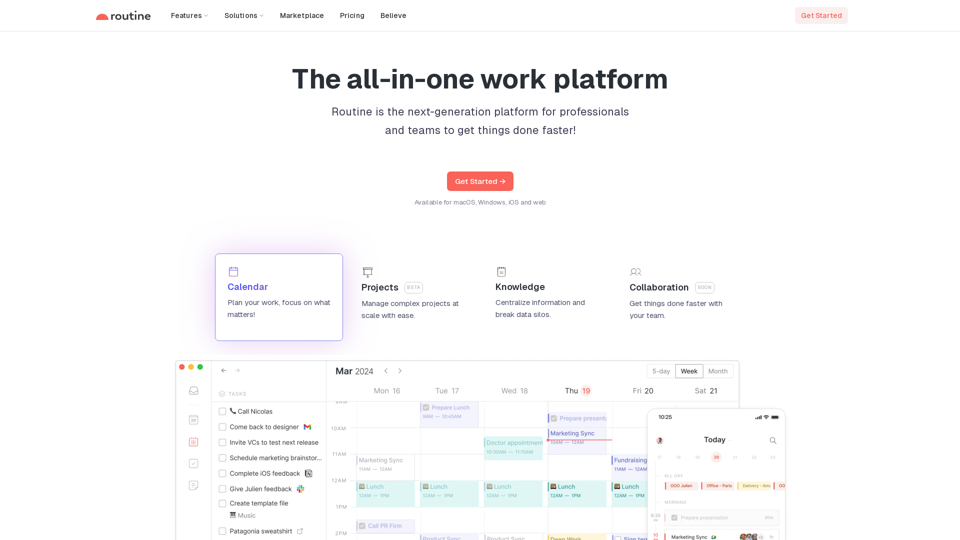
Routine is the most advanced calendar app, combining tasks & notes to supercharge your productivity. Available on iOS, macOS & Windows.
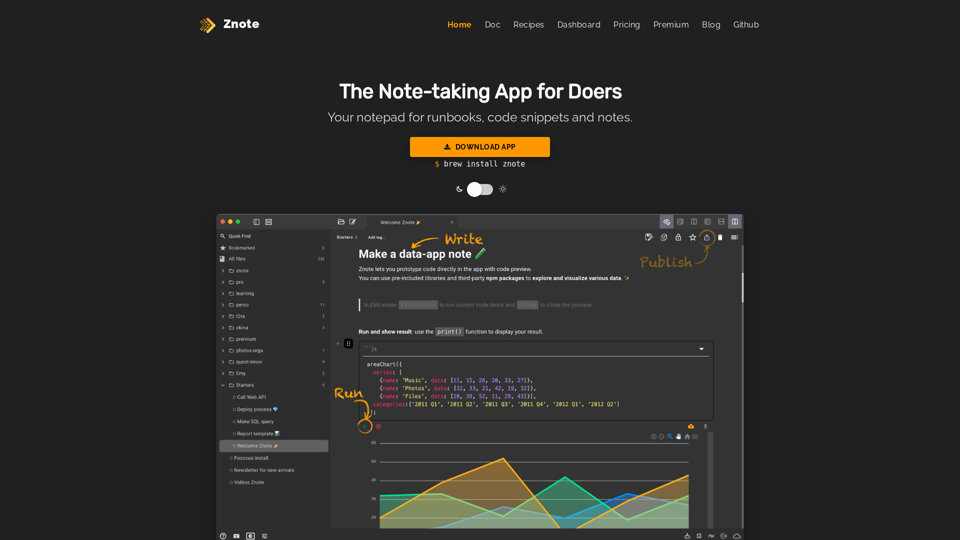
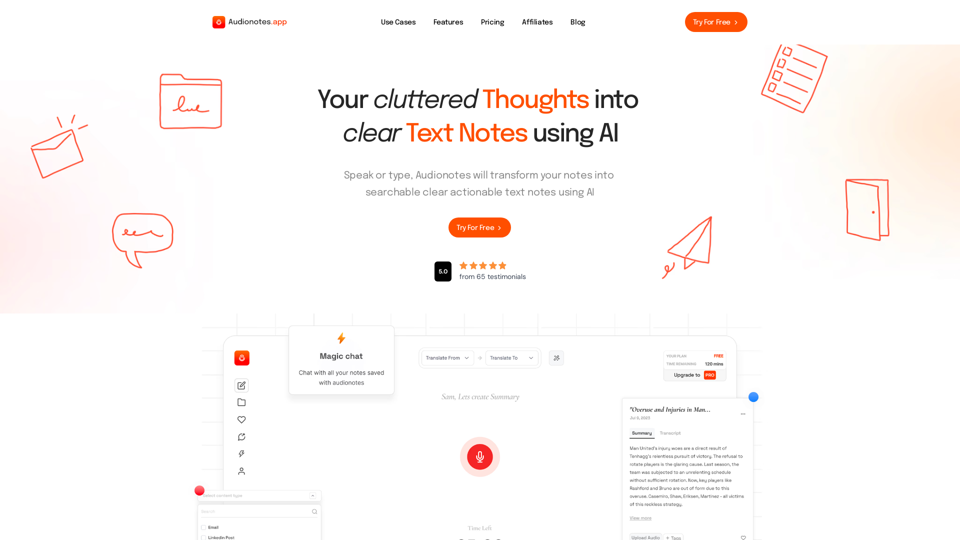
#1 AI-Based Note-Taking App. Summarize and Create Content & Chat with your unstructured voice and text notes using AI.
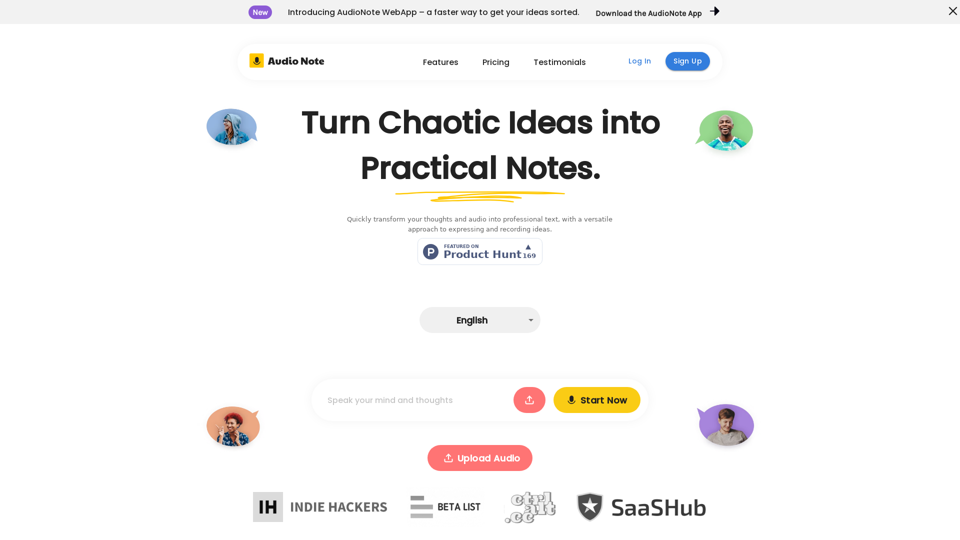
Speak and Write Like a Pro with Audio Note. Audio Note is the ultimate note taking app that lets you record your voice and turn it into text. But that's not all. Audio Note also uses AI to rewrite your text in various formats, such as todo list, tweet, LinkedIn post, email and more. Whether you need to organize your tasks, share your ideas, network with others or communicate effectively, Audio Note can help you do it with ease and style. Try Audio Note today and see the difference for yourself.
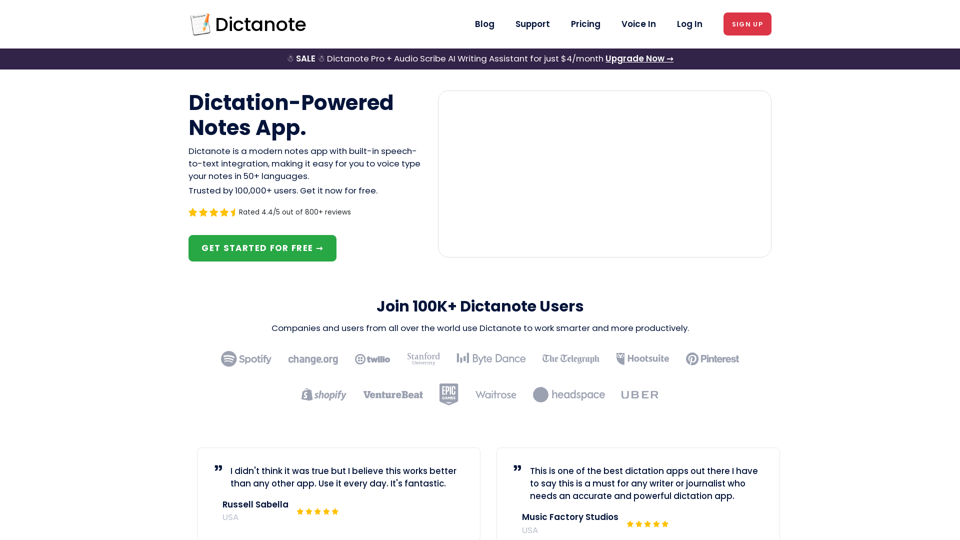
Switch effortlessly between using the keyboard and your voice to type out notes. Work smarter and more productively with fast, accurate dictation and transcription.