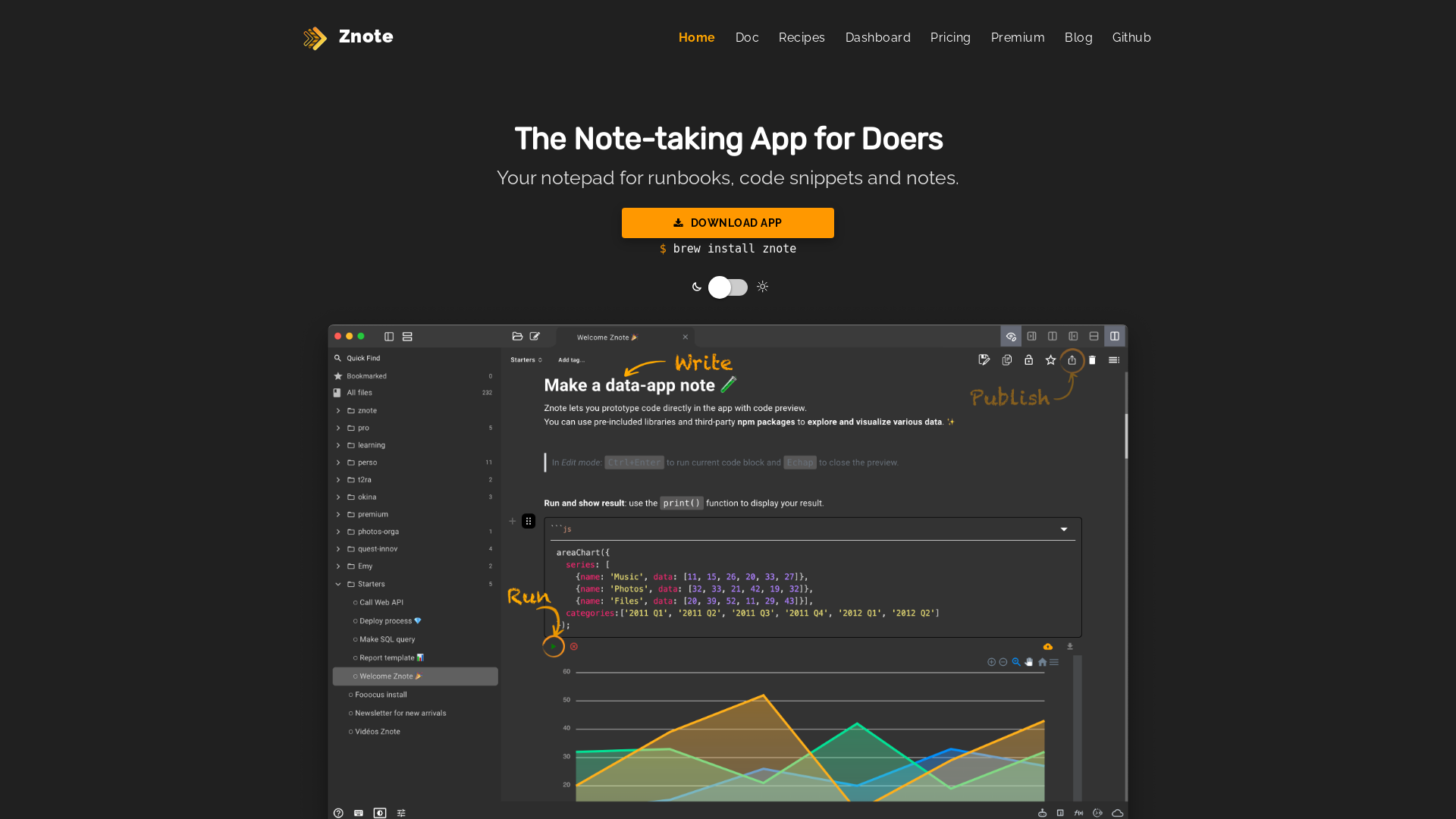
What is Znote?
Znote is an innovative note-taking application designed specifically for doers. It serves as an effective notepad for runbooks, code snippets, and quick notes, enabling users to organize their thoughts and ideas efficiently.
What are the main features of Znote?
- Work with Your Files
- Easily open your Markdown and Text files, or create quick notes to keep your ideas organized.
- Runnable Code Blocks
- Run small pieces of JavaScript, Bash, or Shell code directly within your notes, allowing for quick prototyping and visualization.
- Compatibility
- Seamlessly integrates with standard NPM or CDN dependencies for a smooth user experience.
- Automated Build Setup
- No more tedious build configurations—Znote automatically generates this for each code setup.
- Transparent Deployment
- Deploy your notes with just one click, without worrying about production servers.
How to use Znote?
Using Znote is simple and intuitive. Begin by downloading the app suited for your operating system (Windows, Mac, or Linux). Create or open your Markdown files, insert runnable code blocks, and utilize the templates provided. You can also export your notes as HTML or PDF formats for easy sharing.
What is the price of Znote?
Znote offers a pricing model that includes a free version with basic features, alongside premium options for users who require more advanced functionalities and integrations. For specific pricing details, visit the pricing section of the app.
Helpful Tips
- Explore Templates
- Make use of existing templates to kickstart your note-taking without the hassle of starting from scratch.
- Automate Tasks
- Create custom functions and scripts to automate repetitive tasks, boosting your productivity significantly.
- Utilize Online Publishing
- Take advantage of the online publishing add-on to share reports or dashboards effortlessly.
- Stay Updated
- Subscribe to Znote's tutorials and updates for new workflows and best practices.
Frequently Asked Questions
Can I run code snippets in Znote?
Yes! Znote allows you to run runnable code blocks, making it easy to prototype and visualize your code right within your notes.
Is Znote compatible with other software?
Znote is compatible with standard NPM or CDN dependencies, ensuring that you can utilize the tools and libraries you need for your projects.
How can I deploy my notes?
You can deploy your notes with just one click using Znote's transparent deployment feature, making it incredibly simple to share your work with others.
What file formats does Znote support?
Znote supports Markdown and Text file formats, enabling you to organize and structure your notes as you prefer.
Will I receive updates about new features?
Absolutely! By subscribing to Znote, you will receive emails about new workflows, tutorials, and features to enhance your experience.
Is there a mobile version for Znote?
Currently, Znote focuses on desktop applications. However, check the official website for potential updates on mobile compatibility in the future.
Znote
Write notes with actionable steps
 reCAPTCHA
 Apache HTTP Server:2.4.41
 Bootstrap
 Google Analytics
 Magnific Popup
 OWL Carousel
 Ubuntu
 YouTube
 jQuery:2.1.3
Free AI anime and manga generator. Turn text into anime episodes, manga, comics, webtoons and comic shorts in any art style — no drawing or animation skills needed.
Translate image text across 70+ languages with our advanced AI Image Translator to help you better expand your products globally to various countries
Advertised Here
Reach thousands of visitors daily. Get your spot now!
Tools similar to Znote
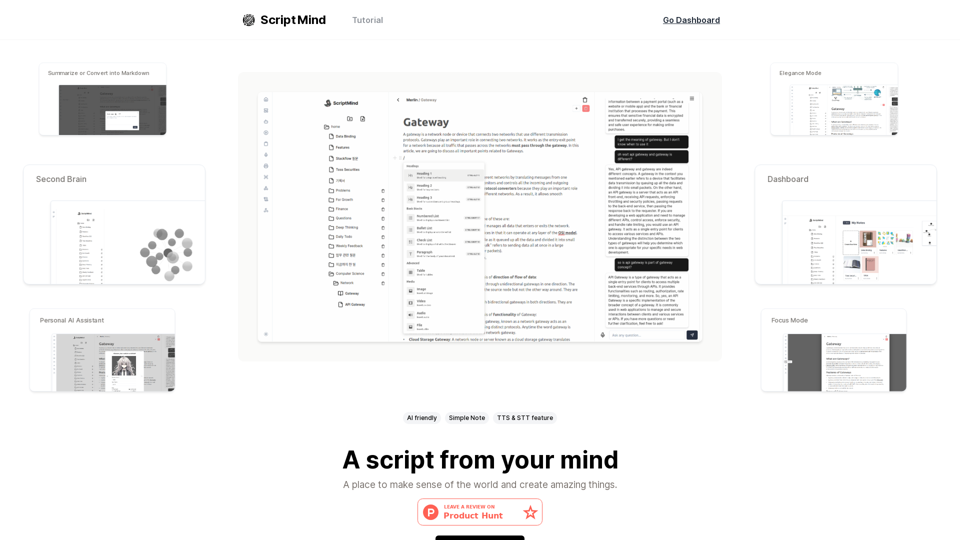
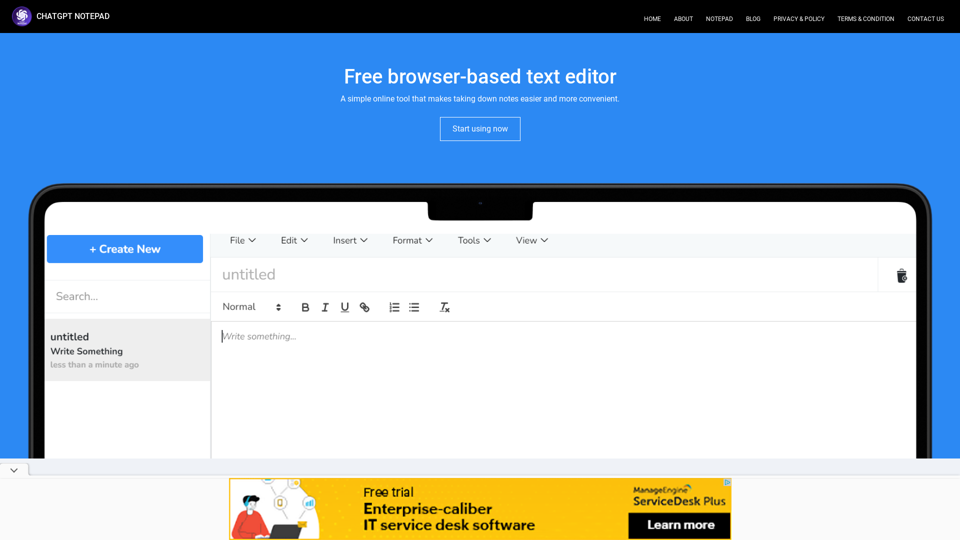
Transform Your Text with Online Chat GPT Notepad: Say Goodbye to Bold Formatting! Effortlessly enhance your text,with our Free Online Notepad.
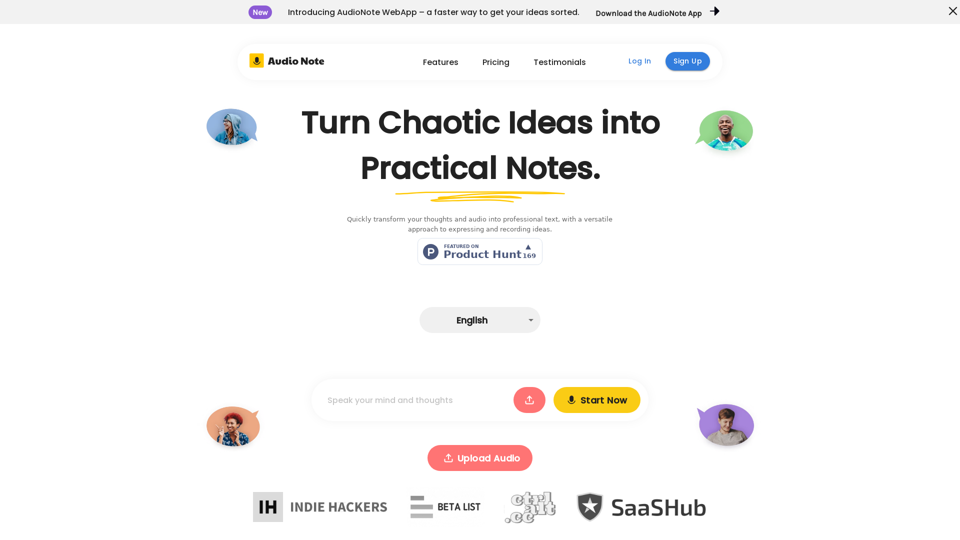
Speak and Write Like a Pro with Audio Note. Audio Note is the ultimate note taking app that lets you record your voice and turn it into text. But that's not all. Audio Note also uses AI to rewrite your text in various formats, such as todo list, tweet, LinkedIn post, email and more. Whether you need to organize your tasks, share your ideas, network with others or communicate effectively, Audio Note can help you do it with ease and style. Try Audio Note today and see the difference for yourself.
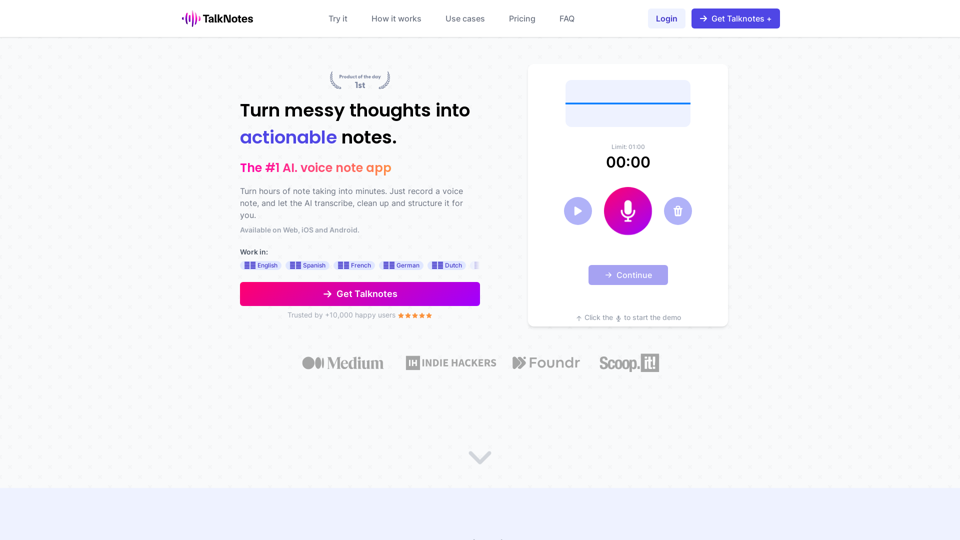
Turn hours of note taking into seconds. Record voice notes, and let the AI transcribe & structure them into actionable text. Create task lists, transcripts, blog posts, and more! Works in 50+ languages.
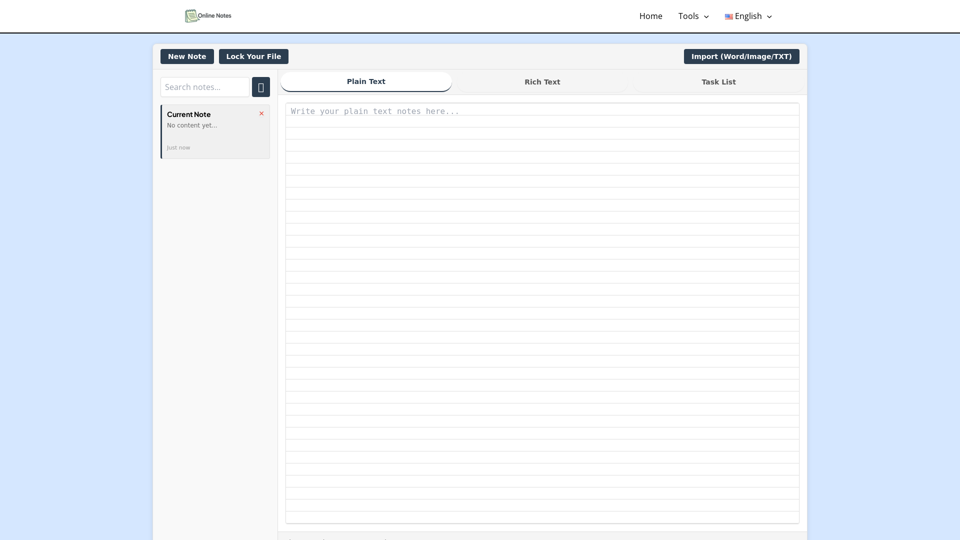
Take online notes instantly—free, secure, and no sign-up. Create, edit, and manage plain text right from your browser with our simple online notepad.
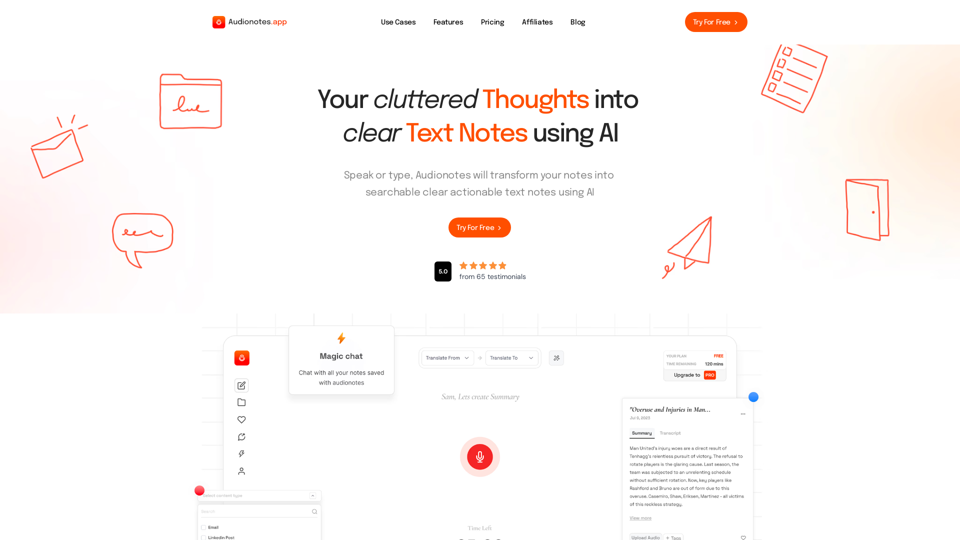
#1 AI-Based Note-Taking App. Summarize and Create Content & Chat with your unstructured voice and text notes using AI.
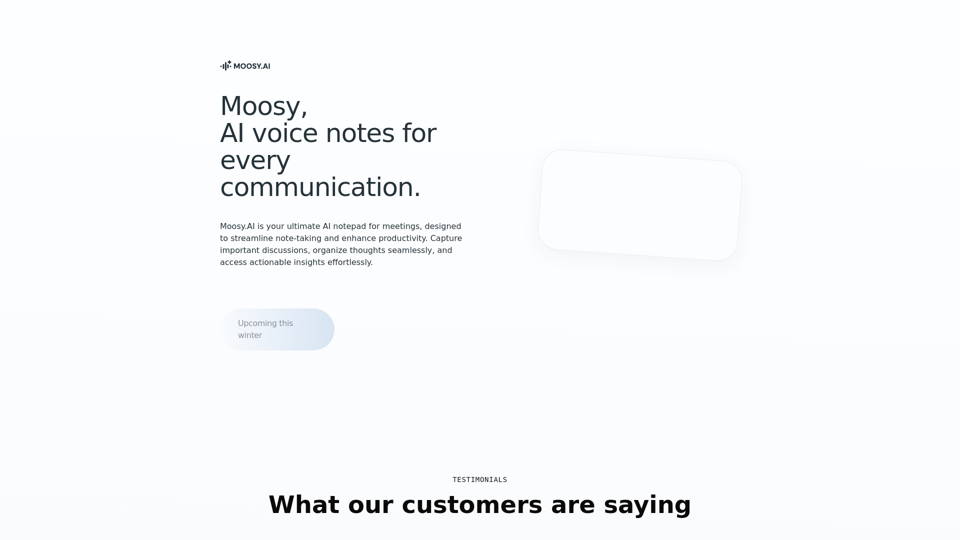
Transform your note-taking with Moosy, a free AI-powered notebook for effortless organization and smart knowledge management.
Discover Goodnotes 6, the AI note-taking app loved by millions around the world.