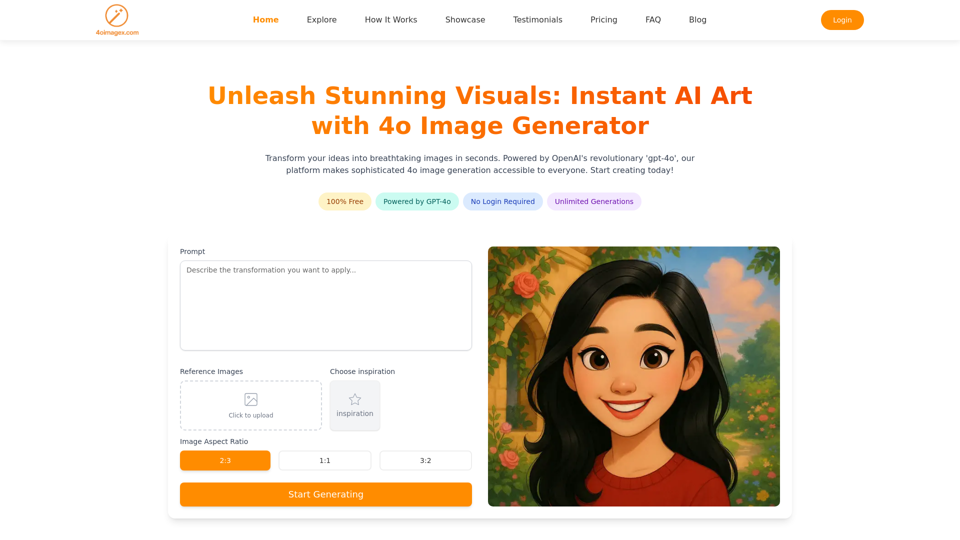
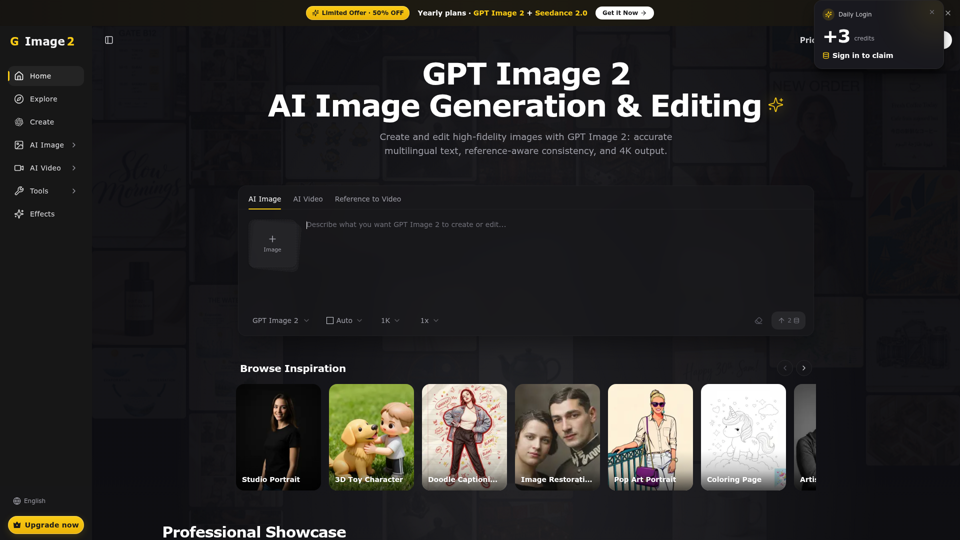
What is GPT Image 2?
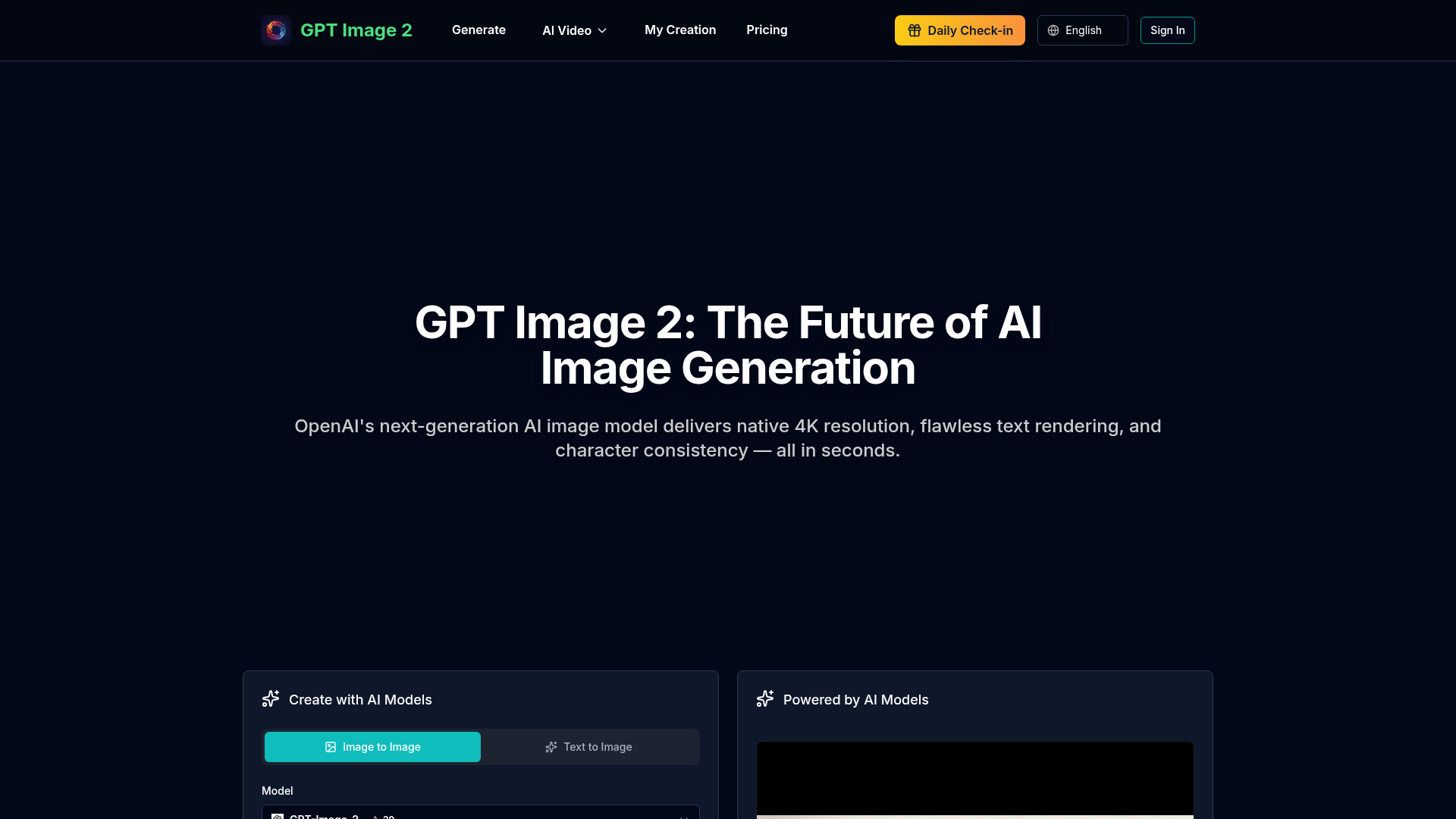
GPT Image 2 is OpenAI's next-generation AI image generation model, heralded as the future of AI-driven visual creation. It represents a significant leap forward from previous models like DALL-E 3, offering native 4K resolution output (up to 4096x4096), revolutionary text rendering accuracy exceeding 99% across multiple languages, and groundbreaking features like character consistency and region-based compositional control. It's designed for professional-grade image generation for marketing, design, publishing, e-commerce, and general creative work, delivering stunning, flawless results in seconds.
Feature
GPT Image 2 boasts a suite of advanced features that set it apart from other AI image generators:
- Native 4K Resolution
- Generates images in stunning, professional-grade 4K quality (4096x4096 pixels) with support for various aspect ratios like 1:1, 16:9, and 9:16.
- 99%+ Text Rendering Accuracy
- Achieves near-perfect accuracy in rendering text within images, supporting languages like English, Chinese, Japanese, Korean, and Arabic—ideal for logos, posters, and graphics.
- Character Consistency
- Maintains consistent character appearances across multiple image generations, perfect for creating comic series, brand mascots, and storyboards.
- Region-Based Control
- Allows users to specify precisely what appears in different areas of the image through advanced prompting for complex scene composition and layout.
- Lightning-Fast Generation
- Offers optimized, rapid image creation speed, enabling real-time iteration and rapid prototyping of creative ideas.
- Universal Language Support
- Full multilingual support for both input prompts and rendered text output, making it a powerful tool for global content creation.
- Industry-Leading Performance
- Consistently ranks at the top of AI image generation leaderboards, such as #1 on the Artificial Analysis Text-to-Image Leaderboard.
How to Use GPT Image 2?
Using GPT Image 2 to create images is a straightforward process:
- Access the Platform: Navigate to the GPT Image 2 tool interface.
- Choose Creation Mode: Select either "Text to Image" (from a descriptive prompt) or "Image to Image" (using an input image as a reference).
- Craft Your Prompt: Write a detailed text description of the image you want to generate. The model excels at understanding complex, descriptive instructions.
- Customize Settings: Adjust key parameters:
- Model: Select "GPT-Image-2."
- Aspect Ratio: Choose from options like 1:1, 16:9, or others.
- Resolution: Select your desired output quality (1K, 2K, or native 4K).
- Utilize Advanced Controls: For professional results, leverage features like specifying text content for flawless typography or using region-based prompts for precise layouts.
- Generate: Click the "Generate" button. The AI will create your image in seconds.
- Download and Use: Download the high-resolution image, which comes with full commercial usage rights, ready for your projects.
Price
The specific pricing model for GPT Image 2 on gptimage2.tools is not explicitly detailed in the provided content. However, the platform mentions a generation limit of "20" on the interface, which likely refers to a free usage tier or a credit system. Typically, such platforms operate on a freemium model:
- Free Tier
- Offers a limited number of generations per day (potentially 20, as indicated).
- Subscription Plans
- For users who require more extensive usage beyond the free limits, affordable subscription plans are expected to be available, providing additional credits, higher resolution options, or faster generation speeds. Users heavily reliant on GPT-Image-2 for professional work would benefit from subscribing.
Helpful Tips
To maximize your results with GPT Image 2:
- Use Detailed, Descriptive Prompts
- Be specific about style, composition, colors, and elements. The model responds well to intricate descriptions.
- Leverage Its Unique Features
- For series work, use the ### Character Consistency feature. For complex layouts like posters, utilize the ### Region-Based Control.
- Specify Text Precisely
- When generating images with text (logos, banners), clearly state the exact words, font style, and placement in your prompt to benefit from the 99%+ accuracy.
- Experiment with Aspect Ratios
- Choose the aspect ratio (1:1 for social media, 16:9 for banners) that best suits your final use case.
- Start with High Resolution
- If your project demands quality, generate images at 4K resolution from the start.
- Iterate Quickly
- Use the fast generation speed to quickly test variations of your idea by making small tweaks to your prompt.
Frequently Asked Questions
Can I generate images using GPT Image 2?
Yes, absolutely. GPT Image 2 is specifically designed for both ### Text-to-Image and ### Image-to-Image generation. You can create stunning, high-resolution visuals from a descriptive text prompt or by using an input image as a reference.
How many GPTs are available on platforms like this?
While the page focuses on GPT Image 2, it is part of a broader suite of AI tools. The platform (gptimage2.tools) also showcases access to other cutting-edge AI models for video generation, such as Veo 3.1, Seedance 2.0, and Kling. For text-based AI, platforms like magicbox.tools offer access to nearly 200,000 GPT models.
How can I maximize my use of GPT Image 2's capabilities?
By fully leveraging its unique professional features: use ### native 4K for print-quality work, exploit ### 99%+ text accuracy for design projects requiring typography, maintain ### character consistency for serial content, and apply ### region-based control for precise compositions. Utilize the free generations to experiment and subscribe if you need higher volume.
Will my information be used for training data?
User privacy is a paramount concern for reputable AI platforms. While not stated explicitly for GPT Image 2, similar platforms like magicbox.tools emphasize that user data is not used for training models, and accounts (along with all data) can be deleted at any time.
When would I need a subscription for GPT Image 2?
If the free tier (potentially 20 generations) does not meet your daily needs and you heavily rely on GPT Image 2 for professional, commercial, or high-volume creative work—such as marketing campaigns, design projects, or content publishing—then subscribing to an affordable plan would be recommended to unlock greater access and potentially more features.
GPT Image 2
Experience GPT Image 2, OpenAI's revolutionary AI image generator with native 4K resolution, lightning-fast generation, 99%+ text rendering accuracy, and character consistency. Create stunning images from text instantly.
 Cloudflare
 HTTP/3
 Vercel
Free AI anime and manga generator. Turn text into anime episodes, manga, comics, webtoons and comic shorts in any art style — no drawing or animation skills needed.
Translate image text across 70+ languages with our advanced AI Image Translator to help you better expand your products globally to various countries
Advertised Here
Reach thousands of visitors daily. Get your spot now!
Tools similar to GPT Image 2
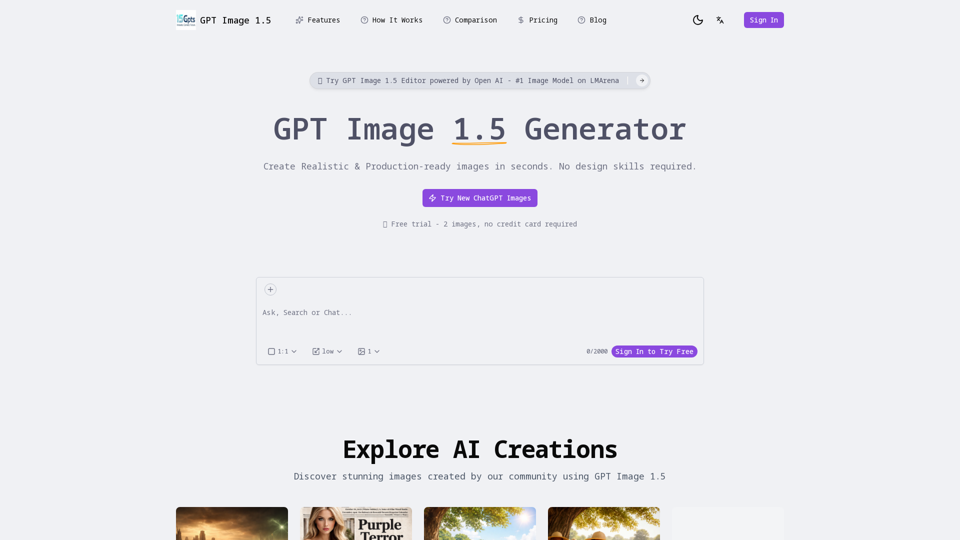
Create Realistic & Production-ready images in seconds. No design skills required. Powered by OpenAI's latest AI image generation model. 4x faster then 4o.
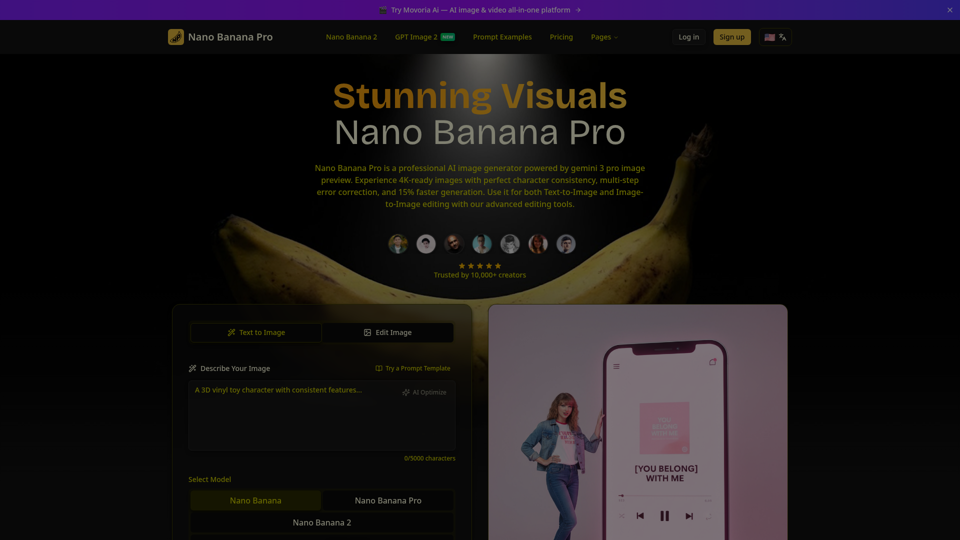
Create beautiful images with Nano Banana Pro, a fast and easy AI image generator. Try it free, keep characters consistent, and pick from flexible aspect ratios.
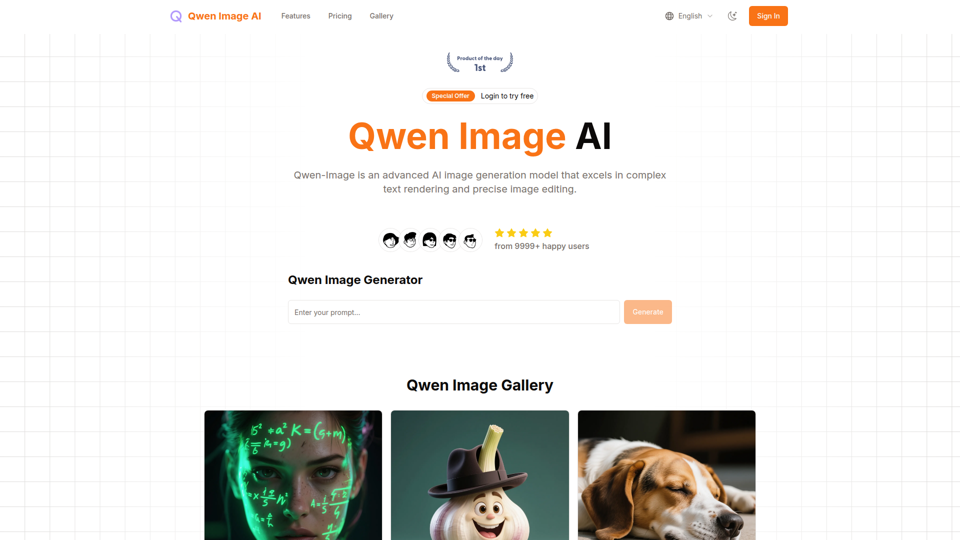
Qwen Image is an advanced AI image generation model that excels in complex text rendering and precise image editing, with exceptional performance in both English and Chinese text generation.
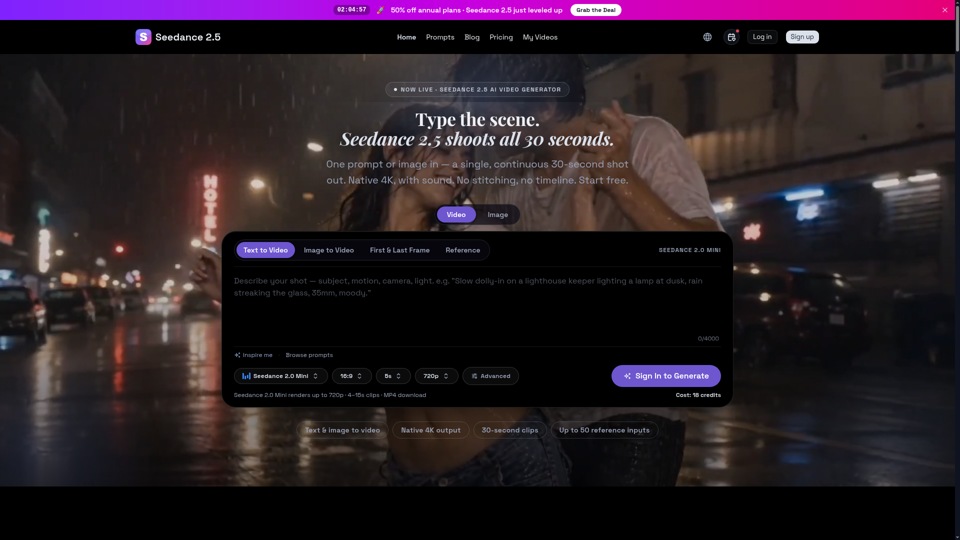
Seedance 2.5 is ByteDance’s next-gen AI video generator — turn one prompt into a single 30-second clip at native 4K, with up to 50 reference inputs. Start free.
Qwen Image: 20B MMDiT AI model for image generation with superior text rendering. Create stunning visuals with precise Chinese and English text.