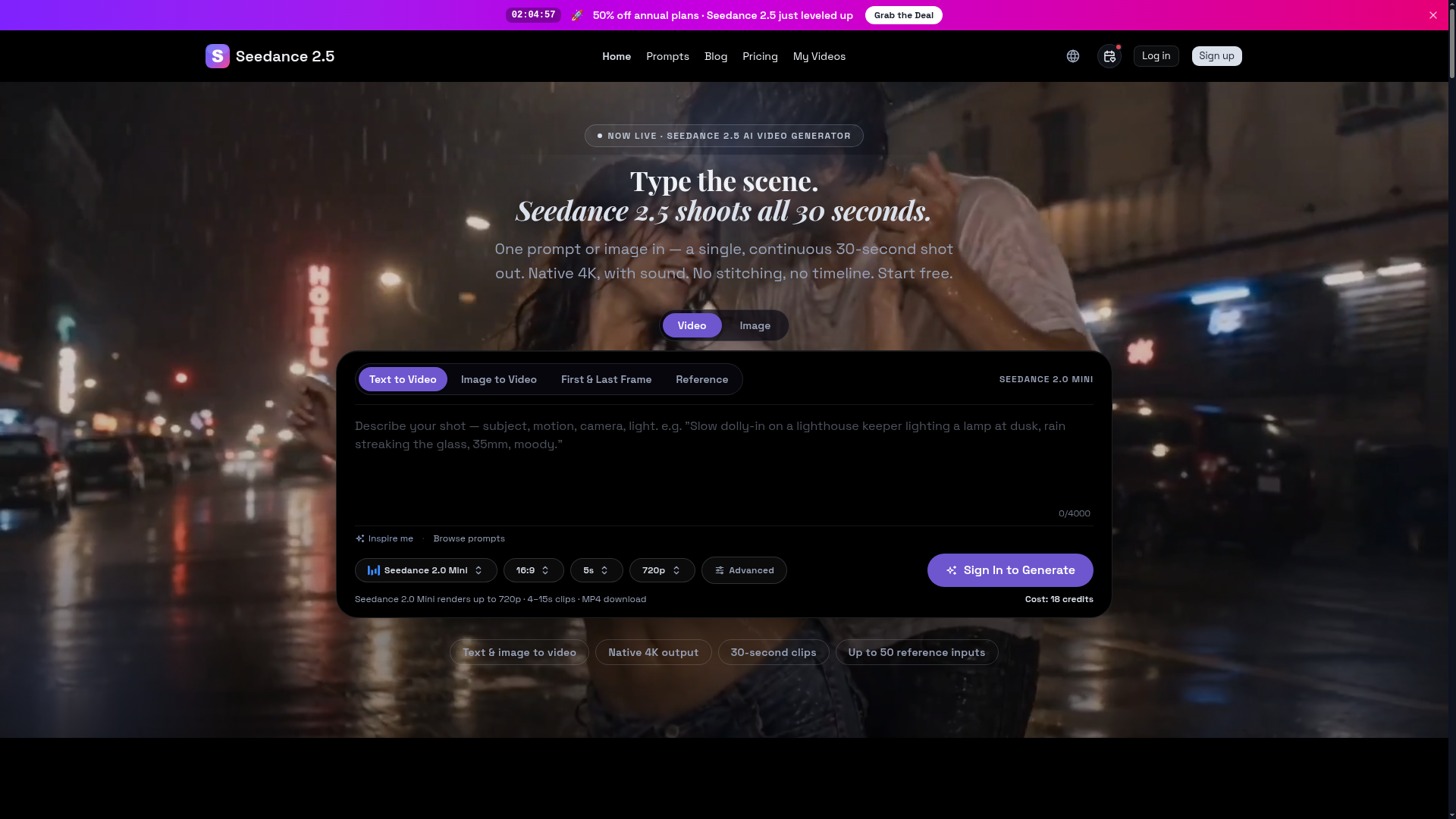
What is Seedance 2.5?
Seedance 2.5 is an advanced, next-generation AI video generator developed by ByteDance, designed to transform simple text prompts or reference images into high-quality, cinematic video clips. It represents a significant leap forward in AI video synthesis technology, allowing creators to generate a single, continuous 30-second shot with native 4K resolution and synchronized audio from a single input. Unlike traditional video editing that requires stitching multiple clips on a timeline, Seedance 2.5 produces a complete, ready-to-use scene in one generation. It is built for efficiency and creative freedom, making professional-grade video production accessible for marketing, social media, advertising, and personal projects. The platform leverages powerful AI models to ensure superior prompt adherence, realistic motion, and consistent character and style retention across the entire shot.
What are the Key Features of Seedance 2.5?
Seedance 2.5 is packed with cutting-edge features designed to streamline video creation and deliver professional results.
- One-Prompt, 30-Second Shots
- The core feature of Seedance 2.5 is its ability to generate a full, continuous 30-second video clip from a single text sentence or image prompt. This eliminates the need for manual editing, stitching, or keyframing, delivering a complete scene ready for immediate use in hooks, ads, or social media cuts.
- Native 4K with Sound
- It renders videos at native 4K resolution with 10-bit color depth, ensuring cinematic sharpness and detail. Crucially, it employs joint audio-video generation, meaning every clip comes with a synchronized soundtrack or sound effects, not as a silent draft.
- Multi-Reference Guidance
- You can guide the AI with up to 50 different reference inputs. This includes images, video clips, audio files, 3D models, and style boards. This allows for exceptional consistency, locking in specific character faces, art styles, color grades, and atmospheres across the entire generated video.
- Superior Prompt Adherence
- ByteDance reports approximately 20% better prompt adherence compared to previous models. This means the AI more accurately interprets and executes your creative brief, reducing the number of re-runs needed to get a usable shot and saving time and credits.
- Dual Input Modes
- It supports both ### Text-to-Video (generating a scene from a written description) and ### Image-to-Video (animating and extending a static reference image into a dynamic video sequence).
- Commercial & Watermark-Free
- All videos generated on paid plans come with a commercial license and are exported without any Seedance watermarks, allowing you to use them directly in client work, advertisements, and commercial projects.
How to Use Seedance 2.5?
Using Seedance 2.5 is designed to be intuitive, turning your ideas into video in a few simple steps.
- Start Your Project: Navigate to the Seedance 2.5 platform and choose to start with either a text prompt or by uploading a reference image.
- Craft Your Prompt (Text-to-Video): Describe the scene you want in detail. Be specific about the subject, action, setting, cinematic style (e.g., "shot on Arri Alexa Mini"), lighting, camera movements (e.g., "steadycam tracking shot"), and mood. You can browse a library of example prompts for inspiration.
- Upload References (Optional but Powerful): To ensure consistency, upload up to 50 reference files. For example, upload a photo to define a character's face, a mood board for color palette, or a short audio clip to influence the soundtrack.
- Configure Settings: Select your desired output resolution (up to 4K), aspect ratio (like 16:9 or 9:16 for vertical video), and clip duration (up to 30 seconds).
- Generate and Review: Click "Generate." Seedance 2.5 will process your input and render a complete 30-second video clip with sound. Review the result, and if needed, refine your prompt or references and generate again until you achieve the perfect shot.
- Download and Use: Once satisfied, download the MP4 file. The video is ready to be published on social media, used in ad campaigns, or integrated into larger projects.
Seedance 2.5 Pricing Plans
Seedance 2.5 operates on a credit-based subscription system, with significant savings on annual plans. Credits are used each time you generate a video.
- Basic Plan ($24/month billed yearly)
- Perfect for individual creators starting out. Includes 900 credits per month, which translates to approximately 45 five-second clips at 480p. Includes all core features like 4K output, 30-second clips, and a commercial license.
- Pro Plan ($64/month billed yearly - Most Popular)
- Designed for serious creators and small teams. Offers 2,800 credits monthly (approx. 140 five-second 480p clips) and includes ### priority generation speed for faster results.
- Max Plan ($160/month billed yearly)
- Built for high-volume professional studios. Provides 8,000 credits per month (approx. 400 clips) and offers the ### fastest generation speed along with ### priority support.
- Credit Packs (No Subscription)
- For users with sporadic needs, you can purchase one-off credit packs that remain valid for 45 days. Packs range from 160 credits ($12.99) to 3,200 credits ($129.99).
Helpful Tips for Using Seedance 2.5
Maximize your results and credit efficiency with these practical tips.
- Be Cinematically Specific
- Write prompts like you're directing a film. Specify camera gear ("shot on Arri Alexa Mini"), lens ("35mm lens"), movement ("slow push-in"), lighting ("moody neon bar lighting"), and filmic qualities ("shallow depth of field, volumetric haze").
- Leverage Reference Images
- For character consistency, use a clear reference image and instruct the AI to "keep facial features and body proportions consistent." For style consistency, use a frame from your preferred color grade.
- Structure Timeline Prompts
- For complex sequences, break your prompt into a timeline (e.g.,
[0:00-0:05]Wide shot of...[0:05-0:10]Close-up of...). This gives the AI clear direction for scene progression. - Start with Seedance 2.0 Mini
- Use the free or lower-cost ### Seedance 2.0 Mini option to rapidly prototype ideas, test prompt variations, and find winning concepts before committing more credits to a full 2.5 render.
- Iterate Based on Results
- View initial generations as a first draft. Analyze what worked and what didn't, then refine your prompt or references for the next generation to get closer to your vision efficiently.
Frequently Asked Questions (FAQs)
What is Seedance 2.5?
Seedance 2.5 is ByteDance's latest AI video generation model that creates continuous, 30-second, native 4K video clips with audio from a single text or image prompt.
What can I generate with Seedance 2.5?
You can generate a wide array of content including product launch teasers, social media ad hooks, short film scenes, animated explainers, music visualizers, and consistent B-roll footage for courses or YouTube channels.
How is Seedance 2.5 different from Seedance 2.0?
Seedance 2.5 generates longer clips (30s vs. 4-15s), at a higher native resolution (4K vs. up to 1080p), accepts more reference inputs (50 vs. 12), and features significantly improved prompt adherence. It's a major upgrade in quality, consistency, and capability.
Do I need prompt-engineering skills to use Seedance 2.5?
While basic prompts yield results, learning to write detailed, cinematic prompts will vastly improve output quality. The platform offers prompt examples and guides to help you learn quickly.
Is Seedance 2.5 free to try?
Yes, you can start creating with ### Seedance 2.0 Mini for free, which generates shorter, lower-resolution clips. This allows you to test the platform's workflow and prompt style before subscribing to Seedance 2.5.
Can I use Seedance 2.5 clips commercially?
Yes, videos generated on any paid Seedance 2.5 plan come with a full commercial license and are watermark-free, meaning you can legally use them in client work, advertisements, and for-profit projects.
Does Seedance 2.5 generate sound?
Yes, it uses joint audio-video generation. Every clip is rendered with a synchronized soundtrack or soundscape based on the scene description, delivered as an MP4 file.
When was Seedance 2.5 released?
Seedance 2.5 was launched recently, as indicated by the promotional "Now Live" messaging and the limited-time 50% off annual plan offer.
Do credits expire?
Yes, monthly credits from subscription plans are valid for 30 days (they refresh with your monthly billing cycle). Credits purchased in one-off packs are valid for 45 days from the date of purchase.
Seedance 2.5 AI Video Generator
Seedance 2.5 is ByteDance’s next-gen AI video generator — turn one prompt into a single 30-second clip at native 4K, with up to 50 reference inputs. Start free.
 Cloudflare
 HTTP/3
Free AI anime and manga generator. Turn text into anime episodes, manga, comics, webtoons and comic shorts in any art style — no drawing or animation skills needed.
Translate image text across 70+ languages with our advanced AI Image Translator to help you better expand your products globally to various countries
Advertised Here
Reach thousands of visitors daily. Get your spot now!
Tools similar to Seedance 2.5 AI Video Generator
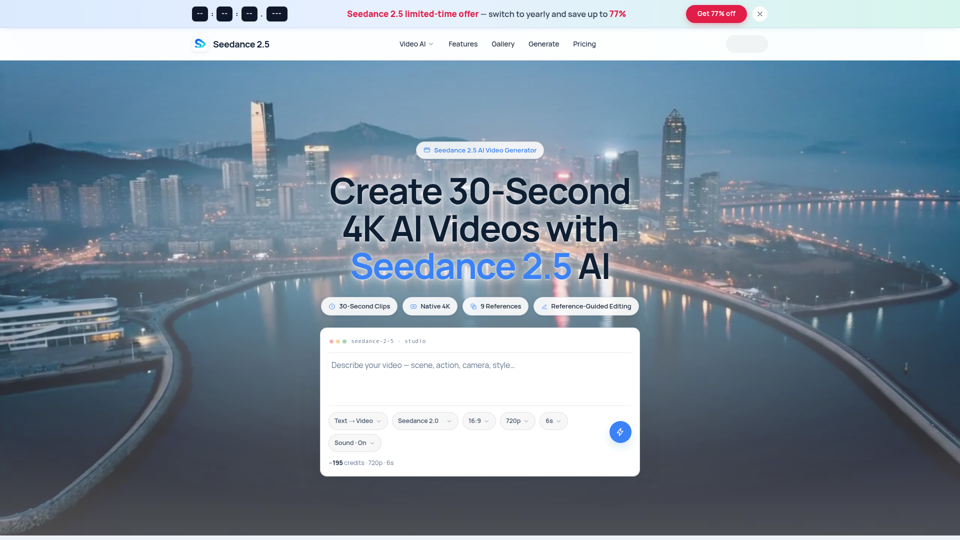
Seedance 2.5 AI turns any text prompt or photo into cinematic, watermark-free 4K video — text-to-video, image-to-video and reference-guided generation.
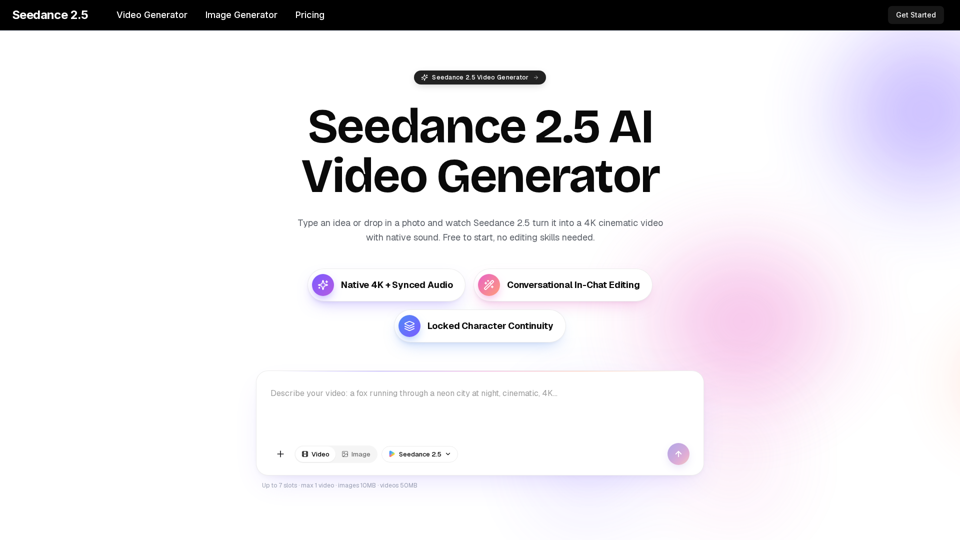
Turn any idea, photo, or clip into a stunning 4K video with Seedance 2.5. The AI video generator with native audio and 30fps motion. Free to try, no skills needed.
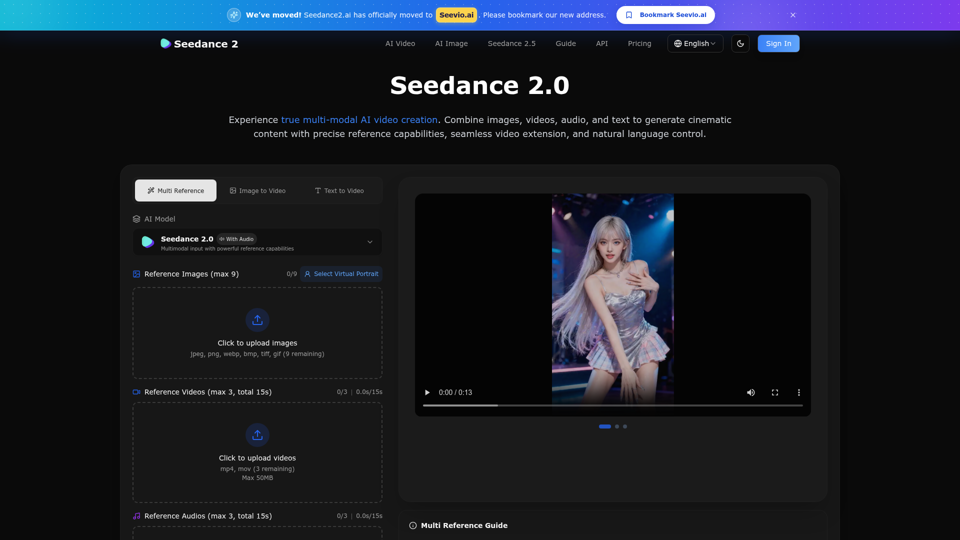
Create stunning AI videos with Seedance 2.0. Transform images and text into cinematic videos with advanced motion synthesis and professional quality.
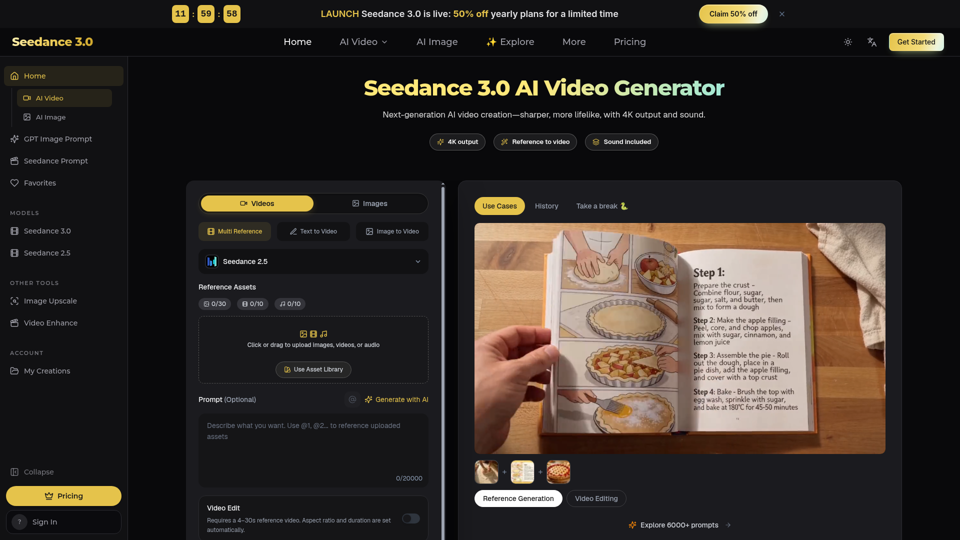
Seedance 3.0 is a free AI video generator. Type an idea or add references, get a 4K video with sound, then change only the part you want.
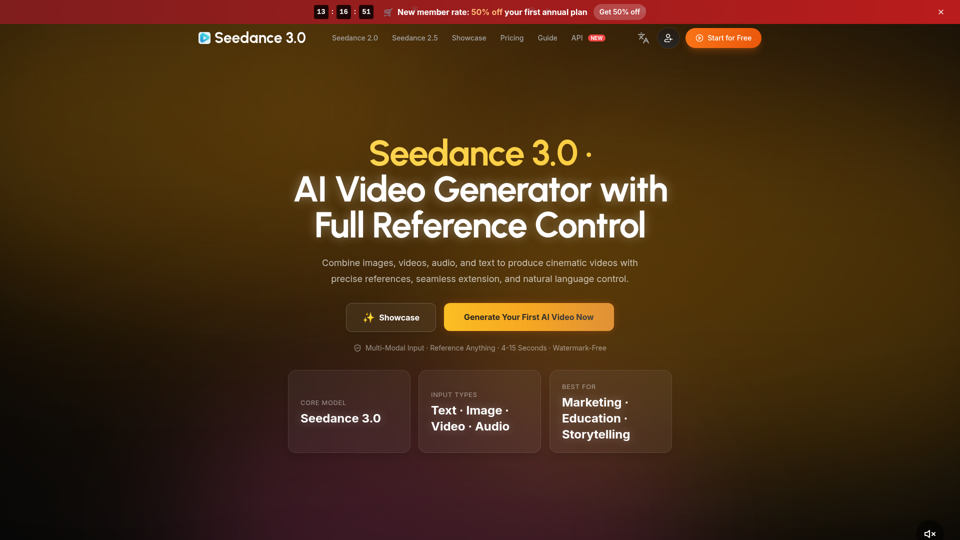
Create cinematic AI videos with Seedance 3.0. Combine image, video, audio, and text references into connected, production-ready scenes.
Seedance 3.0 is the ultimate AI video generation platform. Create stunning videos with Seedance 3.0's text-to-video, image-to-video, and AI video effects tools.
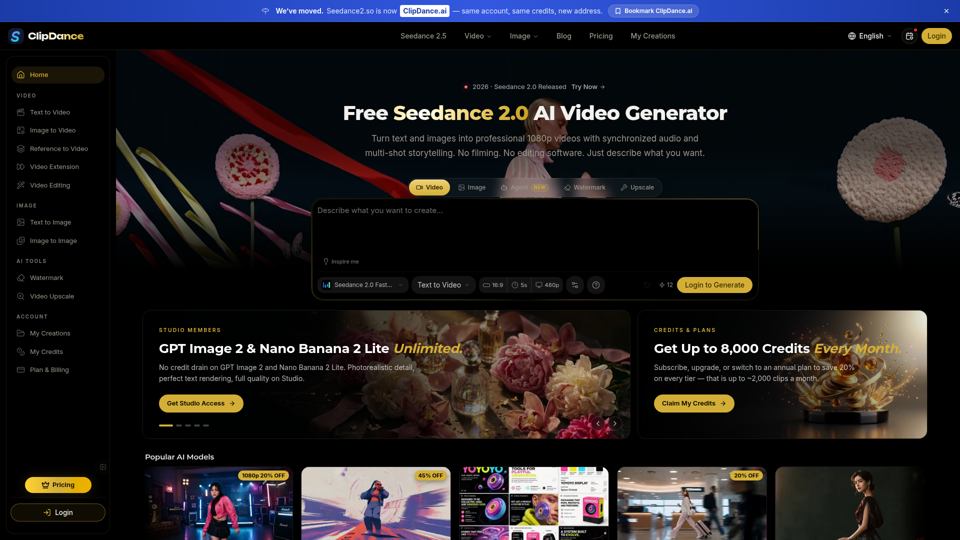
Create cinematic AI videos with Seedance 2.0. Text-to-video, image-to-video, native audio. The Seedance 2.0 AI video generator. Free to start.
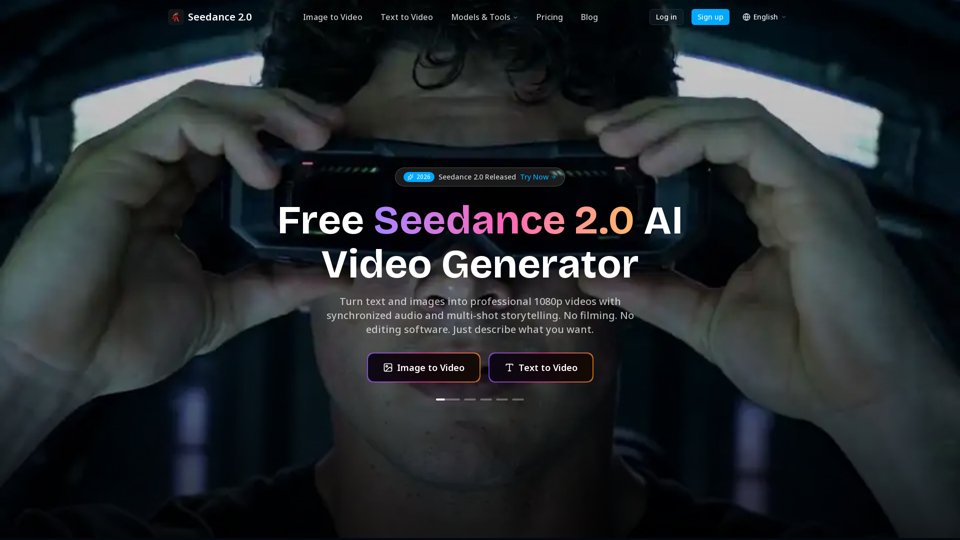
Create cinematic AI videos with Seedance 2.0. Text-to-video, image-to-video, native audio. The Seedance 2.0 AI video generator. Free to start.