
Image 2
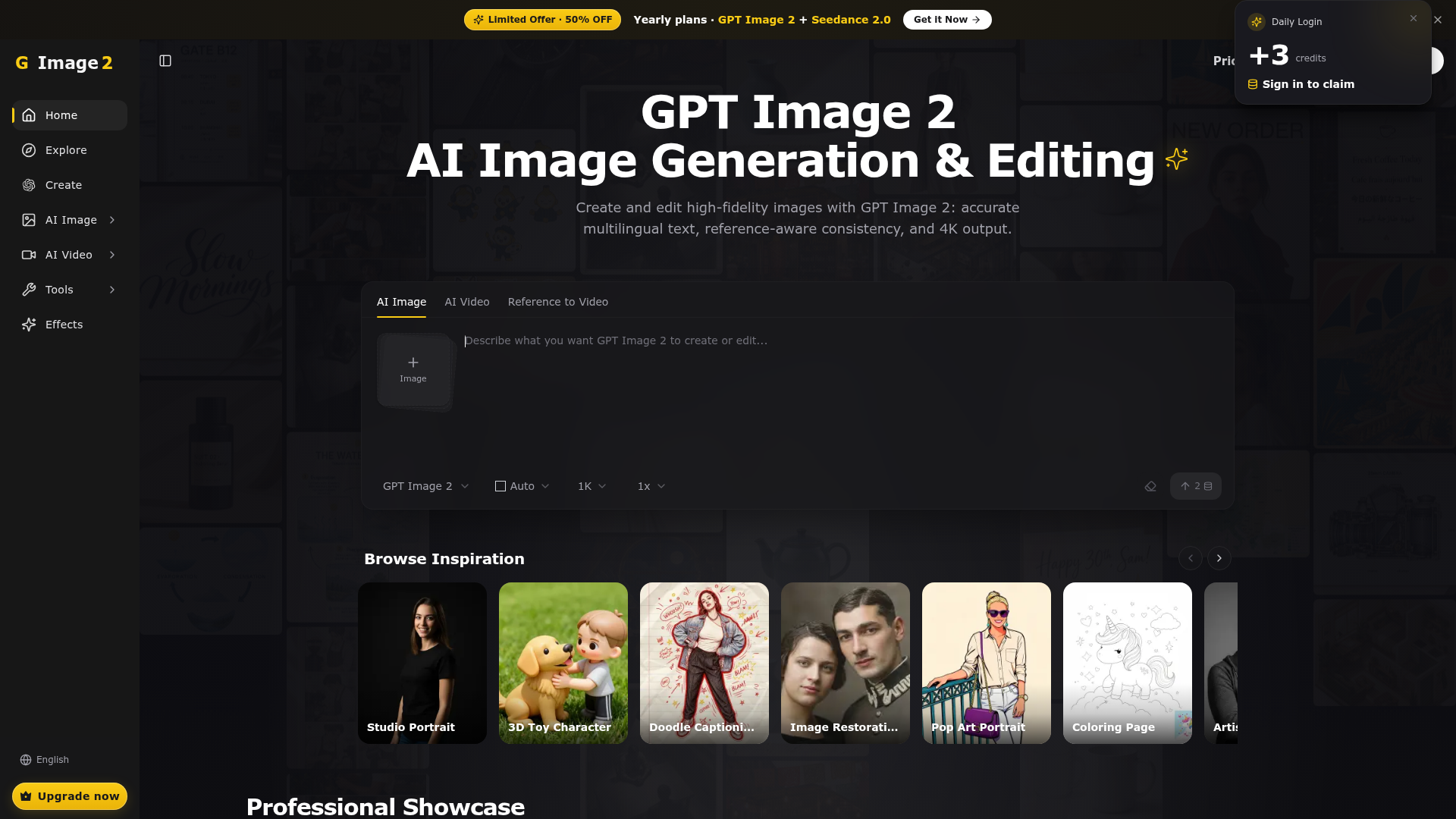
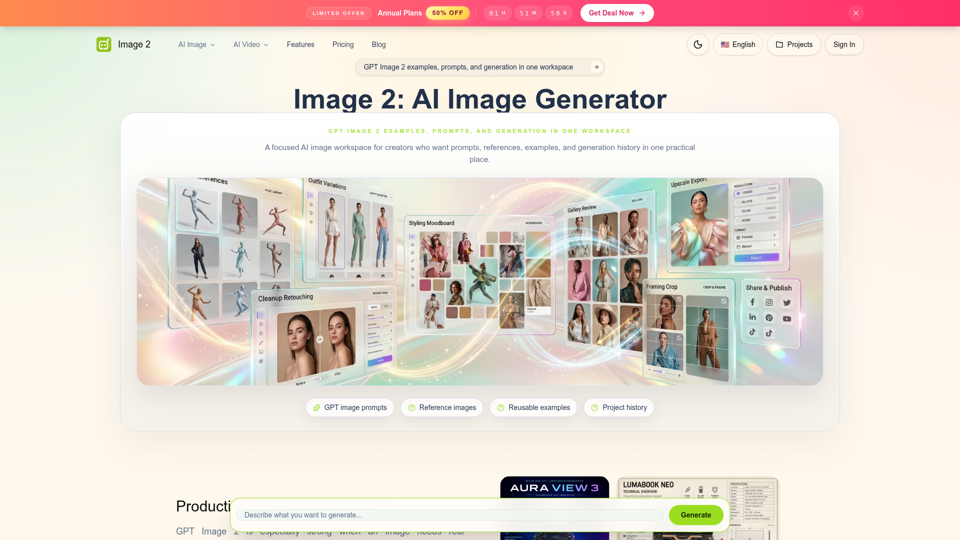
Image 2 is a free AI image generator and editor powered by GPT Image 2. Get free credits, accurate multilingual text, consistent references, and 4K output.
What is GPT Image 2?
GPT Image 2 is a cutting-edge AI image generation and editing platform. Developed as a successor to earlier models, it specializes in creating high-fidelity, detailed images from textual descriptions. It's not just a basic text-to-image tool; it's designed for professional and creative work, offering features like precise multilingual text rendering, maintaining consistency across multiple images (reference-aware generation), and outputting visuals up to stunning 4K resolution. Whether you need a product mockup, an editorial portrait, a technical diagram, or a cinematic scene, GPT Image 2 translates your ideas into polished, high-quality images.
What Are the Main Features of GPT Image 2?
GPT Image 2 stands out with a suite of powerful features designed for precision and creative control:
1. Accurate Multilingual Text Generation
Unlike many AI image models that struggle with rendering text, GPT Image 2 excels at generating clean, legible text in multiple languages directly within images. This is perfect for creating menus, posters, signage, product packaging, and infographics with integrated labels.
2. Reference-Aware Consistency
This is a game-changer for branding and storytelling. You can provide a reference image (like a character or product), and GPT Image 2 will generate new images while maintaining consistency in style, appearance, and details. This allows for the creation of character series, cohesive product shots, and sequential storyboards.
3. High-Resolution 4K Output
The platform supports generating images up to 4K Ultra HD quality. This makes the outputs suitable for professional applications like print media, large-format displays, and high-definition marketing materials, ensuring every detail is crisp and clear.
4. Advanced Aspect Ratio & Upscaling Control
Users have full control over the output dimensions, with presets for common aspect ratios like 1:1 (square), 16:9 (widescreen), 9:16 (vertical), 4:3, and 3:4. Coupled with upscaling options (2x, 3x, 4x), you can tailor the final image size for any platform or medium.
5. Diverse Style Presets and Inspiration
GPT Image 2 offers a gallery of style presets like "Studio Portrait," "3D Toy Character," "Pop Art Portrait," and "Image Restoration." These provide a starting point and inspiration, helping users quickly achieve specific artistic or professional looks without needing to craft detailed prompts from scratch.
How to Use GPT Image 2?
Using GPT Image 2 is an intuitive process designed for both beginners and professionals:
- Craft Your Prompt: In the main interface, describe the image you want to generate. Be as descriptive as possible—include details about subject, style, lighting, composition, colors, and mood. The platform provides an example prompt structure to guide you.
- Configure Settings: Select your desired AI model (GPT Image 2), choose the aspect ratio (e.g., 16:9 for a blog header), set the resolution (1K, 2K, or 4K), and decide on an upscaling multiplier. You can also specify how many images to generate at once.
- Generate and Refine: Click the generate button. GPT Image 2 will create your image(s) based on the prompt and settings. You can then use the generated image as a new reference to create more consistent variations or edit the prompt for a different result.
- Utilize Pre-Set Styles: For quicker results, browse the "Inspiration" or "Professional Showcase" sections. Click on a style you like (e.g., "Cinematic Frame") and use the provided tried-and-tested prompt as a template, modifying it to fit your specific needs.
GPT Image 2 Pricing
GPT Image 2 operates on a credit-based subscription model. Access is granted through various plans:
- Free Tier
- Likely offers a limited number of free generations to try the platform.
- Subscription Plans
- Paid plans (Monthly and Yearly) provide a bundle of generation credits. The showcased "50% OFF Yearly plans" offer significant savings.
- Credit Packs
- Users can typically purchase additional credit packs for high-volume needs beyond their subscription allowance.
For the most accurate and current pricing details, including the specific number of credits per plan and any promotional offers, visit the official Pricing Page.
Helpful Tips for Maximizing GPT Image 2
- Leverage Detailed Prompts
- The quality of your output is directly tied to your input. Use descriptive adjectives, specify artistic styles (e.g., "shot on Hasselblad," "cinematic lighting"), and define a color palette.
- Use Negative Prompts
- The example prompts showcase the power of "Avoid:" instructions. Explicitly stating what you don't want (e.g., "deformed hands," "purple colors," "stock photo look") helps the AI refine the result.
- Start with Showcase Prompts
- The "Professional Showcase" provides excellent, production-ready prompt templates. Use them as a foundation and replace the subject and specific details with your own.
- Experiment with References
- For projects requiring consistency, always use the reference image feature. It ensures brand assets or characters remain uniform across multiple images.
- Batch Generate
- When exploring an idea, generate 2-4 images at once with slight prompt variations to quickly compare results and choose the best one.
Frequently Asked Questions (FAQ)
Can GPT Image 2 edit existing photos?
Yes, through its "Image Restoration" style and reference-aware features, it can be used to enhance, modify, or extend existing images based on textual instructions.
What file formats does it support for output?
While not explicitly stated, AI image generators like this typically output in common web-friendly formats like PNG or high-quality JPEG.
Do I own the images I create with GPT Image 2?
Generally, users retain ownership of the images they generate for personal and commercial use. However, it's always advisable to review the platform's Terms of Service for specific licensing details.
Is there a limit on how many images I can generate?
Yes, generation is limited by the credits available in your chosen subscription plan or purchased credit pack.
How does the "Reference to Video" feature work?
This advanced feature (mentioned in the interface) likely allows you to generate a sequence of consistent images from a reference, which can be strung together to create a cohesive video storyboard or animation, leveraging the model's strength in maintaining consistency.
Image 2
Image 2 is a free AI image generator and editor powered by GPT Image 2. Get free credits, accurate multilingual text, consistent references, and 4K output.
 Cloudflare
 Google Analytics
 HTTP/3
 Next.js
 Node.js
 React
React Vercel
 Webpack
Free AI anime and manga generator. Turn text into anime episodes, manga, comics, webtoons and comic shorts in any art style — no drawing or animation skills needed.
Translate image text across 70+ languages with our advanced AI Image Translator to help you better expand your products globally to various countries
Advertised Here
Reach thousands of visitors daily. Get your spot now!
Tools similar to Image 2
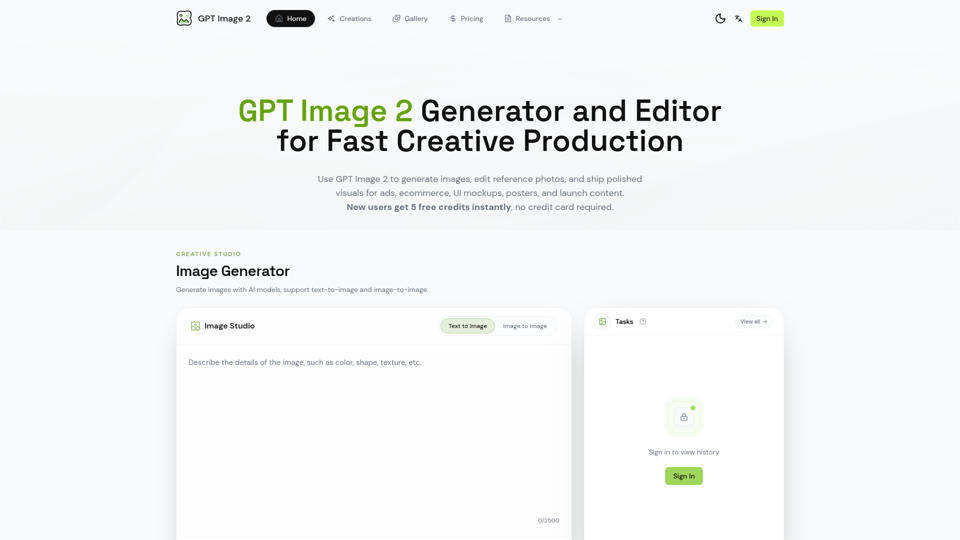

Generate and edit images with GPT Image 2 — AI image generation, reference-image editing, and asset creation for ads, ecommerce, UI mockups, posters, and production-ready visuals. Try free.
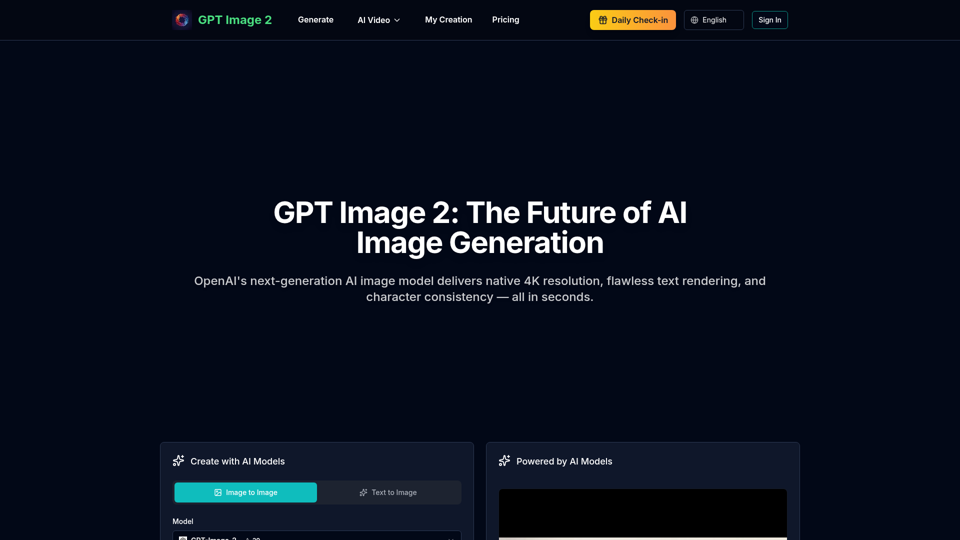
Experience GPT Image 2, OpenAI's revolutionary AI image generator with native 4K resolution, lightning-fast generation, 99%+ text rendering accuracy, and character consistency. Create stunning images from text instantly.
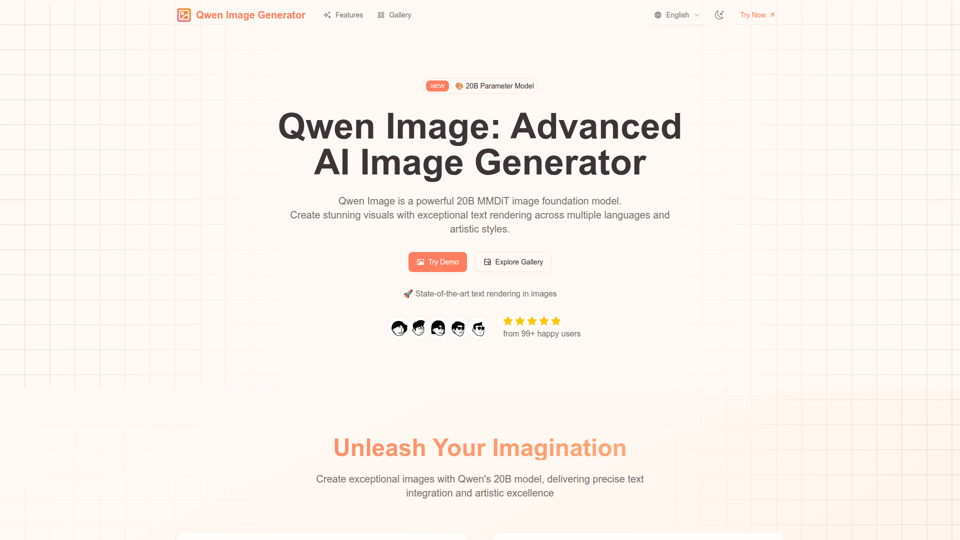
Qwen Image: 20B MMDiT AI model for image generation with superior text rendering. Create stunning visuals with precise Chinese and English text.
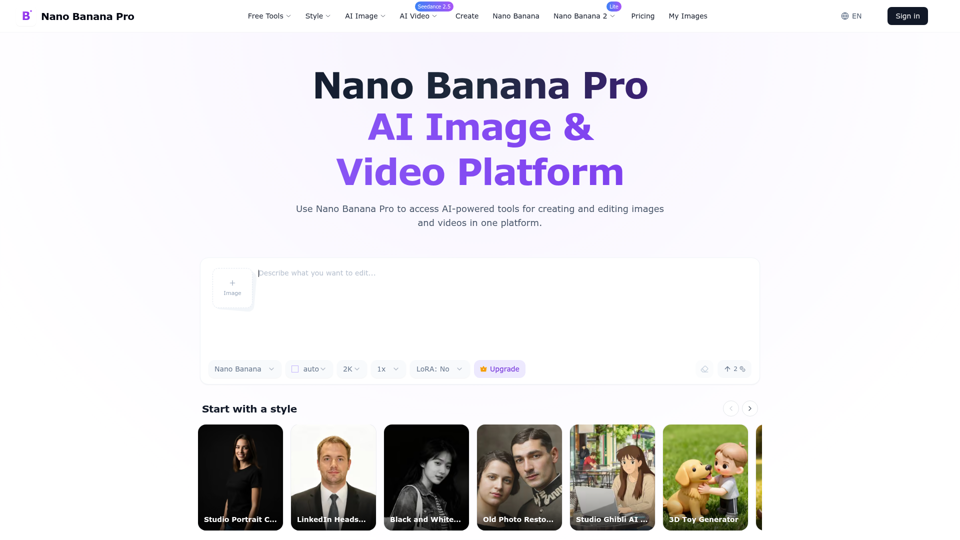
Create and edit high-quality AI images with Nano Banana Pro. Start with free credits, generate up to 4K, and refine text, style, and lighting online.
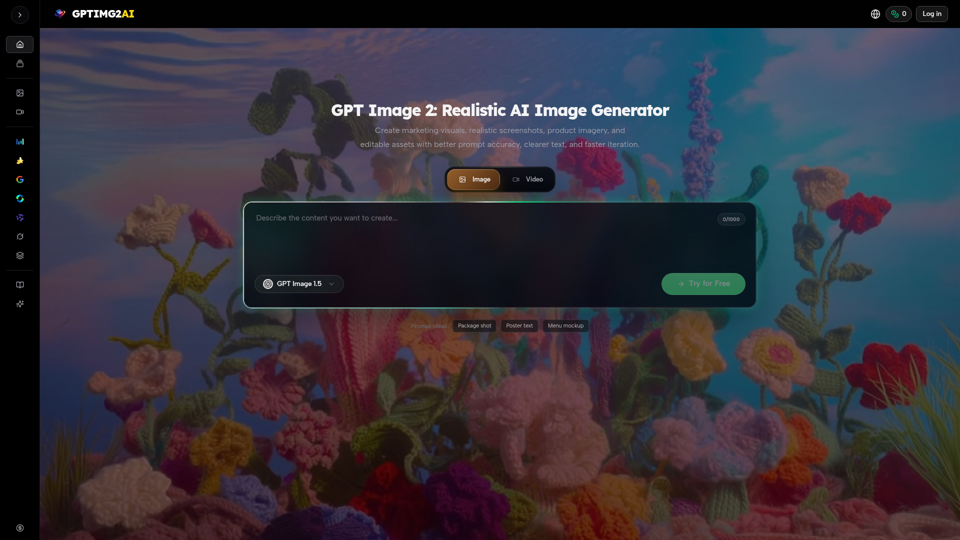
Create product shots, posters, brand assets, and prompt-led image edits with clearer text and reference-aware refinement.
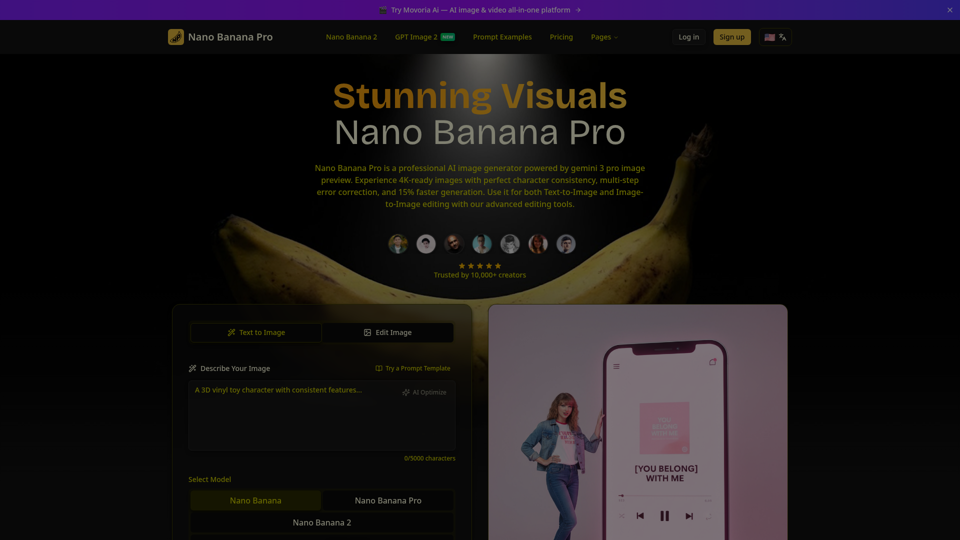
Create beautiful images with Nano Banana Pro, a fast and easy AI image generator. Try it free, keep characters consistent, and pick from flexible aspect ratios.
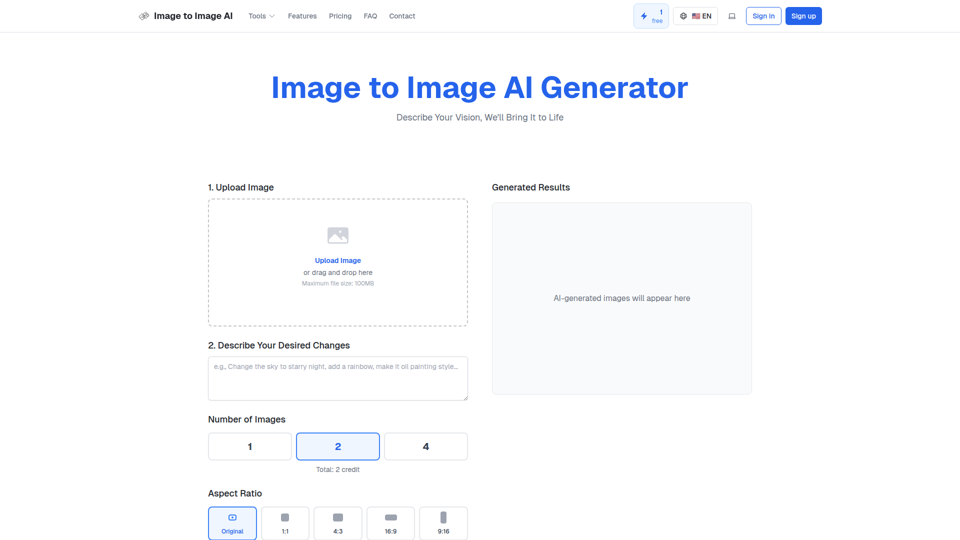
Convert image to image with AI. Transform, edit and generate images using our free image to image AI converter. Best AI image to image generator.