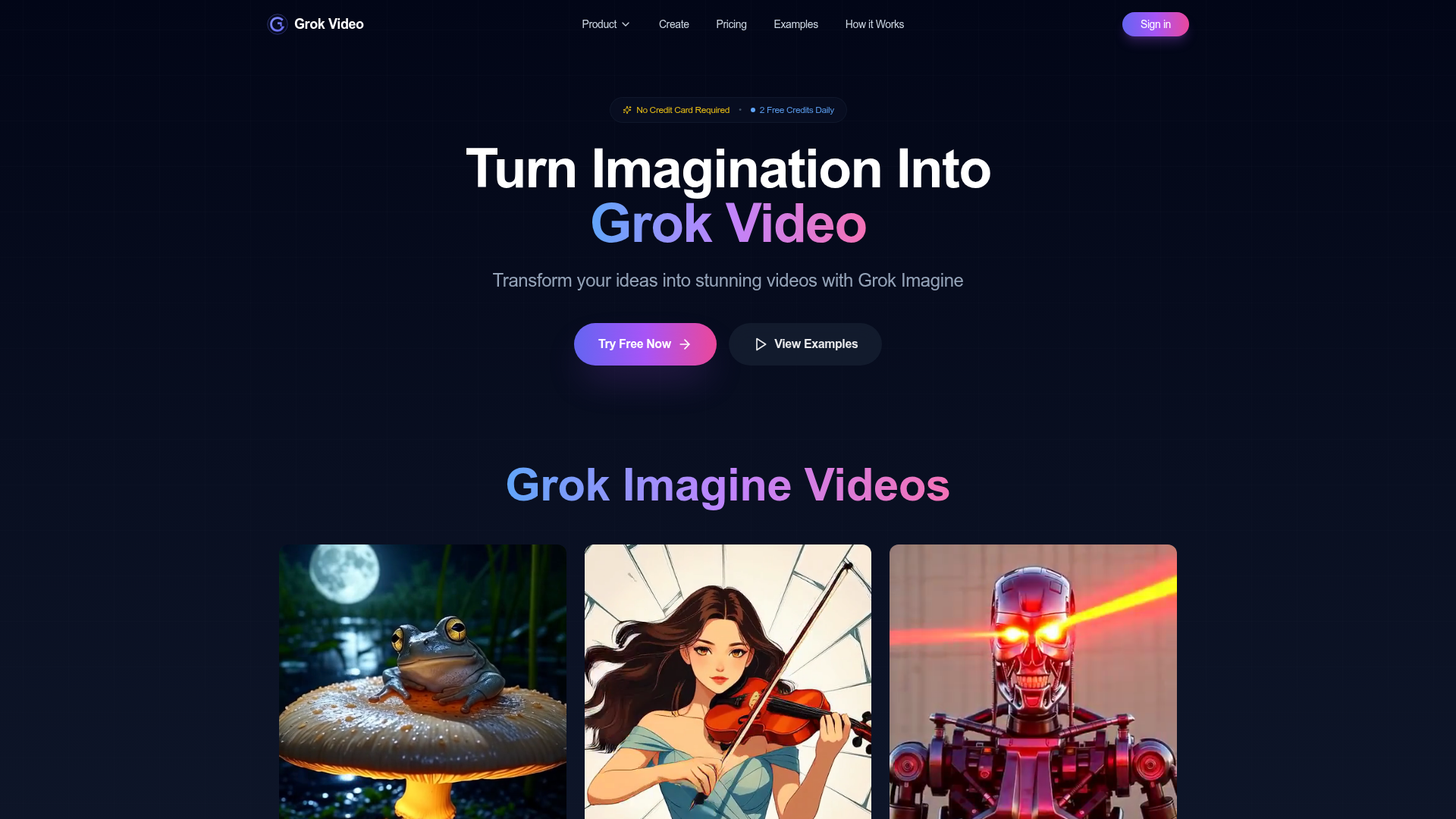
What is Grok Video?
Grok Video is a cutting-edge platform that allows users to transform their static images into stunning, dynamic videos using advanced AI technology. With Grok Imagine, users can easily create captivating videos without any technical skills, making it accessible to everyone looking to elevate their visual content.
Features of Grok Video
- User-Friendly Interface
- Create videos effortlessly without needing any technical expertise.
- Fast Video Generation
- Produce videos in as little as 30-60 seconds after uploading an image and adding your prompt.
- High-Quality Output
- Export videos in 4K resolution, suitable for any presentation or social media platform.
- Natural Language Processing
- Describe your desired video motion in plain English for intuitive usage.
- Multiple Video Formats
- Generate videos tailored for social media, marketing, and entertainment to meet various needs.
- Image Animation
- Animate your photos seamlessly, turning still images into engaging video content.
- Creative Flexibility
- From realistic to fantastical content, unleash your imagination with no restrictions.
How to Use Grok Video
Creating videos with Grok Video is a straightforward process that can be completed in just three steps:
- Upload Your Image: Select any photo from your device in JPG, PNG, or WEBP format.
- Add Your Prompt: Provide a description of the motion you want to see in the video.
- Download Your Video: Receive your finished video within 60 seconds and ready for use wherever you need it.
Pricing
Grok Video offers a free tier with 2 video credits daily, enabling users to try the service without a credit card. For users needing more features, additional premium subscription plans are available, providing extra credits and features suitable for higher volume video generation.
Helpful Tips
- Maximize Your Credits
- Use your daily credits efficiently as they don't roll over. Plan your video creations ahead of time!
- Image Quality Matters
- Upload high-resolution images (minimum of 1024x1024 pixels) for the best video results.
- Experiment with Prompts
- Don’t hesitate to get creative with your prompts to see unique and surprising video outputs.
Frequently Asked Questions
-
How does Grok Video work? Grok Video employs advanced AI to convert images and text prompts into videos. Simply upload an image, outline the desired motion, and watch as the AI generates a professional video in about 60 seconds.
-
What are the daily free credits for Grok Video? Users receive 2 free credits daily at midnight (UTC), with each video generation costing between 1 to 5 credits based on complexity.
-
What types of videos can I create? You can make a variety of videos including image animations, text-to-video creations, and more. It's ideal for enhancing social media content, marketing projects, and creative ventures.
-
How quickly can I get my video? Most videos are generated within 30 to 60 seconds, with more complex animations potentially taking up to 2 minutes. Notifications are sent when the video is ready for download.
-
What if I run out of credits? You can wait for a daily refresh or opt to upgrade your plan for additional credits, where premium users can receive between 100 to 500 credits monthly depending on their chosen plan.
-
Which image formats are best for Grok Video? Supported formats include JPG, PNG, WEBP, and GIF. For optimal results, we recommend using clear, high-resolution images.
Start Creating Videos Today
Bring your ideas to life and turn your imagination into professional videos with Grok Video.
Grok Video
Transform any image into a professional video in seconds with Grok Video. No editing skills required. Try it free today.
 Next.js
 Node.js
 React
React Vercel
 Webpack
 dc.js
dc.jsFree AI anime and manga generator. Turn text into anime episodes, manga, comics, webtoons and comic shorts in any art style — no drawing or animation skills needed.
Translate image text across 70+ languages with our advanced AI Image Translator to help you better expand your products globally to various countries
Advertised Here
Reach thousands of visitors daily. Get your spot now!
Tools similar to Grok Video
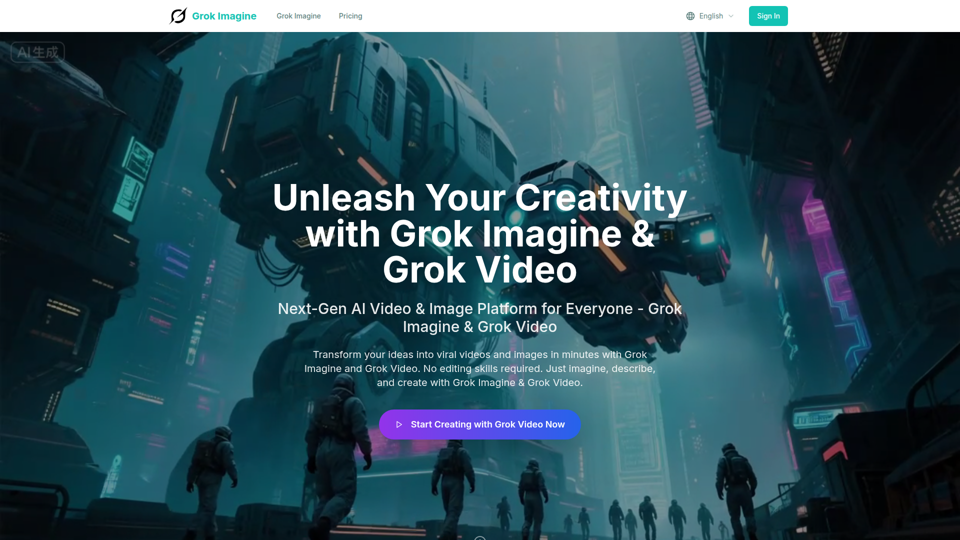
Transform ideas into viral videos with Grok Imagine AI. Generate stunning 6-second videos from text or images using xAI Aurora engine. Perfect for social media and marketing.
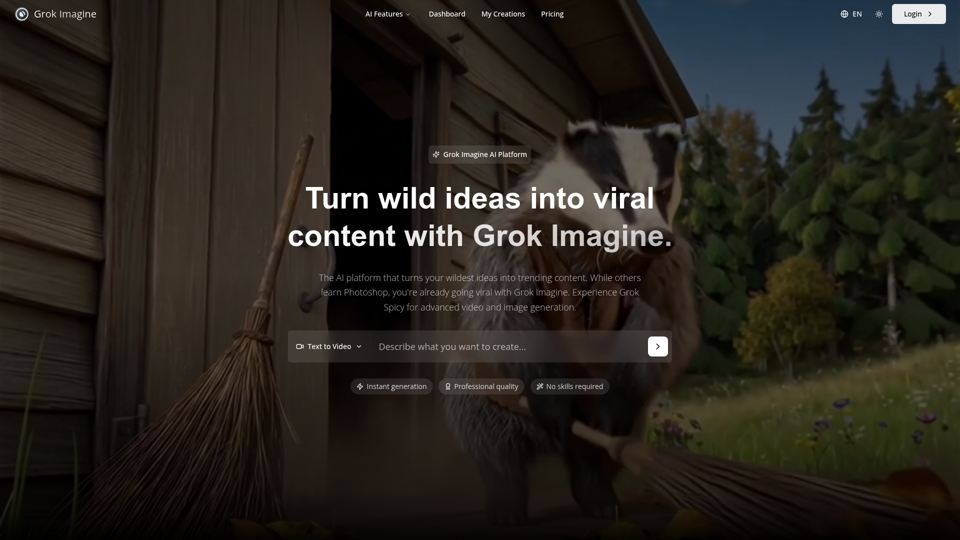
Grok Imagine: Generate high-quality images and 6-second videos from text prompts. Grok Imagine uses Aurora engine technology for photorealistic results. Try Grok Imagine for professional video content with sound.
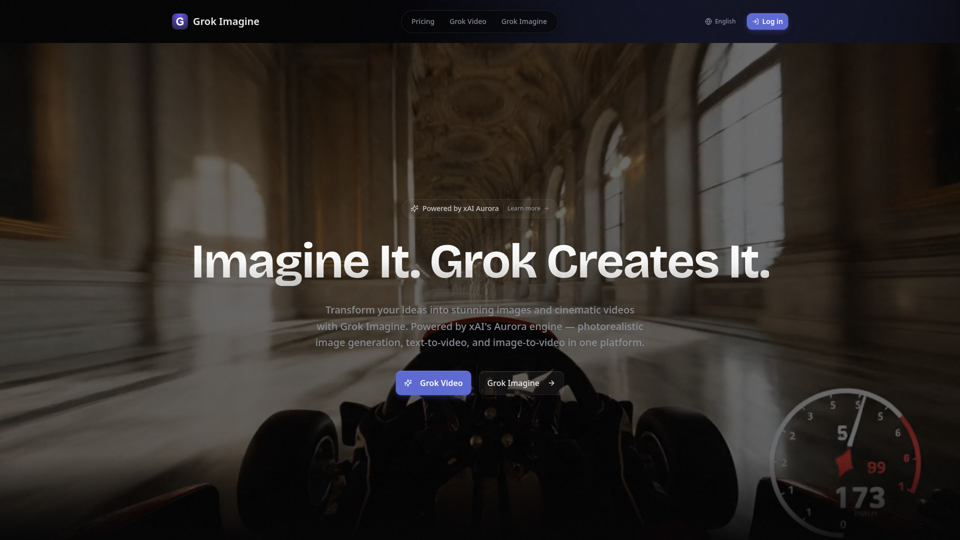
Create stunning AI images and videos free with Grok Imagine. Powered by xAI's Aurora engine. Text-to-image, text-to-video, image-to-video with Spicy Mode for unfiltered creative freedom. Photorealistic quality, synchronized audio, up to 4K resolution.
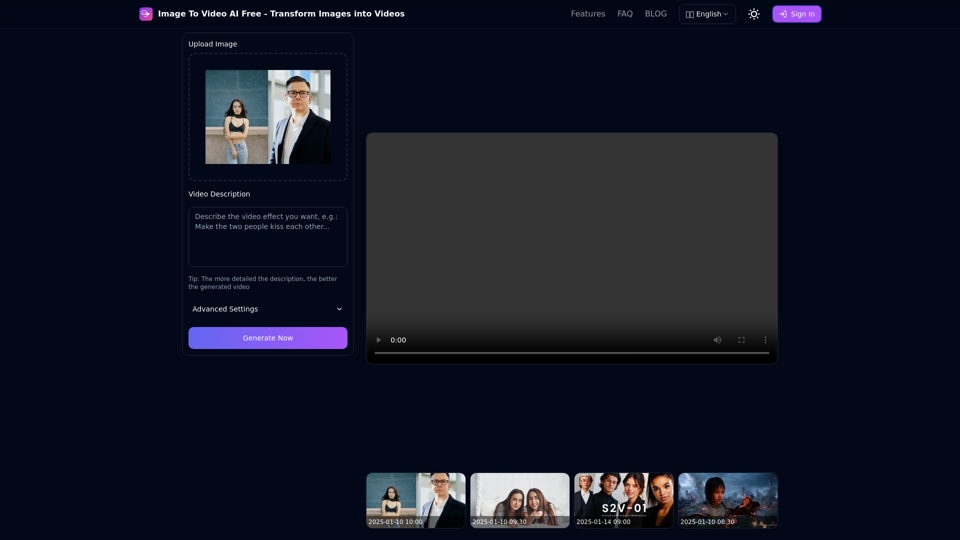
Free online tool to convert images into stunning videos using AI technology. Transform static images into dynamic videos with our advanced AI video generation.
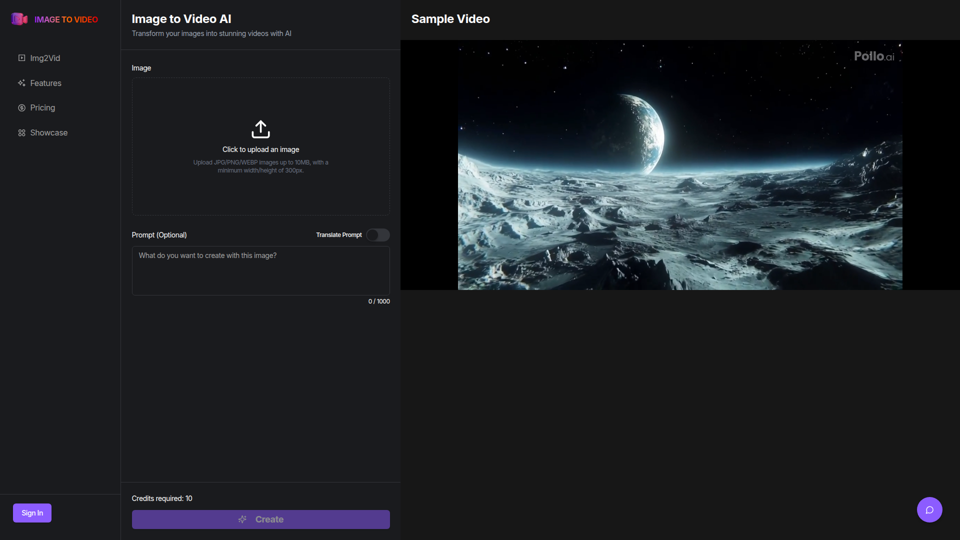
Use the image to video AI generator. Convert photo to video ai with high-quality and captivating results. Try our image to video AI now!
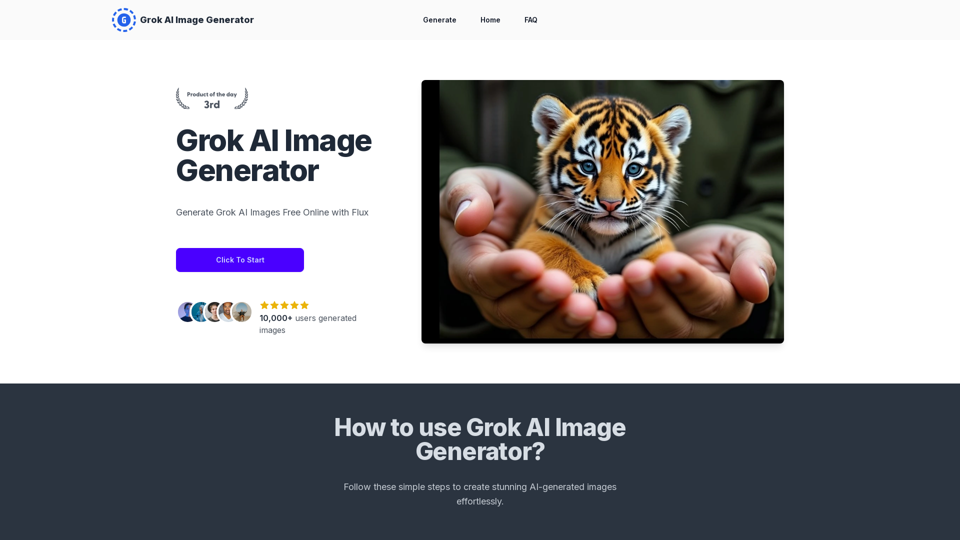
Generate Grok AI Images Free Online with Flux. Free Online | No Credit Card or Login Required
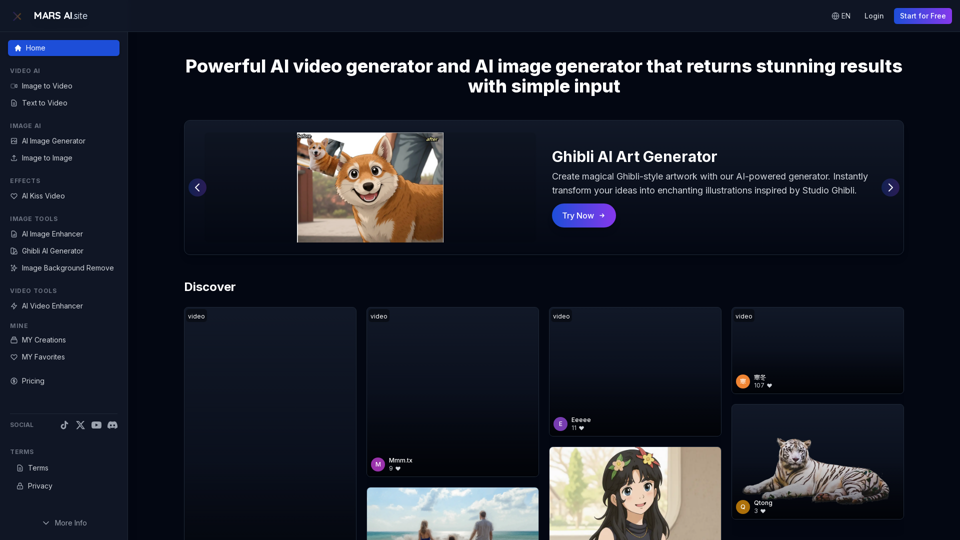
Free AI video generator and image generator tools by MARS AI. Create professional videos and images from text or images. Transform your ideas into stunning visual content. No technical skills required
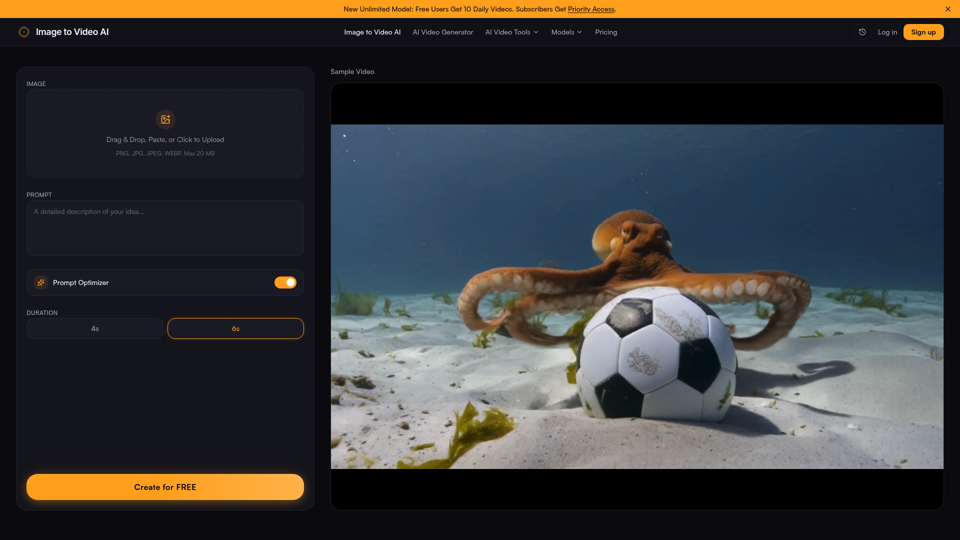
Transform photos into stunning videos with our free image to video AI generator. Upload an image, add a prompt, and create AI-powered animations in seconds — no sign-up required. Try the best image to video AI tool today.