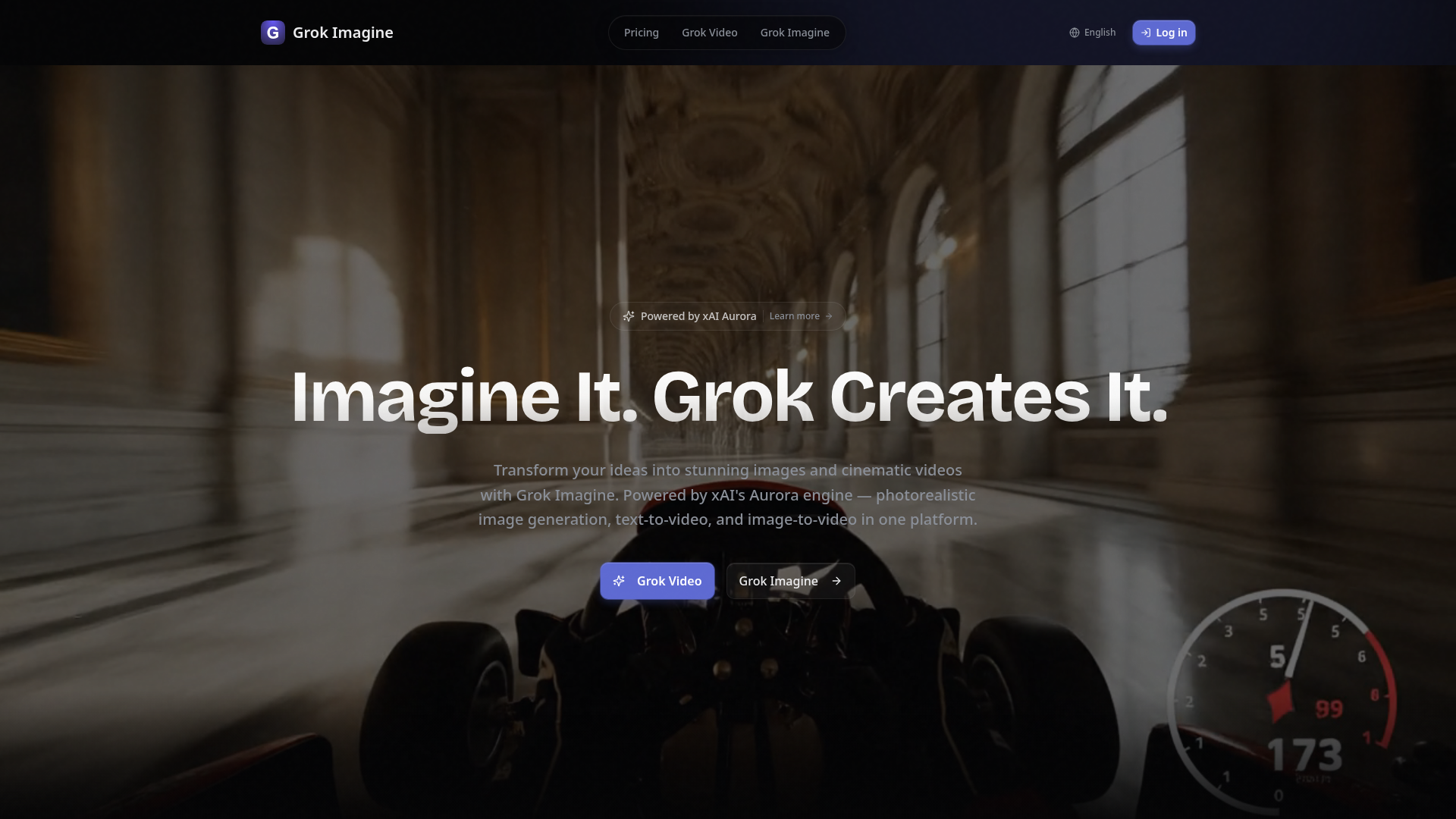
What is Grok Imagine?
Grok Imagine, powered by xAI's advanced Aurora engine, is a cutting-edge, multi-modal AI content generation platform. It allows users to transform text, images, video, and audio inputs into stunning, high-quality videos and photorealistic images. Its core capability is enabling users to "reference anything"—motion, effects, camera movements, characters, or scenes—using simple natural language descriptions, making cinematic and professional content creation accessible to everyone from casual creators to studios.
What Are the Key Features of Grok Imagine?
Grok Imagine is packed with powerful features designed for versatile and high-fidelity content creation.
- Multi-Modal Input
- Upload and combine up to 9 images, 3 videos (total ≤15s), 3 audio files, and text prompts in a single project, allowing for complex and layered creative expression.
- Text-to-Video
- Generate cinematic videos from text descriptions with natural motion, physics-aware rendering, and output up to 2K resolution.
- Image-to-Video
- Animate still images into dynamic videos with AI-powered motion synthesis, seamlessly bringing photos to life.
- "Reference Anything" Technology
- This standout feature allows you to reference the style, motion, characters, or effects from any uploaded content simply by describing it in your prompt.
- Superior Consistency
- Maintains perfect consistency for faces, clothing, text, scenes, and visual styles across an entire video or multi-shot sequence.
- Precise Motion Replication
- Accurately replicate specific movements, choreography, or camera angles from reference materials.
- Video Extension & Editing
- Smoothly extend existing video clips, merge segments, or edit specific parts while preserving visual and narrative continuity.
- Built-in Audio Generation
- Automatically creates context-aware sound effects and background music that are synced to the generated video content.
- Multi-Shot Storytelling
- Create cohesive, multi-scene narratives with consistent characters and settings.
- Watermark-Free Output
- All generated images and videos are delivered clean, without any watermarks, ready for professional or commercial use.
- Multiple Aspect Ratios
- Supports outputs in 16:9, 9:16, 4:3, 3:4, 21:9, and 1:1, perfect for any platform from YouTube to Instagram Reels and TikTok.
How to Use Grok Imagine?
Using Grok Imagine is designed to be intuitive:
- Start for Free: Visit the platform and sign up for a free account to receive daily credits.
- Choose Your Input: Start a new creation by uploading images/videos/audio, writing a text prompt, or combining these elements.
- Describe Your Vision: Use the text prompt to describe what you want to create. Leverage the "Reference Anything" feature by describing elements from your uploaded files (e.g., "use the camera pan from my reference video").
- Select Parameters: Choose your desired aspect ratio, video length (4-15 seconds), and other settings.
- Generate & Refine: Let the Aurora engine process your request. You can then download the watermark-free result or use features like Video Extension to refine it further.
- Upgrade for More: For extensive daily use, subscribe to a paid plan (Starter, Pro, or Premium) to unlock more monthly credits and full access to all 20+ AI models.
What is the Pricing for Grok Imagine?
Grok Imagine offers simple, tiered pricing starting with a generous free plan.
- Free Plan
- $0. Get 5 credits per day (login required to claim), granting access to the core Grok Imagine model for text-to-image, image-to-image, text-to-video, and image-to-video generation.
- Starter Plan
- $10.99/month ($131.88/year, saving 30%). Includes 3,000 credits/month, unlocking all 20+ premium AI models (like Flux 2, Sora 2, Veo 3) and features like Video Enhance. Ideal for casual creators.
- Pro Plan
- $22.99/month ($275.88/year, saving 30%). Includes 6,000 credits/month with all models unlocked, plus email support. Perfect for daily creators.
- Premium Plan
- $48.99/month ($587.88/year, saving 30%). Includes 18,000 credits/month with all models unlocked and priority email support. Built for power users, studios, and heavy workloads.
Helpful Tips for Using Grok Imagine
- Leverage Multi-Modal Inputs
- Combine reference images with descriptive text prompts for the most control over your output. The more context you provide, the better the result.
- Master the "Reference Anything" Prompt
- Be specific in your natural language descriptions. Instead of "make it dynamic," try "use the slow-motion effect and color grading from my first reference video."
- Plan for Multi-Shot Scenes
- When creating a story, use consistent character descriptions and scene settings in your prompts across different generations to maintain continuity.
- Utilize the Free Credits
- Experiment daily with the free credits to learn the platform's capabilities and refine your prompting skills before committing to a paid plan.
- Explore All Aspect Ratios
- Generate the same scene in different aspect ratios (like 9:16 for Stories and 16:9 for YouTube) from a single prompt to maximize your content's reach.
Frequently Asked Questions about Grok Imagine
What inputs does Grok Imagine support?
Grok Imagine supports four input modalities: you can upload up to 9 images, up to 3 videos (with a total maximum duration of 15 seconds), up to 3 audio files, and combine them with text prompts. You can mix and match up to 12 files total across these types.
How long are the videos Grok Imagine creates?
The platform generates videos ranging from 4 to 15 seconds in length. You can choose from multiple professional aspect ratios including 16:9, 9:16, 4:3, 3:4, 21:9, and 1:1, with resolutions up to 2K.
Does Grok Imagine create sound for the videos?
Yes! It features built-in audio generation that automatically produces context-aware sound effects and background music synchronized to your video. You can also upload your own audio files to sync the video to specific beats or audio tracks.
Are there watermarks on the generated content?
No. All images and videos generated by Grok Imagine are completely free of watermarks. You can download and use them immediately for personal, professional, or commercial projects.
What AI models are available beyond Grok Imagine?
Paid plans unlock access to over 20 top-tier AI models, including image generators like Flux 2, GPT Image, and Imagen 4, and video generators like Sora 2, Veo 3, and Kling 2.1, alongside tools for Video Enhancement and Extension.
Grok Imagine
Create stunning AI images and videos free with Grok Imagine. Powered by xAI's Aurora engine. Text-to-image, text-to-video, image-to-video with Spicy Mode for unfiltered creative freedom. Photorealistic quality, synchronized audio, up to 4K resolution.
 Next.js
 Node.js
 React
React Vercel
 Webpack
Free AI anime and manga generator. Turn text into anime episodes, manga, comics, webtoons and comic shorts in any art style — no drawing or animation skills needed.
Translate image text across 70+ languages with our advanced AI Image Translator to help you better expand your products globally to various countries
Advertised Here
Reach thousands of visitors daily. Get your spot now!
Tools similar to Grok Imagine
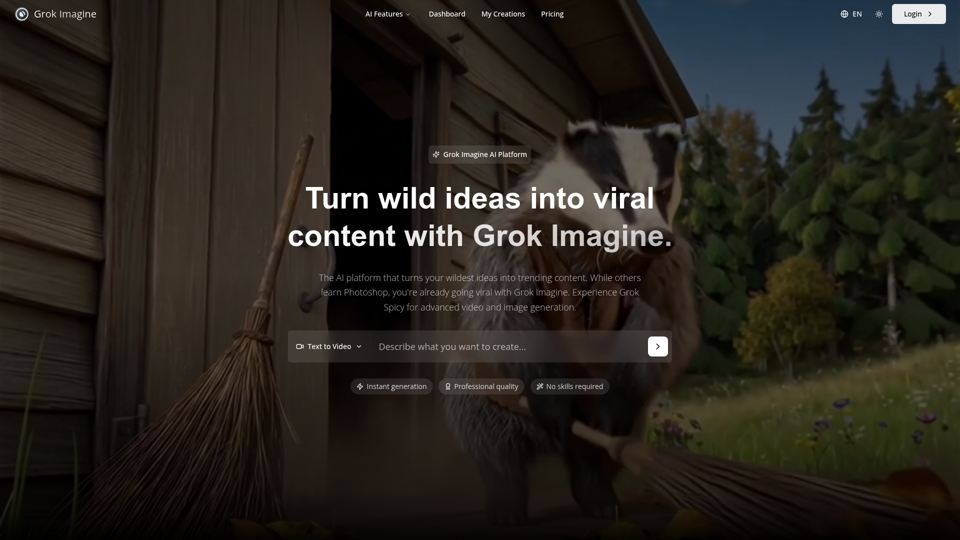
Grok Imagine: Generate high-quality images and 6-second videos from text prompts. Grok Imagine uses Aurora engine technology for photorealistic results. Try Grok Imagine for professional video content with sound.
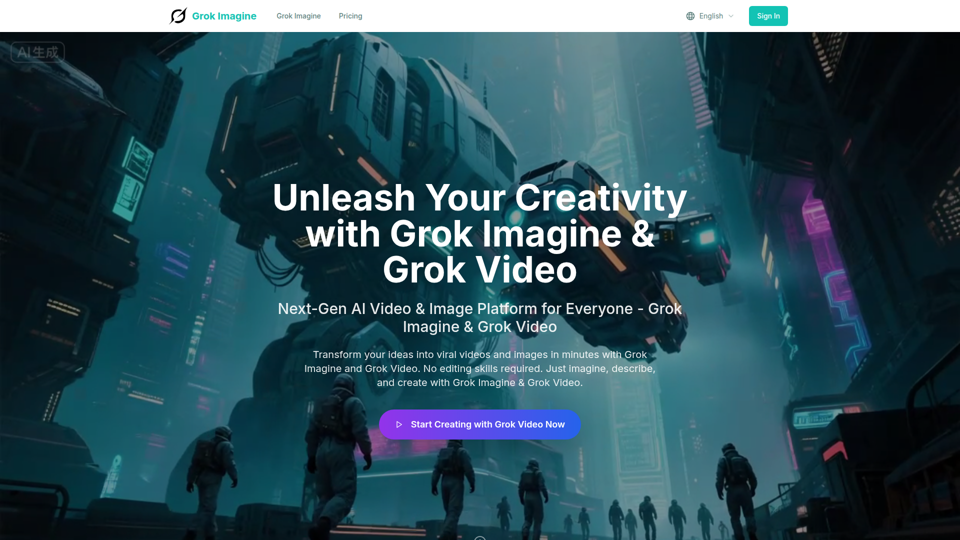
Transform ideas into viral videos with Grok Imagine AI. Generate stunning 6-second videos from text or images using xAI Aurora engine. Perfect for social media and marketing.
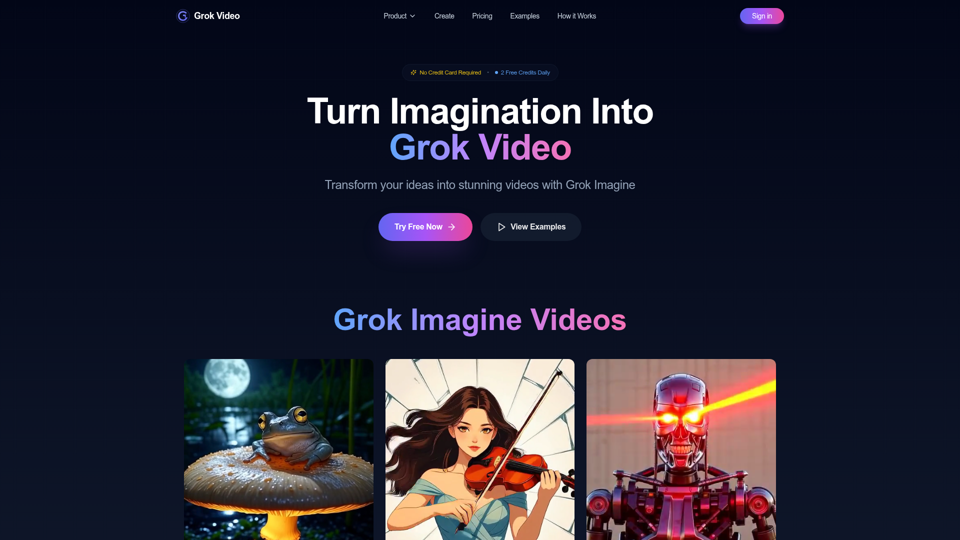
Transform any image into a professional video in seconds with Grok Video. No editing skills required. Try it free today.
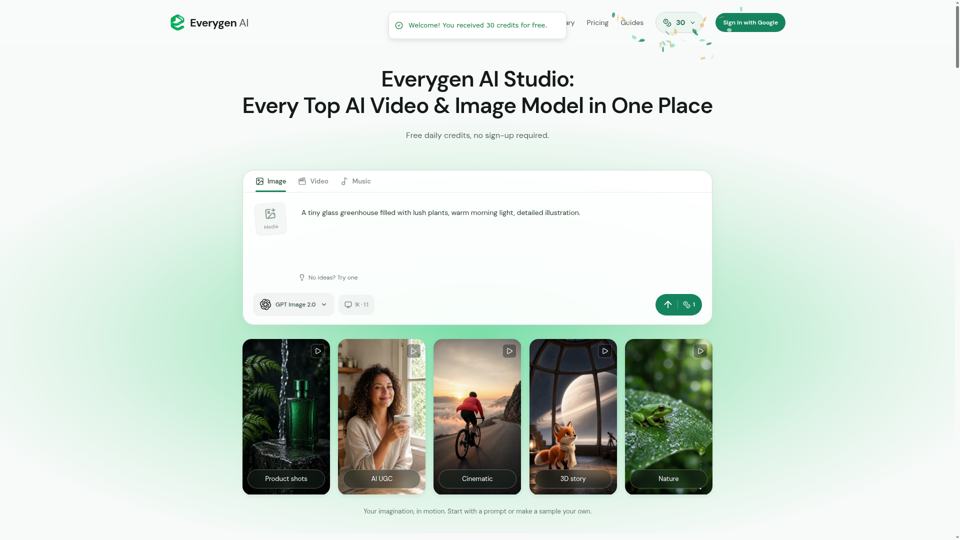
Create AI videos, images, music, UGC scenes and product shots. Get free daily credits for images, videos and music. Explore Everygen AI models, Viewmax and MCP resources.
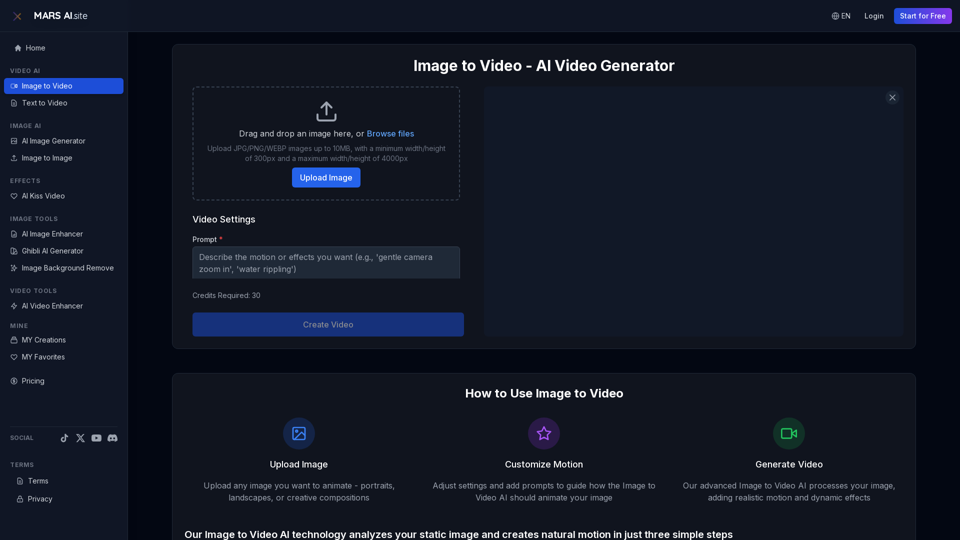
Transform static images into stunning motion videos with our advanced Image to Video AI technology. Our Image to Video tool breathes life into your photos with natural, fluid motion effects
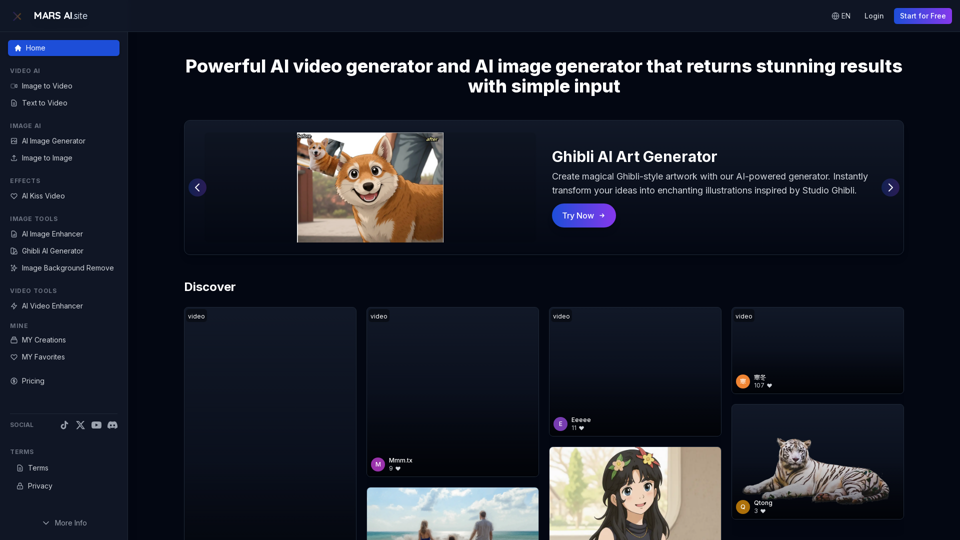
Free AI video generator and image generator tools by MARS AI. Create professional videos and images from text or images. Transform your ideas into stunning visual content. No technical skills required
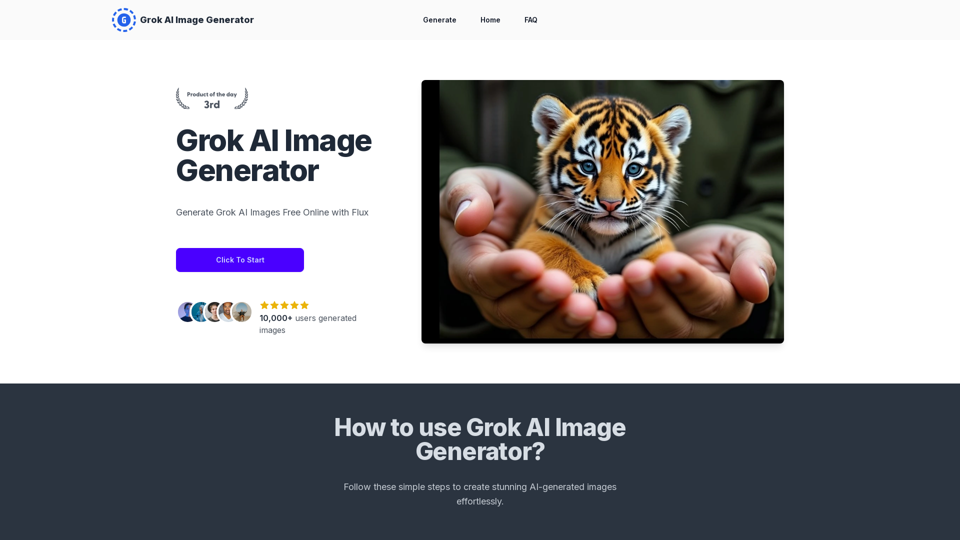
Generate Grok AI Images Free Online with Flux. Free Online | No Credit Card or Login Required
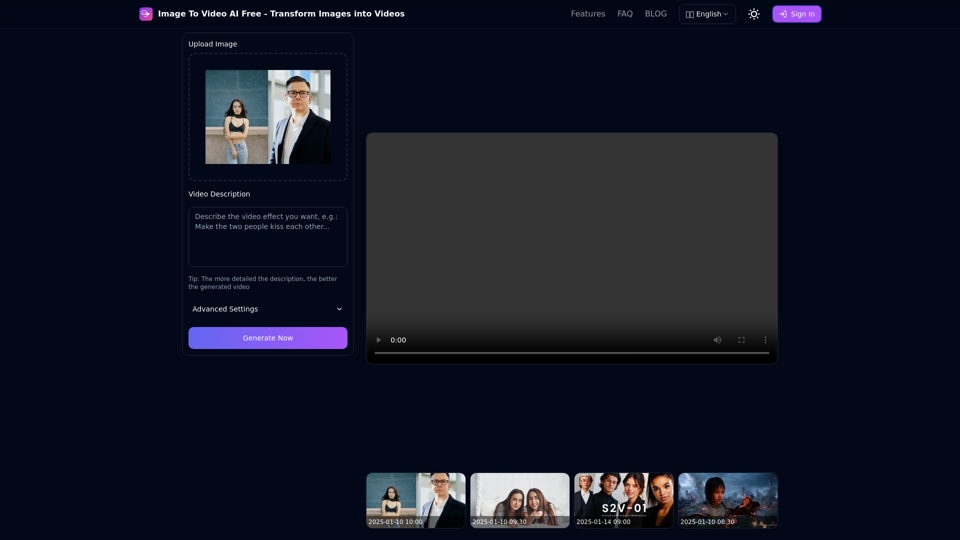
Free online tool to convert images into stunning videos using AI technology. Transform static images into dynamic videos with our advanced AI video generation.