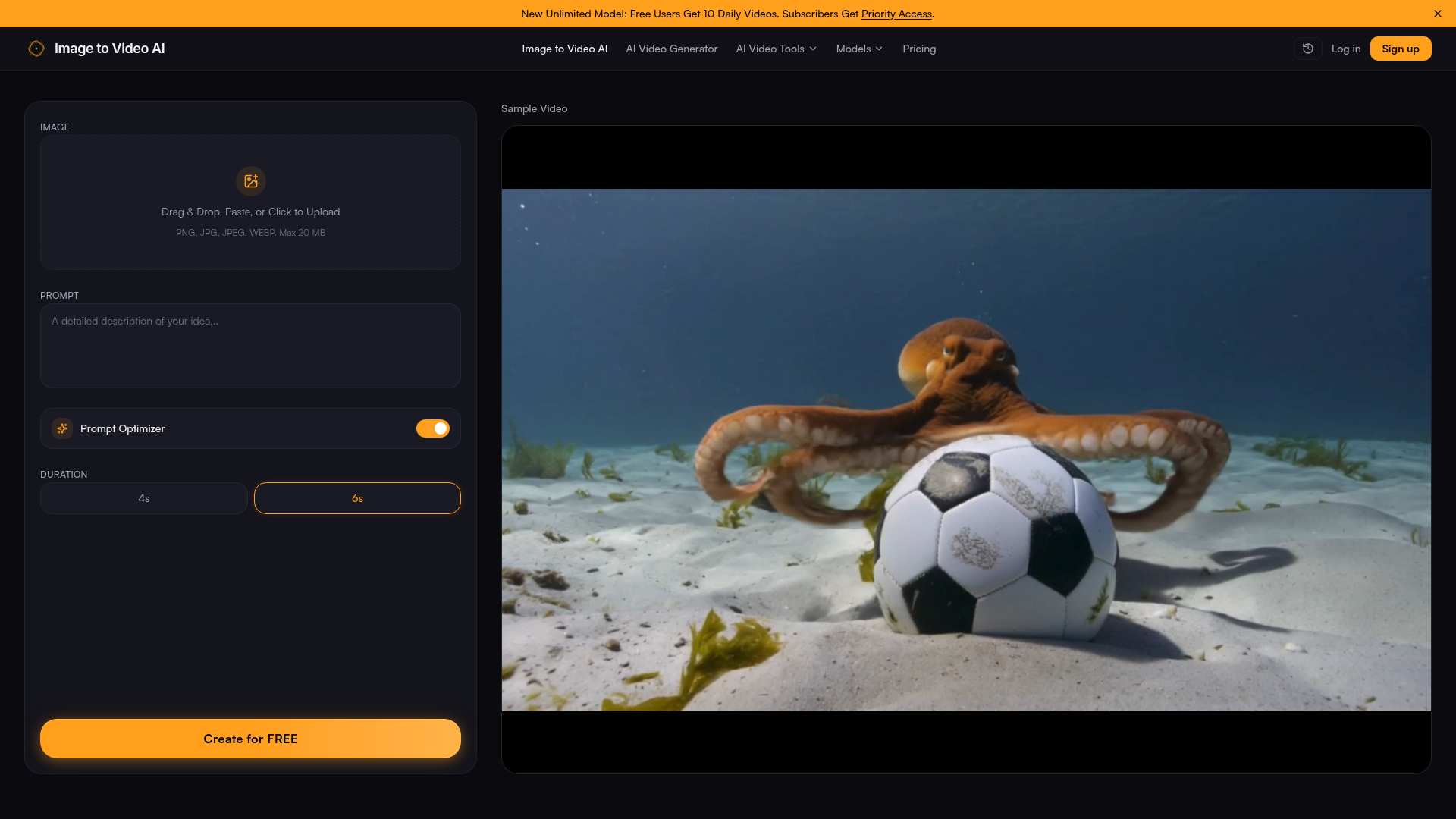
What is imgtovideoai.net?
imgtovideoai.net is a leading AI-powered platform dedicated to transforming static images into dynamic, high-quality videos. It leverages advanced image-to-video AI technology to provide a fast, intuitive, and powerful video creation tool, making professional-grade video content accessible to everyone for free.
What are the main features of imgtovideoai.net?
Convert Image to Video with AI: At its core, imgtovideoai.net excels as an AI image to video generator. It allows you to upload any image (JPG, PNG, WEBP up to 20MB) and transform it into a moving video clip using descriptive text prompts. This AI image to video process is quick, requiring no prior video editing skills. Free Daily Video Generations: Users can enjoy free image to video AI services, with new accounts receiving free daily credits to start creating videos immediately. This makes it a top choice for a free image to video AI platform. Prompt-Guided Motion Control: Unlike basic converters, this AI image to video generator combines your uploaded image with a written prompt. You can specify motion styles (e.g., "slow zoom," "wind blowing," "cinematic pan") to guide the AI, resulting in precise and creative video outputs from images. High-Quality, Watermark-Free Output: The platform prides itself on delivering crisp, high-definition videos. While the free tier includes a watermark, subscribers can remove it and access higher resolutions, making it a professional-grade image to video AI tool. User-Friendly Interface: Featuring a simple drag-and-drop upload, intuitive controls for setting video duration (4s or 6s), and instant preview, it is designed for both beginners and professionals looking for an easy-to-use image to video AI generator. Extensive Creative Applications: From creating social media content and marketing ads from product photos to animating travel pictures and design mockups, this free image to video AI serves a wide range of use cases for creators, marketers, educators, and businesses.
How to use imgtovideoai.net?
Using this image to video AI generator is a straightforward three-step process designed for efficiency:
- Upload Your Image: Drag and drop, paste, or click to upload your source image (PNG, JPG, JPEG, WEBP format, max 20 MB). This is the first step to convert your image to video with AI.
- Describe the Motion: Enter a text prompt in the provided field to guide the AI. Use descriptive language like "gentle camera movement through a forest" or "dynamic spin around a product" to tell the AI image to video engine exactly how you want your photo to animate.
- Generate and Download: Select your desired duration and click "Create for FREE." Within seconds, the AI image to video generator will process your request. You can then preview and download your newly created video, ready for use on any platform.
What is the pricing model for imgtovideoai.net?
imgtovideoai.net operates on a freemium model, offering both free and subscription-based access to its image to video AI services:
- Free Tier
- New and free users receive a generous allocation of daily credits (e.g., 10 daily videos) to use the core AI image to video generator. Outputs in the free tier are high quality but include a platform watermark.
- Subscription Plans
- For users who require more extensive use, professional features, and watermark-free outputs, imgtovideoai.net offers affordable subscription plans. These paid plans provide ### priority access, increased generation limits, access to premium AI models (potentially including integrations like Veo 3), and higher-resolution downloads. Upgrading is ideal for power users, content agencies, and businesses that rely heavily on converting images to videos with AI.
Helpful tips for using imgtovideoai.net
To get the best results from this AI image to video generator, consider these tips:
- Use Clear, Descriptive Prompts
- The quality of your output from this image to video AI tool heavily depends on your text prompt. Be specific. Instead of "move," try "slow, elegant zoom towards the central subject."
- Start with High-Quality Images
- Since the AI animates your uploaded photo, starting with a clear, high-resolution image will yield a better final video from the AI image to video process.
- Experiment with Different Prompts
- Don't hesitate to generate multiple versions of the same image with varied prompts. This is the advantage of a fast, free image to video AI—you can explore different creative motions like "cinematic," "animated," or "realistic physics" without cost.
- Leverage the Free Tier for Exploration
- Use your daily free credits to test the platform, understand the AI's style, and determine if the watermark-free subscription is necessary for your projects before committing.
- Check the Blog for Guides
- The platform's resource section (like "Image to Video AI Tips, Guides & Updates") offers valuable insights, such as comparisons with other tools (e.g., Kling AI, PixVerse) and tutorials on creating specific styles like AI anime videos, helping you master the best image to video AI techniques.
Frequently Asked Questions (FAQs) about imgtovideoai.net
Is there an image to video AI free option?
Yes, absolutely. imgtovideoai.net is primarily a ### free image to video AI platform. It offers daily free generations upon sign-up, allowing anyone to ### convert image to video with AI instantly without a credit card. This makes it an excellent ### image to video AI no account option for trying the service, though creating an account helps track your credits.
What is the best image to video AI tool?
While "best" can be subjective, imgtovideoai.net is a top contender due to its balance of ease of use, high-quality output, and generous free tier. It stands out as a leading ### AI image to video generator for its prompt-guided control and fast processing. For comparisons with other leading tools like PixVerse or Kling AI, refer to the platform's detailed blog articles.
Do you integrate Veo 3 model or other AI engines?
The platform is continuously evolving. While the core technology is a proprietary and advanced ### image to video AI, announcements about integrations with cutting-edge models like Google's Veo 3 or others are typically made on the website or blog. Subscribers often get ### priority access to the latest and most powerful AI models as they become available.
How to create video with images?
Creating a video from an image is simple with this ### AI image to video generator: Upload your picture, write a prompt describing the motion (e.g., "create a video with a slow pan across this landscape"), and click generate. The ### image to video AI does the rest, animating your photo based on your description.
Is there an AI image to video no account option?
You can start the process and see the interface without an account, but to actually ### generate video from images using the ### AI image to video engine, a free account is required. This is to manage the fair distribution of free daily credits to all users.
How can I create professional results with free image to video AI?
To create professional-looking videos with the ### free image to video AI tier:
- Use high-resolution, well-composed source images.
- Craft detailed, cinematic prompts (e.g., "subtle dolly zoom with a shallow depth of field").
- Understand that the free outputs include a watermark; for completely watermark-free professional use, consider a subscription.
- Utilize the platform's guides and tips to learn prompt engineering specific to this ### AI image to video generator.
Image to Video AI
Transform photos into stunning videos with our free image to video AI generator. Upload an image, add a prompt, and create AI-powered animations in seconds — no sign-up required. Try the best image to video AI tool today.
 Vercel
Free AI anime and manga generator. Turn text into anime episodes, manga, comics, webtoons and comic shorts in any art style — no drawing or animation skills needed.
Translate image text across 70+ languages with our advanced AI Image Translator to help you better expand your products globally to various countries
Advertised Here
Reach thousands of visitors daily. Get your spot now!
Tools similar to Image to Video AI
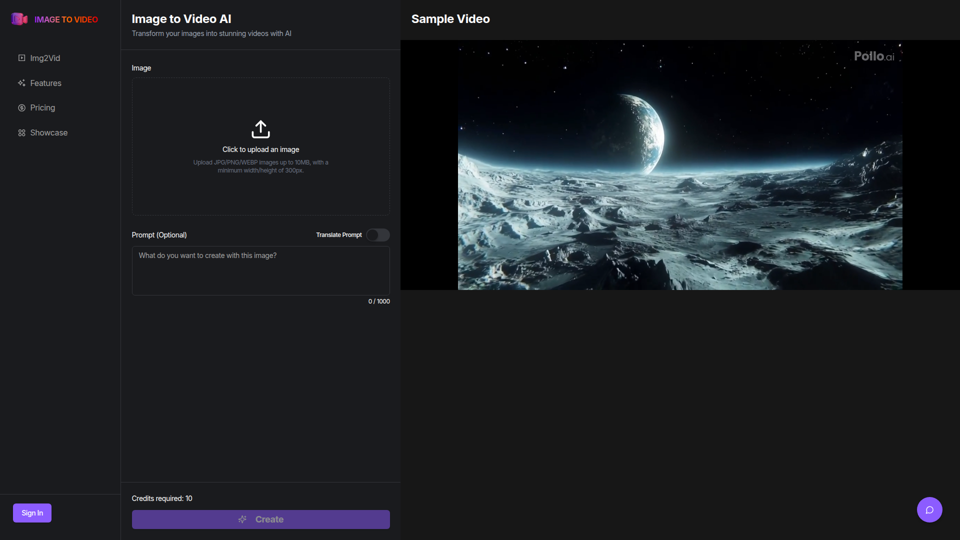
Use the image to video AI generator. Convert photo to video ai with high-quality and captivating results. Try our image to video AI now!
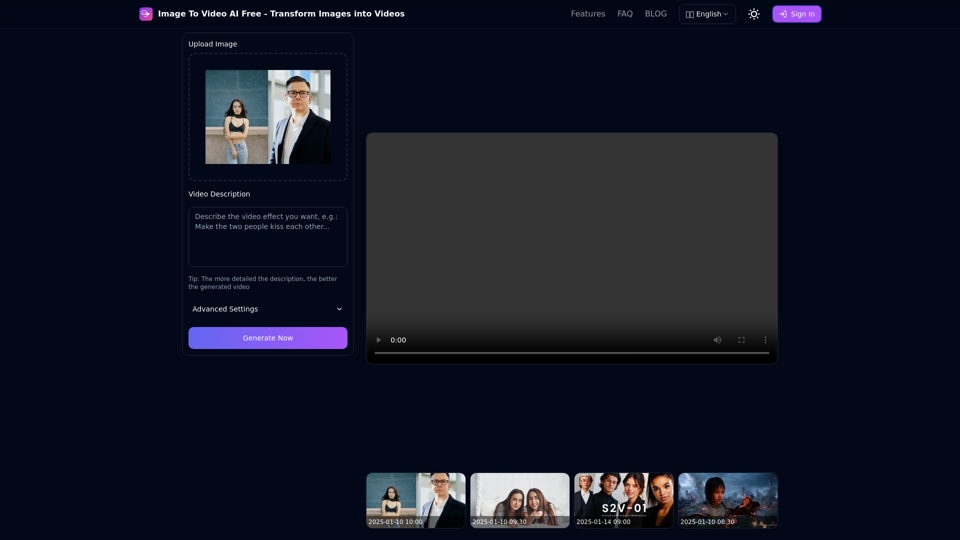
Free online tool to convert images into stunning videos using AI technology. Transform static images into dynamic videos with our advanced AI video generation.
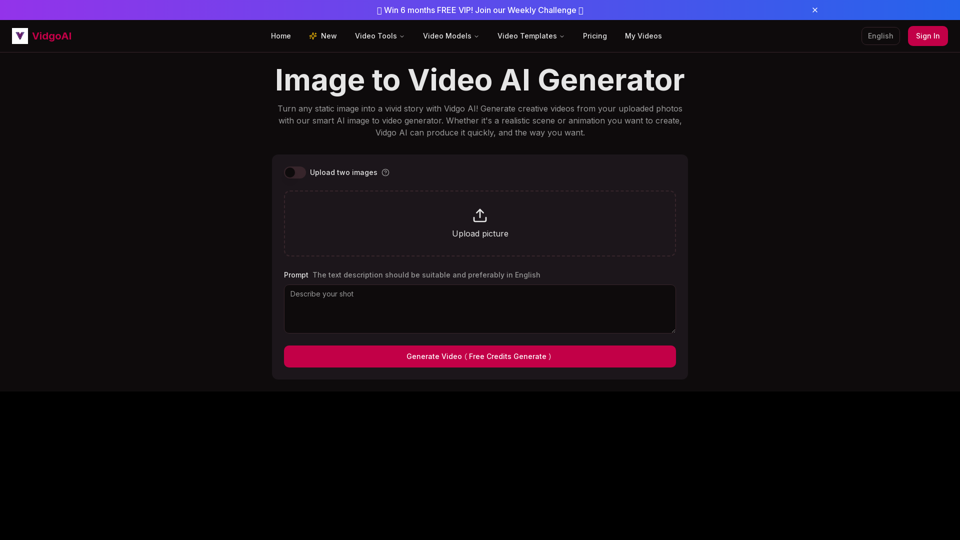
Use the image to video AI generator of Vidgo AI for free. Convert photos to videos with high-quality and captivating results. Try our image to video AI now!
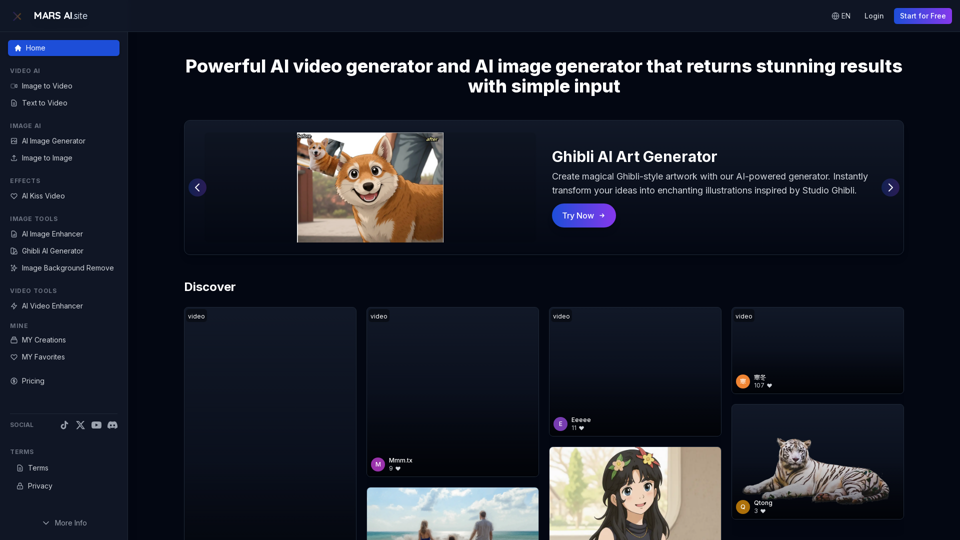
Free AI video generator and image generator tools by MARS AI. Create professional videos and images from text or images. Transform your ideas into stunning visual content. No technical skills required
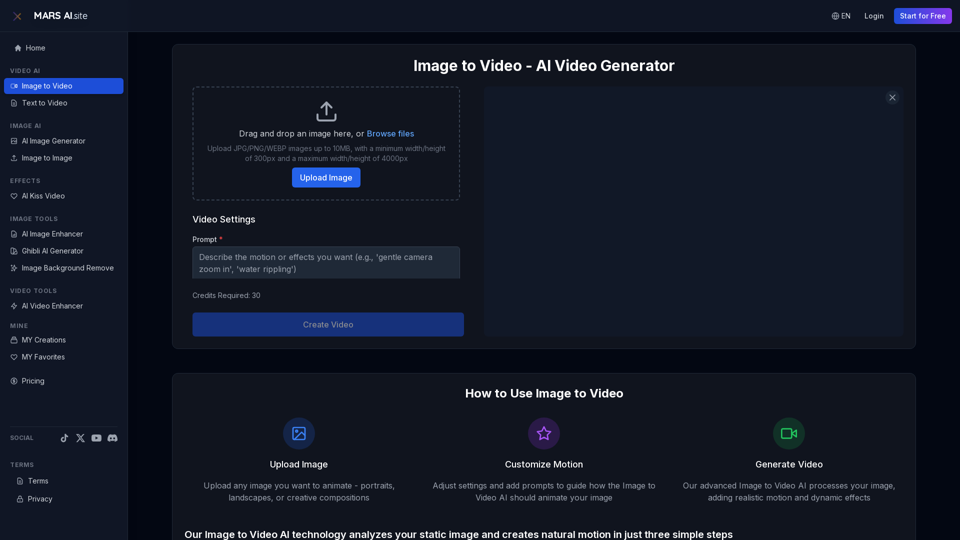
Transform static images into stunning motion videos with our advanced Image to Video AI technology. Our Image to Video tool breathes life into your photos with natural, fluid motion effects
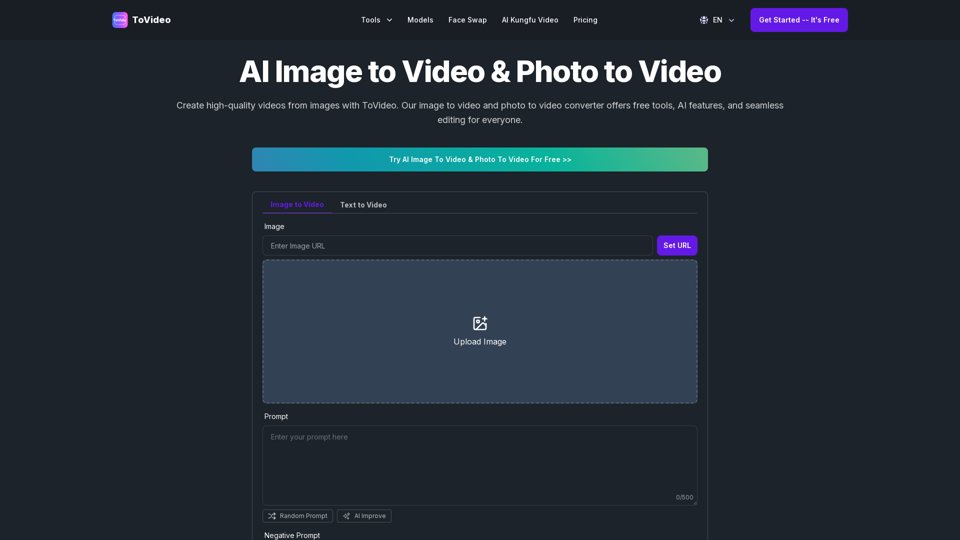
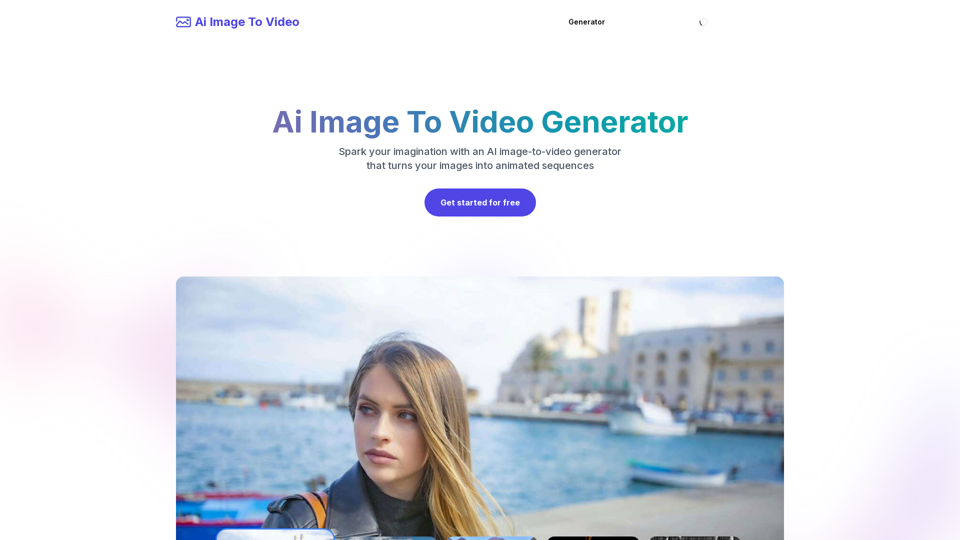
Frustrated with lifeless images? AI Image To Video brings them to life! Our AI transforms your images into stunning, moving videos. Upload, relax, and watch your images become engaging, shareable stories in seconds. Captivate your audience with AI-powered video magic!
Try the best online AI video enhancer to convert low-quality videos to high resolution like 4K, Produce AI-generated images and art with a text prompt