HAMA
An AI image eraser that makes it simple and easy to remove unwanted people, objects, text, and more from your photos or images. Just brush over the part of the photo you want to erase and click Erase to delete unnecessary objects for free in 5 seconds. We recommend hama AI Image Eraser tool.
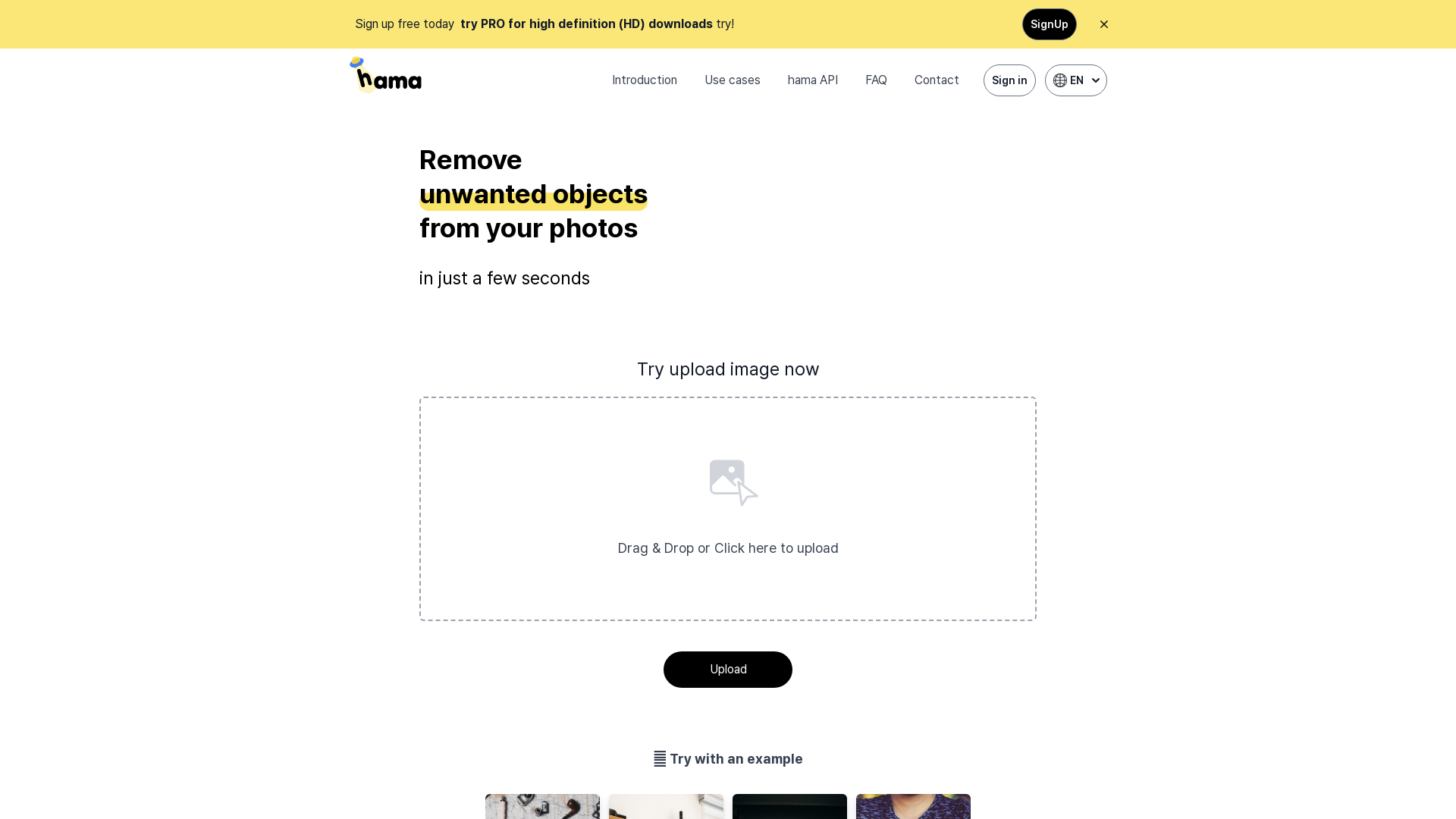
What is HAMA?
HAMA is an AI-powered web application designed to remove unwanted objects from your photos in just a few seconds. Its advanced image processing capabilities allow users to effortlessly erase elements like spots, freckles, pimples, wrinkles, and other blemishes, providing a more polished and visually appealing image.
What are the main features of HAMA?
- Quick Object Removal
- Remove unwanted items from photos within seconds.
- High Definition Outputs
- Users can try the Pro version for HD downloads that enhance image quality.
- User-Friendly Interface
- Simple drag-and-drop or click-to-upload functionality makes image editing accessible to everyone.
- Versatile Use Cases
- Suitable for various applications such as e-commerce, media, photo editing, and more.
- API Integration
- Advanced users can leverage the HAMA API for automated object removal processes.
How to use HAMA?
Using HAMA is straightforward:
- Upload Your Image: Drag and drop or click to select your image.
- Mask the Unwanted Area: Send the original image along with a mask to the HAMA API, indicating the areas you wish to remove.
- Process and Download: The HAMA API processes the images and provides you with a clean, edited version ready for download.
What is the pricing for HAMA?
HAMA offers a free sign-up option with limited features, while the Pro version is available for users who need high-definition downloads and more advanced functionalities. For detailed pricing, please check the HAMA website or contact support.
Helpful Tips
- Erase Repeatedly
- For the best results, you may need to apply the eraser tool multiple times on particularly stubborn objects.
- Support Resources
- Utilize the FAQ section for common questions or contact support for specific queries.
- Experiment with Different Images
- Try using HAMA on various types of images, from landscapes to cityscapes, for surprising results.
Frequently Asked Questions
Is there a size limit when uploading an image to HAMA?
Yes, please check the website for specific size limitations regarding file uploads.
How many images can I edit with HAMA?
Users can upload multiple images for editing; however, the number may vary based on your subscription plan.
How can I improve my erasing results?
For enhanced performance, use the eraser tool repeatedly on the desired areas, and ensure good masking.
What are the keyboard shortcuts available in HAMA?
For a more efficient editing experience, check the help section on keyboard shortcuts specific to the HAMA application.
How can I contact support?
Feel free to reach out to HAMA’s support team through their contact page for any questions or assistance you may need.
HAMA
An AI image eraser that makes it simple and easy to remove unwanted people, objects, text, and more from your photos or images. Just brush over the part of the photo you want to erase and click Erase to delete unnecessary objects for free in 5 seconds. We recommend hama AI Image Eraser tool.
 Google AdSense
 Google Analytics
 Kakao
Kakao React
React Vercel
Free AI anime and manga generator. Turn text into anime episodes, manga, comics, webtoons and comic shorts in any art style — no drawing or animation skills needed.
Translate image text across 70+ languages with our advanced AI Image Translator to help you better expand your products globally to various countries
Advertised Here
Reach thousands of visitors daily. Get your spot now!
Tools similar to HAMA

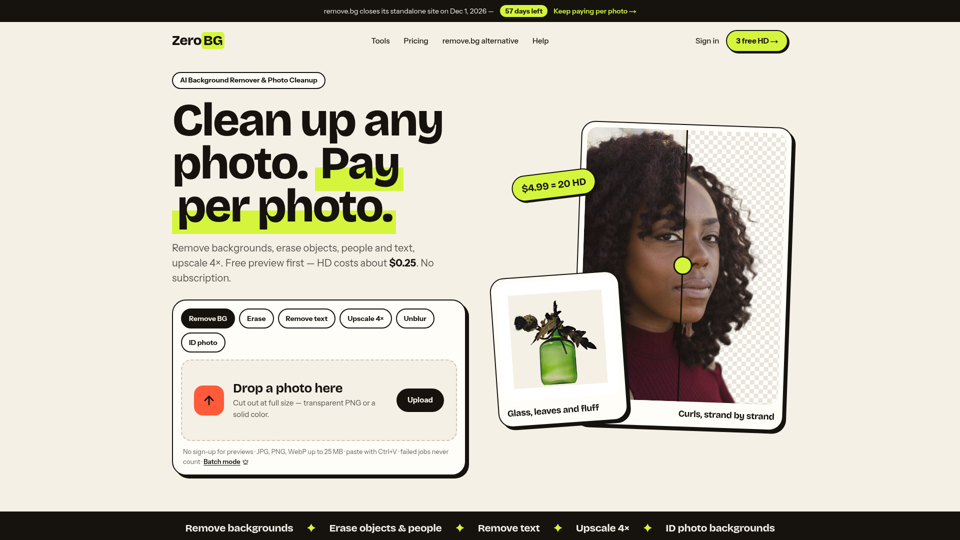
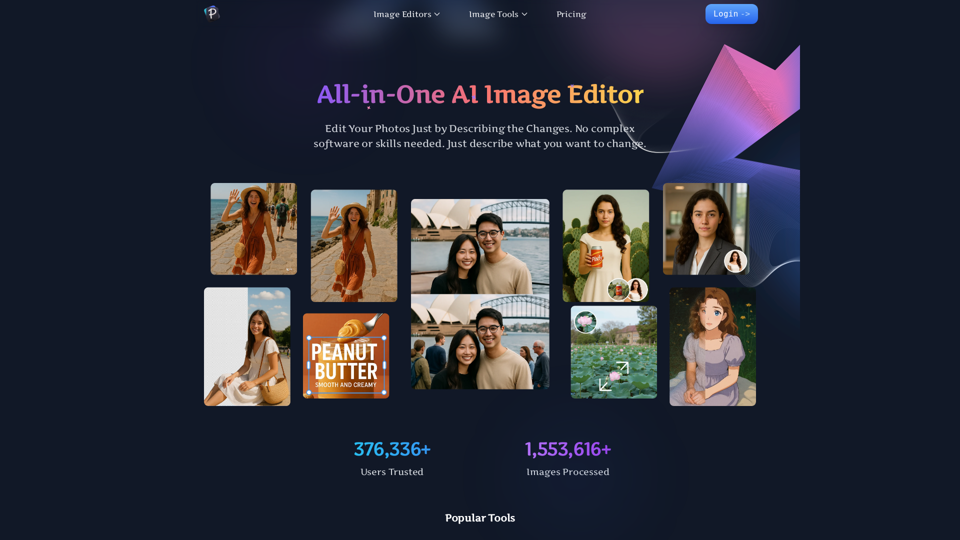
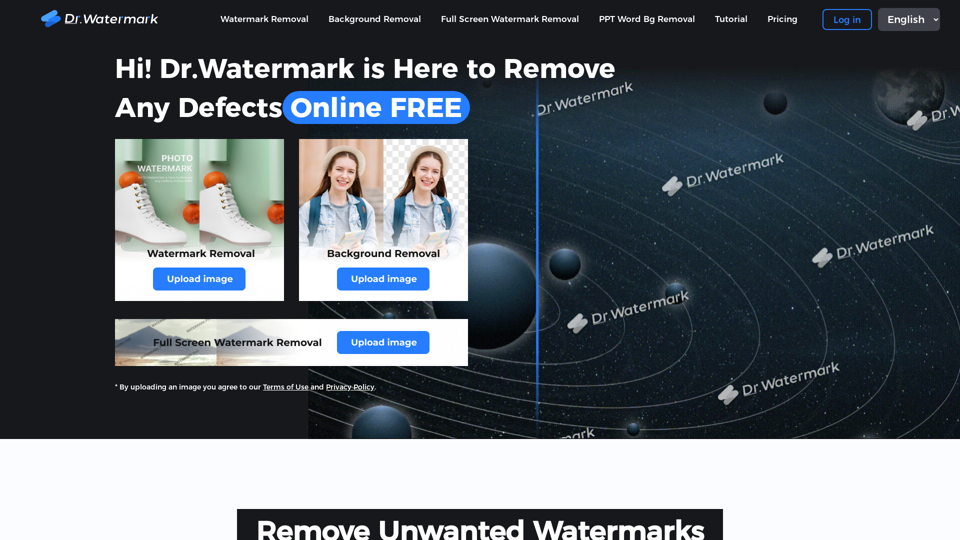
Hi! Dr. Watermark is a free online tool to remove watermarks and intelligently remove backgrounds from images, including text, logos, people, objects or any defects. No prior editing skills required. Remove watermark and background in 5 seconds at high resolution.
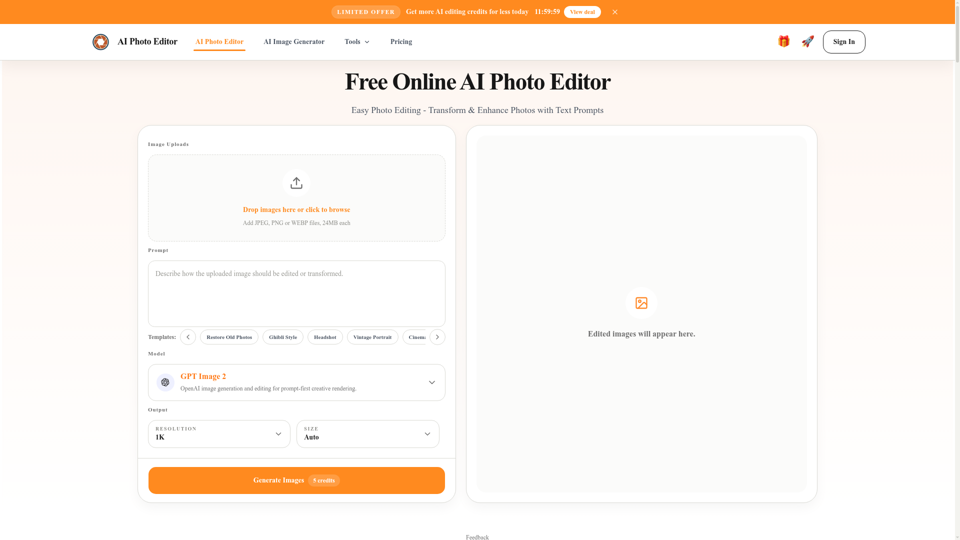
Free AI photo editor online for fast, simple photo edits. Remove, replace, enhance, and restyle images in seconds with an easy AI editor.
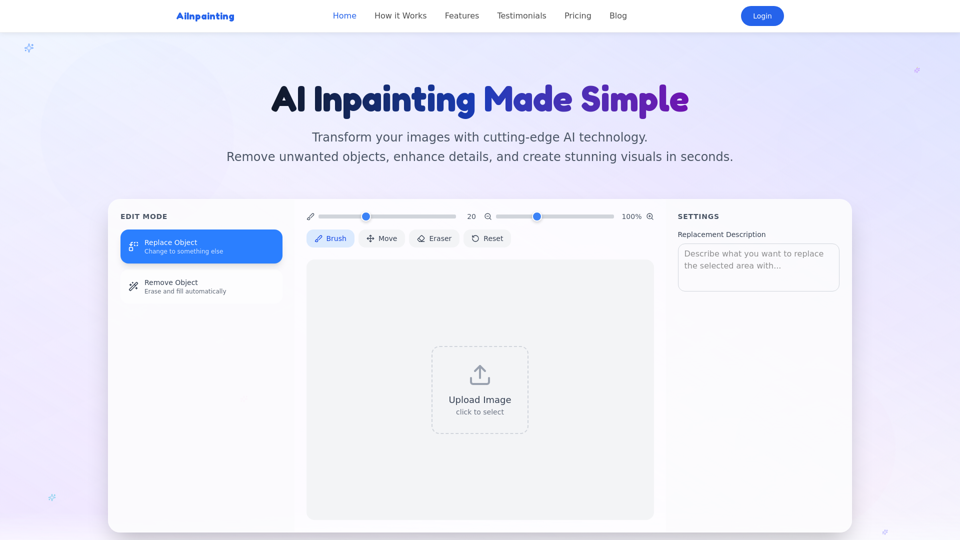
Professional AI image inpainting tool. Smart object removal, content replacement, photo restoration, background extension. No Photoshop skills needed.
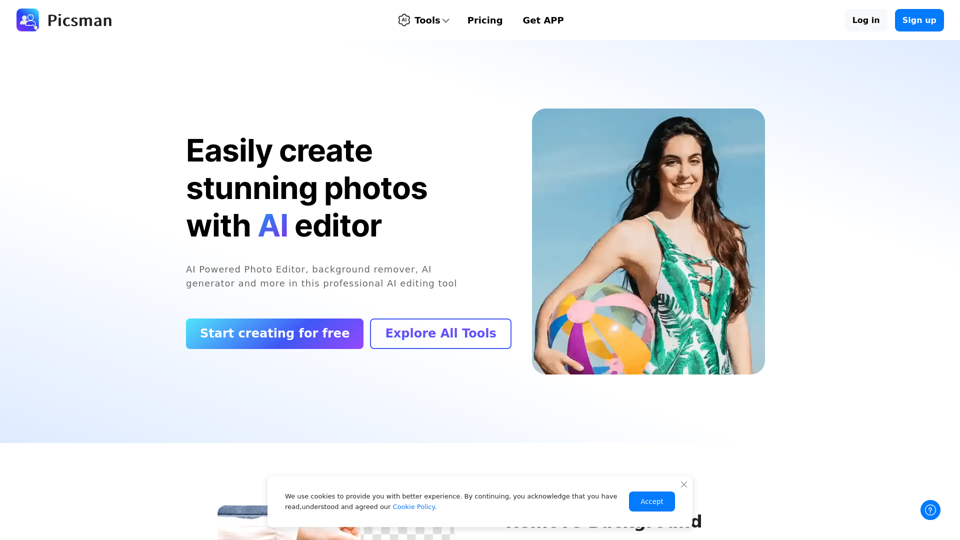
Easily enhance and create product photos with our AI editing tools. Remove background, AI image generator, remove objects, photo enhancer and batch edit.

Easily place text behind people and objects in any photo. Our free online tool creates stunning text-behind-image effects in seconds. No signup or software needed.