Pixelcut
Pixelcut is a free online design tool that makes it easy to create product photos, ads, and more for your online store. Easily remove background or eraser objects from images.

What is Pixelcut?
Pixelcut is an innovative AI-powered photo editing platform designed to enhance your photography experience. It offers a suite of easy-to-use tools such as Background Remover, Magic Eraser, Image Upscaler, and more, enabling users to effortlessly create stunning images. With the introduction of AI Shadows, users can add depth to their photos like never before.
What are the main features of Pixelcut?
- Background Remover
- Effortlessly remove unwanted backgrounds from images.
- Magic Eraser
- Erase imperfections or unwanted objects instantly.
- Image Upscaler
- Improve image quality without losing detail.
- AI Shadows
- Add realistic shadows to make your images pop.
- Batch Edit
- Edit multiple photos at once for rapid output.
- Ready-to-Use Templates
- Access thousands of templates tailored for conversion.
- Collaborative Tools
- Share projects and templates seamlessly with your team.
How to use Pixelcut?
Using Pixelcut is simple and intuitive. You can edit photos for free via the mobile app or through their online platform. To get started, download the app or visit the website, upload your image, and select the desired tools to enhance your photos. The AI-powered features allow for swift edits, making the entire process efficient and user-friendly.
How much does Pixelcut cost?
Pixelcut offers a free tier to get you started, along with premium features that come at an affordable subscription cost. Specific pricing details can be accessed on the website after logging in or signing up.
Helpful Tips for Using Pixelcut
- Explore Templates
- Utilize the curated templates that are optimized for conversions to enhance your marketing efforts.
- Leverage Collaboration Tools
- If you work in a team, make use of the collaborative features to streamline project sharing and feedback.
- Experiment with AI Shadows
- Try the new AI Shadows feature to add realism and depth to your photos, making them more appealing to clients and audiences.
Frequently Asked Questions
Can I use Pixelcut on my mobile device?
Yes, Pixelcut is available as a mobile app, allowing for convenient editing on the go.
Do I need special skills to use Pixelcut?
No, Pixelcut is designed for users of all skill levels with an easy-to-navigate interface.
Is there a limit to the number of photos I can edit?
While the free version allows for unlimited edits, certain premium features may come with usage limits or require a subscription.
What types of projects can I use Pixelcut for?
Pixelcut is ideal for product photography, social media content, marketing materials, and personal photo enhancement.
Will my data be kept safe?
Pixelcut prioritizes user privacy and data protection; your information will not be shared without your consent.
Pixelcut
Pixelcut is a free online design tool that makes it easy to create product photos, ads, and more for your online store. Easily remove background or eraser objects from images.
 Rewardful
 Clickbank
 Cloudflare
 Google Sign-in
 Google Tag Manager
 Vercel
Free AI anime and manga generator. Turn text into anime episodes, manga, comics, webtoons and comic shorts in any art style — no drawing or animation skills needed.
Translate image text across 70+ languages with our advanced AI Image Translator to help you better expand your products globally to various countries
Advertised Here
Reach thousands of visitors daily. Get your spot now!
Tools similar to Pixelcut
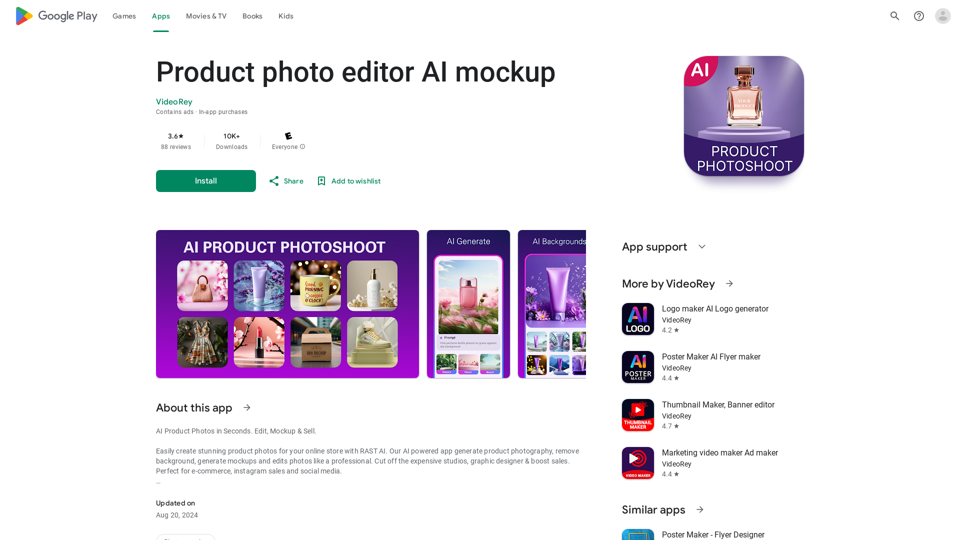
AI Product Photoshoot, ecommerce photo editor, background remover, mockup maker
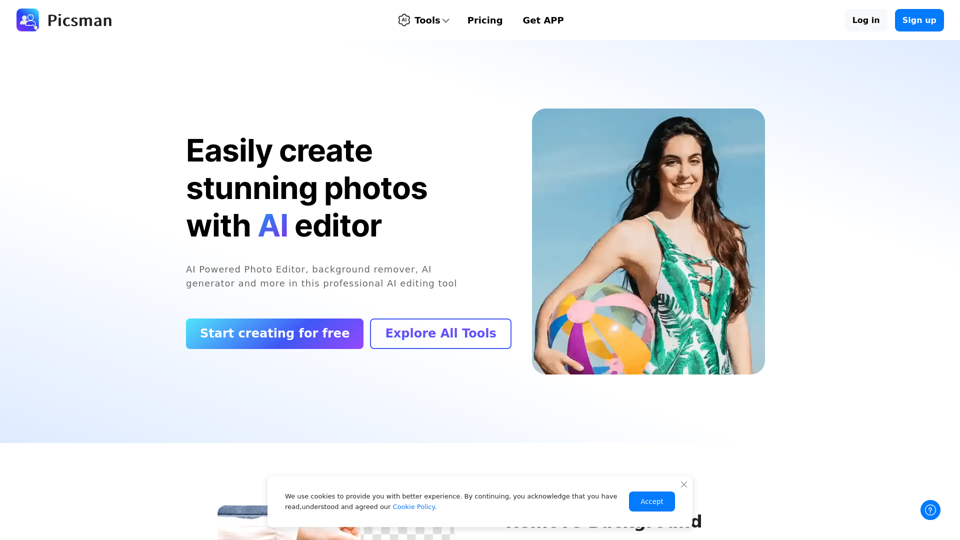
Easily enhance and create product photos with our AI editing tools. Remove background, AI image generator, remove objects, photo enhancer and batch edit.
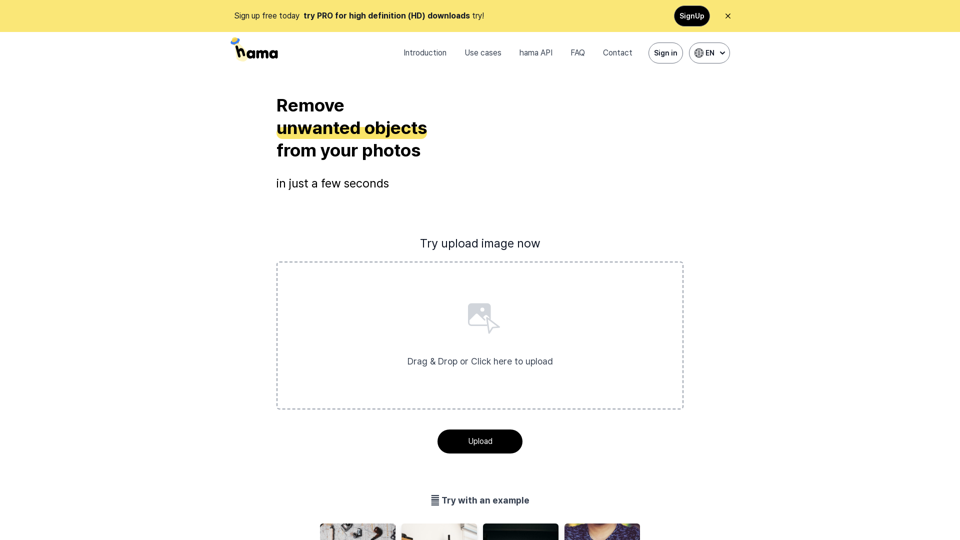
An AI image eraser that makes it simple and easy to remove unwanted people, objects, text, and more from your photos or images. Just brush over the part of the photo you want to erase and click Erase to delete unnecessary objects for free in 5 seconds. We recommend hama AI Image Eraser tool.
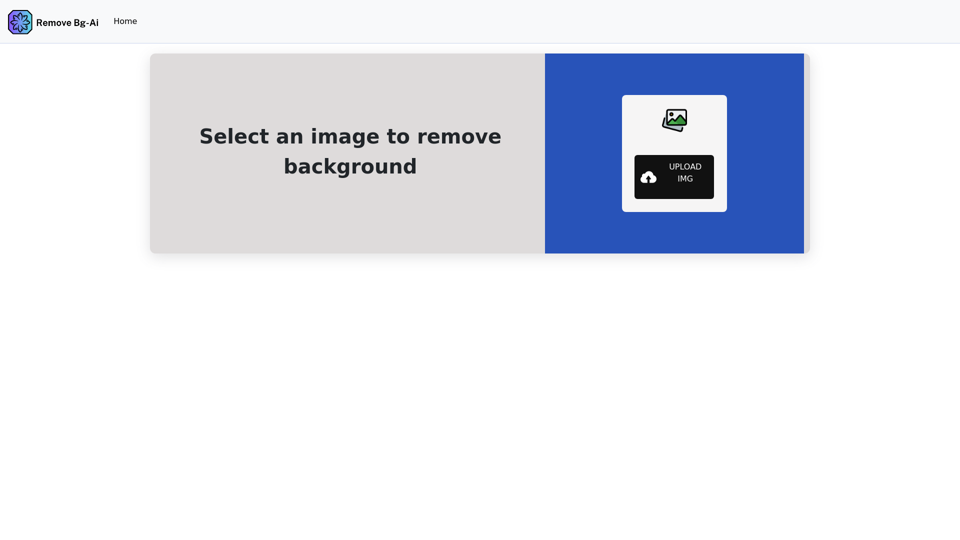
Remove backgrounds from your images for free! Our AI bg remover tool makes it easy to create stunning, transparent images in seconds. Enjoy 100% free background removal no hidden fees, no hassle. Remove bg ai
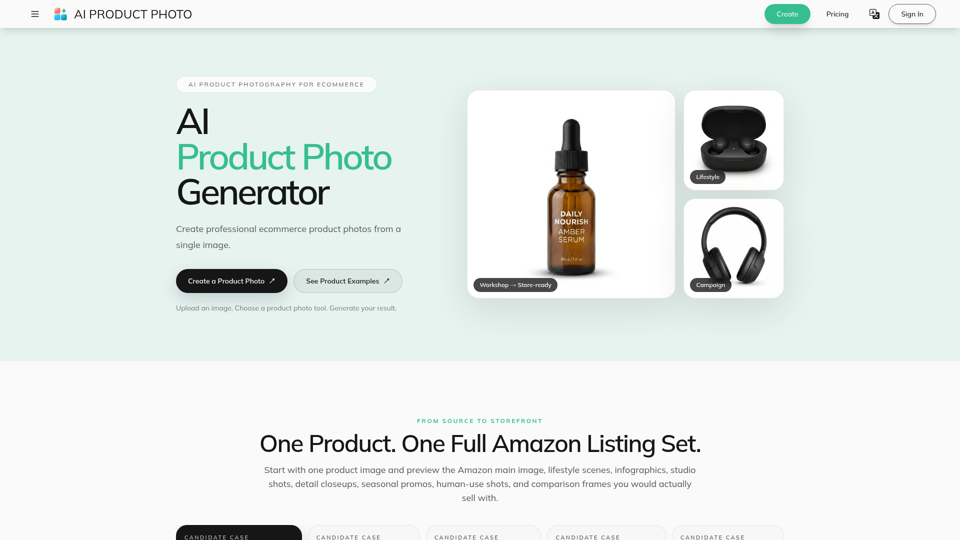
Create AI product photos for ecommerce. Remove backgrounds, generate white backdrops and scenes, improve lighting, add shadows, and run batch workflows.
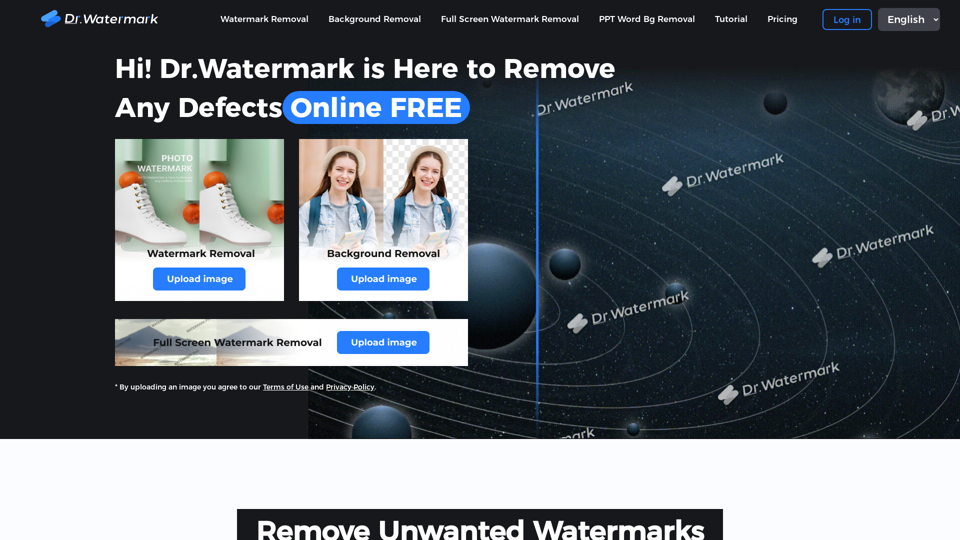
Hi! Dr. Watermark is a free online tool to remove watermarks and intelligently remove backgrounds from images, including text, logos, people, objects or any defects. No prior editing skills required. Remove watermark and background in 5 seconds at high resolution.
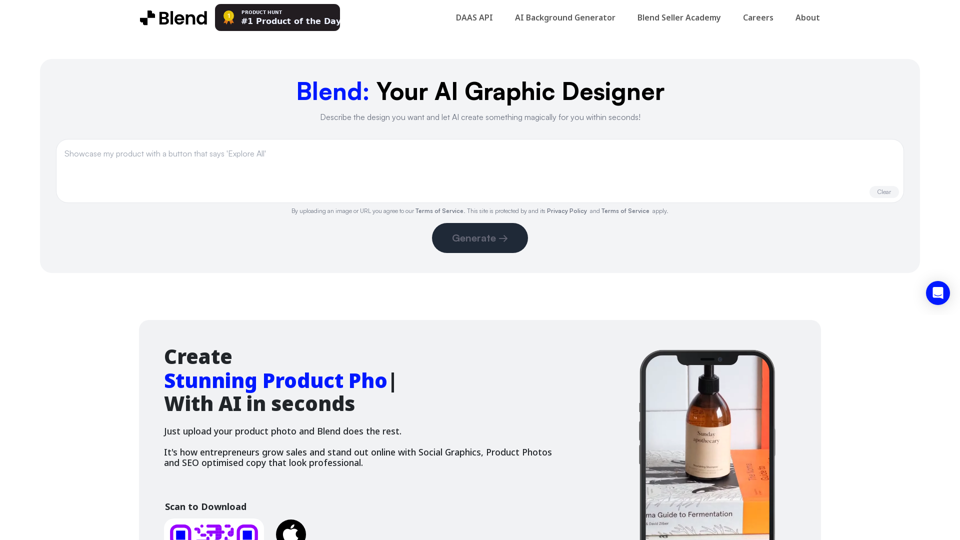
Remove background in high-resolution for free, or change background color of photo, instantly and accurately with Blend's AI background remover.
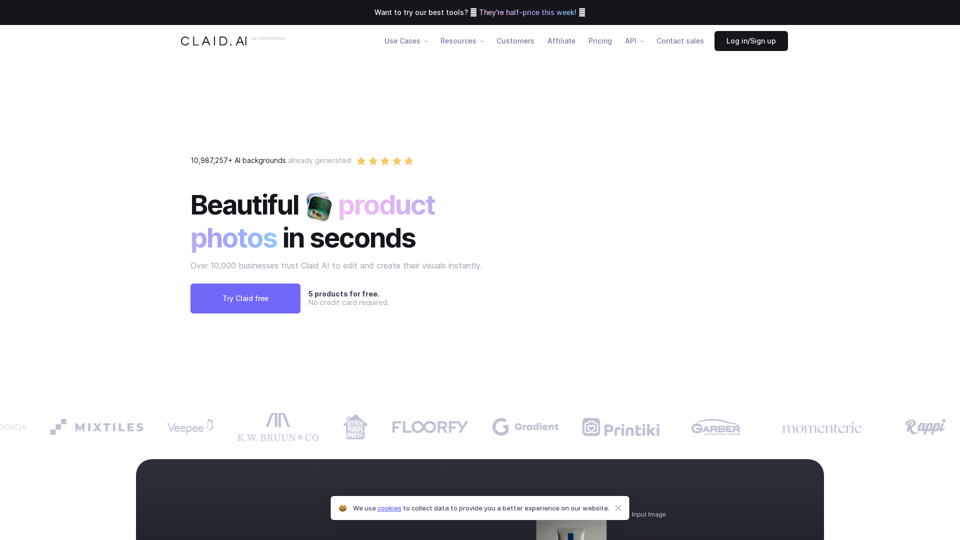
Generate AI product photos, remove background, enhance, edit, and more. Start for FREE.