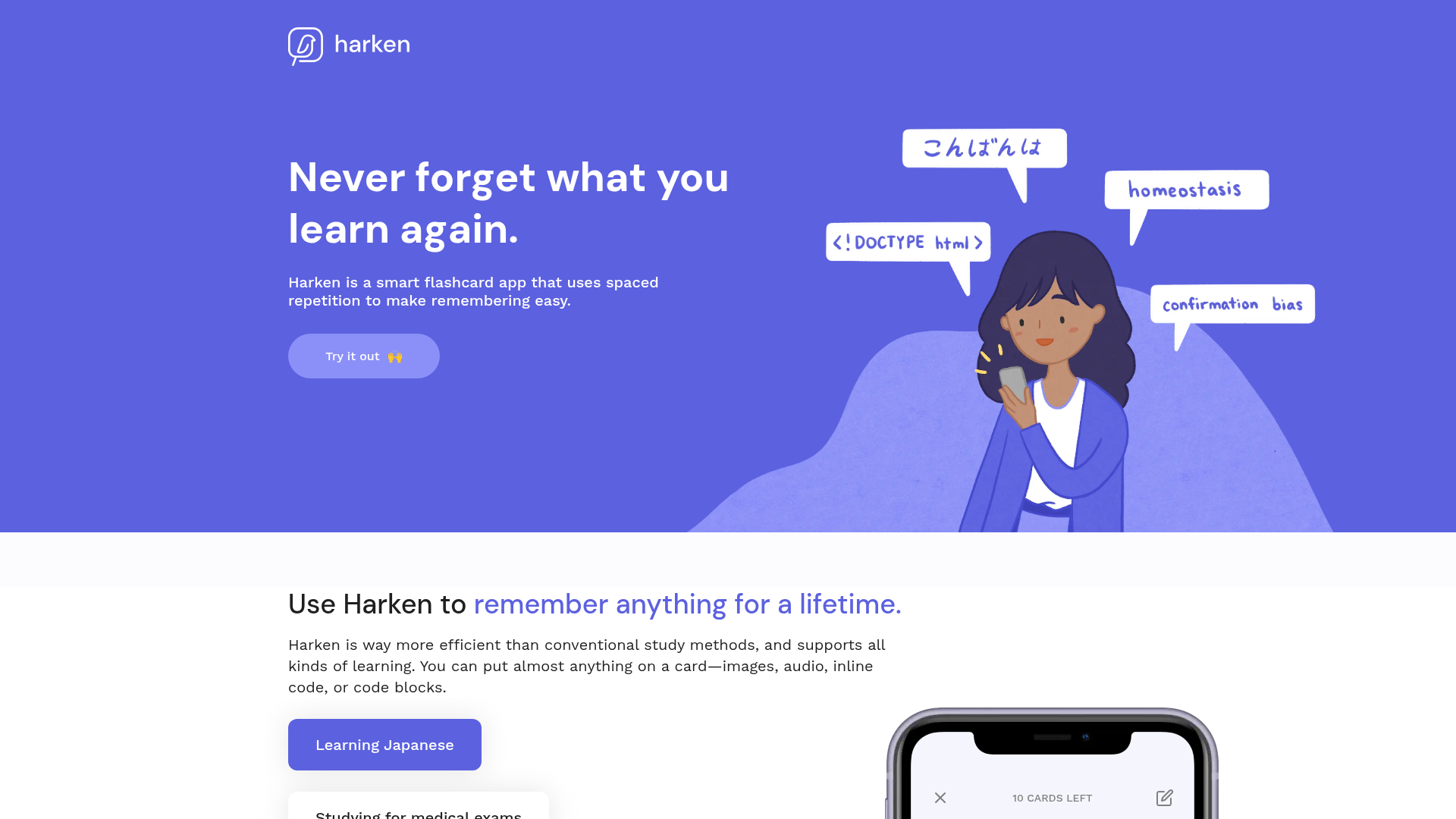
What is Harken?
Harken is a smart flashcard application designed to leverage the science-backed learning strategy of spaced repetition. It is an AI-enhanced platform that helps users remember anything for a lifetime, from academic subjects like medicine and JavaScript to personal interests like Japanese vocabulary and famous art. Unlike traditional study methods, Harken optimizes review schedules so that unfamiliar concepts are reviewed more frequently, while known concepts are reviewed less often, making learning exponentially faster and more efficient.
What are the main features of Harken?
1. Spaced Repetition Algorithm
Harken's core feature is its implementation of spaced repetition. This algorithm schedules reviews based on your familiarity with each concept, dramatically reducing total study time. For example, to remember a concept for 20 years, traditional studying might require weekly reviews (over 2 hours total), while Harken can achieve the same result with just 5 minutes of strategically spaced reviews.
2. Flexible Card Formatting
The platform supports a wide variety of content formats on flashcards. You can include rich text, images, audio clips, inline code, and full code blocks. This flexibility ensures that Harken can accommodate any learning material, whether you're memorizing complex programming syntax or visual art pieces.
3. Harken Chrome Extension
This AI-powered browser extension allows you to generate quiz questions from any article on the web with a single click. You can then answer these questions and seamlessly add the important ones to your Harken deck for future spaced repetition reviews, turning any online reading into a lasting memory.
4. Multi-Device Accessibility
Harken is a responsive web app, meaning you can create, edit, and review your flashcards on any device—desktop, tablet, or smartphone. Your learning materials go wherever you go.
5. Anki Deck Import
For users transitioning from Anki, Harken offers a convenient import feature. You can transfer your existing decks and review history in just a few clicks, preserving your past effort and saving valuable time.
6. Progress Tracking and Statistics
The app includes a detailed stats page that transforms your review data into visual charts. Tracking your progress, retention rates, and study habits provides motivation and a clear sense of achievement.
How to use Harken?
Using Harken begins with signing up for an account on their website. Once registered, you can immediately start creating flashcards. For each card, you input the question (or prompt) on one side and the answer (or information) on the other, utilizing the supported formats like text, images, or code.
The spaced repetition system then automatically manages your review schedule. After you review a card and indicate how well you remembered it (e.g., "Easy," "Hard"), the algorithm calculates the optimal interval for your next review. You can review your scheduled cards daily through the web app on any device.
To supercharge learning from online content, install the Harken Chrome Extension. While reading an article, click the extension to generate AI-created questions about the content. Answer these and select which questions to save directly into your Harken deck.
If you are migrating from Anki, use the import tool to bring your decks over. Finally, regularly check your Stats page to monitor your learning progress and retention over time.
What is the price of Harken?
Harken offers a free tier that allows users to access its core features, including the spaced repetition system, flexible card creation, and basic statistics. For advanced features, increased limits, or premium support, Harken likely provides subscription plans (specific pricing details should be checked on their official website). The Chrome Extension is also available for free to enhance learning from web articles.
Helpful Tips for Maximizing Harken
- Be Consistent
- Even a few minutes of daily review with Harken's algorithm is more effective than irregular, lengthy study sessions.
- Utilize Rich Media
- Don't just use text. Add images, audio, or code snippets to your cards to create stronger memory associations, especially for visual or auditory learning.
- Trust the Algorithm
- When reviewing, honestly rate your recall ("Hard" if you struggled, "Easy" if it was simple). The spaced repetition system relies on your feedback to optimize future intervals.
- Leverage the Extension
- Use the Harken Chrome Extension actively. It's a powerful tool to convert passive reading online into active, retainable knowledge.
- Organize with Decks
- Group related cards into decks (e.g., "Medical Terms," "JavaScript Functions"). This helps in focused study sessions.
- Review Your Stats
- Periodically visit the Stats page. Understanding your review patterns and retention rates can help you adjust your study habits for better results.
Frequently Asked Questions about Harken
Can I use Harken for learning languages?
Absolutely. Harken is excellent for language learning. You can create flashcards for vocabulary, phrases, grammar rules, and even include audio files for pronunciation practice. Its spaced repetition system is particularly effective for memorizing the large volume of words required in language acquisition.
How does Harken's spaced repetition compare to traditional flashcards?
Traditional flashcards often involve repetitive, fixed-interval reviews (e.g., reviewing everything weekly). Harken's spaced repetition is adaptive. It focuses your time on what you find difficult, spacing out reviews of what you know well. This scientific approach can reduce total study time by over 90% for long-term retention, as illustrated by their comparison of 2+ hours of traditional study versus 5 minutes with Harken for 20-year memory.
Is my data safe with Harken?
Harken values user privacy. According to their website, they have a Privacy Policy outlining how they handle your data. They assure that your information and flashcards are stored securely. You can also delete your account and associated data if you choose.
Do I need to install software to use Harken?
No, Harken is primarily a web application, so you can use it directly through your browser on any device without installing dedicated software. However, to use the article-question generation feature, you would need to install the free Harken Chrome Extension from the Chrome Web Store.
Can I share my decks with others?
While the provided content doesn't explicitly detail deck sharing, many flashcard apps offer sharing or community features. For specific capabilities regarding sharing or collaborative decks, it's best to consult Harken's official documentation or support.
What if the free usage limits are not enough for me?
If your learning needs exceed the capabilities of the free tier (e.g., a very large number of cards or desire for advanced analytics), Harken likely offers paid subscription plans. You would need to visit their pricing page to explore options for extended limits and premium features.
Harken
Harken is a smart flashcard app that uses spaced repetition and active recall to make remembering easy.
 Vercel
Free AI anime and manga generator. Turn text into anime episodes, manga, comics, webtoons and comic shorts in any art style — no drawing or animation skills needed.
Translate image text across 70+ languages with our advanced AI Image Translator to help you better expand your products globally to various countries
Advertised Here
Reach thousands of visitors daily. Get your spot now!
Tools similar to Harken
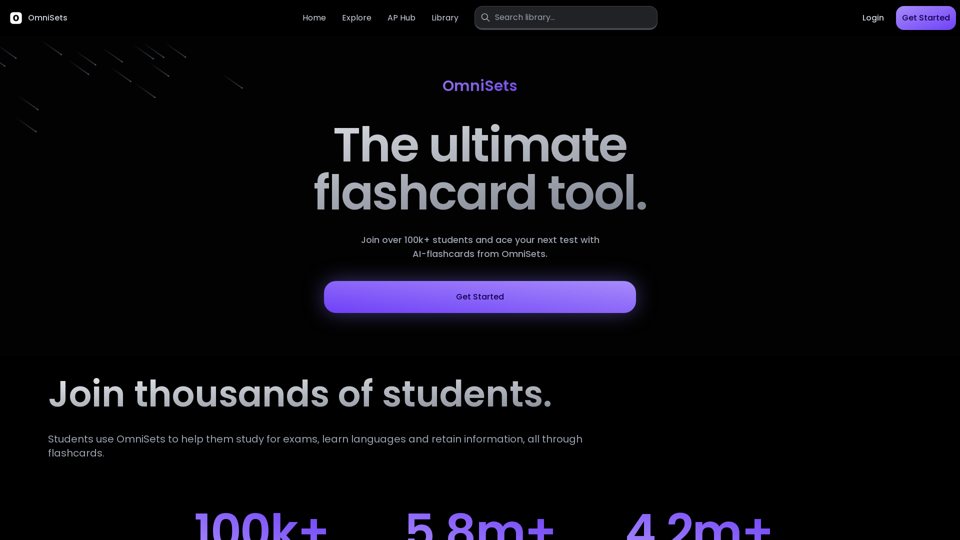
The ultimate flashcard tool. The #1 alternative to Quizlet. Generate flashcards with AI and study smarter with AI based learning, spaced repetition, practice tests and games.
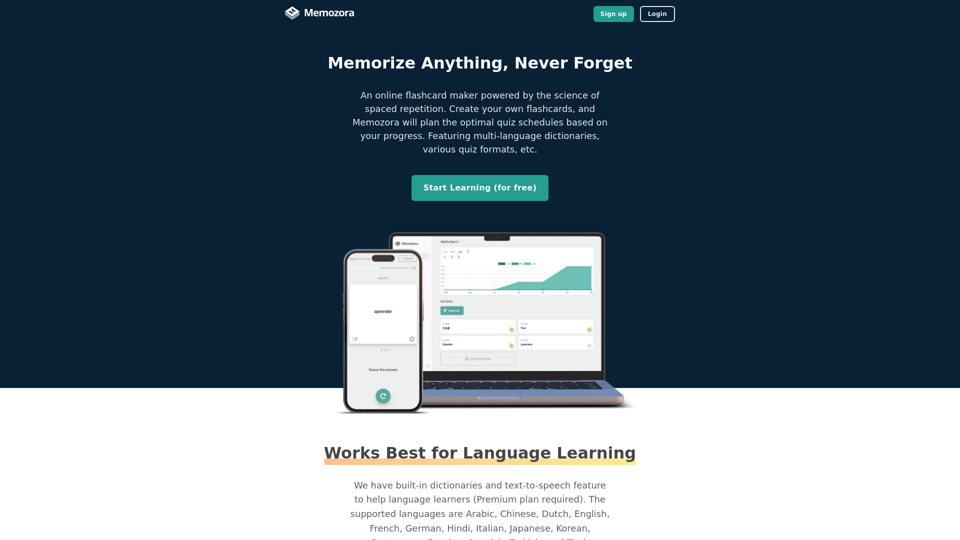
A flashcard maker with spaced repetition, multi-language dictionaries, text-to-speech, and various quiz formats. Works on PC and mobile.

ExamUp revolutionizes your study game with AI. From AI-generated flashcards to interactive quizzes, it offers tools to transform your study workflow.
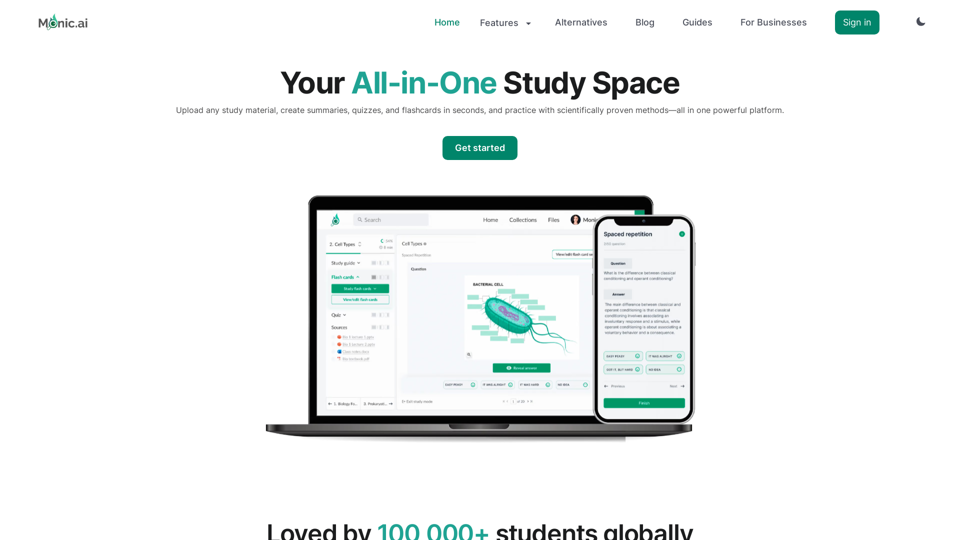
Your All-in-One Study Space with AI powered features like quiz generator, flashcard maker, summarize, chat with AI and more.
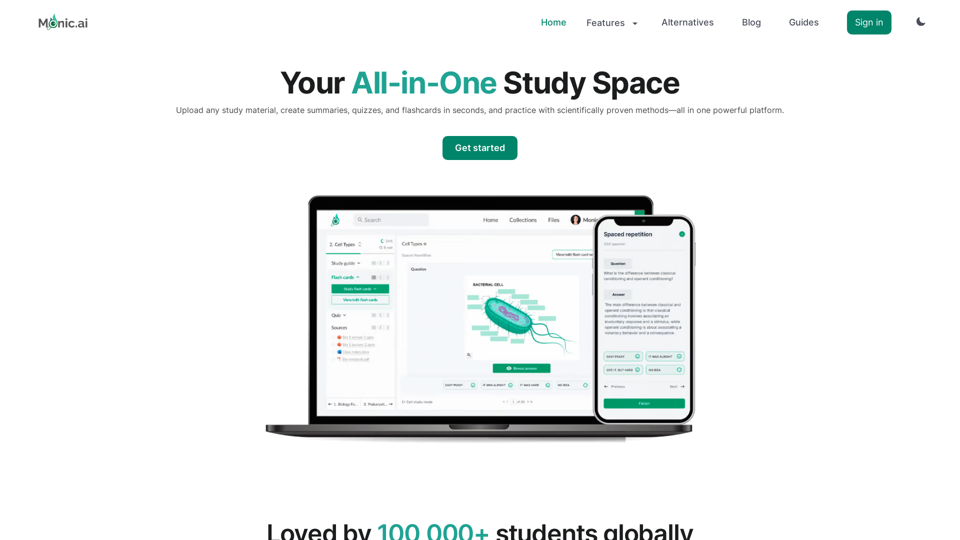
Your All-in-One Study Space with AI powered features like quiz generator, flashcard maker, summarize, chat with AI and more.
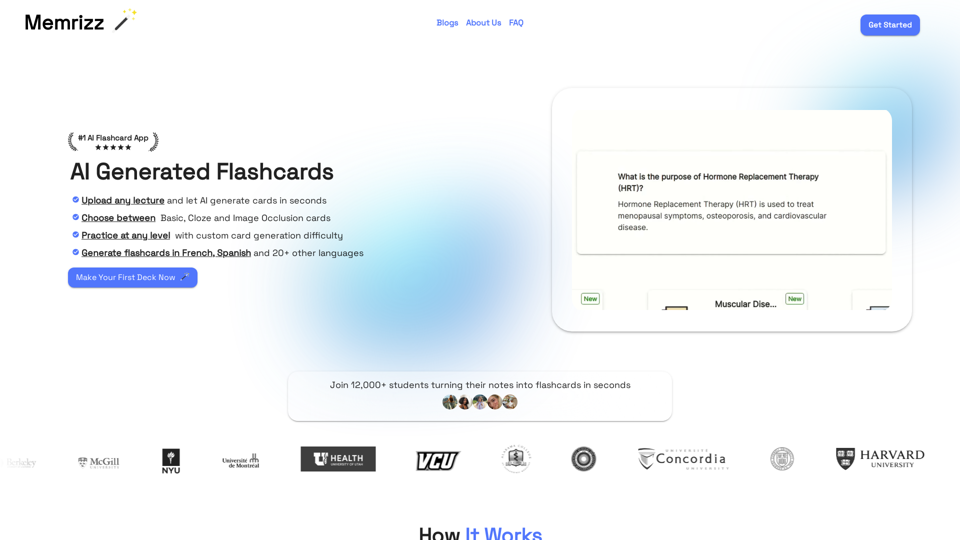
The best AI flashcard generator to enhance your learning experience. Memrizz's flashcard maker creates ai generated flashcards tailored to your study material for efficient learning.
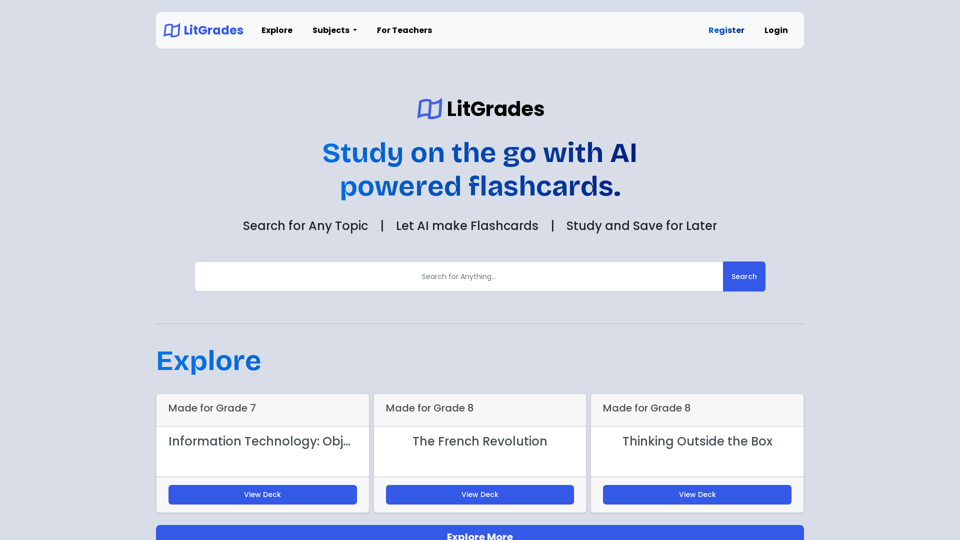
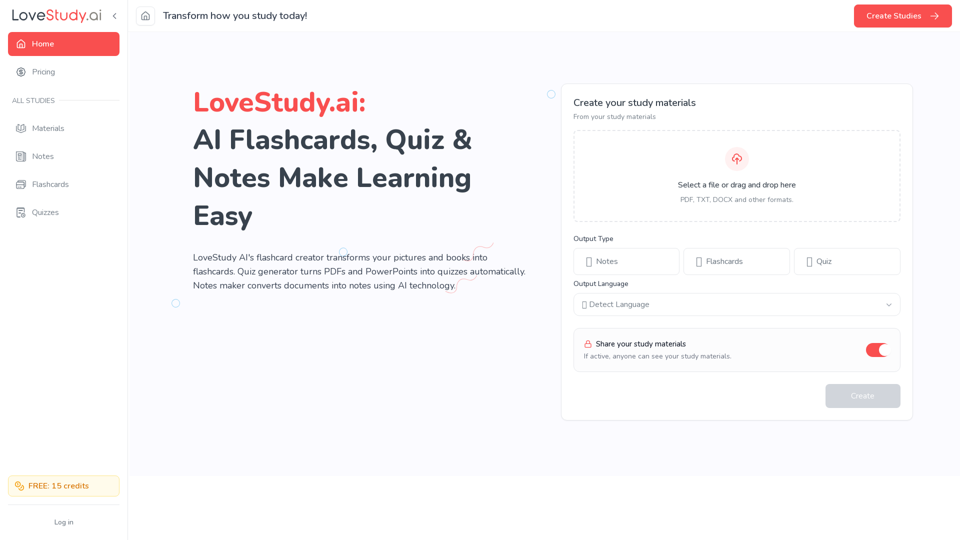
Create online flashcards, study quizzes and explore our notes taker with LoveStudy.ai! Boost learning efficiency quickly now. LoveStudy AI is your go-to.