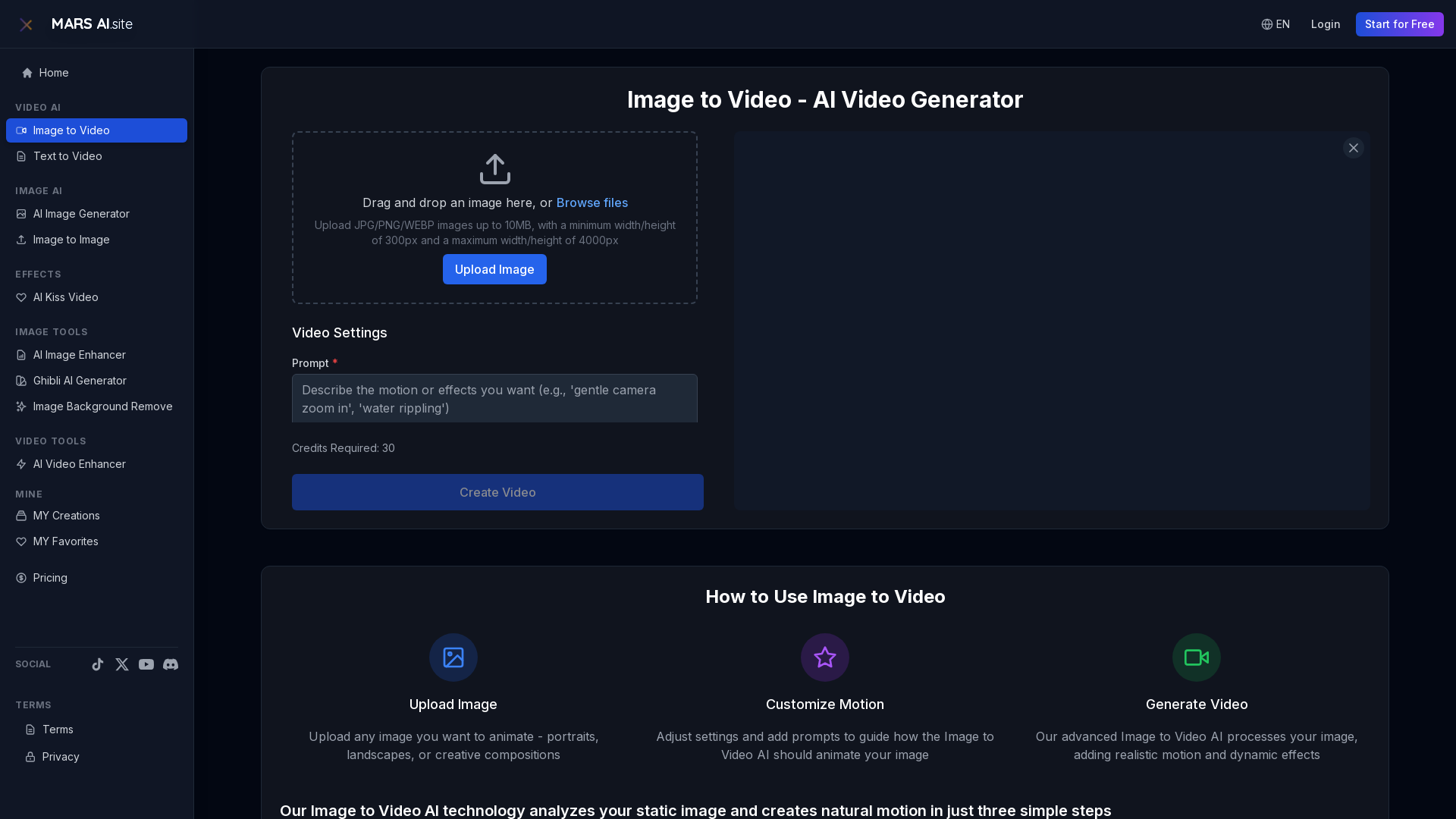
What is Image to Video AI?
Image to Video AI is an innovative technology designed to transform static images into dynamic videos. By leveraging advanced algorithms, this AI analyzes the content of your images and infuses them with natural-looking motion effects, resulting in engaging video content that captivates viewers.
What is the main feature of Image to Video AI?
- Natural Motion
- The AI produces smooth, realistic movements that respect the physics of the original image.
- Creative Control
- Users can customize motion intensity, style, and effects through specific prompts to guide the animation process.
- High-Quality Output
- Generate videos in resolutions up to 1080p with seamless frame transitions.
- Fast Processing
- Most animations can be completed in minutes, thanks to state-of-the-art processing capabilities.
How to use Image to Video AI?
Using Image to Video AI is simple and intuitive:
- Upload Image: Start by uploading any image you wish to animate, such as portraits, landscapes, or artistic compositions.
- Customize Motion: Adjust the motion settings and add prompts to direct how the AI should animate your image.
- Generate Video: The advanced AI processes your image, adding realistic movement and dynamic effects, resulting in a high-quality video ready for use.
What is the pricing for Image to Video AI?
Image to Video AI provides various pricing options depending on the usage and features you want to access. You can start using the tool for free, and additional credits may be required for higher resolution outputs or more complex animations.
Helpful Tips
- Use High-Quality Images
- For the best results, upload images with a minimum width/height of 300px and a maximum of 4000px.
- Explore Creative Prompts
- Get familiar with different motion styles to better guide the AI in creating unique animations.
- Test Different Durations
- Experiment with various video durations and resolutions to find the best fit for your project needs.
Frequently Asked Questions
What types of images work best with Image to Video AI?
Our Image to Video AI works effectively with various image types, including portraits, landscapes, product photos, and artwork. It can adapt to different styles and compositions to create natural motion effects.
How long does Image to Video conversion take?
Typically, the conversion process takes between 1 to 3 minutes, depending on your chosen settings. Fast mode is available for quicker generation of shorter videos.
Can I customize the motion effects in Image to Video?
Yes! The Image to Video AI allows you to customize the motion effects by providing prompts and adjusting settings, letting you dictate the desired effects and motion style.
When would I need a subscription for Image to Video AI?
If you find that the free version does not meet your needs, or if you require more features and flexibility in animations, consider subscribing for tailored products and benefits that enhance your experience.
Image to Video
Transform static images into stunning motion videos with our advanced Image to Video AI technology. Our Image to Video tool breathes life into your photos with natural, fluid motion effects
 C3.js
C3.js Cloudflare
 HTTP/3
 Next.js
 Node.js
 React
React Vercel
 Webpack
Free AI anime and manga generator. Turn text into anime episodes, manga, comics, webtoons and comic shorts in any art style — no drawing or animation skills needed.
Translate image text across 70+ languages with our advanced AI Image Translator to help you better expand your products globally to various countries
Advertised Here
Reach thousands of visitors daily. Get your spot now!
Tools similar to Image to Video
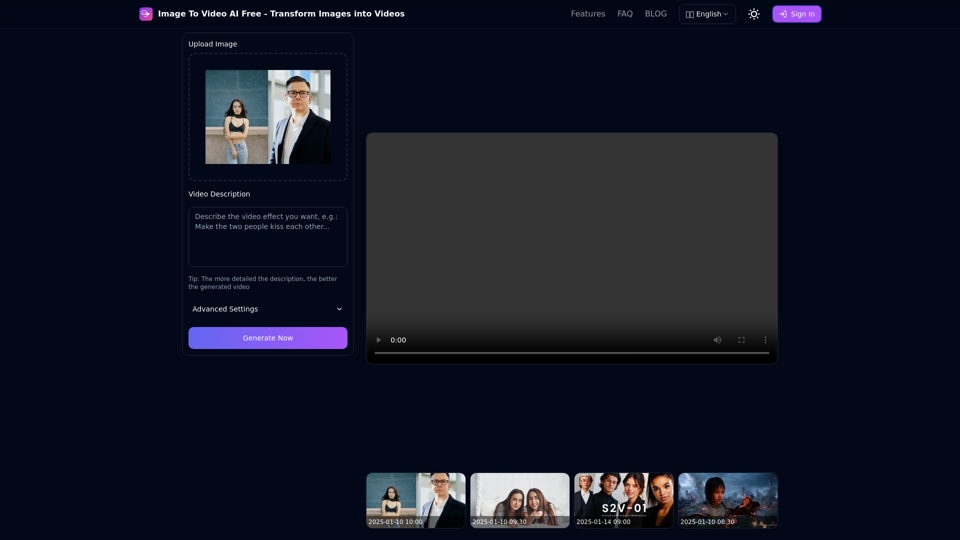
Free online tool to convert images into stunning videos using AI technology. Transform static images into dynamic videos with our advanced AI video generation.
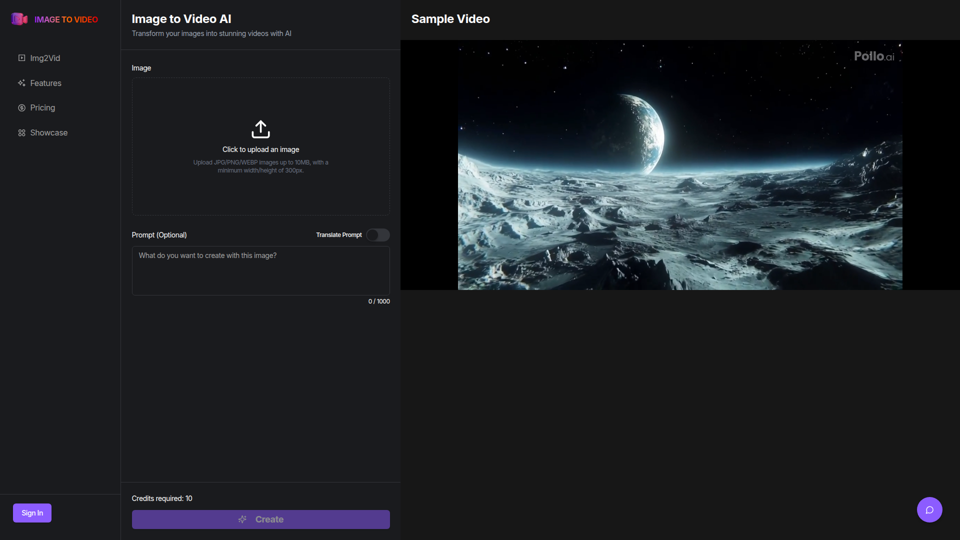
Use the image to video AI generator. Convert photo to video ai with high-quality and captivating results. Try our image to video AI now!
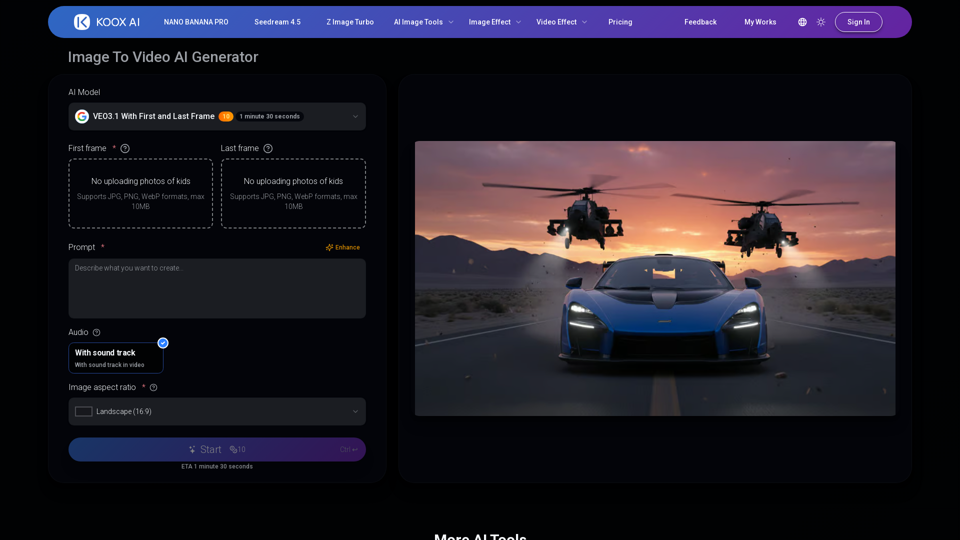
Transform any image to video with our free IMAGE TO VIDEO AI generator. Convert photos to videos with realistic motion and cinematic effects.
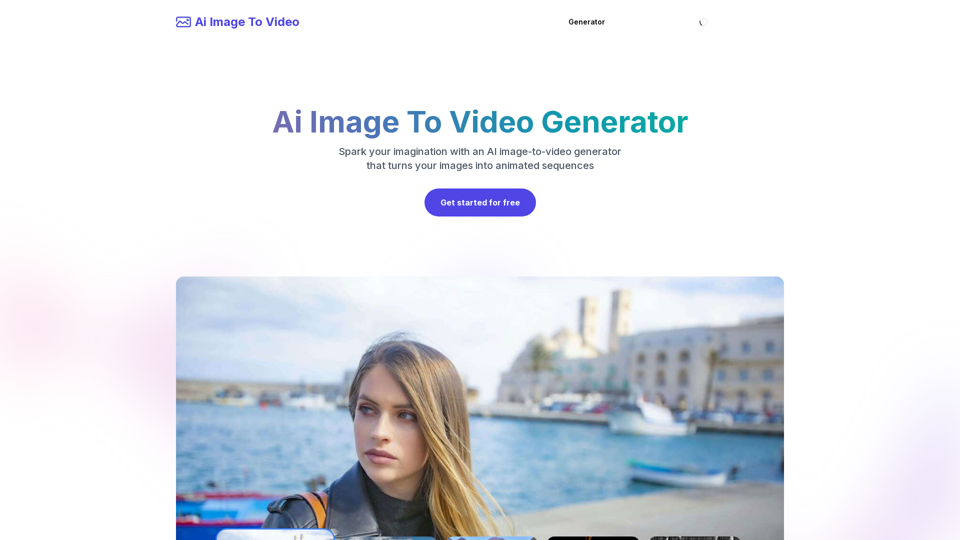
Frustrated with lifeless images? AI Image To Video brings them to life! Our AI transforms your images into stunning, moving videos. Upload, relax, and watch your images become engaging, shareable stories in seconds. Captivate your audience with AI-powered video magic!
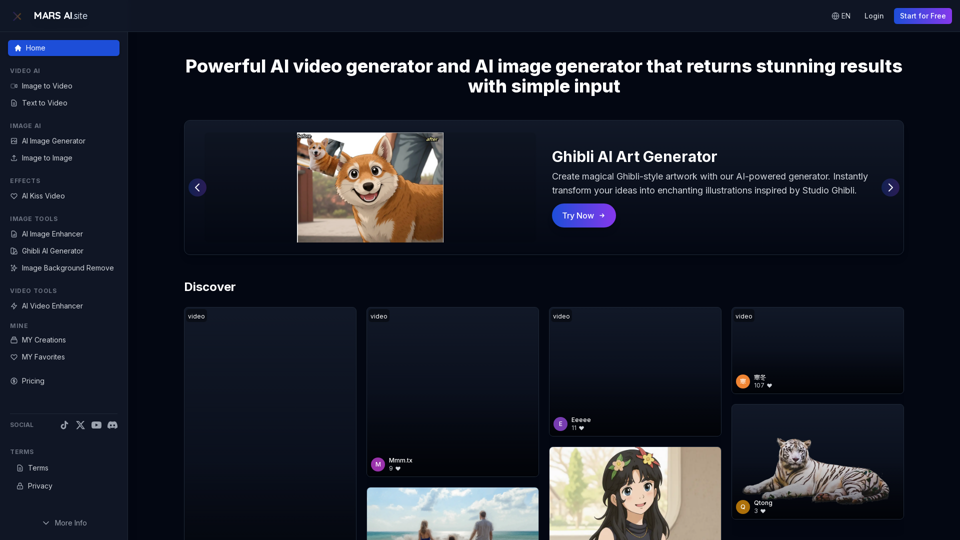
Free AI video generator and image generator tools by MARS AI. Create professional videos and images from text or images. Transform your ideas into stunning visual content. No technical skills required
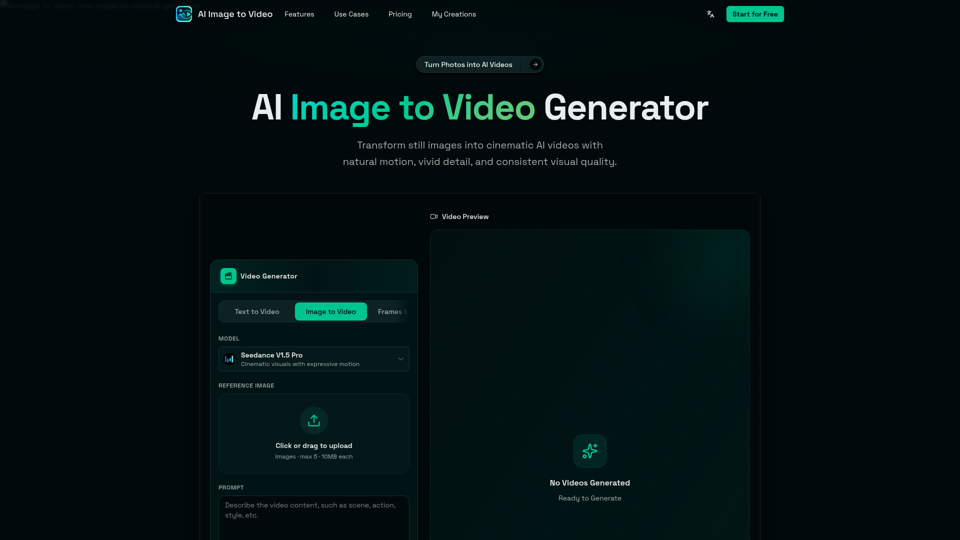
AI Image to Video is a free online image to video AI generator. Turn photos into AI videos for social media, products, portraits, anime, and pets.
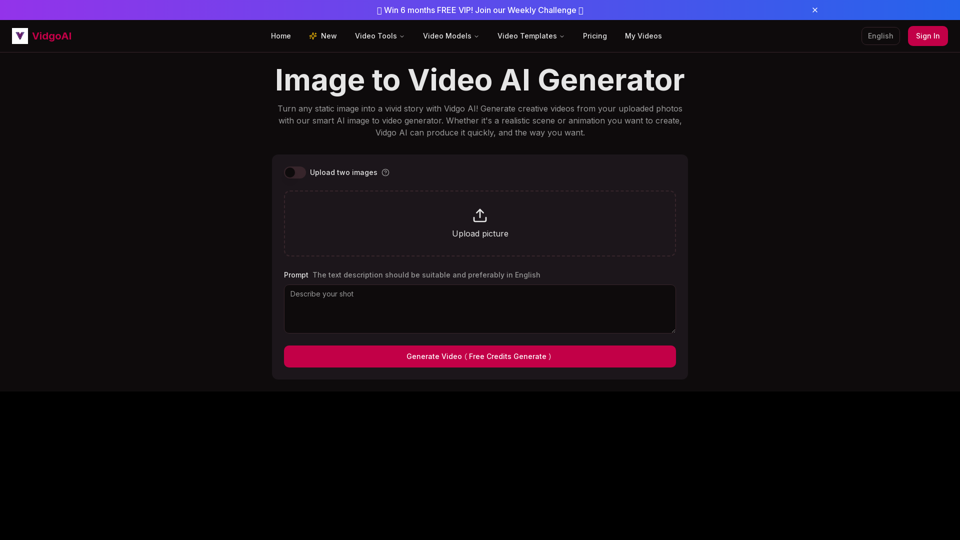
Use the image to video AI generator of Vidgo AI for free. Convert photos to videos with high-quality and captivating results. Try our image to video AI now!
Turn videos into LivePhotos, animate static images with AI, create LivePhoto wallpapers, and convert between GIF and LivePhoto formats easily.