Jev AI
Jev AI lets you try Jev, the TypeSafe System One model, in the browser. Ask yes/no, choice and score questions about any text and get calibrated probabilities and confidence, then call the same Jev API with your own key.

What is Jev AI?
Jev AI is an independent playground and API for Jev, the System One model from TypeSafe. It takes a piece of text plus typed questions and returns yes/no probabilities, one choice out of several, and scores on your own levels, each with calibrated confidence. It is built for developers and teams that need fast structured decisions from text rather than generated prose, and the same request shape works in the browser playground and through the API.
Key features
- Typed answers
- Jev AI returns numbers and labels that code can branch on directly, instead of free-form text.
- Calibrated confidence
- Choice and Score answers include a confidence value, and Yes / No returns a probability.
- Three question types
- Yes / No, Choice and Score questions can be asked about any text.
- Many questions, one call
- All questions about a single piece of text are answered in parallel.
- Fast responses
- Answers come back in roughly 0.5 seconds.
- Model choice
- The playground offers Jev, Jev-Omni, Clef, Clef Flash, Clef-Omni, GPT-6 Luna, Laya English, Laya Multilingual and Mercury Decide, each with its own credit multiplier.
- TypeSafe-compatible API
- API requests use the same JSON shape as TypeSafe, containing state, model and questions.
How to use Jev AI
- Pick a case in the playground, such as support ticket triage, content moderation, chatbot intent routing, product review scoring or sales lead qualification, or start from your own case.
- Paste the text Jev AI should read, as plain text or JSON, and choose a model.
- Add your questions and set each one to Yes / No, Choice or Score.
- Sign in to run the request, which costs 1 credit for Jev · 1×, and review the answers and confidence values.
- To integrate, create an API key on the Jev API page and send the same JSON to the API endpoint.
Use cases
- Support teams triaging tickets by routing them to the right team and flagging urgency or churn risk.
- Trust and safety teams scoring content or checking retrieved context for relevance and injected instructions.
- Developers evaluating LLM answers against a rubric for quality and groundedness.
- Teams routing requests to a model tier, handler or tool, with confidence available for safe fallback.
- Sales teams qualifying leads and scoring sales calls.
Pricing
Eligible new accounts get 20 welcome credits. Welcome and daily check-in gifts go into the Credit account, while monthly plans and one-time purchases add input tokens to a separate Token account. Web tools use model-priced credits first, then input tokens multiplied by the model rate if credits run out; API calls use model-priced tokens first, then the model's credit charge if tokens are insufficient. A request never charges both accounts, and output tokens are free. Jev · 1× costs 1 credit per run, or actual input tokens × 1 when credits are insufficient, and other models have their own multipliers. The official website does not list specific plan prices, so check the pricing page for current plans and model rates.
FAQ
Is Jev AI free to try?
Eligible new accounts receive 20 welcome credits, and daily check-in gifts also add credits. Beyond those, usage is paid, either through monthly plans or one-time purchases.
What question types can I ask with Jev AI?
Jev AI supports three types: Yes / No, which returns the probability that the answer is yes; Choice, which picks one option and shows every probability; and Score, which rates the text on levels you define.
Can Jev AI read images or PDFs?
Native Jev accepts text only, as a string, a JSON object or an array. For images, audio and short videos, select Jev-Omni in the playground. PDF upload is not supported, so PDF content must be converted to text first.
Which languages does Jev AI support?
English is Jev's primary language and the one where it is most accurate. Other languages work but less reliably, so the site recommends testing on your own data and watching the confidence value.
How does the Jev AI API work?
You create an API key on the Jev API page and send the same JSON you would send to TypeSafe, containing state, model and questions, to the Jev AI API endpoint. Model multipliers apply, and if tokens are insufficient the entire request switches to model-priced credits.
How is Jev AI different from a text-generation model?
Jev is trained for fast structured decisions instead of text generation. It evaluates many narrow questions about one state in parallel and reports how sure it is, so the output is probabilities, choices and scores rather than prose.
Jev AI
Jev AI lets you try Jev, the TypeSafe System One model, in the browser. Ask yes/no, choice and score questions about any text and get calibrated probabilities and confidence, then call the same Jev API with your own key.
 Cloudflare
 HTTP/3
 Node.js
 Nuxt.js
 Vue.js
Free AI anime and manga generator. Turn text into anime episodes, manga, comics, webtoons and comic shorts in any art style — no drawing or animation skills needed.
Translate image text across 70+ languages with our advanced AI Image Translator to help you better expand your products globally to various countries
Advertised Here
Reach thousands of visitors daily. Get your spot now!
Tools similar to Jev AI
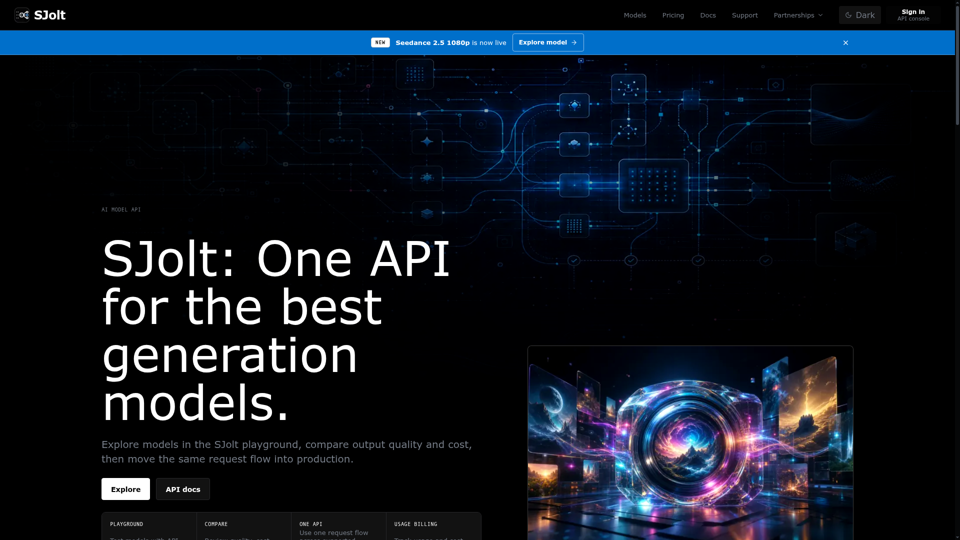
Explore image, video, and audio generation models in the SJolt playground, compare output quality and cost, then copy the same API request into production.
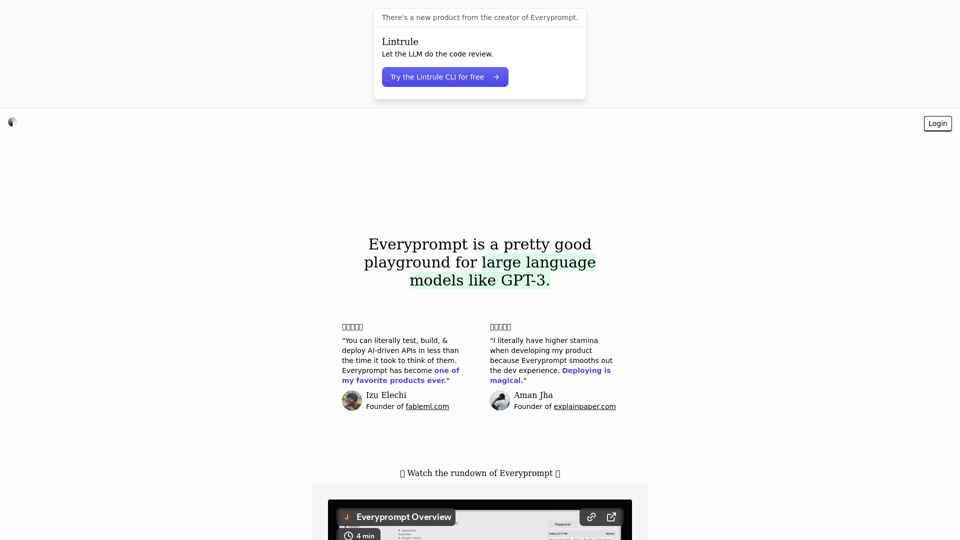
Everyprompt is a playground for GPT-3. It's a place to explore and play with the newest language models. It's a place to build and share tools for working with GPT-3. It's a place to learn about the future of AI.
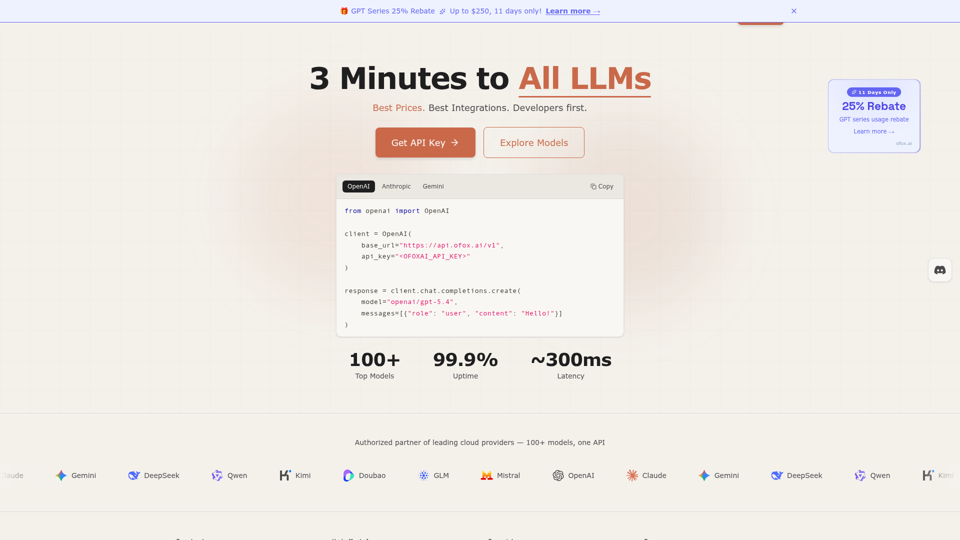
Unified LLM API gateway — access GPT-5.4, Claude Opus 4.6, Gemini 3.1, DeepSeek V3.2 and 100+ models through one API. OpenAI-compatible, 3-minute setup, pay-as-you-go. Low latency, 99.9% SLA. Built for developers who ship.
Aipify is the best choice for your AI-powered API needs. Get structured responses, powerful performance, and secure, fast, affordable, and scalable access to the latest AI models, including GPT-4, to enhance your applications' capabilities.
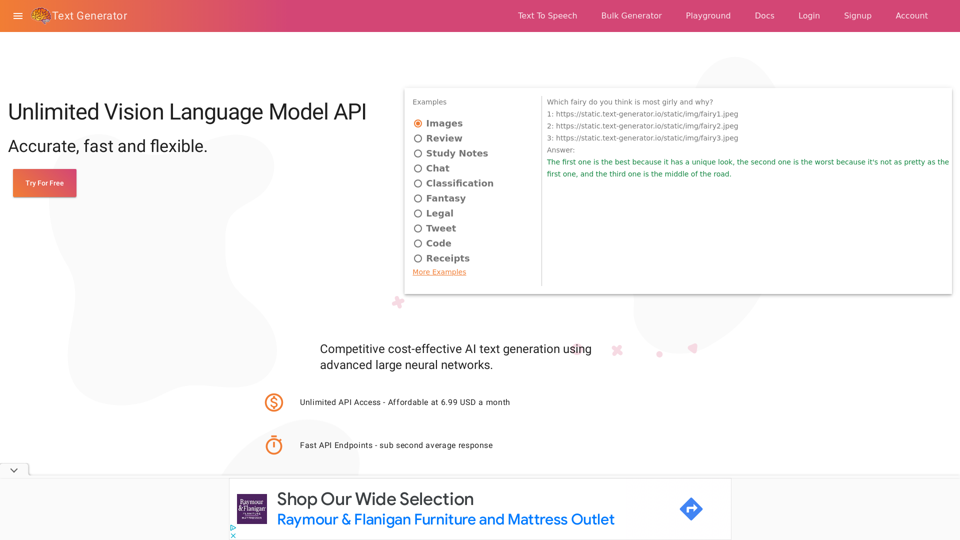
Generate text with industry leading privacy, quality and cost. Realistic text generation is now possible
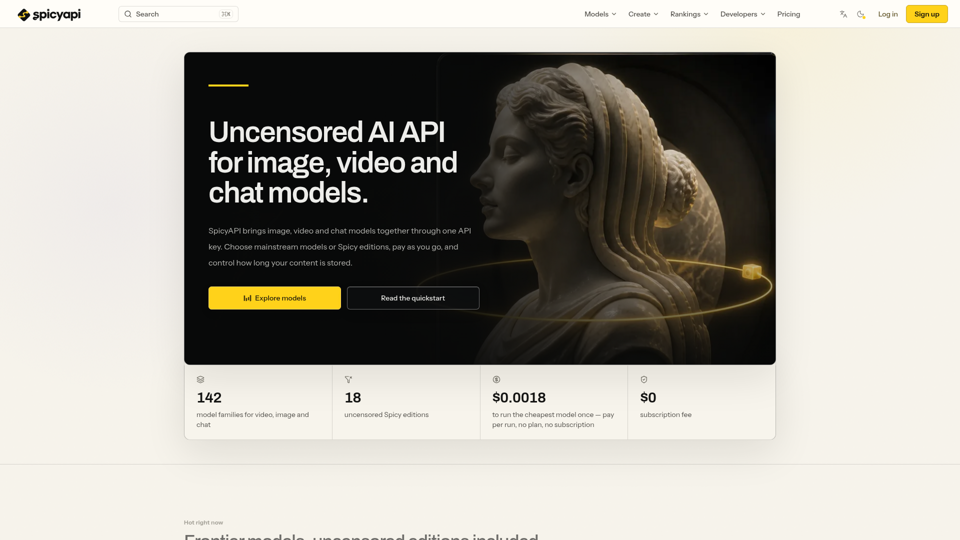
Uncensored AI API for image, video and chat. Access Seedance, Wan, MiniMax and more with one key, pay-as-you-go pricing and adjustable content retention.
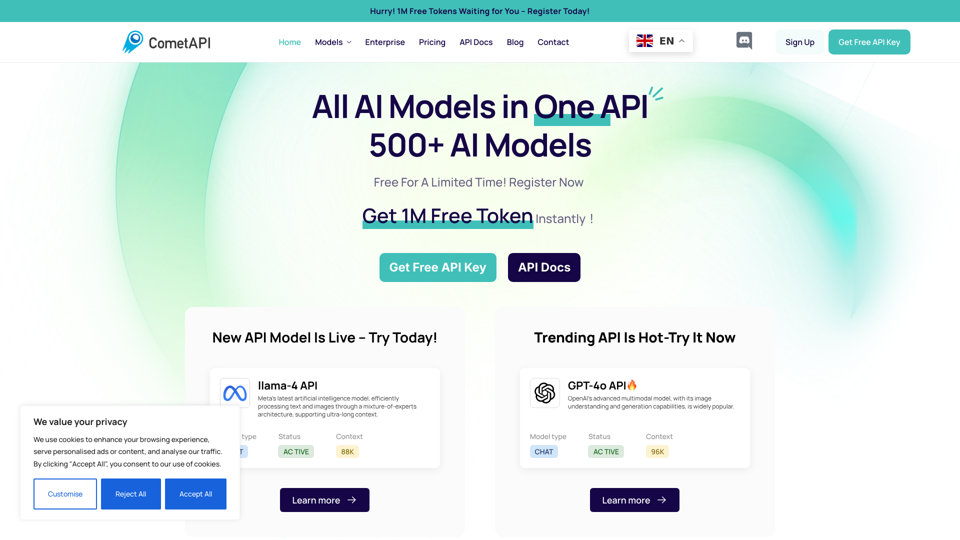
CometAPI simplifies AI integration, offering fast, reliable, and affordable API solutions to power innovative applications.
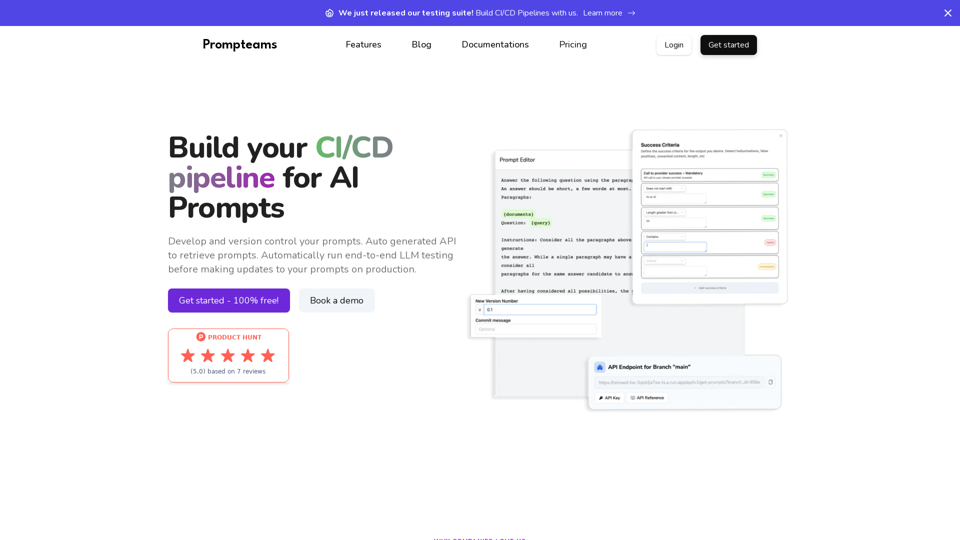
Manage your AI Prompts, playground, testing LLM, version control, and auto-generated APIs for smooth integration with working in teams