Uncensored AI API for Video & Image Models
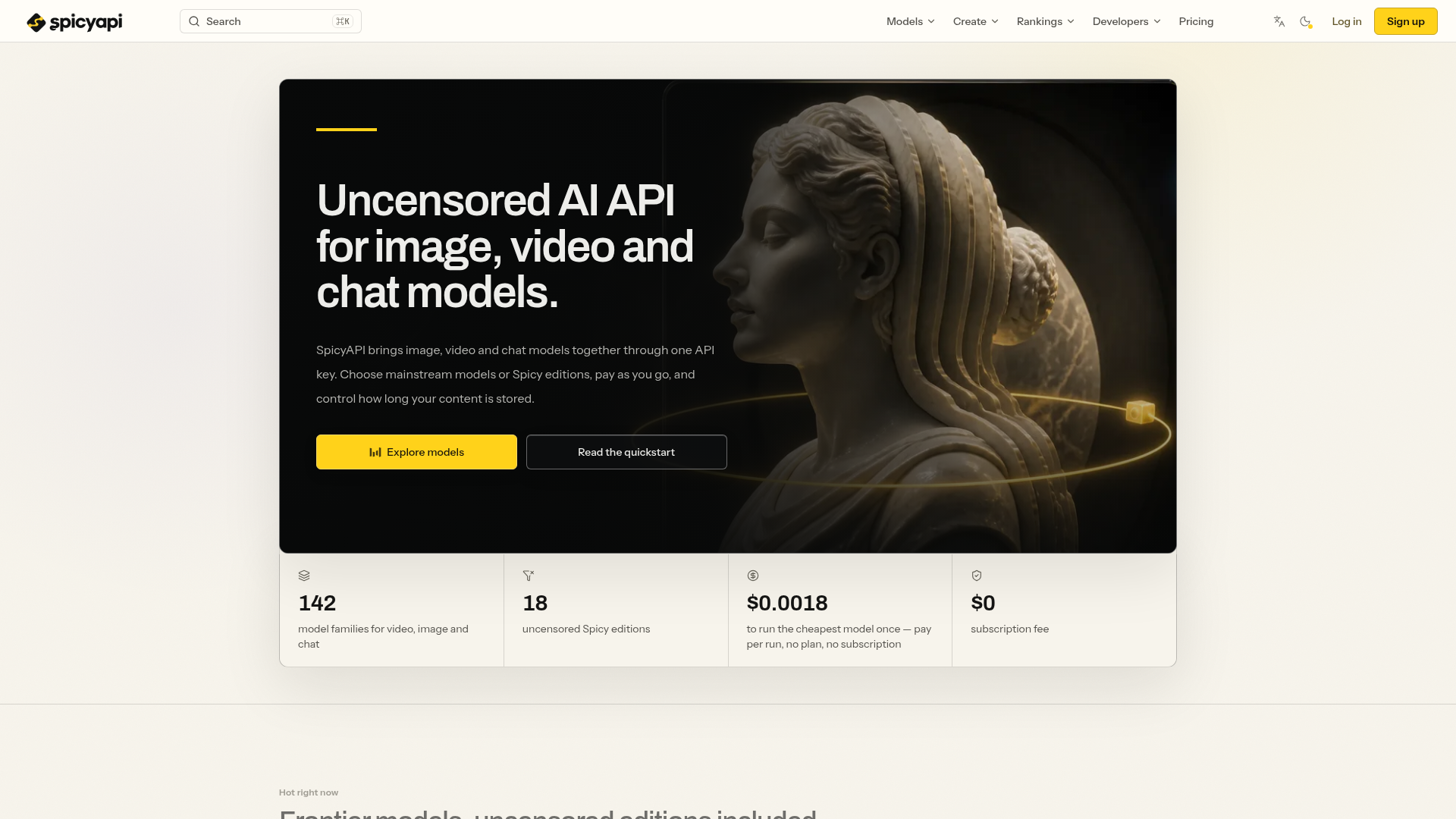
Uncensored AI API for image, video and chat. Access Seedance, Wan, MiniMax and more with one key, pay-as-you-go pricing and adjustable content retention.
What is SpicyAPI?
SpicyAPI is a unified, uncensored API platform that provides developers and creators with access to a wide range of frontier AI models for generating images, videos, and chat responses. It consolidates over 142 model families—including 18 specially tuned "Spicy" editions—under a single API key. The platform operates on a transparent, pay-per-use pricing model with no subscription fees, giving users full control over their content, spending, and data retention.
Key Features of SpicyAPI
- Unified Uncensored API
- Access video, image, and chat models through one simple API key. The platform adds no content classifiers, per-request declarations, or approval queues, offering true creative freedom.
- Extensive Model Catalog
- Choose from 142+ model families, including mainstream versions and uncensored "Spicy" editions fine-tuned for unrestricted generation, as well as LoRA-ready models for custom styles.
- Transparent Pay-Per-Use Pricing
- Pay only for what you use, with costs as low as $0.0018 per run. Pricing is clear and upfront per image, per second of video, or per million tokens, with no subscriptions or commitments.
- Creator Studio & Developer Tools
- Beyond the API, it offers Spicy Studio for no-code browser-based creation, a full-featured Developer API, SDKs for multiple languages, and integrations for AI agents (MCP server, CLI, etc.).
- Full Data & Spending Control
- Set custom retention periods for generated files, prompts, and references, or delete outputs manually at any time. Implement spend caps on API keys for complete budget control.
How to Use SpicyAPI
Getting started with SpicyAPI is a straightforward three-step process designed for developers and creators:
- Create an Account: Sign up with an email or an existing identity provider to gain access to the entire platform catalog and console.
- Add Credits: Top up your account balance using a credit card or cryptocurrency (including USDT). Funds are used to pay for model runs as you go.
- Generate an API Key & Start Building: Create a server-side API key in the console. You can then immediately use it with the platform's OpenAI-compatible endpoints for chat, or use the
createTaskendpoint for image and video generation, integrating via REST, official SDKs, or your existing clients.
SpicyAPI Pricing
SpicyAPI employs a transparent, consumption-based pricing model with ### no subscription fees. You only pay for successful generations.
- Pricing Model
- Pure pay-per-use. Costs are deducted from your pre-paid balance based on the specific model's billing unit (e.g., per image, per second of video, per million tokens).
- Cost Examples
- The cheapest model run starts at ### $0.0018. Video generation with models like Wan 3.0 or Seedance typically costs a few cents per second of output. Image and chat model pricing is similarly granular.
- Failed Jobs
- Failed or timed-out tasks are ### usually not charged. However, some models may charge for content refusals as stated on their individual model pages; always check the billing terms before submitting.
- Spend Control
- You can set daily, monthly, and lifetime spending caps on your API keys to prevent unexpected charges.
Helpful Tips for Using SpicyAPI
- Explore "Spicy" Editions
- For uncensored generation, start with model names ending in "Spicy" (e.g., Wan 3.0 Spicy). These are explicitly tuned for unrestricted content.
- Check Model Pages
- Each model's dedicated page clearly states its content policy (Uncensored, Filtered, etc.) and precise input schema, helping you choose the right tool.
- Use the Playground
- Before committing API calls, use the web Playground to test prompts and settings. It provides a cost estimate for your specific generation.
- Manage Content Lifespan
- Proactively set your desired
retention_periodfor outputs, prompts, and references in API requests. Remember to download and archive any generations you wish to keep permanently before they expire. - Leverage Idempotency Keys
- Use the
Idempotency-Keyheader to safely retry requests in case of network errors, preventing duplicate tasks or charges. - For Consistent Characters
- When building AI companions or roleplay apps, reuse the same reference image as the first frame for video generation to maintain character consistency across shots.
Frequently Asked Questions (FAQs)
Is SpicyAPI truly an uncensored AI API?
Yes, at the platform level. SpicyAPI adds no content filters, declaration requirements, or approval queues. Output depends on the chosen model. "Spicy" editions are built for uncensored generation, while mainstream models follow their own rules, all clearly labeled on their pages.
How much does it cost to generate an image or video?
Costs vary by model and are billed per unit (per image, per video second). You can see the exact price for your settings in the Playground before submitting. Active promotions display both original and discounted prices.
Do I pay for failed jobs or refusals?
Failed or timed-out tasks are generally not charged. However, some models may charge for content refusals as specified on their individual model pages. Always review the billing terms beforehand.
Is the API compatible with OpenAI's format?
Yes, for chat completions. You can point any OpenAI client (Node.js, Python, Vercel AI SDK) to SpicyAPI's base URL, use your API key, and it will work seamlessly, including streaming. For image and video, the platform uses its own efficient createTask and polling/callback system.
Can I build an AI companion app on SpicyAPI?
Absolutely. You can pair an OpenAI-compatible LLM for dialogue with image and video models for character portraits and scenes, all using one API key and balance. Use a consistent reference image to keep the character's appearance stable across generations.
How long are my generations stored, and can I delete them?
You have full control. You can set custom retention periods (up to published maximums: 14 days for media, 1 day for references, 30 days for prompts). You can also manually delete a task's outputs at any time via API, which immediately schedules their destruction. The billing record remains for your reference.
What development tools are available?
SpicyAPI offers official SDKs for TypeScript, Python, Go, PHP, and Java, a CLI tool, an MCP server for AI agents, and an Agent Skill. It's also compatible with numerous existing clients like LangChain and Claude Code.
Uncensored AI API for Video & Image Models
Uncensored AI API for image, video and chat. Access Seedance, Wan, MiniMax and more with one key, pay-as-you-go pricing and adjustable content retention.
 Cloudflare
 HTTP/3
Free AI anime and manga generator. Turn text into anime episodes, manga, comics, webtoons and comic shorts in any art style — no drawing or animation skills needed.
Translate image text across 70+ languages with our advanced AI Image Translator to help you better expand your products globally to various countries
Advertised Here
Reach thousands of visitors daily. Get your spot now!
Tools similar to Uncensored AI API for Video & Image Models
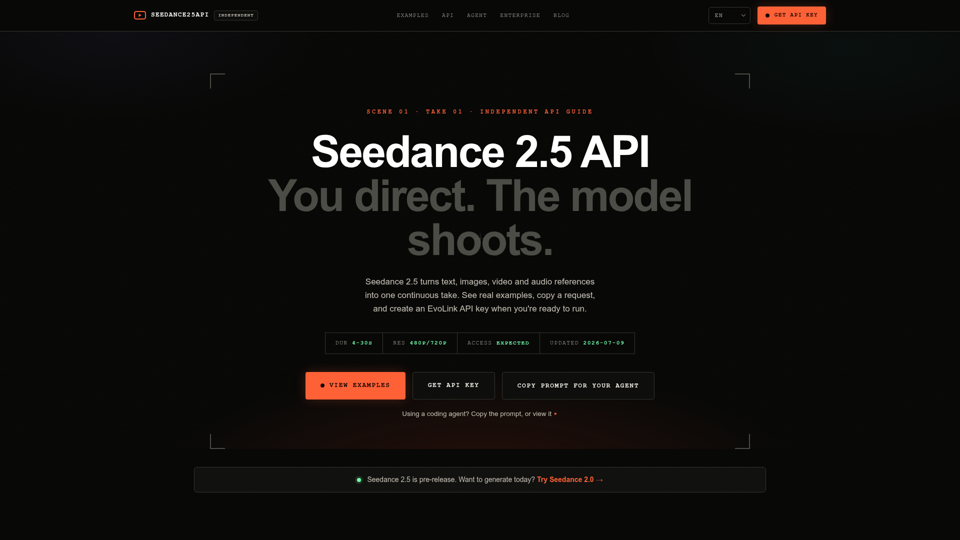
Use Seedance 2.5 API with a practical guide for developers and agents: current access status, billing model, request builder, real code examples, and API key handoff.

Explore Wan 3.0, Wan 3.0 Prime and Pro video models. Compare model specifications, reference inputs and resolution pricing for your next video integration.
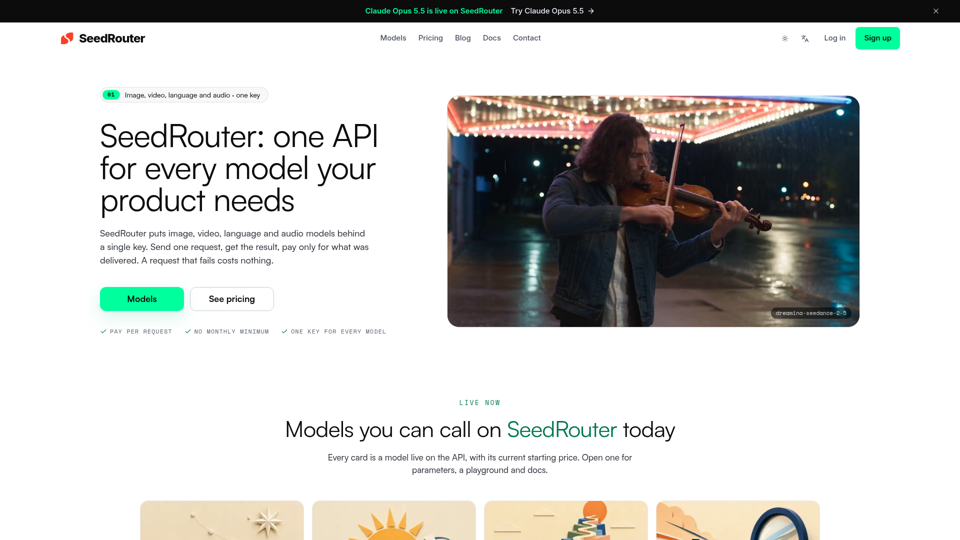
SeedRouter puts image, video, language and audio models behind one API key with pay-per-request billing. Failed requests cost nothing. Get your key.
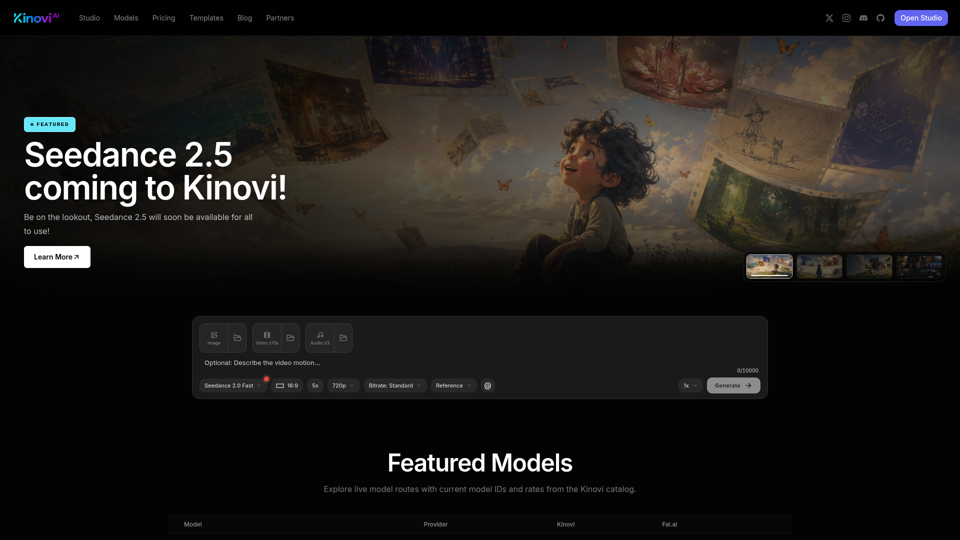
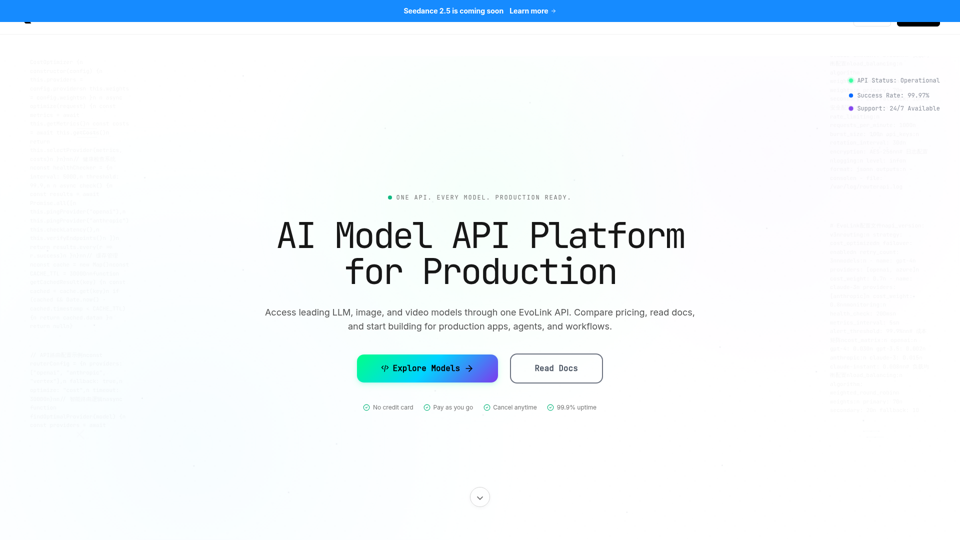
Access GPT, Claude, Gemini, Seedance, Kling & more via one EvoLink API. Get production-ready, cost-efficient access across LLM, image, and video models.
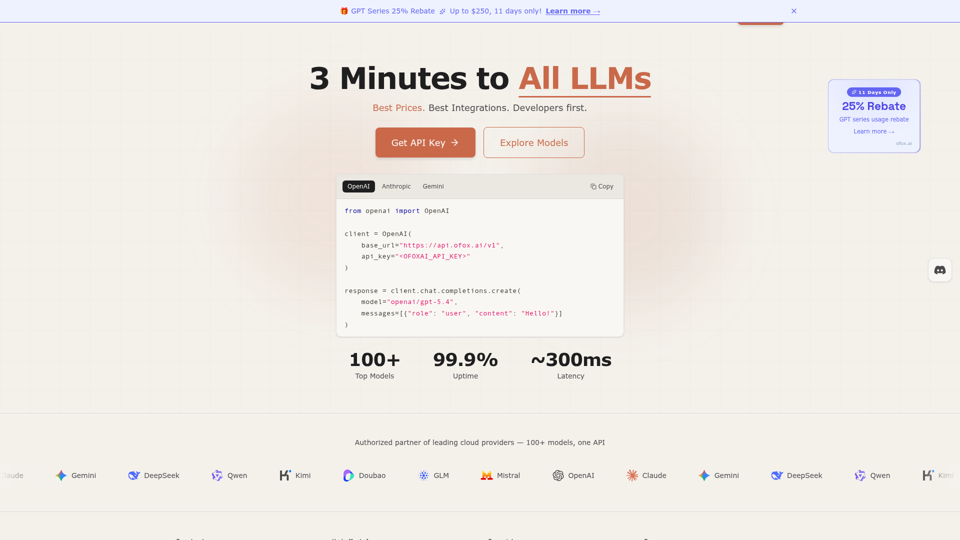
Unified LLM API gateway — access GPT-5.4, Claude Opus 4.6, Gemini 3.1, DeepSeek V3.2 and 100+ models through one API. OpenAI-compatible, 3-minute setup, pay-as-you-go. Low latency, 99.9% SLA. Built for developers who ship.
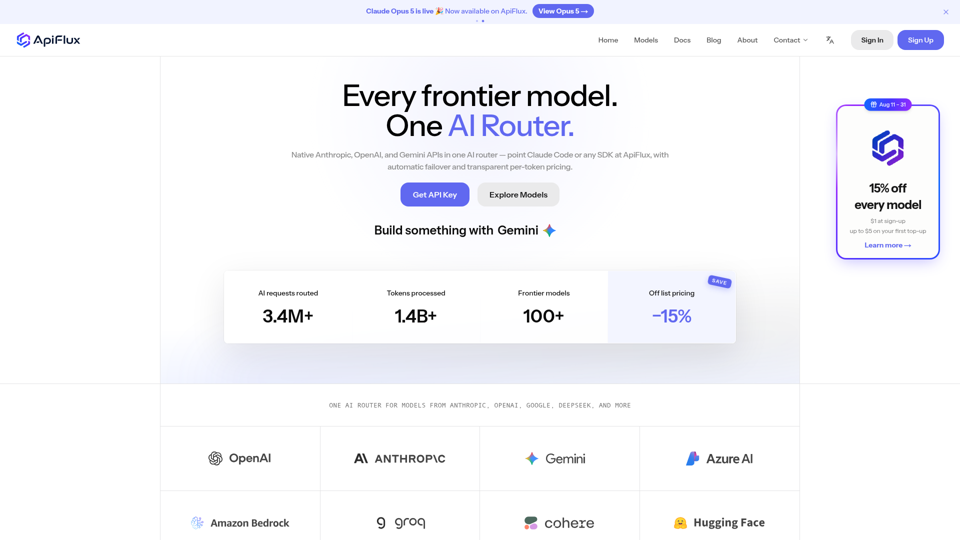
ApiFlux is an AI router with native Anthropic, OpenAI & Gemini APIs — one key for 100+ models, automatic failover, transparent per-token pricing. Claude Code ready.