SJolt
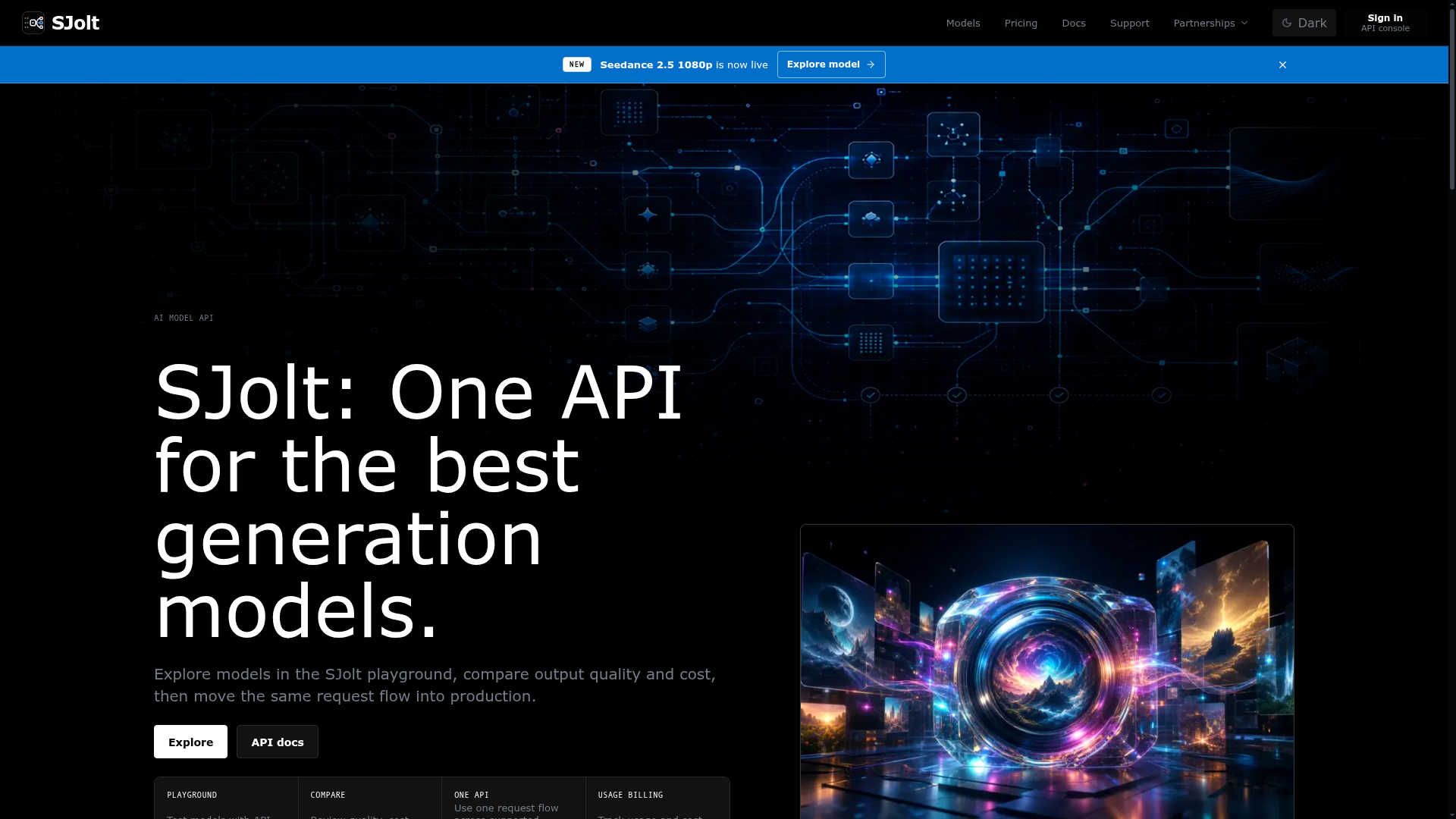
Explore image, video, and audio generation models in the SJolt playground, compare output quality and cost, then copy the same API request into production.
What is SJolt?
SJolt is an AI model API platform that serves as a unified gateway to the world's most powerful generative AI models. It abstracts the complexity of accessing diverse AI technologies from providers like OpenAI, Google, xAI, ByteDance, and Suno through a single, consistent API. The platform is designed for developers and teams who need to integrate text-to-image, text-to-video, music generation, and multimodal editing capabilities into their applications. From the initial discovery and testing phase in a playground to full-scale production deployment, SJolt provides the tools and infrastructure to compare, test, and implement various AI generation models without managing multiple vendor APIs or integrations.
Key Features of SJolt
Unified API for Diverse Models: Access a curated catalog of cutting-edge generation models for images, video, and audio through one standardized API request flow. This eliminates the need to learn and integrate multiple proprietary APIs.
Interactive Model Playground: Test any model directly in your browser with API-ready input fields. You can experiment with prompts, aspect ratios, durations, and source assets, seeing the exact outputs before writing a single line of production code.
Model Comparison & Inspection: Browse and compare models side-by-side based on output quality, cost, supported tasks (like text-to-video or reference-guided generation), and operational details. Output samples are provided for each model to aid in selection.
Simplified Billing & Cost Tracking: Use a single account balance to pay for usage across all selected models. The platform provides clear, model-level cost breakdowns and usage records, simplifying financial review and budgeting.
Production-Ready Workflow: The request structure, parameters, and task polling mechanism used in the playground are identical to the production API. Developers can copy code examples (in cURL, JavaScript, Python) directly from model pages into their applications.
Asynchronous Job Handling: For long-running tasks like video generation, SJolt manages async queues. You can poll for task status and retrieve results using a consistent method, handling complex workflows seamlessly.
How to Use SJolt
- Explore & Discover: Start by browsing the model catalog, which is organized by task (e.g., text-to-video, image generation) and provider. Review the output samples and specifications for each model.
- Test in Playground: Select a model, such as ByteDance's Seedance 2.0 or OpenAI's GPT Image 2, and open its playground. Input your prompt, configure parameters (like video duration or image ratio), and generate a test output to evaluate quality.
- Integrate via API: Once you've chosen a model, navigate to its documentation page. Copy the ready-to-use API code example for your preferred language (Python, JavaScript, cURL). Set your SJolt API credentials and the specific model ID in the request.
- Manage & Deploy: For production calls, especially for video generation, implement the provided task polling logic to check job status and retrieve the final output. Monitor your usage and costs through your SJolt account dashboard.
Pricing and Billing
SJolt operates on a transparent, usage-based billing model. You pre-fund a single account balance, which is then drawn down based on the specific costs of the models you use. Pricing varies per model and is clearly listed on each model's page and the pricing section. This consolidated billing allows teams to track all AI generation expenses from one place, with detailed records available for review.
Helpful Tips for Maximizing SJolt
- Leverage the Playground for Prototyping
- Use the playground not just for testing but for rapid prototyping of product features. Since the inputs are API-compatible, you can finalize prompt engineering and parameters before development.
- Compare Model Outputs for Your Use Case
- Don't just go by model specs. Generate similar prompts across different models in the same category (e.g., multiple text-to-video models) to compare output quality, style, and cost-effectiveness for your specific needs.
- Implement Robust Async Handling
- For video generation tasks, ensure your application gracefully handles the asynchronous job flow. Use the provided task ID to poll for status ("processing", "success", "failed") and have fallback logic for errors.
- Monitor Your Balance
- Keep an eye on your account balance and usage reports, especially when scaling up production traffic, to avoid service interruption and manage costs proactively.
Frequently Asked Questions (FAQ)
Which generation models does SJolt support?
SJolt supports a wide range of generation workflows, including image generation (e.g., GPT Image 2), video generation (e.g., Seedance 2.5, Gemini Omni), image-to-video, and music generation (e.g., Suno). The catalog is constantly updated with new models and is organized by task, input type, and output.
Can I call different models through the same API?
Absolutely. One of SJolt's core value propositions is providing a single, consistent API request pattern. You switch between models by changing the model_id parameter in your request, while the overall structure for making calls, checking status, and fetching results remains the same.
Do video generation jobs run asynchronously?
Yes. Video generation and other long-running tasks are processed asynchronously. When you submit a job, the API returns a task ID immediately. You must then poll the task status endpoint with this ID to check if the job is complete and retrieve the final output URL.
Can I test a model before integrating the API?
Yes, and this is a key feature. Every model has an interactive playground where you can test it with real prompts and parameters. This allows you to verify output quality and ensure the model fits your requirements before any development work begins.
How is my data and privacy handled?
Refer to SJolt's official privacy policy and terms of service for detailed information. Typically, API platforms like SJolt process your prompts and generation requests to provide the service but have policies governing data retention and usage. It's always best to review their specific documentation.
When would I need to upgrade or add more balance to my account?
You should add more funds to your account balance when your current balance is low and you anticipate continued usage. If your balance is depleted, API calls will fail. The dashboard provides clear visibility into your remaining balance and consumption rate.
SJolt
Explore image, video, and audio generation models in the SJolt playground, compare output quality and cost, then copy the same API request into production.
 Vercel
Free AI anime and manga generator. Turn text into anime episodes, manga, comics, webtoons and comic shorts in any art style — no drawing or animation skills needed.
Translate image text across 70+ languages with our advanced AI Image Translator to help you better expand your products globally to various countries
Advertised Here
Reach thousands of visitors daily. Get your spot now!
Tools similar to SJolt
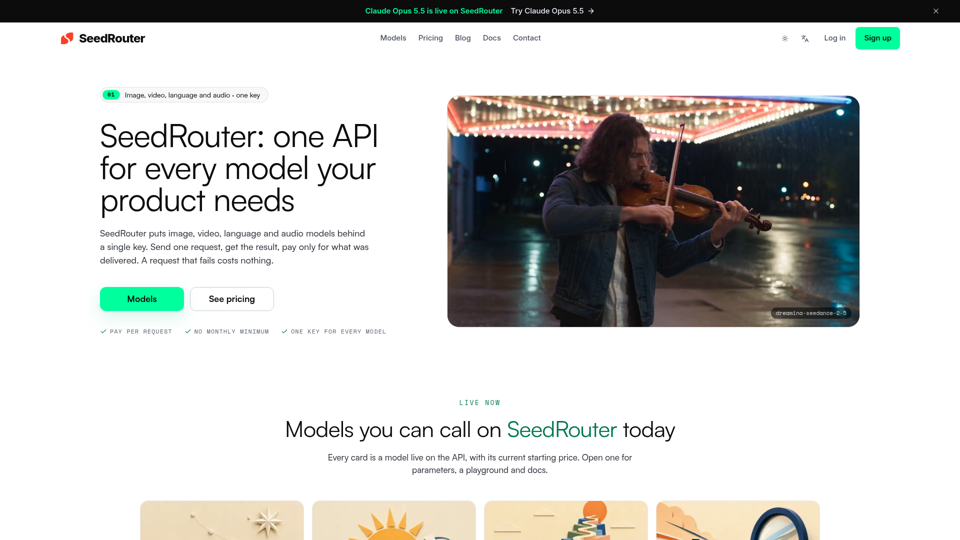
SeedRouter puts image, video, language and audio models behind one API key with pay-per-request billing. Failed requests cost nothing. Get your key.
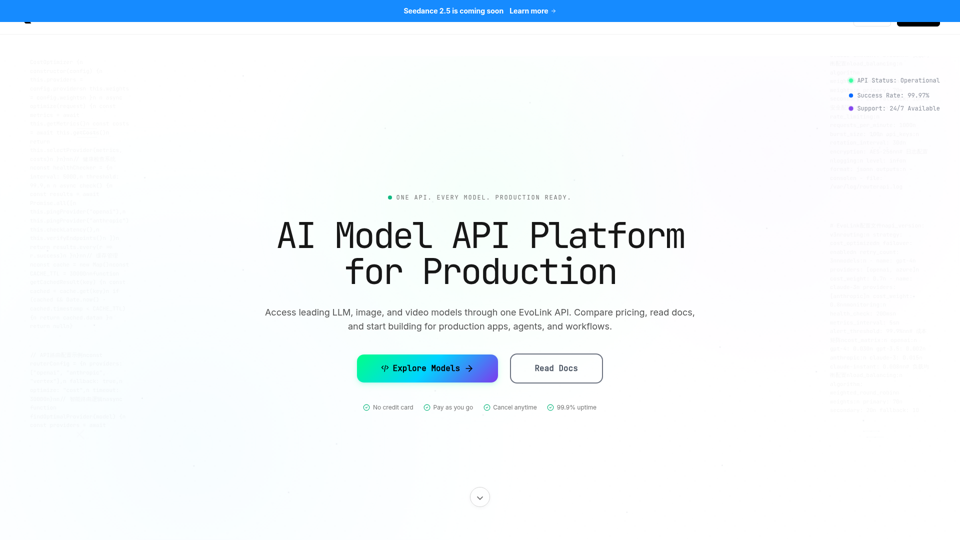
Access GPT, Claude, Gemini, Seedance, Kling & more via one EvoLink API. Get production-ready, cost-efficient access across LLM, image, and video models.
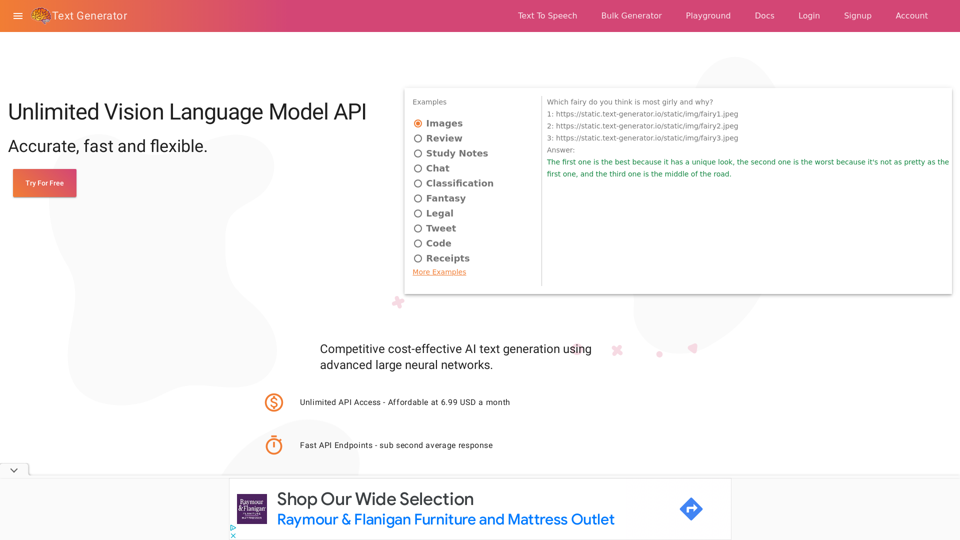
Generate text with industry leading privacy, quality and cost. Realistic text generation is now possible
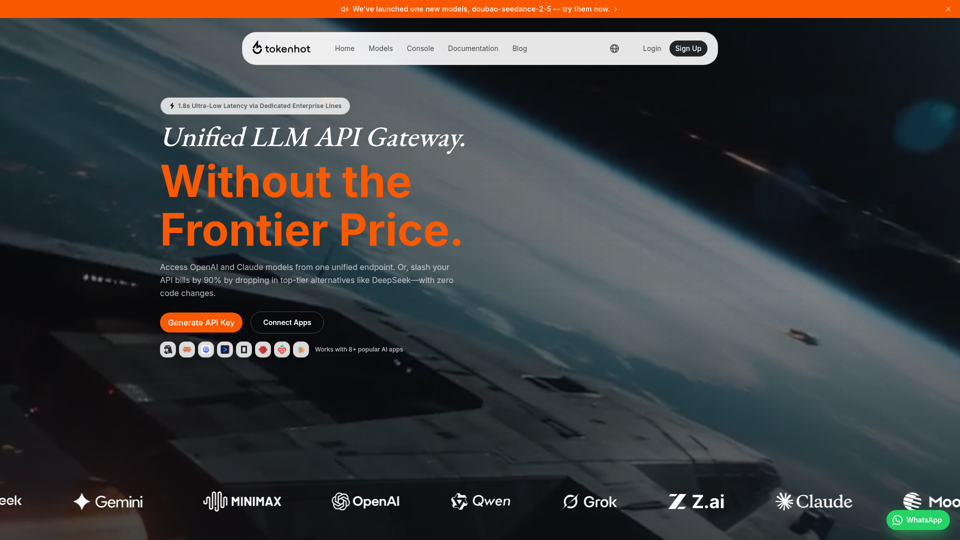
Better price, better stability. The unified LLM API gateway supporting OpenAI, Claude, Gemini, DeepSeek and 30+ providers.
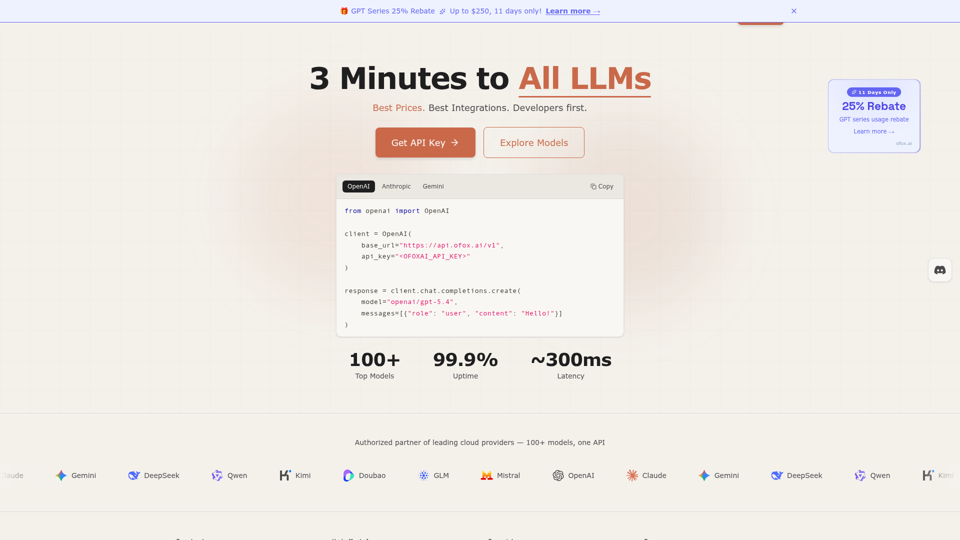
Unified LLM API gateway — access GPT-5.4, Claude Opus 4.6, Gemini 3.1, DeepSeek V3.2 and 100+ models through one API. OpenAI-compatible, 3-minute setup, pay-as-you-go. Low latency, 99.9% SLA. Built for developers who ship.
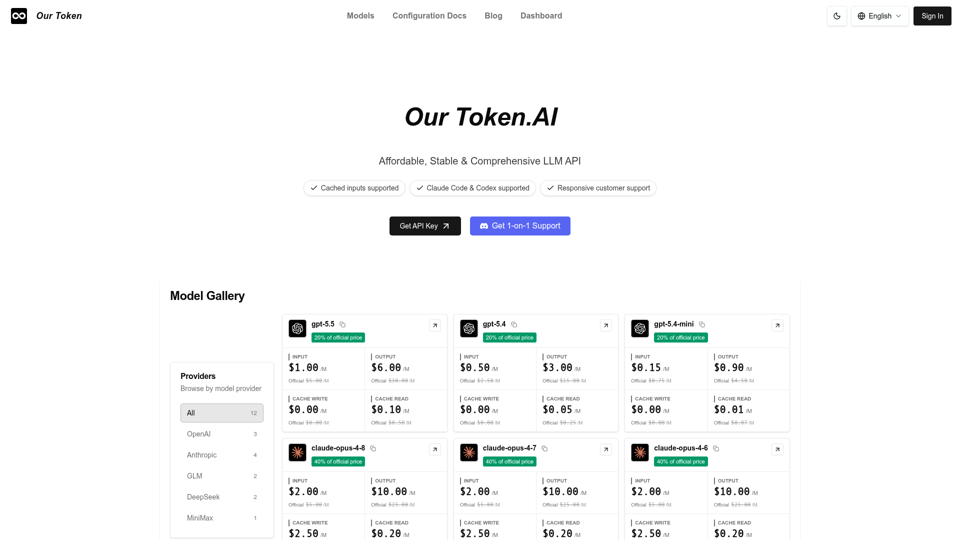
Use one unified API to access OpenAI, Claude, GLM, MiniMax and other LLMs. Compare models, prices, and capabilities to find the best fit for your prompts.
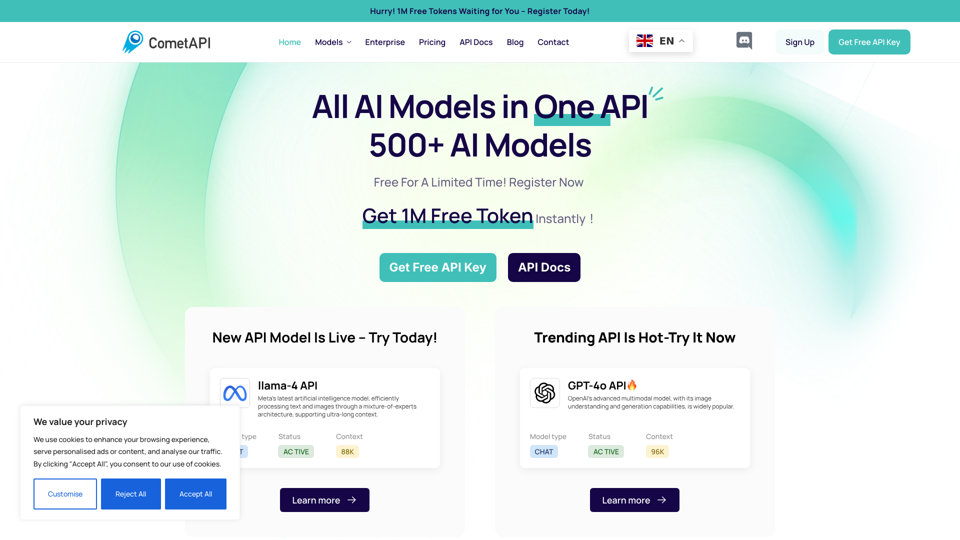
CometAPI simplifies AI integration, offering fast, reliable, and affordable API solutions to power innovative applications.
Jev AI lets you try Jev, the TypeSafe System One model, in the browser. Ask yes/no, choice and score questions about any text and get calibrated probabilities and confidence, then call the same Jev API with your own key.