Screenshots are like your second brain, and we help you organize them
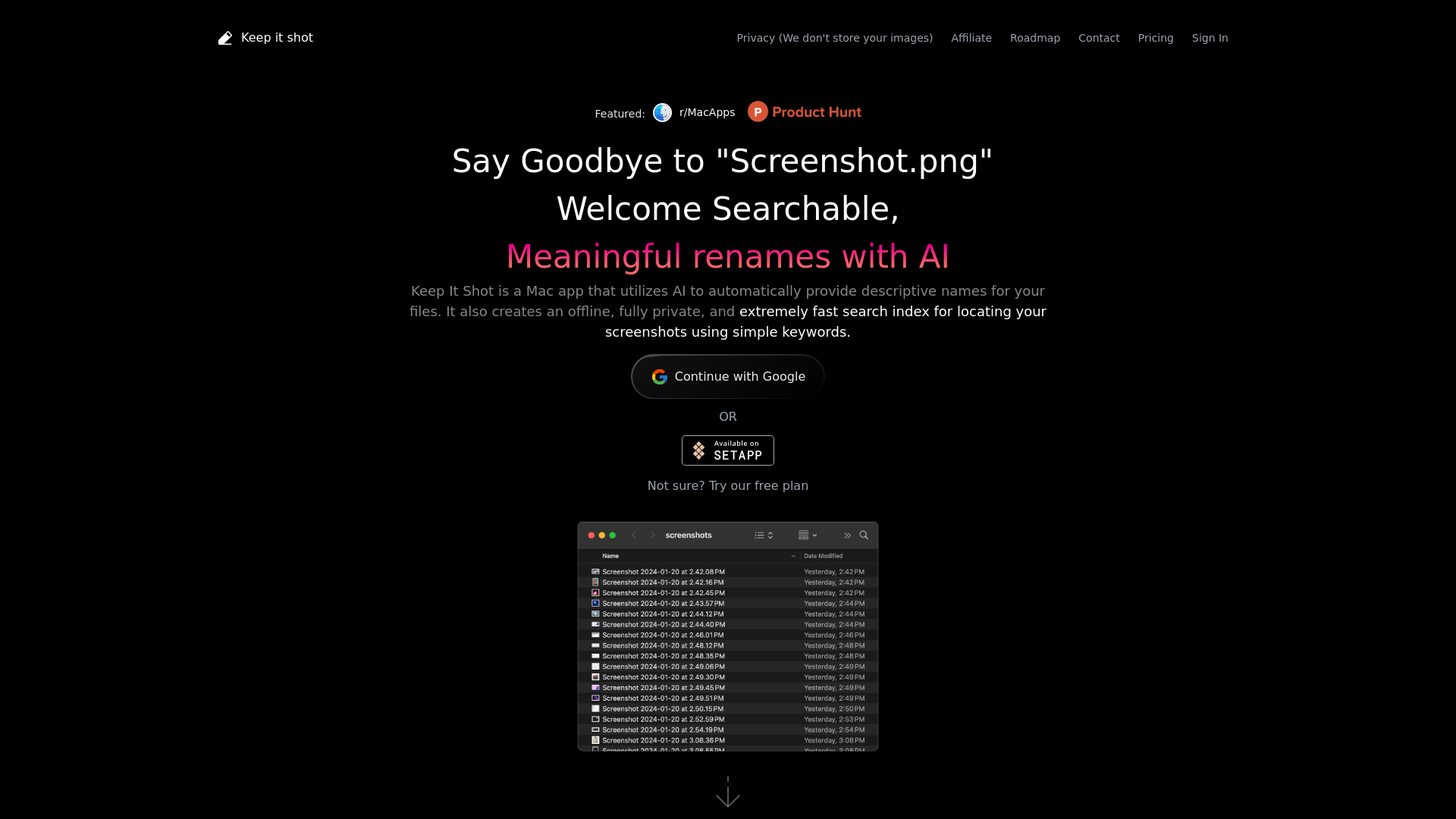
Keep It Shot is a Mac app that utilizes AI to automatically provide descriptive names for your screenshots. It also creates an offline, fully private, and extremely fast search index for locating your screenshots using simple keywords.
What is Keep It Shot?
Keep It Shot is a powerful Mac app designed to help users organize and manage their screenshots effectively. Acting as a second brain, it utilizes AI to automatically generate descriptive names for your files, allowing for easy retrieval and organization of your digital assets. The app also ensures your privacy by not storing any of your images, providing a secure and efficient solution for file management.
What is the main feature of Keep It Shot?
- AI-Powered Descriptive Renaming
- Automatically generates meaningful names for your screenshots, eliminating the generic "Screenshot.png" labels.
- Private Offline Search
- Creates a fully private and highly efficient offline search index that allows users to find their screenshots using simple keywords without compromising privacy.
- Batch Renaming
- Rename large batches of files effortlessly in just two clicks, with real-time progress tracking.
- Customizable Renaming Options
- Define your renaming preferences and automate the renaming process whenever a new screenshot is created. Revert back to original names easily if needed.
How to use Keep It Shot?
Using Keep It Shot is simple. After downloading the app for macOS, you can set your preferences for renaming screenshots based on keywords, descriptions, or OCR (Optical Character Recognition) data. The app will automatically rename your screenshots as you take them. For users who wish to try out the service before committing, a free plan is available.
Pricing
Keep It Shot offers a free plan for users to get started. For those looking for more advanced features and unlimited use, affordable subscription plans can be found on their website, allowing for enhanced capabilities and an improved user experience.
Helpful Tips
- Use Keywords
- When renaming your screenshots, think about keywords that you will remember. This will make your search process much smoother.
- Regular Cleanup
- Periodically review and delete any unnecessary screenshots to keep your workspace organized.
- Utilize Batch Renaming
- Take advantage of the batch renaming feature to save time, especially after a busy screenshot-taking session.
Frequently Asked Questions
Can I try Keep It Shot before subscribing?
Yes, Keep It Shot offers a free plan for new users to explore its features before deciding on a subscription.
Does Keep It Shot store my images?
No, your privacy is prioritized. Keep It Shot does not store any of your images, ensuring that you maintain full control over your data.
Is it easy to revert names back to original?
Absolutely! If you do not like the automatically generated names, you can revert back to the original names with just a single click.
What platforms does Keep It Shot support?
Currently, Keep It Shot is exclusively available for macOS users.
How can I contact customer support?
You can reach out to customer support through the contact section on their website for any inquiries or assistance you may need.
Screenshots are like your second brain, and we help you organize them
Keep It Shot is a Mac app that utilizes AI to automatically provide descriptive names for your screenshots. It also creates an offline, fully private, and extremely fast search index for locating your screenshots using simple keywords.
 Cloudflare
 HTTP/3
 Next.js
 Node.js
 React
React Webpack
Free AI anime and manga generator. Turn text into anime episodes, manga, comics, webtoons and comic shorts in any art style — no drawing or animation skills needed.
Translate image text across 70+ languages with our advanced AI Image Translator to help you better expand your products globally to various countries
Advertised Here
Reach thousands of visitors daily. Get your spot now!
Tools similar to Screenshots are like your second brain, and we help you organize them
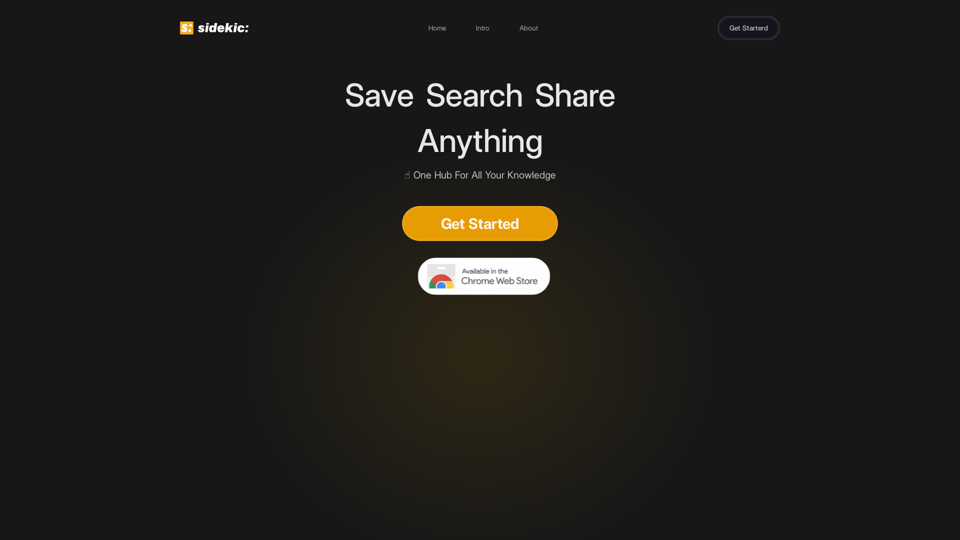
Your Secon Brain On The Web. Smart bookmarks to stay organized and search faster.
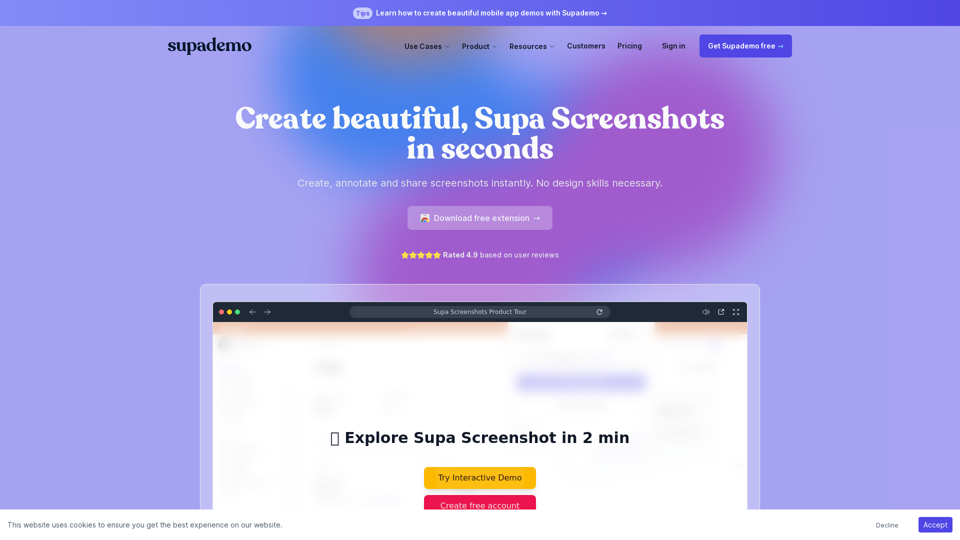
Create, annotate and share screenshots instantly. No design skills necessary. Supademo is an all-in-one tool for interactive demos and screenshots.
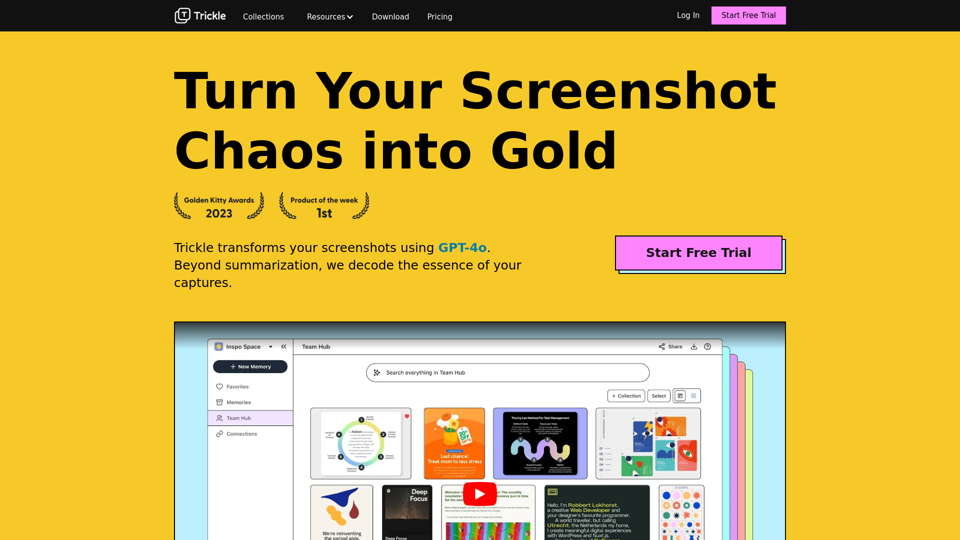
Trickle is the central hub of your screenshots, powered by the reasoning abilities of GPT-4 to turn your screenshot clutter into visual memos.
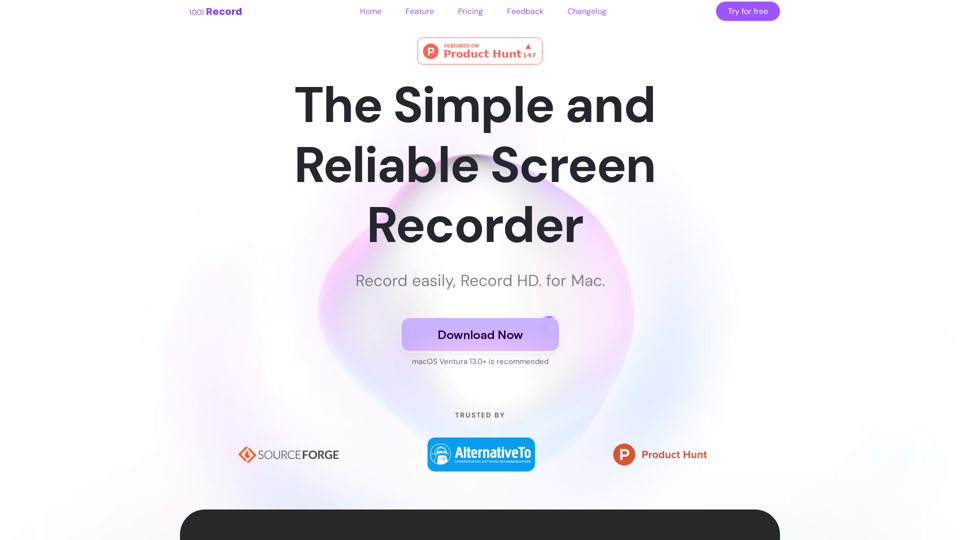
1001 Record is the best screen recording app for Mac with a built-in annotation tool and more. Built by 1001 TVs. Free to record with audio now.
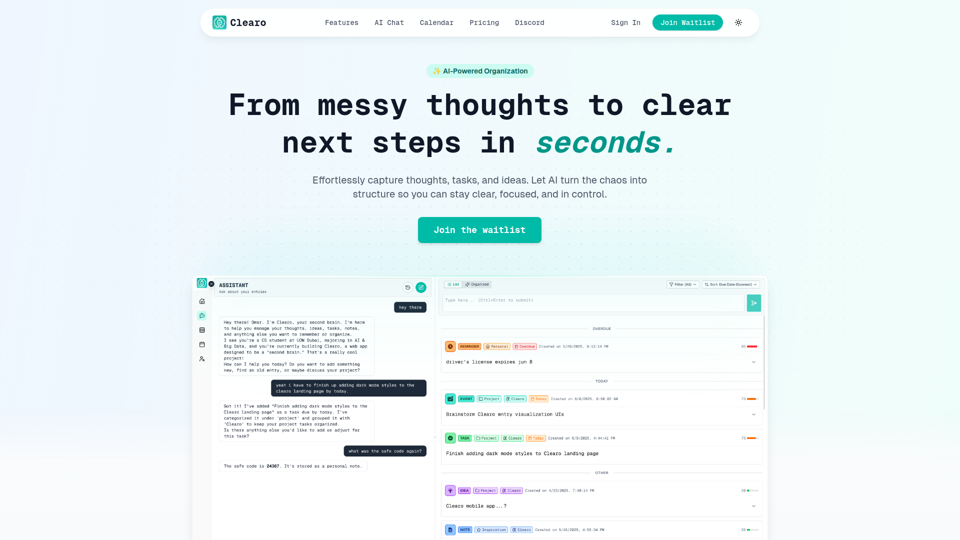
From messy thoughts to clear next steps in seconds. Effortlessly capture thoughts, tasks, and ideas. Let AI turn the chaos into structure so you can stay clear, focused, and in control.
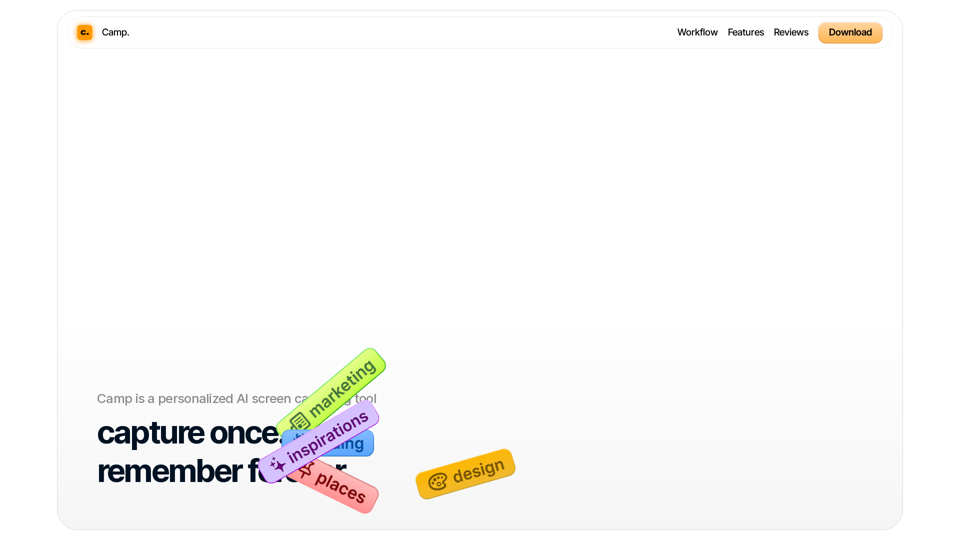
Organize your thoughts and inspirations with Camp on iOS and macOS. With AI, Camp automatically titles, tags, and extracts information you care about the most.
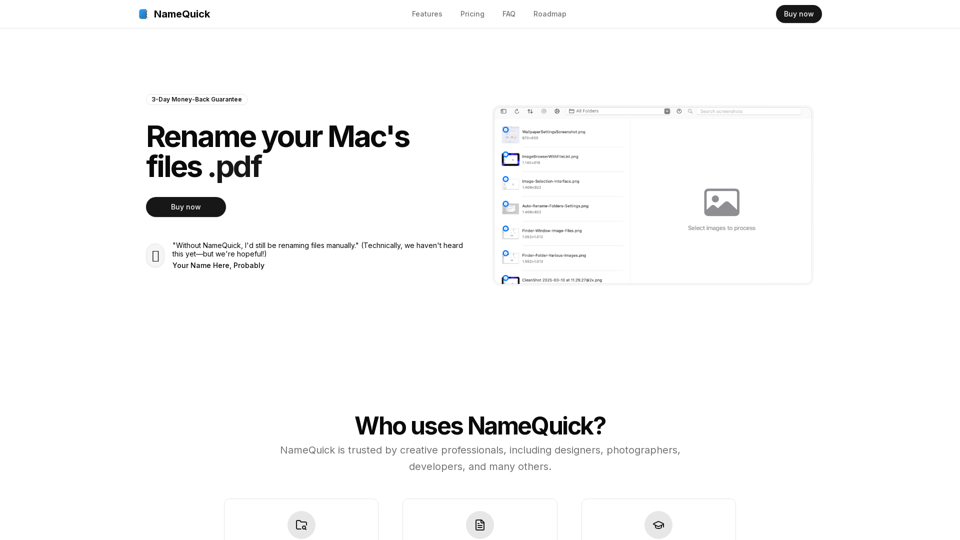
Transform your file management with intelligent, automated file renaming powered by AI. Perfect for designers, developers, and content creators.
Revolutionize Your Workflow with the Ultimate AI-Powered Screenshot Manager for macOS.