Kerlig™
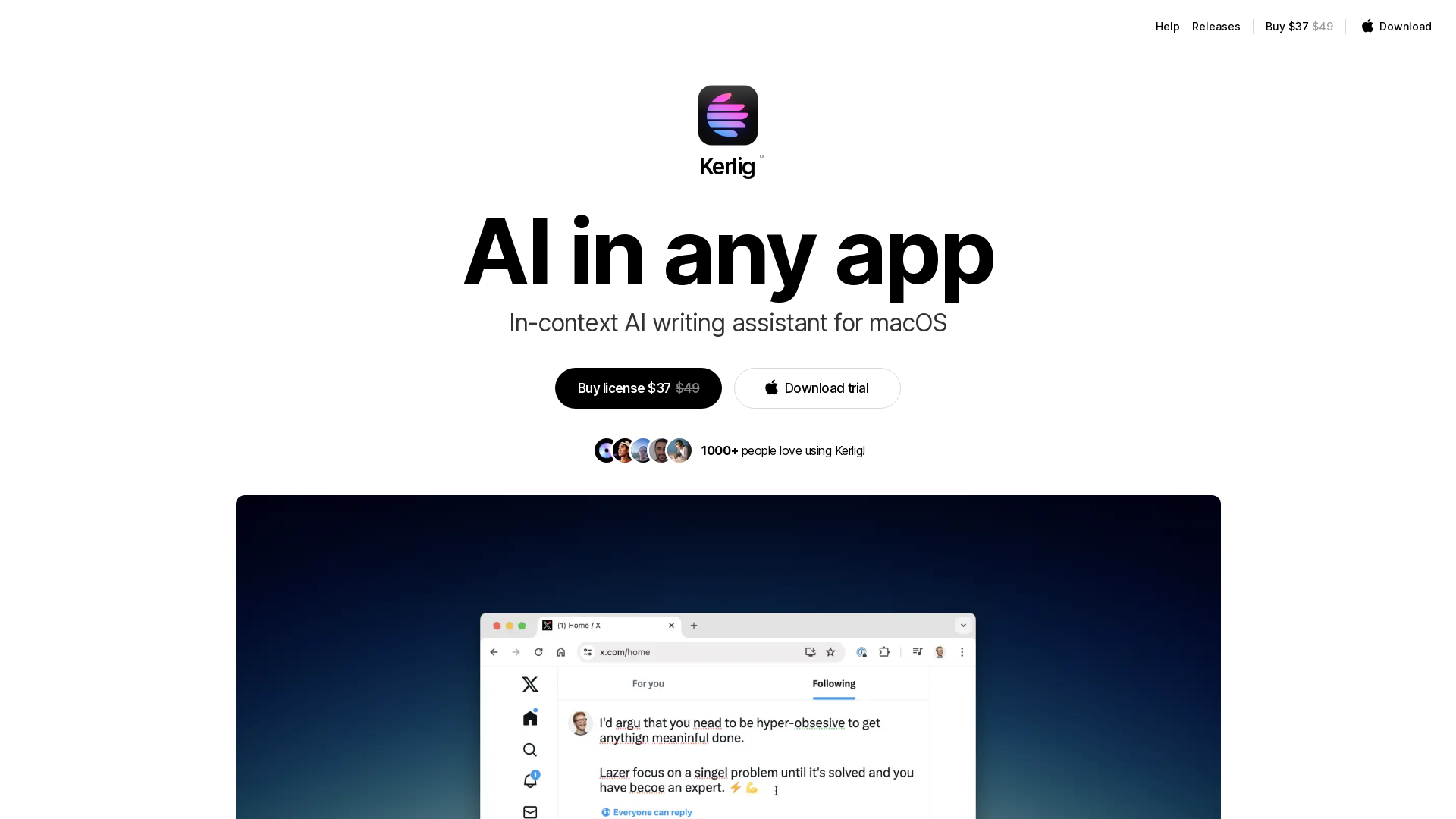
Kerlig™ for macOS brings AI to any app. It's your in-context AI writing assistant
What is Kerlig™?
Kerlig™ is an innovative in-context AI writing assistant specifically designed for macOS users. It seamlessly integrates with any application on your Mac, enabling you to write, edit, and communicate more effectively. Powered by advanced AI technologies, Kerlig™ helps users generate text, find information, and improve their writing quality without needing to switch between different tools or applications.
Key Features of Kerlig™
- In-Context Assistance
- Operate Kerlig™ from any application using a simple hotkey, making it accessible for quick edits and improvements.
- Customizable Presets
- Create your presets for frequently used actions, enhancing your workflow and efficiency.
- Multi-Language Support
- Communicate effortlessly in different languages, making it easier to collaborate with international teams.
- Real-Time Error Correction
- Automatically catch grammar and spelling mistakes as you type, ensuring polished communications.
- Fast Summarization
- Save time with quick summaries of content from articles and websites, allowing for rapid information gathering.
- Intuitive User Experience
- Designed to be fast and responsive, allowing users to focus on their writing without distractions.
How to Use Kerlig™
Using Kerlig™ is straightforward. Simply select the text you want to modify in any app, then activate Kerlig™ with your chosen hotkey. The tool will present various options, such as fixing spelling errors, changing the tone of the text, or generating replies. You can either paste the revised text back into the original application or copy it to your clipboard for later use.
Pricing of Kerlig™
Kerlig™ offers a competitive price of ### $37 for a license, reduced from its original price of ### $49. A free trial is also available for users who wish to explore the application before purchasing.
Helpful Tips for Using Kerlig™
- Customize Your Hotkey
- Setting a hotkey that works best with your workflow can greatly enhance your efficiency while using Kerlig™.
- Explore the Presets
- Take advantage of the customizable presets to save time on repetitive tasks.
- Utilize AI Providers
- Connect Kerlig™ to various AI providers like OpenAI or Claude to unlock more advanced features.
- Make Notes
- Use the note-taking feature to jot down ideas while you edit or write, leveraging AI suggestions along the way.
Frequently Asked Questions
How does Kerlig™ work?
Kerlig™ operates by selecting text within any application and triggering the tool using a hotkey. It analyzes the text, offers corrections, generates ideas, or answers questions, which you can then easily transfer back to your original document.
What models are supported?
Kerlig™ is compatible with several AI models, including OpenAI, Claude, and Gemini Pro, among others. Users can also run local models from Ollama for more privacy-focused usage.
Is there a refund policy?
Yes, users can refer to the terms described on the Kerlig™ website regarding the license purchase and potential refunds.
How many actions can I perform at once?
Kerlig™ allows you to perform multiple actions based on the selected text, such as editing and summarizing in one go, increasing your productivity significantly.
Can I use Kerlig™ offline?
You can utilize Kerlig™ in local mode by connecting to suitable local AI models, though an active internet connection is generally required for accessing cloud-based AI services.
Kerlig™
Kerlig™ for macOS brings AI to any app. It's your in-context AI writing assistant
 Next.js
 Nginx
Nginx Node.js
 React
React Webpack
Free AI anime and manga generator. Turn text into anime episodes, manga, comics, webtoons and comic shorts in any art style — no drawing or animation skills needed.
Translate image text across 70+ languages with our advanced AI Image Translator to help you better expand your products globally to various countries
Advertised Here
Reach thousands of visitors daily. Get your spot now!
Tools similar to Kerlig™
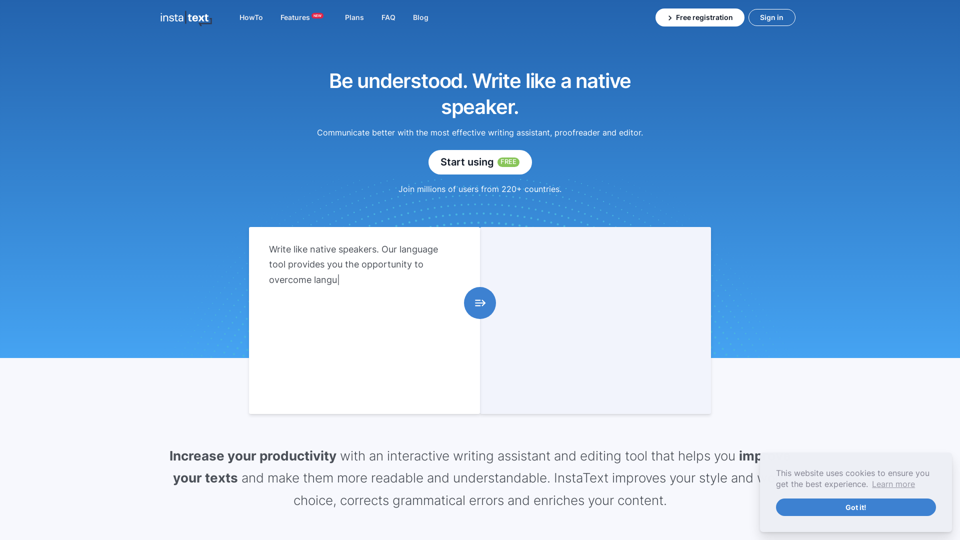
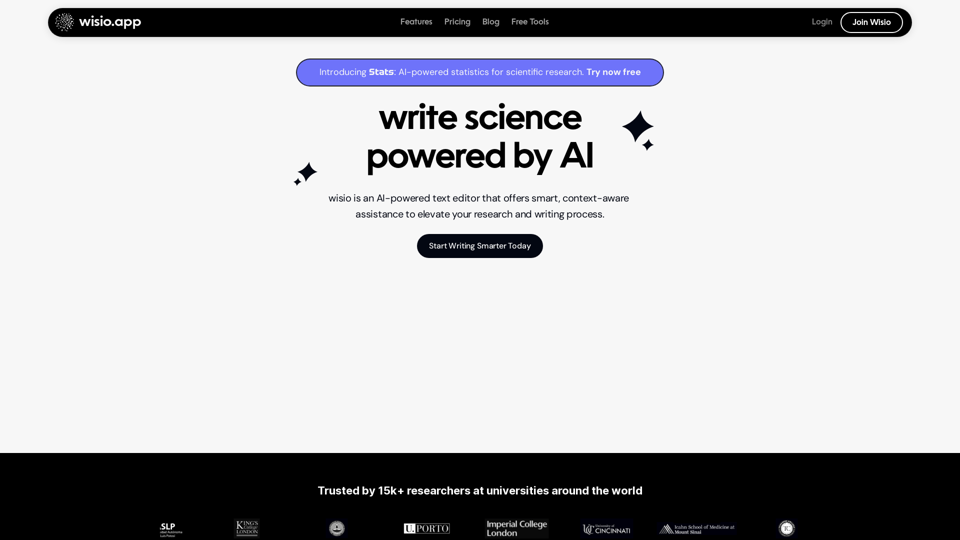
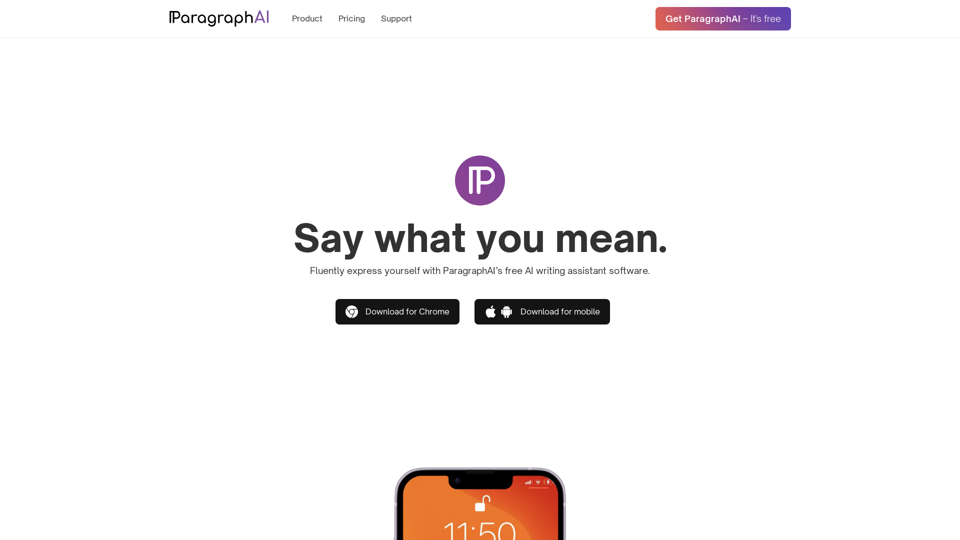
Boost your writing skills with the best writing assistant software. This free AI tool improves fluency, grammar, spelling, and style.
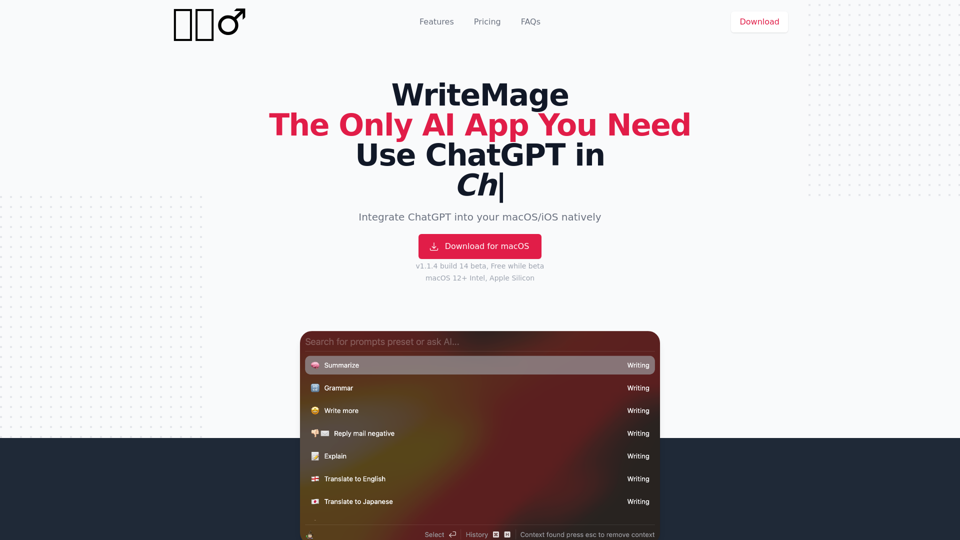
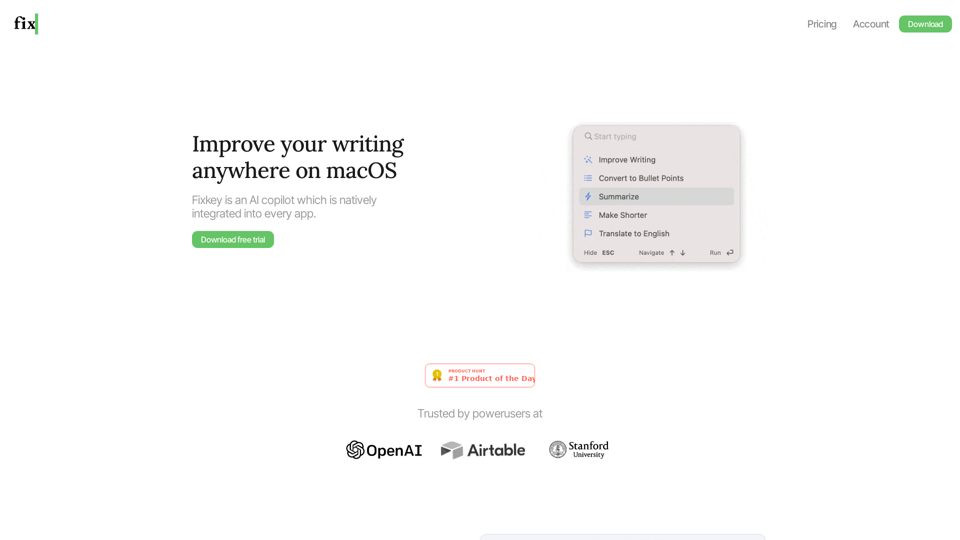

Write emails & messages, fix grammar mistakes, rephrase text, change writing tone, summarize text, and much more using ChatGPT AI. Works on all sites. Free to use.
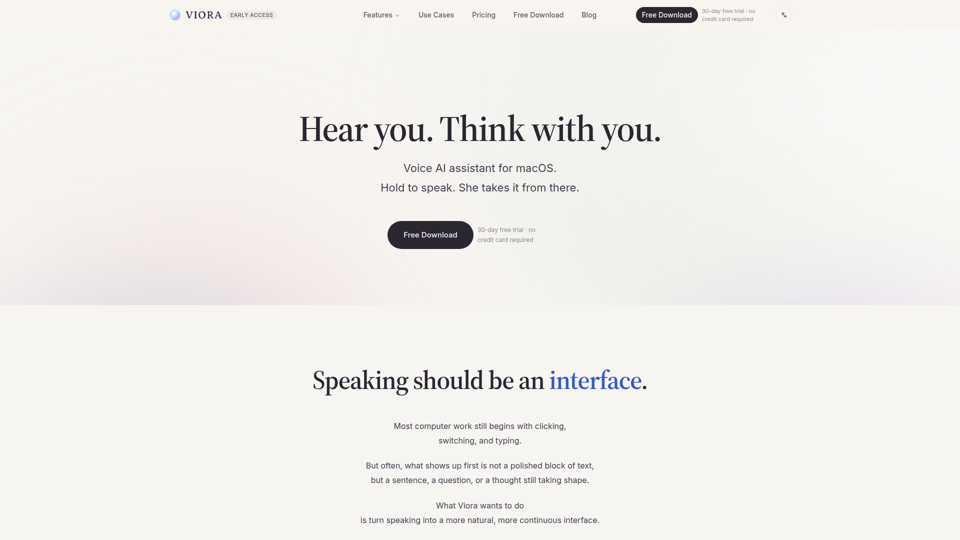
Viora is a macOS voice AI assistant. Hold one shortcut and speak to write in any app, edit selected text, ask about what's on screen, or run agent tasks.
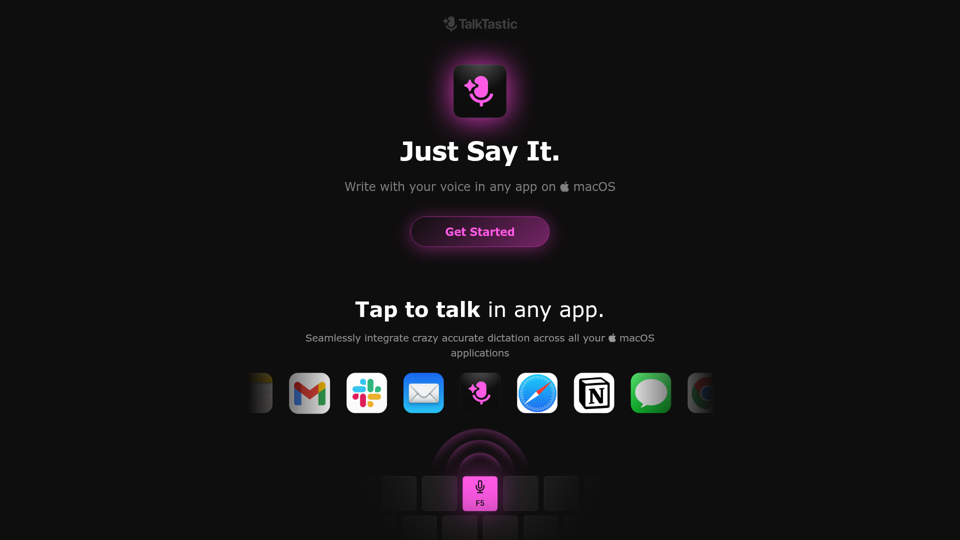
Write with your voice in any app on macOS. Faster and more accurate than ChatGPT, Google and OpenAI Whisper. Start talking. Stop typing., TalkTastic empowers you to write with your voice in any app on macOS. Faster and more accurate than ChatGPT, Google and OpenAI Whisper. Start talking. Stop typing.