TalkTastic
Write with your voice in any app on macOS. Faster and more accurate than ChatGPT, Google and OpenAI Whisper. Start talking. Stop typing., TalkTastic empowers you to write with your voice in any app on macOS. Faster and more accurate than ChatGPT, Google and OpenAI Whisper. Start talking. Stop typing.
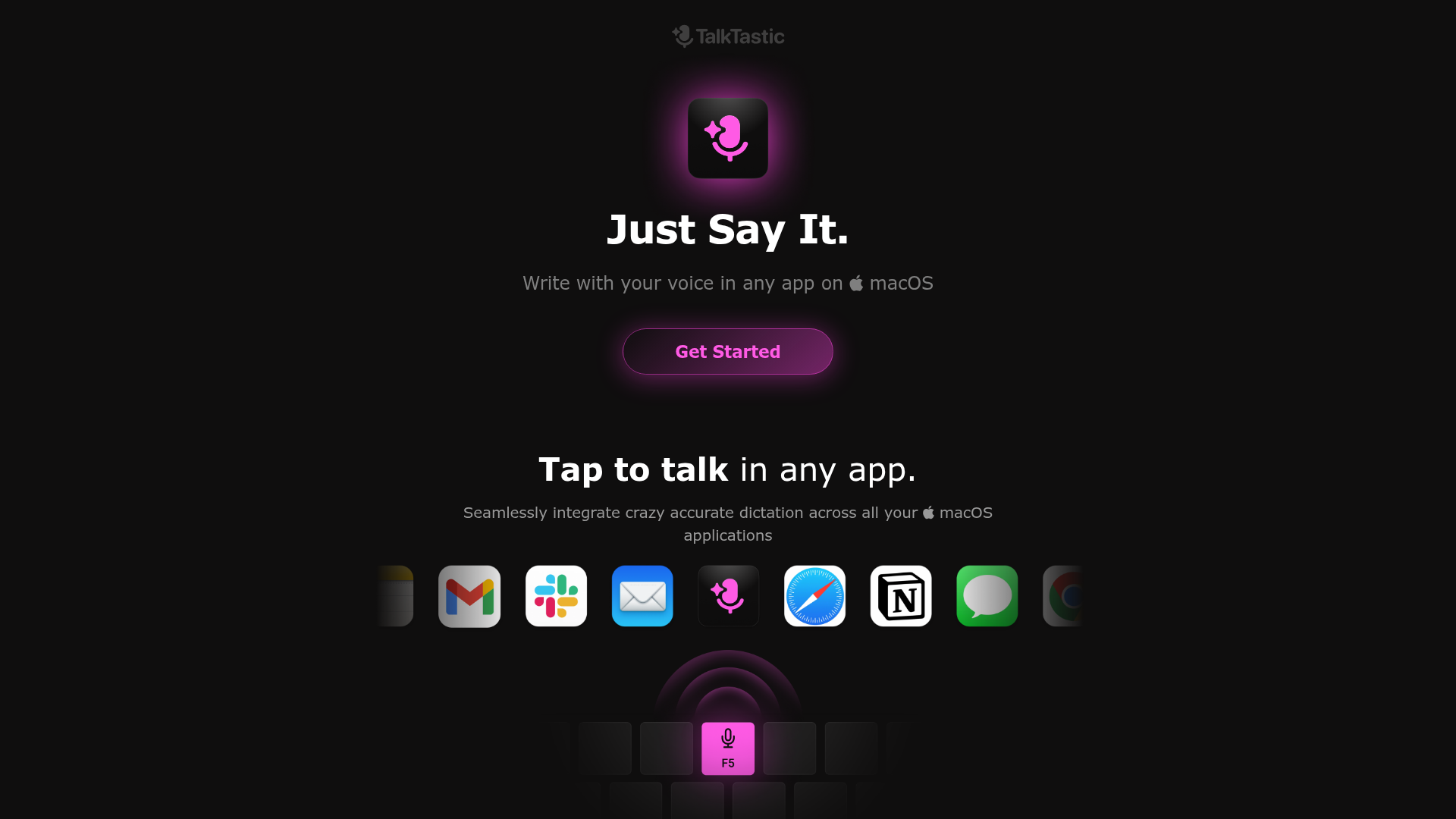
What is TalkTastic for macOS?
TalkTastic for macOS is an innovative desktop application designed to revolutionize text input by allowing users to write with their voice in any app. It leverages advanced, context-aware speech-to-text technology to provide highly accurate dictation that understands your writing style and the content on your screen, making it a powerful tool for boosting productivity and creativity.
Key Features of TalkTastic for macOS
- Tap-to-Talk in Any App
- Seamlessly activate dictation across all your macOS applications with a simple shortcut.
- Smart, Context-Aware Rewrites
- The app uses on-screen context to understand your intent, ensuring transcriptions match your tone and style perfectly.
- Superhuman Transcription Accuracy
- Combines on-device AI with multimodal Large Language Models (LLMs) to achieve higher accuracy than standard tools like ChatGPT or OpenAI Whisper.
- Fine-Grained Privacy Controls
- You have complete control. The app only listens when activated and can be configured to take snapshots only on command, with options for immediate auto-deletion.
- Free to Use (Beta)
- The application is currently 100% free during its beta phase, requiring only macOS 13.1 or later.
How to Use TalkTastic for macOS
- Download and Install: Visit the official website to download and install the TalkTastic application on your Mac.
- Grant Permissions: Upon first launch, grant the necessary accessibility permissions to allow TalkTastic to function across your system.
- Activate Dictation: Use the configured global keyboard shortcut (or a designated trigger) to start talking in your active application.
- Control Settings: Customize your privacy and snapshot settings directly within the app according to your preferences.
Price of TalkTastic for macOS
TalkTastic for macOS is completely ### free to use while it remains in its beta development phase. There is no current information on future pricing plans post-beta.
Helpful Tips for Using TalkTastic for macOS
- Ensure Clear Audio
- For best results, use a good quality microphone and speak clearly in a relatively quiet environment.
- Leverage Context
- Allow the app a moment to analyze the on-screen content of your active window for more accurate, style-matching transcriptions.
- Explore Privacy Settings
- Familiarize yourself with the snapshot and data control settings to tailor the privacy level to your comfort.
- Use for Drafting
- It's exceptionally effective for drafting emails, documents, or notes, transforming spoken ideas into well-written text instantly.
Frequently Asked Questions about TalkTastic for macOS
How is TalkTastic better than other speech recognition tools?
TalkTastic’s patent-pending technology is superior because it interprets your speech based on the visual context of your computer screen. It integrates the strengths of Apple Dictation, on-device processing, and advanced AI models like ChatGPT and Gemini into a single, intuitive package, leading to smarter and more accurate transcriptions.
What's the secret behind TalkTastic's personal context understanding?
When you trigger dictation, TalkTastic captures and analyzes a snapshot of your active application using multimodal AI. This allows the system to understand the conversational tone, specific style, and subject matter, enabling it to accurately spell names and handle easily-confused words.
How do I control my privacy with TalkTastic?
You have fine-grained control. The app only takes a snapshot at the moment you activate it within a specific app. You can enable/disable snapshots or set them to auto-delete after processing. Importantly, none of your data is used to train third-party AI models. The team is also working on implementing end-to-end encryption.
How much does TalkTastic cost?
As mentioned, TalkTastic is 100% free to use during its Beta period. The only requirement is a Mac running macOS 13.1 or later.
Can I use TalkTastic for long-form writing?
Absolutely. TalkTastic is ideal for writers, students, professionals, and anyone who needs to generate long-form content, as it significantly reduces typing effort and helps overcome writer's block by allowing you to speak your thoughts naturally.
Does TalkTastic work offline?
The application utilizes a combination of on-device and cloud-based processing to achieve its high accuracy and context-aware features. Specific details about full offline functionality should be checked in the app's settings or documentation.
TalkTastic
Write with your voice in any app on macOS. Faster and more accurate than ChatGPT, Google and OpenAI Whisper. Start talking. Stop typing., TalkTastic empowers you to write with your voice in any app on macOS. Faster and more accurate than ChatGPT, Google and OpenAI Whisper. Start talking. Stop typing.
 Cloudflare
 Google Analytics
 Google Tag Manager
 Vercel
Free AI anime and manga generator. Turn text into anime episodes, manga, comics, webtoons and comic shorts in any art style — no drawing or animation skills needed.
Translate image text across 70+ languages with our advanced AI Image Translator to help you better expand your products globally to various countries
Advertised Here
Reach thousands of visitors daily. Get your spot now!
Tools similar to TalkTastic
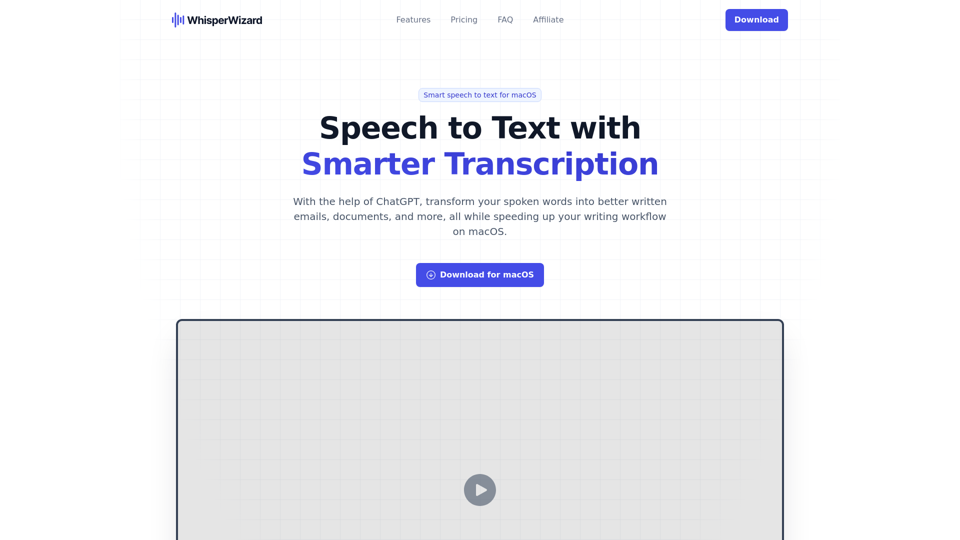
With the help of ChatGPT, transform your spoken words into better written emails, documents, and more, all while speeding up your writing workflow on macOS.
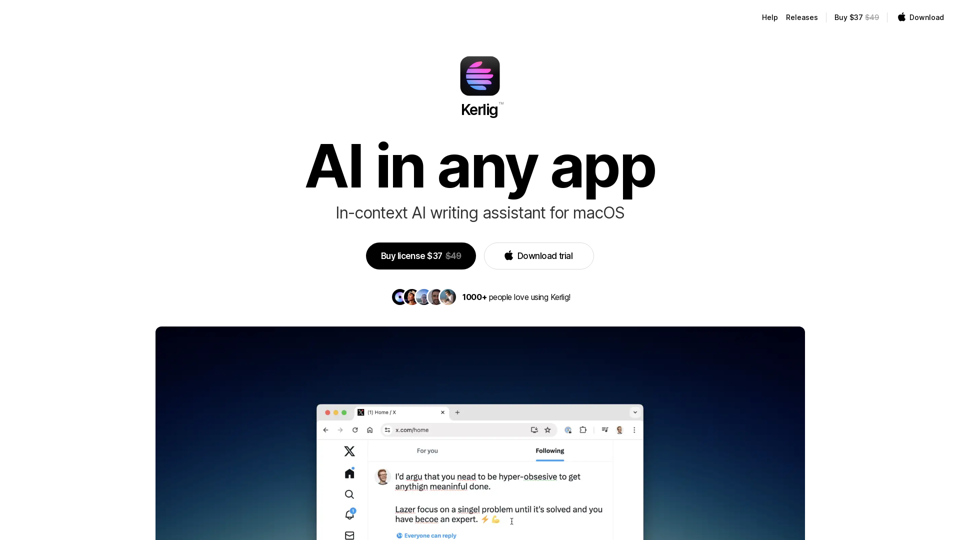
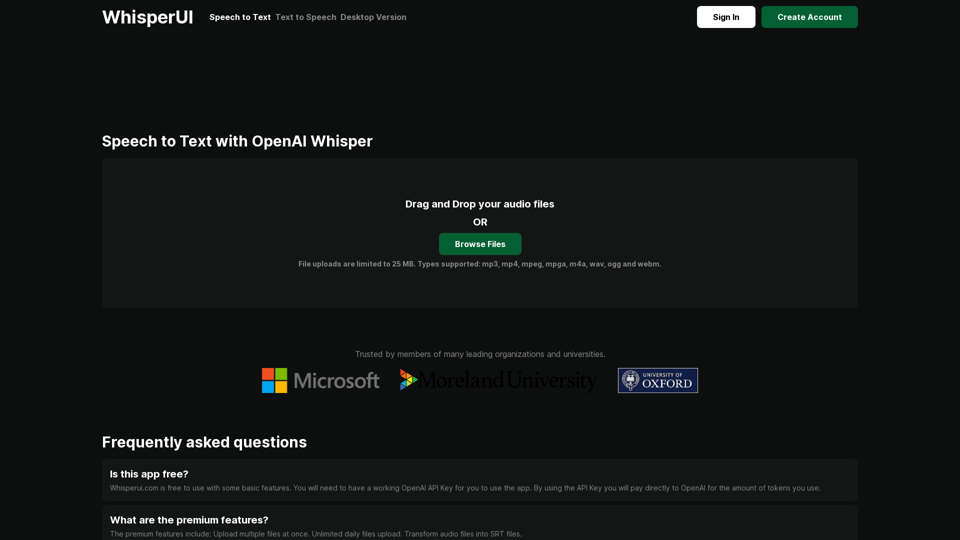
The most affordable Speech to Text service powered by OpenAI Whisper. Convert your audio files to text
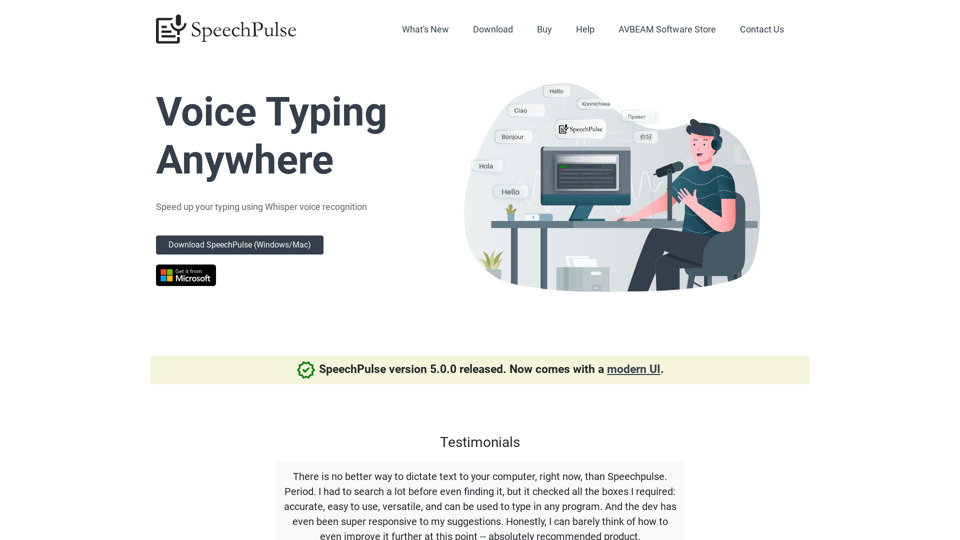
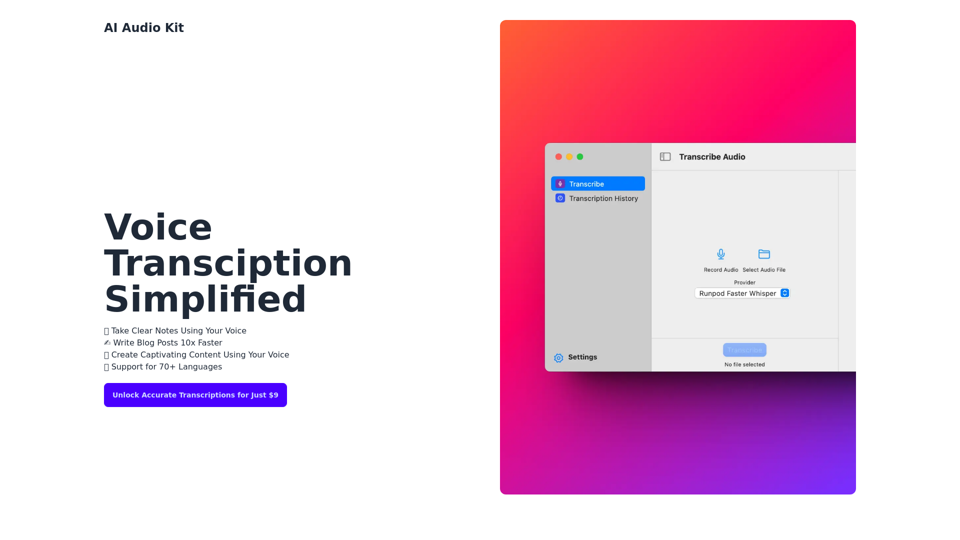
AI Audio Kit helps you to transcribe Audio using OpenAI's Official Whisper API right from macOS!
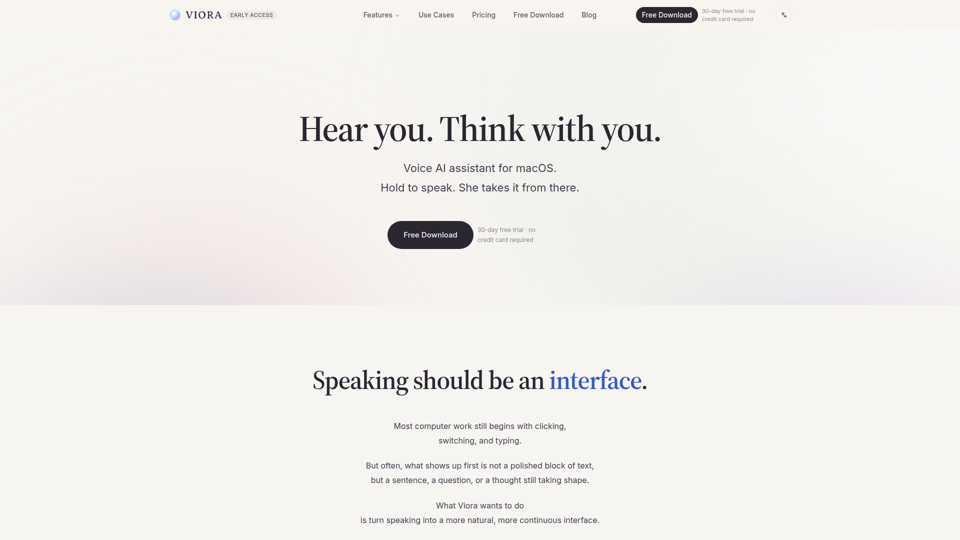
Viora is a macOS voice AI assistant. Hold one shortcut and speak to write in any app, edit selected text, ask about what's on screen, or run agent tasks.
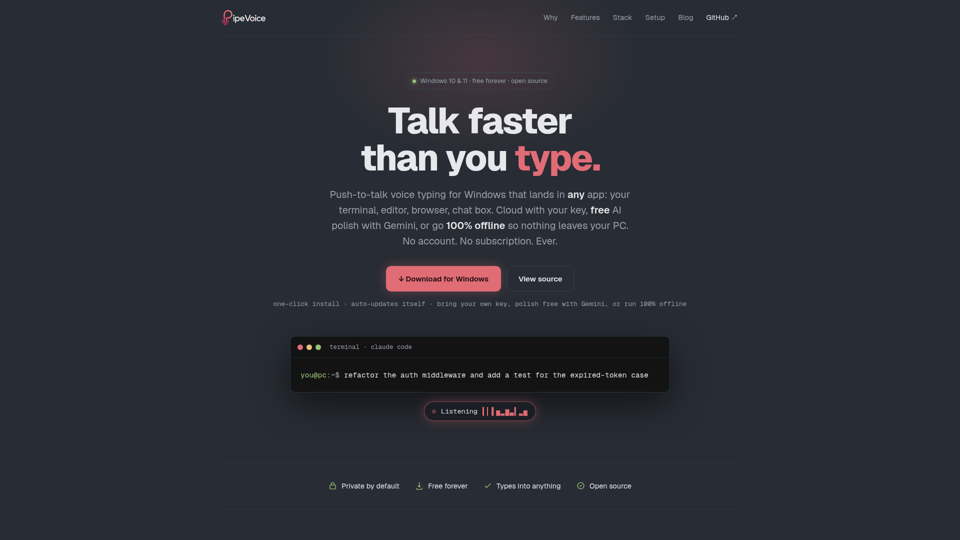
Push-to-talk voice typing for Windows. Hold a key, talk, release, and your words type into any app: terminal, editor, browser. Three transcription engines plus four AI-polish providers, including free Gemini and a 100% offline Local-Whisper-plus-Ollama path. Voice commands, dictation history, silent auto-updates. No telemetry, free forever, open source.