FocuSee
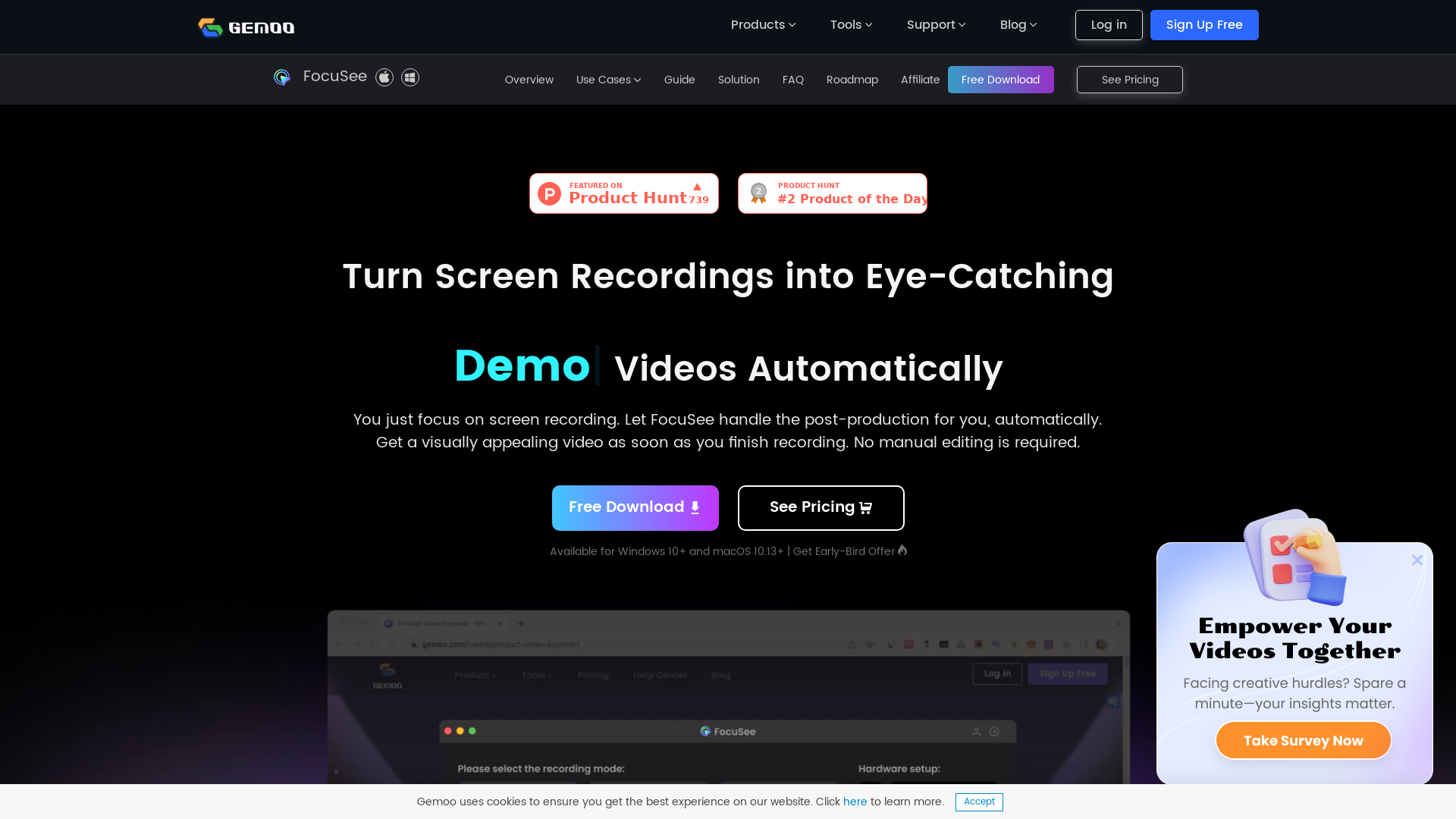
You just focus on screen recording. FocuSee automatically polishes the video for you with zoom-in effects, cursor movement tracking, and nice background. No manual editing is required.
What is FocuSee?
FocuSee is an innovative screen recording software that simplifies the video creation process by automatically editing recordings to create professional-looking videos. Designed for Windows and macOS, it allows users to focus on capturing their screen content while handling the post-production work seamlessly. It incorporates features like automatic zoom, cursor tracking, and predefined layouts to enhance the viewer's experience.
Main Features of FocuSee
- Automated Video Editing
- After recording, FocuSee applies dynamic zoom effects and smooth cursor motion automatically.
- Diverse Use Cases
- Ideal for demo videos, tutorials, marketing content, and more.
- Interactive Elements
- Users can add in-video quizzes, forms, and calls to action to engage viewers effectively.
- Customizable Layouts
- Choose from different layouts to suit your needs or create your own customized settings.
- High-Quality Exports
- Export videos in various formats up to 4K or as high-definition GIFs.
How to Use FocuSee?
Using FocuSee is straightforward. Simply download the application, start a screen recording along with your voiceover, and let FocuSee handle the automatic editing. You can also customize elements such as layouts and add interactive features before exporting your final video to share on social media or embed in presentations.
Pricing
FocuSee offers a free download option with essential features. For users looking for more extensive functionalities and unlimited video exports, subscriptions start at ### $69.99 for unlimited videos forever. This price point makes it a budget-friendly alternative to traditional video editing services, saving both time and resources.
Helpful Tips
- Maximize Utility
- Utilize FocuSee’s interactive features to engage viewers and collect data effectively.
- Experiment with Layouts
- Don’t hesitate to try different layouts to find what best represents your content.
- Leverage Presets
- Save often-used settings as presets to maintain a consistent style across your videos.
- Try Before You Buy
- Take advantage of the free version to test its features before committing to a subscription.
Frequently Asked Questions
Can I use FocuSee on macOS?
Yes, FocuSee is compatible with macOS 10.13 and newer.
Is there a limit to the number of recordings I can make?
While the free version has limits, the paid subscription allows unlimited video recording and exporting.
Are there customer support options available?
Yes, FocuSee provides a comprehensive help center and resource guides to assist users with any issues or questions.
Can I share my videos online directly?
Absolutely! You can share your videos via a link or embed them directly onto your website for easy access.
How does FocuSee compare to other screen recording tools?
FocuSee stands out with its automatic editing features and ease of use, making it a great choice for those new to video production or those looking to streamline their workflow.
FocuSee
You just focus on screen recording. FocuSee automatically polishes the video for you with zoom-in effects, cursor movement tracking, and nice background. No manual editing is required.
 Nginx
NginxFree AI anime and manga generator. Turn text into anime episodes, manga, comics, webtoons and comic shorts in any art style — no drawing or animation skills needed.
Translate image text across 70+ languages with our advanced AI Image Translator to help you better expand your products globally to various countries
Advertised Here
Reach thousands of visitors daily. Get your spot now!
Tools similar to FocuSee
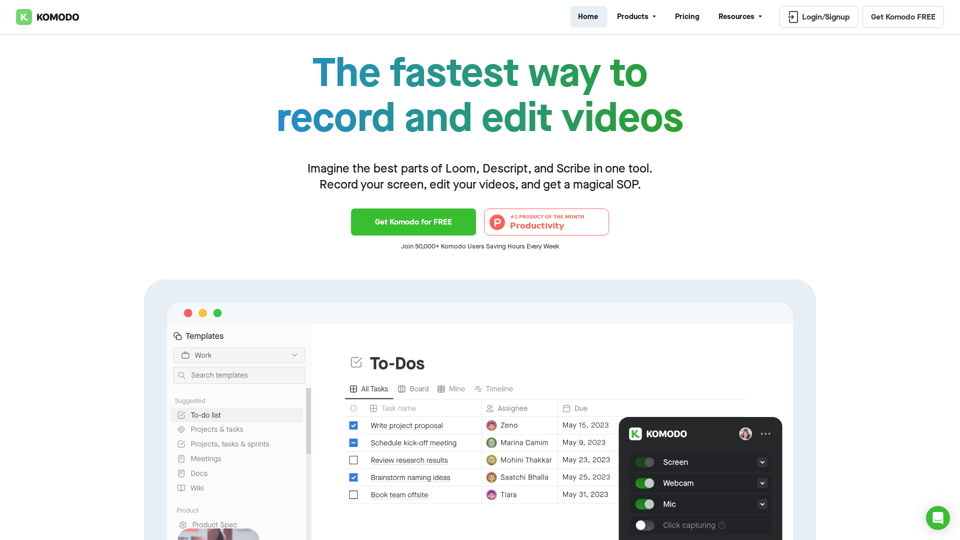
Komodo is a screencasting solution that helps you collaborate faster and share your ideas with people without the need to type lots of text, and scheduling online meetings.
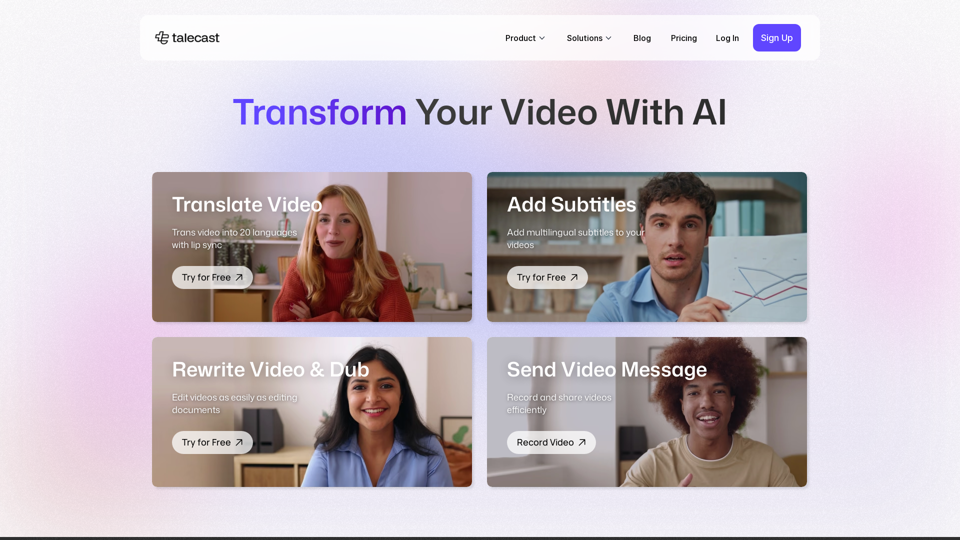

Use Weet to instantly record, create and edit interactive training videos. Build your organization’s knowledge videos library for clients & employees!
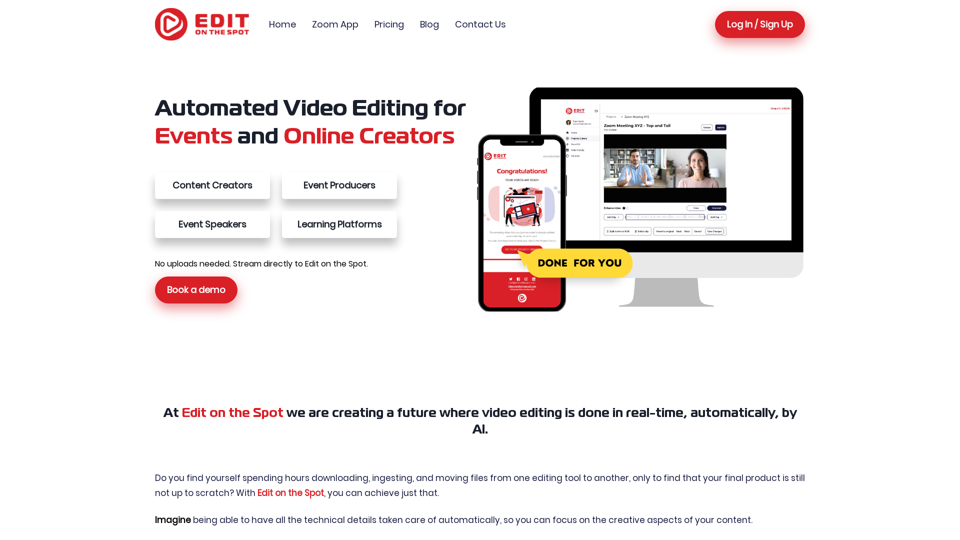
Revolutionize event video editing with automated solutions. Enhance live streaming effortlessly. Edit On The Spot makes it all possible.
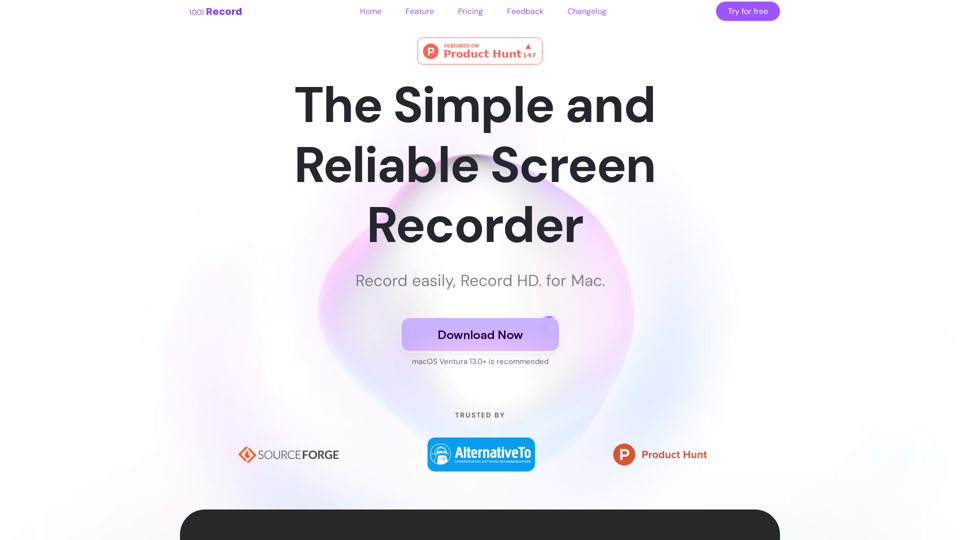
1001 Record is the best screen recording app for Mac with a built-in annotation tool and more. Built by 1001 TVs. Free to record with audio now.