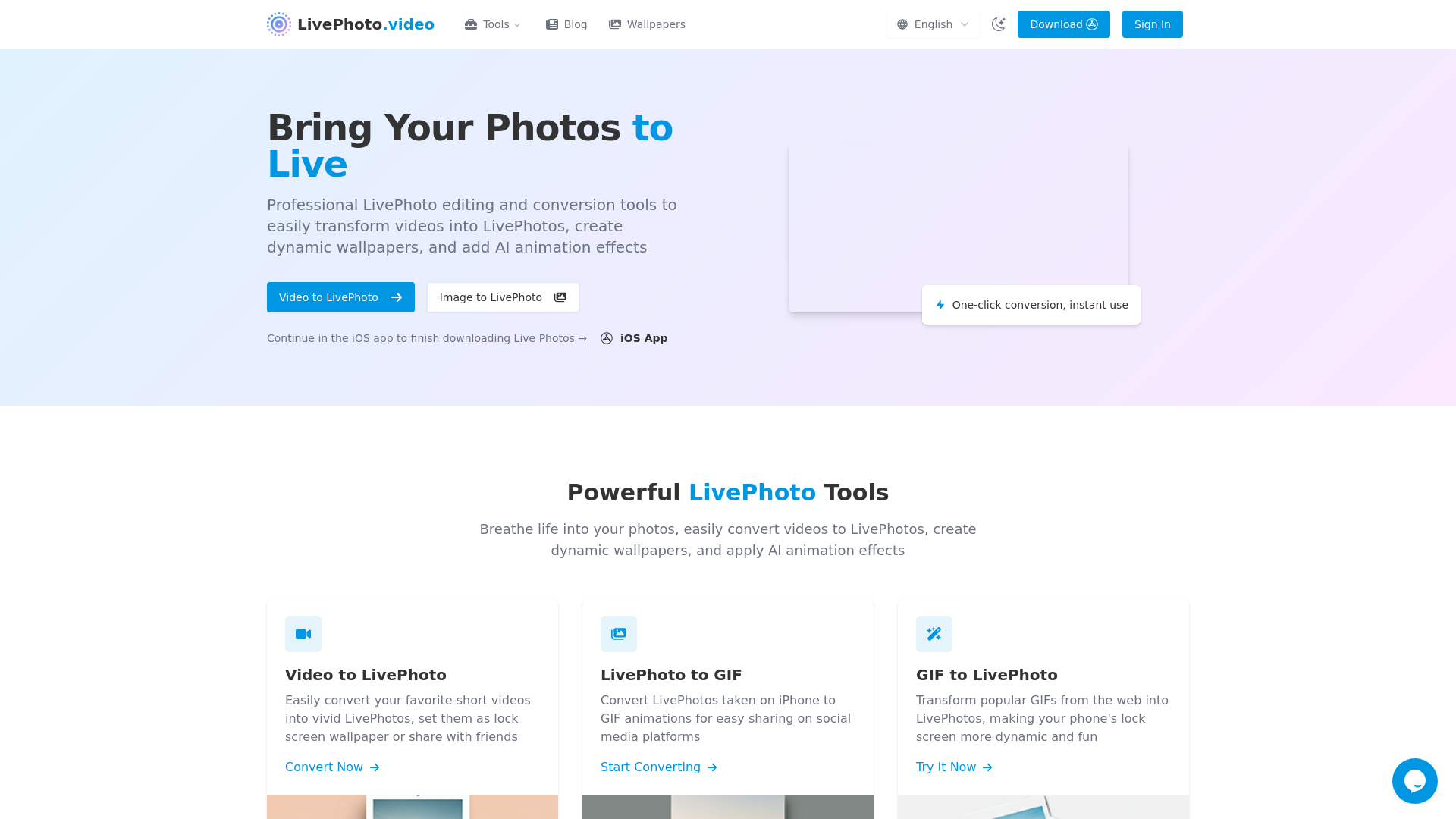
What is LivePhoto.video?
LivePhoto.video is a transformative platform that enables users to convert videos into dynamic Live Photos and create interactive wallpapers. It incorporates advanced AI technology to breathe life into static images, making everyday photos more engaging with smooth animations and special effects.
What are the main features of LivePhoto.video?
- Video to LivePhoto Conversion
- Seamlessly transform your favorite videos into vivid Live Photos.
- LivePhoto to GIF
- Easily convert Live Photos from your iPhone into shareable GIFs for social media.
- GIF to LivePhoto
- Turn popular GIFs into Live Photos, making your phone's lock screen more animated and fun.
- Dynamic Wallpaper Creation
- Set your Live Photos as lock screen wallpapers for an interactive experience.
- AI Animation Effects
- Utilize AI technology to add natural animations to still photos and enhance visual storytelling.
How to use LivePhoto.video?
Using LivePhoto.video is simple:
- Upload your video or select an existing Live Photo.
- Choose the desired settings, such as duration or quality.
- Click the convert button to process your file into your chosen format (Live Photo, GIF, etc.).
- Save it onto your device and enjoy your vibrant creations.
Pricing
LivePhoto.video offers various conversion tools at no cost. Users can perform essential functions without a subscription. However, for those looking for additional features or exclusive access, subscriptions may be available to enhance the user experience further.
Helpful Tips
- Explore Pre-set Formats
- Utilize the various output formats offered for optimal sharing on different social media platforms.
- Adjust Settings
- Always tweak cropping and quality settings for the best results, particularly when creating wallpapers.
- Social Media Sharing
- Make use of the direct sharing options to simplify posting your Live Photos and GIFs on platforms like Instagram and Facebook.
Frequently Asked Questions
1. What exactly is a Live Photo and how does it work?
A Live Photo captures 1.5 seconds of video and audio before and after a still photo, providing a dynamic experience upon pressing the image on compatible devices.
2. Can I use Live Photos on non-Apple devices?
While Live Photos are primarily for Apple devices, our tools facilitate the conversion to formats like GIFs that are compatible across all platforms.
3. How do I set a Live Photo as my iPhone wallpaper?
After creating a Live Photo, navigate to Settings > Wallpaper > Choose a New Wallpaper > Live Photos album, select your preferred Live Photo, and set it as your lock screen.
4. What's the difference between a Live Photo and a GIF?
Live Photos feature audio and a shorter playback that activates upon touch, while GIFs loop continuously without sound and are compatible across all devices.
5. How do I turn a regular video into a Live Photo?
Simply use our Video to Live Photo converter by uploading your video, adjusting settings as needed, and converting it into a Live Photo for your device.
6. Can I turn off Live Photos on my iPhone camera?
Yes, in your iPhone camera app, tap the Live Photos icon to toggle it off. For permanent changes, adjust your Camera settings.
Start Creating Amazing Live Photos Today
Unleash your creativity by converting, customizing, and sharing your dynamic moments using LivePhoto.video. Enjoy the magic of Live Photos and elevate your digital storytelling now!
LivePhoto.video
Turn videos into LivePhotos, animate static images with AI, create LivePhoto wallpapers, and convert between GIF and LivePhoto formats easily.
 Cloudflare
 HTTP/3
 Next.js
 Node.js
 React
React Webpack
Free AI anime and manga generator. Turn text into anime episodes, manga, comics, webtoons and comic shorts in any art style — no drawing or animation skills needed.
Translate image text across 70+ languages with our advanced AI Image Translator to help you better expand your products globally to various countries
Advertised Here
Reach thousands of visitors daily. Get your spot now!
Tools similar to LivePhoto.video
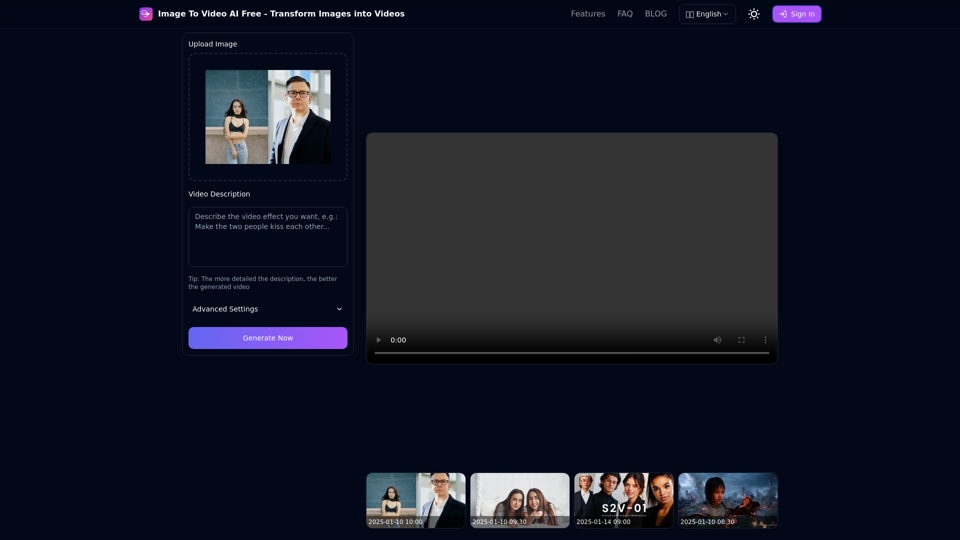
Free online tool to convert images into stunning videos using AI technology. Transform static images into dynamic videos with our advanced AI video generation.
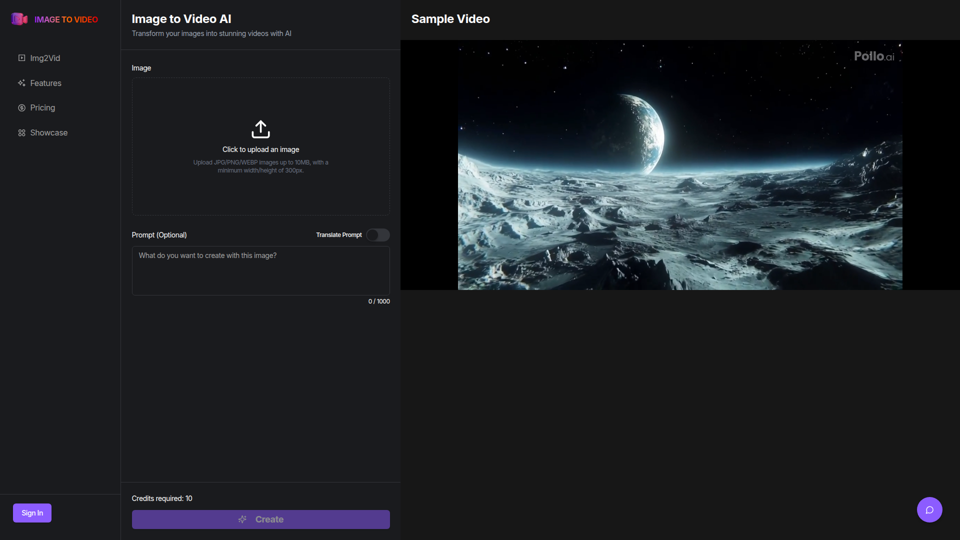
Use the image to video AI generator. Convert photo to video ai with high-quality and captivating results. Try our image to video AI now!
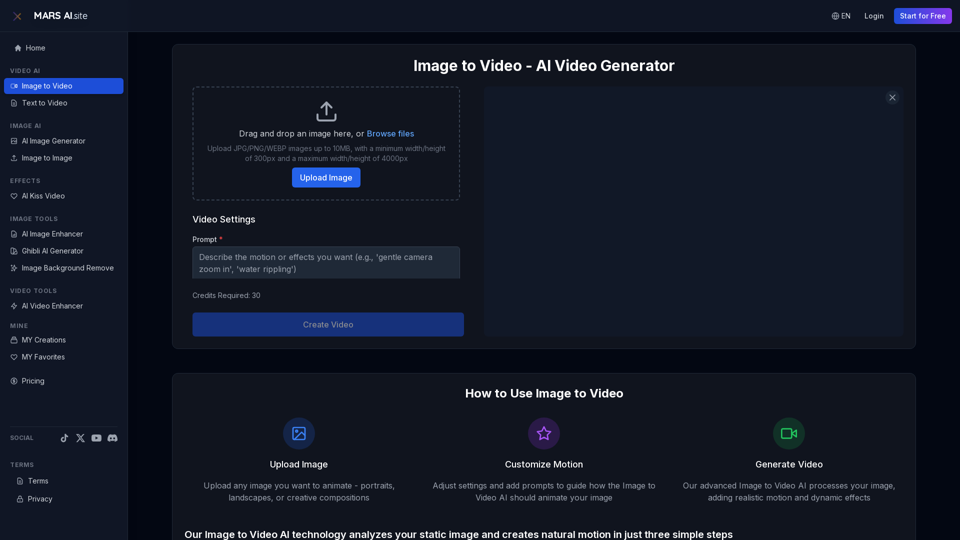
Transform static images into stunning motion videos with our advanced Image to Video AI technology. Our Image to Video tool breathes life into your photos with natural, fluid motion effects
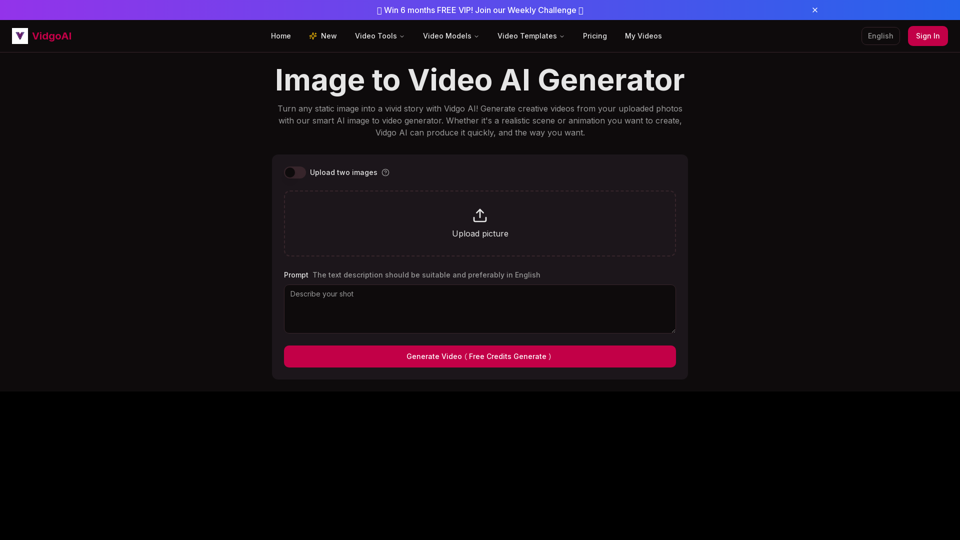
Use the image to video AI generator of Vidgo AI for free. Convert photos to videos with high-quality and captivating results. Try our image to video AI now!
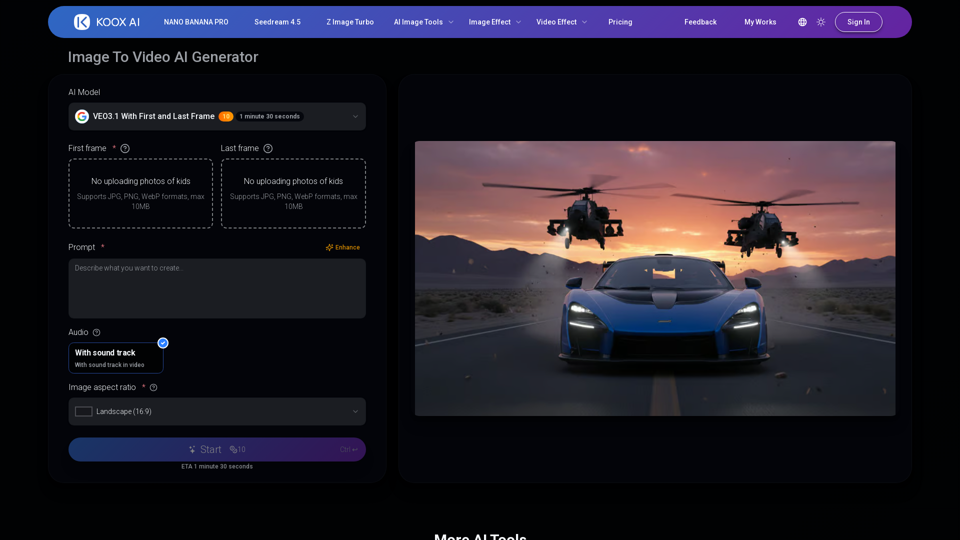
Transform any image to video with our free IMAGE TO VIDEO AI generator. Convert photos to videos with realistic motion and cinematic effects.
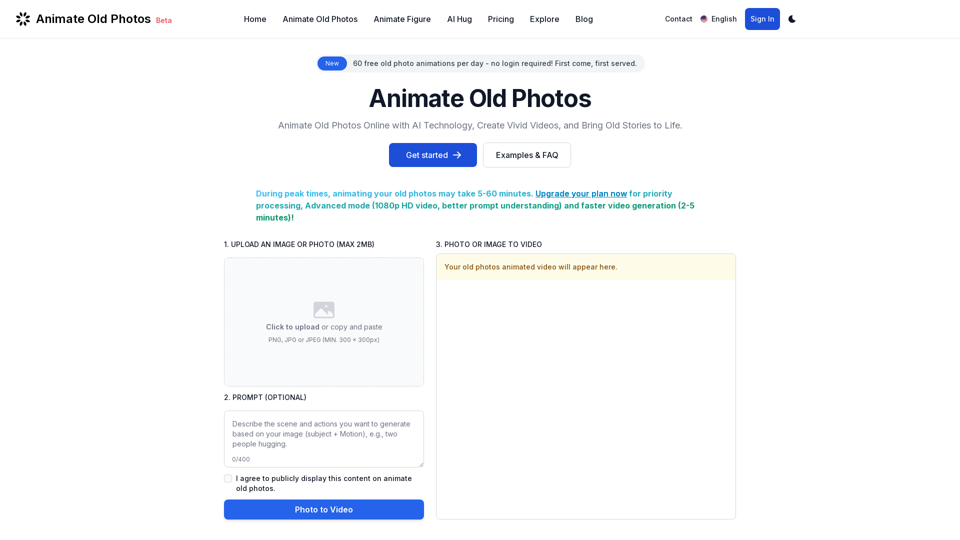
Animate old photos online with advanced AI. Turn your old photos into captivating videos. Easy to use with quick results! Bring old photos to life.
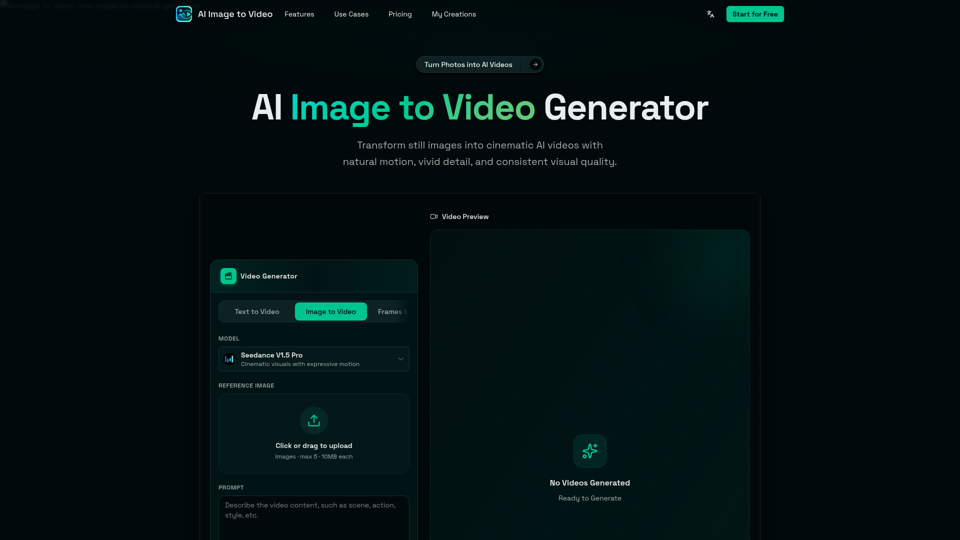
AI Image to Video is a free online image to video AI generator. Turn photos into AI videos for social media, products, portraits, anime, and pets.
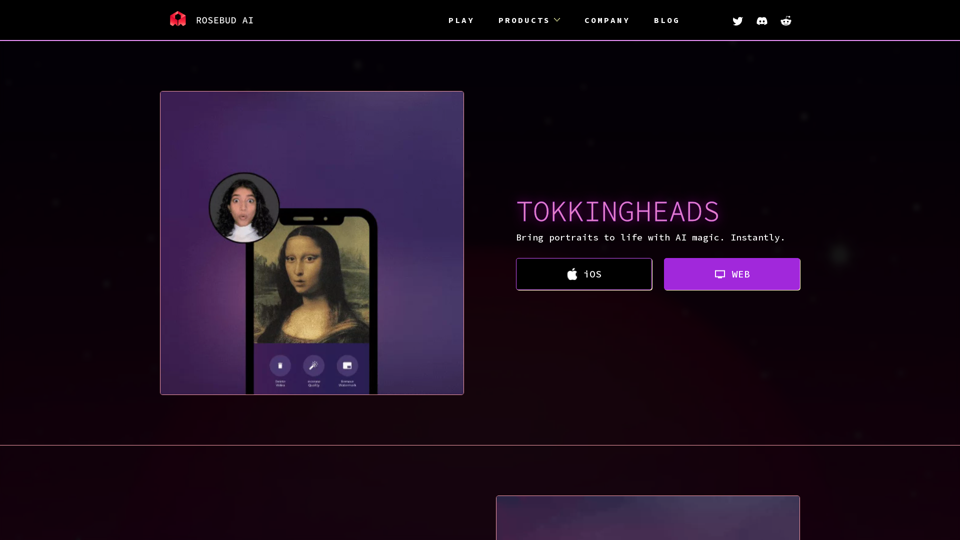
Animate your photos in seconds with TokkingHeads. Try it now!