MacGaiver
With MacGaiver, help with any application is just one keyboard shortcut away

What is MacGaiver?
MacGaiver is an AI-powered personal assistant specifically designed for MacOS, allowing users to get help with any application through a simple keyboard shortcut. This innovative tool leverages powerful AI technologies to enhance productivity and streamline the workflow for Mac users.
What is the main feature of MacGaiver?
- AI-Powered Assistance
- MacGaiver utilizes OpenAI's Vision API to provide context-aware assistance.
- Seamless Integration
- Users can activate MacGaiver in any application using a keyboard shortcut, eliminating the need to switch between applications.
- Real-time Responses
- MacGaiver delivers quick answers in context, ensuring a smooth user experience.
- Screenshot Functionality
- It captures the active window's screenshot along with your question to provide more accurate responses.
How to use MacGaiver?
Using MacGaiver is straightforward:
- Download and Install: Start by downloading MacGaiver for free.
- Activate the Assistant: Use a keyboard shortcut to activate it from any application.
- Ask Your Question: Speak or type your question directly, without interrupting your ongoing work.
- Receive Instant Answers: Get your answers delivered in context along with audio feedback, thanks to the integration with OpenAI's technology.
Price
MacGaiver is available for free, allowing users to experience the benefits of AI assistance without any initial investment. Future updates or premium features may be offered, but the base functionality remains complimentary.
Helpful Tips
- Customize Keyboard Shortcut
- Personalize the keyboard shortcut for quick access to MacGaiver.
- Explore Various Applications
- Utilize MacGaiver’s capabilities across different Mac applications, maximizing productivity.
- Use Contextual Images
- Leverage screenshots for more complex queries to receive even more accurate answers.
- Stay Updated
- Keep an eye on updates for new features and improvements that enhance your MacGaiver experience.
Frequently Asked Questions
How does MacGaiver capture screenshots?
MacGaiver automatically captures the screenshot of the active window when activated. The screenshot, along with your question, is sent to OpenAI’s Vision API for processing.
Can I use MacGaiver in any application?
Yes, MacGaiver is designed to work seamlessly across all applications on MacOS, making it a versatile tool for various tasks.
Will my data be secure with MacGaiver?
Absolutely! MacGaiver prioritizes user privacy and security. Your questions and screenshots are only processed to provide answers and are not stored for future training or analytics.
Is MacGaiver compatible with older MacOS versions?
It is recommended to check the official website for compatibility, as MacGaiver is designed to work best with the latest MacOS updates.
How can I provide feedback about MacGaiver?
Users are encouraged to share their experiences and suggestions for improvements directly with the MacGaiver team through their official channels. Your input is valuable in shaping future updates.
MacGaiver
With MacGaiver, help with any application is just one keyboard shortcut away
 Cloudflare
 Google Analytics
 HTTP/3
Free AI anime and manga generator. Turn text into anime episodes, manga, comics, webtoons and comic shorts in any art style — no drawing or animation skills needed.
Translate image text across 70+ languages with our advanced AI Image Translator to help you better expand your products globally to various countries
Advertised Here
Reach thousands of visitors daily. Get your spot now!
Tools similar to MacGaiver
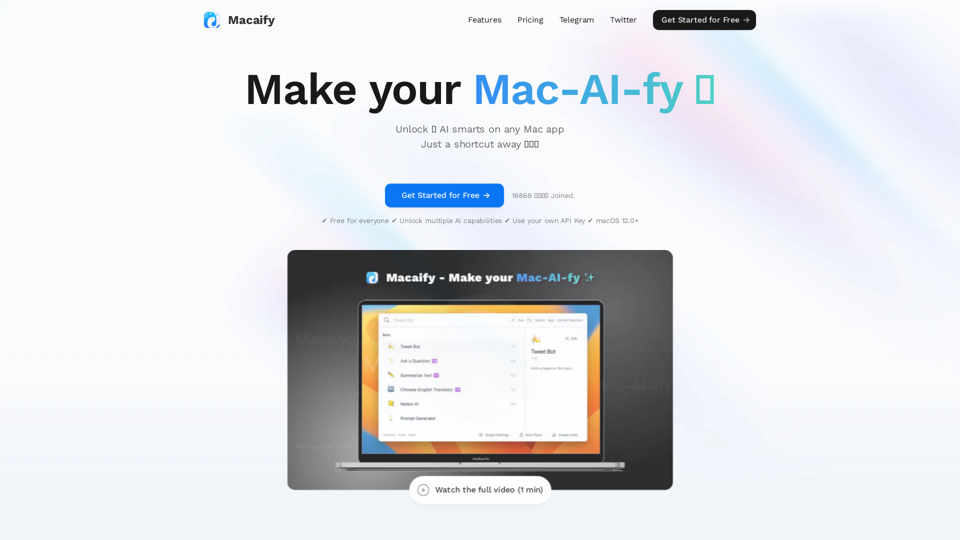
Unleash the power of ChatGPT on your Mac computer, anytime, anywhere with this incredible App. Take your productivity to new heights as you seamlessly engage with ChatGPT and beyond.
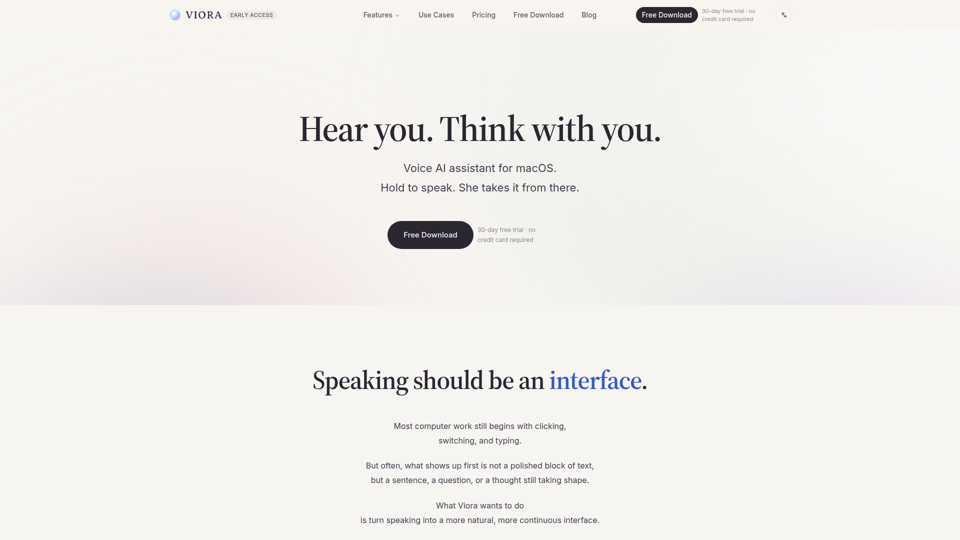
Viora is a macOS voice AI assistant. Hold one shortcut and speak to write in any app, edit selected text, ask about what's on screen, or run agent tasks.
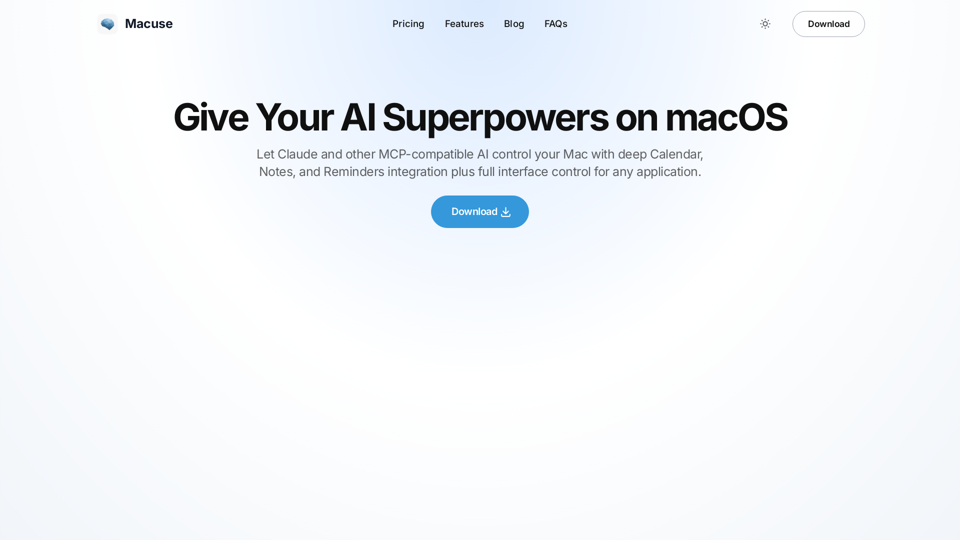
Macuse empowers AI models to universally read screen content and simulate user actions on macOS, with deep native app integration.
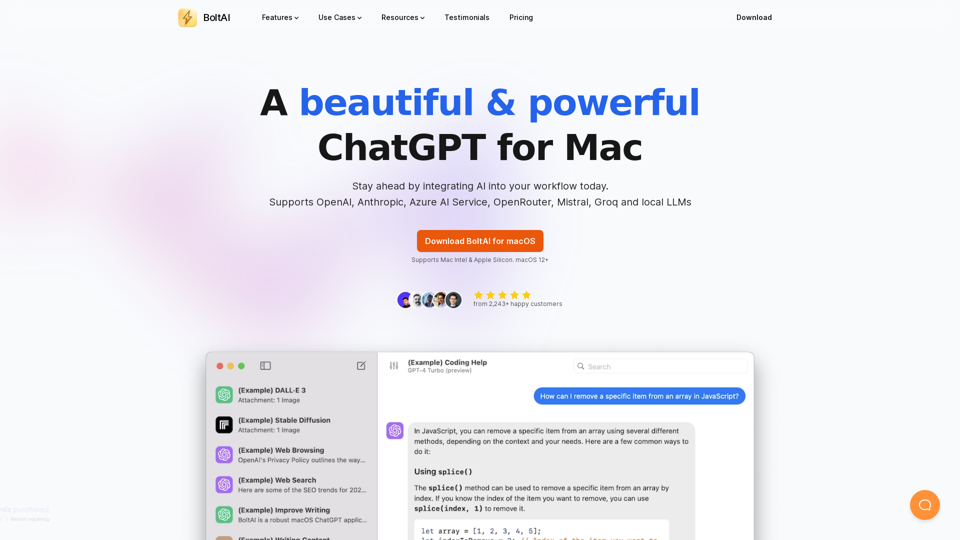
BoltAI is a native ChatGPT app for Mac. It allows you to integrate AI assistances into your daily tasks.
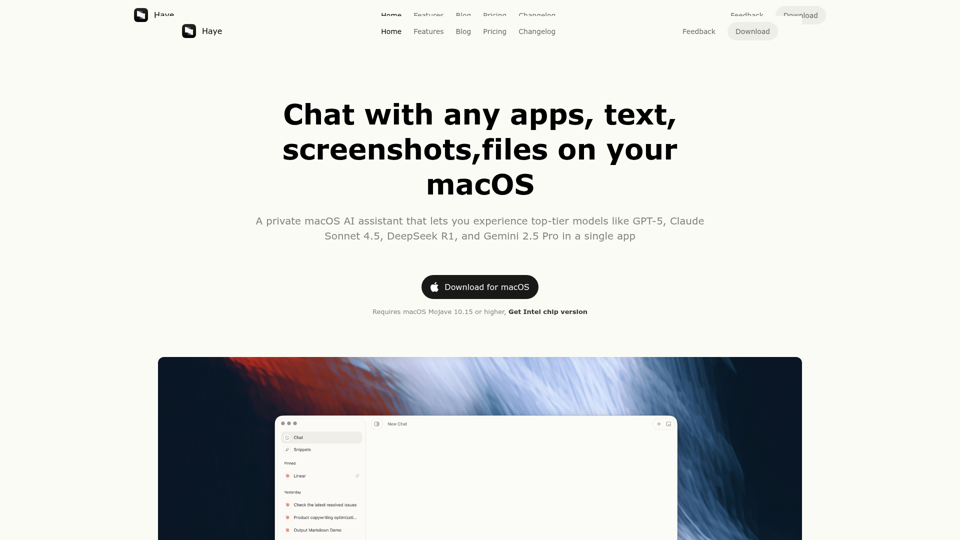
Haye is a private macOS AI assistant that lets you experience top-tier models like DeepSeek, o3, GPT-4o, Claude-3.5, and Gemini-2.0 in a single app
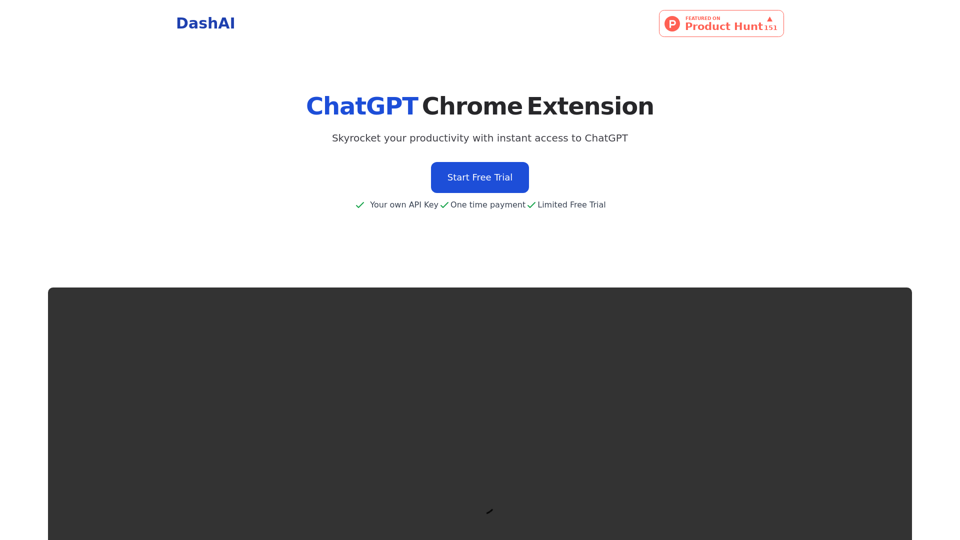
Instant ChatGPT access on every webpage. Shortcut to open a side chat, highlight and execute commands on text and fill textfields with ai generated content. Use your own api keys and just pay once for unlimited use.
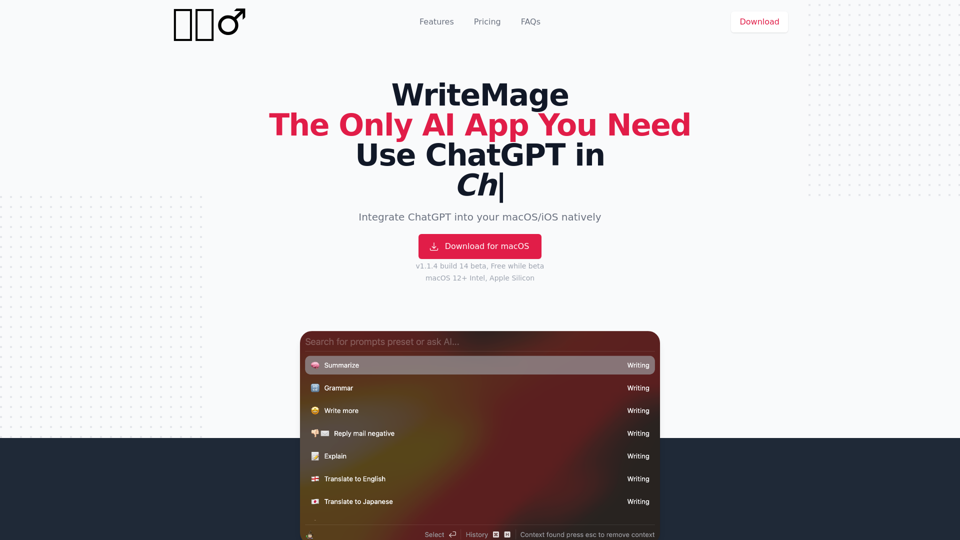

Omnipilot is an AI copilot that works everywhere on macOS. It autocompletes text in any app from Apple Notes to Gmail, and can also do longer in-context generation using GPT-4, using context from the apps you recently used.