AtAt for Mac
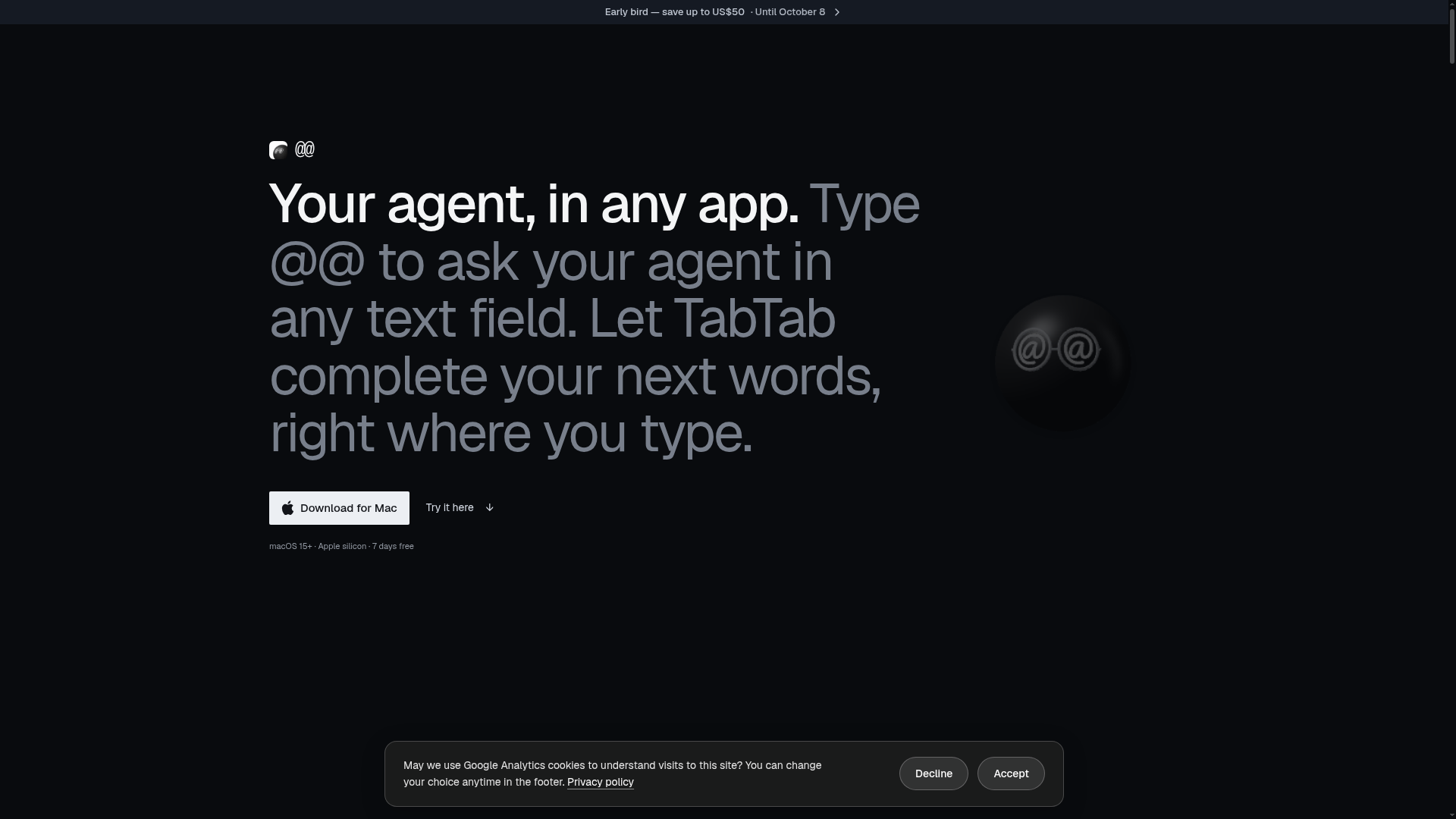
Type @@ in any Mac text field to ask your AI agent — with your screen, clipboard, and Finder selection as context — and get the answer back at your cursor. Supports Claude Code, Codex, and other agents. Plus TabTab autocomplete in every app.
What is AtAt?
AtAt is a native macOS application designed as an AI co-pilot that integrates directly into your Mac workflow. It allows you to invoke an AI agent from within any text field on your system by typing @@. Beyond this core functionality, AtAt bundles powerful utilities like a full-featured screen capture tool, a searchable clipboard history, and intelligent text selection actions. It acts not as another app to switch into, but as a seamless layer of assistance that you can call upon and dismiss without leaving your current task.
What are the key features of AtAt?
AtAt is built around several core features that enhance productivity on macOS:
- `@@` Agent Invocation
- The hallmark feature. Type
@@in any editable, non-secure text field—be it in a native app, browser, or terminal—to ask your connected AI agent a question and insert the answer directly. - TabTab Autocomplete
- An intelligent text completion feature that suggests and completes your next words right where you type, working across apps including code editors.
- Selection Actions
- Select any text passage to instantly access a context menu for actions like rewriting, explaining, or querying that text with your agent.
- Bring Your Own Agent
- High flexibility in AI backends. Use built-in support for CLIs like Claude Code, or connect your own API keys for OpenAI, Anthropic, OpenRouter, DeepSeek, or local models via Ollama. Siri AI is supported on compatible macOS versions.
- Comprehensive Screen Capture
- A full-featured capture tool (⌘⇧5) for area, window, and scrolling screenshots, screen recordings, and OCR, with built-in editing tools.
- Persistent Clipboard History
- A searchable history of everything you copy (⌘⇧V), allowing you to find, re-paste, or bring clipboard items to your agent for context.
How to use AtAt?
Using AtAt is designed to be intuitive and integrated:
- Download and Install: Visit
atatapp.com/downloadto get the disk image, then drag AtAt into your Applications folder and launch it. No account is needed for the trial. - Grant Permissions: Upon first use, grant necessary system permissions (like Accessibility for text input and Screen Recording for captures) for the features you intend to use.
- Connect an Agent (Optional): Go to Settings to configure your preferred AI agent—choose from presets or add your custom API key or CLI.
- Work Anywhere: In any app, simply type
@@followed by your prompt to summon your agent. Select text to use quick actions, or press ⌘⇧V to access your clipboard history. - Start the Trial: Use all features free for 7 days. After the trial, choose a subscription or lifetime plan to continue.
What is the pricing for AtAt?
AtAt offers a 7-day free trial with no payment card required. After the trial, you can choose from the following plans:
- Yearly Subscription
- Priced at ### $59 per year (early bird offer: $10 off until October 8). This includes full access to every feature and a 30-day money-back guarantee.
- Lifetime Purchase
- A one-time payment of ### $169 (early bird offer: $50 off until October 8). This includes every future update and a license for use on up to 3 Macs.
Listed prices exclude applicable taxes or VAT, which are calculated at checkout based on your location. All purchases include a 30-day refund promise.
Helpful tips for using AtAt
- Privacy First
- By default, all your history, clipboard data, and settings stay on your Mac. iCloud Sync is optional and must be explicitly enabled per device.
- No Middleman
- Your prompts and data go directly to the AI provider you choose (CLI, API, or local model); AtAt's servers do not process or store your work.
- Use Without an Agent
- Even if you don't connect an AI, AtAt remains a powerful toolkit for screenshots, recordings, OCR, and clipboard management.
- Check Compatibility
- Requires an Apple silicon Mac running macOS 15 or later. Some advanced UI features and Siri AI integration require macOS 26+.
Frequently Asked Questions
Which AI agents work with AtAt?
Claude Code, Codex, and several other CLIs work out of the box. You can also use your own API keys for OpenAI, Anthropic, OpenRouter, or DeepSeek, or run local models through Ollama. Siri AI is supported on macOS 26+.
Do I need an agent to use AtAt?
No. Without an agent, AtAt still functions as a full screenshot/recording tool and a searchable clipboard history manager.
What stays on my Mac?
History, clipboard data, and settings remain on your Mac by default. Optional iCloud Sync uses your private iCloud container. Agent requests are sent directly to your chosen provider.
How do I install AtAt?
Download the .dmg from the website or use Homebrew: brew install --cask xinyao27/tap/atat. No account is needed for installation or the trial.
What happens after the 7-day trial?
You can subscribe yearly, buy a lifetime license, or stop using the app. To purchase, sign in to an AtAt account on the website. Early-bird pricing secured during your trial remains available until your trial ends.
AtAt for Mac
Type @@ in any Mac text field to ask your AI agent — with your screen, clipboard, and Finder selection as context — and get the answer back at your cursor. Supports Claude Code, Codex, and other agents. Plus TabTab autocomplete in every app.
 Cloudflare
 HTTP/3
Free AI anime and manga generator. Turn text into anime episodes, manga, comics, webtoons and comic shorts in any art style — no drawing or animation skills needed.
Translate image text across 70+ languages with our advanced AI Image Translator to help you better expand your products globally to various countries
Advertised Here
Reach thousands of visitors daily. Get your spot now!
Tools similar to AtAt for Mac
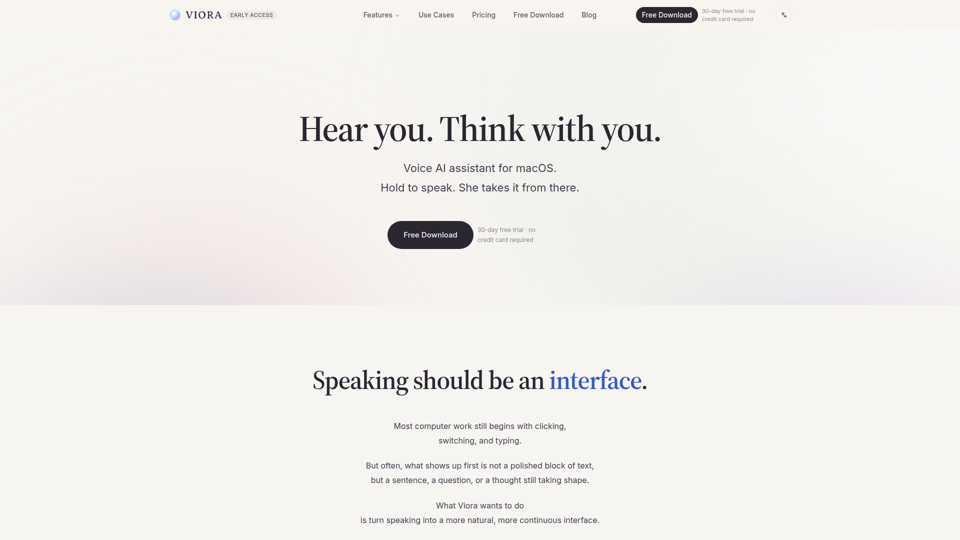
Viora is a macOS voice AI assistant. Hold one shortcut and speak to write in any app, edit selected text, ask about what's on screen, or run agent tasks.
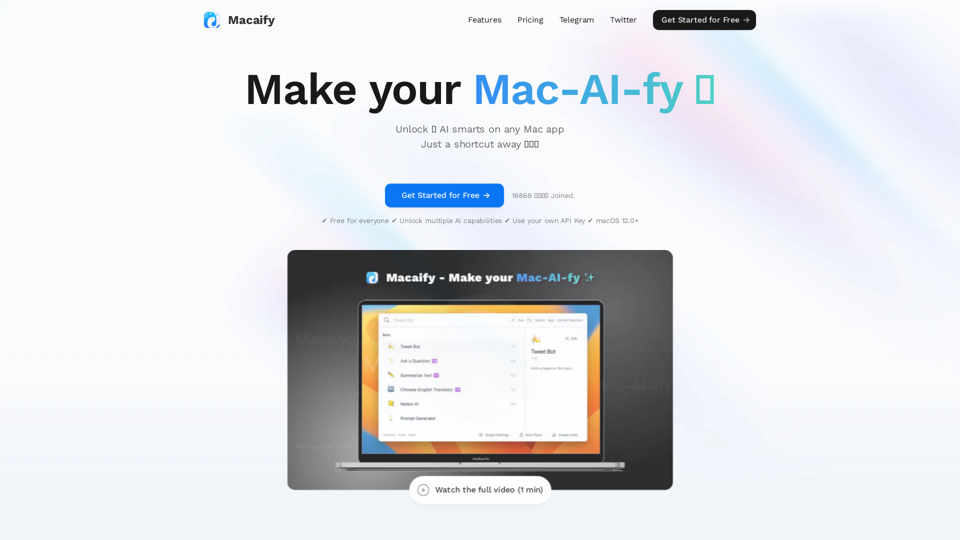
Unleash the power of ChatGPT on your Mac computer, anytime, anywhere with this incredible App. Take your productivity to new heights as you seamlessly engage with ChatGPT and beyond.
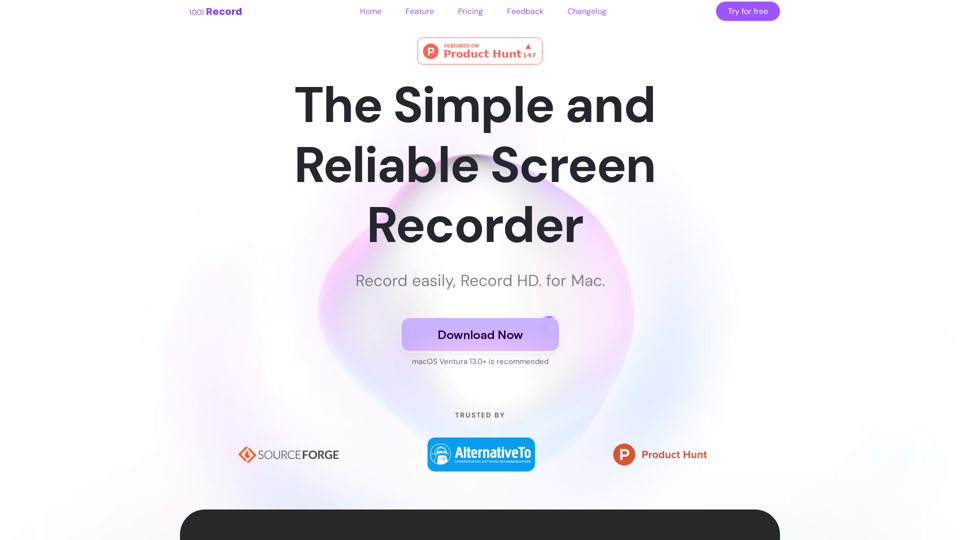
1001 Record is the best screen recording app for Mac with a built-in annotation tool and more. Built by 1001 TVs. Free to record with audio now.
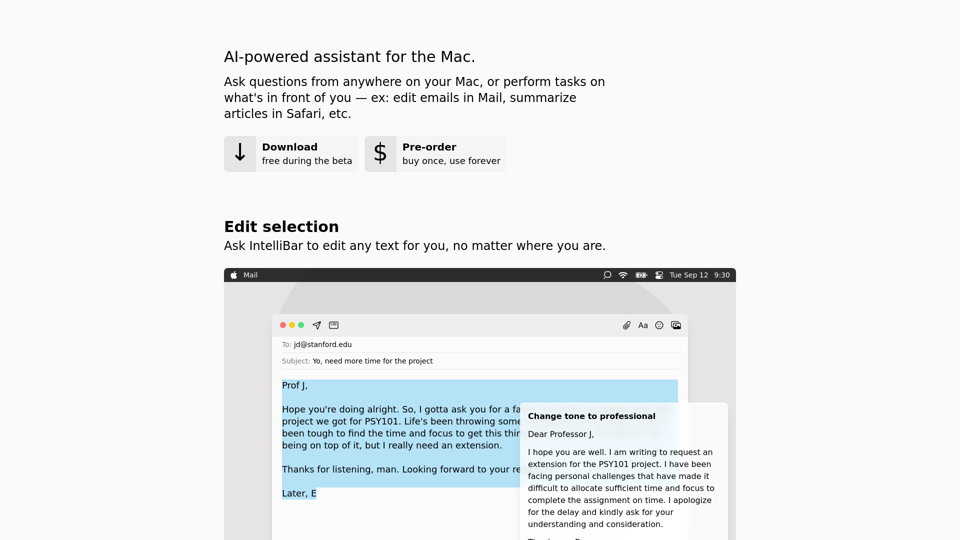
IntelliBar is a beautiful ChatGPT client designed to get things done.
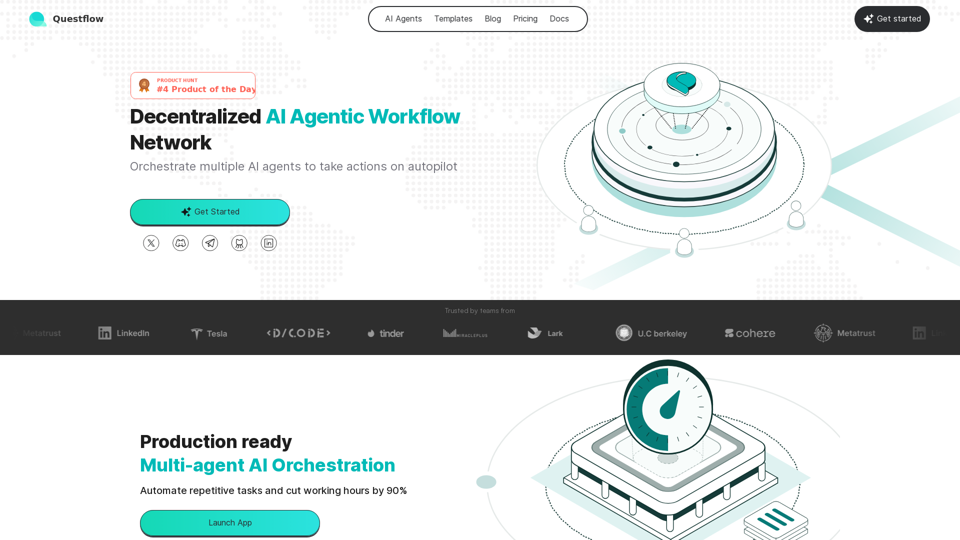
Questflow Labs is a decentralized AI agentic workflow network that orchestrates multi-agents to take action on autopilot. It allows users to orchestrate multiple AI agents to take action, build AI agentic workflow, and distribute incentives to agents.
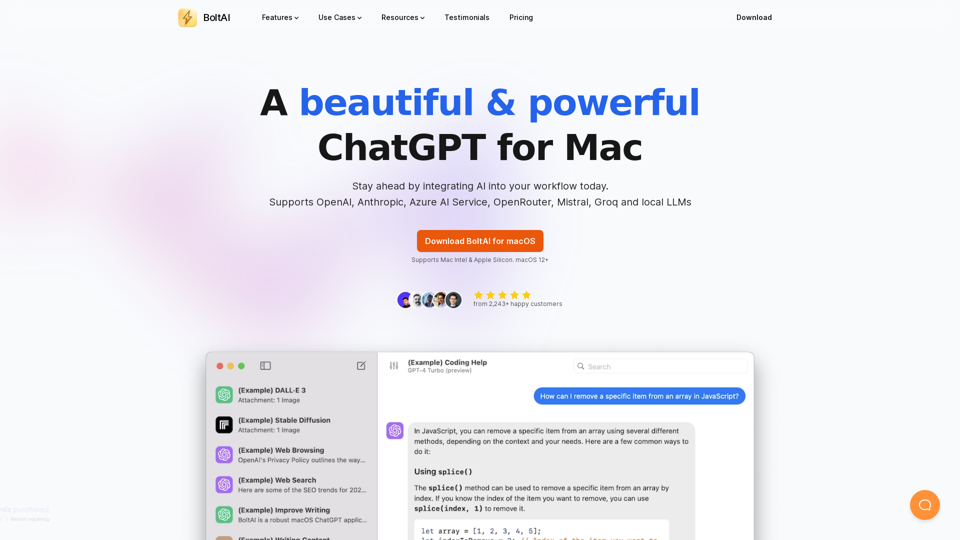
BoltAI is a native ChatGPT app for Mac. It allows you to integrate AI assistances into your daily tasks.
Macuse empowers AI models to universally read screen content and simulate user actions on macOS, with deep native app integration.
cFlow is your contextual generative AI assistant for all your everyday tasks from research, text-editing, note-taking, scheduling and more. cFlow provides LLM-native, seamless knowledge access across your desktop devices.