Mem
Let AI organize your team’s work—from meeting notes, projects, to knowledge bases. All instantly searchable and readily discoverable.

What is Mem?
Mem is an AI chief of staff that combines a workspace for notes, meetings, ideas and research with an agent that builds a living picture of your tasks, projects and goals. It is aimed at people who juggle many projects and meetings and want their context kept current without manual organizing. What sets it apart is that Mem Agent works in the background, updates its understanding as new information arrives, and steps in with a nudge only when it will help.
Key features
- Mem Workspace
- Captures notes, meetings, ideas and research without stopping to organize, turning them into durable, visible memory.
- Mem Agent
- Continuously reviews your context, updates its understanding of tasks, projects and goals, and helps keep you on track.
- Push-to-Remember
- Hold a shortcut on Mac or Windows, say what is on your mind, and Mem reasons about where it fits, what it changes and when to bring it back.
- Meeting notes without a bot
- Mem listens in meetings without a meeting bot, writes the notes and tracks decisions and follow-ups.
- Web clipping
- Clip research in one click, and the agent can use it long after you close the tab.
- Visible, editable memory
- Important context lives in familiar notes rather than a hidden file or opaque chat history, and Mem maintains the connections between people, projects, decisions and priorities.
- Context-aware answers and drafting
- Ask what matters now instead of rebuilding context, or have Mem draft, summarize, plan and follow up using the context already in place.
How to use Mem
- Sign up at mem.ai to create your workspace.
- Capture what you know: write it down, think out loud, record a meeting, or save a page from the web.
- Let Mem Agent review the new context in the background and connect it to what it already knows about your tasks, projects and goals.
- Ask Mem questions when you need them answered, or use it to draft, summarize, plan and follow up.
- Act on the nudges Mem Agent sends when it decides a reminder will actually help, such as following up on a number you need before a deadline.
Use cases
- Founders and executives who need to track investor updates, leadership syncs and follow-ups across many threads.
- People in back-to-back meetings who want notes, decisions and follow-ups captured without a meeting bot.
- Researchers and analysts who clip material from the web and want it available as context later.
- Anyone who wants their favorite LLMs to use their own notes as context.
- People who dislike maintaining folders and tags and prefer to toss information into one place and find it by meaning later.
Pricing
The official website does not list pricing or plan details; a blog post mentions beta features for Pro users, but no prices are stated. Check the official site for current pricing.
FAQ
Is Mem free to use?
The official website does not state whether Mem has a free plan or a free trial, and it does not list prices. Check the official site for current plan details.
Does Mem join my meetings with a bot?
No. Mem listens without a meeting bot, writes the notes, and keeps track of decisions and follow-ups.
Which platforms does Mem work on?
Push-to-Remember is available as a desktop shortcut on Mac and Windows. Mem also supports capturing from the web and from connected apps.
How is Mem different from a regular note-taking app?
Mem pairs a workspace with an agent that keeps a structured, up-to-date picture of your tasks, projects and goals. Instead of just storing notes, it connects new information to what it already knows and reaches out with relevant context and a clear next step.
What is Push-to-Remember in Mem?
Push-to-Remember lets you hold a shortcut and tell Mem Agent whatever is on your mind. Mem works out where it fits, what it changes and when to bring it back, without interrupting your flow.
Can Mem connect to other tools I use?
Yes. Mem updates its understanding from connected apps, and its blog notes a calendar integration and a Claude connector. It can also be used as context for your favorite LLMs.
Mem
Let AI organize your team’s work—from meeting notes, projects, to knowledge bases. All instantly searchable and readily discoverable.
 Firebase
 Google Tag Manager
 HTTP/3
Free AI anime and manga generator. Turn text into anime episodes, manga, comics, webtoons and comic shorts in any art style — no drawing or animation skills needed.
Translate image text across 70+ languages with our advanced AI Image Translator to help you better expand your products globally to various countries
Advertised Here
Reach thousands of visitors daily. Get your spot now!
Tools similar to Mem
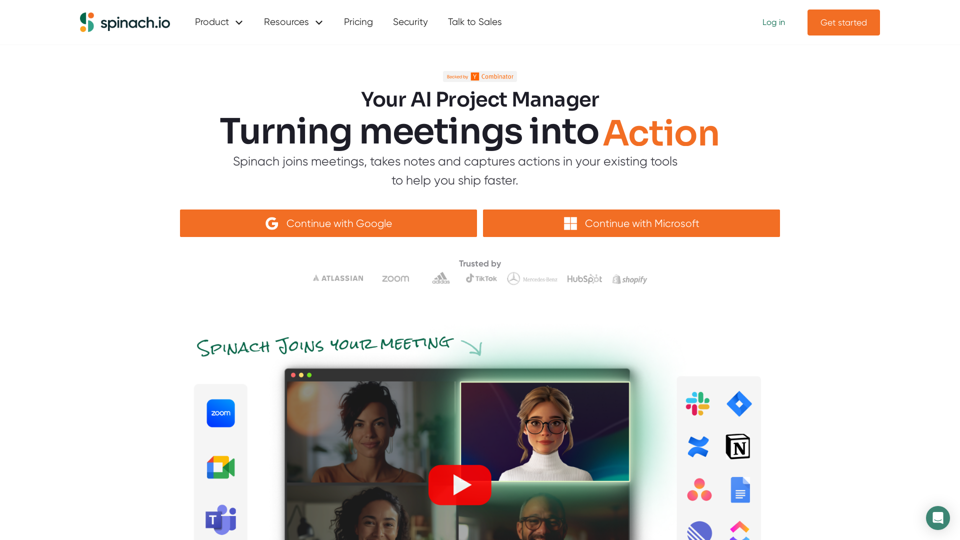
Spinach gives project teams instant meeting notes with key decisions, action items and ticket suggestions based on what you discuss. With dozens of integrations, Spinach keeps track of your projects wherever you work!

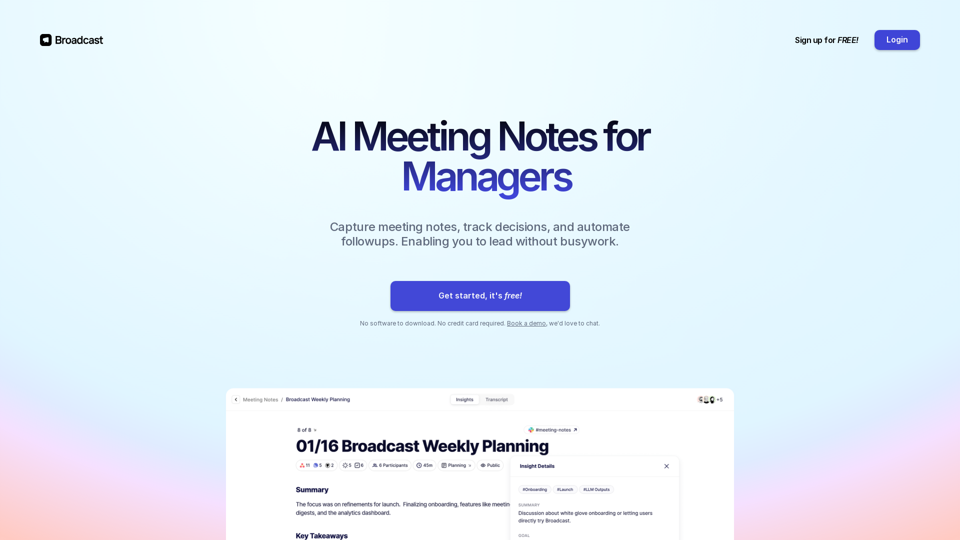
Capture meeting notes, track decisions, and automate action items. Simple for you, perfect for your team. Sign up for free!
Superpowered is the AI notetaker for your meetings. It transcribes your meetings without using bots and gives you great notes after.
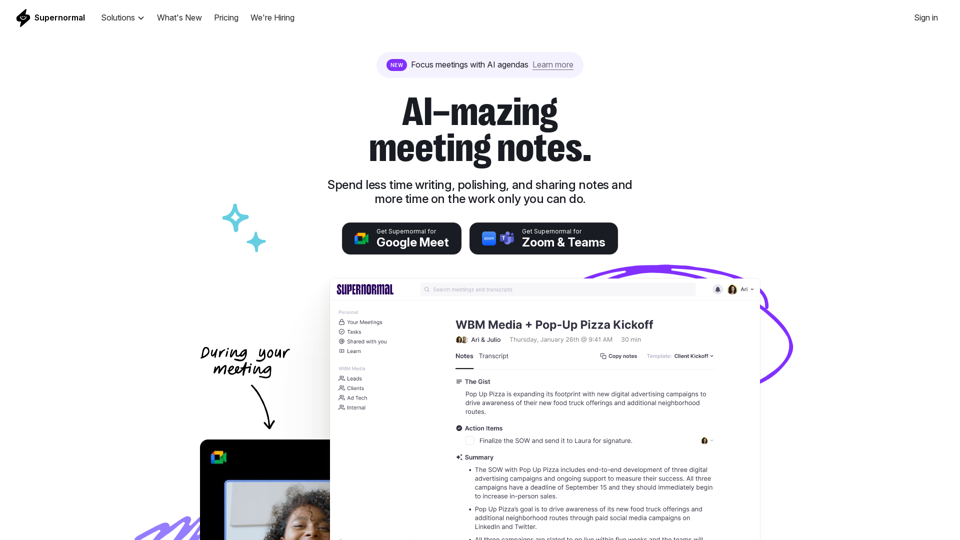
Supernormal is your all-in-one solution for meeting management. Our Supernormal AI notetaker and Supernormal Chrome Extension seamlessly handle meeting transcription on Google Meet, Zoom, and Teams. Transcribe, record, and share meeting notes effortlessly with Google Meet transcription, Zoom transcription, and Teams transcription options. With Supernormal, your Meeting Notes, Meeting Transcription, and Meeting Recording needs are met with ease. Plus, our integration with Google Drive, Notion, Quip, Slack, Hubspot, Salesforce, and more makes collaboration a breeze. Elevate your meetings with Supernormal AI!
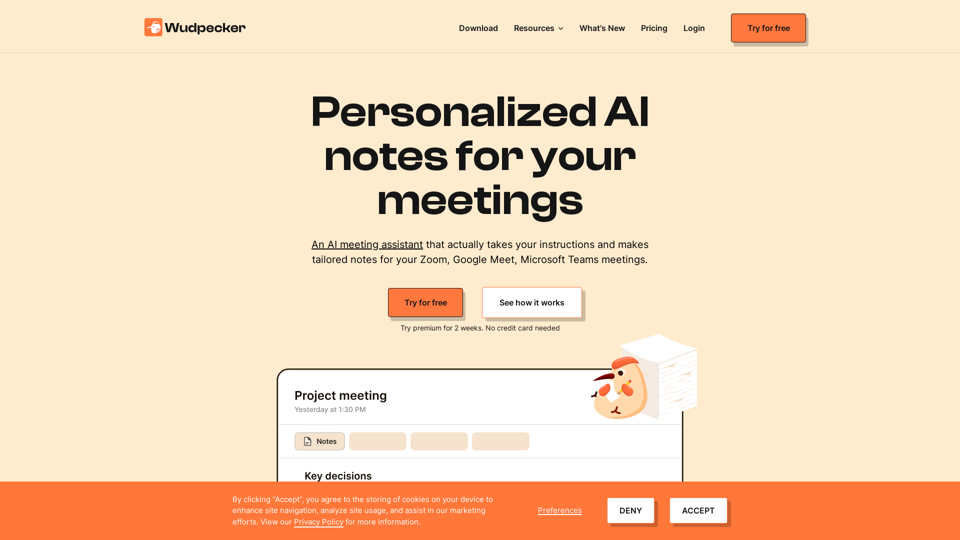
Start the meeting prepared. End the meeting with perfect notes. Share it to every stakeholder. All in a seamless experience with Wudpecker.

Sachiv.AI (pgm.bot) the world's foremost AI program and project manager. It will update Jira/Monday/Asana for you, and run your Google/Zoom/Teams meetings.
