Wudpecker
Start the meeting prepared. End the meeting with perfect notes. Share it to every stakeholder. All in a seamless experience with Wudpecker.
What is Wudpecker?
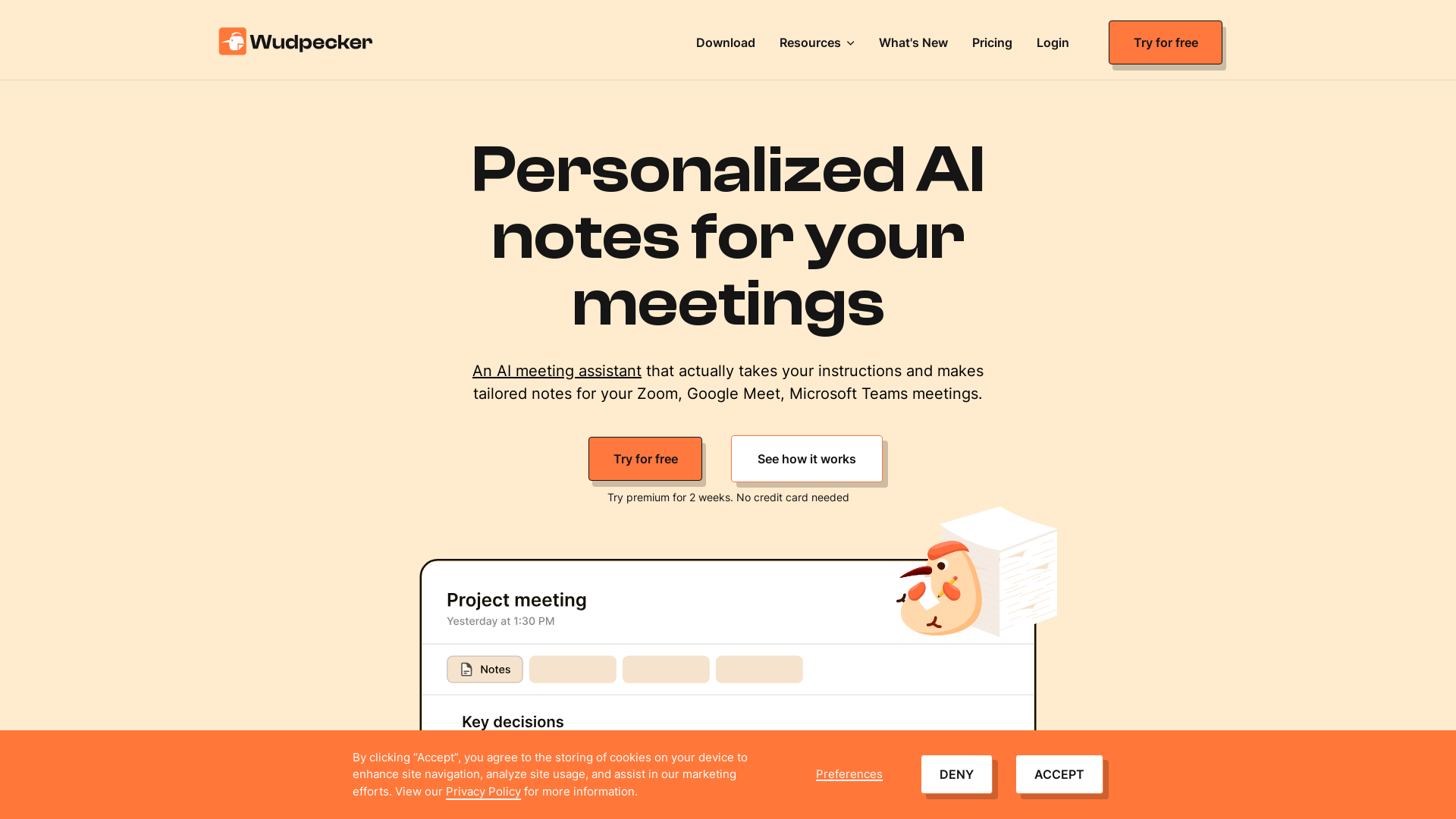
Wudpecker is an AI-powered meeting assistant designed to simplify the process of note-taking during your meetings on platforms like Zoom, Google Meet, and Microsoft Teams. By utilizing advanced machine learning algorithms, Wudpecker captures tailored, structured notes based on your specific instructions, allowing you to focus on the discussion rather than worrying about missing vital information.
What are the main features of Wudpecker?
- Personalized Note Structuring
- Instruct Wudpecker to format your meeting notes in a familiar structure that allows for easy scanning.
- Multilingual Support
- Write notes in over 100 languages, enabling teams from diverse backgrounds to collaborate effectively.
- Detail Capture Customization
- Specify exactly what details you want to capture during meetings, ensuring all pertinent information is recorded.
- Custom Vocabulary
- Teach Wudpecker how to spell your company’s special terms and names, so it can remember them in the future.
- Summary Tables
- Transform notes into tables for a more organized presentation of information.
- Meeting Insights
- Use the "Ask Wudpecker" feature for generating ideas based on meeting discussions.
How to use Wudpecker?
To begin using Wudpecker, simply sign up for a free trial. The platform allows users to integrate Wudpecker with their preferred meeting tools. During the meetings, give Wudpecker specific instructions on how you want your notes structured and what details to capture. After the meeting, you can easily access and review your personalized notes.
Pricing
Wudpecker offers a free plan with unlimited usage, allowing users to experience the platform's capabilities without any commitments. Additionally, there is a premium option available for those who are interested in enhanced features. A two-week trial of the premium version is available with no credit card required.
Helpful Tips
- Define Your Structure
- Before meetings, consider how you want your notes organized. Providing a clear structure will significantly enhance the readability of your notes.
- Customize Your Vocabulary
- Take the time to populate Wudpecker with special terms or names relevant to your business to ensure accurate recordings.
- Maximize Integration
- Leverage Wudpecker's compatibility with various collaboration tools to create a seamless workflow for your team.
- Use Multilingual Capabilities
- If you work in a global team, instruct Wudpecker to write notes in different languages to ensure everyone is on the same page.
Frequently Asked Questions
Is Wudpecker safe to use?
Yes, Wudpecker complies with GDPR regulations and employs advanced encryption methods to ensure the security of your data.
Can Wudpecker generate summaries of meetings?
Absolutely! Wudpecker can condense lengthy recordings into concise, digestible summaries, saving you valuable time.
What kind of meetings does Wudpecker support?
Wudpecker is compatible with a variety of digital meeting platforms including Zoom, Google Meet, and Microsoft Teams.
Does Wudpecker store my meeting recordings?
Yes, all recorded notes and details are securely stored on EU servers, with a dedicated team overseeing user data privacy.
Can I change my note structure after a meeting?
While Wudpecker shares notes based on your instructions, you can always provide feedback for future meetings to refine how your notes are structured.
Wudpecker
Start the meeting prepared. End the meeting with perfect notes. Share it to every stakeholder. All in a seamless experience with Wudpecker.
 Cloudflare
 Google Analytics
 Google Font API
 Google Hosted Libraries
 Google Tag Manager
 HTTP/3
 Lucky Orange
 jQuery:3.5.1
 jsDelivr
Free AI anime and manga generator. Turn text into anime episodes, manga, comics, webtoons and comic shorts in any art style — no drawing or animation skills needed.
Translate image text across 70+ languages with our advanced AI Image Translator to help you better expand your products globally to various countries
Advertised Here
Reach thousands of visitors daily. Get your spot now!
Tools similar to Wudpecker
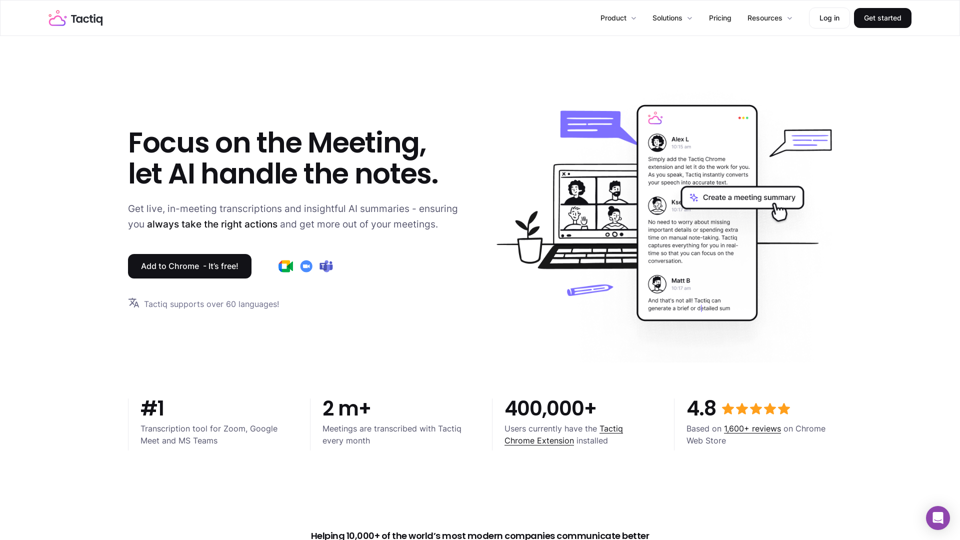
Get more from your meetings with Tactiq.io AI meeting assistant. From live transcription to AI summaries, action items and custom AI prompts just for you.
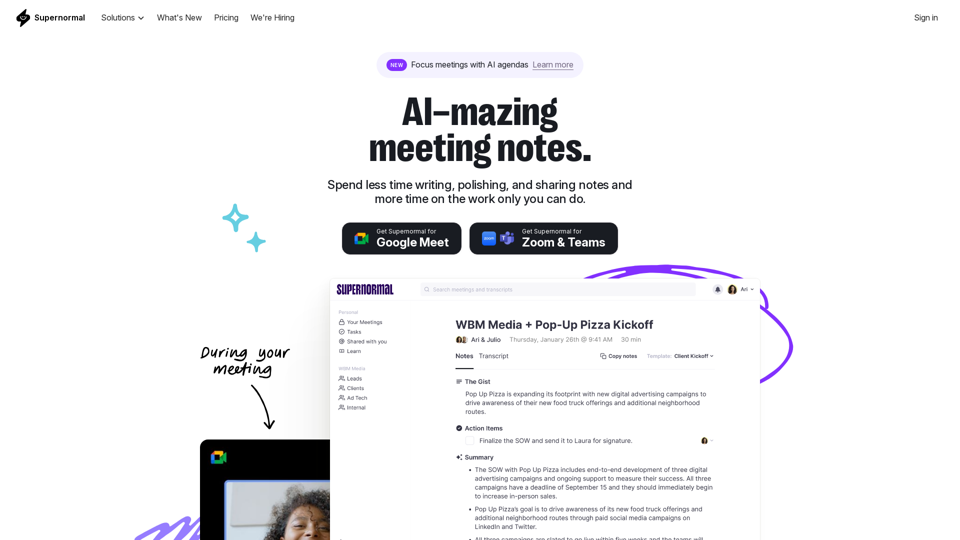
Supernormal is your all-in-one solution for meeting management. Our Supernormal AI notetaker and Supernormal Chrome Extension seamlessly handle meeting transcription on Google Meet, Zoom, and Teams. Transcribe, record, and share meeting notes effortlessly with Google Meet transcription, Zoom transcription, and Teams transcription options. With Supernormal, your Meeting Notes, Meeting Transcription, and Meeting Recording needs are met with ease. Plus, our integration with Google Drive, Notion, Quip, Slack, Hubspot, Salesforce, and more makes collaboration a breeze. Elevate your meetings with Supernormal AI!
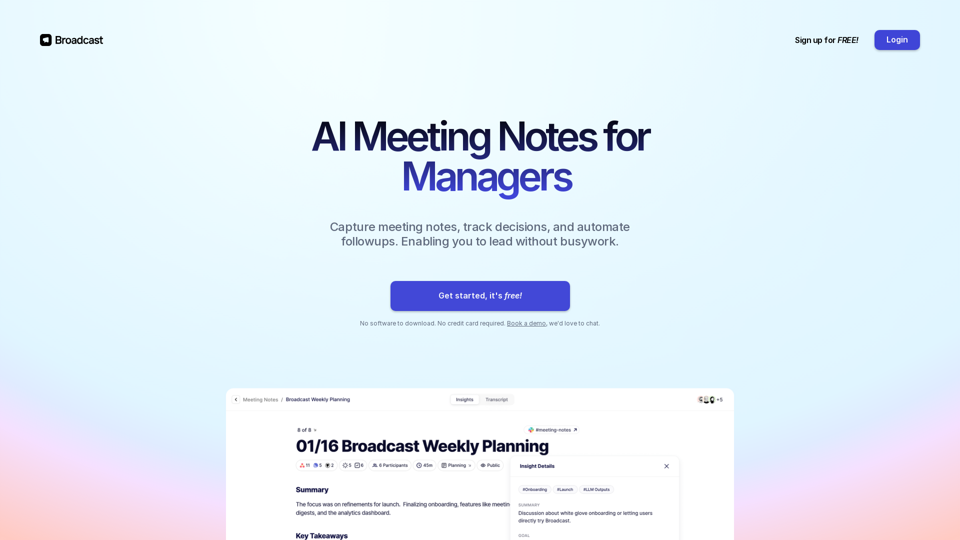
Capture meeting notes, track decisions, and automate action items. Simple for you, perfect for your team. Sign up for free!
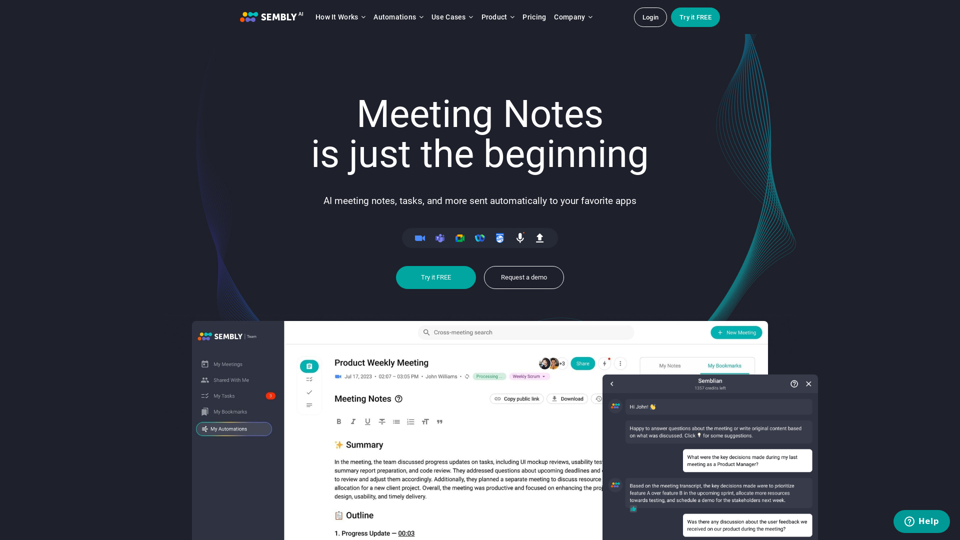
Sembly records, transcribes and generates smart meeting summaries with meeting minutes. Works with Zoom, Google Meet, Microsoft Teams and Cisco Webex. Sembly the smartest AI team assistant!
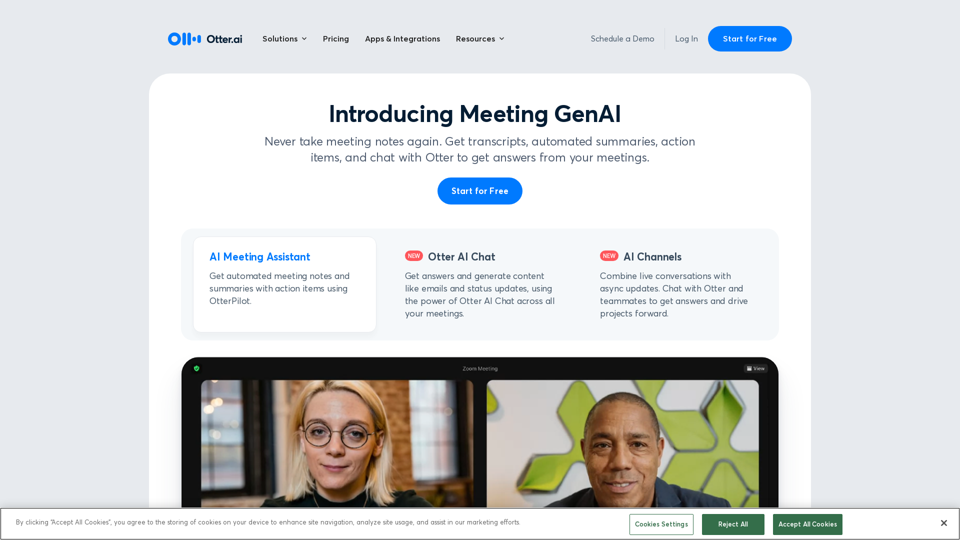
Otter.ai uses an AI Meeting Assistant to transcribe meetings in real time, record audio, capture slides, extract action items, and generate an AI meeting summary.
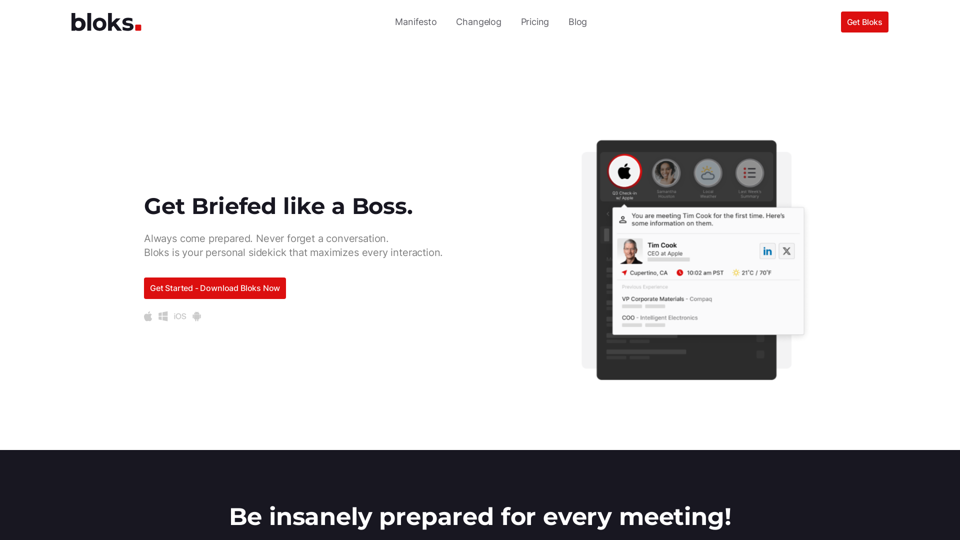
Always come prepared. Never forget a conversation. Bloks is your personal sidekick that maximizes every interaction.
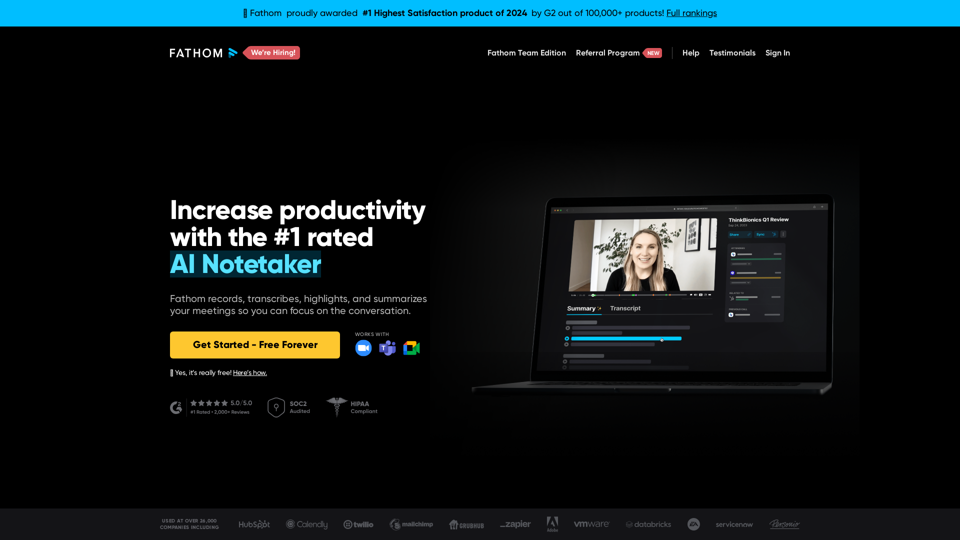
Instantly summarizes your meetings so you can focus on the conversation instead of taking notes.
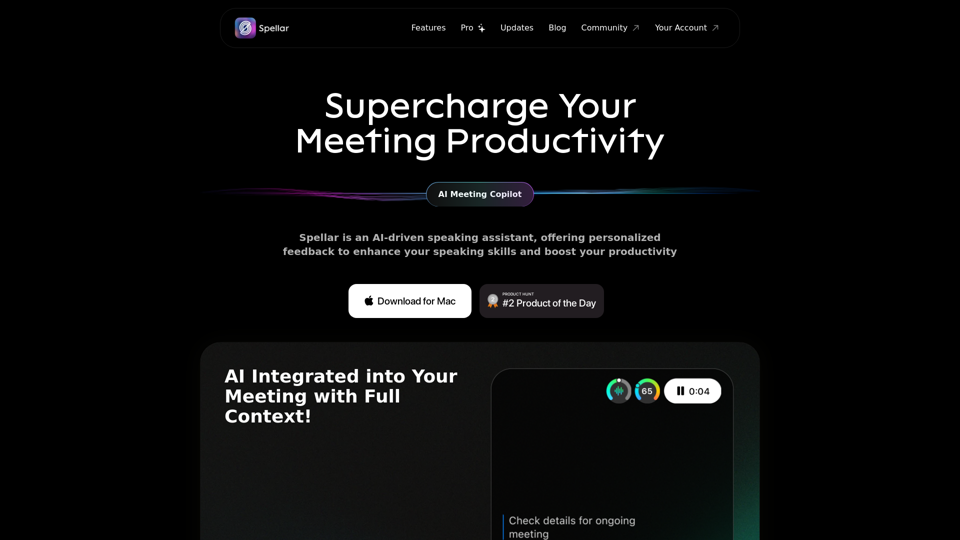
Spellar AI - powered macOS meeting assistant, enhances communication with real-time engagement tips, meeting summaries key points and tasks tracking. Ideal for non-native English speakers in remote work. Spellar records calls with meetings notes automated