QR Menu, Delivery & Online Ordering
Create a free digital QR menu for your restaurant in minutes. AI-powered food photos, 70+ languages, online ordering. No app, no coding required.
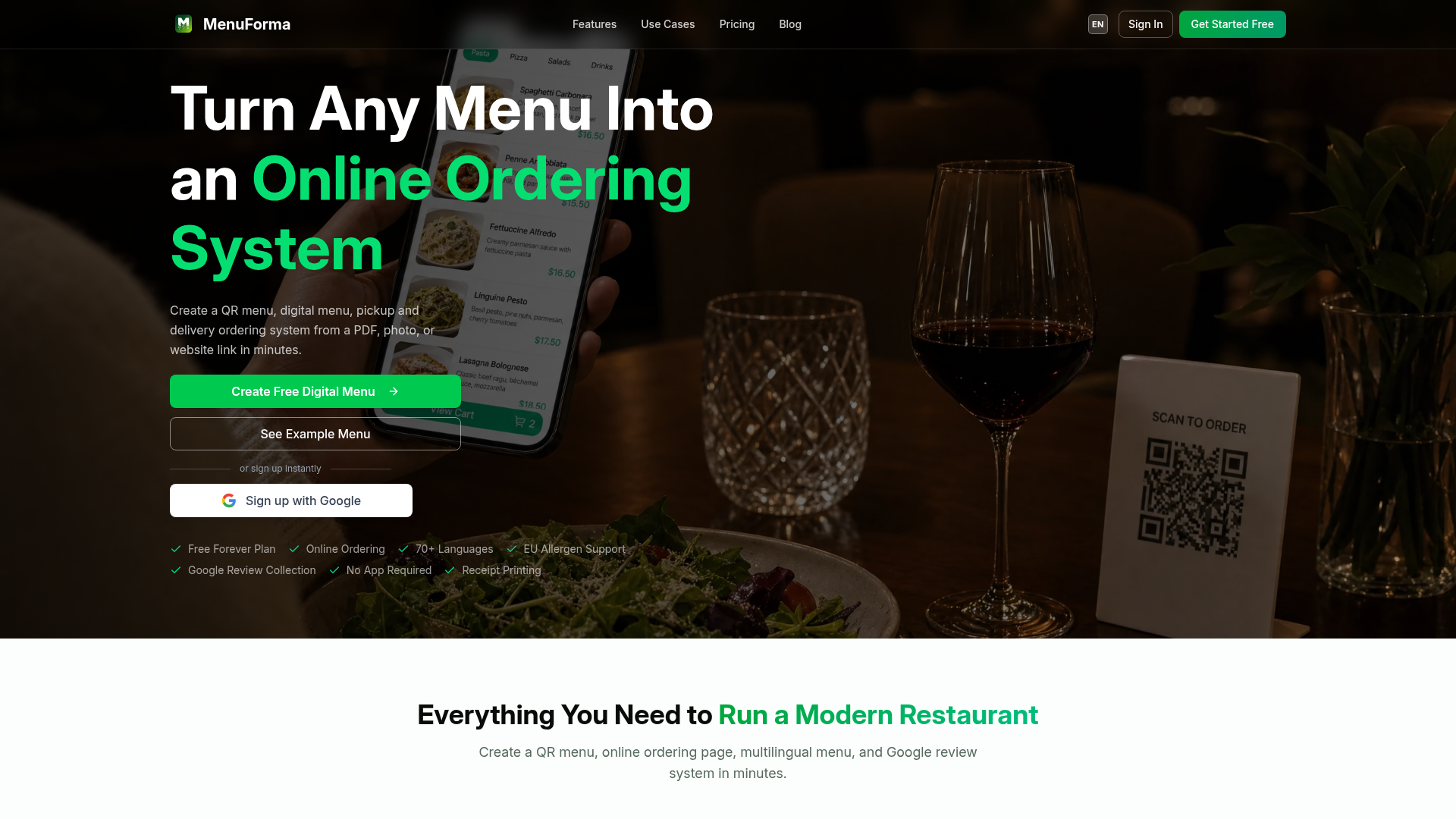
What is MenuForma?
MenuForma is a comprehensive digital menu and online ordering platform designed specifically for the food and beverage industry. It empowers restaurants, cafes, bars, hotels, and food trucks to instantly convert their existing menus—whether from a PDF, photo, or website link—into interactive QR code menus and full-featured online ordering systems. The platform facilitates pickup, delivery, and dine-in orders, supports over 70 languages, ensures allergen compliance, and helps businesses collect more Google reviews, all without requiring customers to download a separate app.
Key Features of MenuForma
MenuForma is packed with features to streamline operations and enhance the customer experience for any food service business.
- QR Menu Generator
- Instantly transform any existing menu format (PDF, image, URL) into a scannable digital QR code menu.
- Flexible Online Ordering
- Accept orders directly from the digital menu for pickup, takeaway, dine-in, and delivery.
- Multi-Location Management
- Manage menus, settings, and orders for multiple restaurant locations from a single dashboard.
- 70+ Language Translation
- Automatically translate your menu into dozens of languages to cater to an international clientele.
- EU Allergen Label Support
- Display critical allergen information clearly to meet EU compliance requirements and customer safety needs.
- Google Review Collection
- Automatically prompt customers for Google reviews after they place an order to boost your online ratings.
- Branded QR Codes
- Create fully customizable QR codes with your logo, colors, and call-to-action text for tables, counters, and marketing materials.
- Comprehensive Restaurant Analytics
- Gain insights into menu performance, popular items, customer behavior, and sales trends.
- Real-Time Order Alerts
- Receive instant notifications for new orders on any device—desktop, tablet, or mobile.
- Multiple QR & Link Modes
- Choose from various ordering modes like Per-Table QR, Unified QR, Hotel Room Service, Tablet Mode, Self-Select, and Display-Only to match your service style.
How to Use MenuForma
Getting started with MenuForma is a quick and simple three-step process that requires no technical expertise.
- Upload Your Menu: Simply upload your existing menu as a PDF, a photo of the menu, or provide a link to your online menu.
- Create Your Digital Assets: The platform automatically generates your interactive digital menu, online ordering page, multilingual versions, and customizable QR codes.
- Share and Go Live: Print and place your QR codes on tables, windows, or counters, or share the direct menu link. You can immediately start receiving orders, processing payments, and collecting customer reviews.
MenuForma Pricing Plans
MenuForma offers simple, transparent pricing with a free-forever plan to get started and a feature-rich paid plan for growing businesses.
- Free Plan ($0/month)
- Ideal for starting out. Includes QR menu display, online ordering, one restaurant location, one primary language, and basic customization. MenuForma branding is shown.
- Regular Plan ($9.9/month, billed annually)
- The popular plan for serious businesses. Includes all Free features plus: removal of MenuForma branding, AI-generated food images, online payments in 42 countries, tablet ordering mode, staff accounts, custom QR code designs, and full access to the analytics dashboard. This plan supports multiple restaurants, languages, and menu templates.
Helpful Tips for Maximizing MenuForma
To get the most out of MenuForma and enhance your restaurant's digital presence, consider these practical tips.
- Choose the Right QR Mode
- Select the QR code type that fits your service model. Use "Per-Table QR" for full-service restaurants, "Unified QR" for cafes, and "Hotel Room Service" mode for resorts.
- Leverage High-Quality Images
- Use the AI image generation feature or upload your own high-quality photos of dishes to make your digital menu visually appealing and increase order conversions.
- Utilize the Analytics Dashboard
- Regularly check your analytics to understand which items are most popular, track menu view trends, and make data-driven decisions about your offerings and promotions.
- Promote Your QR Codes Everywhere
- Don't just limit QR codes to tables. Add them to your social media profiles, email signatures, physical flyers, and window displays to drive online orders from multiple channels.
- Enable Online Payments
- Integrate with Stripe to accept a wide range of payment methods securely. This reduces friction at checkout and can increase order values.
Frequently Asked Questions (FAQ) About MenuForma
Do customers need to download an app to order?
No, customers do not need to download any app. They simply scan the QR code with their phone's camera, which opens the menu directly in their mobile web browser for seamless ordering.
Can I use MenuForma for a hotel or resort?
Absolutely. MenuForma offers a dedicated "Hotel / Room Service" QR mode. You can assign unique QR codes to each room number, allowing guests to order room service instantly or schedule it for a specific delivery time.
What types of payment does MenuForma support?
MenuForma supports online payments via Stripe integration. This includes global credit/debit cards (Visa, Mastercard, Amex, Discover), digital wallets (Apple Pay, Google Pay, PayPal), buy-now-pay-later options (Klarna, Afterpay), and regional methods like Alipay, WeChat Pay, iDEAL, and PayNow.
Is there a limit on the free plan?
The Free Forever plan is fully functional for one restaurant location with core features like QR menu display and online ordering. To access advanced features like removing MenuForma branding, using analytics, or managing multiple locations, you would need to upgrade to the Regular plan.
How does the multilingual menu feature work?
After you upload your primary menu, MenuForma can automatically translate it into over 70 languages. Customers can then select their preferred language from a selector on the menu page to view it in their native tongue.
Will my data and customer payment information be secure?
Yes. All customer transactions are encrypted and processed directly by Stripe, the industry-leading payment platform. No sensitive payment data is ever stored on MenuForma's servers. We prioritize user privacy and data security.
QR Menu, Delivery & Online Ordering
Create a free digital QR menu for your restaurant in minutes. AI-powered food photos, 70+ languages, online ordering. No app, no coding required.
 Cloudflare
 Express
 Node.js
 React
ReactFree AI anime and manga generator. Turn text into anime episodes, manga, comics, webtoons and comic shorts in any art style — no drawing or animation skills needed.
Translate image text across 70+ languages with our advanced AI Image Translator to help you better expand your products globally to various countries
Advertised Here
Reach thousands of visitors daily. Get your spot now!
Tools similar to QR Menu, Delivery & Online Ordering
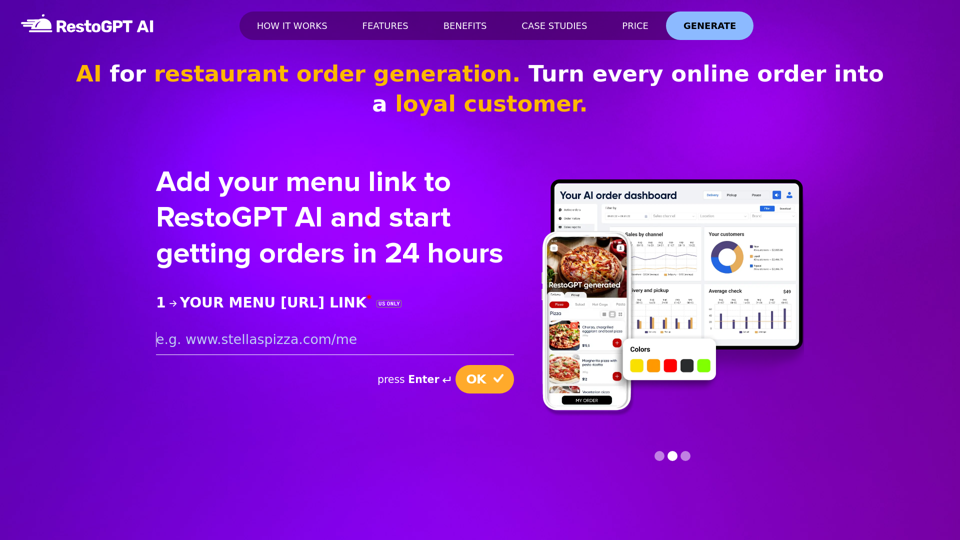
RestoGPT AI: Local restaurant marketing and sales platform converting online orders into loyal customers. Launch and generate orders in 24 hours.
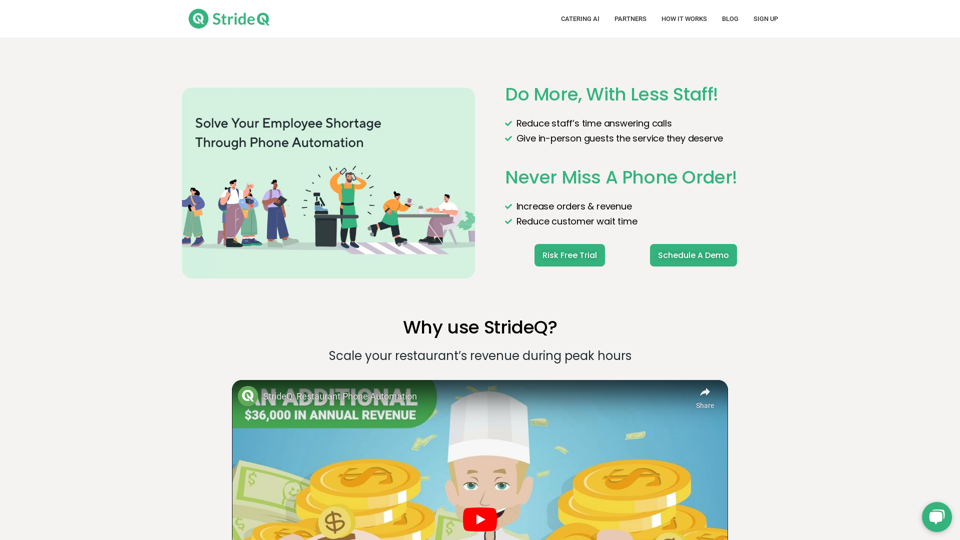
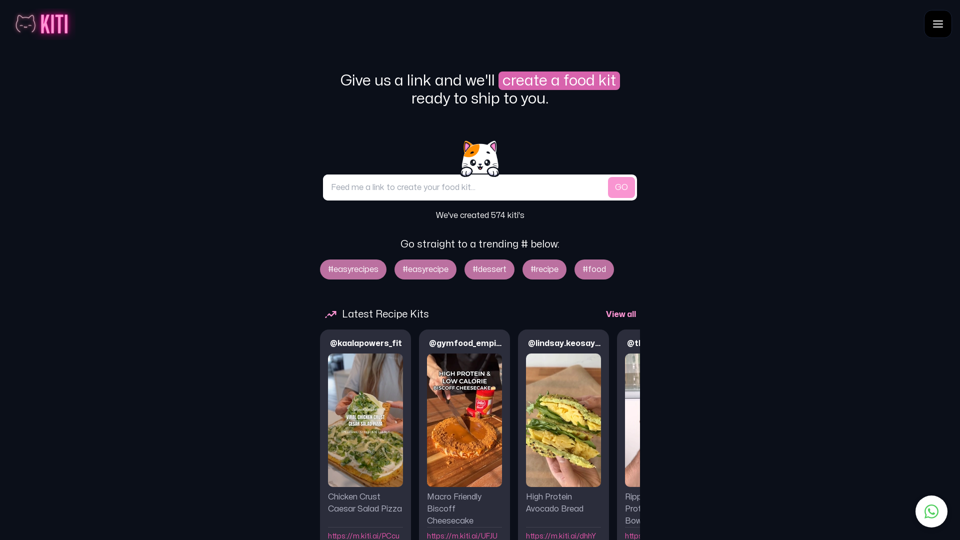
Cook Up A Storm With KITI.AI Recipe Food Kit service! Our AI-powered platform creates food kits for food content creators, chefs, and social media posts. Feed us a link or search trending recipe food kits and make your cooking experience easier and more enjoyable!
Explore and create unique recipes with AI. Design menus for events, generate food photos, calculate ingredients, find nearby restaurants.
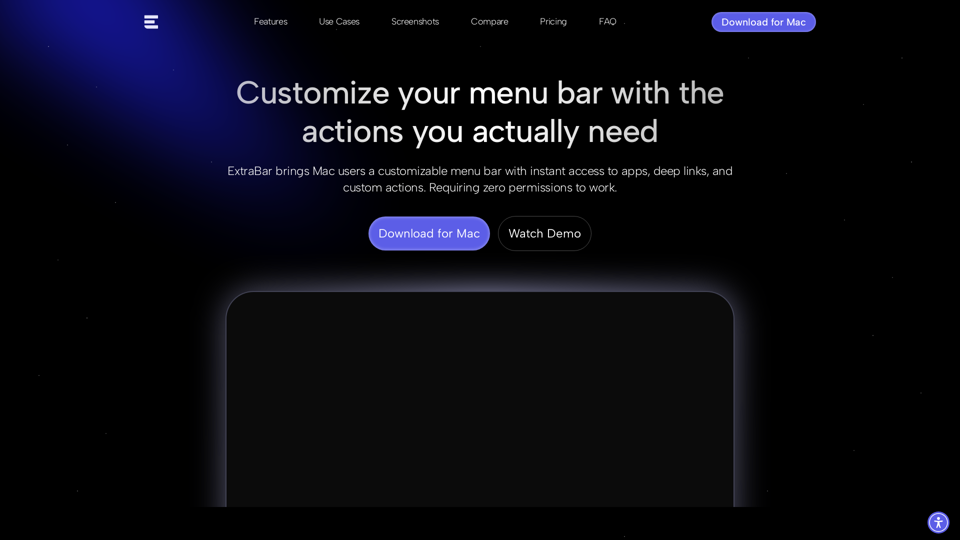
ExtraBar is a customizable bar for macOS with deep links, quick actions, and app-specific shortcuts. Take control of your Mac workflow.
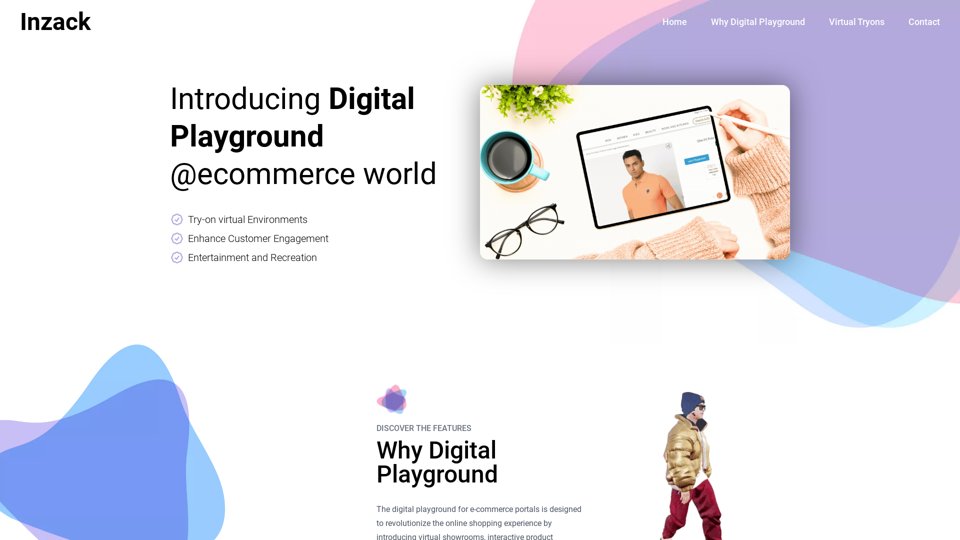
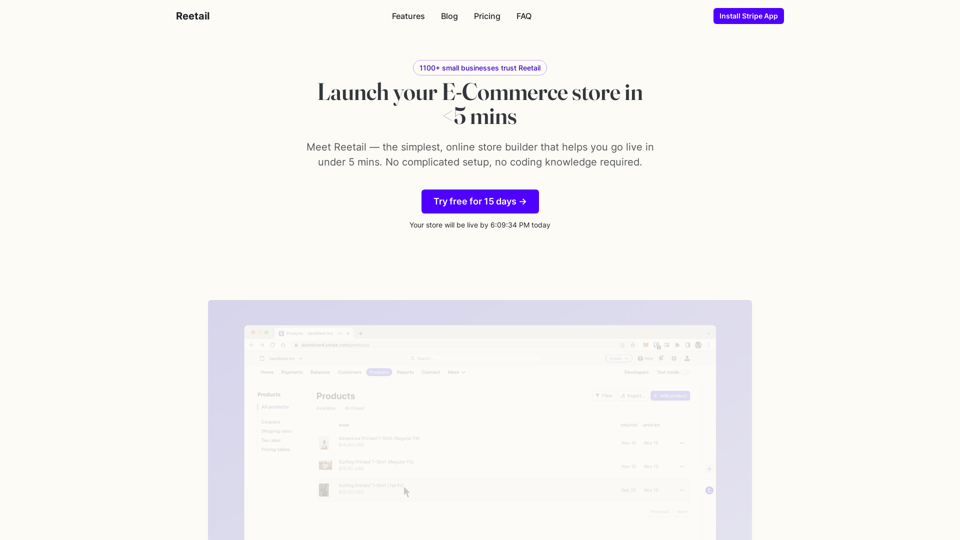
Meet Reetail — the simplest, online store builder that helps you go live in under 5 mins. No complicated setup, no coding knowledge required.