MiniMax H3 AI Video Generator
Create stunning videos with sound using MiniMax H3 for free. Type an idea or upload images and get cinematic AI videos in minutes. No skills needed.
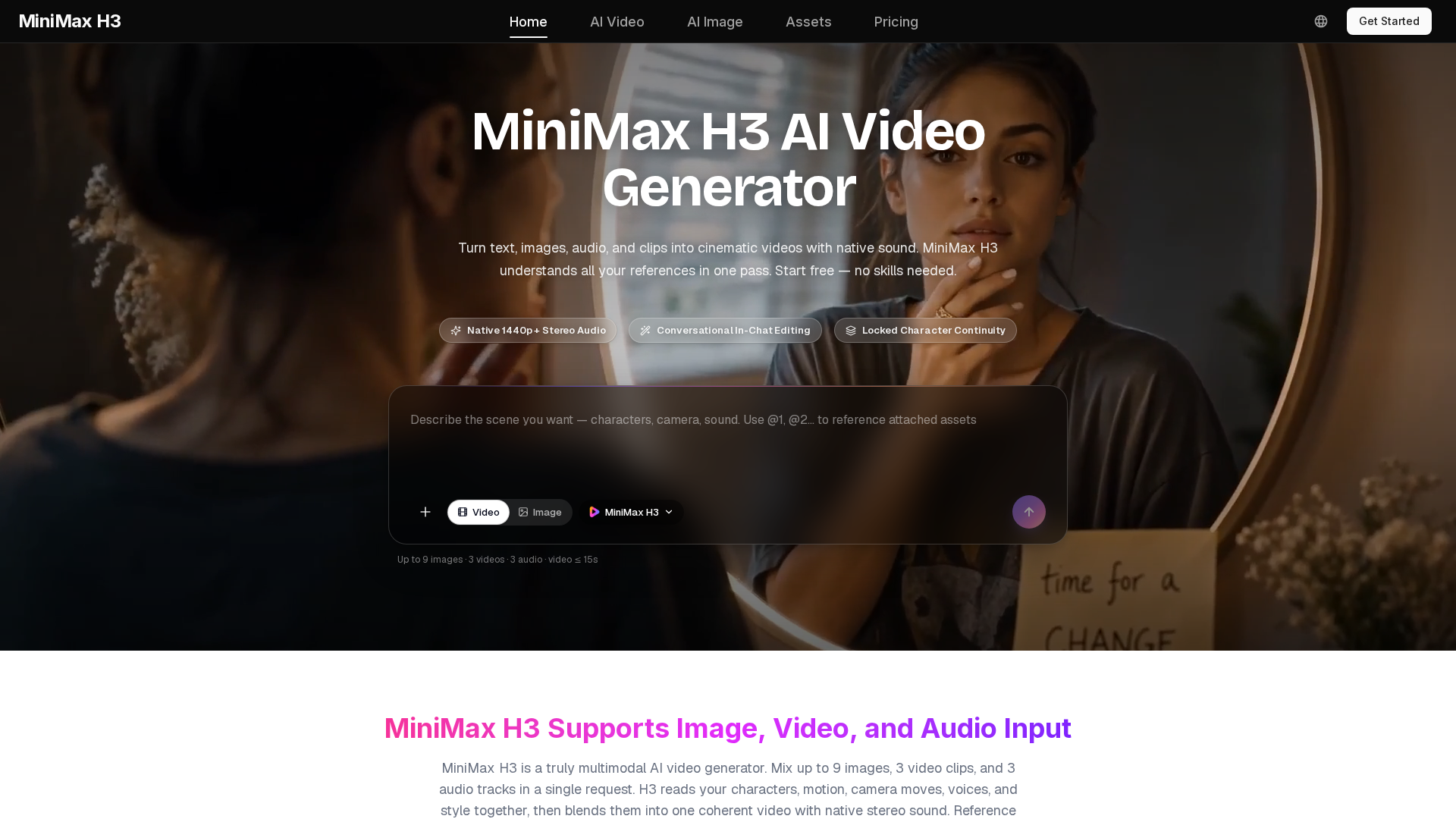
What is MiniMax H3?
MiniMax H3 is a next-generation, general-purpose multimodal AI video generator that represents a significant leap in creative AI technology. Unlike traditional AI tools that handle tasks in isolation, MiniMax H3 is an open model designed to understand and synthesize multiple forms of media simultaneously. It can process and blend text descriptions, images, video clips, and audio tracks into a single, coherent cinematic video complete with native stereo sound. This platform moves beyond simple text-to-video generation, integrating advanced capabilities like reference-based creation and precise, instruction-based video editing within a single, unified model. It is engineered for real production work, offering commercial-grade output that accurately renders details like on-screen text, brand logos, and product UI, making it a powerful tool for creators, marketers, and studios.
What are the Main Features of MiniMax H3?
The power of MiniMax H3 lies in its comprehensive and integrated feature set, designed to cover the entire video creation workflow from ideation to final polish.
- True Multimodal Input & Understanding
- This is the cornerstone feature. You can blend up to 9 images, 3 video clips (up to 15 seconds total), and 3 audio tracks (12 files total) in a single request. H3 analyzes the content of each—identifying characters, motion, camera work, style, and emotion—and merges them intelligently into one seamless video.
- Native Stereo Audio Generation
- Every video generated by MiniMax H3 comes with built-in, synchronized sound. This includes ambient noise, sound effects, music, and dialogue. You can also provide a voice sample for H3 to clone, allowing characters to speak new lines in a consistent voice.
- Conversational, Instruction-Based Editing
- Edit videos with simple text instructions without needing complex software. You can swap characters or objects, replace backgrounds, change lighting (e.g., day to night), or rewrite dialogue. Crucially, H3 applies these edits precisely while keeping all other elements of the scene stable.
- Commercial-Grade Output Quality
- Videos are generated in crisp 1440p resolution at 24 FPS, with a strong focus on accuracy. It handles on-screen text, subtitles, brand marks, and product details with high fidelity, making outputs suitable for advertisements, e-commerce, and brand films.
- Locked Character & Style Continuity
- When you provide a reference image, H3 can maintain a character's appearance ("locked character") across shots. Similarly, it can adhere to a specific visual style (like anime, claymation, or pixel art) throughout a generated sequence, keeping the look consistent.
- Support for Any Aspect Ratio
- Generate videos in any format needed, from cinematic 21:9 and standard 16:9 to square 1:1 and vertical 9:16 for social media platforms like TikTok and Instagram Reels.
- Free to Start
- The platform offers free credits upon signup, allowing anyone to test the full capabilities of the H3 model without a credit card. This lowers the barrier to entry for hobbyists and provides a risk-free way for professionals to evaluate the tool.
How to Use MiniMax H3?
Creating professional videos with MiniMax H3 is a straightforward, three-step process that requires no prior editing experience.
- Describe or Upload: Start by typing a detailed text prompt (up to 7,000 characters) describing your desired video. For more control, upload reference files. You can mix and match images to define characters and style, short video clips to reference motion, and audio tracks for music or voice cloning.
- Generate: Select your desired output aspect ratio and click generate. MiniMax H3 will process all inputs—text, visual, and audio—in one pass to create a 5 to 15-second video with synchronized stereo sound.
- Refine and Download: Review the generated video. If any element needs adjustment, use plain-language instructions to tell H3 what to change (e.g., "swap the jacket to blue," "make the background a forest"). The model will edit the video while preserving everything else. Once satisfied, download the final video in up to 1440p resolution for use anywhere.
MiniMax H3 Pricing & Plans
MiniMax H3 operates on a credit-based subscription system, with significant launch discounts. All paid plans include a commercial use license.
- Lite Plan ($14.9/month billed yearly)
- Ideal for individuals and beginners. Includes 600 credits per month, access to MiniMax H3 and all premium video/image models, and standard generation speed.
- Standard Plan ($24.9/month billed yearly)
- The most popular plan for regular creators. Offers 1,500 credits per month, priority processing speed, a 30% discount on MiniMax models, and up to 4 concurrent batch generation tasks.
- Pro Plan ($49.9/month billed yearly)
- Built for professionals and small teams. Provides 3,600 credits per month, the fastest generation speed, and up to 10 batch tasks, enabling high-volume production.
- Max Plan ($99.9/month billed yearly)
- Designed for agencies and heavy commercial users. Comes with 8,000 credits per month, dedicated account manager support, and the highest level of service for large-scale projects.
Helpful Tips for Using MiniMax H3
To get the best results from the MiniMax H3 AI video generator, consider these strategies:
- Craft Detailed, Cinematic Prompts
- H3 understands directorial language. Be specific about subject, action, camera movement (e.g., "dolly in," "handheld shake"), lighting ("neon-lit," "golden hour"), and sound design. Longer, structured prompts yield more controlled outputs.
- Leverage Reference Files Wisely
- Use images to lock character appearance and visual style. Use short video clips to define specific motions or choreography. Use audio clips to set the mood or clone a character's voice. References dramatically reduce the need for overly descriptive text.
- Start Simple, Then Iterate
- Begin with a basic concept to see H3's interpretation. Then, use the instruction-based editing feature to refine details step-by-step. This iterative workflow is powerful and efficient.
- Choose the Right Aspect Ratio
- Select an aspect ratio that matches your final distribution platform (e.g., 9:16 for Instagram Reels, 16:9 for YouTube) from the start for the best composition.
- Explore the "Creative Suite"
- Paid plans provide access to other leading AI models like Seedance 2.0 for video and GPT Image 2 for images, which can be used in conjunction with H3 for specific needs.
Frequently Asked Questions
Is MiniMax H3 really free to try?
Yes, you can sign up and receive free credits to test all core features, including generation and editing, without any payment information required.
What kind of videos is MiniMax H3 best suited for?
It excels in several commercial and creative domains: generating game content (CG, UI demos), producing stylized animations (anime, 3D), creating product marketing and e-commerce videos, and directing cinematic scenes (trailers, short films).
Can I edit a video I already have with MiniMax H3?
Absolutely. Upload your existing video clip and use a text instruction to describe the change you want, such as replacing an object, swapping the background, or altering the lighting. H3 will perform the edit while keeping the rest of the footage intact.
Do I own the videos I create?
Videos generated on a free plan are for personal use. Videos created under any paid subscription plan come with a commercial use license, meaning you own the output and can use it for client work, ads, and commercial projects.
How does MiniMax H3 differ from other AI video tools?
Its key differentiators are ### true multimodal understanding (mixing multiple media types in one go), ### native audio generation on every video, and ### precise in-context editing—all within a single general-purpose model, unlike tools built for single, specialized tasks.
What file formats are supported for input?
H3 supports common formats: JPG, PNG, WEBP for images; H.264/H.265 for video clips; and WAV/MP3 for audio tracks.
Where should I start as a beginner?
Click the "Generate Free" button, type a simple idea (e.g., "a cat playing guitar in a living room"), and generate your first video. Experiment with adding one reference image or a short audio clip in your next try to see how it enhances the result.
MiniMax H3 AI Video Generator
Create stunning videos with sound using MiniMax H3 for free. Type an idea or upload images and get cinematic AI videos in minutes. No skills needed.
 Next.js
 Node.js
 React
React Vercel
 Webpack
Free AI anime and manga generator. Turn text into anime episodes, manga, comics, webtoons and comic shorts in any art style — no drawing or animation skills needed.
Translate image text across 70+ languages with our advanced AI Image Translator to help you better expand your products globally to various countries
Advertised Here
Reach thousands of visitors daily. Get your spot now!
Tools similar to MiniMax H3 AI Video Generator
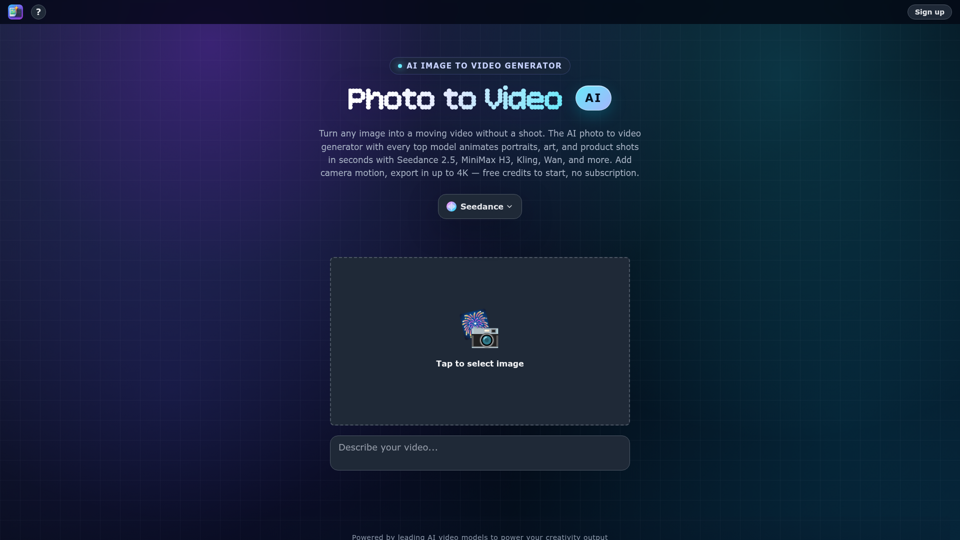
Turn any photo into video with AI. Photo to video AI generator with Seedance 2.5, MiniMax H3, Kling, Wan, up to 4K. Free credits, no subscription.
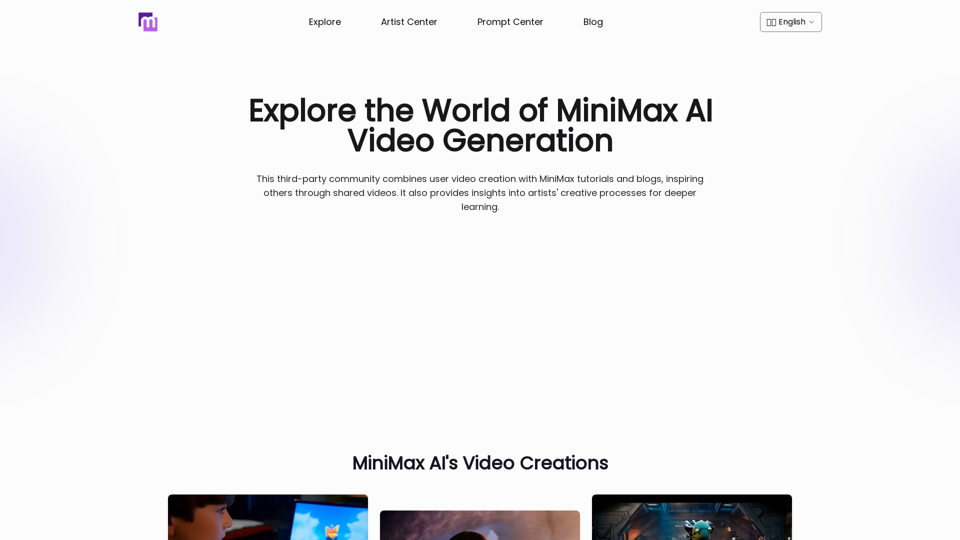
Explore AI Video Generator with User-Generated Videos of MiniMax, Prompt Tips and Insightful Blogs in this Vibrant Community about MiniMax AI
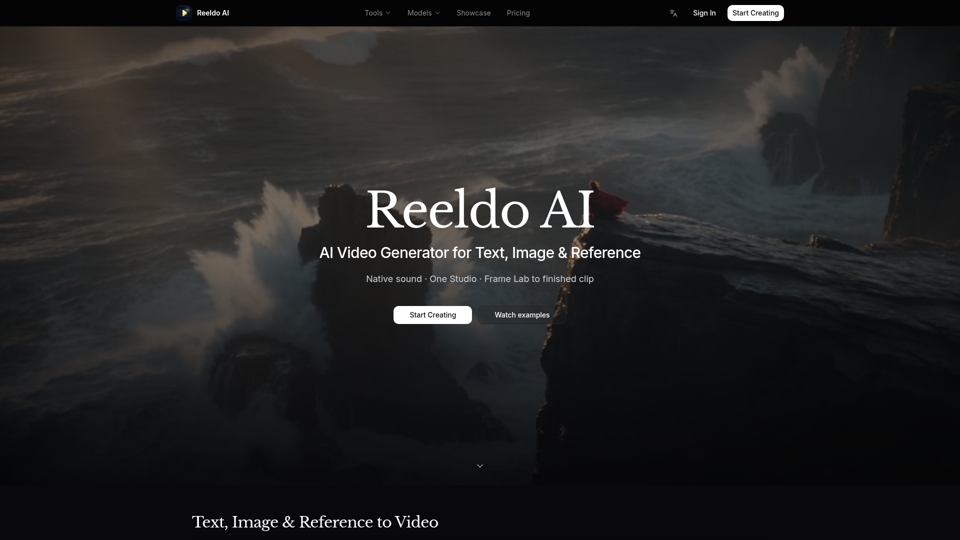
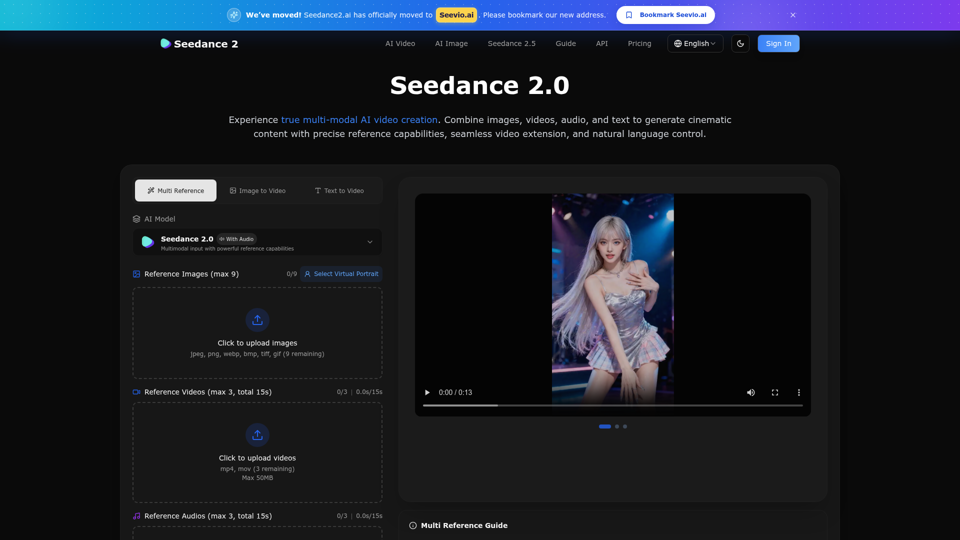
Create stunning AI videos with Seedance 2.0. Transform images and text into cinematic videos with advanced motion synthesis and professional quality.
Generate Minimax AI Video Free Online abab-video-1. Free Online | No Credit Card or Login Required
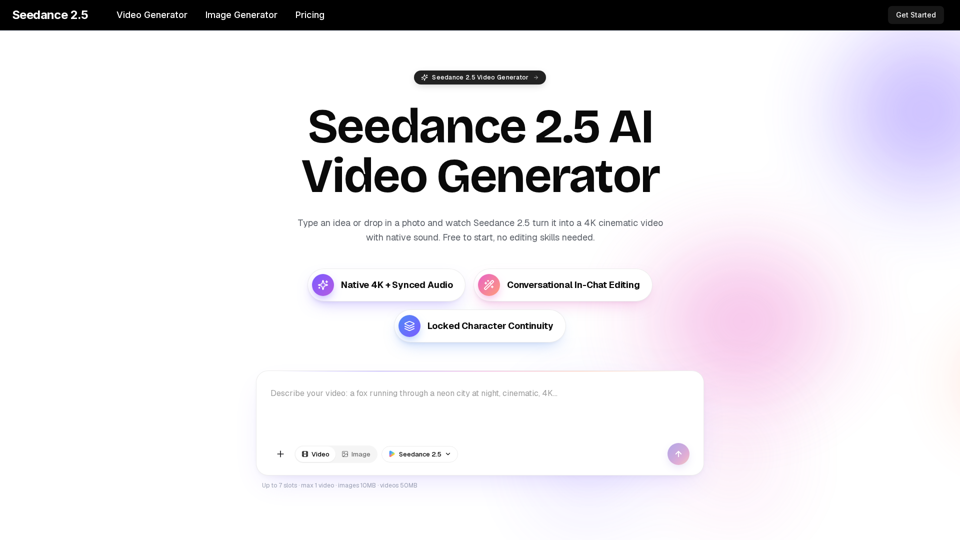
Turn any idea, photo, or clip into a stunning 4K video with Seedance 2.5. The AI video generator with native audio and 30fps motion. Free to try, no skills needed.
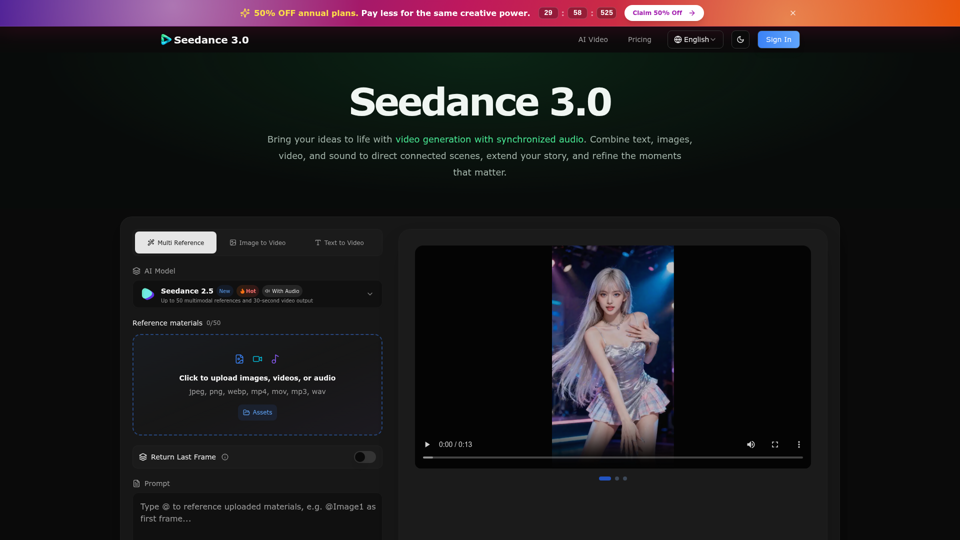
Create cinematic stories with Seedance 3.0. Turn text, images, video, and audio references into videos with synchronized sound and precise creative control.
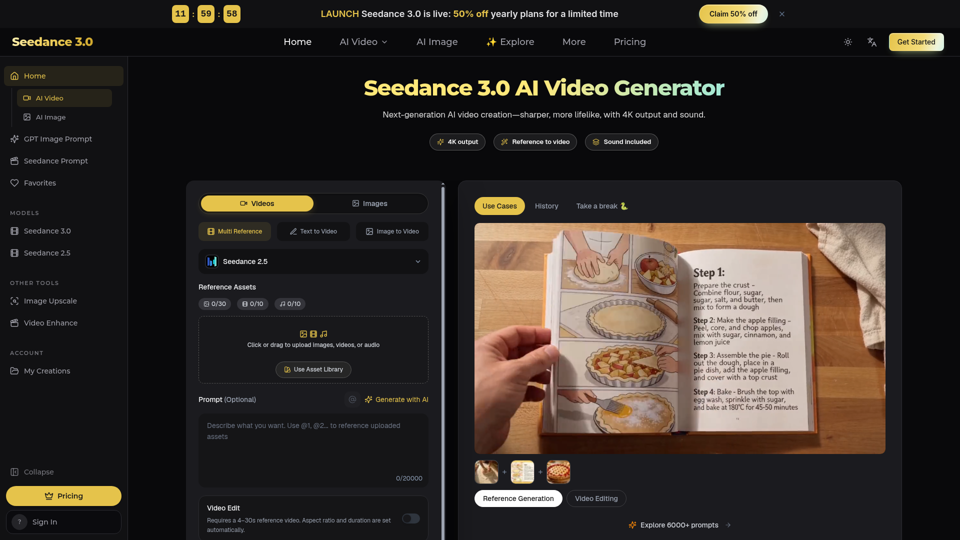
Seedance 3.0 is a free AI video generator. Type an idea or add references, get a 4K video with sound, then change only the part you want.