EstateReel AI
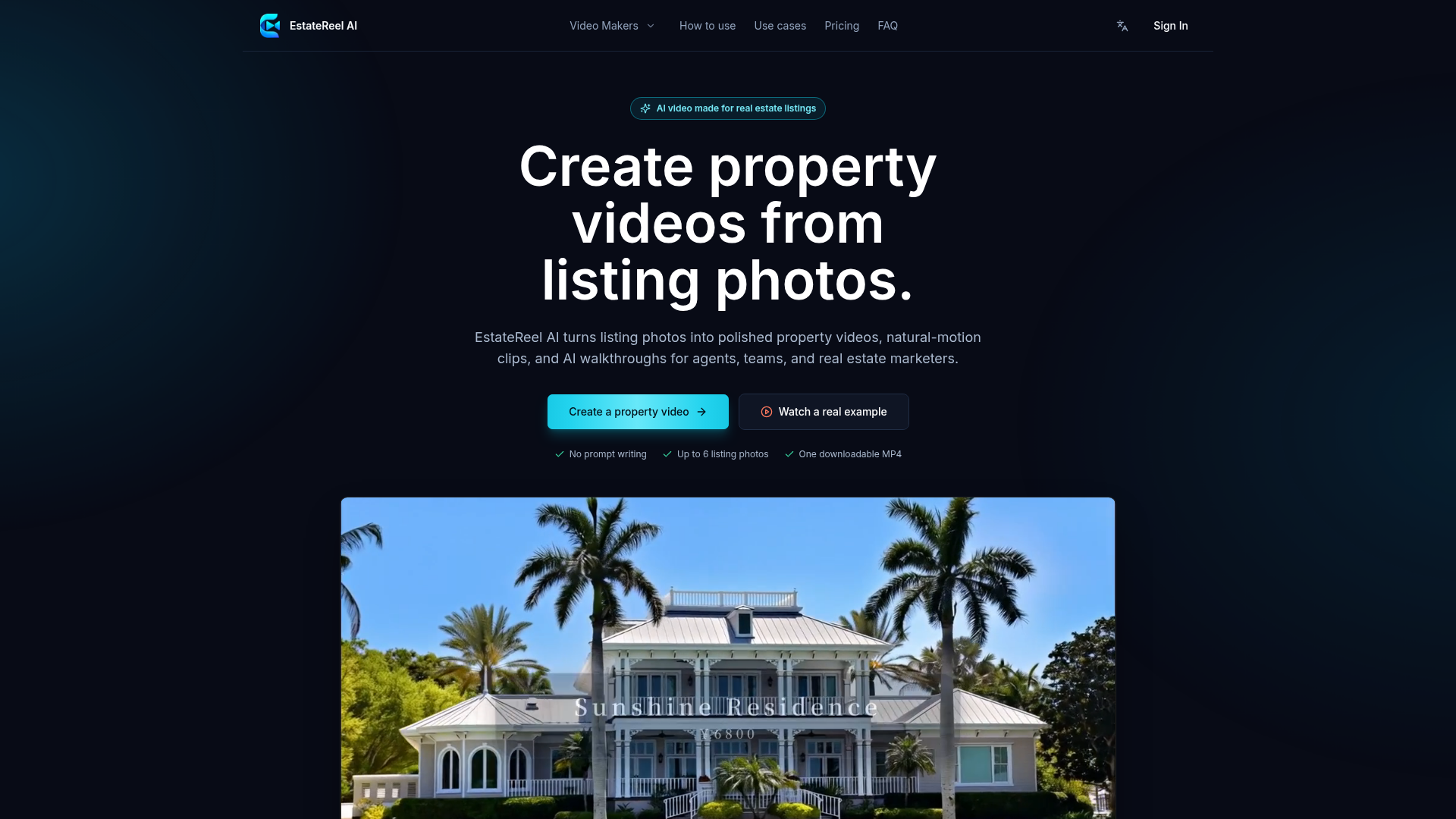
EstateReel AI turns listing photos into polished property videos, natural-motion clips, and AI walkthroughs for agents, teams, and real estate marketers.
What is EstateReel AI?
EstateReel AI is an artificial intelligence-powered platform designed specifically for the real estate industry. It transforms static listing photos into dynamic, engaging property videos. This includes creating polished marketing videos, generating clips with natural camera motion, and producing AI-driven virtual walkthroughs. It serves as a dedicated tool for real estate agents, marketing teams, and brokers to enhance property listings with professional video content without the need for complex video editing skills or on-site filming crews.
What are the main features of EstateReel AI?
EstateReel AI is built with a focus on simplicity, efficiency, and high-quality output for real estate marketing.
- Photo-to-Video Transformation
- The core feature is its ability to intelligently animate up to 6 still property photos, applying natural, cinematic motion to each frame to create a sense of depth and immersion.
- Specialized Video Makers
- The platform offers different creation flows tailored to specific needs:
- Real Estate Video Maker: For creating complete, polished listing videos with scene order and optional listing details.
- Real Estate Photo to Video: For quickly converting a focused set of photos into motion clips without additional context.
- AI Real Estate Walkthrough: For arranging photos into a continuous, route-based walkthrough video, ideal for remote buyer tours.
- No Technical Expertise Required
- The process requires no video editing timelines, prompt writing, or prior technical knowledge. Users simply upload, arrange, and generate.
- Rapid & Repeatable Workflow
- It provides a consistent and fast production path, allowing agents to repurpose existing listing photography into video formats across multiple marketing channels quickly.
- Direct Downloadable Output
- Each generation produces one ready-to-publish MP4 video file that can be downloaded and used immediately on listing pages, social media, websites, and in buyer communications.
How to use EstateReel AI?
Using EstateReel AI involves a straightforward three-step process designed for maximum efficiency.
- Upload and Arrange Photos: Start by uploading the key photos that sell the property—such as the exterior, main living areas, kitchen, bedrooms, and amenities. You arrange them in the specific order you want a buyer to experience the property, defining the narrative flow of the final video.
- AI Generation and Scene Building: The AI then analyzes each photo and applies natural, cinematic motion to bring the still images to life. It processes each frame to create a short video clip before seamlessly combining all clips in the arranged order.
- Review and Download: Once processing is complete, you can review the finished property video directly in your workspace. If satisfied, you can download it as a single MP4 file, ready to be published on any platform where your listing is featured.
What is the price of EstateReel AI?
The provided content template does not specify detailed pricing information for EstateReel AI. The platform likely operates on a freemium or subscription-based model. The "Questions" section mentions that paid checkout uses Stripe and offers both subscriptions and one-time credit packs. For accurate, detailed pricing plans, features included in each tier, and any free trial offerings, users should visit the official EstateReel AI website or application.
Helpful tips for using EstateReel AI
To get the best results from EstateReel AI and create compelling real estate videos, consider the following tips:
- Curate Your Best Photos
- Since you can use up to 6 photos, select the highest quality, well-lit, and most appealing images. Focus on shots that highlight the property's key selling points: curb appeal, spacious living areas, modern kitchens, serene bedrooms, and unique amenities.
- Plan Your Story Order
- Thoughtfully arrange the photo order to tell a logical story. A common effective sequence is: exterior approach, front door, living room, kitchen, master bedroom, master bathroom, backyard/amenity, and a final standout feature or neighborhood shot.
- Leverage Different Video Makers
- Use the appropriate tool for your goal. Use the full ### Real Estate Video Maker for a comprehensive listing page video. Use ### Photo to Video for quick social media clips. Use the ### AI Walkthrough for creating a narrative tour for remote buyers.
- Repurpose Content Across Channels
- One set of photos can generate videos for multiple uses—a long-form video for your website/Zillow, a shortened reel for Instagram/Facebook, and a detailed walkthrough for email follow-ups with serious buyers.
- Integrate into Your Launch Workflow
- Make video creation a standard step in your listing launch checklist. A professional video can significantly boost engagement during the critical first week a property is on the market.
Frequently Asked Questions about EstateReel AI
How many listing photos do I need?
You can use up to 6 selected photos. Each photo becomes one scene in the final video, so choose the strongest and most representative shots of the property's exterior, main rooms, and key features to create a clear and compelling story.
How is the final video assembled?
The AI transforms each uploaded photo into an individual short video clip with applied motion. The platform then automatically assembles these clips into a single, cohesive video, following the exact order in which you arranged the photos.
Can I add voiceover or text captions to the video?
According to the current product information, the initial release focuses on core photo-to-video transformation and automatic assembly. Features like adding voiceover narration or burned-in text captions are not part of the current offering but may be considered for future updates.
What login and payment methods are available?
The platform supports login via Google accounts. For paid plans, checkout is handled securely through Stripe, offering users the flexibility of both subscription models and one-time credit packs for occasional use.
Who owns the generated video content?
You retain the rights to download, publish, and use the generated videos for your own property listings. This usage is subject to the platform's terms of service, which cover media rights, music licenses, and any other applicable usage terms associated with your account.
EstateReel AI
EstateReel AI turns listing photos into polished property videos, natural-motion clips, and AI walkthroughs for agents, teams, and real estate marketers.
 Cloudflare
 Google Analytics
 HTTP/3
 Next.js
 Node.js
 React
React Webpack
Free AI anime and manga generator. Turn text into anime episodes, manga, comics, webtoons and comic shorts in any art style — no drawing or animation skills needed.
Translate image text across 70+ languages with our advanced AI Image Translator to help you better expand your products globally to various countries
Advertised Here
Reach thousands of visitors daily. Get your spot now!
Tools similar to EstateReel AI

The #1 AI real estate video software. Turn listing photos into cinematic property videos in minutes — no editing skills needed. Try for free!
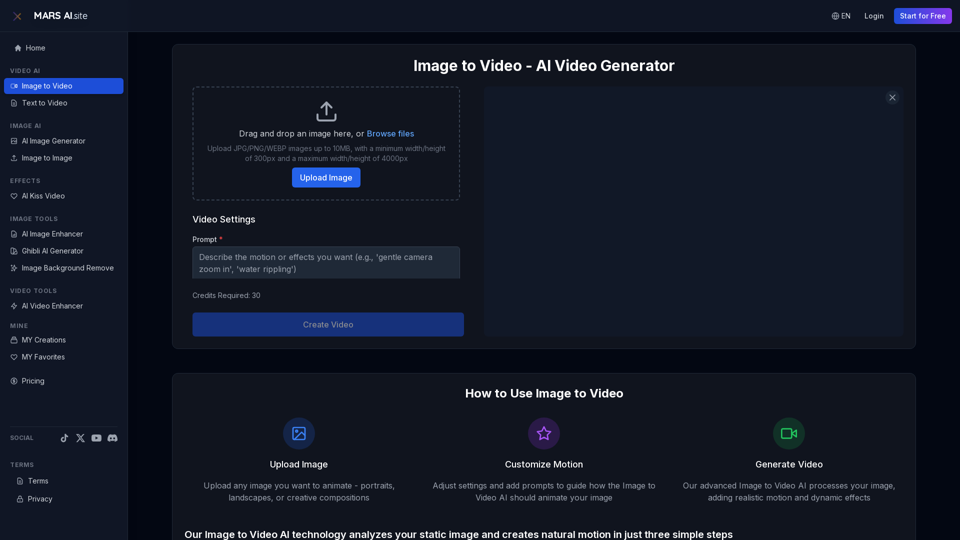
Transform static images into stunning motion videos with our advanced Image to Video AI technology. Our Image to Video tool breathes life into your photos with natural, fluid motion effects
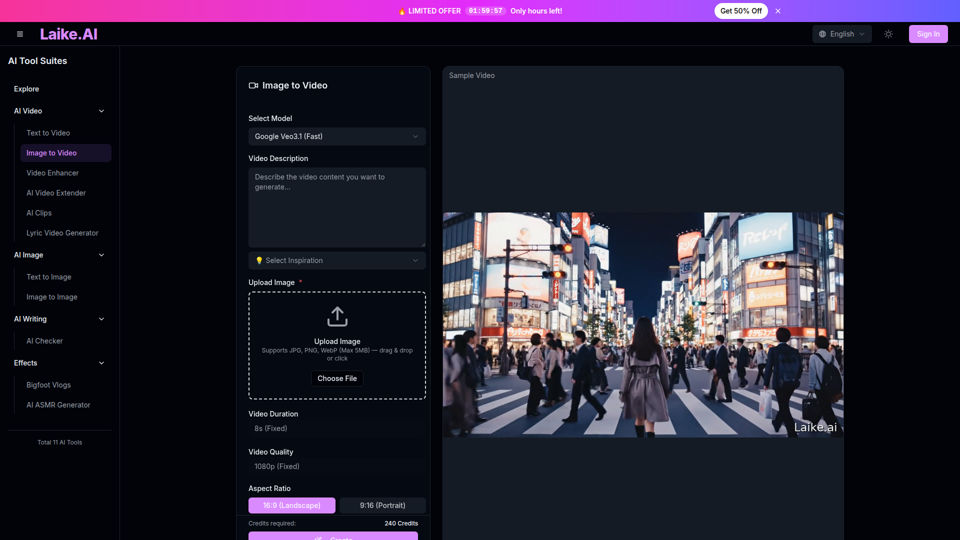
Transform static images into captivating videos. Add motion, camera effects and cinematic flair—perfect for social media and ads.
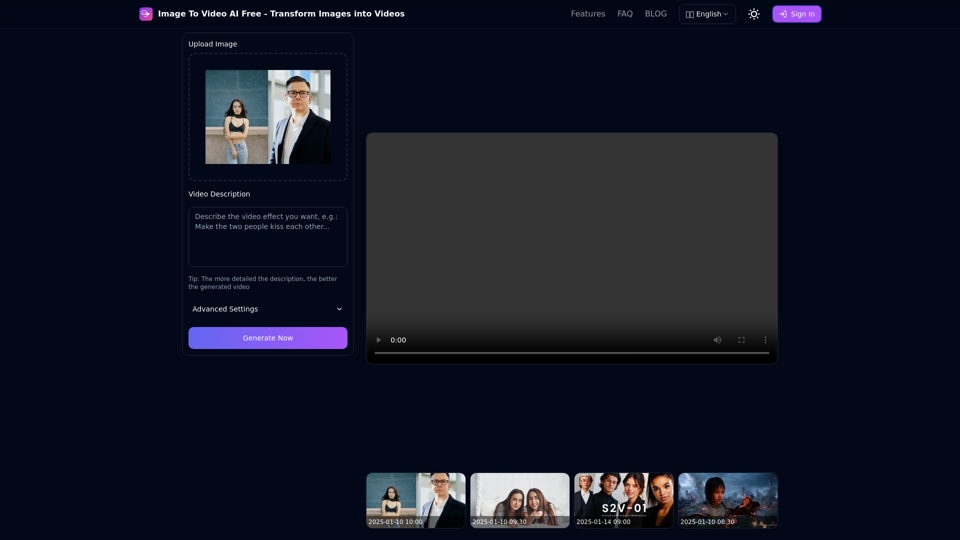
Free online tool to convert images into stunning videos using AI technology. Transform static images into dynamic videos with our advanced AI video generation.
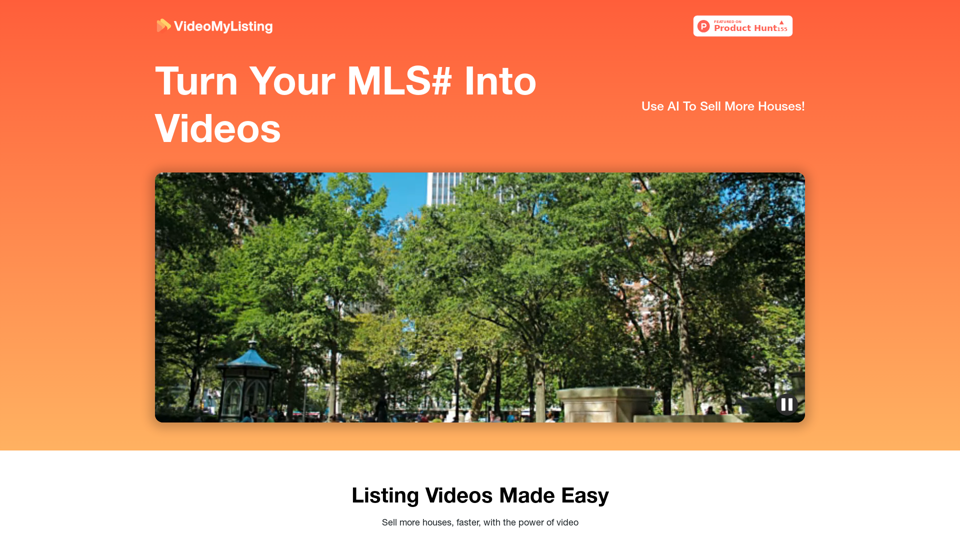
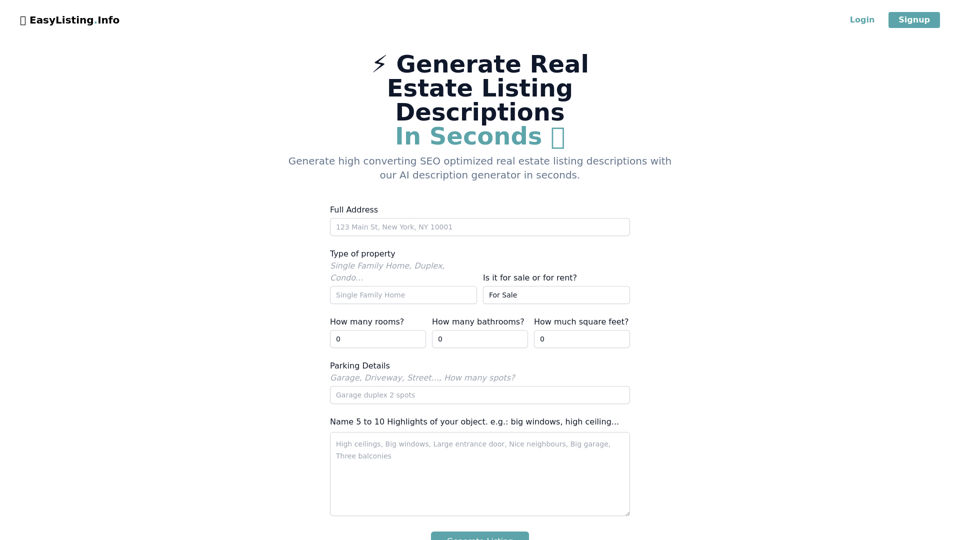
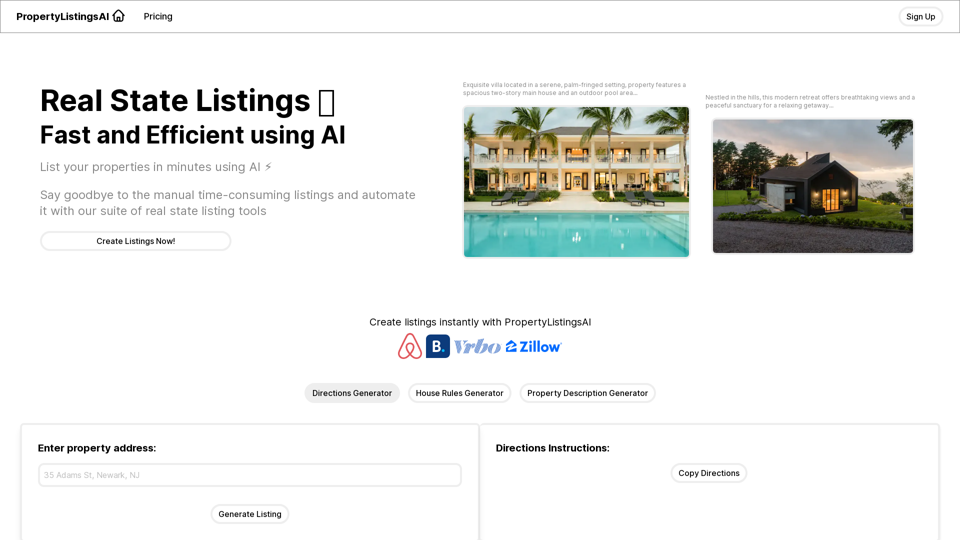
Generate high-converting, SEO-optimized real estate listing descriptions in seconds. Elevate your listings and save time with our AI-powered tool.
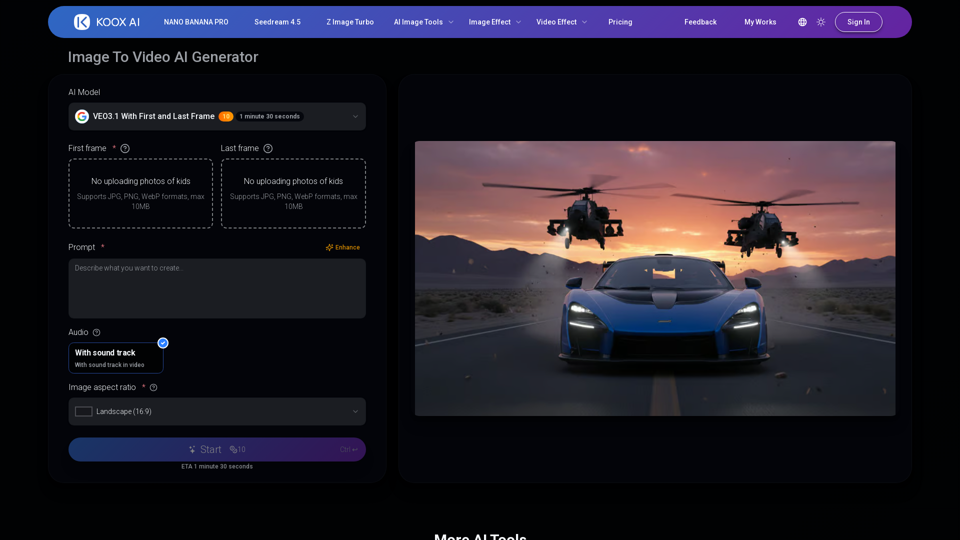
Transform any image to video with our free IMAGE TO VIDEO AI generator. Convert photos to videos with realistic motion and cinematic effects.