AI Image to Video
Transform static images into captivating videos. Add motion, camera effects and cinematic flair—perfect for social media and ads.
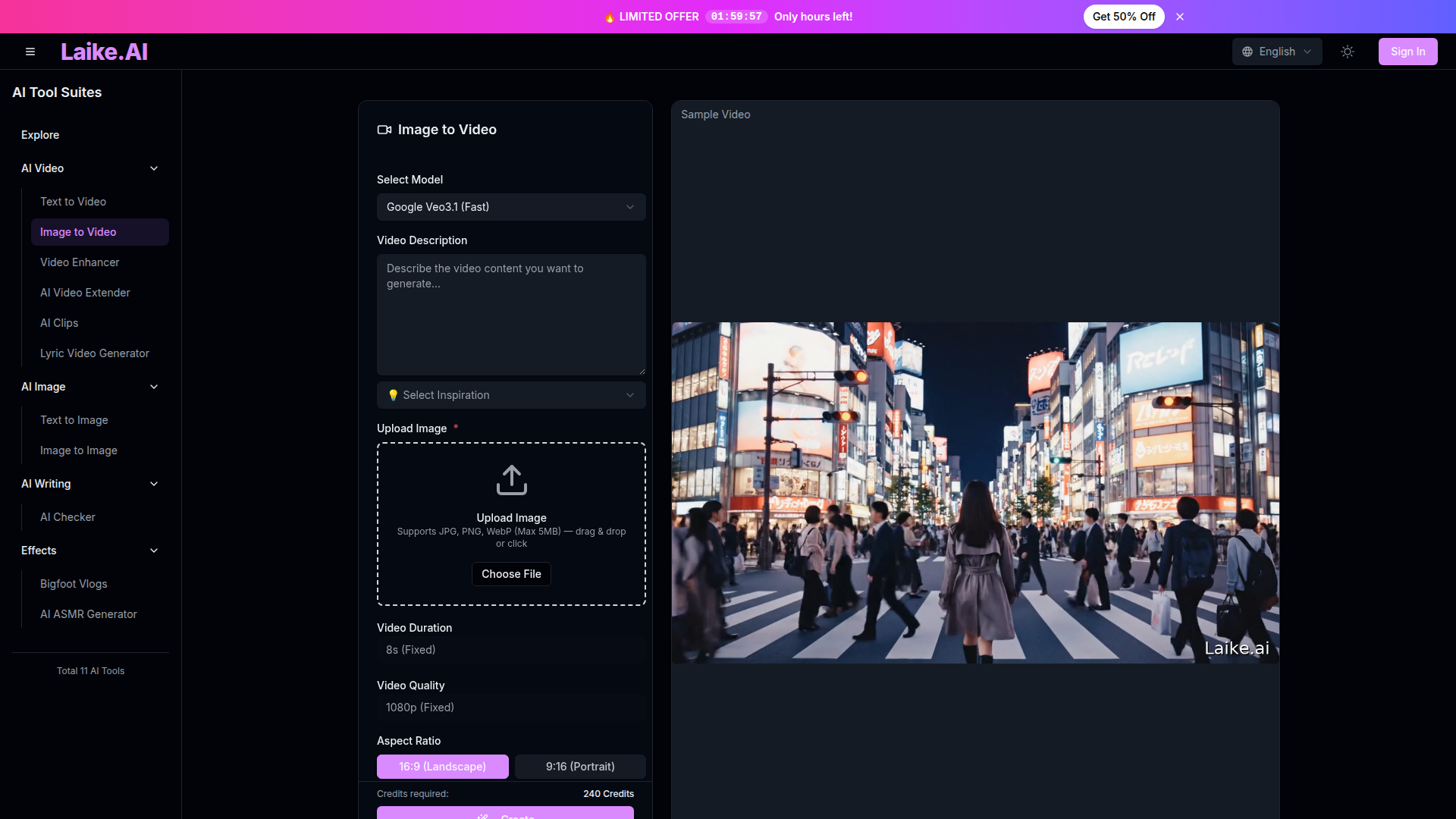
What is Laike.AI Image to Video?
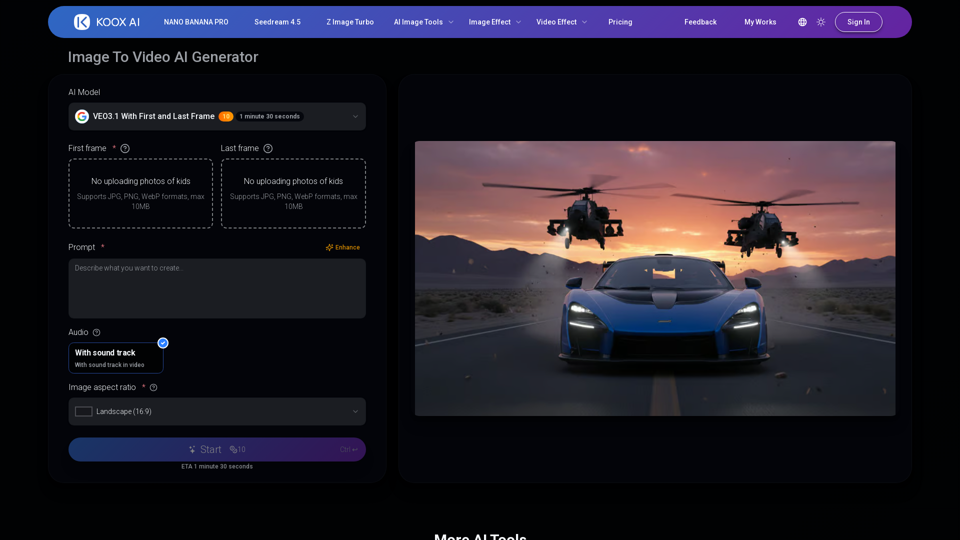
Laike.AI Image to Video is a generator that turns a still image into a moving video clip with sound. You upload a photo, describe the motion you want and pick from a set of AI video models such as Google Veo 3.1, Seedance 2.0, Kling, Runway and Wan 2.6. It is aimed at influencers, content creators, product marketers and artists who need short animated clips without editing software.
Key features
- Multiple AI models
- Choose from Veo 3.1, Seedance 2.0, Kling, Runway, Wan 2.6, Seedance and other models, each suited to different subjects and styles.
- Cinematic audio
- Background music, ambient sounds and effects are generated automatically and matched to the video's mood and motion.
- Camera controls
- Dolly, zoom, pan and orbit movements are set through the text prompt.
- Motion intensity
- Control how fast or subtle the animation is.
- HD output
- Render at 720p or 1080p and export as HD MP4.
- Source preservation
- The original image's details, colors and composition are kept while motion is added, so characters and backgrounds stay consistent.
- Batch processing
- Animate several images without repeating the setup each time.
How to use Laike.AI Image to Video
- Upload your image. JPG and PNG files work, and higher resolution sources produce cleaner animation; a minimum of 300×300 pixels is recommended.
- Write a prompt describing the camera movement, the elements that should move and the style, for example "Slow zoom in, clouds drifting across sky, gentle wind moving through grass, cinematic lighting."
- Select the AI model that fits your subject, along with resolution (720p or 1080p), duration (5s, 10s or 15s) and how many output videos you want.
- Generate the video, preview it with audio, refine if needed and export it as HD MP4 to share or edit further.
Use cases
- Influencers and creators
- Turn existing photos into scroll-stopping posts that keep a profile looking fresh.
- Content creators
- Produce shareable visuals from several images in minutes instead of spending time in editing software.
- Product marketers
- Convert basic product shots into short video ads with subtle motion and a cinematic look.
- Artists and animators
- Animate character sketches, paintings and concept art in styles ranging from anime to photorealism.
- Storytellers
- Use models such as Wan 2.6 for multi-shot narrative flow from a single image.
Pricing
The official website does not list pricing plans or prices for Laike.AI Image to Video. Check the official site for current plan details.
FAQ
Which AI models can I use with Laike.AI Image to Video?
The model list includes Google Veo 3.1 in Fast and Quality versions, Seedance 2.0, Seedance 1.0, Seedance 1.5, Kling, Runway ML, Midjourney, Grok Imagine 1.5, and Alibaba's Wan 2.5, 2.6 and 2.7 variants. Each is described with a different strength, such as natural lighting and physics for Veo 3.1 or facial consistency for Kling.
What image formats and sizes does Laike.AI Image to Video accept?
It accepts JPG and PNG images. Higher resolution sources produce cleaner, more detailed animation, and a minimum of 300×300 pixels is recommended.
What resolution and duration can Laike.AI Image to Video produce?
Videos can be rendered at 720p or 1080p and set to 5, 10 or 15 seconds, depending on the model chosen. Finished videos export as HD MP4.
Does Laike.AI Image to Video add sound to the video?
Yes. The generator creates background music, ambient sounds and realistic effects automatically and syncs them to the video's mood and motion, so the result is an audio-visual clip rather than a silent animation.
Which model should I pick in Laike.AI Image to Video?
The site's quick guide suggests Kling for images with people, Veo 3.1 for landscapes and products, and Seedance for anything requiring dynamic body motion such as dance. Seedance 2.0 is recommended for complex scenes with multiple elements.
How is Laike.AI Image to Video different from text to video?
Text to video creates a clip from a written prompt alone, while image to video starts from an uploaded still and animates it. Laike.AI offers both tools on the same platform, so you can generate an image first and animate it afterwards.
AI Image to Video
Transform static images into captivating videos. Add motion, camera effects and cinematic flair—perfect for social media and ads.
 Cloudflare
 HTTP/3
 Next.js
 Node.js
 React
React Webpack
Free AI anime and manga generator. Turn text into anime episodes, manga, comics, webtoons and comic shorts in any art style — no drawing or animation skills needed.
Translate image text across 70+ languages with our advanced AI Image Translator to help you better expand your products globally to various countries
Advertised Here
Reach thousands of visitors daily. Get your spot now!
Tools similar to AI Image to Video
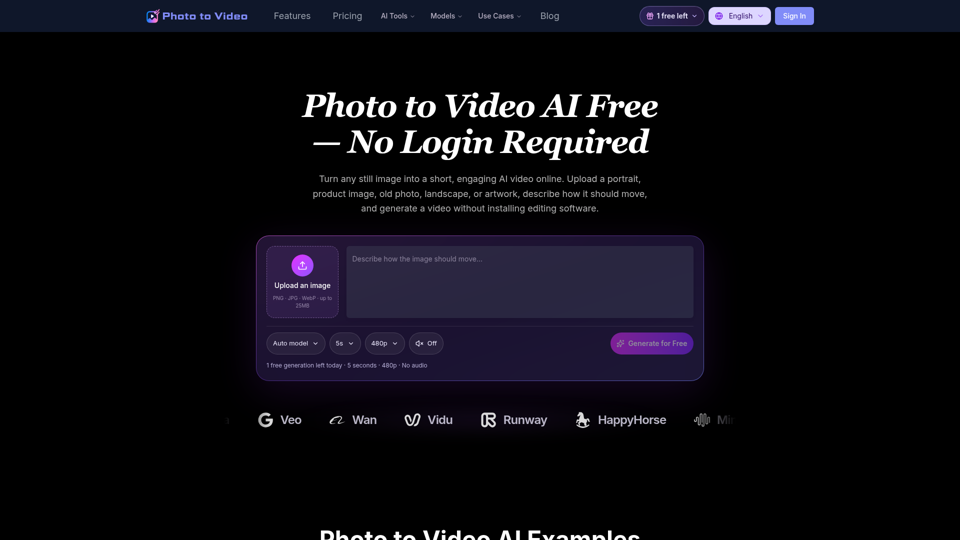
Use Photo to Video AI Free to animate images online. Upload a picture, describe the motion, and create an AI video for social media, ads, and more.
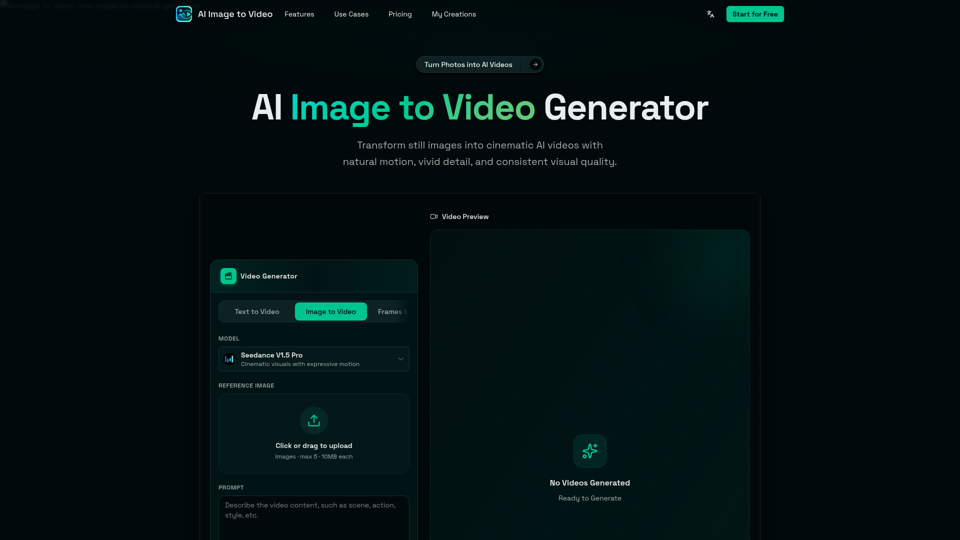
AI Image to Video is a free online image to video AI generator. Turn photos into AI videos for social media, products, portraits, anime, and pets.
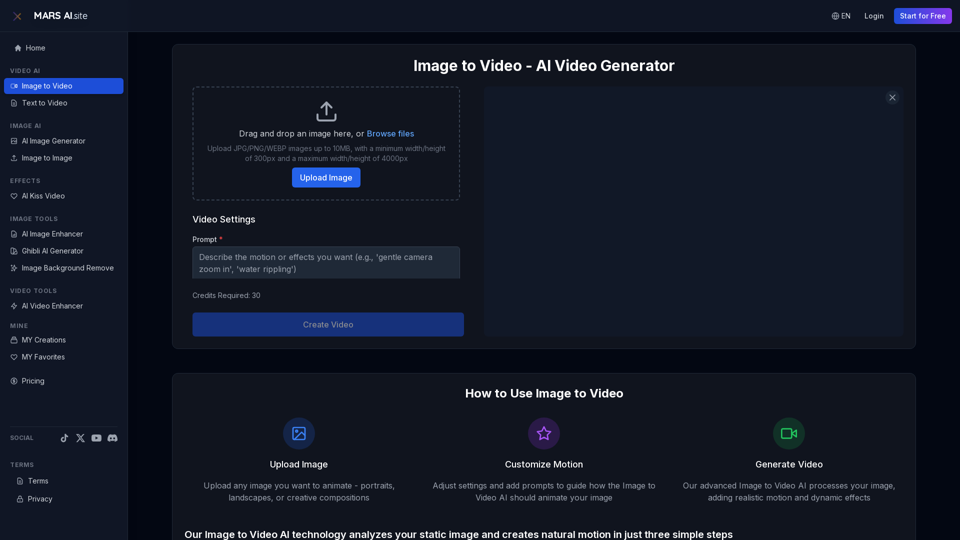
Transform static images into stunning motion videos with our advanced Image to Video AI technology. Our Image to Video tool breathes life into your photos with natural, fluid motion effects
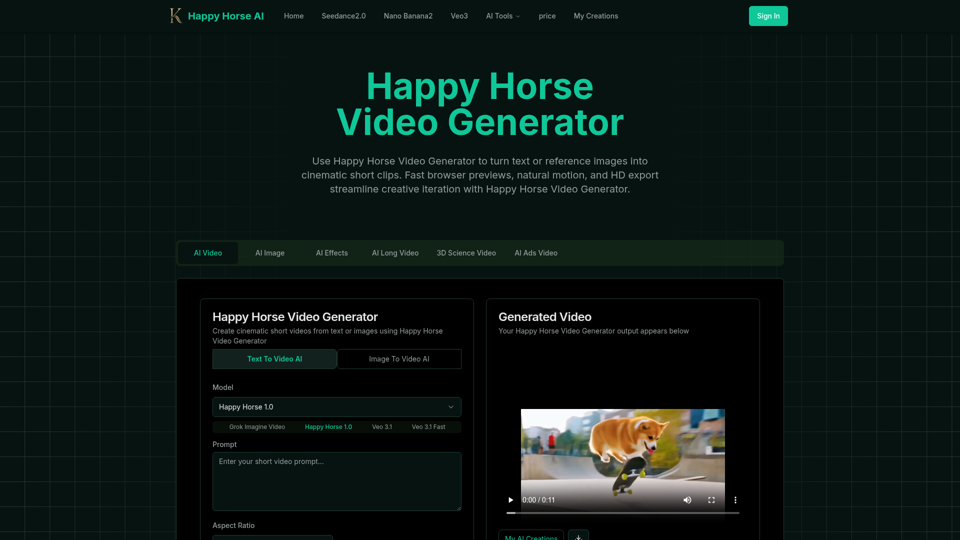
Happy Horse Video Generator transforms short prompts and reference images into cinematic short videos with reliable subject follow, natural camera motion, fast browser previews, and HD export options. Quickly produce marketing clips, social shorts, and product animations with in‑browser iteration and flexible download settings.
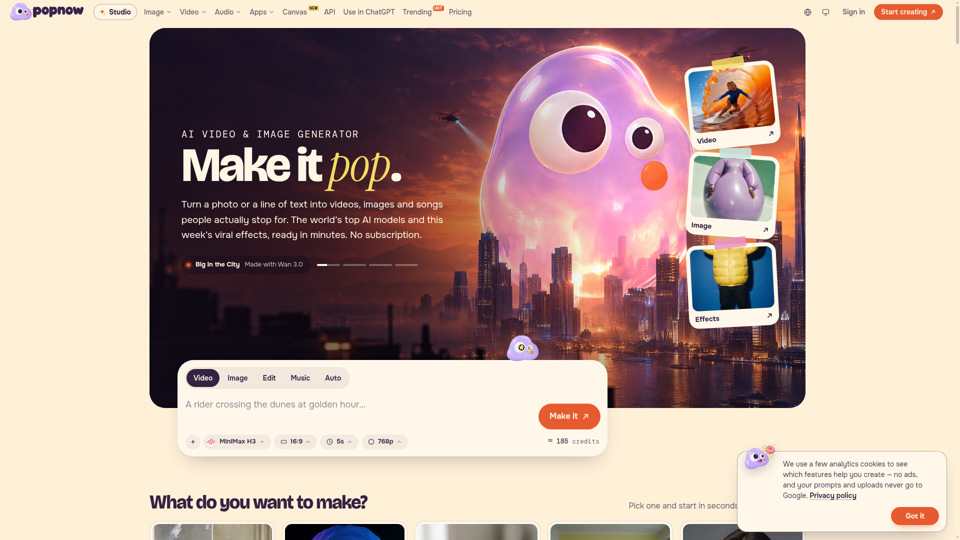
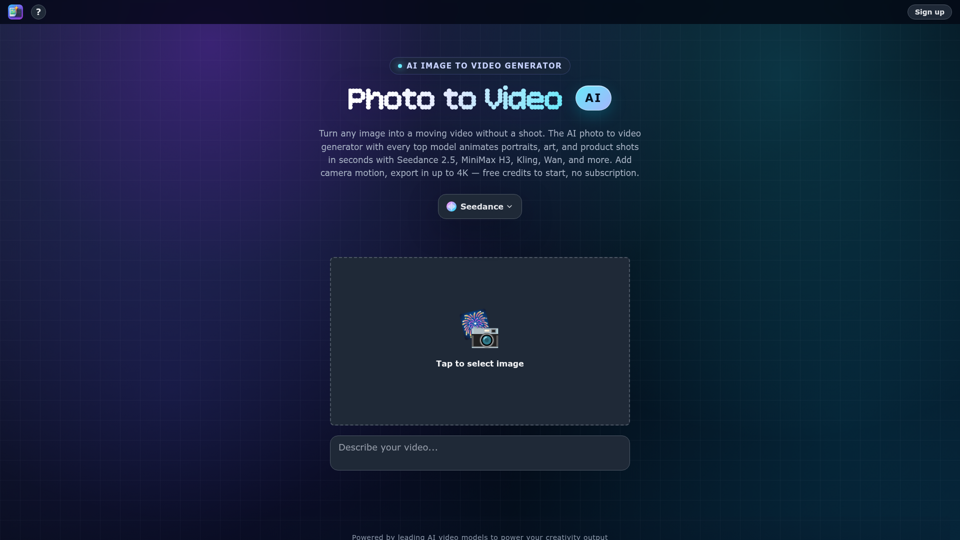
Turn any photo into video with AI. Photo to video AI generator with Seedance 2.5, MiniMax H3, Kling, Wan, up to 4K. Free credits, no subscription.
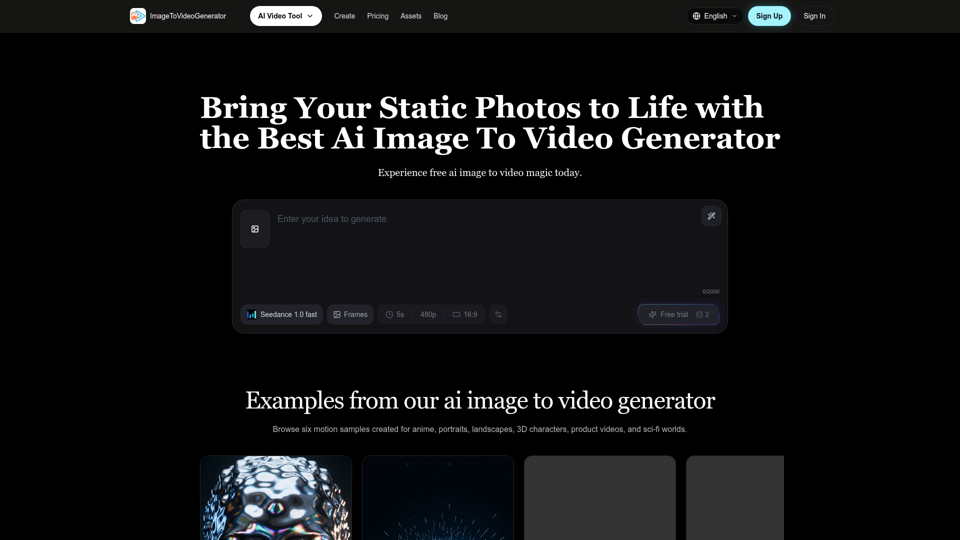
Transform any image to video with our free IMAGE TO VIDEO AI generator. Convert photos to videos with realistic motion and cinematic effects.