AI for Lawyers & Law Firms
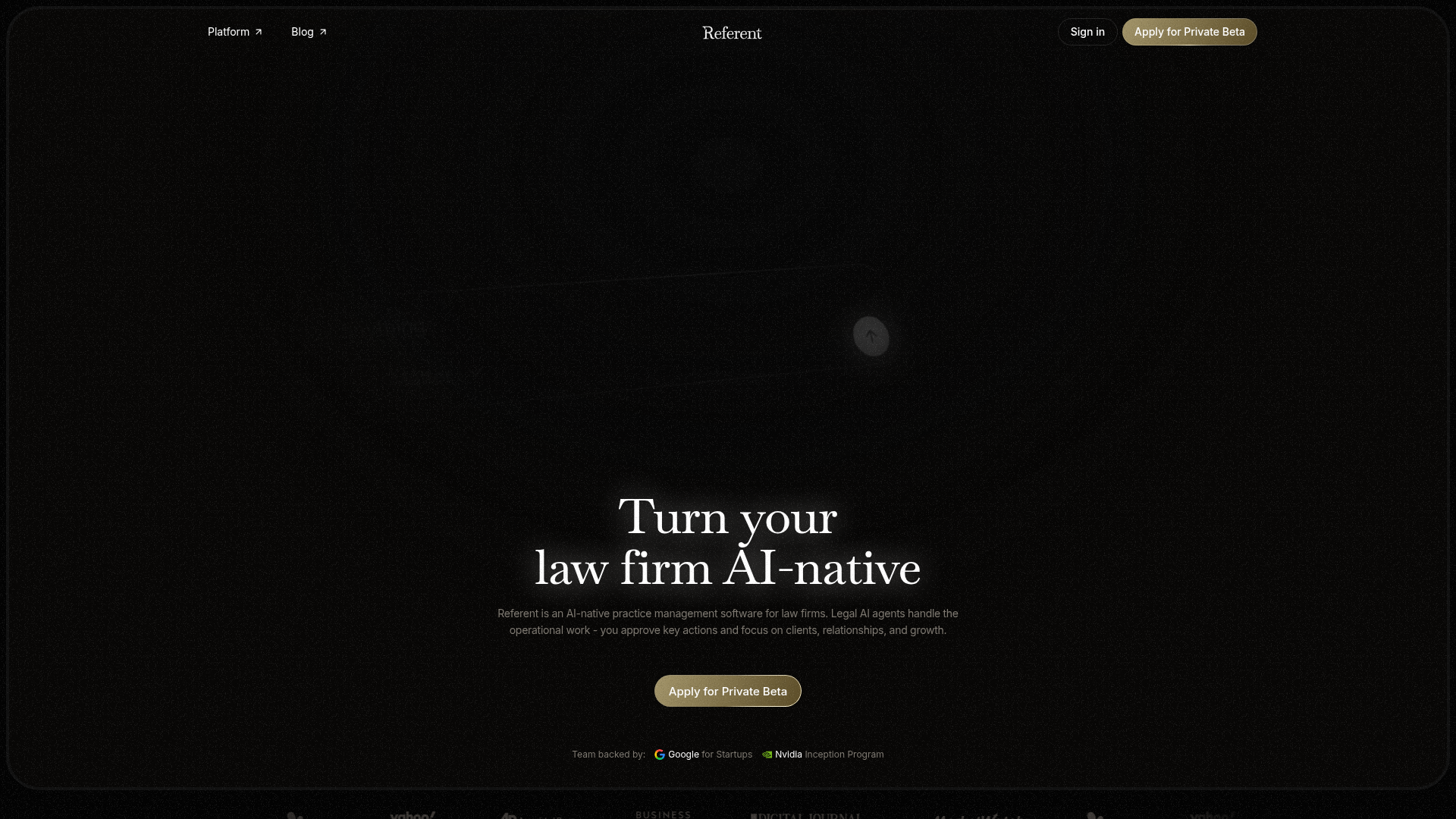
Referent is AI-native legal practice management software. Legal AI agents handle the operational work while lawyers focus on clients and growth.
What is Referent?
Referent is an AI-native practice management software designed specifically for law firms. It transforms traditional legal workflows by employing Legal AI agents to handle operational and administrative tasks. Lawyers simply approve key actions, allowing them to focus on high-value work like client relationships, case strategy, and business growth. It’s built to modernize the legal profession by making firms truly AI-native.
Core Features of Referent
Referent’s platform is built around powerful AI-driven automation and seamless integrations. Its main features include:
- Voice-Controlled Operations
- You can run your practice by voice. Forget manually entering data; simply tell Referent what needs to happen, and its AI handles the rest.
- Automated Client Intake
- The AI manages the entire pre-matter workflow. It collects client context, organizes details, prepares engagement proposals, and sends payment links, converting inquiries into billed matters automatically.
- Seamless Google Workspace Integration
- By connecting Gmail, Google Calendar, and Google Drive, Referent syncs your digital life. It reads correspondence, files emails to the correct case, syncs calendar events bidirectionally, and makes Drive documents searchable within matters.
- Automatic CRM Management
- Legal AI agents continuously update matter records, create and assign tasks, route work, and keep your firm’s CRM organized without any manual data entry.
- Intelligent Matter Organization
- Every email, file, note, and call is automatically linked to the correct matter, creating a perfect, searchable activity log for each case.
- Human-in-the-Loop Approval
- While the AI does the work, you stay in full control. Every critical action, from sending a client email to updating a case status, is verified and approved by you before it happens.
How to Use Referent
Using Referent involves a streamlined setup and an intuitive, voice-first workflow:
- Apply for Access: Law firms can start by applying for the Private Beta on Referent’s website.
- Workspace Setup: The setup process is guided. You connect your essential tools (like Google Workspace), and Referent can even import existing data (clients, matters, files) to populate your new AI-native workspace instantly.
- Operate by Voice or Command: Interact with the platform naturally. Give instructions like, “Move Acme Inc. to ‘In Progress,’ draft their engagement agreement, and schedule a review,” and the AI executes the steps.
- Review and Approve: Monitor the AI’s work through the dashboard. Review prepared documents, scheduled events, or client communications and provide final approval with one click.
- Manage Your Practice: Use the central dashboard to get an overview of all matters, tasks, and client activity. The AI keeps everything updated in real time.
Target Audience & Pricing
Referent is designed for legal professionals at various scales, though specific pricing details for its subscription plans are not publicly listed on the provided page and would likely be customized during the beta onboarding. It targets:
- Solo Lawyers
- Enables a solo practitioner to operate with the efficiency of a larger team by automating routine work.
- Boutique Law Firms
- Helps small to mid-sized firms standardize workflows and automate operations across their team.
- Large Law Firms (“Big Law” – Coming Soon)
- Aims to provide an AI operations layer for enterprise firms, ensuring all actions are logged, auditable, and lawyer-approved.
Interested firms should ### Apply for the Private Beta for detailed pricing and access.
Helpful Tips for Using Referent
- Leverage the Import Tool
- During setup, use the powerful data import feature to seamlessly transfer your existing clients, matters, and files into Referent.
- Connect All Google Services
- To maximize automation, ensure you connect Gmail, Calendar, and Drive. This allows the AI to have full context and manage communications and documents effectively.
- Start with Voice Commands
- Practice using natural language voice commands for common tasks to get accustomed to the hands-free workflow.
- Trust but Verify
- Make use of the approval system. The AI handles the legwork, but your final review ensures quality and maintains your professional judgment on every critical step.
- Explore the Activity Log
- Regularly check the automated activity log for each matter to see a complete, AI-maintained timeline of all interactions and documents.
Frequently Asked Questions (FAQs)
Is my data safe with Referent?
Yes. You maintain control. You can disconnect your integrated services (like Google) at any time, and all synced data will be deleted from Referent's systems.
Does Referent work with other email or calendar systems besides Google?
The current highlighted integration is with Google Workspace (Gmail, Calendar, Drive). Check with the Referent team during beta onboarding for other potential integrations.
How does the AI client intake work?
When a new inquiry comes in, Referent's AI engages with the potential client, gathers necessary details, organizes the information, prepares a proposal, and can even send a payment link—all before a lawyer needs to manually intervene.
Can I use Referent if I’m a solo practitioner?
Absolutely. Referent is specifically promoted as a tool for solo lawyers to operate like a modern, efficient firm by offloading administrative tasks to AI agents.
What kind of support is behind Referent?
The team is backed by prestigious programs like ### Google for Startups and the ### Nvidia Inception Program, and has been featured in major publications including the Associated Press, Business Insider, and Yahoo Finance.
How do I get started?
Law firms interested in transforming their practice can ### apply for the Private Beta directly through Referent’s website.
AI for Lawyers & Law Firms
Referent is AI-native legal practice management software. Legal AI agents handle the operational work while lawyers focus on clients and growth.
 Cloudflare
 Google Tag Manager
 HTTP/3
Free AI anime and manga generator. Turn text into anime episodes, manga, comics, webtoons and comic shorts in any art style — no drawing or animation skills needed.
Translate image text across 70+ languages with our advanced AI Image Translator to help you better expand your products globally to various countries
Advertised Here
Reach thousands of visitors daily. Get your spot now!
Tools similar to AI for Lawyers & Law Firms
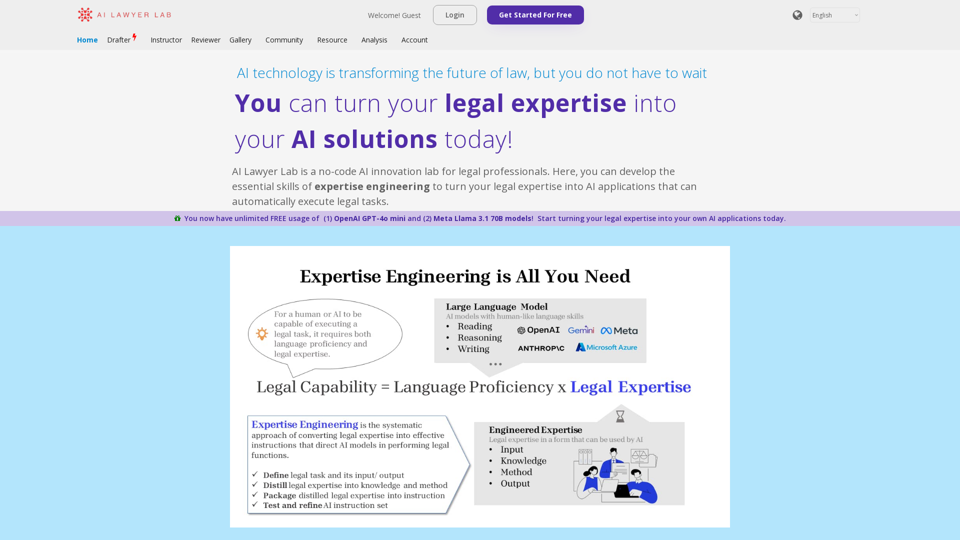
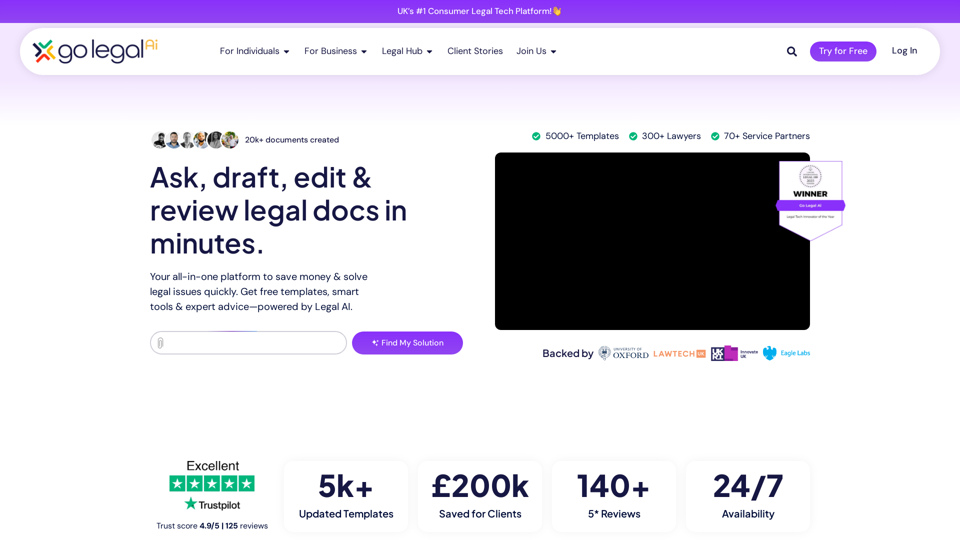
AI Lawyer Lab is an AI learning platform created by lawyers for lawyers. Learn how to apply AI technology to legal works and easily turn your legal expertise into AI applications. Embark on your AI journey with us and start innovating today.
Boost client engagement and increase revenue with our AI-driven platform. Leverage client health scoring and AI agents to optimize productivity and business outcomes.


Kolabrya is an AI technology platform with patent-pending technology that analyzes, organizes, and structures complex case information across medical, law, and investigations. Serving workplace investigators, personal injury lawyers, insurance professionals, arbitrators, and medical centers.
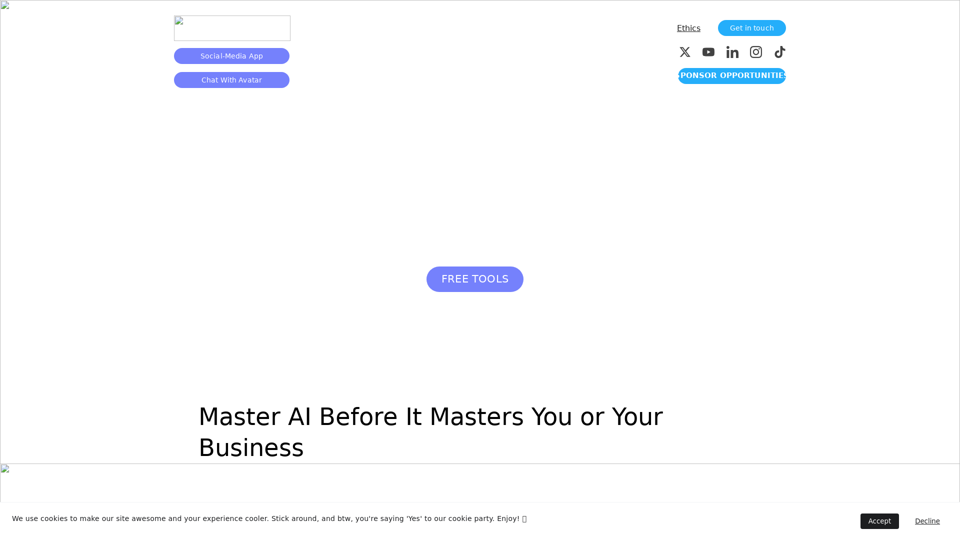
Creatus offers an AI-native workspace and autonomous team members for small-to-medium businesses to optimize resourcing costs and boost productivity. Our platform seamlessly integrates AI features and tools, providing custom-tailored solutions for enterprises. Experience the power of AI in everyday tools like Canva, Notion, Airtable, Zapier, and more. With Creatus, you get your own private Google that can work autonomously, generating videos, organizing tasks, and even creating a conversational avatar. Join us in the future of work with our digital co-workers.
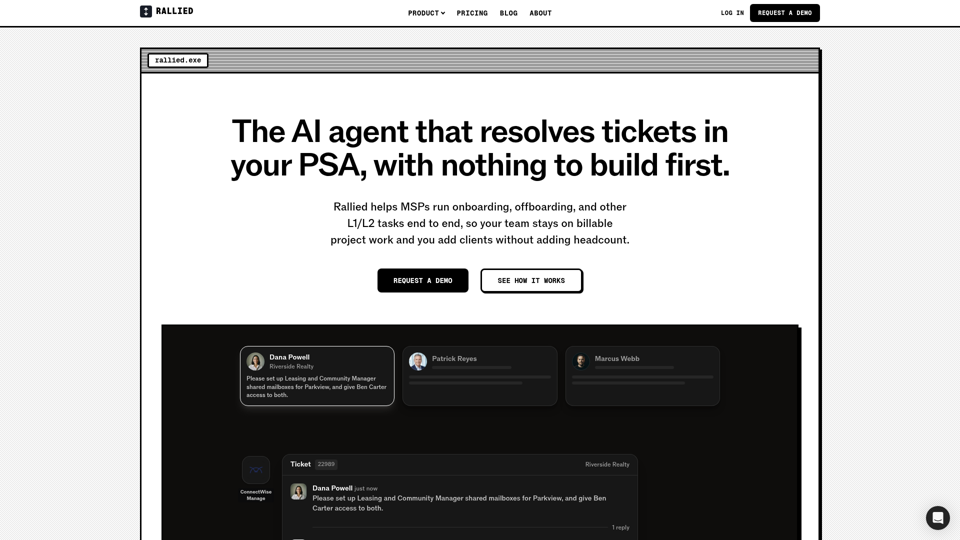
The AI agent that resolves tickets in your PSA, with nothing to build first. Rallied runs onboarding, offboarding, and L1/L2 tasks end to end for MSPs.