AI Agent That Resolves MSP Tickets
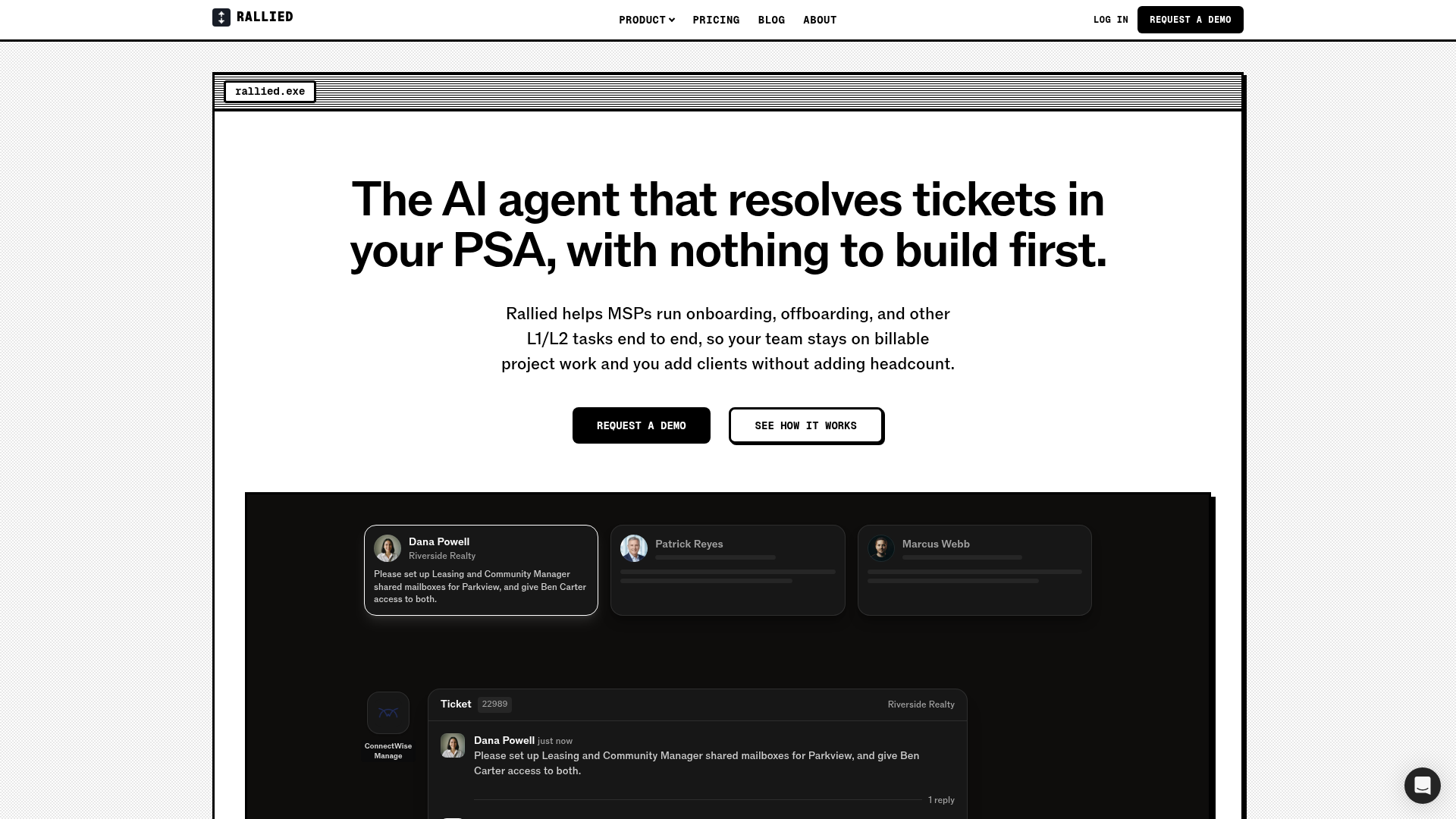
The AI agent that resolves tickets in your PSA, with nothing to build first. Rallied runs onboarding, offboarding, and L1/L2 tasks end to end for MSPs.
What is Rallied?
Rallied is an AI agent for managed service providers that takes first touch on tickets and resolves onboarding, offboarding and other L1/L2 requests inside the PSA. It checks a client's live state across connected systems, does the approved work and documents the ticket as it goes, so MSPs can take on more clients without adding headcount. It is built for governed execution, with per-client scoping, approval gates and audit-ready logs.
Key features
- First touch on every ticket
- Rallied checks the client's live state across connected systems, diagnoses the real issue and resolves L1 and L2 requests inside the PSA before a technician would have opened the tab.
- Natural-language runbooks
- Workflows such as offboarding a departing user, setting up a new hire or resetting a stuck print queue are written in plain English and followed step by step, with every action logged to the ticket.
- In-context chat in the PSA
- Technicians can chat with the agent from the ConnectWise pod or the HaloPSA tab, and it pulls relevant context from the PSA, RMM and documentation to guide the next step.
- Endpoint fixes without remoting in
- Rallied finds the endpoint in the RMM, runs the approved script and writes the result back to the ticket.
- Governed autonomy
- Each action can be allowed, set to require approval or disabled, with policy-bound execution, least-privilege agents scoped to a single client, and an optional MFA identity check before password or access changes run.
- Audit-ready logging
- Every tool call, approval and refusal is logged with the reason, and Rallied writes the notes and time entries as it works so the ticket is documented the moment it closes.
- Three levels of instructions
- Rules can be set for the MSP, for an individual client or for an integration, so client-specific instructions apply only to that client.
How to use Rallied
- Connect your PSA, RMM, documentation and other systems so Rallied can start building context.
- Configure which actions the agent may run autonomously and which require a human in the loop.
- Run Rallied in Plan mode, where it posts what it would do on every ticket without changing anything, or go straight to execution.
- Evaluate the agent's responses and write runbooks in natural language to define specific workflows.
- Once the results look right, deploy the agent across all your clients.
Use cases
- MSPs that want routine L1/L2 tickets resolved without pulling L2 technicians off project work.
- Onboarding and offboarding requests, such as creating shared mailboxes or granting a new hire access to them.
- Password resets, lockouts and access requests that currently fill a technician's day.
- Endpoint issues that can be fixed by running an approved script through the RMM rather than remoting in.
- MSPs whose clients each work differently and need client-specific instructions without changing their own defaults.
Pricing
Rallied is $150 a month, billed monthly, with 2,000 credits included. Each ticket is charged once, for the most work the agent did on it: 1 credit when it only works on the ticket itself (replies, notes and status updates), 3 credits when it looks up or changes things in other systems, such as checking a user or resetting a password, and 8 credits when it works across 3 or more systems using 6 or more different actions, or runs a script. A typical month covers about 700 tickets. Tickets the agent could not finish, was not allowed to act on or took no action on are never charged. If credits run out, the agent pauses, posts an internal note on the ticket and picks up again when credits are added or the month resets; auto top-up is optional.
FAQ
How much does Rallied cost per month?
Rallied costs $150 a month, billed monthly, and includes 2,000 credits. Credits are charged per ticket at 1, 3 or 8 credits depending on how much work the agent did on it.
Which PSAs does Rallied support?
Rallied supports ConnectWise PSA, HaloPSA, Autotask, SuperOps and Jira Service Management. It begins work when a ticket reaches the status you choose.
Is there a free plan or free trial for Rallied?
The official website does not list a free plan or a free trial. Most MSPs start in Plan mode, where Rallied posts what it would do on every ticket without changing anything, so its judgment can be checked against real tickets before it touches a system.
What happens when Rallied is not sure how to resolve a ticket?
Rallied hands the ticket to a technician, with the diagnosis, client history and next steps already written in the notes so nobody starts from scratch.
How much control does Rallied give over what the agent can do?
Each action can be allowed, set to require approval or disabled, and different rules can be set for different clients. New connections start with conservative defaults and access can be widened as the agent earns it.
How long does it take to get started with Rallied?
Most MSPs connect their PSA and go live in under a week. Rallied starts in Plan mode, showing what it would do without making changes, so its work on real tickets can be reviewed first.
AI Agent That Resolves MSP Tickets
The AI agent that resolves tickets in your PSA, with nothing to build first. Rallied runs onboarding, offboarding, and L1/L2 tasks end to end for MSPs.
 Cloudflare
 HTTP/3
 Paper.js
Free AI anime and manga generator. Turn text into anime episodes, manga, comics, webtoons and comic shorts in any art style — no drawing or animation skills needed.
Translate image text across 70+ languages with our advanced AI Image Translator to help you better expand your products globally to various countries
Advertised Here
Reach thousands of visitors daily. Get your spot now!
Tools similar to AI Agent That Resolves MSP Tickets
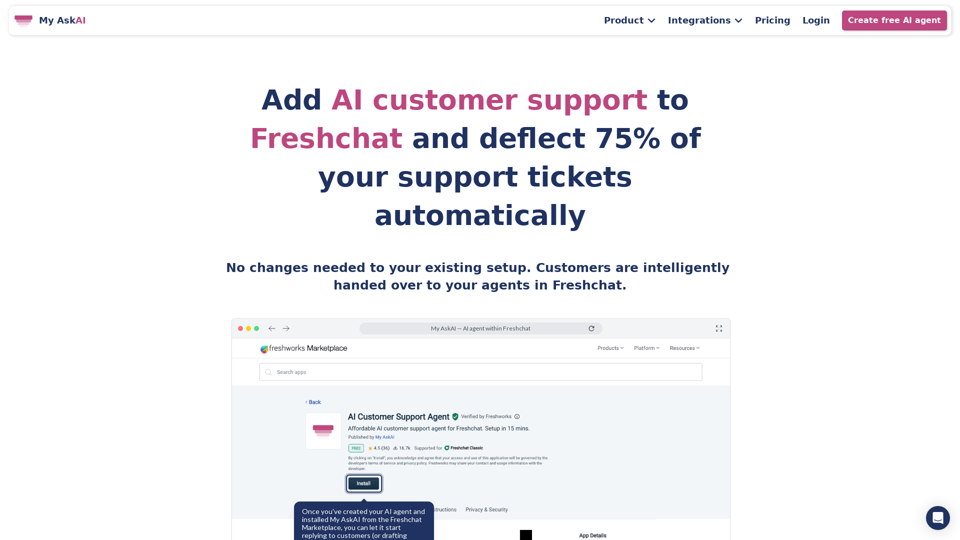
Boost client engagement and increase revenue with our AI-driven platform. Leverage client health scoring and AI agents to optimize productivity and business outcomes.
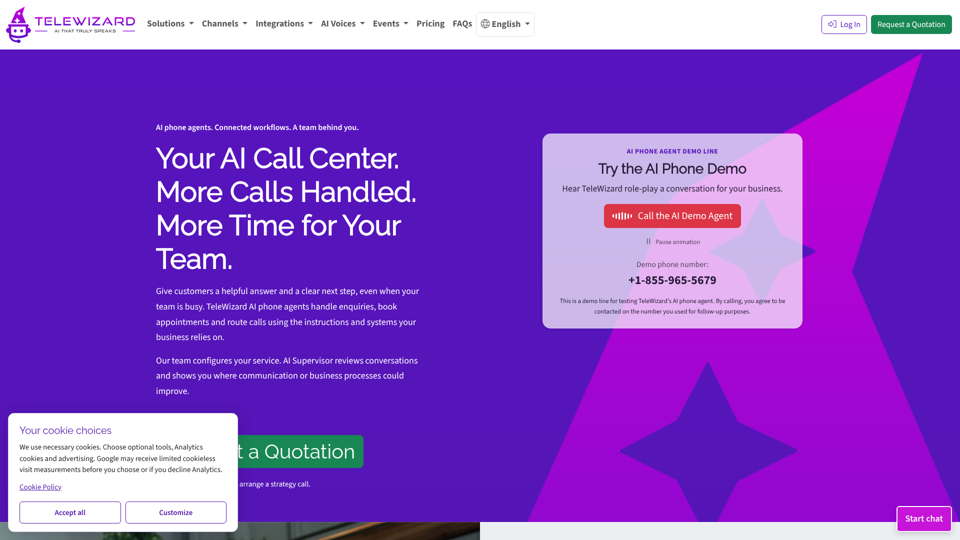
Answer calls, book appointments and connect your workflows with TeleWizard AI phone agents. Get managed setup and AI Supervisor insights. Request a quotation.
Sigma AI helps E-commerce brands automate their customer support using AI.

Referent is AI-native legal practice management software. Legal AI agents handle the operational work while lawyers focus on clients and growth.