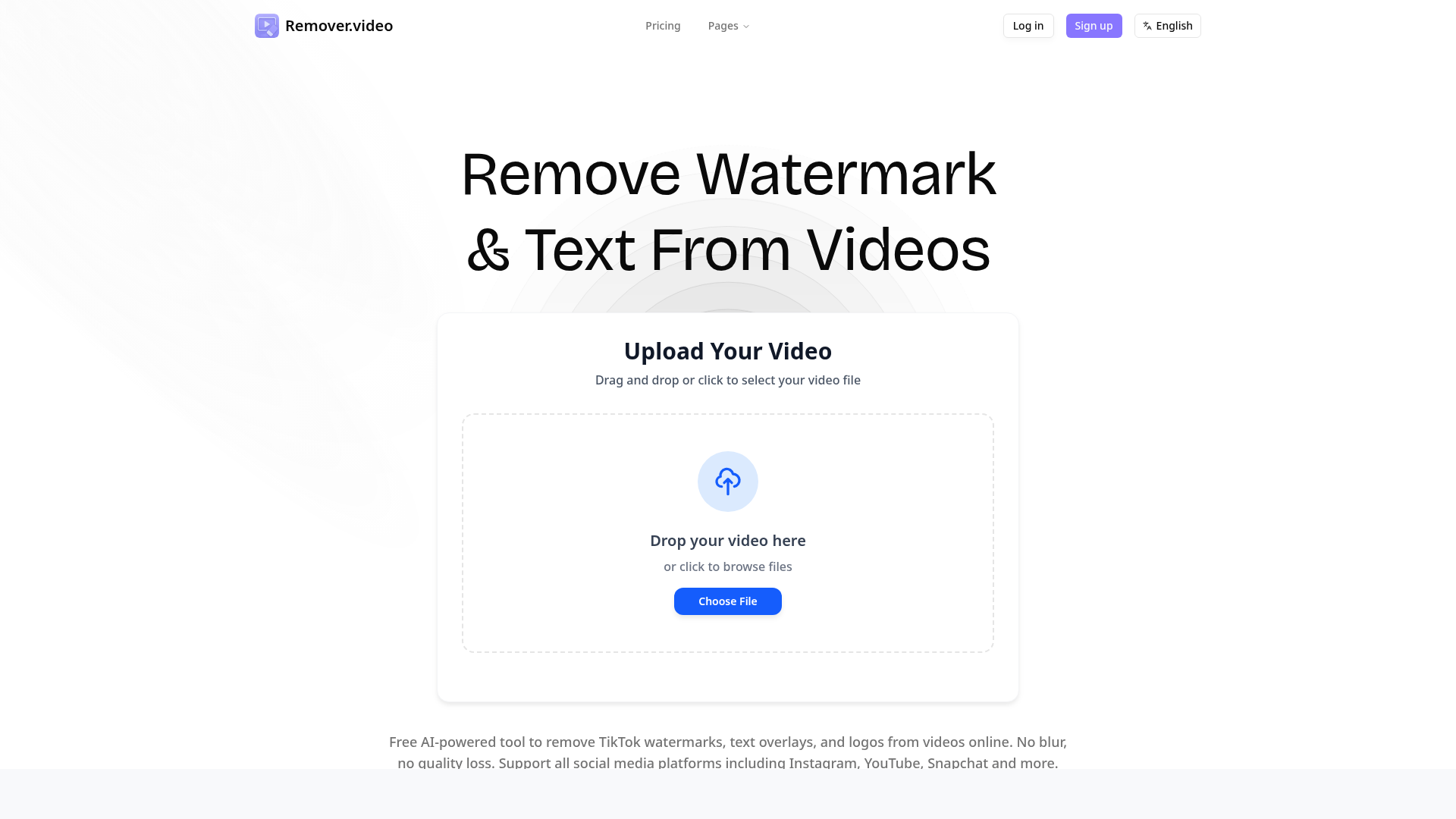
What is Remover.video?
Remover.video is a free, AI-powered online video editing tool designed specifically to remove unwanted text overlays, logos, and watermarks from videos without any loss of quality or blurring. It is the perfect solution for content creators, social media managers, marketing agencies, and anyone who needs to repurpose videos across platforms like TikTok, Instagram Reels, YouTube, Snapchat, Facebook, and more. The platform uses advanced artificial intelligence to intelligently analyze and erase elements, delivering clean, professional results directly in your web browser with no software installation required.
What are the main features of Remover.video?
- High-Quality, Blurless Removal
- The core AI technology is engineered to remove watermarks, text, and logos from videos seamlessly, filling in the background perfectly. Unlike basic tools that leave a visible blur or smudge, Remover.video preserves the original video quality and integrity.
- Broad Platform & Format Support
- It works exceptionally well for removing the distinctive watermarks from TikTok videos, Instagram text overlays, Snapchat captions, and more. The tool supports a wide range of common video formats for upload and processing.
- User-Friendly Online Editor
- The entire process is streamlined for ease of use. Users simply upload their video, and the AI handles the complex editing. There are no complex settings or steep learning curves, making professional-grade editing accessible to everyone.
- Fast Processing & Free Access
- The tool processes videos quickly. A significant portion of its functionality, including watermark removal for many videos, is available for free, allowing users to test and use the service without an immediate financial commitment.
- Batch Processing & Professional Workflow
- For power users and professionals, features like faster priority processing (available in paid plans) enable handling multiple videos efficiently, streamlining workflows for agencies and studios.
How to use Remover.video?
The process is incredibly simple and consists of three straightforward steps:
- Upload Your Video: Drag and drop your video file onto the website or click to browse and select it from your device. The tool accepts videos from any source containing watermarks, text, or logos.
- AI Processing: Click the continue or process button. The platform's advanced AI automatically detects and analyzes the unwanted elements (watermark, text, logo) in your video.
- Download the Result: Within moments, the processing is complete. You can then preview the watermark-free video and download the final, high-quality result directly to your computer, ready for use.
Pricing for Remover.video
Remover.video operates on a credit-based subscription model, offering scalable plans for different user needs, with significant savings on annual billing.
- Free Tier
- Access to core AI removal functionality with certain limitations on processing priority and video length.
- Standard Plan
- Priced at ### $8.99/month (or less with annual billing). This plan includes approximately 300 credits per month (enough for about 5 minutes of video), priority processing, and faster customer support.
- Pro Plan
- Priced at ### $19.99/month (with frequent promotional discounts, e.g., to $7.99). This is the most popular plan for heavy users, offering about 1000 credits per month (~16 minutes of video), the fastest processing priority, support for videos up to 15 minutes long, output in resolutions up to 1080P, and all the benefits of the Standard plan.
Helpful Tips for Using Remover.video
- For Best Results
- Upload videos in the highest quality possible. The AI works best with clear, well-lit source material.
- Repurposing Content
- This tool is ideal for creators who film once but want to post across multiple platforms (e.g., removing a TikTok watermark to post the same video on Instagram Reels or YouTube Shorts).
- Exploring Other Tools
- Remover.video also offers specialized tools for removing hardcoded subtitles and logos, which can be useful for different editing scenarios.
- Choosing a Plan
- If you only need to process a few short videos occasionally, the free tier may suffice. For consistent, high-volume use (common for agencies, serious creators, or social media managers), the Pro plan offers the best value and efficiency.
Frequently Asked Questions about Remover.video
Is Remover.video really free to use?
Yes, the platform offers a free tier that allows users to remove watermarks and text from videos online without cost, subject to certain fair usage limits.
What video formats does Remover.video support?
The tool supports all major video formats including MP4, MOV, AVI, and more, ensuring compatibility with videos from phones, cameras, and social media downloads.
How accurate is the AI watermark removal?
The AI technology is highly advanced and accurate. It is specifically trained to understand video context, allowing it to remove elements cleanly while reconstructing the background naturally, avoiding the blurred patches common in simpler tools.
Is there a limit on video length or file size?
Yes, there are limits, especially on the free tier. Paid plans, particularly the Pro plan, support longer videos (up to 15 minutes) and larger file sizes. Specific limits are detailed on the website.
How long does it take to process a video?
Processing time depends on the video's length, resolution, and server load. It is generally fast, often taking just a few minutes for short clips. Paid plans include priority processing for faster results.
Do you offer a free trial for the paid plans?
While there is a permanently free tier, the paid subscription plans may offer promotional periods or discounted first-month pricing. Check the current pricing page for the latest offers.
Remover.video
Professional AI-powered tool to remove text, watermark and logos from videos online. Free video editor supporting TikTok, Instagram and all social media formats.
 Cloudflare
 HTTP/3
 Next.js
 Node.js
 React
React Vercel
 Webpack
Free AI anime and manga generator. Turn text into anime episodes, manga, comics, webtoons and comic shorts in any art style — no drawing or animation skills needed.
Translate image text across 70+ languages with our advanced AI Image Translator to help you better expand your products globally to various countries
Advertised Here
Reach thousands of visitors daily. Get your spot now!
Tools similar to Remover.video
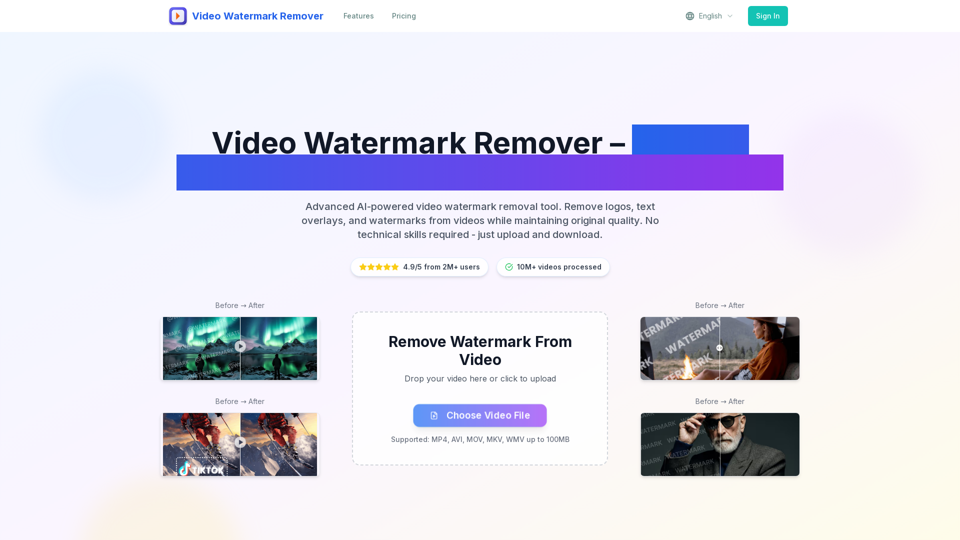
video watermark remover tool removes watermark from video online for free. Upload any video format and get watermark-free video in 2 minutes with AI-powered technology. Support MP4, AVI, MOV formats.
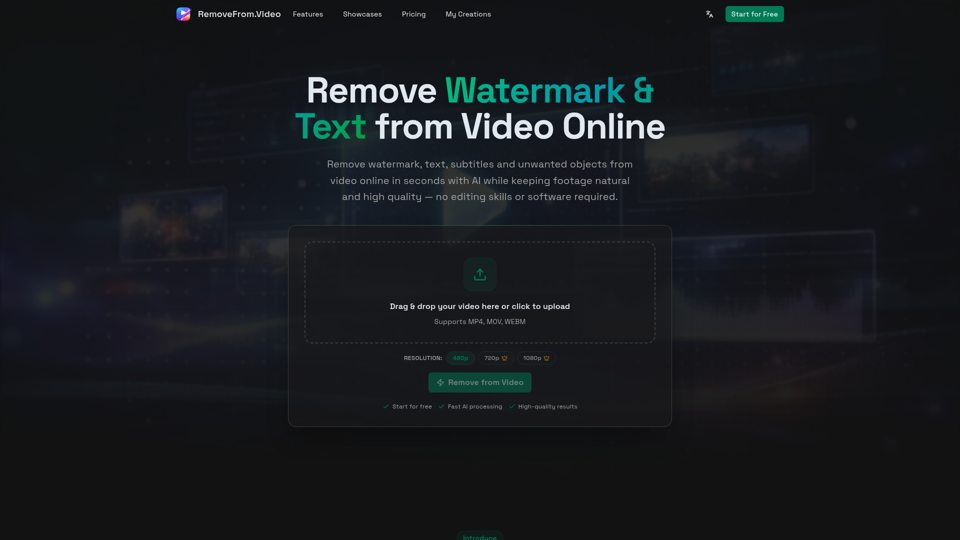
Remove watermark, text, subtitles and unwanted objects from video online with AI. Clean TikTok, YouTube and social media videos without complex editing software.
Discover all free online tools by iPurix. Easily remove watermarks from images, download TikTok videos, convert TikToks to MP3, and more.
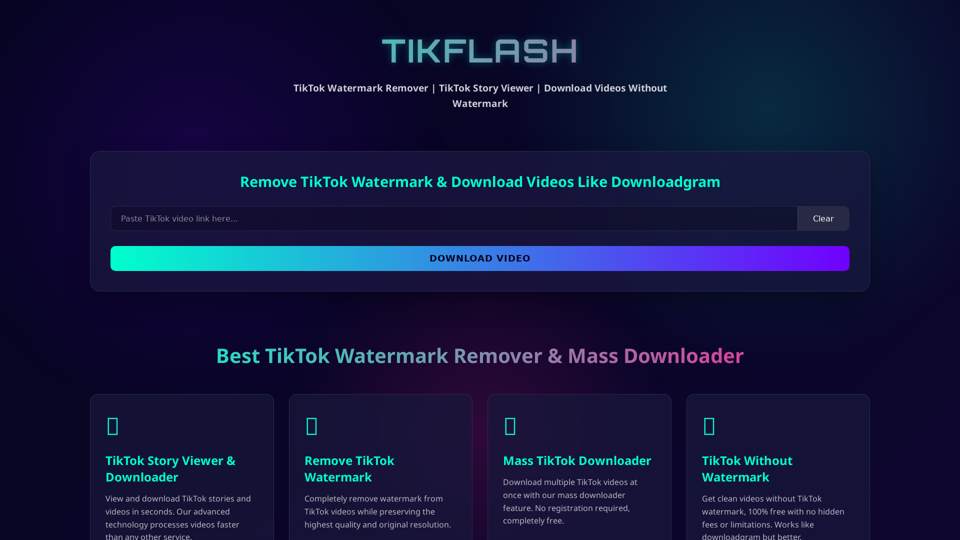
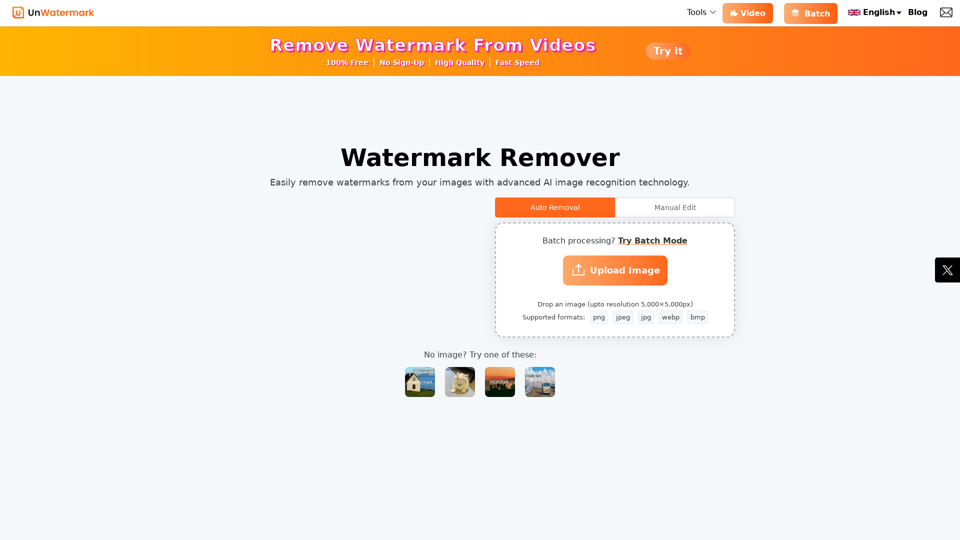
Remove watermarks from photos and videos instantly with Unwatermark.AI. Our free AI-powered tool ensures your images and videos are watermark-free online.
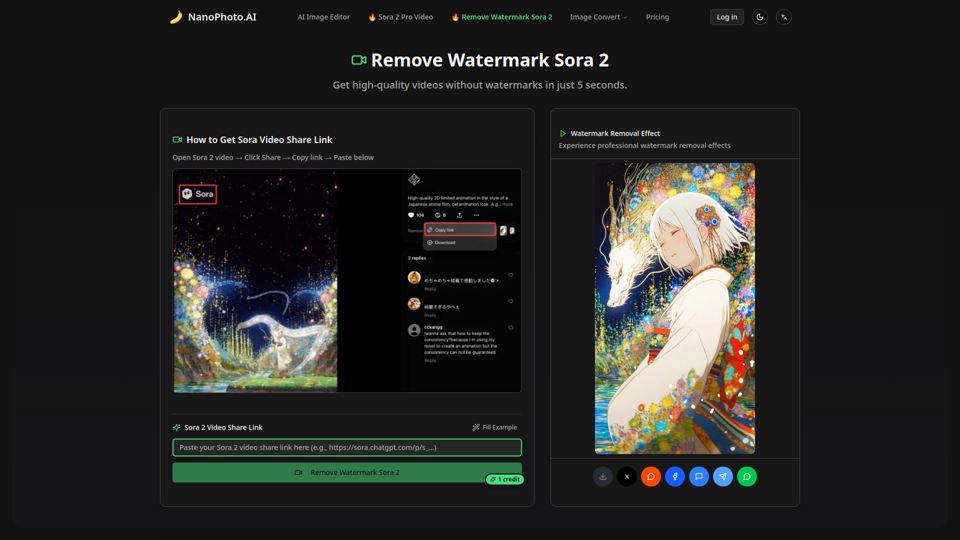
Remove watermarks from Sora 2 videos in just 5 seconds. High-quality, fast, and affordable - only 1 credit per removal.
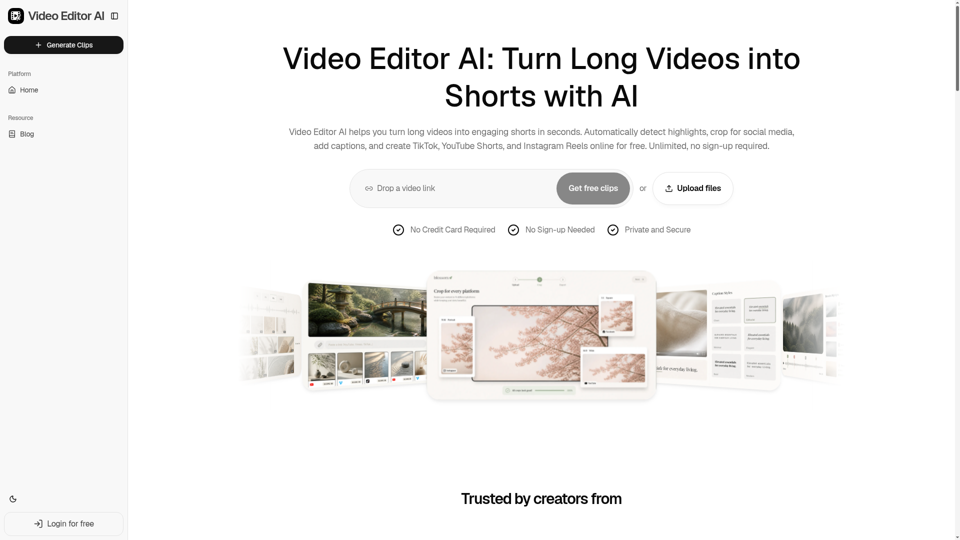
Video Editor AI helps you turn long videos into engaging shorts in seconds. Automatically detect highlights, crop for social media, add captions, and create TikTok, YouTube Shorts, and Instagram Reels online for free. Unlimited, no sign-up required.