What is Video Watermark Remover?
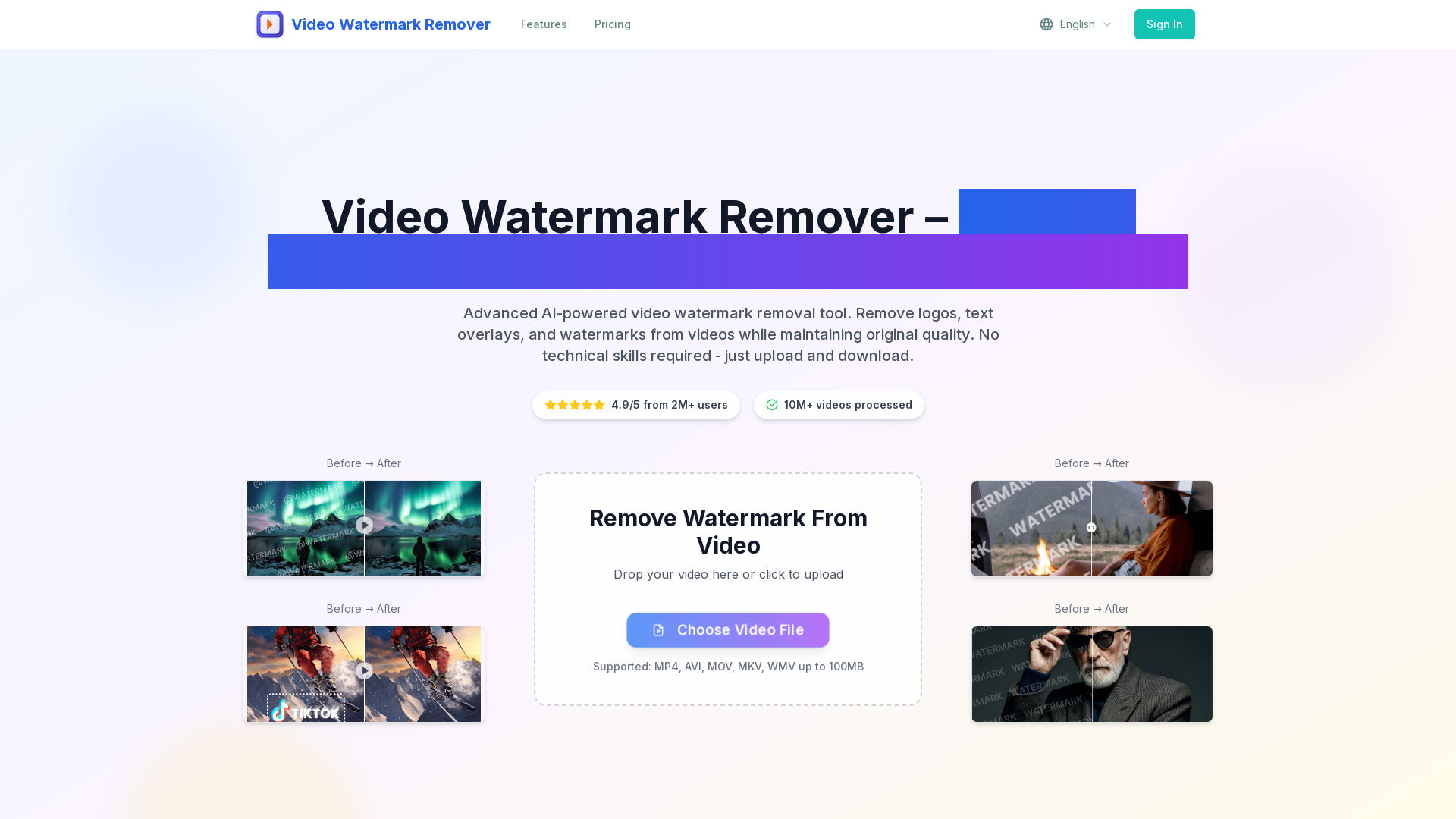
Video Watermark Remover is an advanced AI-powered online service designed to effortlessly remove watermarks from videos. This includes logos, text overlays, and other markings while preserving the original video quality. It is user-friendly and requires no technical skills—simply upload your video and download the polished version in seconds.
What are the main features of Video Watermark Remover?
- AI Technology
- Leverages cutting-edge AI to detect and remove watermarks quickly and efficiently.
- High-Quality Output
- Guarantees watermark removal without blurring, ensuring the video maintains its clarity and resolution.
- Multi-Format Support
- Compatible with various video formats such as MP4, AVI, MOV, MKV, and WMV.
- Privacy & Security
- Uploaded videos are automatically deleted within 24 hours to protect user data.
- Cross-Device Compatibility
- The platform functions seamlessly on desktop, mobile, and tablet devices, making it accessible anywhere.
How to use Video Watermark Remover?
Removing watermarks from videos is a simple three-step process:
- Upload Video: Select your video file with watermarks in any supported format (MP4, AVI, MOV, MKV, WMV).
- AI Processing: The advanced AI technologies automatically detect and remove the watermarks while preserving the video's original quality.
- Download Clean Video: Once processing is done, download your high-quality, watermark-free video in just seconds.
Pricing
Choose a plan that best fits your needs:
- Starter
- $9.90/month for individuals, includes 10 video removals and HD output.
- Professional
- $19.90/month includes 30 video removals, priority processing, and premium support.
- Business
- $39.90/month, perfect for teams, with 80 video removals, API access, and 24/7 support.
Helpful Tips
- Use Batch Processing
- If you frequently need to remove watermarks from multiple videos, consider the Professional or Business plans for better efficiency.
- Format Compatibility
- Ensure your videos are in supported formats to avoid processing issues.
- Quality Check
- After removal, always review your video to ensure it meets your quality standards.
Frequently Asked Questions
How accurate is the AI video watermark remover?
The AI algorithms are highly accurate, ensuring that watermarks are removed cleanly without affecting surrounding video details.
What video formats does the watermark remover support?
The service supports multiple formats including MP4, AVI, MOV, MKV, and WMV.
How long does video watermark removal take?
Processing typically takes only about 2 minutes, depending on the video size.
Can I remove watermarks from TikTok, YouTube, and Instagram videos?
Yes, the tool is capable of removing watermarks from a variety of platforms including TikTok, YouTube, and Instagram.
Is the video quality preserved after watermark removal?
Absolutely! Our technology ensures that the video's original quality remains intact post-removal.
Is my video data safe and secure?
Yes, we prioritize privacy and all uploaded videos are deleted from our server within 24 hours.
Can I remove multiple watermarks from one video?
Yes, the AI can effectively detect and remove multiple watermarks from a single video.
Do I need to register to use the video watermark remover?
No registration is required for quick, one-time use, although creating an account may provide additional benefits.
Ready to remove watermarks from your videos? Join thousands of satisfied users and start cleaning your videos with our intelligent AI video watermark remover today!
Video Watermark Remover
video watermark remover tool removes watermark from video online for free. Upload any video format and get watermark-free video in 2 minutes with AI-powered technology. Support MP4, AVI, MOV formats.
 Cloudflare
 HTTP/3
 Next.js
 Node.js
 React
React Webpack
 dc.js
dc.jsFree AI anime and manga generator. Turn text into anime episodes, manga, comics, webtoons and comic shorts in any art style — no drawing or animation skills needed.
Translate image text across 70+ languages with our advanced AI Image Translator to help you better expand your products globally to various countries
Advertised Here
Reach thousands of visitors daily. Get your spot now!
Tools similar to Video Watermark Remover
Professional AI-powered tool to remove text, watermark and logos from videos online. Free video editor supporting TikTok, Instagram and all social media formats.
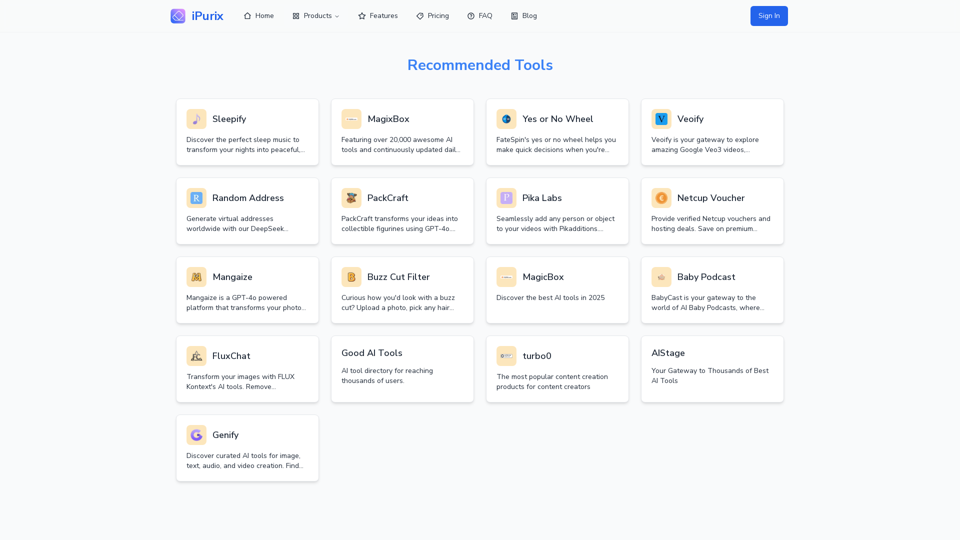
Discover all free online tools by iPurix. Easily remove watermarks from images, download TikTok videos, convert TikToks to MP3, and more.
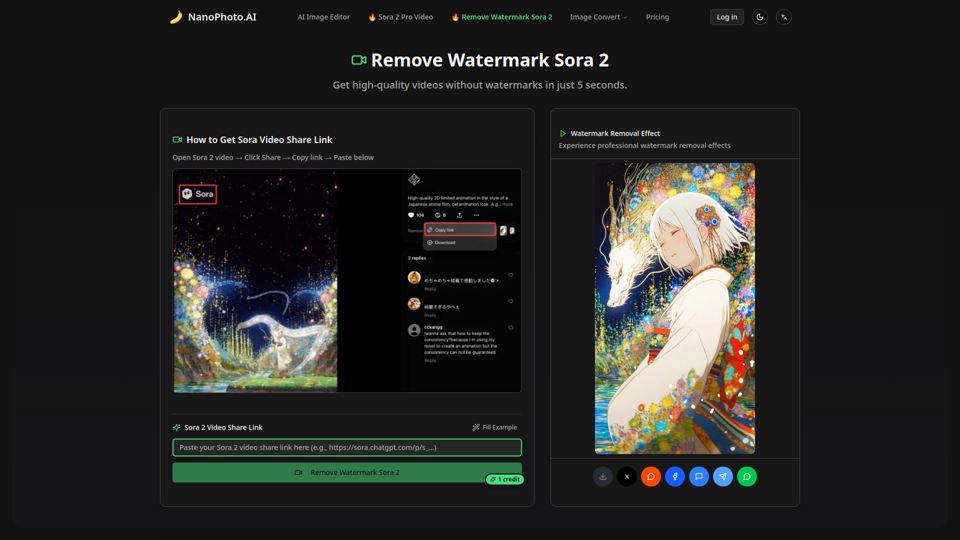
Remove watermarks from Sora 2 videos in just 5 seconds. High-quality, fast, and affordable - only 1 credit per removal.
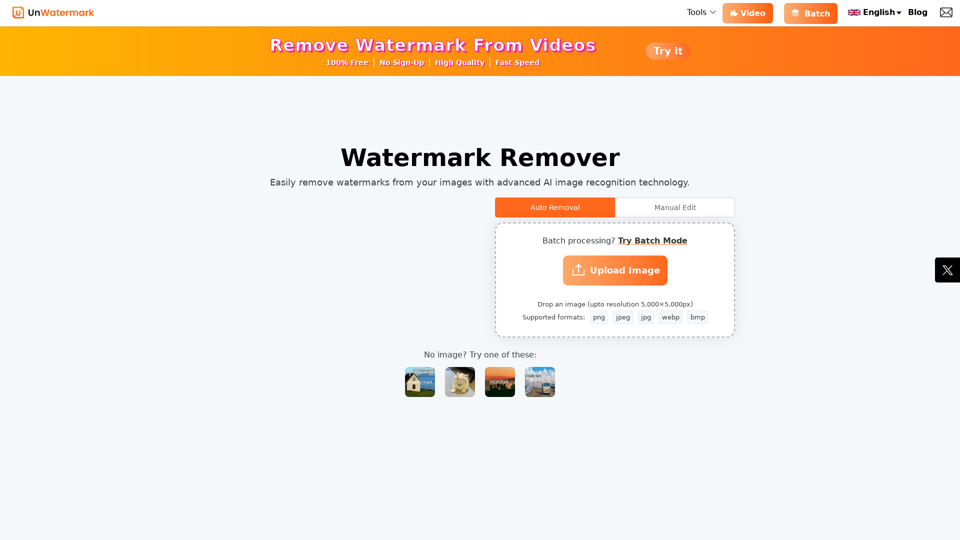
Remove watermarks from photos and videos instantly with Unwatermark.AI. Our free AI-powered tool ensures your images and videos are watermark-free online.
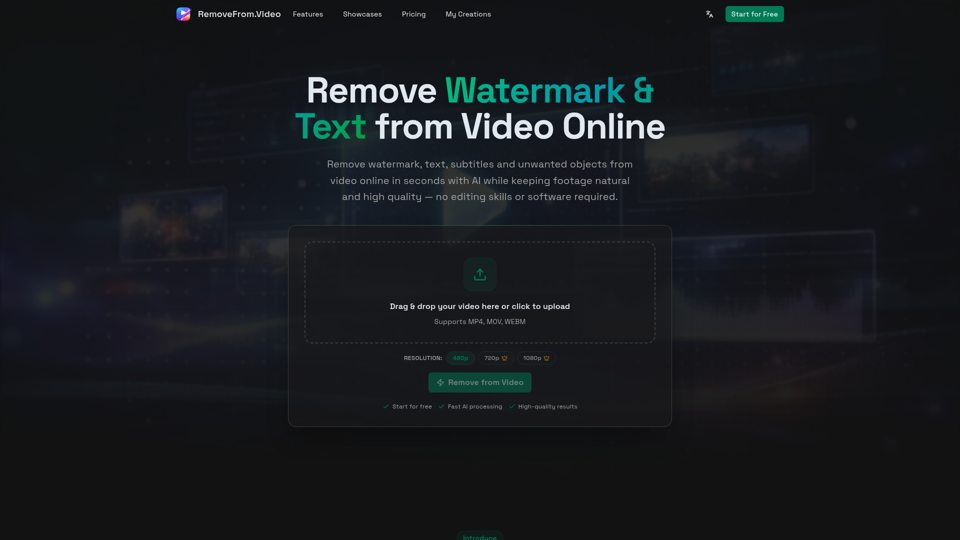
Remove watermark, text, subtitles and unwanted objects from video online with AI. Clean TikTok, YouTube and social media videos without complex editing software.
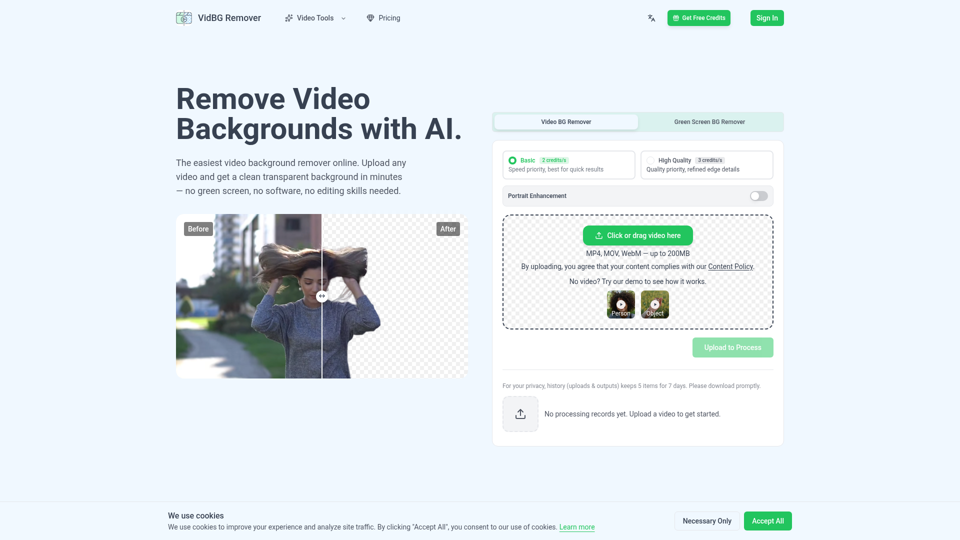
Video background remover: remove backgrounds in minutes with AI. No green screen needed. Upload your video, get clean transparent results. Try free.