Roll
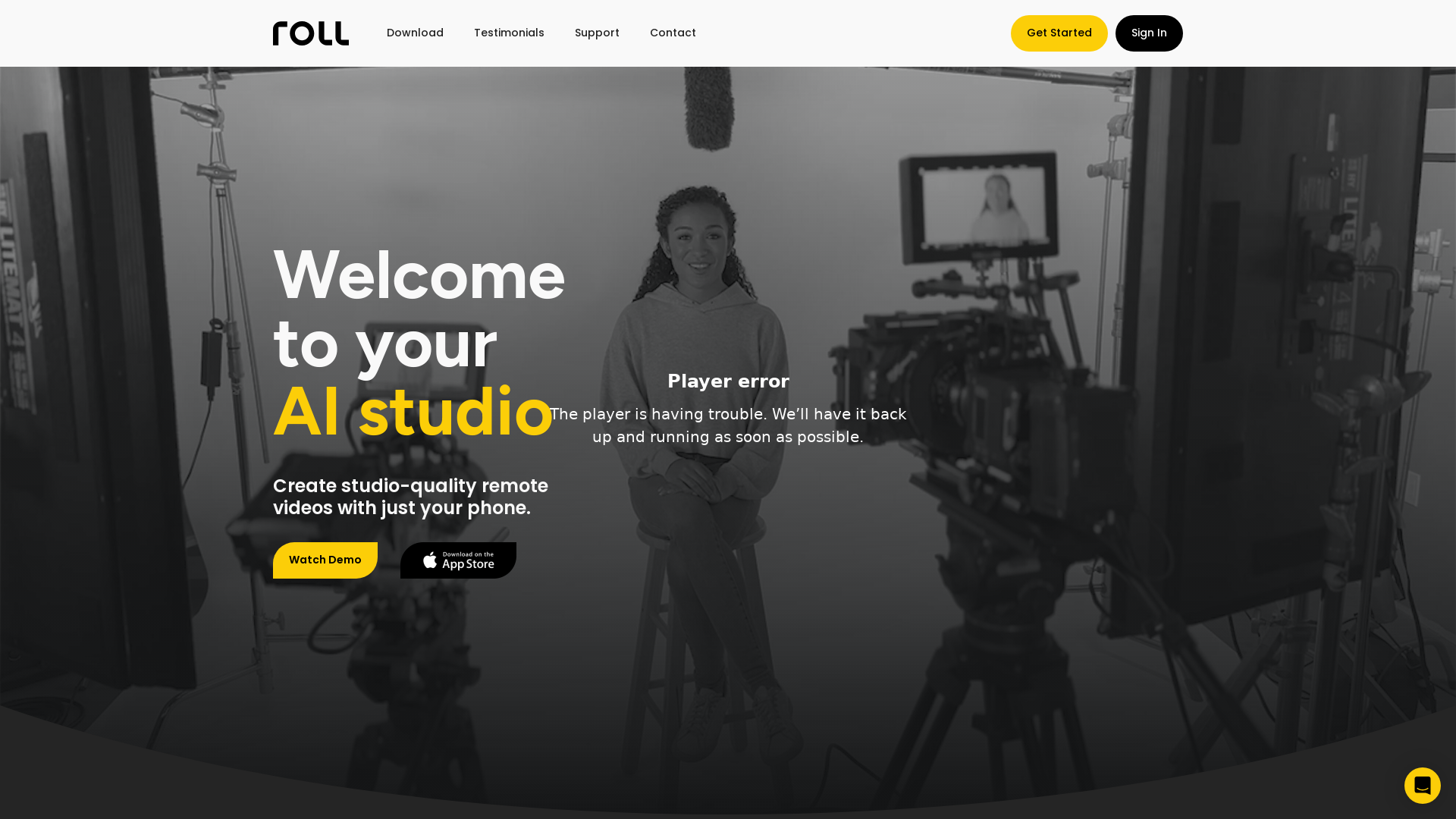
Create professional, studio-quality videos from anywhere with just your phone. Our powerful AI platform lets you capture pro-quality remote video calls, add special effects, and edit and publish in minutes at a fraction of the cost of a professional production studio.
What is Roll?
Roll is your AI-powered video production studio that enables users to create studio-quality remote videos effortlessly using just a smartphone. Through the power of artificial intelligence, Roll revolutionizes video creation by replacing expensive equipment and complicated setups with an easy-to-use mobile application, allowing content creators to produce professional-grade videos with minimal effort.
What are the main features of Roll?
- AI-Driven Editing
- Roll automates the editing process, providing high-resolution edits almost instantly without the need for manual interventions.
- Real-Time Effects
- The application offers a variety of real-time effects, enhancing the post-production quality of remote video calls and interviews.
- Intelligent Framing
- Roll utilizes body detection technology and automatic lighting detection to ensure videos are perfectly framed and well-lit every time.
- Fast Publishing
- After creating videos, users can quickly publish their content on various platforms in just a few clicks while automatically reformatting it for optimal viewing.
- Multi-Camera Capability
- Create multicam shots and dynamic angles without the need for multiple cameras or complex setups.
How to use Roll?
Getting started with Roll is easy. Simply download the app on your smartphone, sign in, and begin recording your video. Use intuitive tools to apply real-time effects, and once your recording is complete, allow Roll’s AI editor to handle the post-production process. Before you know it, your high-quality video is ready for publishing.
What is the pricing of Roll?
Roll offers flexible pricing plans based on user needs. While many features can be accessed for free, subscribing unlocks more advanced functionalities, additional AI tools, and extensive publishing options at competitive prices.
Helpful Tips
- Plan Your Content
- Outline your video concepts ahead of time to streamline the recording and editing process.
- Use Good Lighting
- Even though Roll assists with lighting detection, good natural lighting always helps enhance video quality.
- Experiment with Effects
- Spend time exploring different real-time effects to find what best suits your video style and enhances your storytelling.
- Regular Updates
- Keep the app updated to access the latest features and improvements Roll offers.
Frequently Asked Questions
Can I create videos for various platforms using Roll?
Yes, Roll automatically reformats your videos for different sharing platforms, ensuring optimal viewing experiences wherever you publish.
What type of videos can I create with Roll?
You can create a variety of content, including webinars, podcasts, customer testimonials, remote interviews, and promotional videos.
Is there any specific equipment required to use Roll?
No specialized equipment is needed; Roll harnesses the capabilities of your smartphone to deliver studio-quality results.
How does Roll ensure video quality?
The app incorporates advanced AI technologies for real-time editing, intelligent framing, and lighting correction to achieve broadcast-level quality.
Will I need to edit my videos manually after using Roll?
No manual editing is required; Roll’s AI editing functionality creates polished videos almost instantly, saving you time and effort.
Roll is transforming the landscape of video production by making high-quality content creation more accessible than ever, allowing everyone from professionals to casual creators to shine.
Roll
Create professional, studio-quality videos from anywhere with just your phone. Our powerful AI platform lets you capture pro-quality remote video calls, add special effects, and edit and publish in minutes at a fraction of the cost of a professional production studio.
 Cloudflare
 Google Analytics
 Google Font API
 Google Hosted Libraries
 HTTP/3
 cdnjs
cdnjs jQuery:3.5.1
Free AI anime and manga generator. Turn text into anime episodes, manga, comics, webtoons and comic shorts in any art style — no drawing or animation skills needed.
Translate image text across 70+ languages with our advanced AI Image Translator to help you better expand your products globally to various countries
Advertised Here
Reach thousands of visitors daily. Get your spot now!
Tools similar to Roll
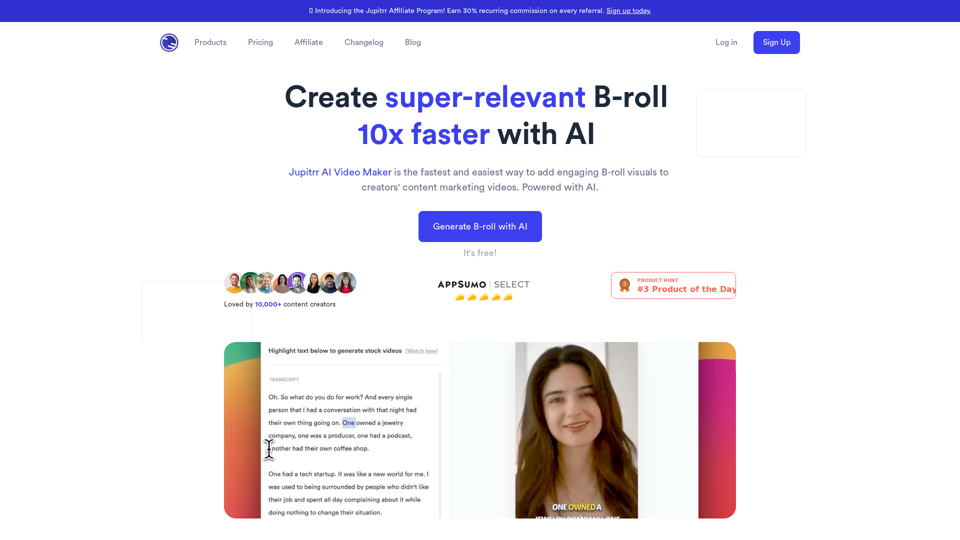
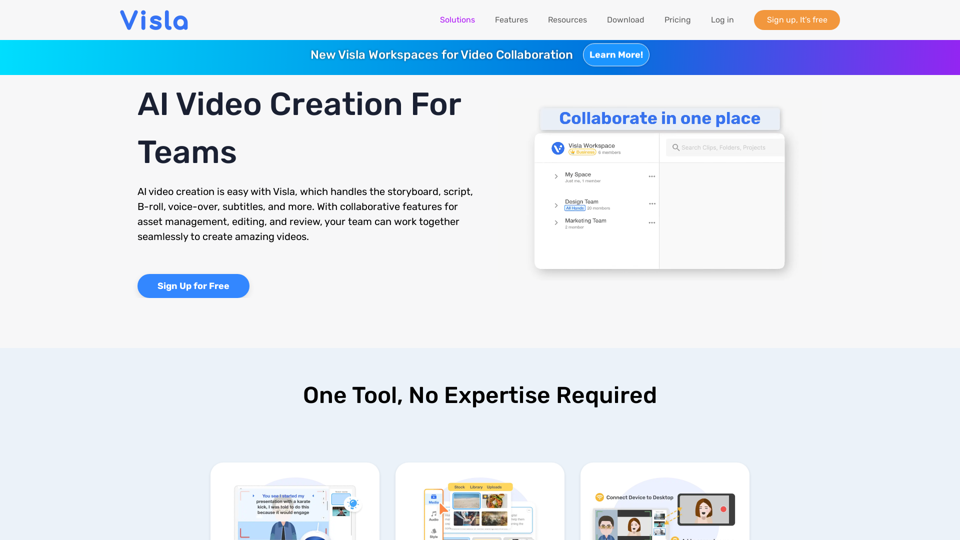
Use AI to generate contextual B-rolls for your videos for free - stock images, videos, animated subtitles, and many more.
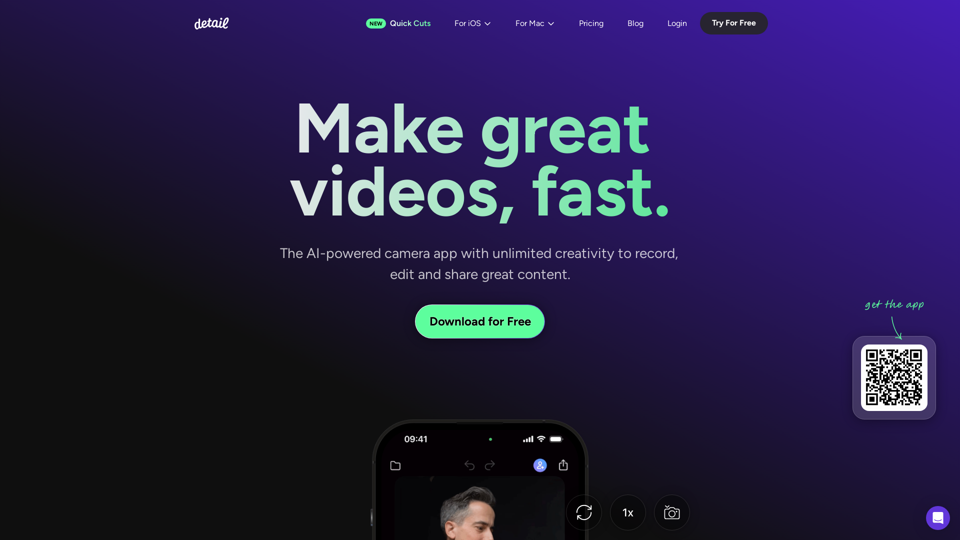
Record and edit videos with Detail for iOS and macOS. Everything you need to create videos and podcasts, fast. Download for free on the App Store.
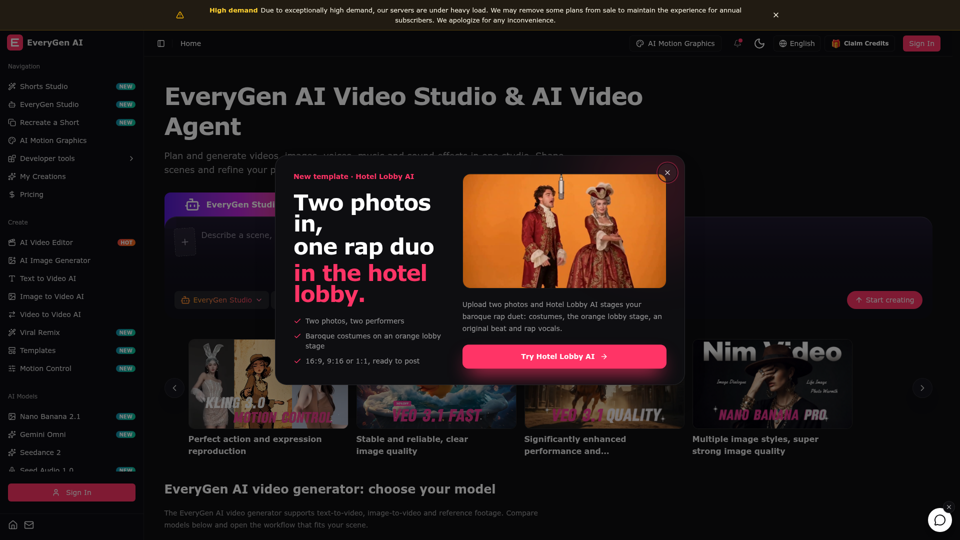
Create videos with the EveryGen AI video generator. Plan and edit in the EveryGen AI video studio, with images, audio, music and MCP.
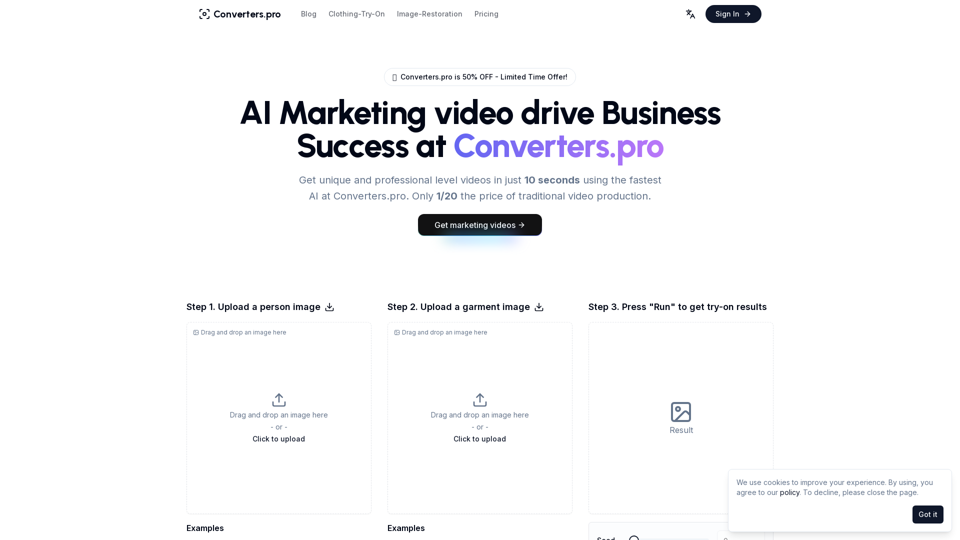
Create stunning marketing videos with Converters.pro. Our AI-powered video generator helps you craft engaging social media content, product demos, and brand videos in minutes. Transform your marketing with professional, customizable video content.
Create stunning AI photos and videos in seconds. Professional headshots, studio portraits, product images, and AI video with 150+ styles. Free AI photo studio — no camera needed.