Visla
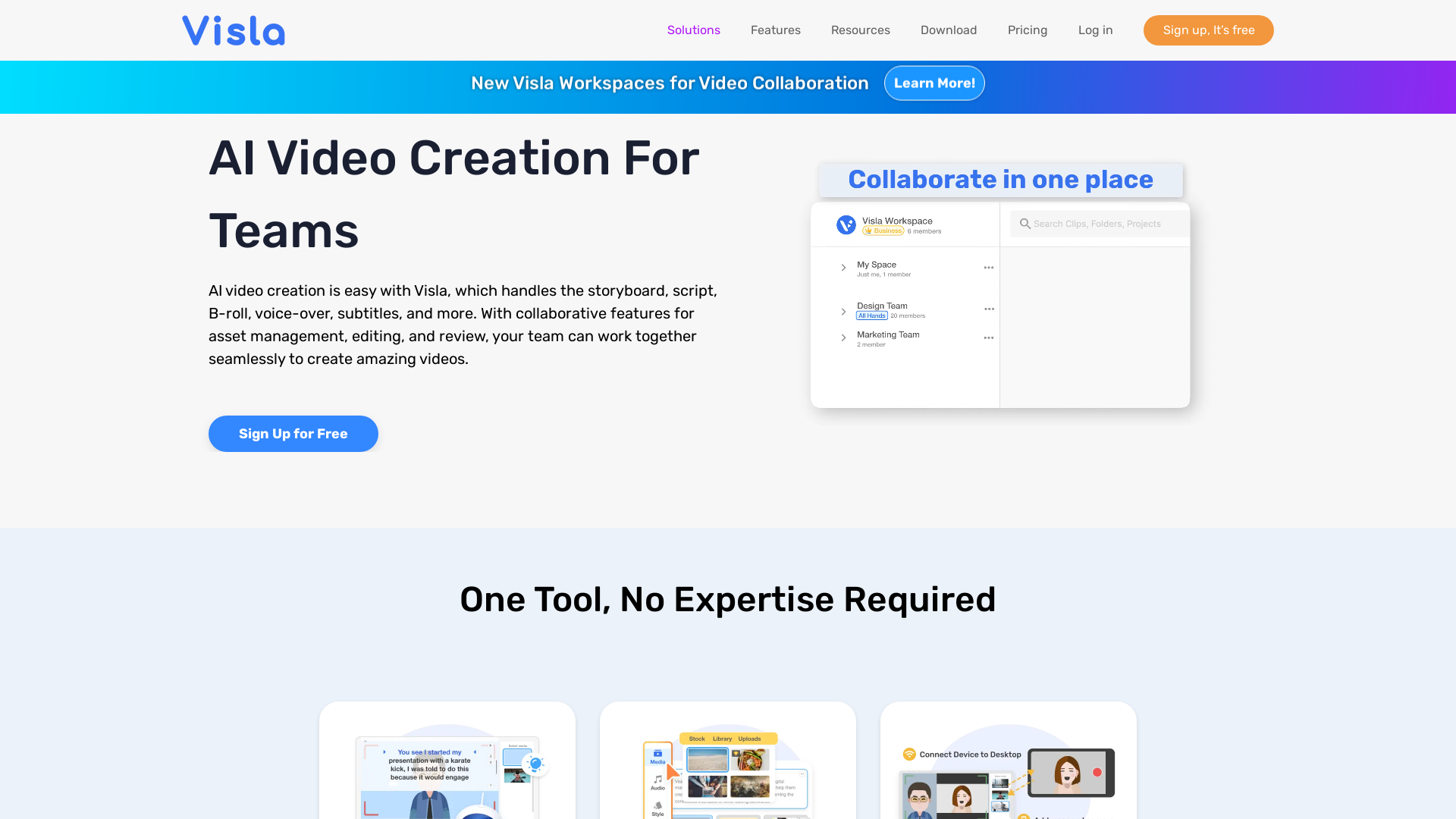
AI video creation is easy with Visla, which handles the storyboard, script, B-roll, voice-over, subtitles, and more. With collaborative features for asset management, editing, and review, your team can work together seamlessly to create amazing videos.
What is Visla?
Visla is an innovative AI video creation and editing platform designed specifically for businesses. It empowers users to generate professional-quality videos effortlessly with a variety of video production tools that cater to different needs, such as marketing, communications, sales, and training. Visla's robust suite of features allows teams to collaborate efficiently, streamline workflows, and engage their audiences effectively through captivating video content.
Main Features of Visla
- AI Video Generator
- Convert ideas into videos seamlessly with various input formats.
- AI Video Editor
- Offers extensive editing capabilities including scene-based editing and auto-cut functionalities.
- Video Maker GPT
- Transform text, blogs, and scripts into engaging videos.
- Screen Recording
- Capture high-quality screen recordings for tutorials, demonstrations, and more.
- Collaboration Tools
- Workspaces and team spaces facilitate real-time collaborative video editing and sharing.
- Automatic Subtitling
- Enhance accessibility with auto-generated subtitles for videos.
How to Use Visla
Using Visla is simple and requires no prior expertise. Users can sign up for free and start creating videos by selecting the type of video they wish to produce—whether converting text to video, editing raw footage, or recording content directly. The platform also provides resources, including video guides, to help users maximize their experience.
Pricing
Visla offers a free sign-up option that allows users to access a range of features. For businesses seeking advanced functionalities, subscription plans are available that provide additional tools and resources tailored to teams' specific needs.
Helpful Tips
- Streamline Collaboration
- Utilize the Workspaces feature to allow team members to collaborate effectively on video projects.
- Leverage AI Features
- Take advantage of AI capabilities to reduce the time spent on video production by automating repetitive tasks such as subtitling and editing.
- Experiment with Different Formats
- Don’t hesitate to convert various content types into videos to engage your audience in new ways.
Frequently Asked Questions
Can I generate videos without prior experience?
Yes! Visla is designed for users of all skill levels. Its intuitive interface and AI features make video creation accessible even for those with no prior editing experience.
Is there a limit on free usage?
While Visla offers many free features, users who require additional functionalities may consider subscribing to premium plans for enhanced access.
What types of videos can I create with Visla?
The platform supports a variety of video content, including promotional videos, training materials, product demos, and customer success stories.
How does Visla ensure my data is secure?
Visla prioritizes user privacy and data security. All information is kept confidential and users have full control over their accounts and data.
Where can I find support if I encounter issues?
Visla offers comprehensive resources, including FAQs, a support blog, and community forums on Discord where users can ask questions and get help.
By harnessing the capabilities of Visla, businesses can transform their video production process and create engaging content that resonates with their audience.
Visla
AI video creation is easy with Visla, which handles the storyboard, script, B-roll, voice-over, subtitles, and more. With collaborative features for asset management, editing, and review, your team can work together seamlessly to create amazing videos.
 Amazon S3
 Amazon Web Services
 Nginx
NginxFree AI anime and manga generator. Turn text into anime episodes, manga, comics, webtoons and comic shorts in any art style — no drawing or animation skills needed.
Translate image text across 70+ languages with our advanced AI Image Translator to help you better expand your products globally to various countries
Advertised Here
Reach thousands of visitors daily. Get your spot now!
Tools similar to Visla
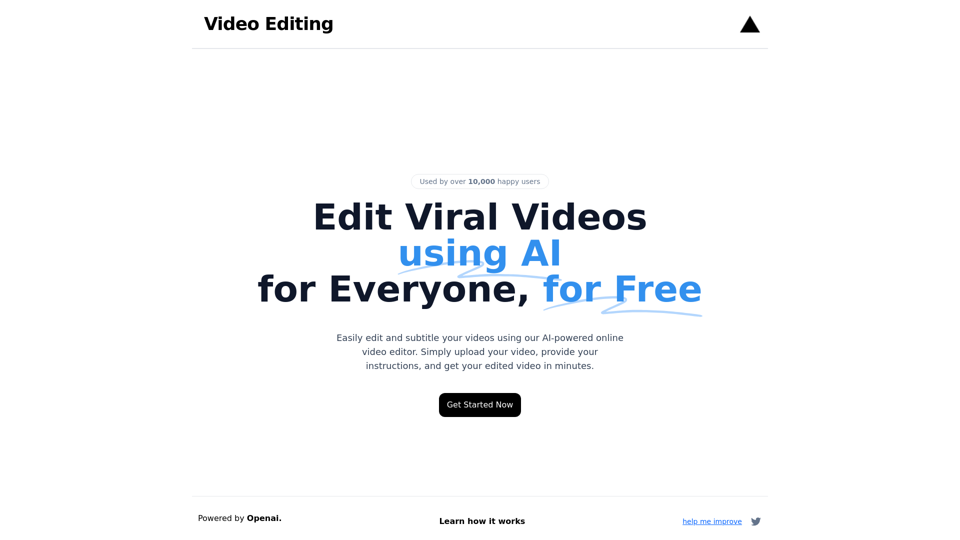
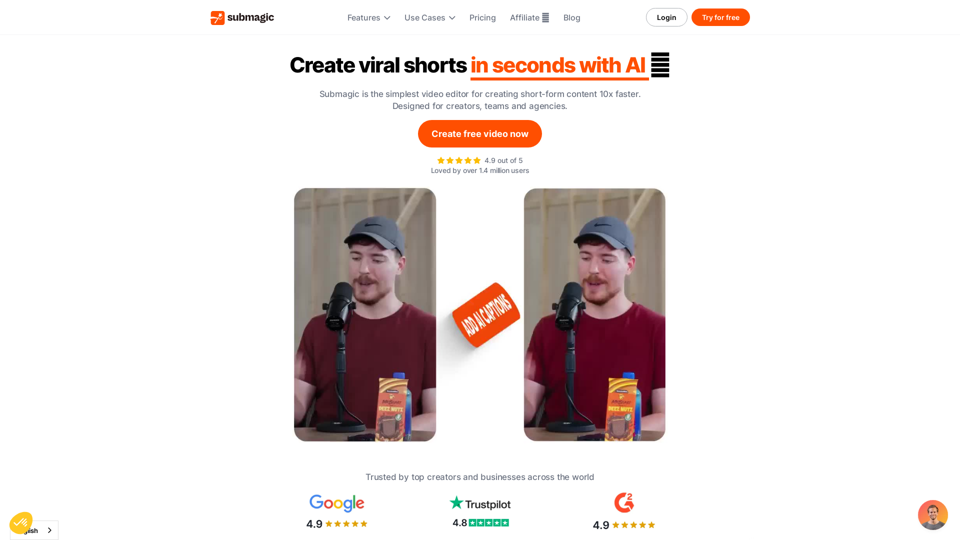
Edit and subtitle videos using AI for free. Our online video processing SaaS tool makes video editing easy and efficient. Join over 10,000 happy users.

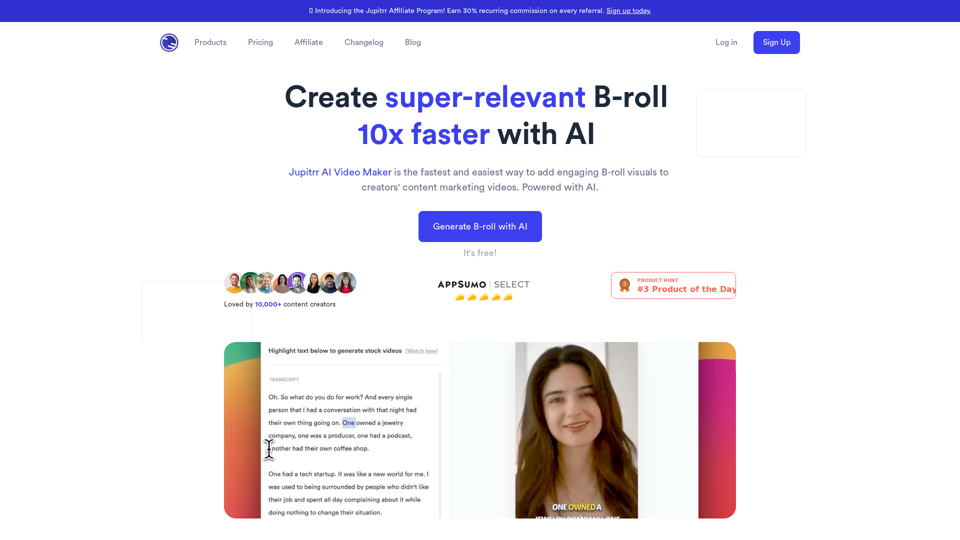
Use AI to generate contextual B-rolls for your videos for free - stock images, videos, animated subtitles, and many more.
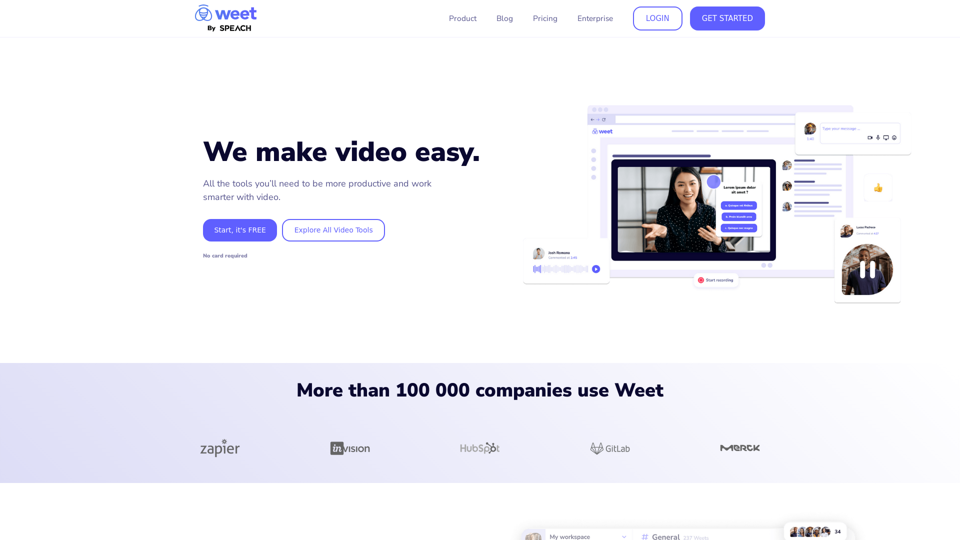
Use Weet to instantly record, create and edit interactive training videos. Build your organization’s knowledge videos library for clients & employees!