EveryGen AI Video Generator & Creative Studio
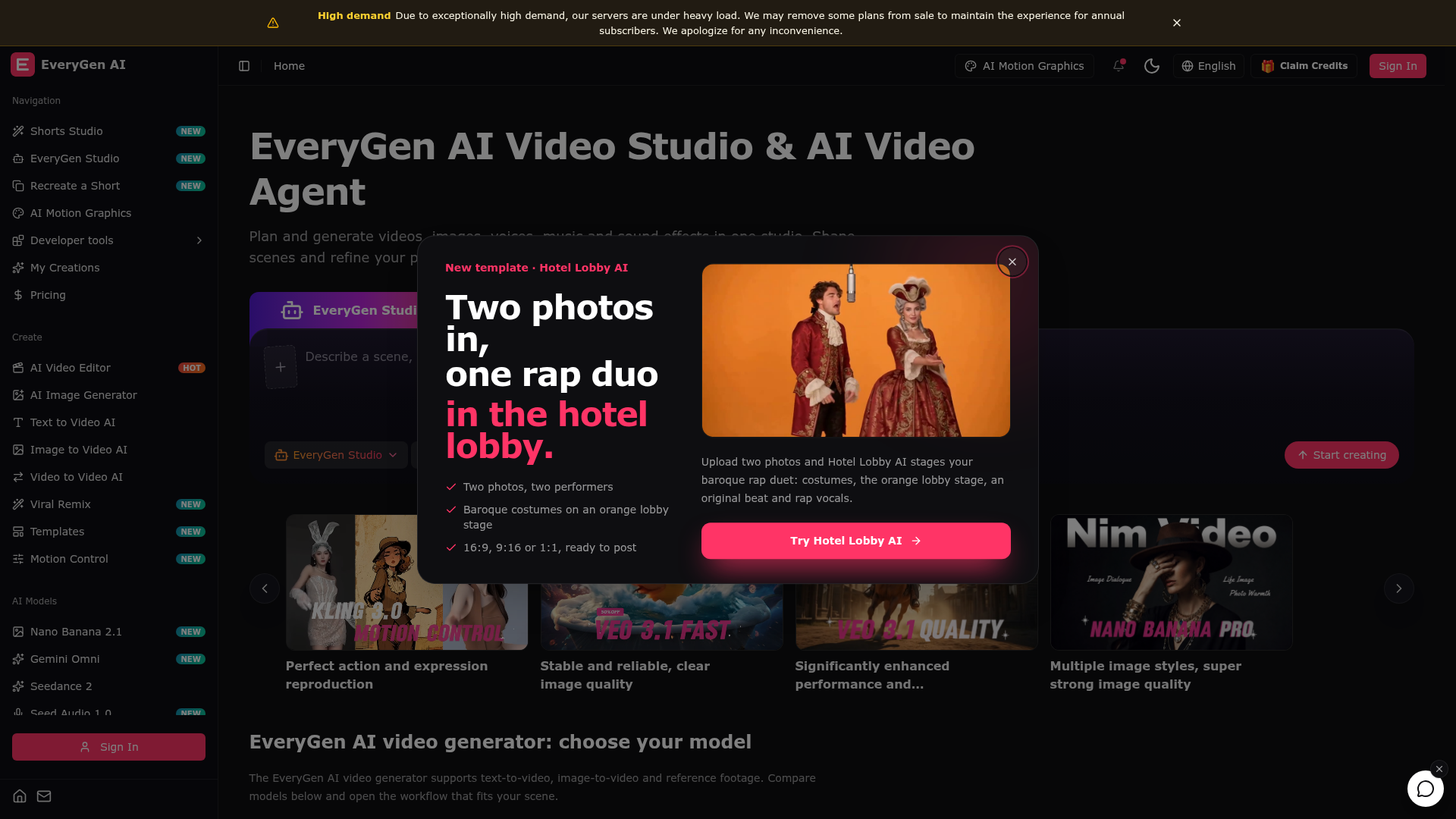
Create videos with the EveryGen AI video generator. Plan and edit in the EveryGen AI video studio, with images, audio, music and MCP.
What is EveryGen AI Video Generator & Creative Studio?
EveryGen AI is a browser-based video studio and AI video agent that takes a project from a first idea to a finished video. It combines several video and image models in one workspace, so text-to-video, image-to-video, reference footage, image generation, voices, music and sound effects can be used on the same project. It also lets users shape scenes and refine a project by describing changes in conversation with an AI Video Agent.
Key features
- Multiple video models in one place
- Seedance 2.5, Veo 3.1 Fast, Veo 3.1 Quality, Wan 3.0, Kling 3.0 Motion Control, Kling 2.6 and MiniMax H3 are all available from the EveryGen AI video generator.
- Text-to-video, image-to-video and reference workflows
- EveryGen AI supports generation from a written prompt, from a still image, or from reference images, video and audio that guide style, subjects and motion.
- AI Video Agent
- users plan and generate in the studio and refine scenes by describing what they want changed in conversation.
- Combined video, image and audio workspace
- videos, images, voices, music and sound effects are generated and reused across one project.
- Image generation and editing
- Nano Banana 2, GPT Image 2.5 with support for up to 16 reference images, Wan 2.7 Image Pro with multilingual text rendering, and Seedream 5.0 with multi-image consistency.
- Motion control and video editing
- Kling 3.0 transfers subject motion from a reference video, while Wan 3 Video Edit swaps elements, adjusts lighting and refines shots from simple instructions.
- Short-form tools
- Shorts Studio, Recreate a Short, Viral Remix, Templates and 9:16 output support vertical video work.
How to use EveryGen AI
- Open EveryGen Studio and describe a scene, a character or a video idea in the prompt field.
- Choose the workflow that fits the project — text-to-video, image-to-video, video-to-video or reference-to-video — and select a model such as Seedance 2.5, Veo 3.1 or Wan 3.0.
- Generate the clip. For motion-driven shots, use Kling 3.0 Motion Control or reference footage instead of a prompt alone.
- Refine the result by describing changes to the AI Video Agent, or edit existing footage with Wan 3 Video Edit.
- Reuse your visual assets, voices and soundtrack across the project, and collect finished work in My Creations.
Use cases
- Short-form creators producing vertical 9:16 Shorts with Shorts Studio, Recreate a Short and Viral Remix.
- Marketing and product teams creating product reveals, product visuals and consistent brand clips.
- Brands that need a consistent look across several clips, using Wan 3 Reference to Video with multiple references.
- Editors and post-production teams reworking existing footage, swapping elements or relighting shots with Wan 3 Video Edit.
- Designers producing posters, slides and product visuals with Seedream 5.0 or multilingual text rendering in Wan 2.7 Image Pro.
- Motion-focused work such as action and expression reproduction, where motion is copied from a reference clip.
Pricing
The EveryGen AI website does not list plan names or prices. It states that due to exceptionally high demand some plans may be removed from sale to maintain the experience for annual subscribers, so check the official pricing page for current plans and prices.
FAQ
Is EveryGen AI free to use?
The official website does not list a free plan or any prices. It only notes that annual subscribers exist and that some plans may be removed from sale during periods of high demand, so check the pricing page for the current options.
Which video models can I use in EveryGen AI?
The generator includes Seedance 2.5, Veo 3.1 Fast, Veo 3.1 Quality, Wan 3 Image to Video, Wan 3 Reference to Video, Wan 3 Video Edit, Kling 3.0 Motion Control, Kling 2.6 and MiniMax H3, and models can be compared before opening a workflow.
Can EveryGen AI generate images as well as video?
Yes. EveryGen AI includes an AI image generator and editor with Nano Banana 2, GPT Image 2.5, Wan 2.7 Image Pro and Seedream 5.0, and saved images can be brought into the video studio when you are ready to animate them.
Does EveryGen AI support text-to-video and image-to-video?
Both are supported, along with reference footage. Users can generate from a written description, turn a still image into a clip, or steer style, subjects and motion with reference images, video and audio.
How long can clips made with EveryGen AI be?
Seedance 2.5 creates scenes of up to 30 seconds, and Wan 3.0 covers text, first-frame, reference and video workflows up to 30 seconds. The website does not list maximum lengths for every model.
Can EveryGen AI copy motion from a reference video?
Yes. Kling 3.0 Motion Control is built around motion imitation and can transfer subject motion from a reference video into a new AI video scene while keeping the result controllable.
What is the EveryGen AI Video Agent?
The AI Video Agent is the part of EveryGen AI that plans and generates video through conversation. Users describe what they want changed and refine scenes, assets, voices and soundtrack within the same studio instead of switching between tools.
EveryGen AI Video Generator & Creative Studio
Create videos with the EveryGen AI video generator. Plan and edit in the EveryGen AI video studio, with images, audio, music and MCP.
 Cloudflare
 HTTP/3
 Next.js
 Node.js
 React
React Webpack
Free AI anime and manga generator. Turn text into anime episodes, manga, comics, webtoons and comic shorts in any art style — no drawing or animation skills needed.
Translate image text across 70+ languages with our advanced AI Image Translator to help you better expand your products globally to various countries
Advertised Here
Reach thousands of visitors daily. Get your spot now!
Tools similar to EveryGen AI Video Generator & Creative Studio
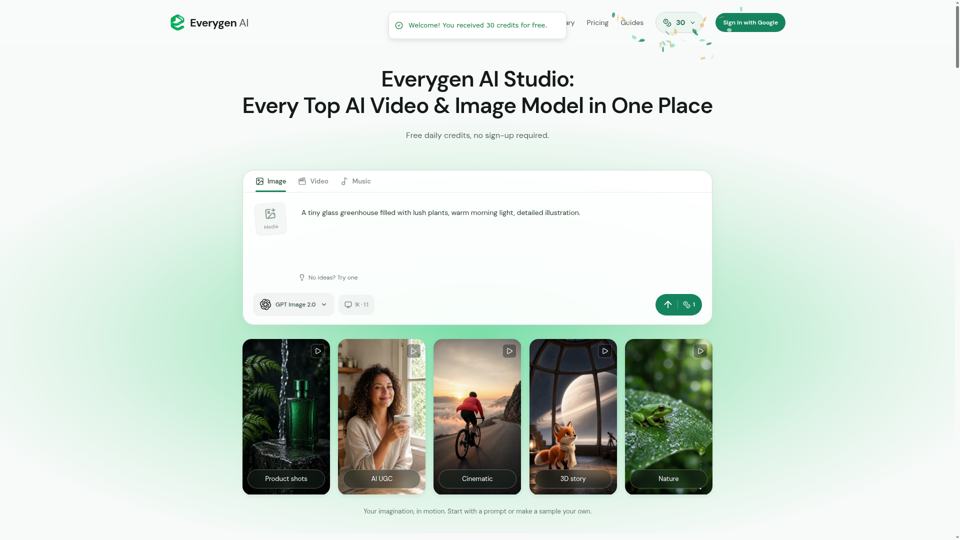
Create AI videos, images, music, UGC scenes and product shots. Get free daily credits for images, videos and music. Explore Everygen AI models, Viewmax and MCP resources.
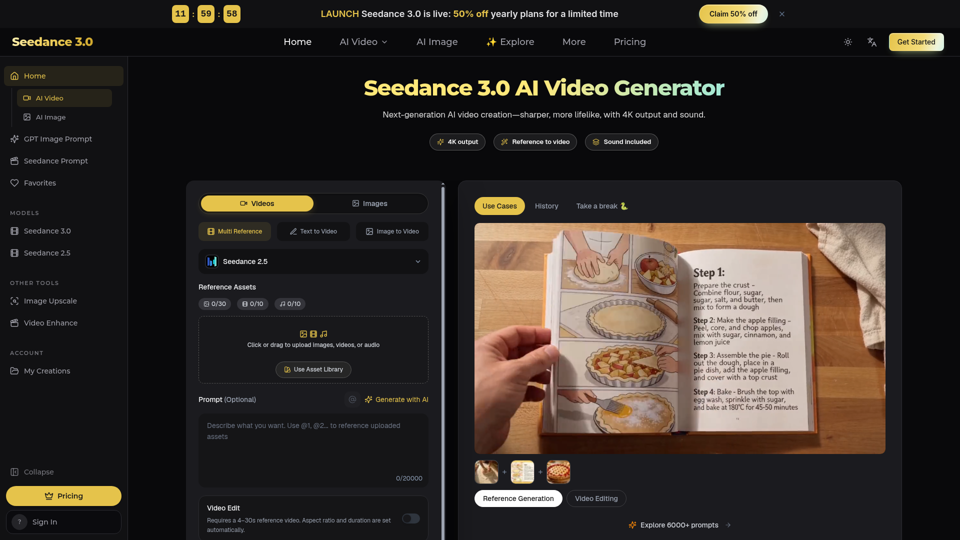
Seedance 3.0 is a free AI video generator. Type an idea or add references, get a 4K video with sound, then change only the part you want.
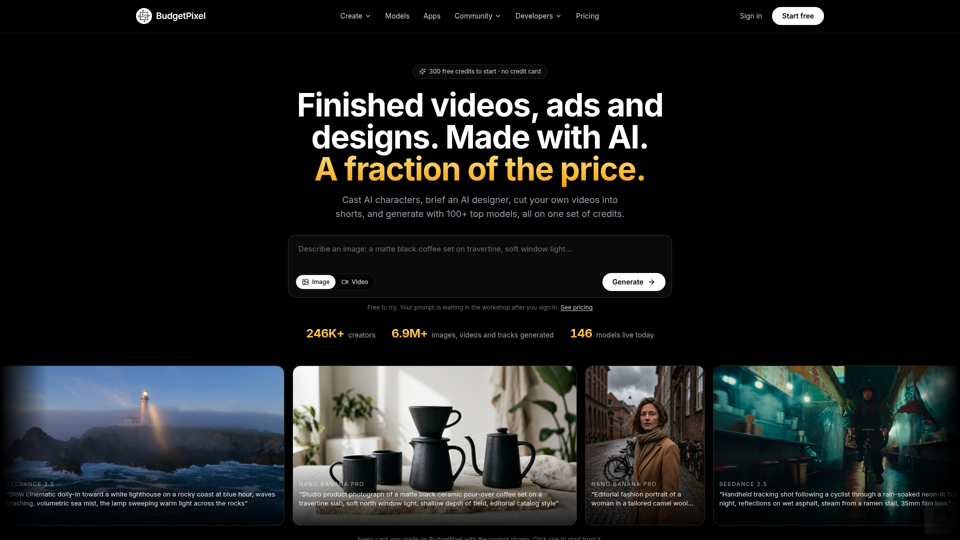
Make finished videos, ads and designs with an AI designer, a cast of AI characters and 100+ top image, video and music models. 300 free credits a month.
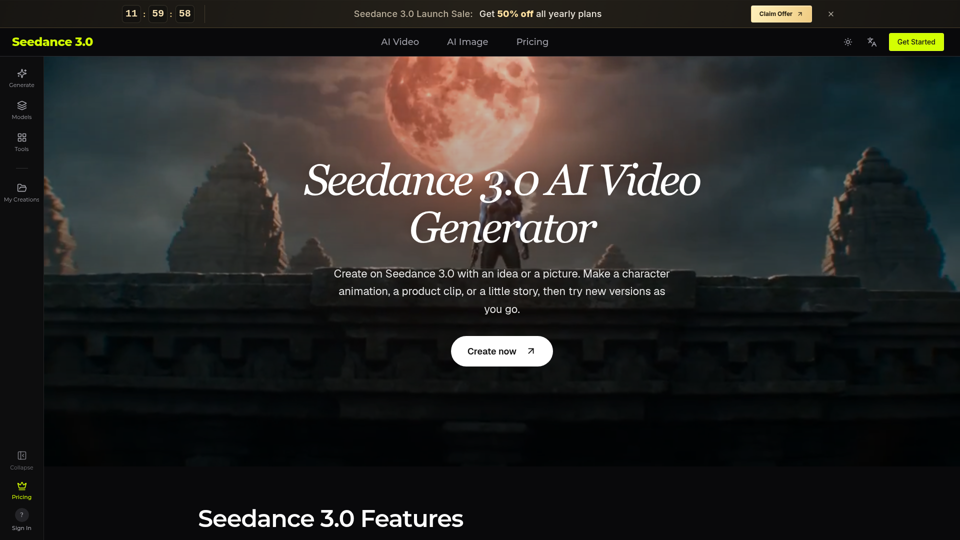
Try Seedance 3.0 free online. Turn text, images, video clips, and audio into videos with sound. Keep faces the same and edit any part without starting over.
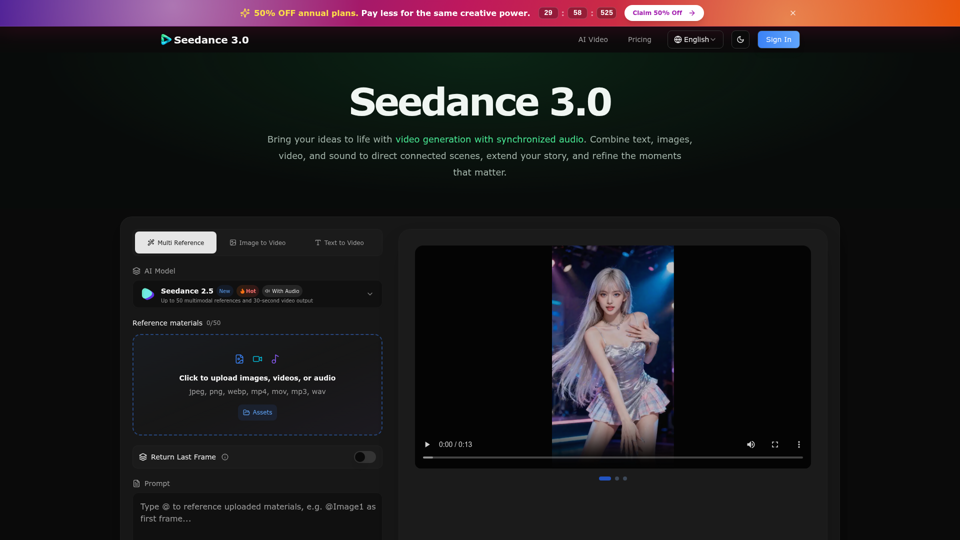
Create cinematic stories with Seedance 3.0. Turn text, images, video, and audio references into videos with synchronized sound and precise creative control.
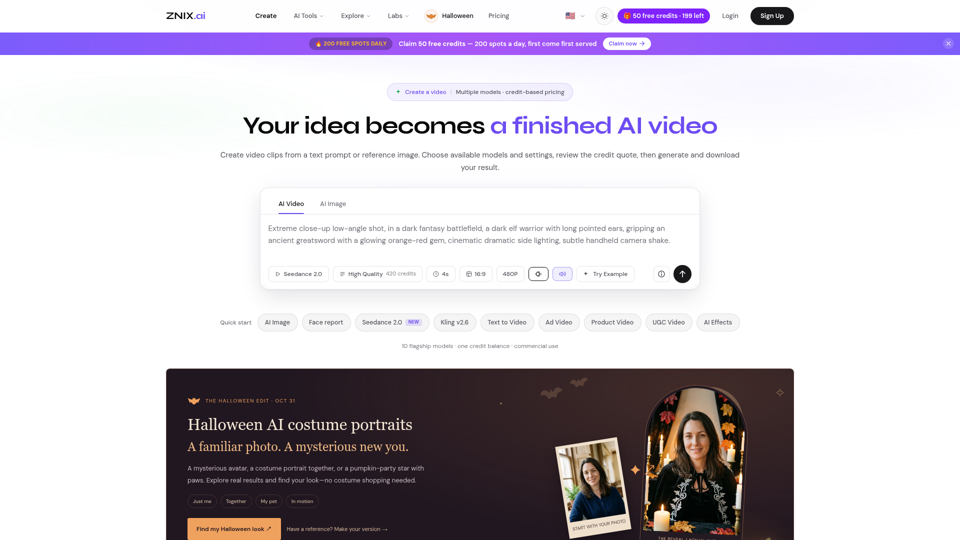
Turn text and reference images into AI videos and images with ZNIX. Compare available models, check credit costs, and download results from one creative workspace.
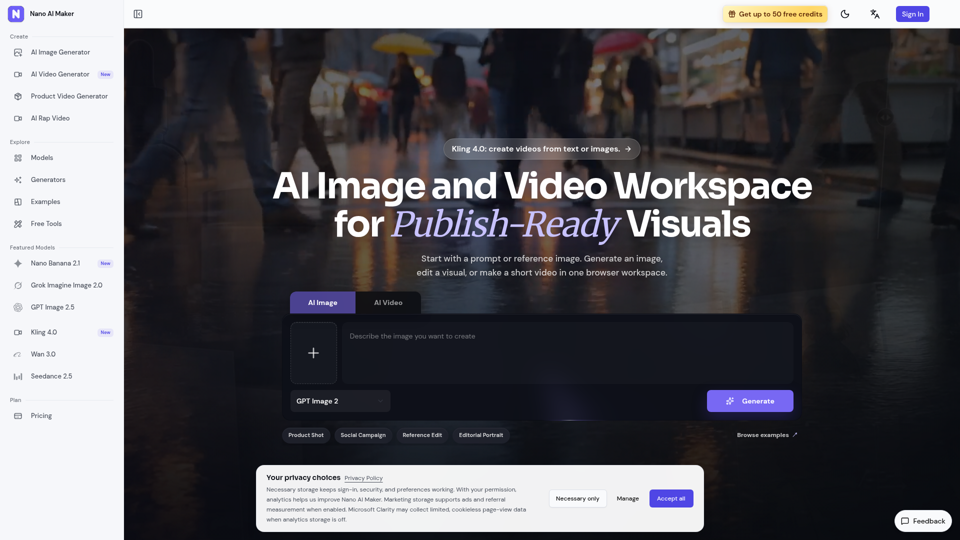
Create AI images, edit reference photos, and generate short videos in one browser workspace for product shots, ads, social posts, and creative testing.
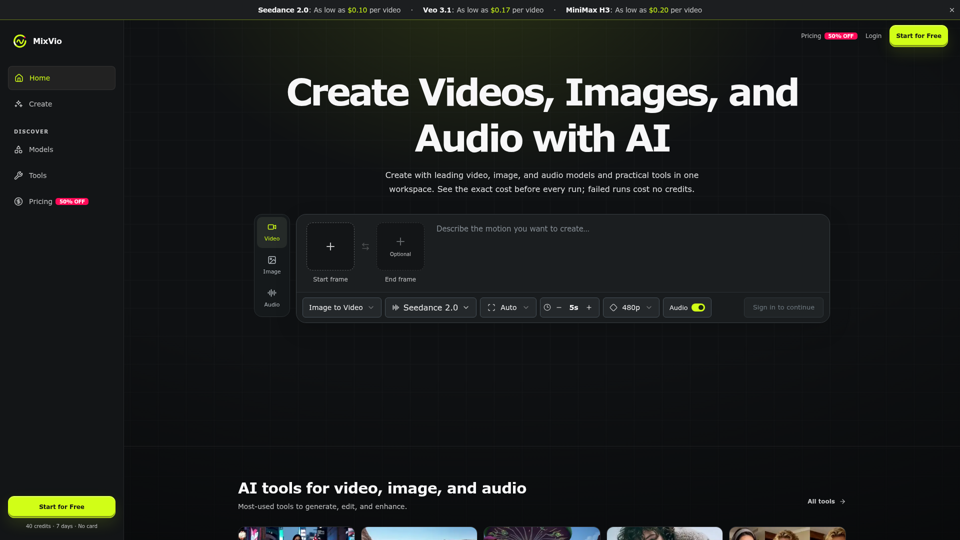
Create AI videos, images, and audio with Seedance, Kling, Veo, GPT Image, and practical creative tools. See exact costs upfront; failed runs cost no credits.