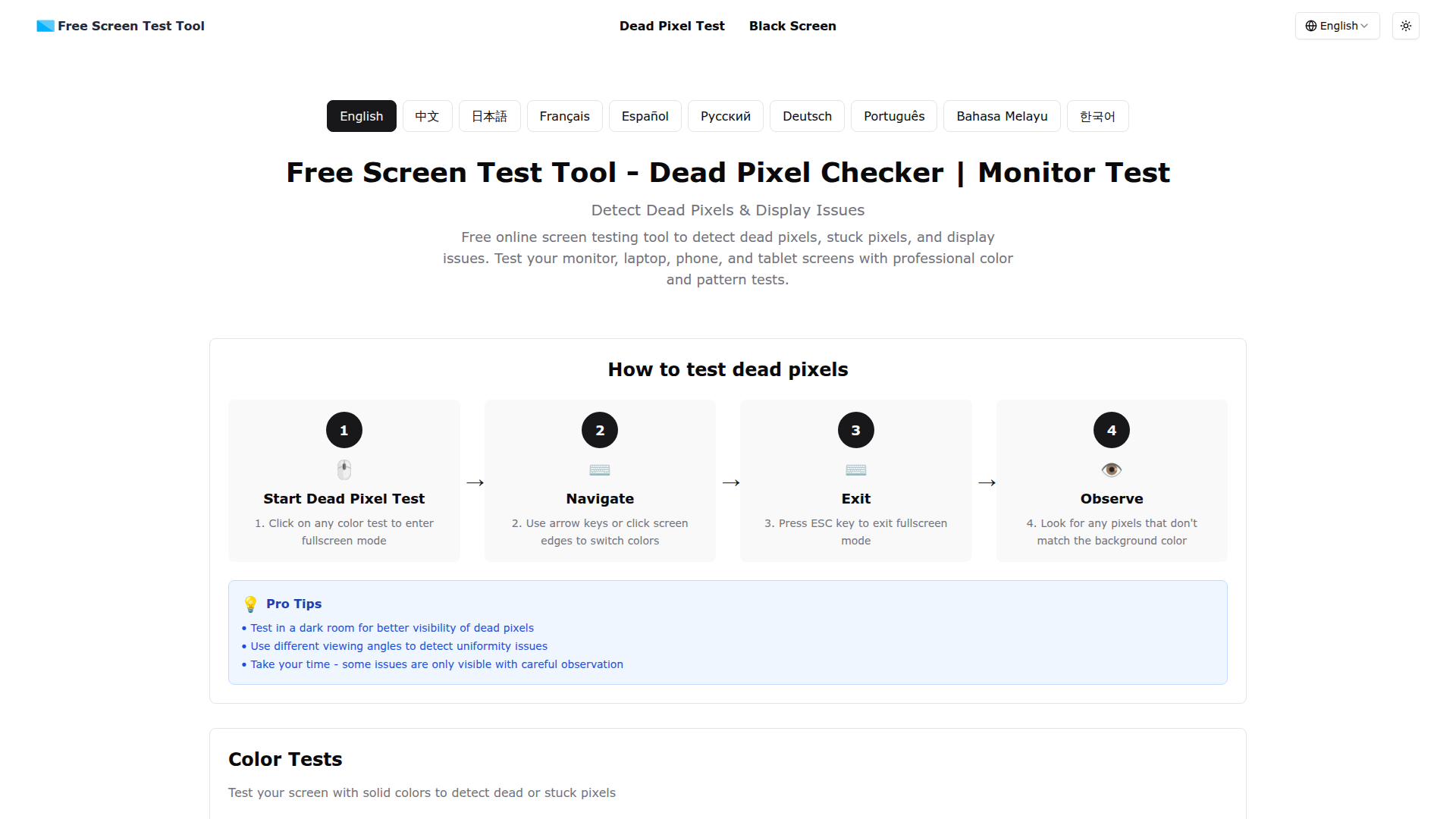
What is Free Screen Test Tool?
The Free Screen Test Tool is an online application designed to help users detect dead pixels, stuck pixels, and various display issues on screens including monitors, laptops, smartphones, and tablets. By using professional color and pattern tests, this tool ensures comprehensive checks for optimal display performance.
Key Features of Free Screen Test Tool
- Dead Pixel Detection
- Easily identify dead pixels that appear as black dots on every color.
- Stuck Pixel Detection
- Detect stuck pixels that remain illuminated in a single color, such as red, green, blue, or white.
- Pattern Testing
- Perform advanced grid and line tests to evaluate display uniformity and quality.
- Motion Testing
- Assess response time and detect ghosting or motion blur with full-screen moving elements.
How to Use Free Screen Test Tool
Using the Free Screen Test Tool is quite straightforward:
- Start Dead Pixel Test: Click on any color test to enter fullscreen mode.
- Navigate: Use the arrow keys or click the screen edges to switch colors.
- Exit: Press the ESC key to exit fullscreen mode.
- Observe: Check for any pixels that do not conform to the displayed background color.
Pricing
The Free Screen Test Tool is completely free to use. No subscriptions or sign-ups are required, making it accessible for anyone needing to test their screen quality without financial commitment.
Helpful Tips
- Test your screen in a dimly lit room to enhance the visibility of dead pixels.
- Experiment with different viewing angles to spot any uniformity issues effectively.
- Take your time during the tests - certain issues may only be perceptible with careful examination.
Frequently Asked Questions
What are dead pixels and stuck pixels?
Dead pixels are pixels that do not display any color, appearing as black dots on all backgrounds. Stuck pixels are those that are fixed in one color and do not change regardless of the displayed content.
How do I use the screen test tool?
To use the tool, click on a color test to enter fullscreen. Carefully search for any pixels that do not align with the color shown. Use the arrow keys to switch colors and press ESC to exit. Testing in a dark room produces the best results.
How often should I test my screen?
It's recommended to test a new monitor right after purchase and then conduct maintenance checks every 3-6 months. When you notice display anomalies or suspect pixel issues, you should also perform a test.
What should I do if I find dead pixels?
If you discover dead pixels on a new monitor, your best action is to contact the manufacturer for warranty service or replacement options. Minor stuck pixels may sometimes be addressed using pixel-fixing software, while severe cases might require professional repair or replacement.
Free Screen Test Tool
Free online screen testing tool to detect dead pixels, stuck pixels, and display issues. Test your monitor, laptop, phone, and tablet screens with professional color and pattern tests.
 Cloudflare
 HTTP/3
 Next.js
 Node.js
 React
React Webpack
Free AI anime and manga generator. Turn text into anime episodes, manga, comics, webtoons and comic shorts in any art style — no drawing or animation skills needed.
Translate image text across 70+ languages with our advanced AI Image Translator to help you better expand your products globally to various countries
Advertised Here
Reach thousands of visitors daily. Get your spot now!
Tools similar to Free Screen Test Tool
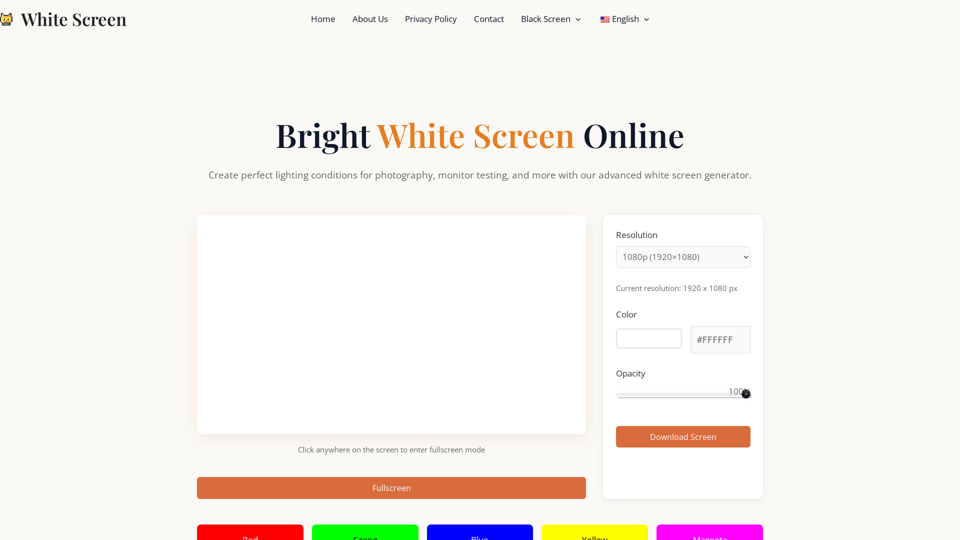
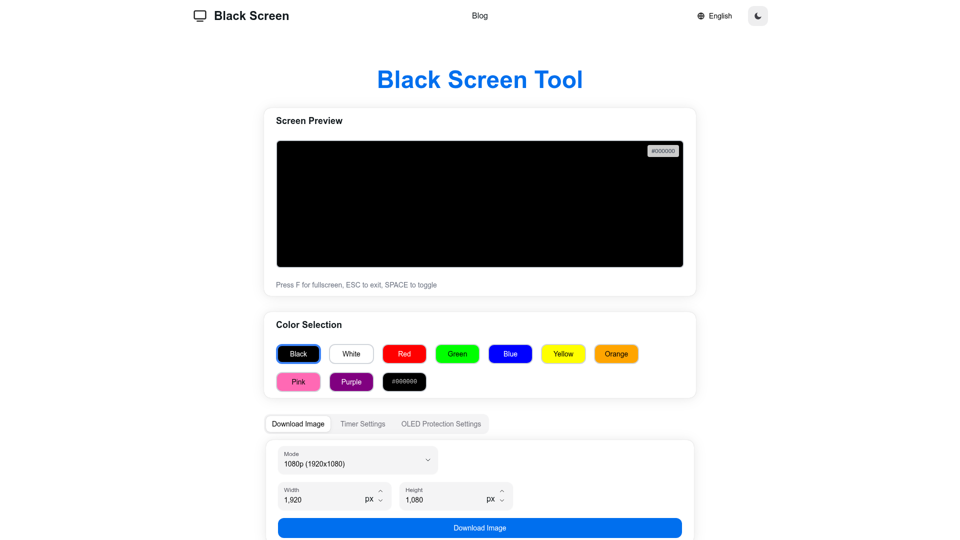
Free Black Screen for fullscreen focus, OLED power saving, and display testing. Use black, white, red, green, and more for pixel checks and downloads.
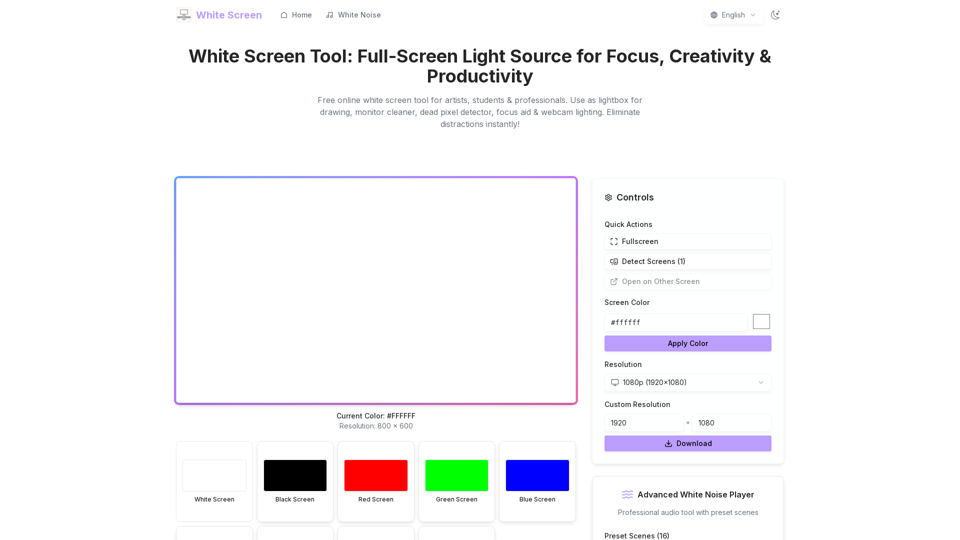
Free online white screen tool for artists, students & professionals. Use as lightbox for drawing, monitor cleaner, dead pixel detector, focus aid & webcam lighting. Eliminate distractions instantly!

Get a free ADHD diagnosis from the most comprehensive ADHD test available online. Our test is accurate and used by therapists around the world.
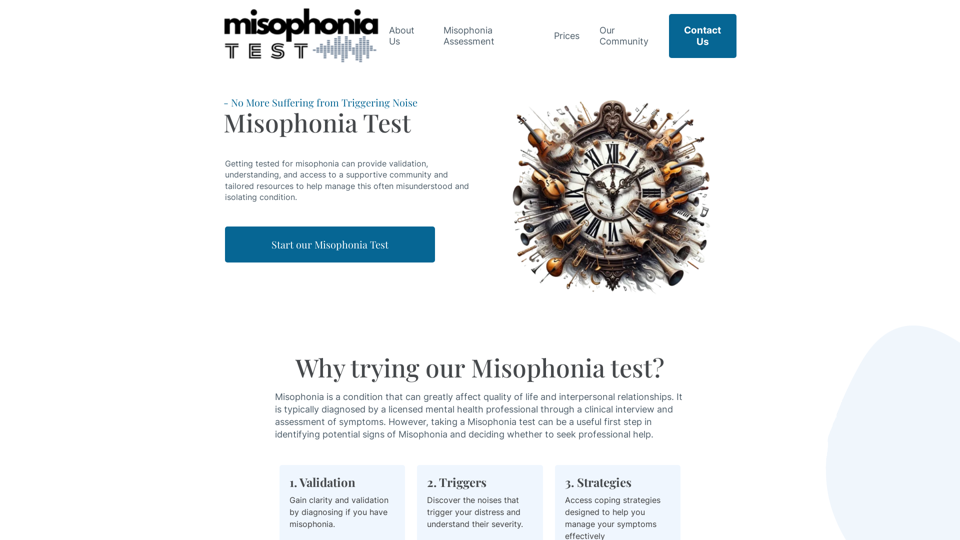
Uncover the possibility of Misophonia, a condition in which specific sounds can evoke emotional or physiological reactions. Dive into our free, online Misophonia test now to gain insights into your sound sensitivity.
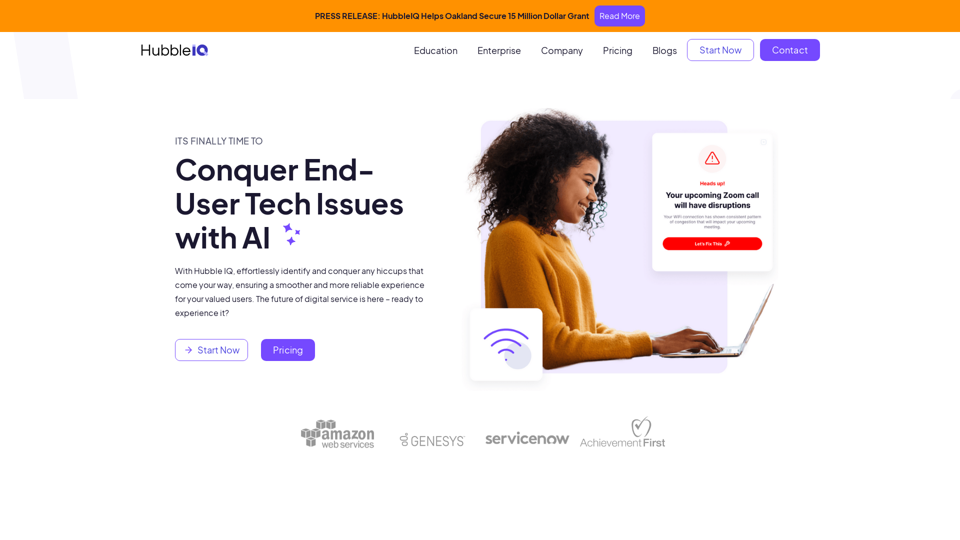
With HubbleIQ, effortlessly identify and conquer any hiccups that come your way, ensuring a smoother and more reliable experience for your valued users. The future of digital service is here – ready to experience it?
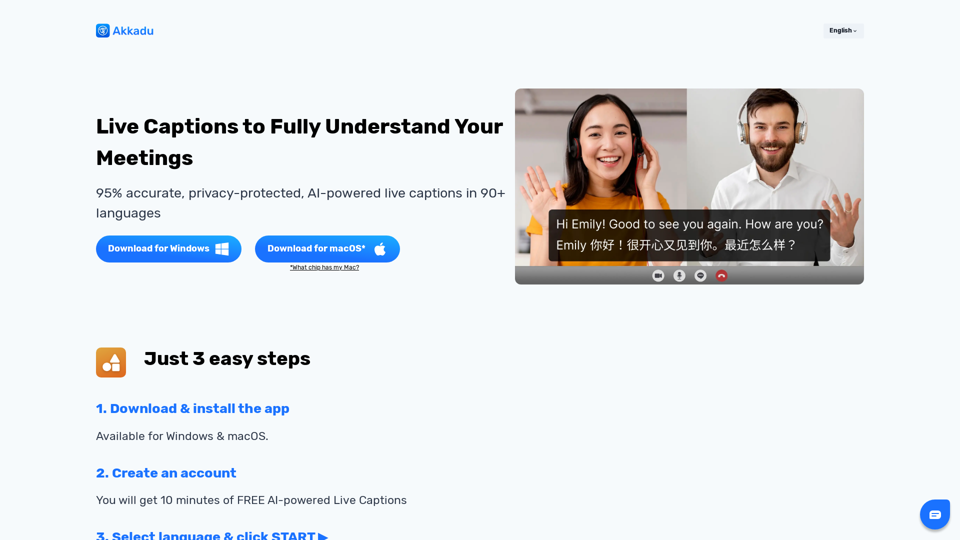
Understand every meeting with AI-powered live captions. Compatible with ANY platform, such as Zoom, Teams, WhatsApp and beyond!