AI Speaker Separation
Use AI speaker separation to split podcast, interview, meeting, or video audio by speaker into individual tracks. Preview and download WAV files. Free to try.
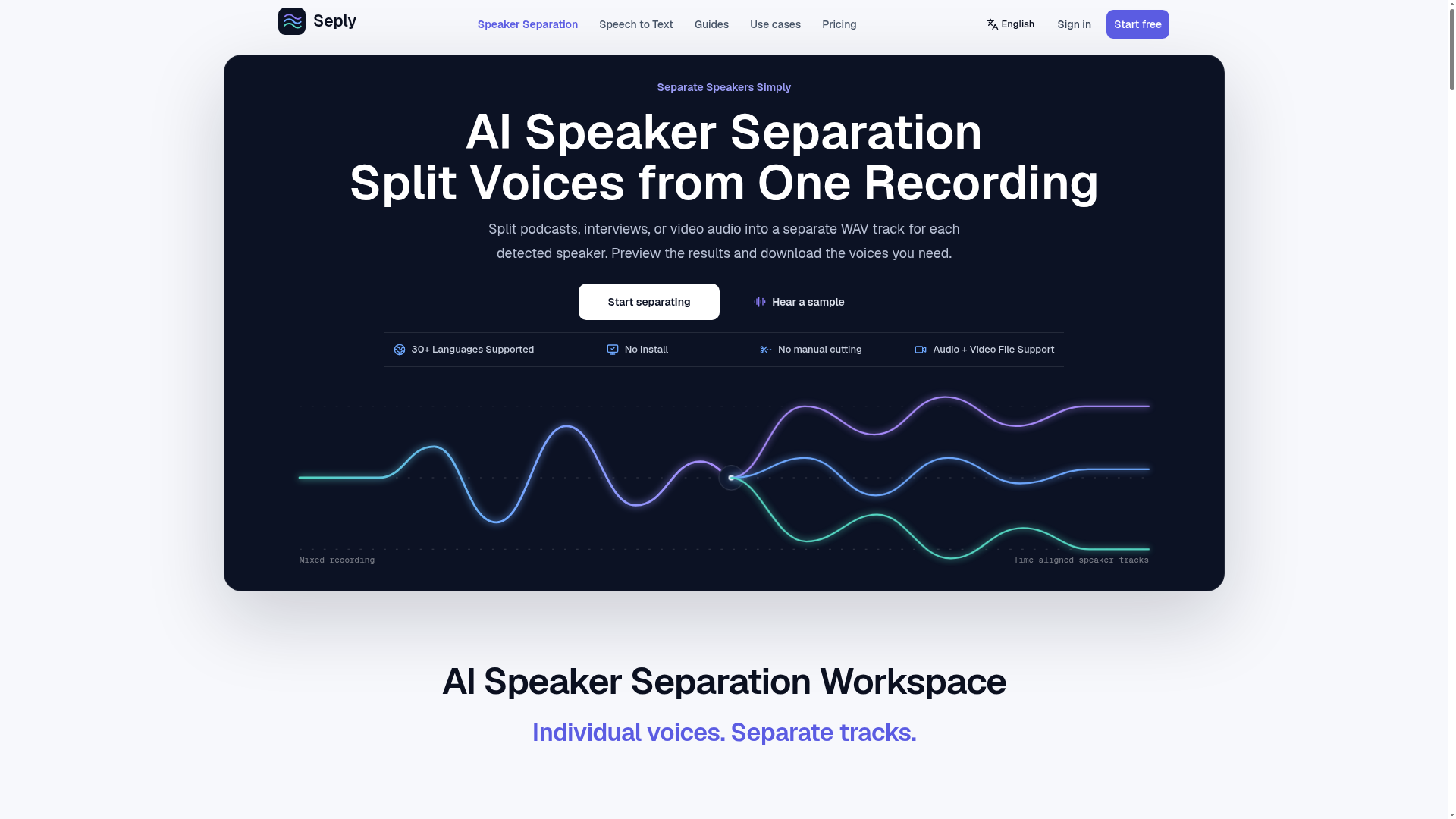
What is AI Speaker Separation?
AI Speaker Separation is a sophisticated technology that uses artificial intelligence to automatically identify and isolate individual voices within a single audio or video recording. It transforms mixed files, such as podcast episodes, interviews, or meeting recordings, into separate, high-quality WAV tracks for each distinct speaker. This process is also known as source separation or dialogue isolation. The technology works by analyzing the audio's spectral and temporal patterns to distinguish between different human voices, effectively "untangling" conversations. This tool is essential for audio professionals, podcasters, journalists, and content creators who need to edit, transcribe, or repurpose multi-speaker content with greater efficiency and control.
Main Features of AI Speaker Separation
AI speaker separation is packed with features designed to simplify complex audio editing tasks.
- Individual Speaker Tracks
- The core function generates a distinct, editable audio track for every speaker detected in the recording, allowing for independent volume adjustment, effects application, or removal.
- Time-Aligned Output
- All separated tracks are perfectly synchronized with the original recording's timeline. This ensures that when imported into an audio or video editor, every voice starts at the exact same moment, maintaining the natural flow and timing of the conversation.
- Automatic Speaker Detection
- The AI automatically counts and identifies different speakers. Users can also manually specify the expected number of speakers for potentially more accurate results in complex scenarios.
- Broad File Format Support
- The service accepts a wide range of audio (WAV, MP3, M4A, AAC, FLAC) and video files (MP4, MOV, AVI, MKV), extracting and processing the audio track without compromising the original video.
- Editor-Ready WAV Downloads
- Output is provided in the uncompressed, high-fidelity WAV format, which is the industry standard for professional audio editing and post-production workflows.
- Preview Functionality
- Before downloading, users can listen to each isolated track within the platform to verify accuracy and select only the voices they need.
- Advanced Overlap Mode
- A specialized processing mode is available to better handle challenging audio where speakers talk over each other, though some residual crosstalk may remain.
How to Use AI Speaker Separation
Using an AI speaker separation tool is a straightforward, three-step process.
- Upload Your Recording: Sign into the platform and upload your audio or video file. The system supports files up to 1 GB and will extract the audio from video files automatically.
- Initiate Separation: After upload, initiate the AI processing. The system will analyze the file, detect the number of speakers, and begin the separation algorithm. Processing time varies based on file length and complexity.
- Preview and Download: Once processing is complete, you can preview each isolated speaker track directly in your browser. After reviewing, you can download the individual WAV files for all speakers or select only the specific tracks you require for your project.
Pricing for AI Speaker Separation
Pricing is typically based on a credit system, where credits are consumed based on the duration of the processed audio. Plans are designed for different usage levels.
- Free Trial
- Most services offer a one-time trial (e.g., 30 credits) allowing users to process a short sample (e.g., ~3 minutes) to test the technology.
- Subscription Plans
- Monthly or annual subscriptions provide a recurring allotment of credits.
- Starter Plans (e.g., ~$12/month): Ideal for occasional use, offering around 20 minutes of separation per month.
- Creator Plans (e.g., ~$29/month): Suited for regular content production, providing about 60 minutes of separation monthly.
- Studio Plans (e.g., ~$65/month): Designed for teams or high-volume users, offering 150+ minutes of separation per month. Annual billing often includes a significant discount.
- Pay-As-You-Go Credits
- For non-regular users, one-time credit packs can be purchased. These credits usually remain valid for 12 months after purchase, allowing for flexible, subscription-free usage.
- Credit Consumption
- Standard speaker separation generally costs a set number of credits per started minute of audio (e.g., 10 credits/minute). The more advanced "Overlap" mode for difficult audio costs significantly more per minute (e.g., 60 credits/minute).
Helpful Tips for AI Speaker Separation
To achieve the best results from AI speaker separation, consider these practical tips.
- Start with Quality Recordings
- The AI performs best with clear, high-quality source audio. Recordings with minimal background noise, echo, and distortion will yield cleaner separations.
- Use for Speech, Not Music
- This technology is specifically engineered to separate human speech. It is not designed for isolating vocals from musical instruments in a song.
- Identify Your Goal
- Determine if you need fully separated audio tracks for editing (speaker separation) or simply a transcript with speaker labels (speaker diarization + transcription). These are different services.
- Preview Before Downloading
- Always use the in-platform preview feature to listen to the separated tracks. This ensures the AI correctly identified the speakers and the isolation is clean enough for your needs.
- Manage Overlap Expectations
- For conversations with a lot of simultaneous talking, use the "Advanced Overlap" mode if available. Be aware that perfect isolation in heavy crosstalk is challenging, and some bleed-through from other speakers may occur.
- Leverage Free Trials
- Before committing to a paid plan, use the free trial credits to process a representative sample of your typical work. This helps you evaluate the output quality and estimate your monthly credit needs.
Frequently Asked Questions
Can AI truly separate two voices recorded on one microphone?
Yes, that is the primary function. Using advanced machine learning models trained on diverse speech patterns, the AI can distinguish between different speakers even when recorded on a single channel, outputting separate tracks for each.
What's the difference between speaker separation and speaker diarization?
Speaker separation creates individual, editable audio tracks (WAV files) for each speaker. Speaker diarization only provides a labeled transcript indicating "who spoke when" without creating separate audio files. Separation is for editing audio; diarization is for analyzing transcripts.
How long are my separated files stored online?
Typically, your original upload and the separated tracks are stored privately on the platform's servers for a limited period (commonly 30 days). You can download them anytime during this window. After that, the media files are deleted, though job metadata may remain.
Do I need to train the AI with voice samples?
No. Modern AI speaker separation tools are "zero-shot" or "few-shot," meaning they can identify and separate unseen speakers without any prior training or voice samples from you. They work automatically upon upload.
What happens if the separation job fails?
If a processing job fails due to a server error or unsupported file, the credits reserved for that job are usually automatically refunded to your account, retaining their original expiration date.
Can I use this to isolate just one person's voice and remove all others?
Yes. You would run the full separation process, which creates tracks for all detected speakers. You then simply preview the results, identify the track containing the desired speaker, and download only that single WAV file, effectively isolating that one voice.
AI Speaker Separation
Use AI speaker separation to split podcast, interview, meeting, or video audio by speaker into individual tracks. Preview and download WAV files. Free to try.
 Vercel
Free AI anime and manga generator. Turn text into anime episodes, manga, comics, webtoons and comic shorts in any art style — no drawing or animation skills needed.
Translate image text across 70+ languages with our advanced AI Image Translator to help you better expand your products globally to various countries
Advertised Here
Reach thousands of visitors daily. Get your spot now!
Tools similar to AI Speaker Separation
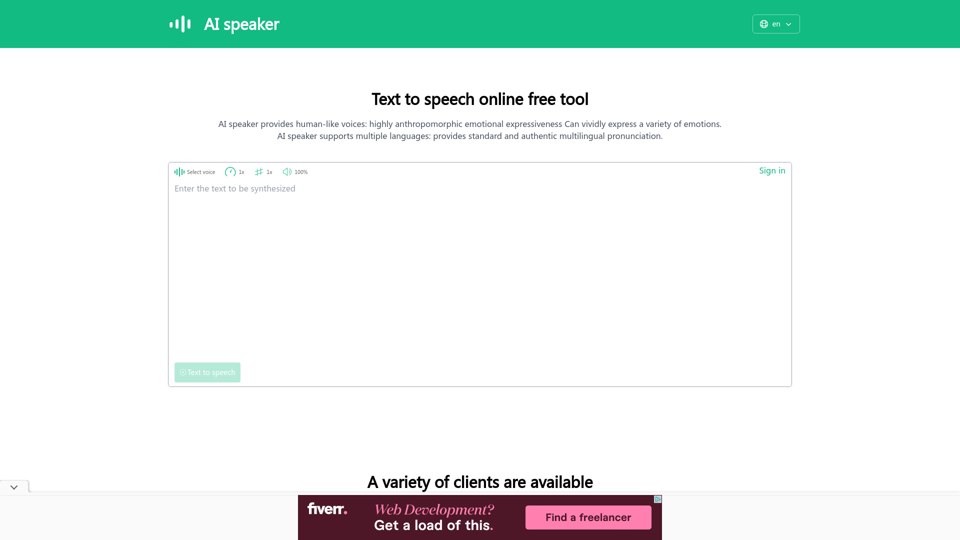
AI speaker is a text to speech online free tool and AI voice generator that converts text to speech, supporting more than 100 languages and more than 600 AI voices. It can be used as a text reader to read aloud or to download audio files in MP3 format.
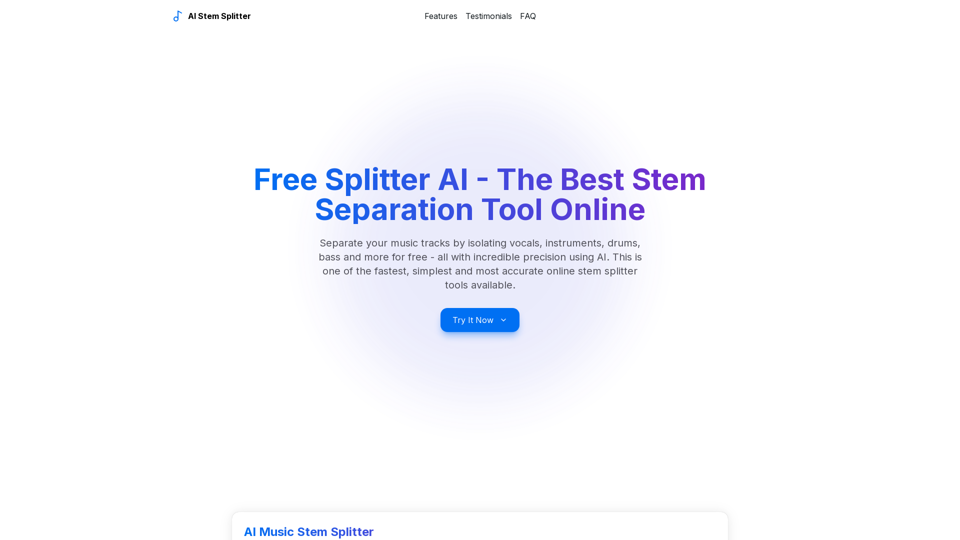
Professional AI music stem splitter that separates music into vocals, drums, bass, and other instruments. Supports MP3 and WAV formats for quick and accurate online audio separation.
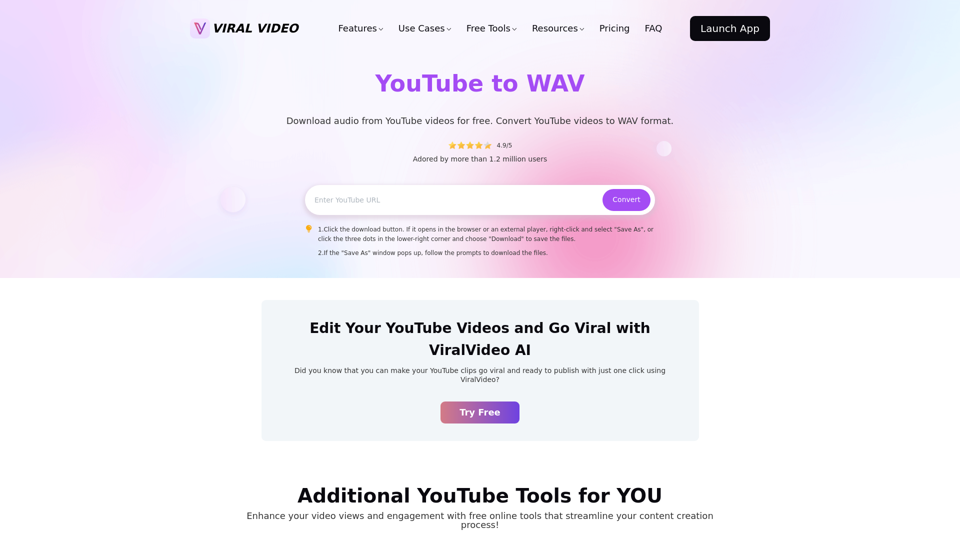
Convert YouTube videos to WAV files for free with our online tool. No software download needed. Enjoy fast, secure, and high-quality audio conversions compatible with all devices. Experience the best YouTube to WAV converter and listen to your favorite music offline anytime, anywhere!
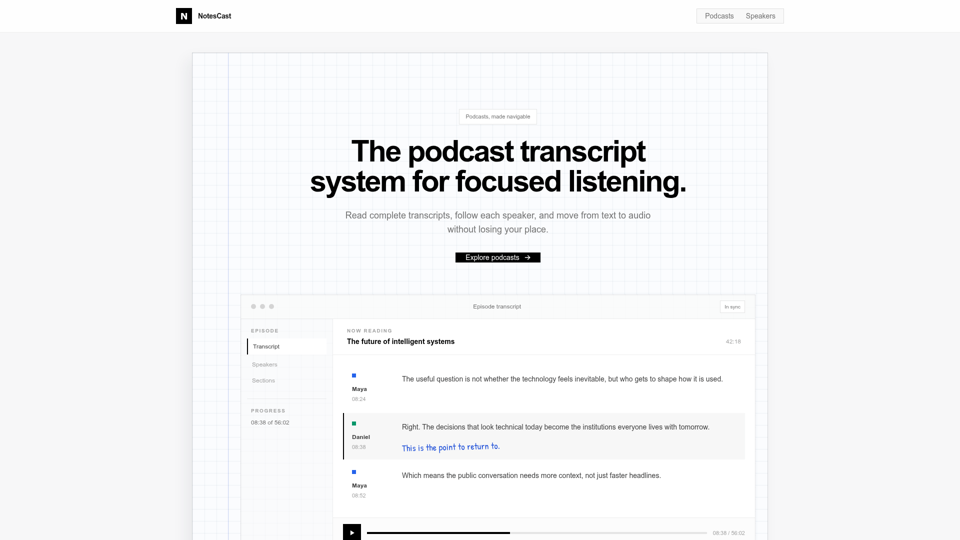
Read complete podcast transcripts, follow each speaker, and move from text to audio.
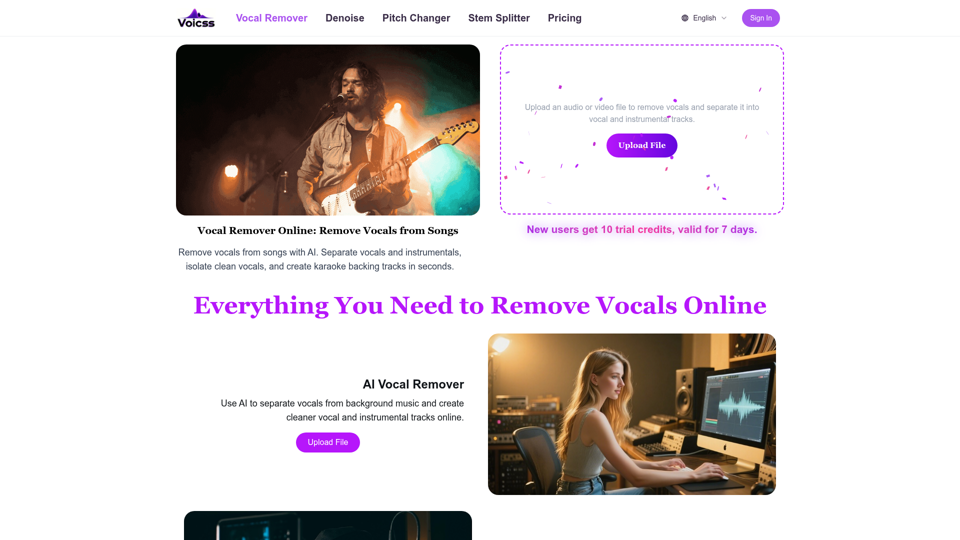
Remove vocals from songs online with AI. Separate vocals and instrumentals, isolate vocals, and create karaoke backing tracks in seconds.
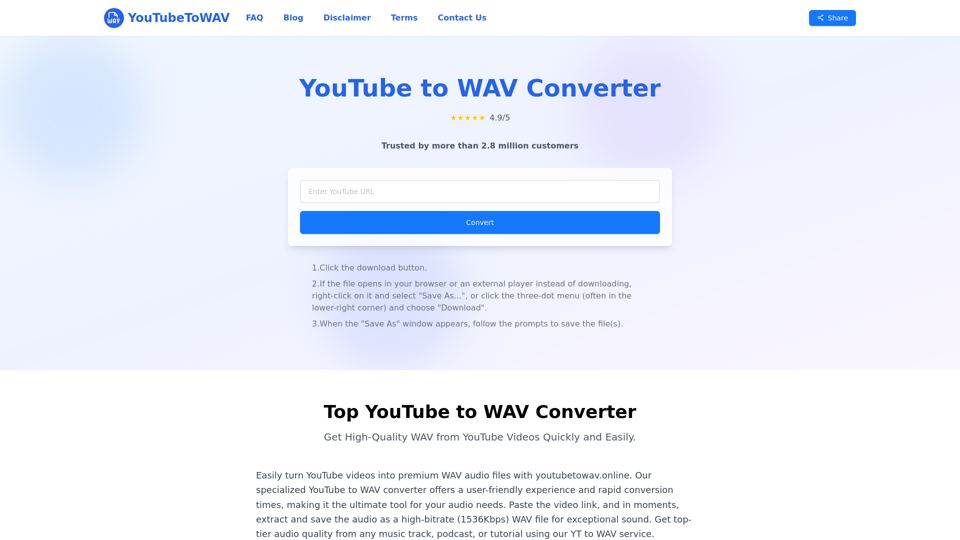
Easily convert YouTube videos to high-quality WAV files online using our free converter. Experience limitless conversions and premium audio output in just seconds, all without needing to register!
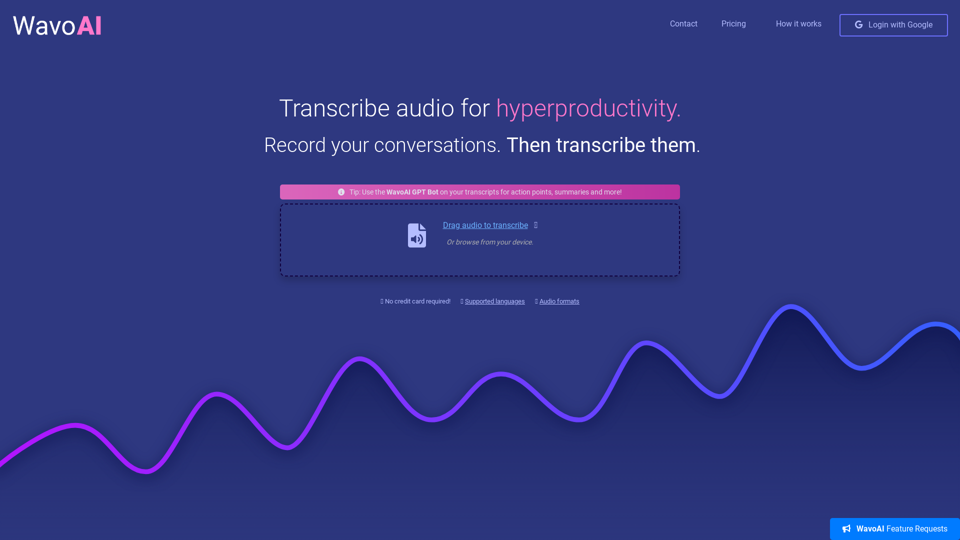
WavoAI - advanced audio transcription. Transcribe your recordings into actionable insights.
Your all-in-one AI podcast studio. Generate scripts, voices, and video podcasts for Spotify, YouTube & TikTok — in minutes. Try PodcastorAI for free.