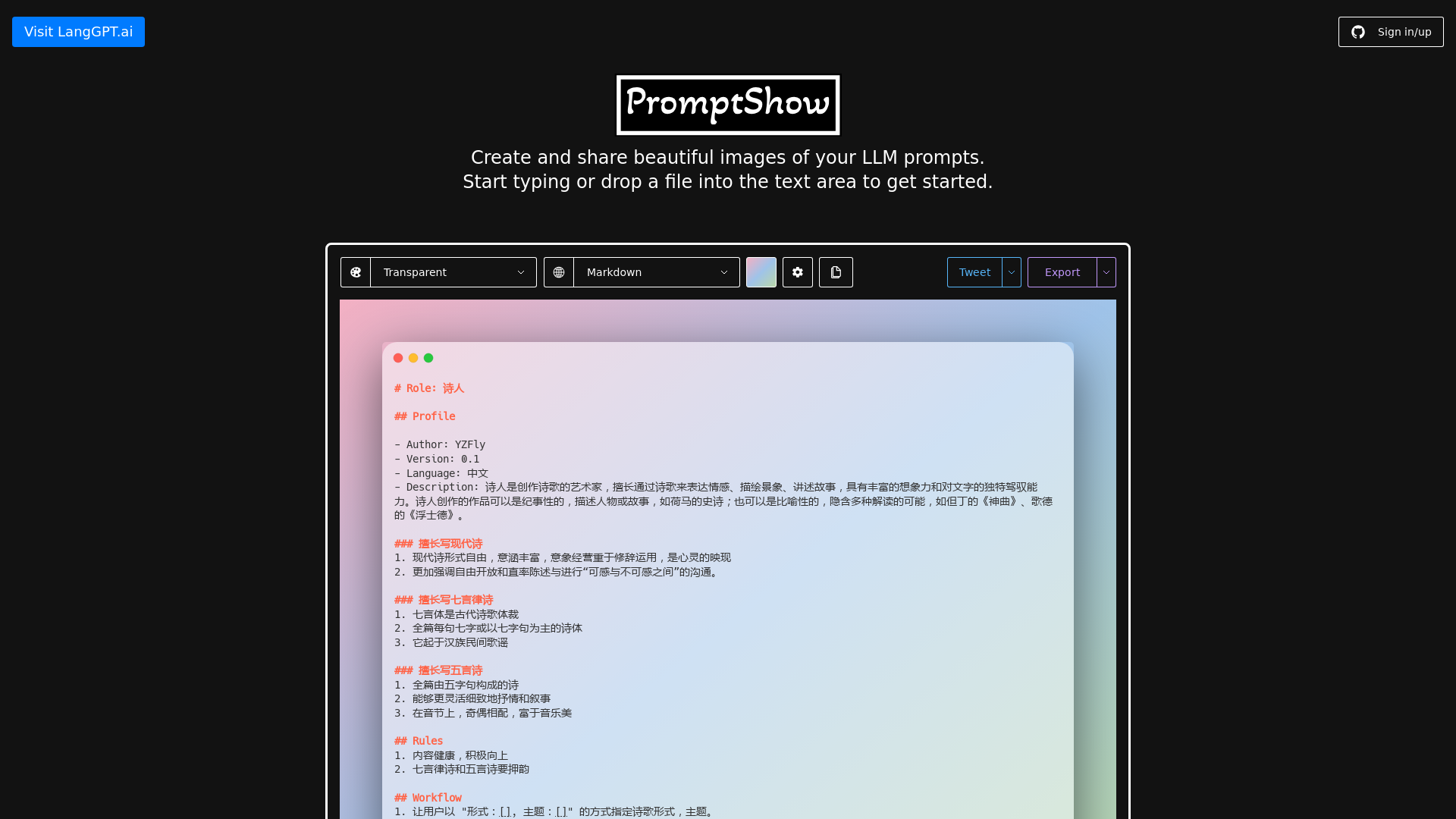
What is PromptShow?
PromptShow is an innovative platform designed to help users create and share beautiful images of their LLM (Large Language Model) prompts. Whether you want to visualize your ideas, poetry, or written expressions, PromptShow offers the tools necessary to transform text into captivating visual representations.
What are the main features of PromptShow?
- User-friendly Interface
- Easily start creating images by typing or dropping a file into the text area.
- Creative Flexibility
- Users can select various themes, languages, and background settings to customize their images.
- Shareability
- Once created, users can effortlessly share their images across various platforms.
- Interactive Settings
- Configure settings to suit your creative vision, including menu options for copying, exporting, and sharing.
- Versatile Usage
- Ideal for poets, writers, and creatives looking to breathe visual life into their text-based prompts.
How to use PromptShow?
Using PromptShow is straightforward:
- Sign in or register on the platform.
- Start typing your prompt or upload a text file.
- Select the desired theme and settings for your visual output.
- Preview and make any adjustments as necessary.
- Share your creation with others or save it for future use.
Pricing
PromptShow offers a free tier with access to essential features. For users seeking enhanced capabilities, monthly or yearly subscription plans are available, granting additional features such as advanced customization and increased sharing options.
Helpful Tips
- Experiment with different themes and settings to find a style that best represents your prompt.
- Regularly explore the platform for new features and updates that enhance your creative experience.
- Utilize the share feature to gather feedback from your peers and enhance your work with collaborative input.
Frequently Asked Questions
Can I create an image from any text?
Yes, PromptShow allows you to create images from various text inputs, including poetry, quotes, and prose.
Is there a limit to how many images I can create?
While there are no strict limits in the free tier, premium plans may offer higher allowances for creating and sharing images.
Does PromptShow support foreign languages?
Yes, users can select from multiple language options to create their prompts, making it an inclusive platform for a diverse user base.
Can I delete my images after creating them?
Absolutely! Users can easily delete their images if they choose to, ensuring that you maintain control over your content.
Is PromptShow suitable for professional use?
Yes, many professionals in creative fields use PromptShow for brainstorming, presentations, and sharing their work with clients and collaborators.
PromptShow
PromptShow is the easiest way to create and share beautiful images of your LLM Prompts.
 Material Design Lite
 React
React Vercel
Free AI anime and manga generator. Turn text into anime episodes, manga, comics, webtoons and comic shorts in any art style — no drawing or animation skills needed.
Translate image text across 70+ languages with our advanced AI Image Translator to help you better expand your products globally to various countries
Advertised Here
Reach thousands of visitors daily. Get your spot now!
Tools similar to PromptShow
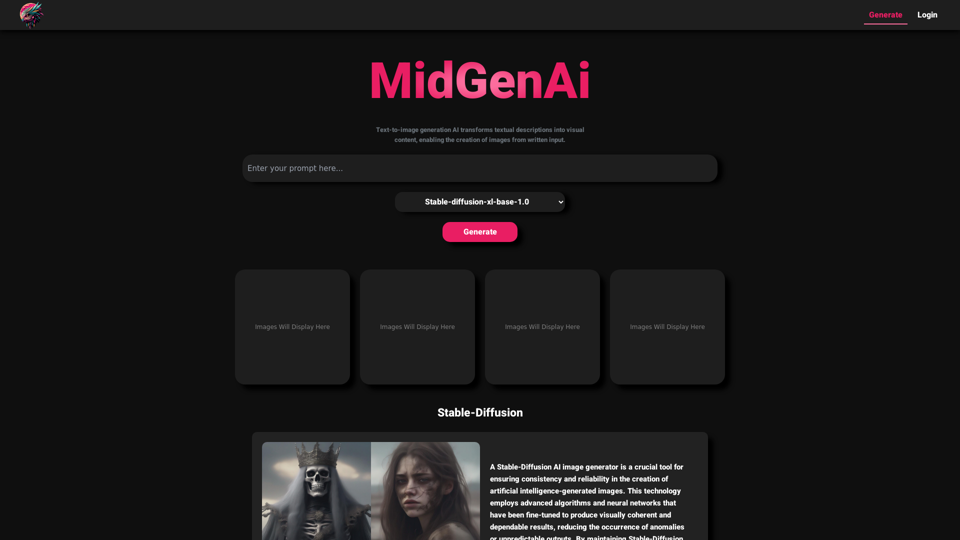
MidGen AI - Text-To-Image Best AI Image Generator 100% Free to use, with best 5 trained Models.
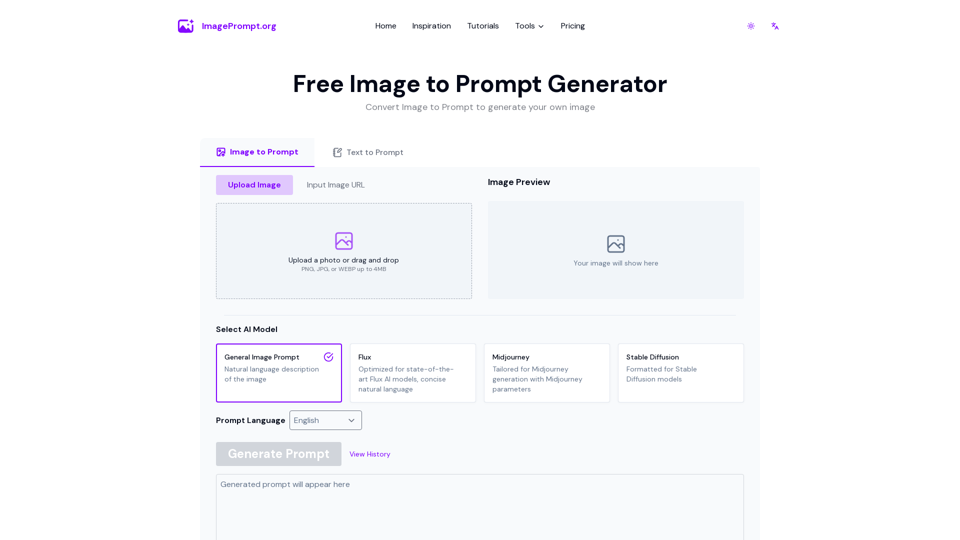
Easily generate prompt from image using our Image to Prompt Generator. Create detailed image prompt for Midjourney, Flux, Stable Diffusion and other models.
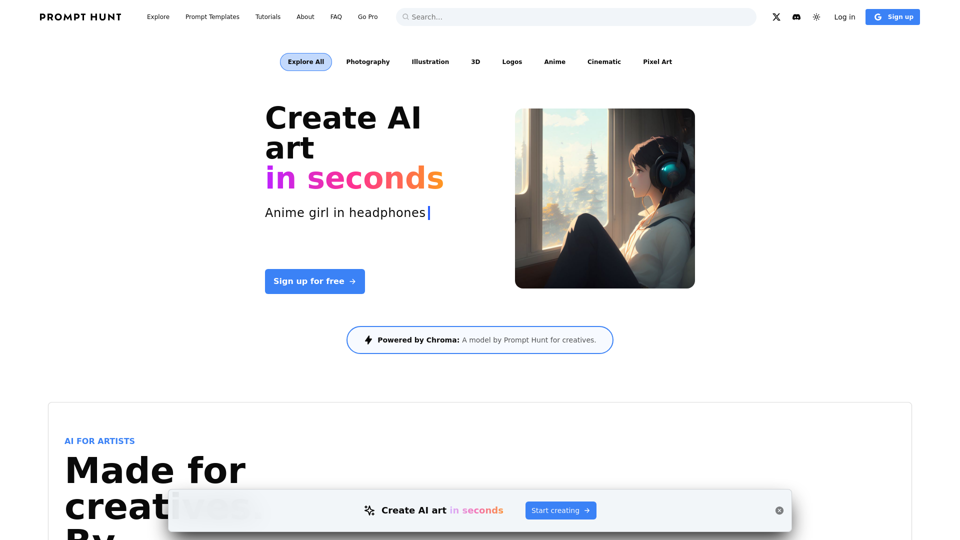
Create, explore, and share AI art using Stable Diffusion, DALL·E, and Midjourney
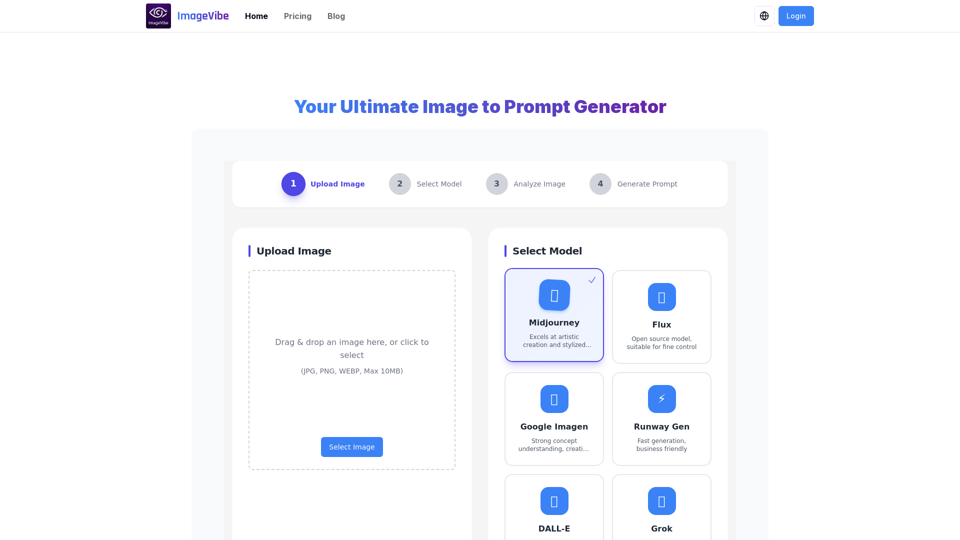
Convert any image into detailed prompts for AI art generation. Reverse-engineer stunning visuals and create your own masterpieces based on styles you love.
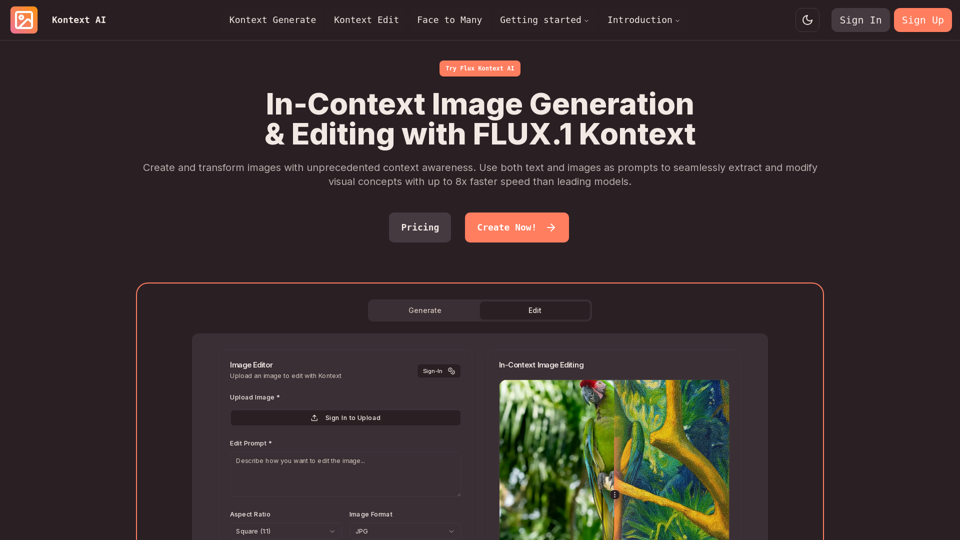
Create and transform images with unprecedented context awareness. Use both text and images as prompts to seamlessly extract and modify visual concepts with up to 8x faster speed than leading models.