Everygen AI
Create AI videos, images, music, UGC scenes and product shots. Get free daily credits for images, videos and music. Explore Everygen AI models, Viewmax and MCP resources.
What is Everygen AI?
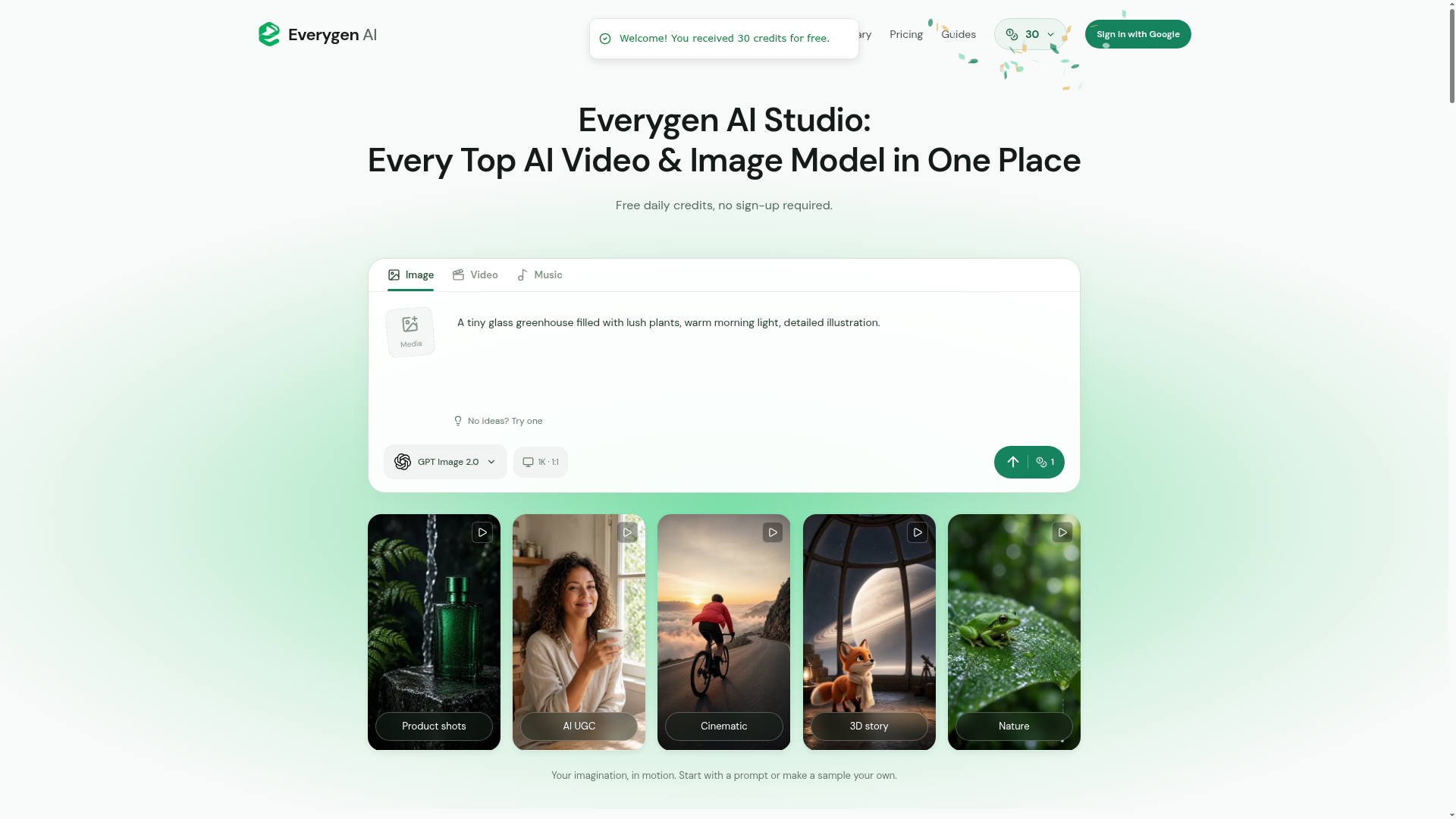
Everygen AI is a browser-based creative studio that brings text-to-video, image-to-video, AI image generation and music generation into one workspace. It is built for creators, marketers and storytellers who want to try several models — Grok Imagine, Kling, Seedance, GPT Image, Nano Banana and Suno among them — without installing software or signing in to generate. It runs at everygenai.io as an independent studio, separate from the Everygen product formerly called Viewmax at everygen.ai.
Key features
- Many models in one place
- Video, image and music models sit in the same workspace, including Grok Imagine Video 1.5, Kling 3.0 Turbo, Seedance 2.0 Mini, GPT Image 2.5, Nano Banana 2.0, Qwen Image 3.0, Seedream 5.0 Pro and Suno.
- Free credits without sign-up
- Eligible new visitors receive 30 welcome credits automatically and can generate without creating an account.
- Editable templates
- Product shots, AI UGC, cinematic, 3D story, nature and vertical short templates load a prompt, model and settings that you can change before generating.
- Reference media
- Add up to 16 files to guide a creation, including PNG, JPEG and WebP images and MP4, MOV, MP3 or WAV files when the selected model supports them.
- Output controls
- Choose an aspect ratio from 1:1, 9:16 and 16:9 through to 21:9, and a resolution of 1K, 2K or 4K.
- Credit quote before generating
- The studio shows the credit price for the current settings before submission, and switching models resets the controls to that model's defaults.
- History and library
- Saved creations and prompts can be revisited, and finished results can be downloaded from the workspace.
How to use Everygen AI
- Choose your starting point. Select a template to load its prompt, model and settings, or begin with your own idea. Selecting a template never submits a request.
- Describe what should happen. Write the subject, setting and style, and for video add one action and a camera movement. A reference image can guide the look.
- Pick a model and set the controls. Choose the model, aspect ratio and resolution, and check the credit quote, since changing models resets the controls to that model's defaults.
- Generate and review. Enter the prompt and generate without signing in, then preview the result and download it.
- Return through your history or library to reuse a prompt, and download completed creations before their storage period ends.
Use cases
- YouTube Shorts and vertical social clips
- Choose Video with a 9:16 aspect ratio to make a vertical clip, then add narration, captions, music and final cuts in an editing app.
- Product and ad concepts
- Explore product shots, AI UGC scenes and campaign angles such as beauty, fashion, beverage and interior ideas before planning a shoot.
- Story and film experiments
- Build cinematic, stop-motion, travel or nature scenes from reusable prompts and adapt the camera, light and mood.
- Still image work
- Create portraits, illustrations and product concepts with GPT Image, Nano Banana, Seedream or Qwen Image, using a reference to guide composition.
- Music for a scene
- Describe the intended mood, instruments and vocal direction with Suno, then pick the track that fits the sequence being assembled.
Pricing
Everygen AI uses one credit wallet for images, videos and music, and the price is shown before each submission. Eligible new visitors automatically receive 30 welcome credits without signing in, while eligible accounts can receive 20 first-sign-in credits and 10 credits every 24 hours. New free grants expire 24 hours after each claim, guests do not receive daily credits, and the first account reward and daily grants do not stack. The studio says it offers free access early on to grow its community and plans to support the service through Google ads, sponsored partnerships and optional premium services. Membership prices are not listed on this page, so check the official site for current terms.
FAQ
Is Everygen AI free, and do I need an account to use it?
Everygen AI can be used without signing in, and eligible new visitors receive welcome credits automatically. Signing in adds a one-time account reward and daily credits, while guests do not receive daily credits. Free grants expire 24 hours after each claim and generation remains subject to shared capacity.
Which models are available in Everygen AI?
The studio lists video models such as Grok Imagine Video 1.5, Kling 3.0 Turbo and Seedance 2.0 Mini, image models including GPT Image 2.5, Nano Banana 2.0, Qwen Image 3.0 and Seedream 5.0 Pro, and Suno for music. The live model list may use different versions.
Can Everygen AI make YouTube Shorts?
Yes. Choosing Video with a 9:16 aspect ratio produces a vertical clip that can be downloaded for your edit. Narration, captions, music and final cuts still need to be added in your own editing software before uploading a complete Short.
Can I upload my own images or footage to Everygen AI?
Yes. PNG, JPEG and WebP images can be uploaded, along with MP4 or MOV video and MP3 or WAV audio when the selected model supports them, with up to 16 reference files. Reference counts, first and last frames, duration and output controls follow the chosen model, and only media you have permission to use should be uploaded.
Is everygenai.io the same as the Everygen product formerly called Viewmax?
No. Everygen AI at everygenai.io is an independent studio with its own accounts, generation limits and model access. The product formerly called Viewmax is at everygen.ai and is operated by Viewmax LLC, and accounts or credits from another Everygen service do not transfer.
Does Everygen AI offer an MCP connection?
No. This release works in the browser and does not provide an MCP server. The Everygen.ai MCP integration is a separate product with its own setup guide and credentials, and private API keys should never be pasted into prompts or configuration files from unverified sources.
Everygen AI
Create AI videos, images, music, UGC scenes and product shots. Get free daily credits for images, videos and music. Explore Everygen AI models, Viewmax and MCP resources.
 Vercel
Free AI anime and manga generator. Turn text into anime episodes, manga, comics, webtoons and comic shorts in any art style — no drawing or animation skills needed.
Translate image text across 70+ languages with our advanced AI Image Translator to help you better expand your products globally to various countries
Advertised Here
Reach thousands of visitors daily. Get your spot now!
Tools similar to Everygen AI
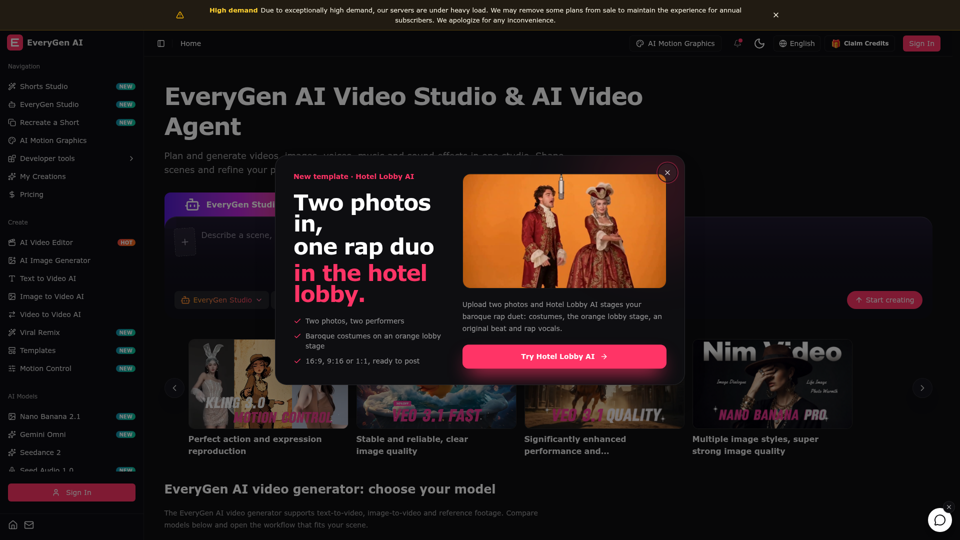
Create videos with the EveryGen AI video generator. Plan and edit in the EveryGen AI video studio, with images, audio, music and MCP.
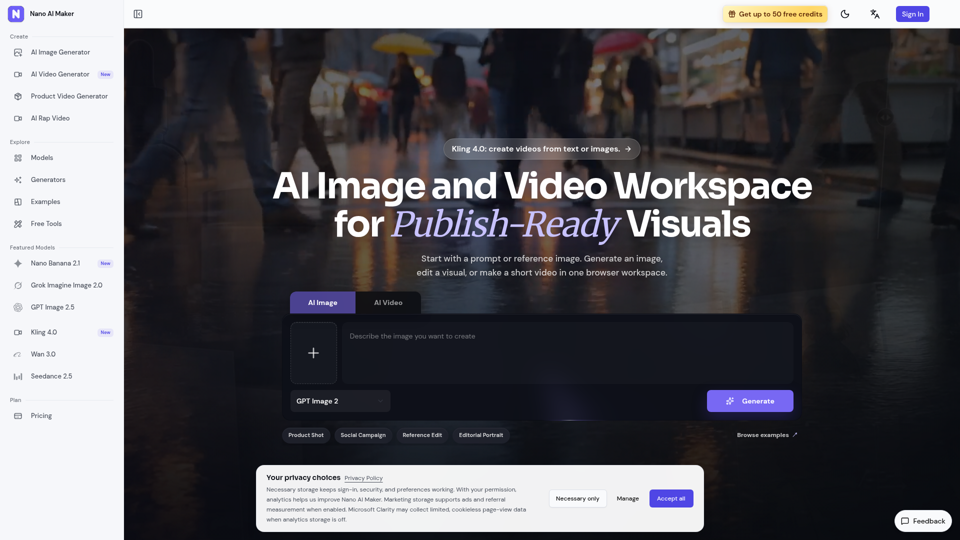
Create AI images, edit reference photos, and generate short videos in one browser workspace for product shots, ads, social posts, and creative testing.
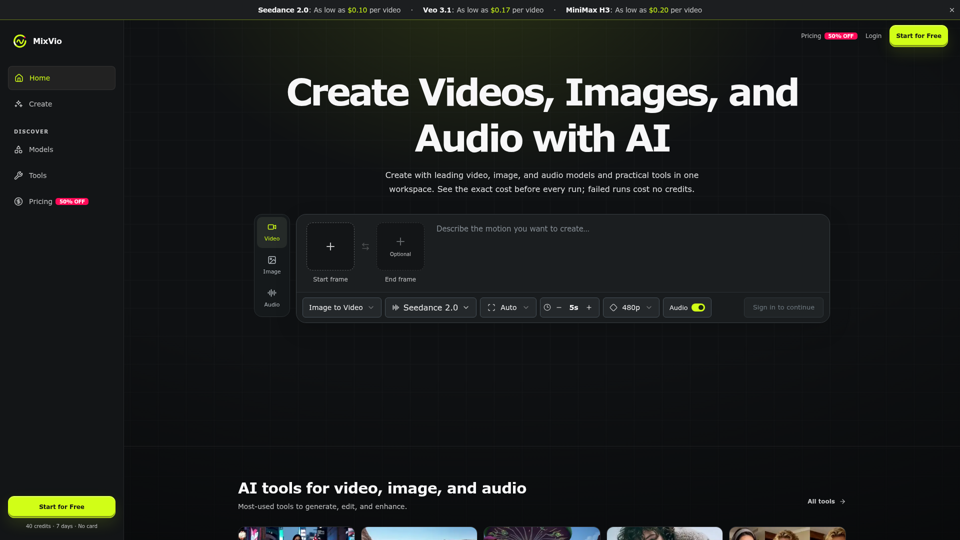
Create AI videos, images, and audio with Seedance, Kling, Veo, GPT Image, and practical creative tools. See exact costs upfront; failed runs cost no credits.
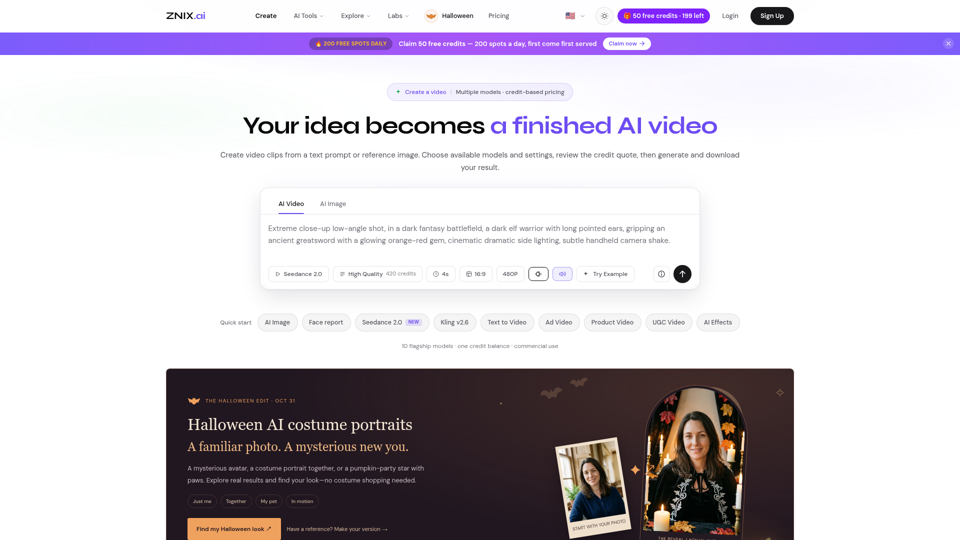
Turn text and reference images into AI videos and images with ZNIX. Compare available models, check credit costs, and download results from one creative workspace.
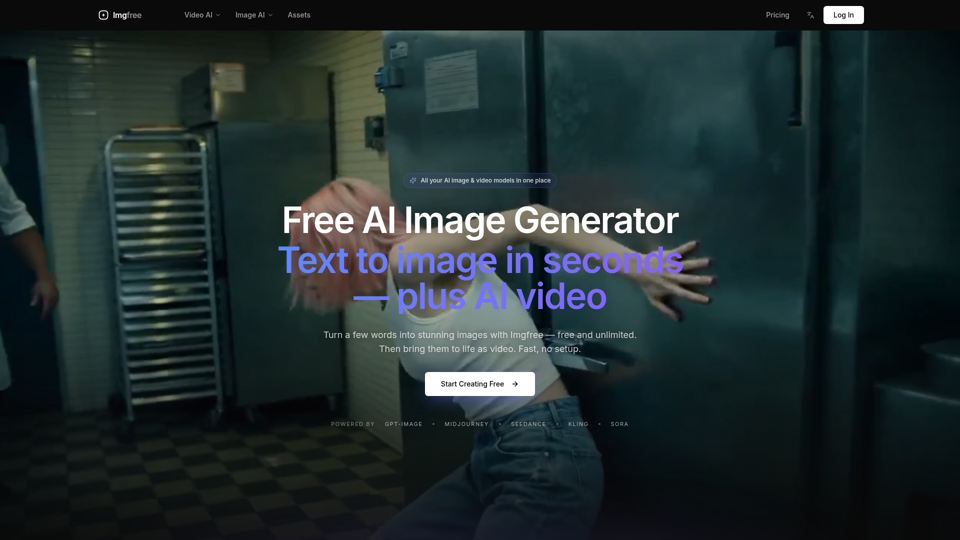
Turn text into images for free — Imgfree 1.0 is free and unlimited, no credits. Also use GPT-Image, Midjourney, Nano Banana and Flux, plus AI video, all in one place.
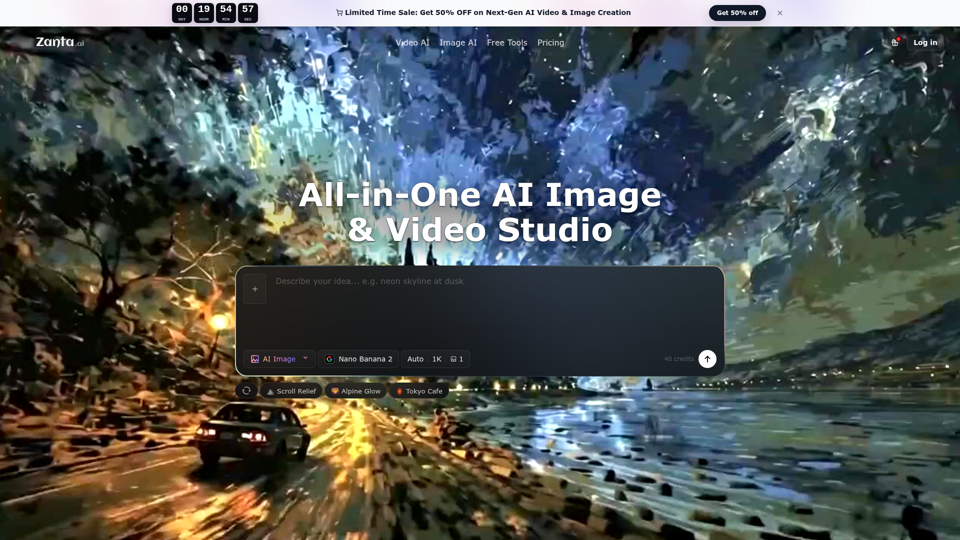
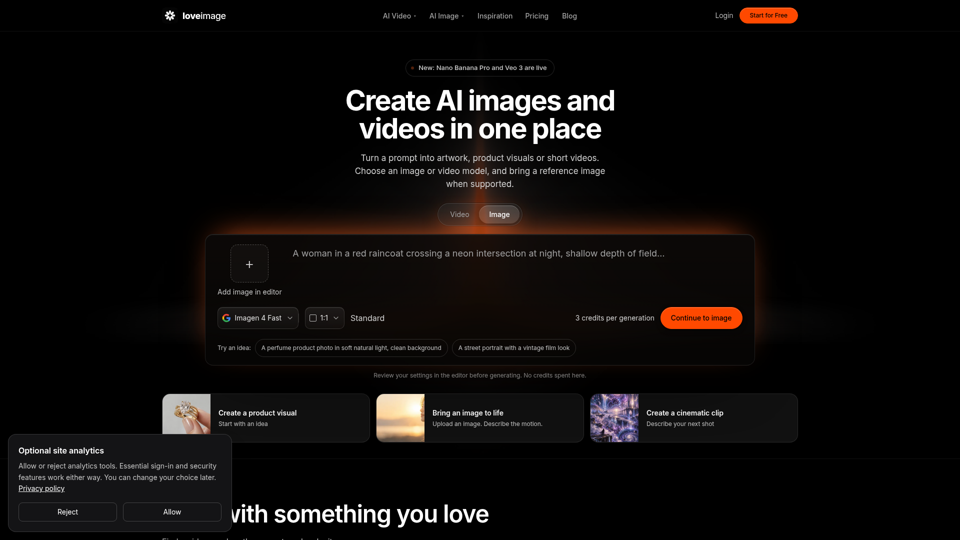
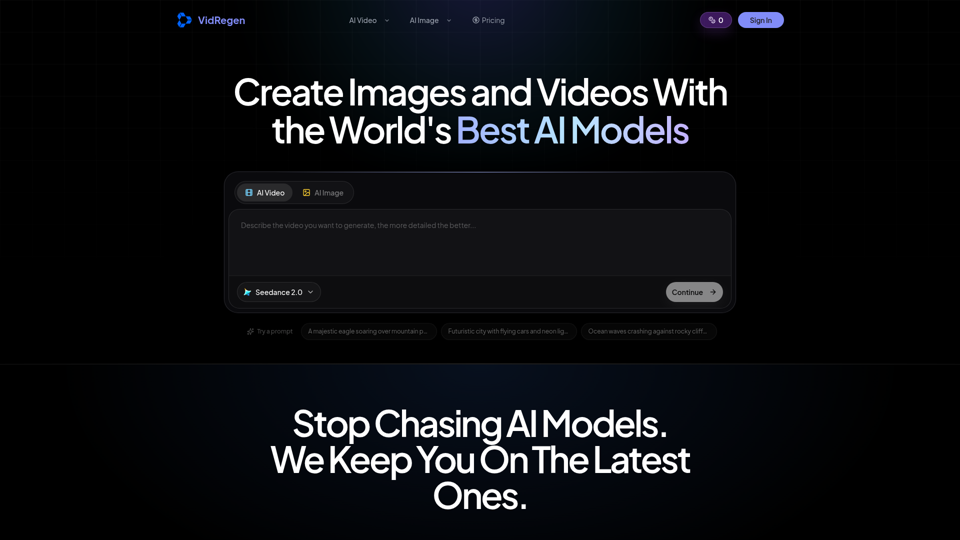
Generate AI images and videos with top models — Kling 3, Veo 3.1, Flux 2, Seedance & more. One workspace, 10+ models, starting from $9.9/mo.