Supertranslate
Supertranslate
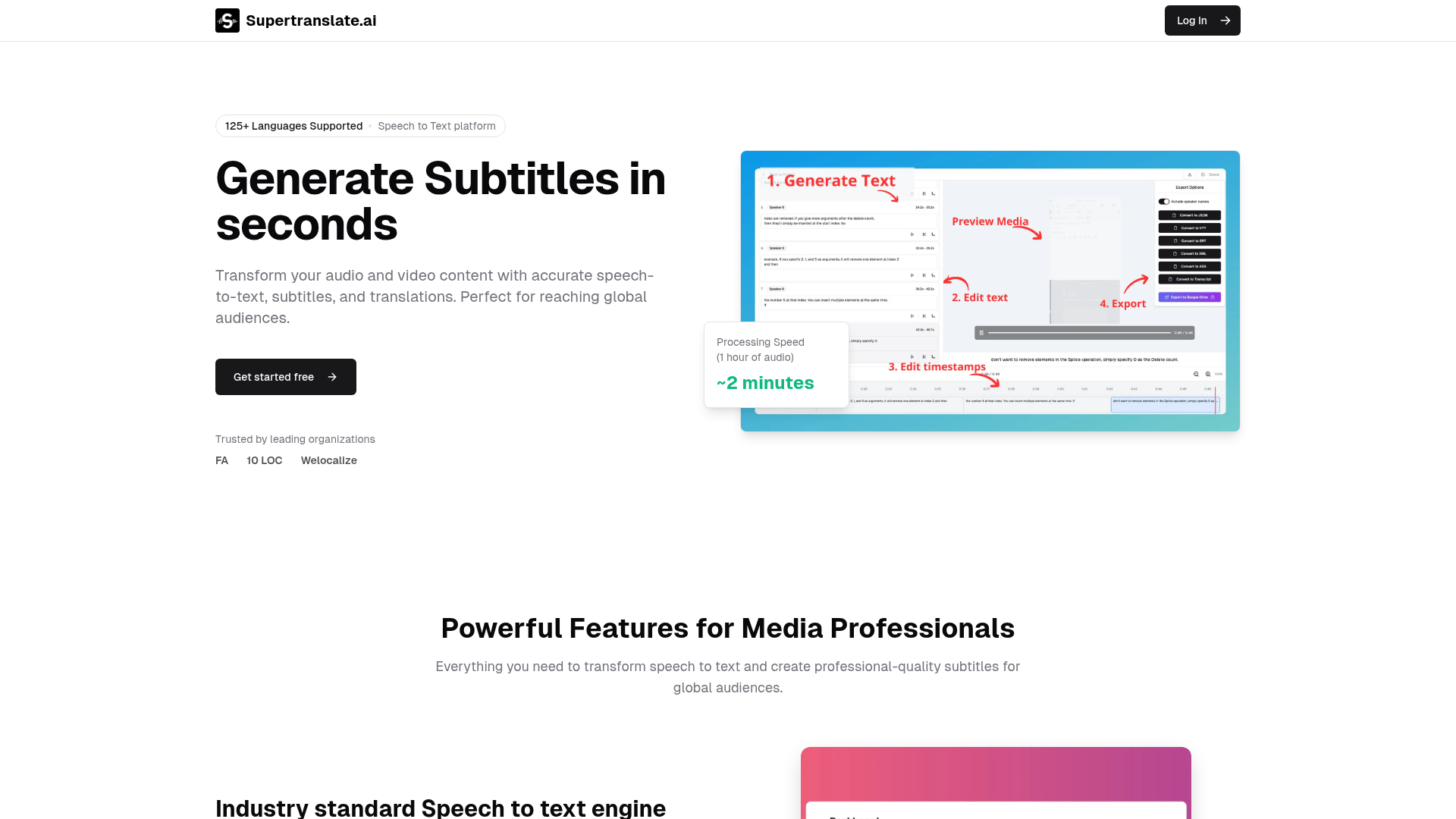
What is Supertranslate.ai?
Supertranslate.ai is an advanced, AI-powered ### speech-to-text platform designed to transform audio and video content into accurate transcripts and subtitles in seconds. It supports a vast ecosystem of ### 125+ languages, making it the ideal solution for content creators, media professionals, and businesses aiming to reach global audiences. At its core, it is a comprehensive ### generate subtitles tool that automates transcription, translation, and subtitle creation, saving significant time and resources compared to manual methods. It stands out as a premier ### speech to text platform, offering industry-leading accuracy, noise reduction, and powerful collaboration features to streamline media workflows.
What are the Main Features of Supertranslate.ai?
- Industry-Leading Speech-to-Text Engine
- Features state-of-the-art speech recognition with exceptional accuracy for clear speech, robust noise reduction for field recordings, and support for ### 125+ languages and dialects. It includes advanced features like speaker identification and diarization to distinguish between different voices in a recording.
- AI-Powered Translation & Subtitle Generation
- The platform excels in its ability to ### generate subtitles automatically. It can transcribe speech and then translate those transcripts into dozens of languages, creating ready-to-use subtitle files (SRT, VTT, XML) in minutes.
- Advanced Customization & Control
- Offers fine-tuned settings for speech-to-text, including segment length customization, advanced timing controls, and quality optimization. Users can create ### custom dictionaries to ensure high accuracy for industry-specific terminology, names, and technical jargon.
- Seamless Team Collaboration
- Built for professionals, it provides team-based project access with role-based controls, real-time editing, and comment/annotation tools, allowing entire teams to review and refine transcripts and translations collaboratively.
- Powerful Integrations & Workflow Automation
- Connects effortlessly with popular platforms like Google Drive, Dropbox, Amazon S3, YouTube, Wistia, and Brightcove for automatic file processing and streamlined media management, acting as a central hub in your content production ### speech to text platform.
How to Use Supertranslate.ai?
Using this platform to ### generate subtitles is a straightforward, four-step process designed for efficiency:
- Upload Media: Drag and drop your audio or video files (up to 10GB) in any common format, or connect directly from cloud storage like Google Drive.
- AI Processing: The platform's AI automatically transcribes the speech with high accuracy. You can then choose to translate the transcript into any of the supported languages. Processing is remarkably fast—approximately 2 minutes for one hour of audio.
- Review & Edit: Use the intuitive, smart subtitle editor to make any adjustments. You can fine-tune timings, correct any transcription errors, and format the text, all within a collaborative interface if you're working with a team.
- Export & Deliver: Download your finished subtitles in your preferred format (SRT, VTT, XML, ASS) for use in video editors, or distribute them directly to integrated platforms like YouTube.
Every new user gets a free trial that includes processing time, allowing you to test the ### speech to text platform capabilities without a credit card.
What is the Price of Supertranslate.ai?
Supertranslate.ai offers simple, transparent pricing plans to suit different needs, all including a 14-day free trial.
- Free Plan ($0/month)
- Ideal for individuals and small projects. Includes up to 200MB of media processing, transcription in 1 language, translation in 36 languages, basic editor, and SRT/VTT export.
- Pro Plan ($20/month)
- Designed for podcasters and content creators. Offers up to 20 hours of speech processing, transcription in 55 languages, advanced editing tools, priority support, and team collaboration for up to 2 users.
- Super Plan ($60/month)
- Best for growing teams and agencies. Provides up to 50 hours of processing, transcription in all ### 125+ languages, team features for up to 5 users, and integrations with Google Drive & Dropbox.
- Business Plan ($200/month)
- For power users and organizations. Includes up to 200 hours of processing, all available languages, advanced AI features, team collaboration for up to 10 users, and full API access.
- Enterprise Plan (Custom pricing, starts from $2k+/month)
- Tailored for media companies and broadcasters with unlimited processing, dedicated infrastructure, custom integrations, 24/7 support, and a dedicated account manager.
Helpful Tips for Using Supertranslate.ai
- Leverage Custom Dictionaries
- For content with specialized terms (medical, legal, technical, brand names), create a custom dictionary. This dramatically improves the accuracy of your transcriptions from this ### speech to text platform.
- Utilize Speaker Diarization
- For interviews, podcasts, or meetings with multiple participants, enable speaker identification. This will label each speaker in the transcript, making the content much easier to edit and review.
- Batch Process for Efficiency
- If you have multiple files, use the batch processing feature available in paid plans to transcribe and translate several items at once, saving you significant time when you need to ### generate subtitles for a series.
- Integrate Your Cloud Storage
- Connect your Google Drive or Dropbox to automate your workflow. You can set up folders where new uploads are automatically processed, creating a seamless pipeline for your media content.
- Preview Before Final Export
- Always use the built-in video previewer in the editor to watch your content with the new subtitles. This allows you to catch and correct any timing or formatting issues before final delivery.
Frequently Asked Questions about Supertranslate.ai
What file formats does the platform support?
It supports all common audio and video formats, including MP4, MOV, AVI, MP3, WAV, and M4A, with support for files up to 10GB in size.
How accurate is the speech recognition?
The platform uses an industry-standard engine known for high accuracy, especially for clear speech. Accuracy can be further enhanced using custom dictionaries and noise reduction features.
Which languages are supported?
The platform is a truly global ### speech to text platform, supporting transcription in ### 125+ languages and dialects. Translation is available in 36 languages on the Free/Pro plans and all languages on higher tiers.
How does the collaborative editing feature work?
Team members can be invited to projects with specific roles (viewer, editor, admin). They can make edits, add comments, and annotate transcripts in real-time, streamlining the review process.
Can I customize the output format of subtitles?
Yes. You can export subtitles in multiple industry-standard formats including SRT, VTT, XML, and ASS, ensuring compatibility with any video player or editing software.
Is my content secure?
Yes. The platform employs enterprise-grade security. Your media files and data are not used for training AI models, and you retain full ownership of all your content.
How long does processing take?
Processing is very fast. For example, one hour of audio typically takes about 2 minutes to transcribe. Translation into an additional language adds 1-3 minutes.
What are the limitations of the free plan?
The free plan includes rate limits, a 200MB monthly processing cap, transcription in only 1 language, and lacks team collaboration and API access. It's perfect for trying out the core ### generate subtitles functionality.
Supertranslate
Supertranslate
 Next.js
 Node.js
 React
React Vercel
 Webpack
Free AI anime and manga generator. Turn text into anime episodes, manga, comics, webtoons and comic shorts in any art style — no drawing or animation skills needed.
Translate image text across 70+ languages with our advanced AI Image Translator to help you better expand your products globally to various countries
Advertised Here
Reach thousands of visitors daily. Get your spot now!
Tools similar to Supertranslate
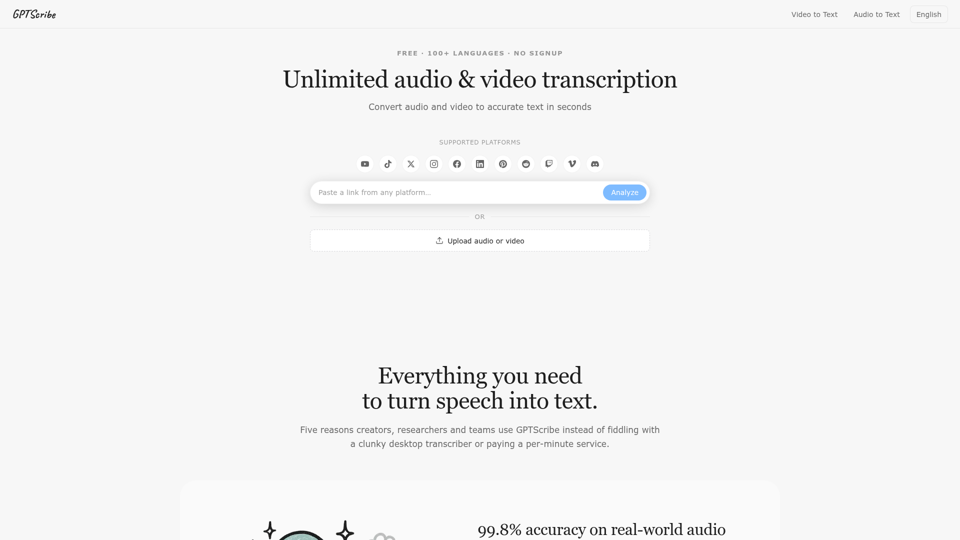
Skip the sign-up — simply pick a file or drag and drop it in. GPTScribe's free transcription tool turns audio into reliable text in just minutes. Transcribe unlimited audio and video files into precise text with 99.8% accuracy across 98+ languages, all in a matter of seconds. Get 3 free transcripts every single day. Save your work as SRT, VTT, or TXT files. Bring in any audio or video, and walk away with accurate text and ready-to-use subtitles. GPTScribe is the fastest and most accurate AI transcriber on the planet, with exports available as SRT, VTT, and TXT. It's the world's only truly unlimited transcription service — no caps, no quotas, just unlimited minutes. Wave goodbye to mistakes: our AI delivers near-flawless accuracy and faithful, word-for-word audio to text. Turn speech and recordings into accurate text in seconds rather than days, and generate subtitles and transcripts automatically. Start transcribing for free — upload your audio and video, then download the finished text and subtitles. From speech to text, voice to text, audio to text, video to text, MP3 to text, and video to subtitles, GPTScribe converts everything into accurate text in seconds, not days. Enjoy unlimited minutes and download results as SRT, VTT, or TXT. With mind-blowing accuracy and breathtaking speed, this next-gen AI delivers lightning-fast, dependable transcriptions. Convert MP3 files to text and receive precise transcripts in seconds, not days — lightning fast, an unmatched 99.8% accurate, and available around the clock, 24/7.
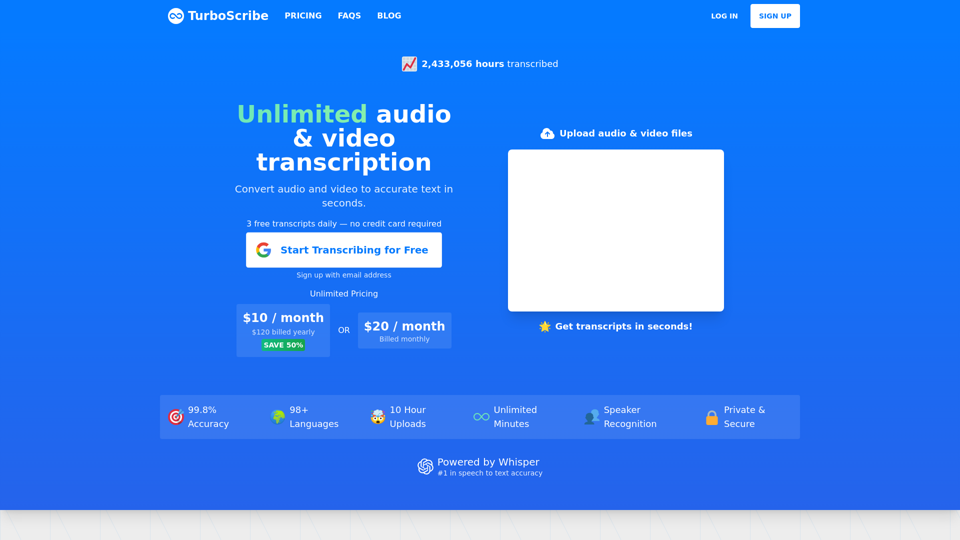
Start Transcribing for Free — Convert unlimited audio and video files to accurate text. 99.8% accuracy. 98+ languages. Transcribes in seconds. 3 Free Transcripts Every Day. Download as docx, pdf, txt, and subtitles. Import audio and video files. Export accurate text and subtitles. TurboScribe is fastest, most accurate AI transcriber on Earth. Export as PDF, DOCX, subtitles (SRT), TXT. The world's only unlimited transcription service. No caps or quotas. Unlimited minutes. Say goodbye to errors: Our AI transcription service boasts near-perfect accuracy. The only unlimited transcription service on Earth. No caps or quotas. Verbatim audio to text. Transcribe audio and video in seconds, not days. Generate subtitles and transcripts automatically. Start transcribing for free. Upload audio and video files. Download accurate text and subtitles. Turn audio to text in seconds. Turn speech into accurate text. Get Started Free. Speech to text. Voice to text. Audio to text. Video to text. MP3 to text. Video to subtitles. Convert audio to text. Convert audio and video to accurate text in seconds, not days. Unlimited Minutes. Download as pdf, docx, txt, subtitles. Video to captions. Mind-blowing accuracy. Breathtakingly fast. Next-gen AI for lightning-fast, accurate transcriptions. Convert MP3 files to text. Get accurate transcripts in seconds, not days. Lightning fast. Unmatched 99.8% accuracy. 24/7 transcription.
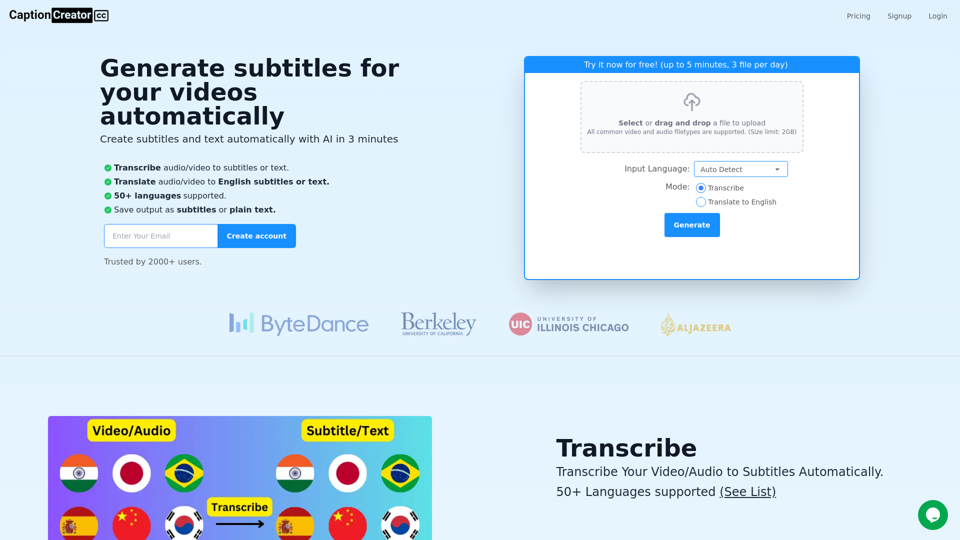
Generate subtitles for your videos with AI in 3 minutes. 50+ supported languages. Transcribe or translate to English. Export as subtitles or text.
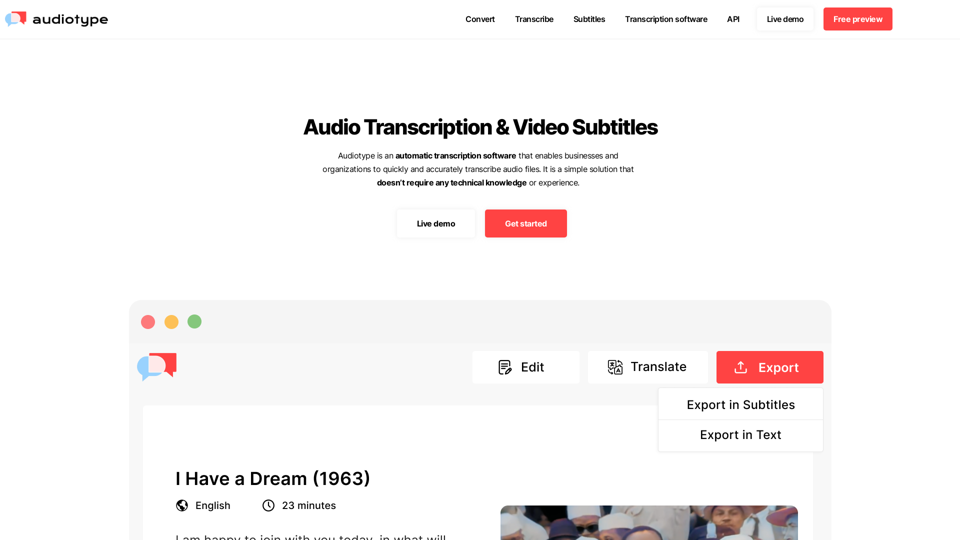
Convert any video or audio files into a editable text transcript. 36+ languages. 100% automatic. 80-95% accuracy. No account required. Free trial.
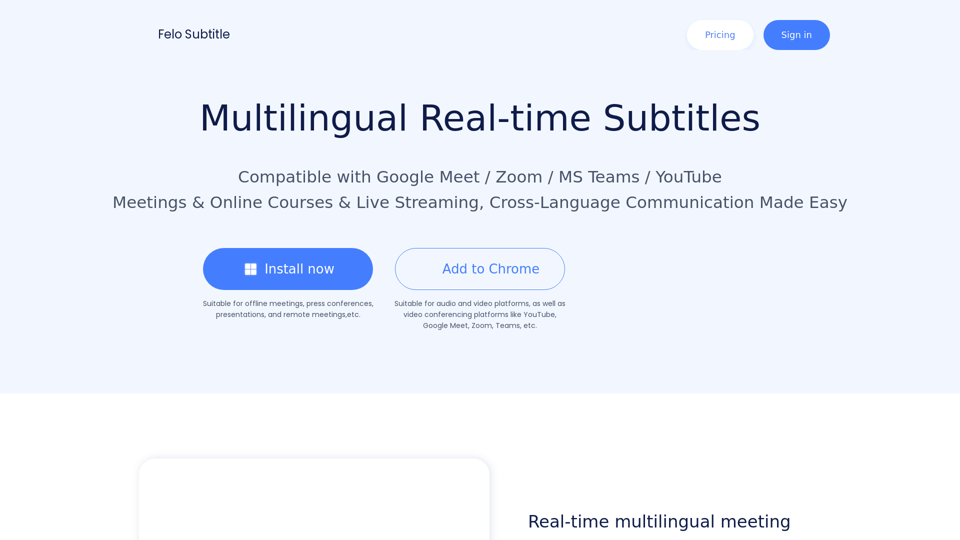
Felo Subtitles: Making Meetings, Webinars & Events More Accessible with AI-powered Live Captioning and Multilingual Subtitles.
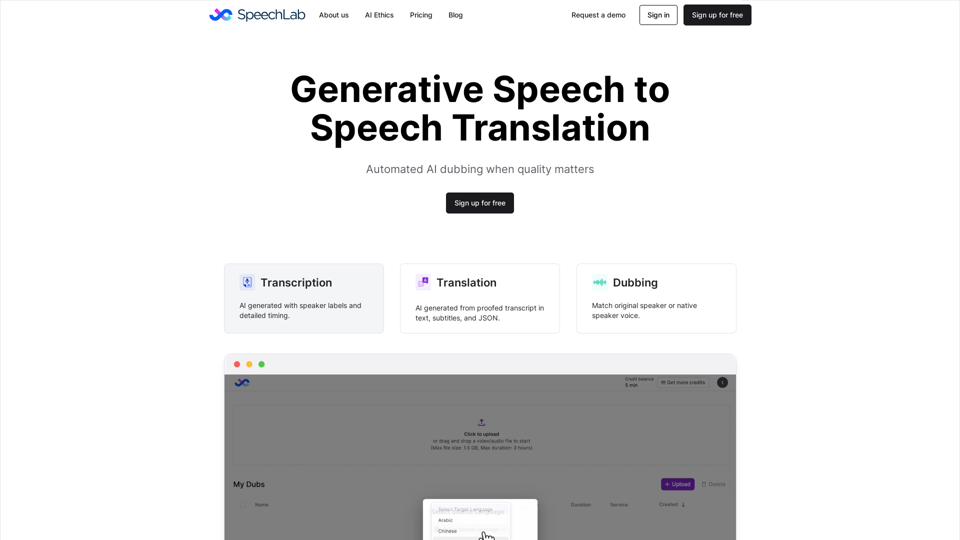
Speechlab automates dubbing for audio and video. Upload a file and get an editable transcript, translation, and dub in the same voices. Download captions, subtitles, and dubbed audio/video.
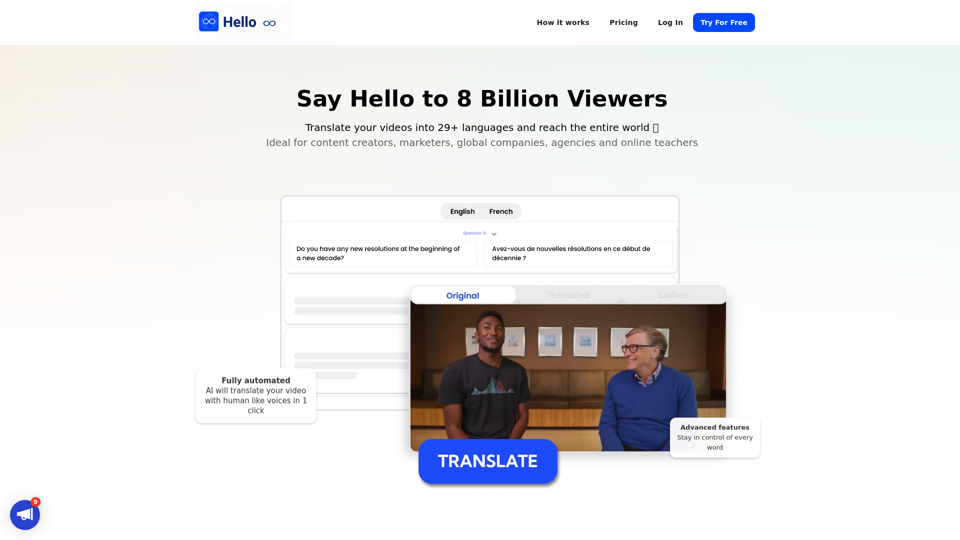
Translate your video into English, Spanish, French, Arabic, and over 29 languages. More than subtitles, the complete dubbing solution. Translate, proofread, edit, share with a global audience.
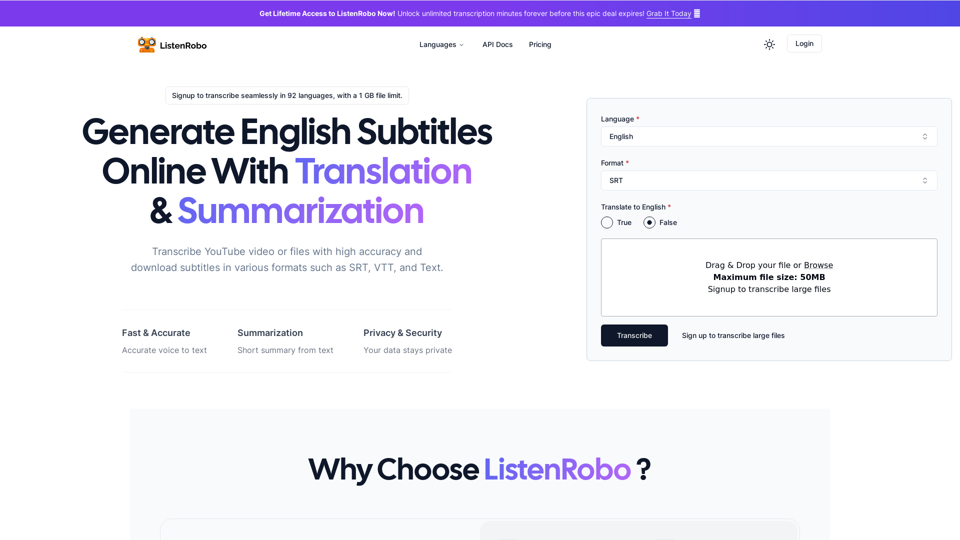
Easily convert English audio to text with our speech to text converter. Download subtitles in txt, srt, and vtt formats for free, without any watermarks.