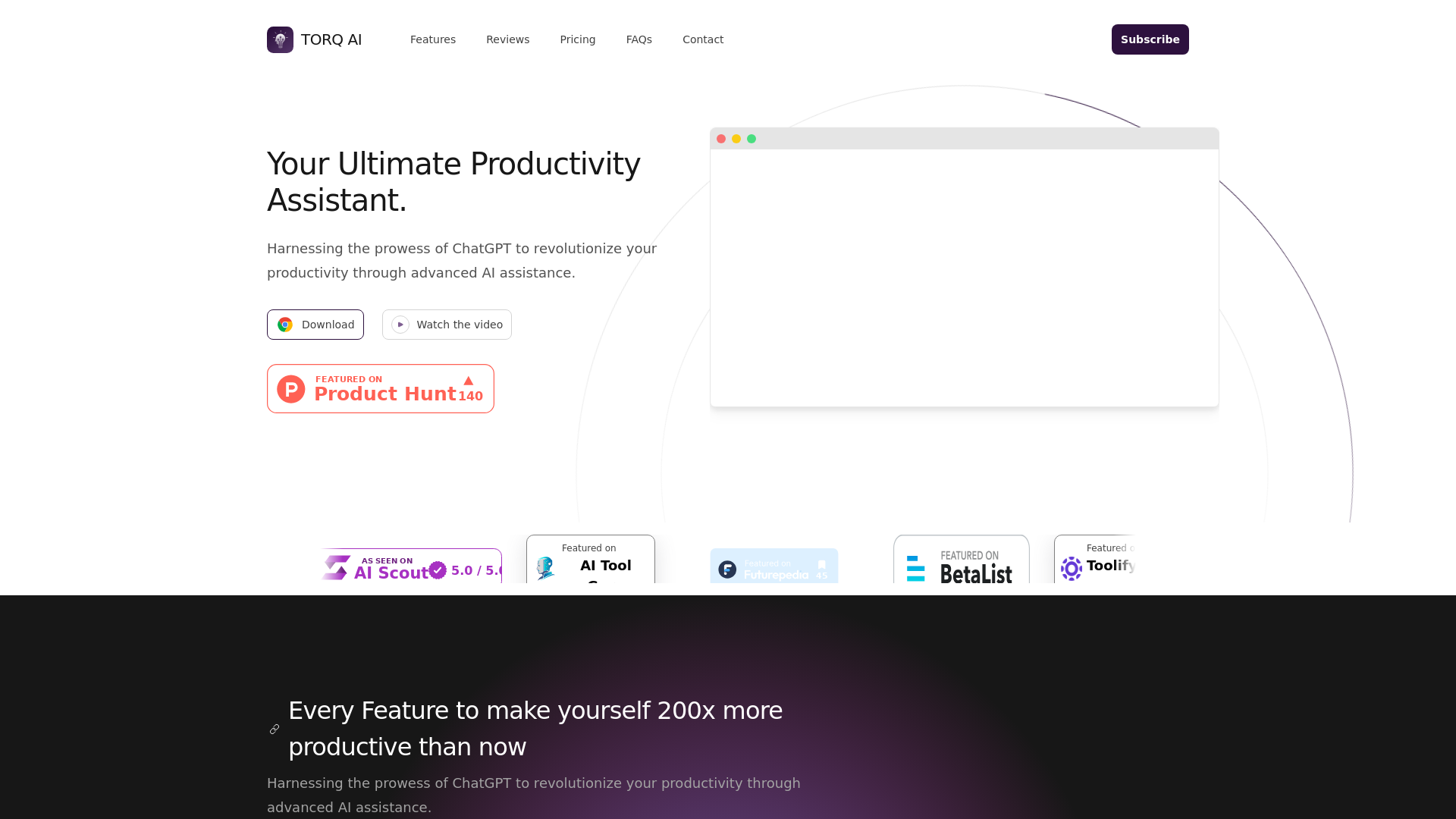
What is Torq AI?
Torq AI is your ultimate productivity assistant, leveraging the capabilities of ChatGPT to enhance your efficiency and streamline your daily tasks. This advanced AI tool is designed to help you harness productivity through features like efficient email communication, integrated searches, and powerful text processing.
What are the main features of Torq AI?
-
Efficient Email Communication
- Streamlined Email Generation: Create emails quickly and effortlessly with just one click.
- Automated Reply Generation: Generate prompt replies to incoming emails instantly.
-
Powerful Text Processing
- Swift Text Analysis: Process text rapidly for accurate and efficient results.
- Language Translation: Translate text into your preferred language for easy understanding.
-
Integrated ChatGPT and Google Searches
- Seamless ChatGPT Integration: Engage in interactive conversations with ChatGPT for an enhanced experience.
- Instant Google Search Results: Access relevant information directly within the chat interface.
-
Data Insights
- Empowering Insights from Data: Unleash the power of statistics to make informed decisions.
How to use Torq AI?
Getting started with Torq AI is simple. Download the Torq Chrome extension to unlock various productivity enhancements. Once installed, you can enjoy features like swift email generation and access to ChatGPT and Google searches seamlessly integrated into your workflow.
What is the price of Torq AI?
Torq AI is available absolutely FREE! Users can access powerful features like rapid text processing, integrated responses, and email management at no cost. This approach ensures that anyone can maximize their productivity without financial constraints.
Helpful Tips for Using Torq AI
- Maximize Email Efficiency
- Utilize the automated reply feature to stay responsive, even when busy.
- Explore Language Features
- Use the translation tool while browsing to better understand foreign language content.
- Leverage Data Insights
- Dive into your data with statistical tools to generate meaningful insights for your tasks.
- Stay Connected
- Join the Torq Discord community for tips, updates, and to engage with other users.
Frequently Asked Questions
Can I use Torq AI for free?
Yes! Torq AI offers all its essential features completely free of charge.
Is my data secure with Torq AI?
Absolutely! Torq AI prioritizes user privacy. You can read their comprehensive privacy policy for more details.
How can I get updates on Torq AI features?
You can subscribe to Torq AI's newsletter for the latest updates and product news.
What if I encounter any issues while using Torq AI?
Feel free to reach out through their contact page for any assistance or support.
Torq AI
Your Ultimate Productivity Assistant
 Amazon ELB
 Amazon Web Services
Free AI anime and manga generator. Turn text into anime episodes, manga, comics, webtoons and comic shorts in any art style — no drawing or animation skills needed.
Translate image text across 70+ languages with our advanced AI Image Translator to help you better expand your products globally to various countries
Advertised Here
Reach thousands of visitors daily. Get your spot now!
Tools similar to Torq AI
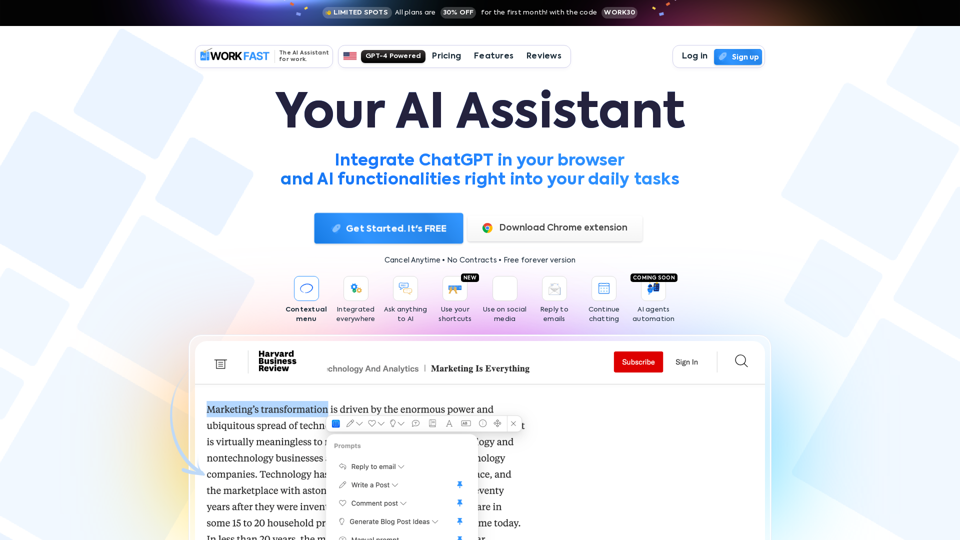
Work Fast is a AI Chrome extension assistant. Work Fast is powered by GPT-4 AI.

Love ChatGPT? Run it on messages in your Inbox, or while composing a new email using our free ChatGPT Add-in for Outlook!
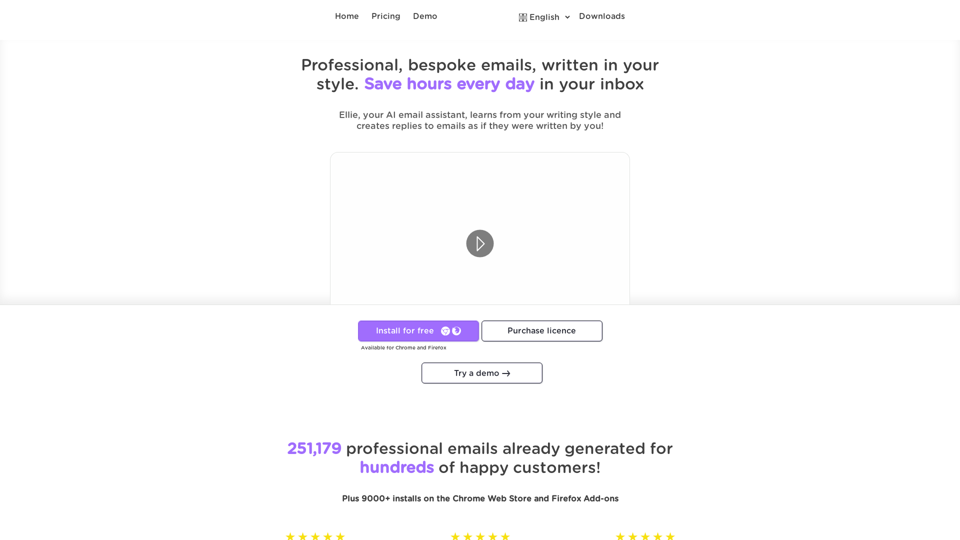
Ellie - Your AI Email Assistant, learns from your writing style and replies to emails as if they were written by you.
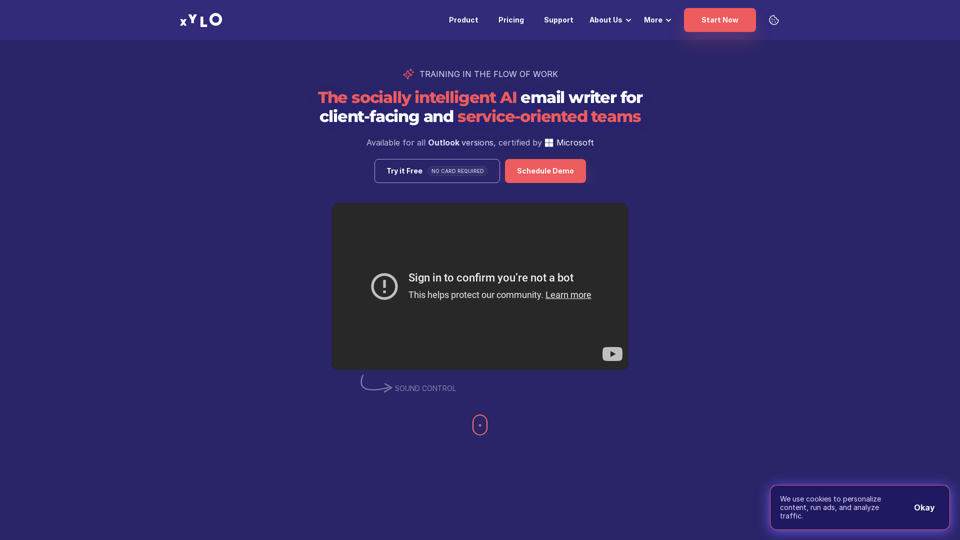
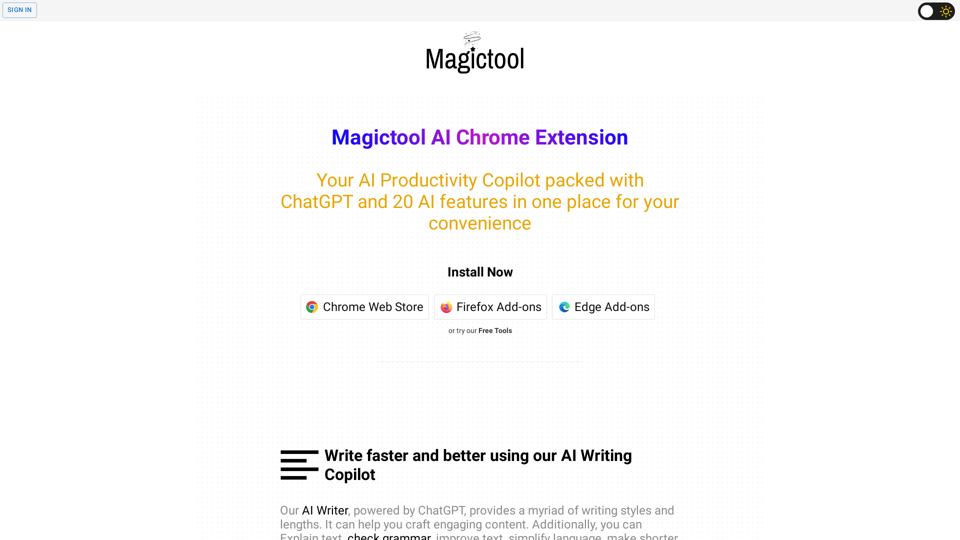
A suite of Productivity Tools designed to help you be more productive and efficient.

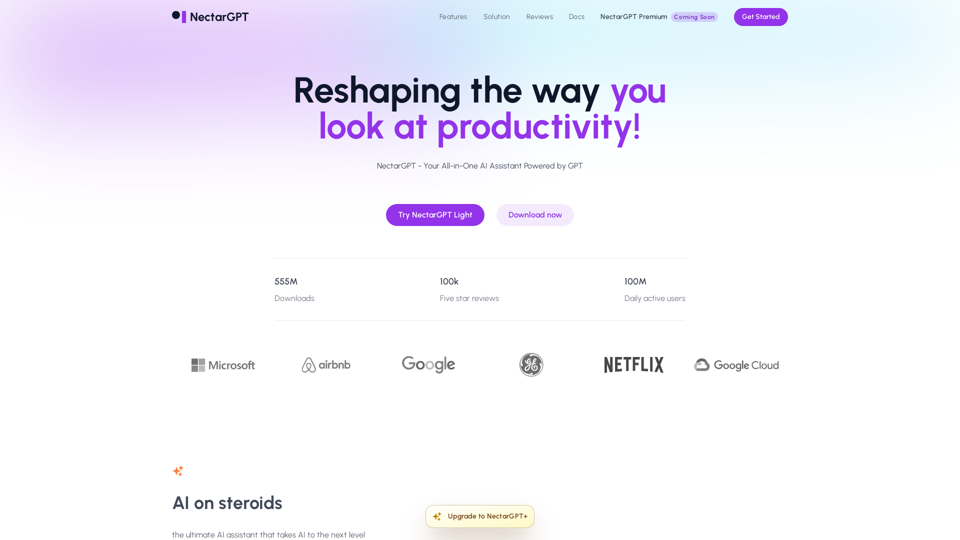
The Ultimate Time Saver for ChatGPT 1-Click Prompts in ChatGPT for SEO, Marketing, copywriting, sales, operation, productivity, customer support and more. The NectarGPT extension adds a list of curated prompt templates for you to ChatGPT. Don't miss out on this productivity boost! Use it now for FREE.
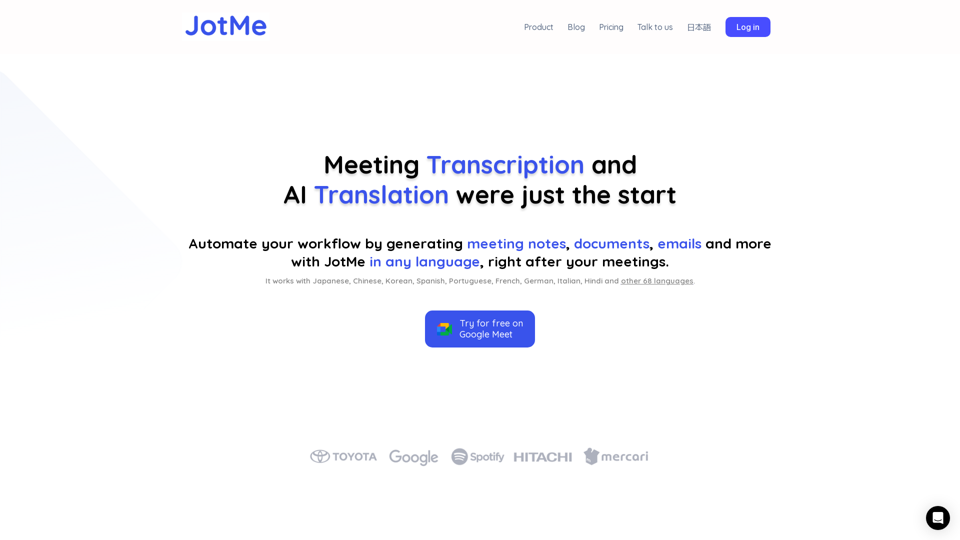
JotMe transcribes & translates your meetings, and generates meeting notes, documents, emails, task tickets, and more, all based on the context that matters to you.