WebDB
WebDB – Open Source and Efficient Database IDE. Easy server connection, Modern ERD, Intelligent data generator, AI assistant, NoSQL structure manager, Time machine and Powerful query editor
What is WebDB?
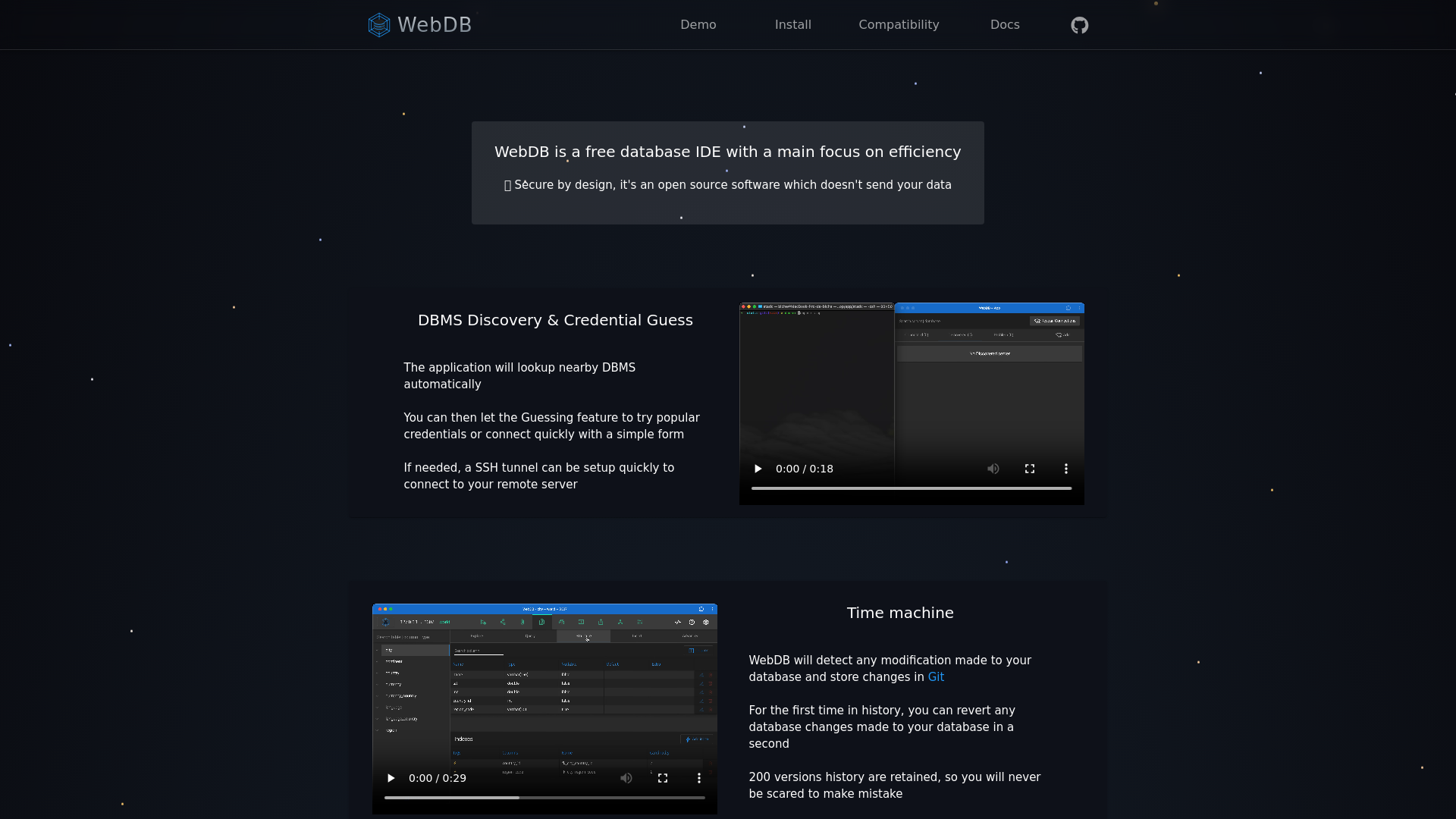
WebDB is a free, open-source database IDE designed for efficiency and enhanced user experience. It prioritizes security and ensures that your data remains private, as it is built with a secure architecture that does not transmit your sensitive information. WebDB caters to various database management systems (DBMS) and integrates advanced features to streamline the handling of databases.
Main Features of WebDB
- DBMS Discovery & Credential Guessing
- WebDB automatically discovers nearby DBMS and has a credential guessing feature that attempts popular credentials or allows quick connection through a simple form. You can also set up an SSH tunnel to connect to remote servers effortlessly.
- Time Machine
- WebDB tracks modifications made to your database, storing changes in Git. It retains up to 200 versions in history, allowing you to revert any changes instantly without fear of making mistakes.
- Powerful Query Editor
- Featuring Monaco with autocompletion and integrated documentation, the query editor provides maximum support for efficient query writing. Error highlighting occurs inline, improving debugging efficiency, especially for MySQL.
- AI Assistant
- WebDB integrates with various AI tools such as Gorq, Together AI, ChatGPT, and Google Gemini. After selecting an LLM (Large Language Model), WebDB pre-prompts interactions with your database structure and sample data, making LLMs your top database assistants.
- NoSQL Structure Manager
- The tool automatically infers document structures and relationships between collections, effectively managing semi-structured databases with ease.
- Modern ERD (Entity-Relationship Diagram)
- If you prefer a graphical representation, the ERD feature helps you visualize your database from a different perspective, aiding in better understanding and management.
- Intelligent Data Generator
- WebDB generates probable data using integrations with FakerJS and Falso, ensuring that generated datasets include foreign key and enum values. This feature currently supports multiple databases with more on the way.
How to Use WebDB?
To utilize WebDB, you simply need to download the installation package from the official site and follow the installation instructions. The user-friendly interface allows newcomers to get started quickly, while experienced developers can dive straight into setting up databases, running queries, and integrating AI tools for enhanced functionality.
Pricing
WebDB is completely free to use. Being open source, it allows users to download, modify, and use it without any licensing fees. Donations and sponsorships help support ongoing development and feature enhancements.
Helpful Tips for Using WebDB
- Explore AI Assistant Features
- Make sure to take full advantage of the AI assistant integrations to streamline your database management tasks.
- Utilize the Time Machine
- Regularly check the version history to undo any unwanted changes easily.
- Test Query Editor Functions
- Familiarize yourself with the Monaco editor’s features, including autocompletion and error feedback to enhance your query writing efficiency.
- Visualize with ERD
- Use the ERD feature to understand complex database relationships, making data structuring simpler.
Frequently Asked Questions
1. Is WebDB secure?
Yes, WebDB is designed with security in mind and does not send your data off to external servers. Your database remains private to you.
2. Can I connect to remote databases?
Absolutely! WebDB allows you to set up SSH tunnels to facilitate secure connections to remote servers.
3. How does the Time Machine feature work?
The Time Machine feature utilizes Git to track and record your database changes, allowing you to revert to any of the last 200 versions of your database instantaneously.
4. What kinds of databases are supported?
WebDB supports numerous databases, including popular relational and NoSQL databases, with more compatibility options being added regularly.
5. Can I customize WebDB?
Yes, as an open-source platform, you are free to modify and tailor WebDB to fit your specific needs and requirements.
WebDB
WebDB – Open Source and Efficient Database IDE. Easy server connection, Modern ERD, Intelligent data generator, AI assistant, NoSQL structure manager, Time machine and Powerful query editor
Free AI anime and manga generator. Turn text into anime episodes, manga, comics, webtoons and comic shorts in any art style — no drawing or animation skills needed.
Translate image text across 70+ languages with our advanced AI Image Translator to help you better expand your products globally to various countries
Advertised Here
Reach thousands of visitors daily. Get your spot now!
Tools similar to WebDB
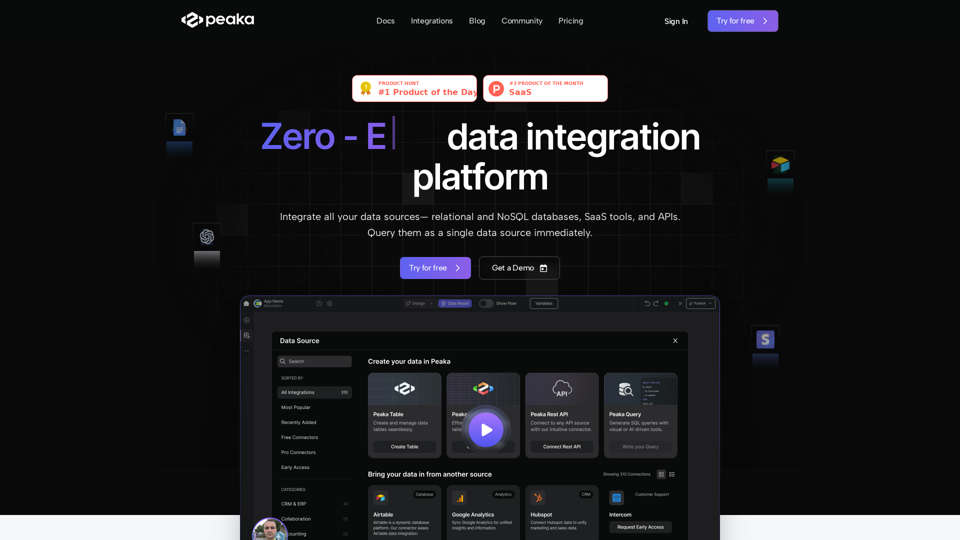
Peaka integrates all the data sources, such as databases, SaaS tools, NoSQL and APIs, and shows them as a single data source immediately.
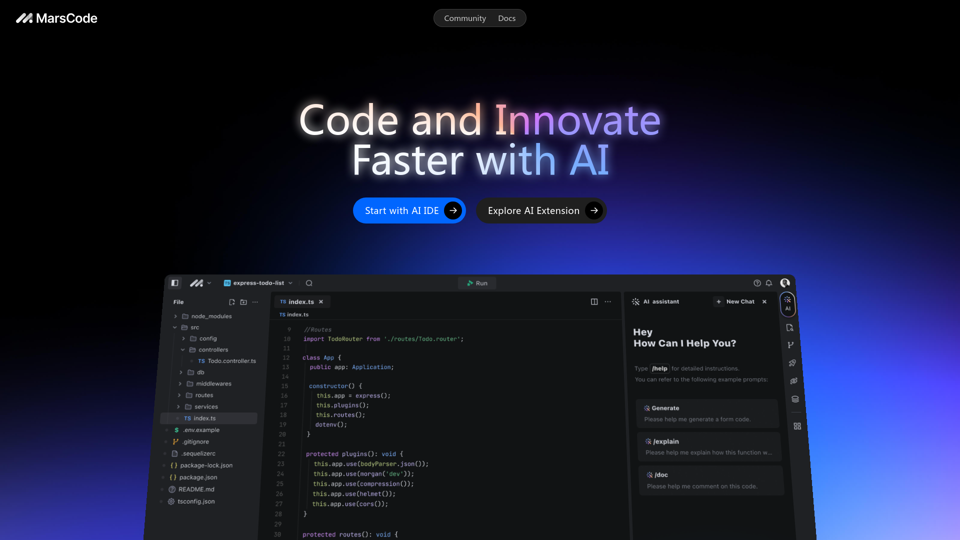
MarsCode provides an IDE with a built-in AI Assistant and extensions that support over 100 languages and mainstream IDEs.
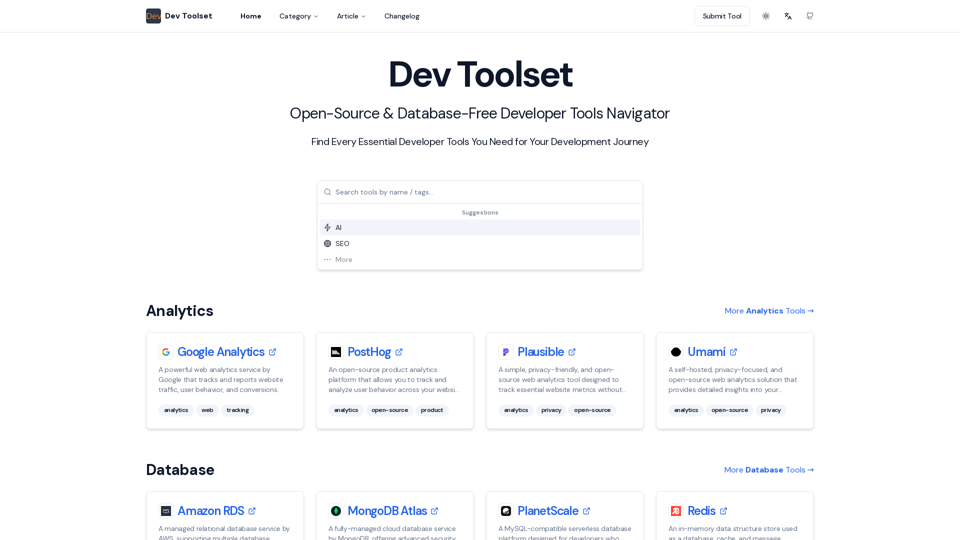
Find Every Essential Developer Tools You Need For Your Development Journey
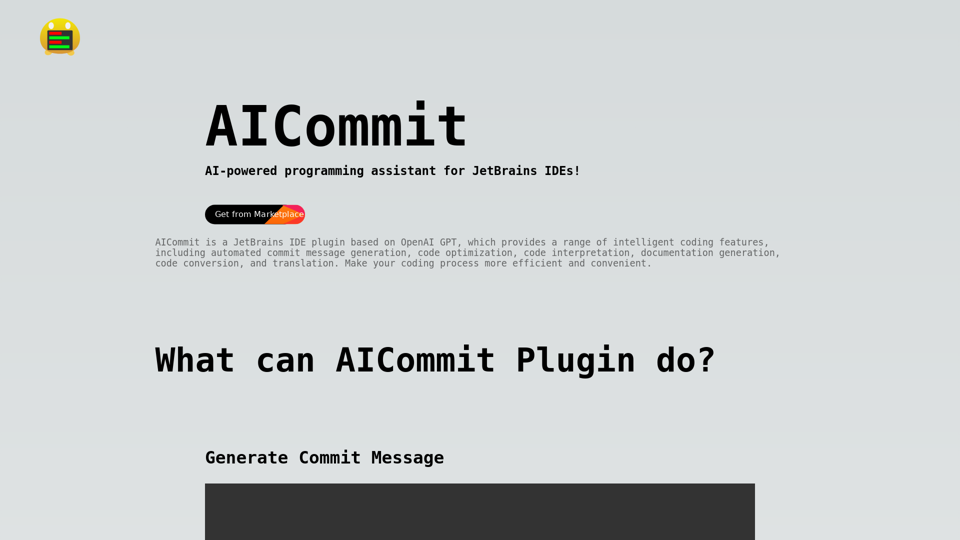
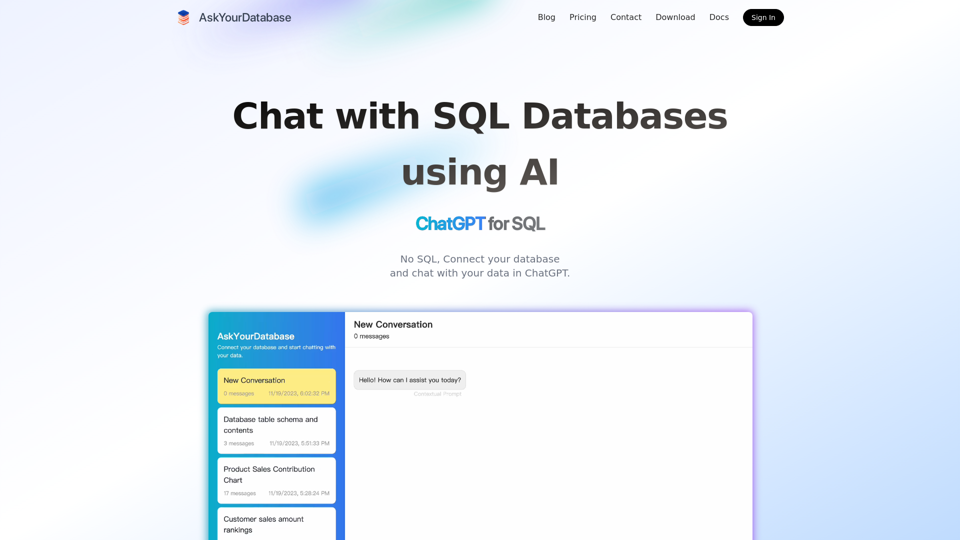
This AI SQL chatbot generates SQL code using AI, like ChatGPT for SQL Databases. Connect and chat with database in ChatGPT.
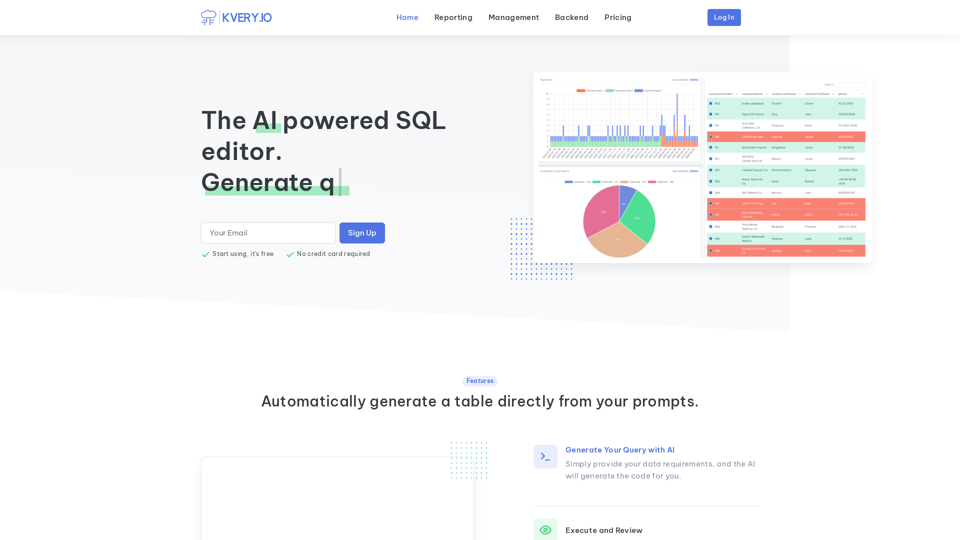
Transform your database management experience with an admin interface built in a few clicks. Simplify API-driven database control and effortlessly generate BI reports. Accelerate software development with APIs and admin interfaces developed 10 times faster. Easily schedule SQL jobs for seamless automation.
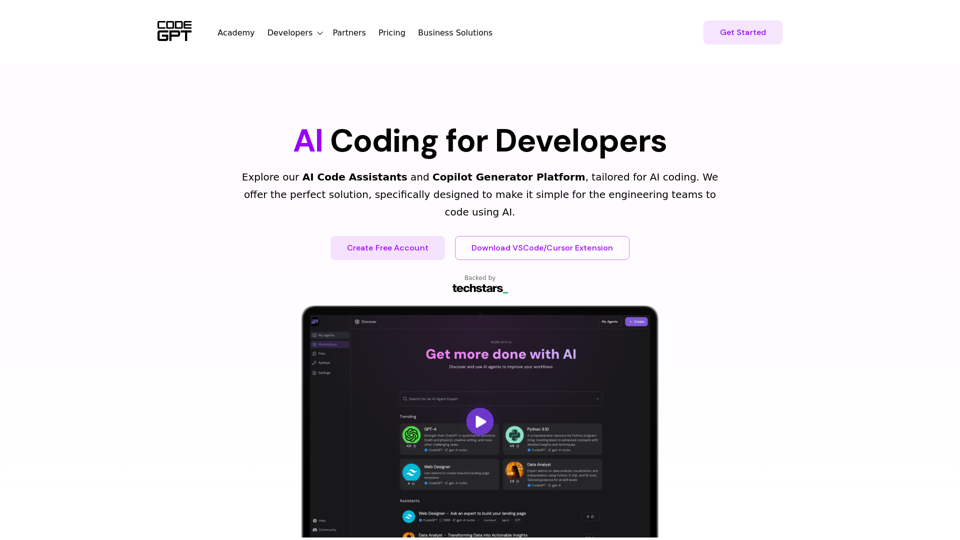
Secure AI copilots for developers to enhance code efficiency while ensuring data security and privacy. Leverage AI models to code faster and better.
Amplified developers, automated development · Customize and optimize each component of your AI dev system · Accelerate your development with Continue · Fit