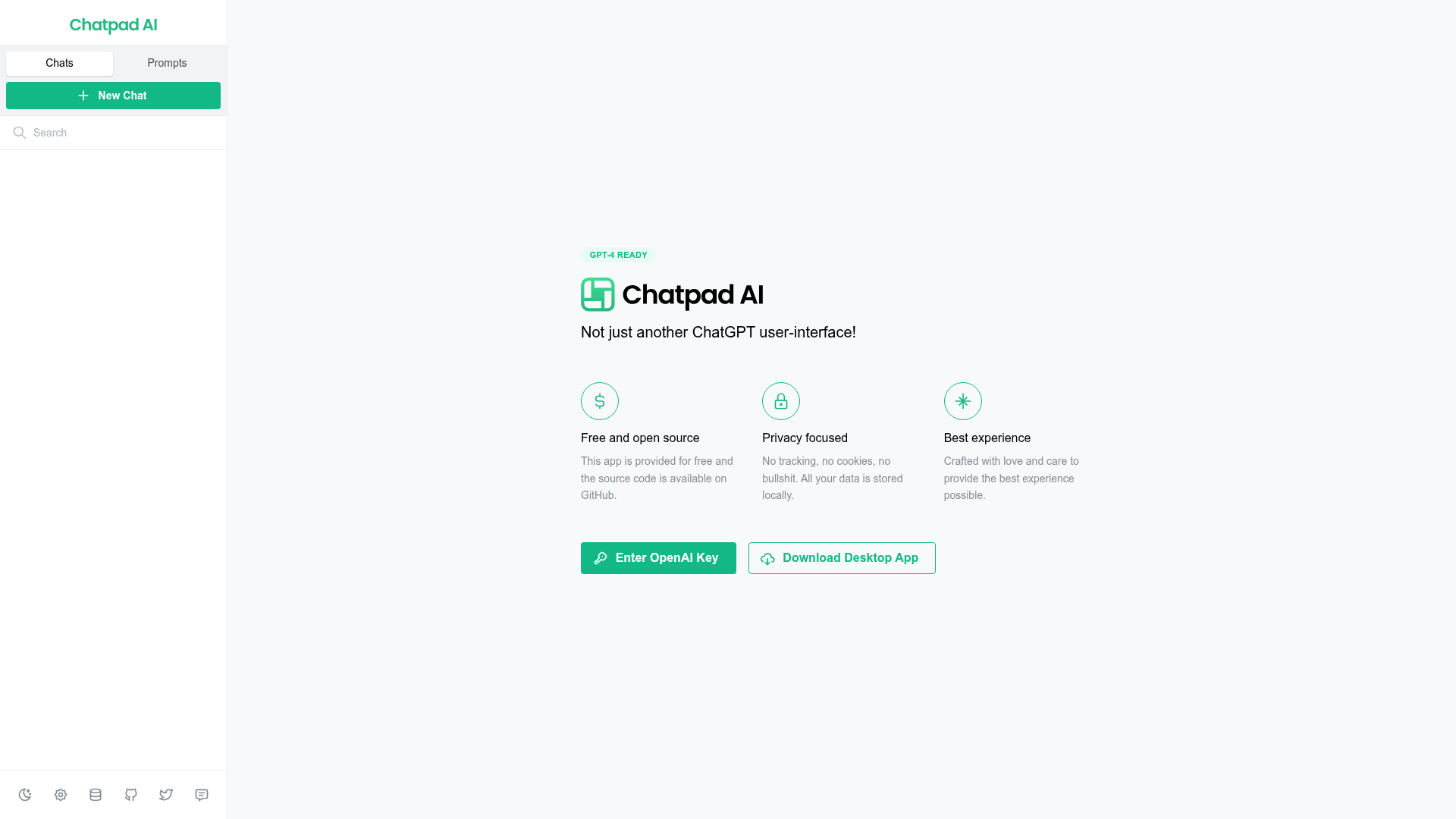
What is GPT-4 Ready?
GPT-4 Ready is a free, open-source, and privacy-focused ChatGPT user interface application, not just another typical wrapper. It provides users with a superior, locally-stored experience that prioritizes data security and user control. Unlike many cloud-based platforms, GPT-4 Ready ensures that all your conversations, messages, and prompts remain on your device, with no tracking, cookies, or external data sharing. The application is lovingly crafted for the best possible user experience and is available both as a web app and a downloadable desktop version.
What are the key features of GPT-4 Ready?
The platform distinguishes itself through several core features:
- Free and Open Source
- The app is completely free to use, and its source code is openly available on GitHub, allowing for transparency and community contributions.
- Privacy-Focused
- It operates with a strict no-tracking policy. No cookies are used, and all your data—including chats, messages, and prompts—is stored locally on your device, never on remote servers.
- Enhanced User Experience
- Designed with care, it offers a clean, intuitive interface that aims to provide the best possible interaction with AI models like GPT-4.
- Local Data Management
- You have full control over your data. The app includes tools to export your data for backup, import it, or delete individual chats or all data entirely.
- Desktop App Availability
- For a more integrated experience, users can download a dedicated desktop application.
How to use GPT-4 Ready?
Using GPT-4 Ready is straightforward. First, you need to provide your own OpenAI API key to connect to models like GPT-4 or ChatGPT. Once your key is entered, you can immediately start having conversations. The interface tracks your usage statistics, such as the number of chats, messages, and prompts. All data is managed locally, and you can use the built-in tools to export your conversation history, import previous data, or clear your local database at any time to maintain privacy.
Is GPT-4 Ready really free? What about pricing?
Yes, GPT-4 Ready is completely free. The application itself does not charge any fees. However, to use AI models like GPT-4 or ChatGPT, you must supply your own OpenAI API key. You will incur costs based on OpenAI's standard usage pricing for the API calls you make through the app. The app does not add any additional charges or subscriptions.
Helpful tips for using GPT-4 Ready
To get the most out of GPT-4 Ready, consider these tips:
- Secure Your API Key
- Since the app requires your OpenAI key, ensure you keep it confidential. The key is stored locally on your device.
- Regular Data Exports
- Use the export feature periodically to back up your valuable conversations and prompts.
- Explore the Desktop App
- For a more stable and feature-rich experience, download the desktop application, which may offer better performance and integration.
- Leverage Local Storage
- Enjoy complete privacy by knowing your data never leaves your computer. This is ideal for sensitive or proprietary conversations.
- Monitor Your Usage
- Keep an eye on your OpenAI API usage through your OpenAI account dashboard to manage costs effectively.
Frequently Asked Questions
How is my privacy protected?
Your privacy is the top priority. The app stores all data locally on your device. It does not use tracking, analytics, or cookies, and it does not transmit your conversations or API key to any external servers besides OpenAI's for processing your requests.
Do I need a ChatGPT Plus subscription to use this?
No, you do not need a ChatGPT Plus subscription. You only need a standard OpenAI API key, which gives you pay-as-you-go access to their models, including GPT-4.
Can I use this app offline?
While the application interface can run, you need an active internet connection to send requests to the OpenAI API for generating AI responses.
What happens to my data if I uninstall the app?
Since all data is stored locally on your device, uninstalling the app will likely delete the local database. It is highly recommended to use the "Export Data" feature before uninstalling if you wish to keep your history.
Where can I get support or contribute to the project?
As an open-source project, support and discussions typically occur on its GitHub repository. You can report issues, suggest features, or even contribute to the codebase there.
Chatpad AI
A free, open-source, and slick UI for ChatGPT
 Cloudflare
 HTTP/3
Free AI anime and manga generator. Turn text into anime episodes, manga, comics, webtoons and comic shorts in any art style — no drawing or animation skills needed.
Translate image text across 70+ languages with our advanced AI Image Translator to help you better expand your products globally to various countries
Advertised Here
Reach thousands of visitors daily. Get your spot now!
Tools similar to Chatpad AI
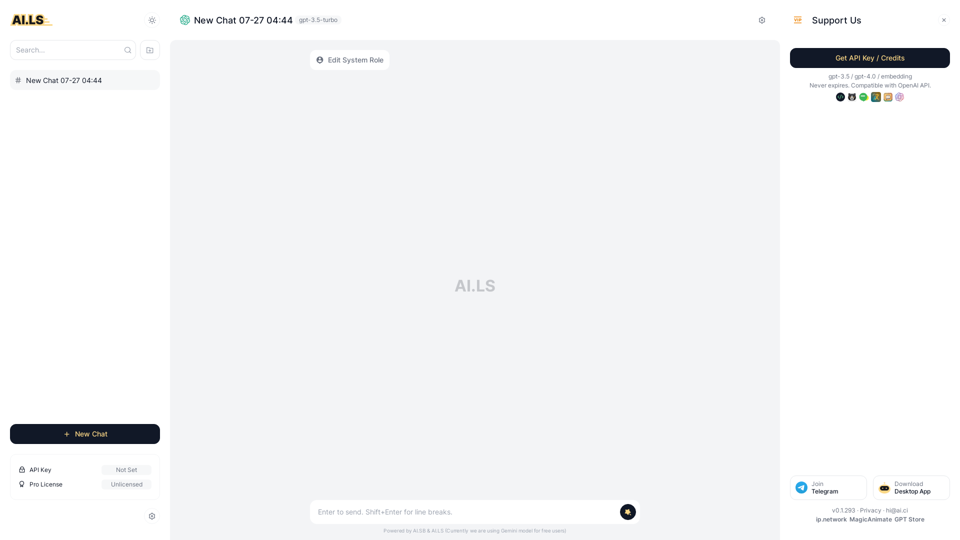
AI.LS is a chatbot tool, an elegant ChatGPT UI based on gpt-3.5, gpt-4 and Claude, as an alternative to ChatGPT. It provides free usage quotas, so users can experience it without logging in.
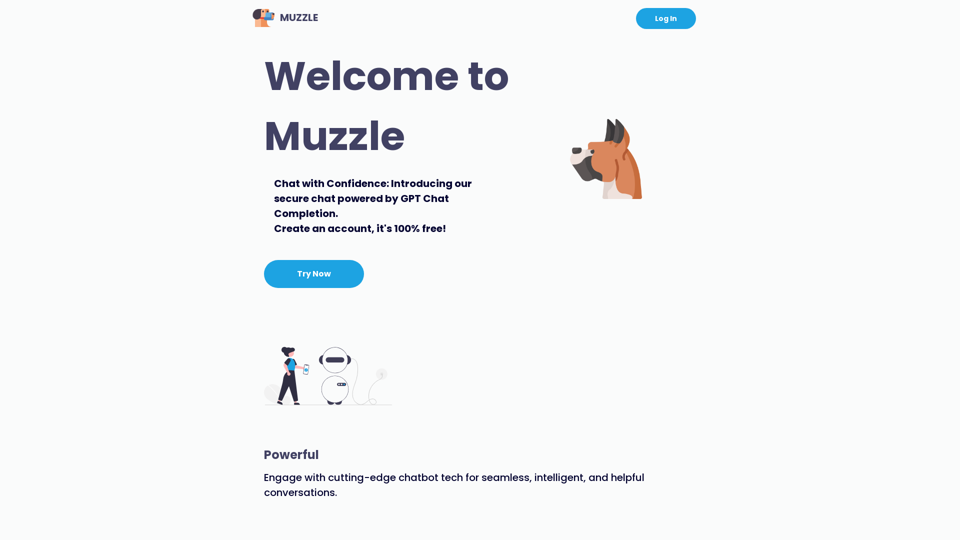
Chat with Confidence: Introducing our secure chat powered by GPT Chat Completion. Create an account, it's 100% free!
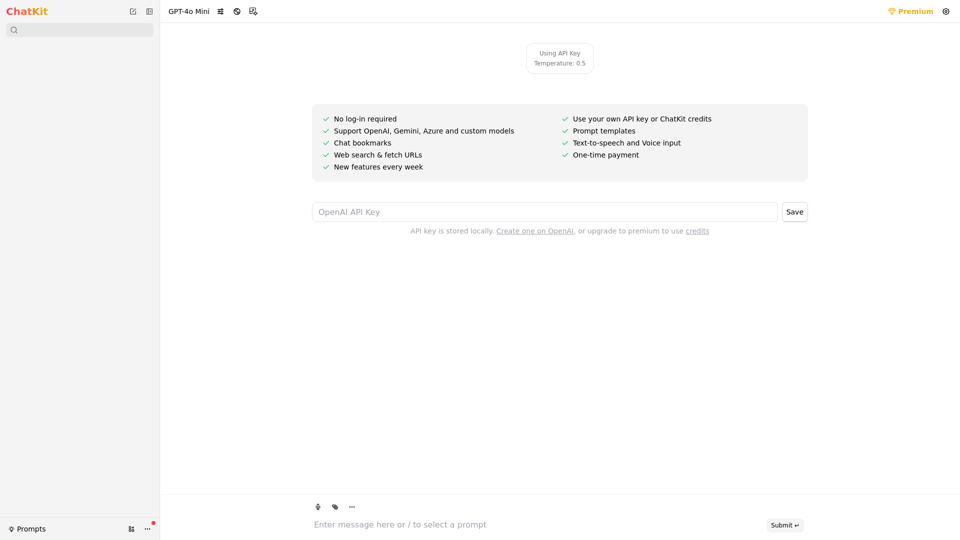
Refined ChatGPT UI with amazing features
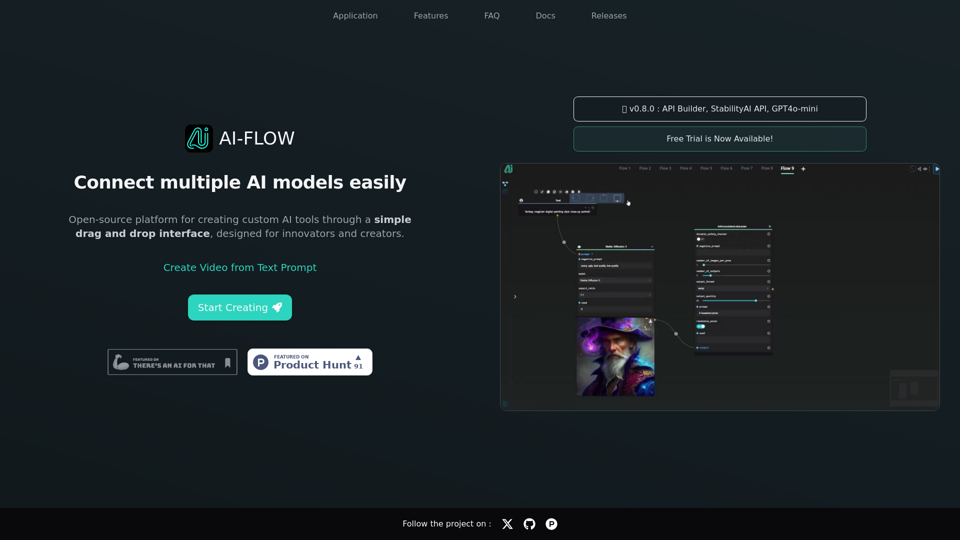
Connect multiple AI models easily. Open source, user-friendly UI application to create interactive networks with different AI models.
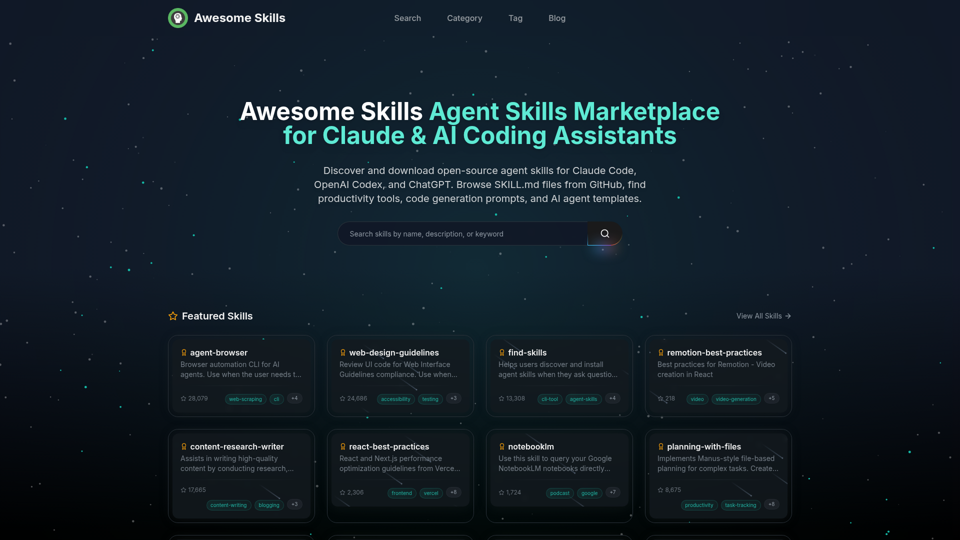
Browse and download open-source agent skills for Claude Code, OpenAI Codex, and ChatGPT. Curated collection of SKILL.md files from GitHub. Find productivity skills, code generation prompts, MCP tools, and AI agent templates. The best Claude skills marketplace with 50,000+ skills.
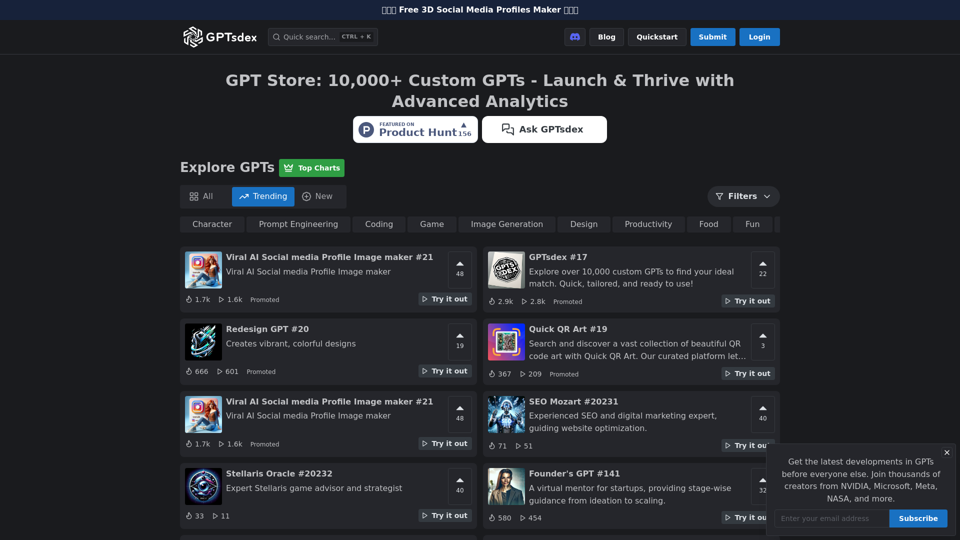
A hub of over 10,000 custom GPTs, streamlining AI creativity post-OpenAI's launch. Our platform empowers you to share, discover, and enhance GPTs, bridging the gap between beginners and experts. Join our GPT Builders community today.
Build NEXBots with unique personalities, create amazing experiences through conversation. Bring your chatbots to life! Creators use for free!