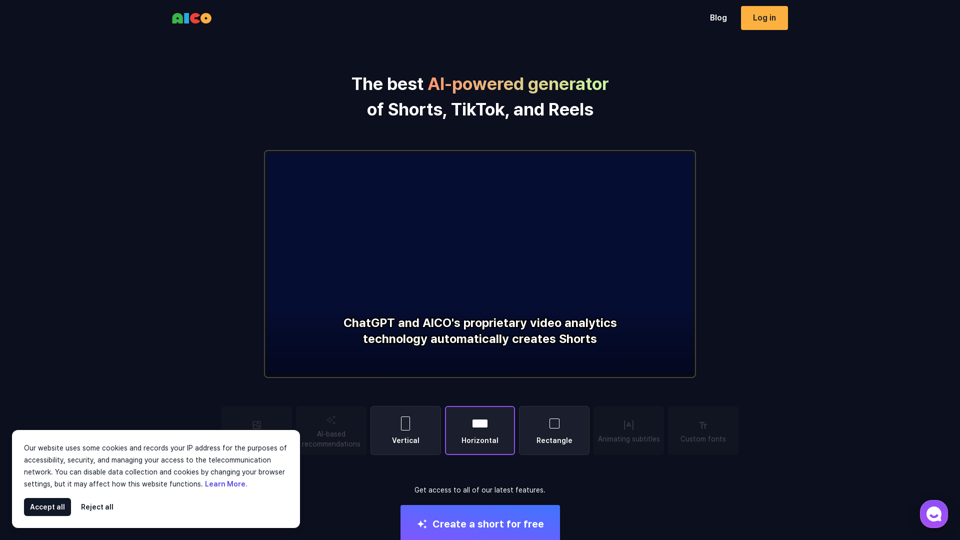
Wisecut
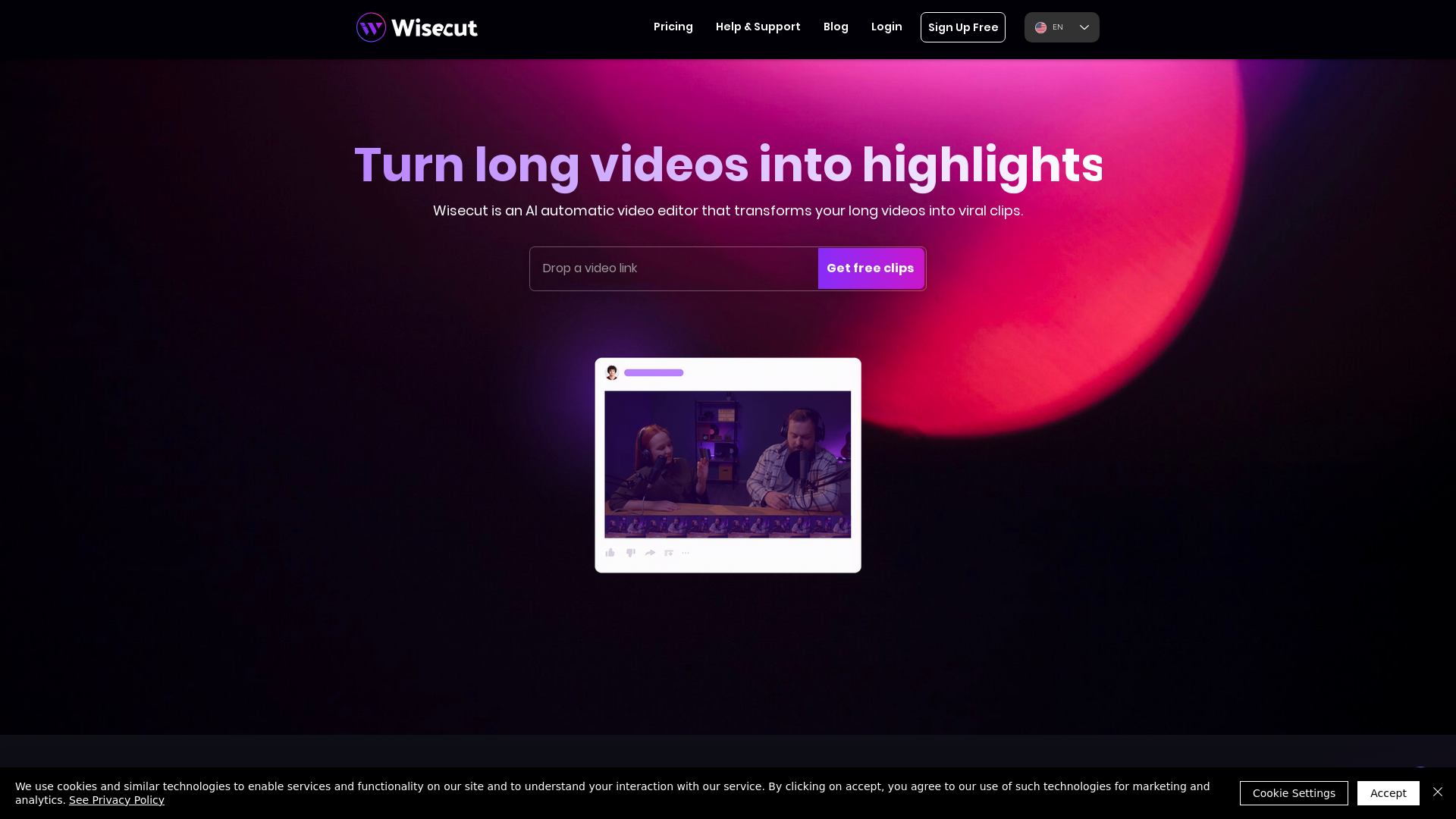
Wisecut is an AI automatic video editor that transforms your long videos into viral clips. Easily repurpose your videos into Reels, YouTube Shorts, and TikTok clips.
What is Wisecut?
Wisecut is an AI-powered automatic video editor designed to transform lengthy videos into engaging, viral clips. With just a click, users can create concise highlights from longer content, allowing for maximized content production without extensive editing skills.
Main Features of Wisecut
- AI Highlight Detection
- Wisecut's advanced AI analyzes your footage to identify snippets that are likely to resonate with audiences, acting like a personal editor.
- Storyboard-Based Editing
- Users can easily make adjustments by accessing a transcribed storyboard, allowing for intuitive editing without the complexities of traditional timelines or keyframes.
- Smart Background Music
- Wisecut selects and customizes background music for your video, with automatic audio adjustment to maintain a balanced sound mix during speech.
- Auto Captions and Translations
- Enhance viewer engagement with automatically generated captions and the ability to translate content into multiple languages, making your videos accessible to a wider audience.
- Silence Removal
- Wisecut's AI technology efficiently detects and eliminates silent periods, ensuring videos maintain a smooth flow.
How to Use Wisecut
To start editing with Wisecut, simply upload your long video. The AI will scan through the footage, highlighting potential viral segments. You can then tweak the edits through the storyboard tool, add music, captions, and translations, and effortlessly remove silences. The platform is designed for simplicity, allowing even those with minimal video editing experience to produce high-quality clips.
Pricing
Wisecut offers a free plan for users to try out its features, which includes basic editing functionalities. For users looking for more advanced features or increased usage limits, subscription plans are available at competitive prices. Specific pricing details can be found on the Wisecut website.
Helpful Tips
- Experiment with AI Tools
- Take advantage of the highlight detection and storyboard features to discover what works best for your audience.
- Regularly Review Engagement
- Keep track of which videos gain the most engagement through Wisecut’s capabilities to optimize future content.
- Test Various Music Tracks
- Allow the AI to suggest different background songs for various types of content to find what best enhances your message.
Frequently Asked Questions
Can I edit videos without any prior experience?
Yes, Wisecut is designed for users of all skill levels, making video editing straightforward and efficient without requiring extensive knowledge.
How does AI highlight detection work?
Wisecut's AI analyzes your video's content, identifying sections that are likely to capture viewers' attention based on audience engagement patterns.
Is it possible to produce videos in different languages?
Absolutely, Wisecut supports multiple language translations, allowing you to reach a broader audience by providing subtitles for your videos.
What kind of videos can I edit with Wisecut?
Wisecut can be used for various video types, including vlogs, testimonials, interviews, and promotional content, making it a versatile tool for any creator.
Will I have access to all features on the free plan?
The free plan includes basic features, but to utilize more advanced options, you may need to consider a paid subscription. Check the Wisecut website for detailed feature comparisons.
Wisecut
Wisecut is an AI automatic video editor that transforms your long videos into viral clips. Easily repurpose your videos into Reels, YouTube Shorts, and TikTok clips.
 Google Analytics
 Google Cloud
 Google Cloud CDN
 HTTP/3
 Lodash
 React
React Wix
WixFree AI anime and manga generator. Turn text into anime episodes, manga, comics, webtoons and comic shorts in any art style — no drawing or animation skills needed.
Translate image text across 70+ languages with our advanced AI Image Translator to help you better expand your products globally to various countries
Advertised Here
Reach thousands of visitors daily. Get your spot now!
Tools similar to Wisecut
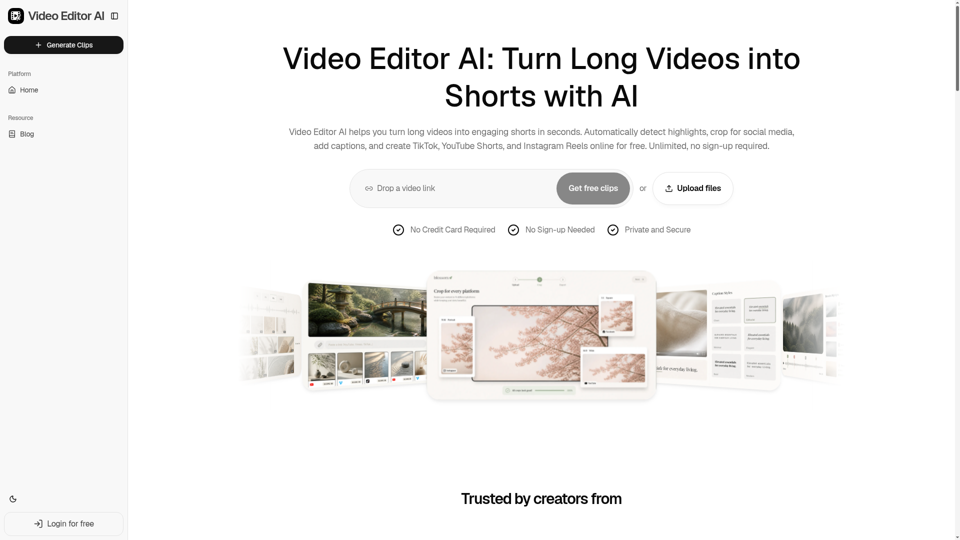
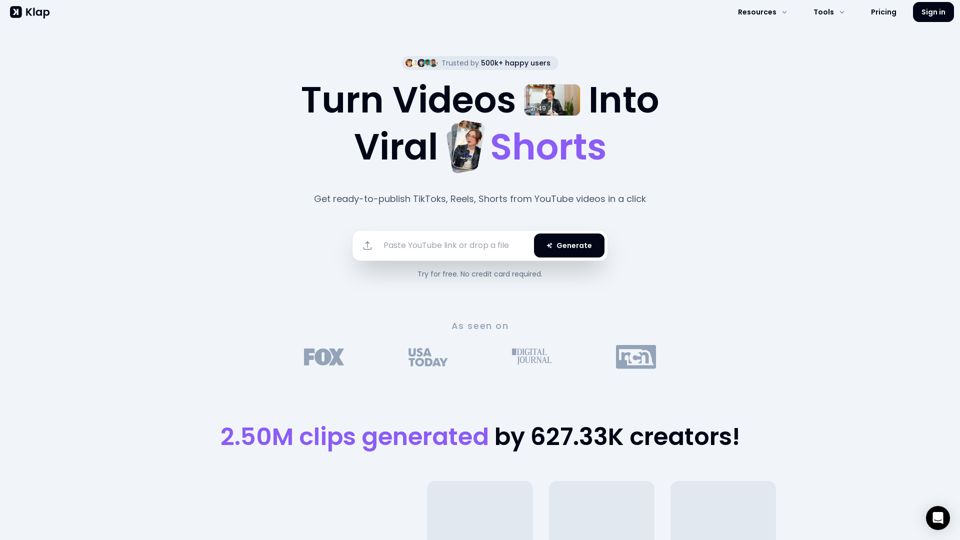
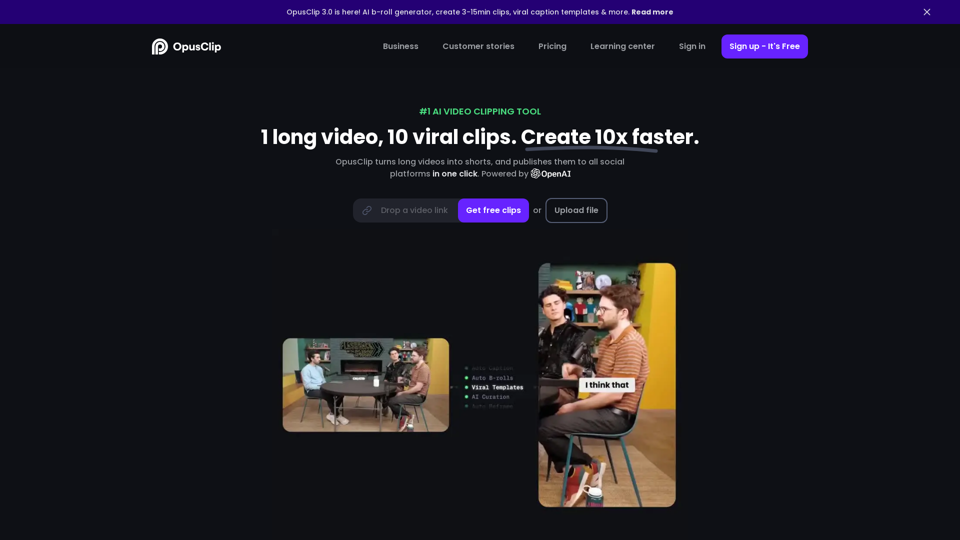
Video Editor AI helps you turn long videos into engaging shorts in seconds. Automatically detect highlights, crop for social media, add captions, and create TikTok, YouTube Shorts, and Instagram Reels online for free. Unlimited, no sign-up required.
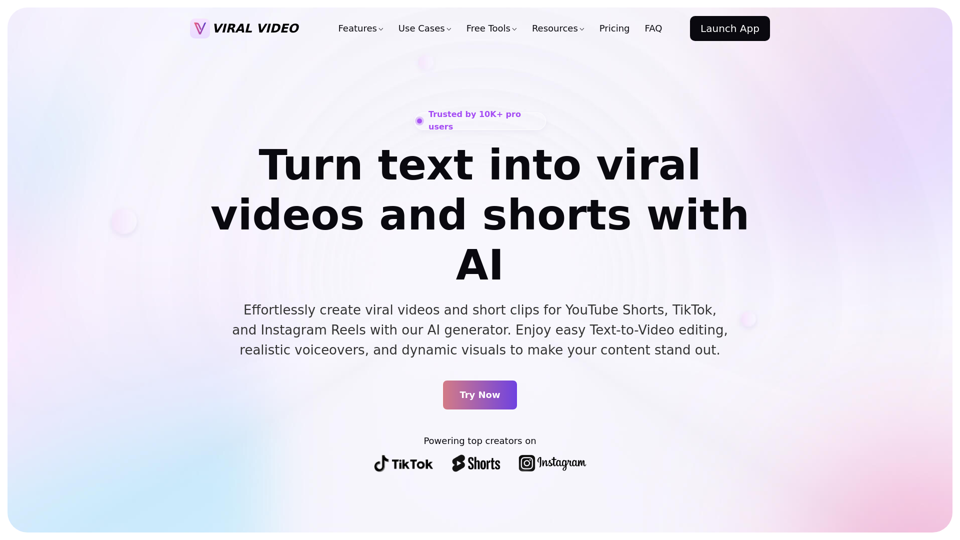
Unleash the power of AI-driven video creation for YouTube Shorts, TikTok, and Instagram Reels, effortlessly generating viral videos and short clips that captivate audiences.
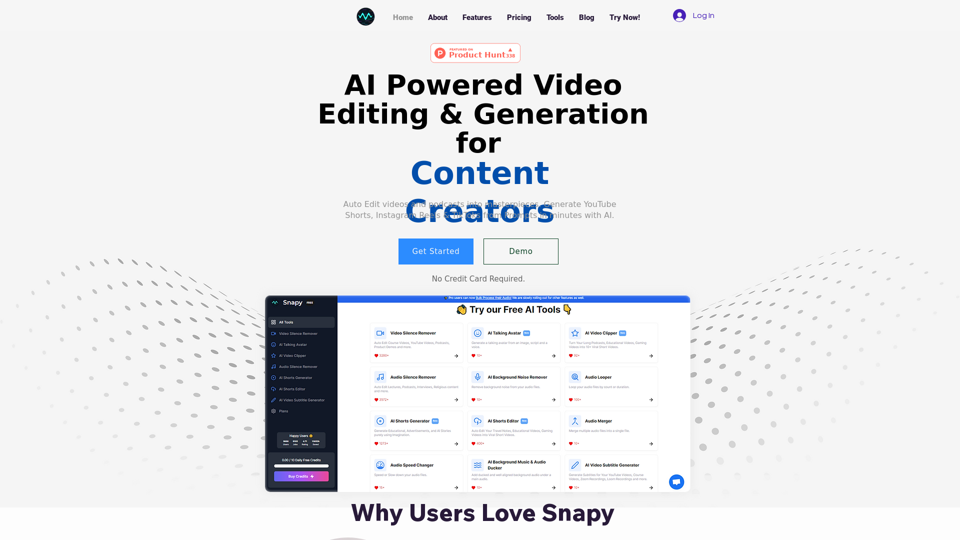
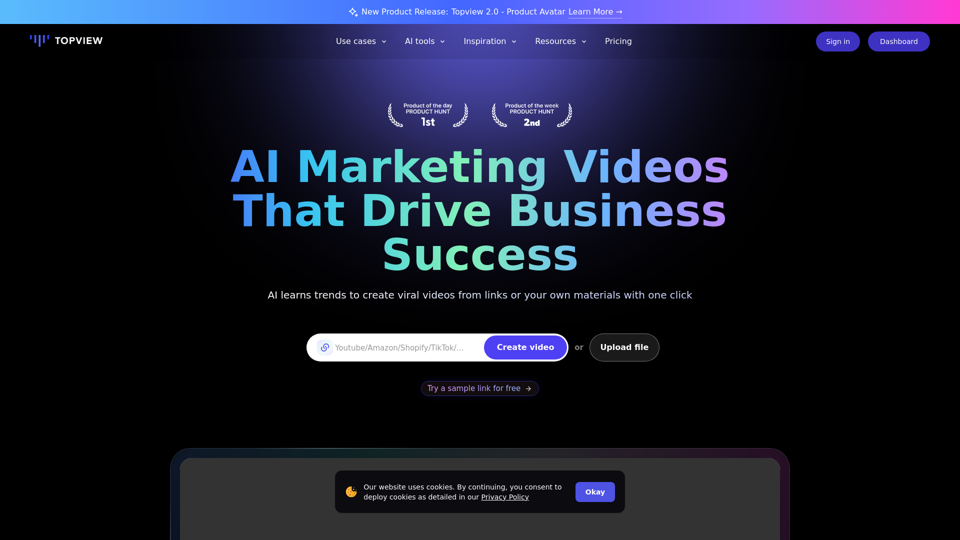
Topview is an AI video editor that turns your links into viral videos in one click. Best AI Video Editor for creating, editing, and enhancing videos.