What is Opus Clip?
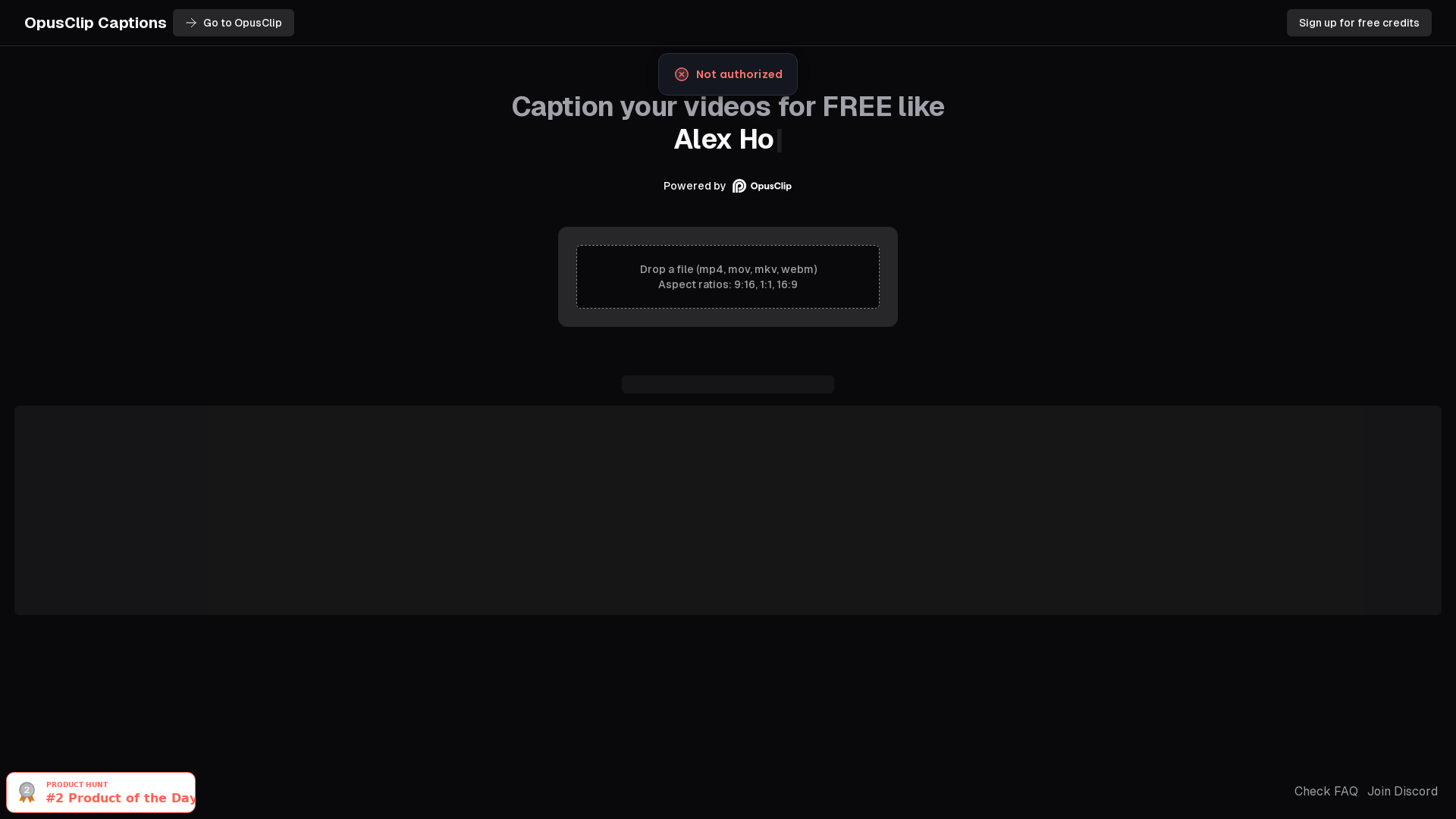
Opus Clip is an innovative AI-powered video repurposing tool designed to transform your long-form videos into engaging short clips effortlessly. It allows users to create captivating, shareable content that resonates with a broader audience by utilizing advanced AI technology to analyze and highlight the most compelling portions of your videos.
What are the main features of Opus Clip?
- AI-Powered Editing
- Automatically identifies key moments in your videos, making it easy to create highlight reels quickly.
- Multiple Aspect Ratios
- Supports aspect ratios such as 9:16, 1:1, and 16:9, ensuring your content is optimized for various platforms.
- Free Captioning
- Caption your videos for free, enhancing accessibility and engagement.
- User-Friendly Interface
- Simple drag-and-drop functionality makes the process seamless, even for those with minimal editing experience.
How to use Opus Clip?
Using Opus Clip is straightforward:
- Sign up for a free account to access credits.
- Upload your video file in supported formats (mp4, mov, mkv, webm).
- Choose your preferred aspect ratio.
- Let the AI analyze and edit your video into eye-catching clips.
- Download and share your newly created content across your social media platforms.
How much does Opus Clip cost?
Opus Clip offers a free plan that allows users to repurpose videos without any initial investment. For more advanced features and additional credits, users can choose from various subscription plans that cater to different needs at competitive prices.
Helpful Tips
- Experiment with Different Formats
- Try different aspect ratios to see what works best for your audience.
- Utilize Captions Effectively
- Always add captions to make your videos more engaging and accessible, especially for viewers watching with the sound off.
- Analyze Performance
- After sharing your clips, monitor engagement metrics to refine your future video projects.
Frequently Asked Questions
Can I upload any video file type?
Yes, Opus Clip supports multiple formats, including mp4, mov, mkv, and webm.
Is there a limit to the number of videos I can repurpose?
While the free plan has limitations, users can choose subscription plans to access more credits and enhance their editing capabilities.
Can I join a community for support and ideas?
Absolutely! Opus Clip offers a Discord channel where users can collaborate, share ideas, and get support from fellow creators.
Will my data be safe with Opus Clip?
Yes, Opus Clip prioritizes user privacy and security. Your information is protected and will not be shared with third parties.
What if I need more advanced video editing features?
If the standard features do not meet your requirements, consider upgrading to one of the paid plans for enhanced capabilities and more credits.
Opus Clip
Use OpusClip Captions to easily apply captions to your short videos in 8+ different viral styles. Try it for free, no login required.
 Cloudflare
 Cookiebot
 Google Sign-in
 HTTP/3
Free AI anime and manga generator. Turn text into anime episodes, manga, comics, webtoons and comic shorts in any art style — no drawing or animation skills needed.
Translate image text across 70+ languages with our advanced AI Image Translator to help you better expand your products globally to various countries
Advertised Here
Reach thousands of visitors daily. Get your spot now!
Tools similar to Opus Clip
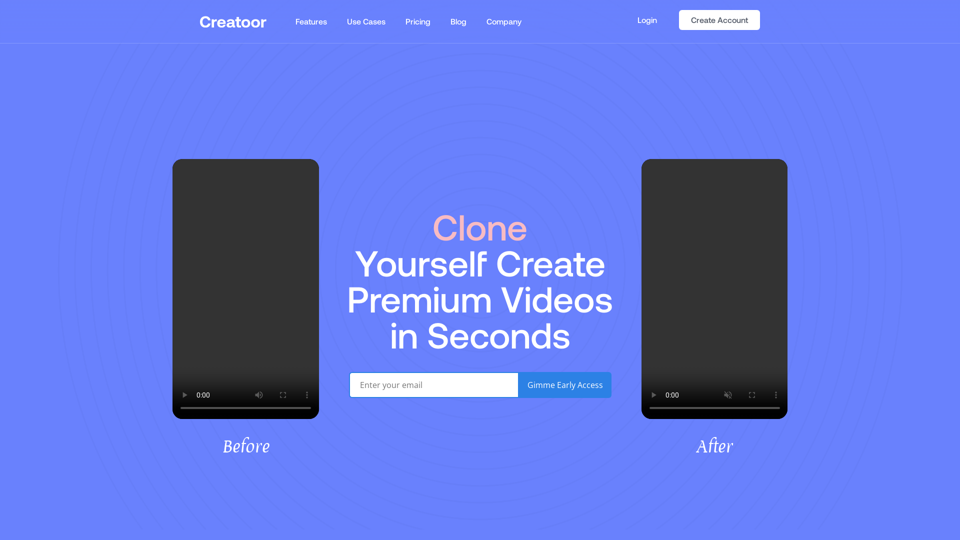
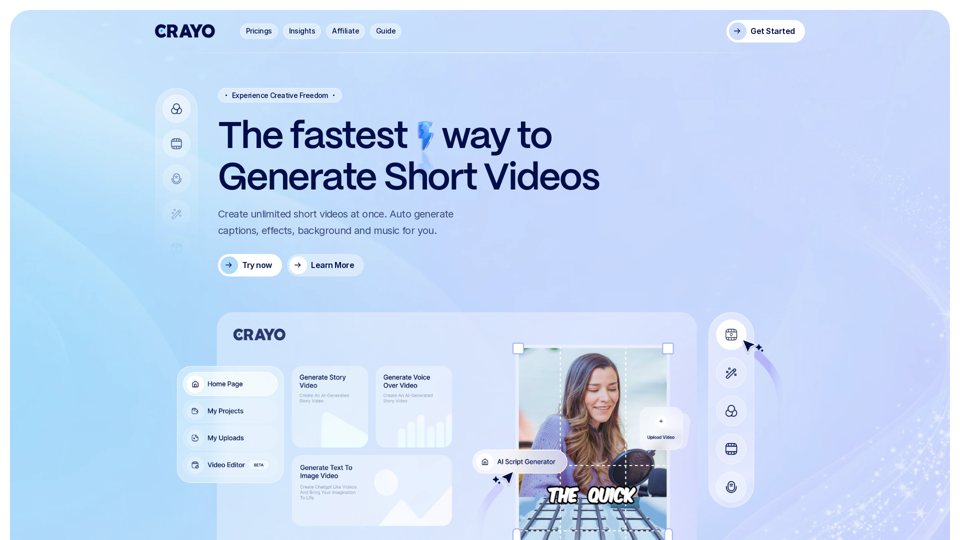
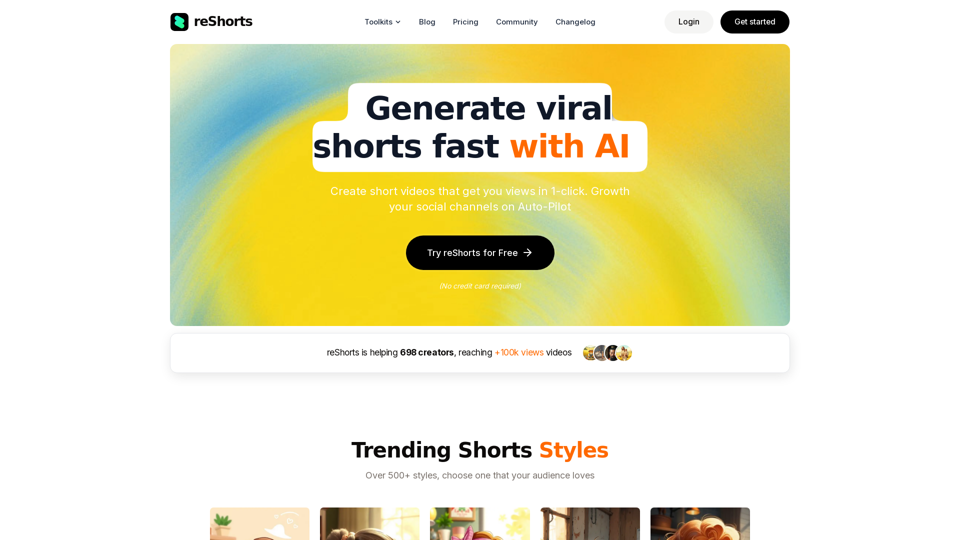
Stop spending hours on short-form content. Our platform automates your channel's growth, delivering consistent results without the constant effort. Create and schedule engaging videos, analyze performance, and watch your audience expand, all on autopilot
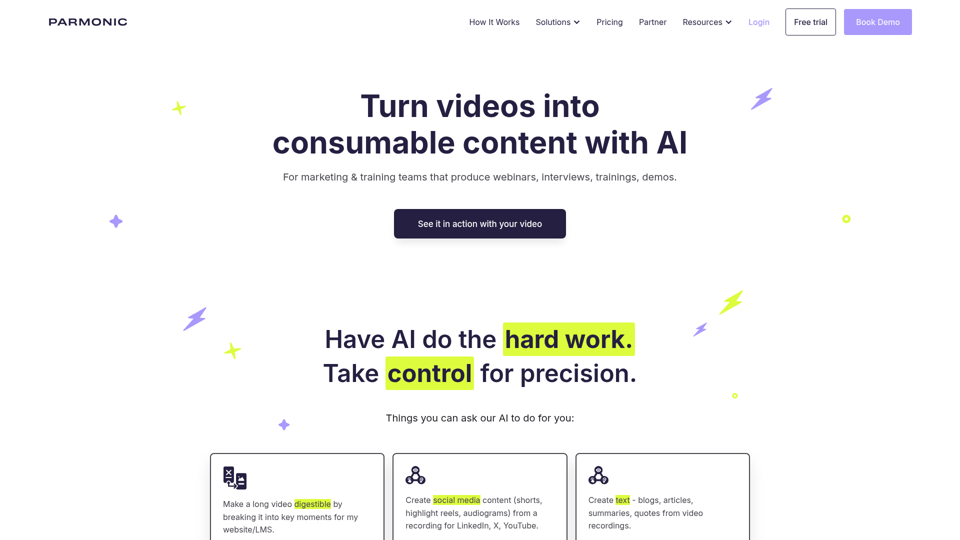
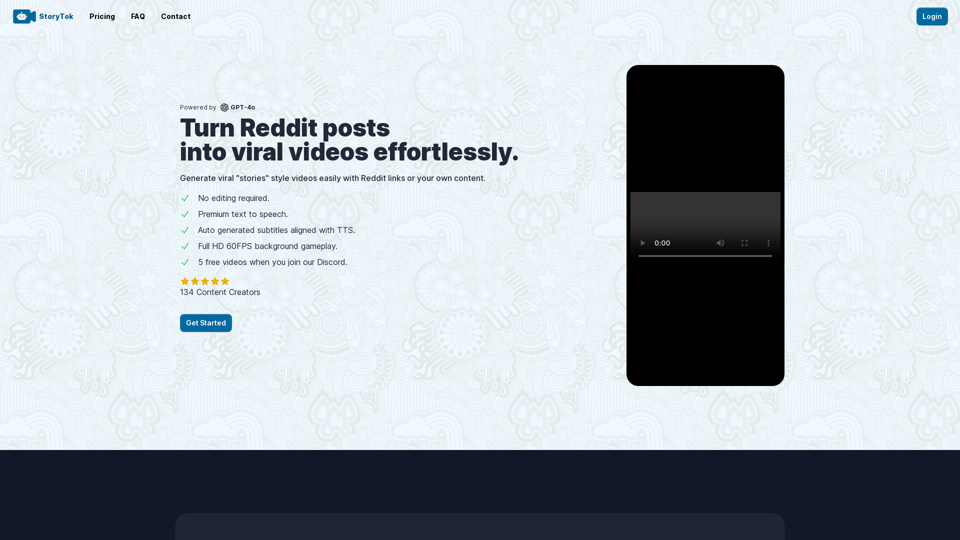
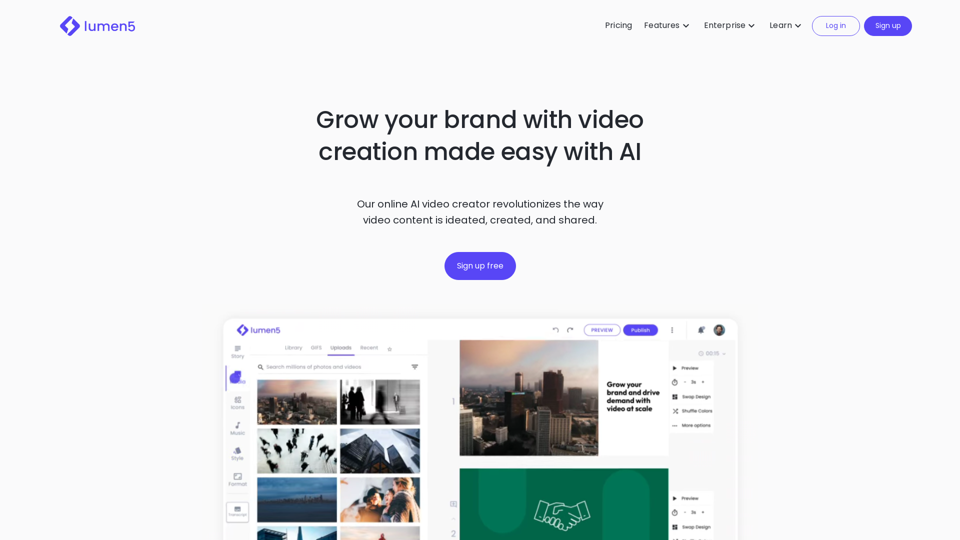
Predis is an AI marketing tool for social media helping businesses make captivating Video and Image content and get AI-powered content analysis.