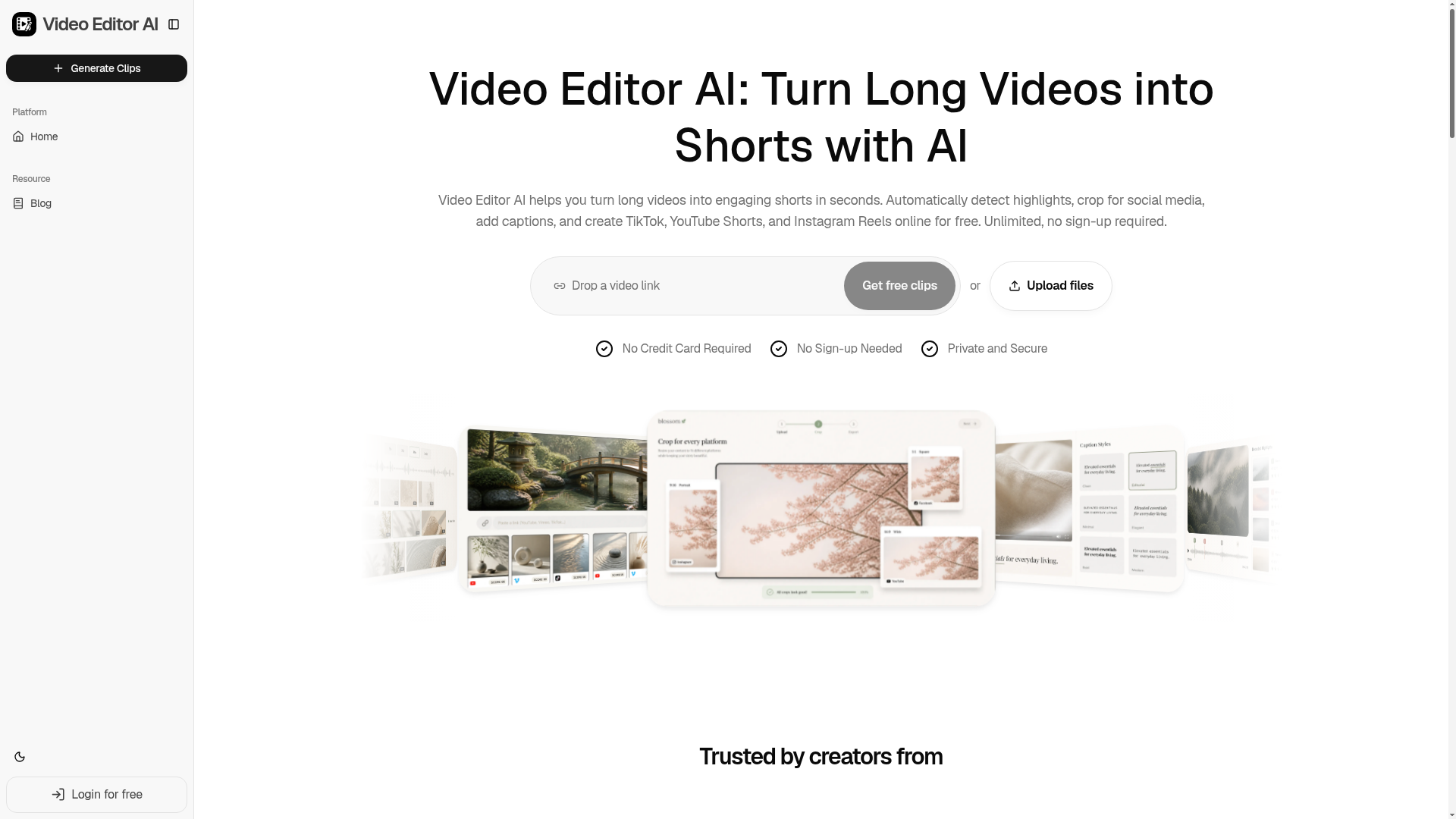
What is Video Editor AI?
Video Editor AI is a cutting-edge, AI-powered online platform designed to transform long-form videos into engaging, shareable short-form clips in seconds. It automates the entire editing process—from detecting highlights and generating captions to cropping videos for specific social media platforms like TikTok, YouTube Shorts, and Instagram Reels—allowing creators to produce professional content without any manual editing skills or software downloads.
What are the main features of Video Editor AI?
- AI Highlight Detection
- The platform intelligently scans your entire video to identify the most engaging, valuable, or emotional moments, ensuring you never miss a viral-worthy clip.
- Viral Score Ranking
- Clips are automatically analyzed and ranked based on predicted watch-time, shareability, and hook strength, helping you prioritize the best content for publishing.
- Smart Captions & Subtitles
- Generate accurate, animated captions with just one click. The AI syncs text perfectly with speech, enhancing accessibility and viewer retention.
- Auto Reframe & Resize
- Instantly crop and reframe any video to optimal aspect ratios (9:16 for Shorts/Reels, 1:1, 16:9) while smartly keeping faces and important subjects centered.
- Silence & Filler Word Removal
- Automatically detect and cut out dead air, pauses, “ums,” and other filler words to create tighter, more dynamic clips.
- AI B-Roll Suggestion
- The tool can suggest or insert relevant visuals, overlays, and cutaway footage to boost production value and keep audiences engaged.
How to use Video Editor AI?
Using Video Editor AI is a simple, four-step process that requires no sign-up or credit card to start:
- Upload: Upload your long video file directly or paste a link from sources like YouTube, podcasts, webinars, or interviews.
- AI Analysis: The platform's AI automatically analyzes the video for hooks, highlights, emotional cues, and key moments.
- AI Editing: Select from the AI-generated clips. The tool then automatically adds captions, reframes the video, and prepares it for your chosen platform.
- Publish: Download the finished short-form clips or share them directly to TikTok, YouTube Shorts, or Instagram Reels.
What is the price of Video Editor AI?
Video Editor AI offers a robust free tier that provides unlimited clip generation with no sign-up required, making it accessible to everyone. For professional creators, teams, or agencies needing higher-volume processing, advanced customization, or premium features, affordable subscription plans are available. These paid plans offer extended capabilities beyond the generous free usage limits.
Helpful Tips for Using Video Editor AI
- Start with High-Quality Audio
- Since the AI relies on speech analysis for captions and highlight detection, clear audio from your source video will yield the best results.
- Leverage the Viral Score
- Use the AI's Viral Score ranking to quickly identify which generated clips have the highest potential for engagement, saving you time in the selection process.
- Experiment with Formats
- Don't just stick to one aspect ratio. Use the Auto Reframe feature to quickly create multiple versions (9:16, 1:1) of the same highlight for different platforms from a single upload.
- Review AI Suggestions
- While the AI is powerful, always give the generated clips and captions a quick review to ensure they match your brand voice and intent before publishing.
- Use for Content Batching
- Maximize efficiency by uploading a long webinar or podcast. The AI can help you extract dozens of short clips, providing content for an entire week or month from a single recording.
Frequently Asked Questions about Video Editor AI
What is Video Editor AI?
Video Editor AI is an online tool that uses artificial intelligence to automatically edit long videos into short, platform-optimized clips for social media.
What types of videos can I turn into Shorts?
You can use virtually any long-form video content, including podcasts, YouTube videos, webinars, interviews, tutorials, live streams (VODs), and conference recordings.
How does the AI find the best moments in my videos?
The AI analyzes multiple factors: speech patterns for emphasis and questions, audience reaction cues (like laughter or applause), visual changes, and contextual keywords to identify engaging hooks and highlights.
Can Video Editor AI automatically add captions and subtitles?
Yes. Its Smart Captions feature automatically transcribes speech and generates stylized, animated subtitles that are synced to the audio, all in one click.
Can I use Video Editor AI for TikTok, YouTube Shorts, and Instagram Reels?
Absolutely. The platform is specifically built for these formats. It automatically reframes videos to the correct dimensions (like 9:16) and optimizes them for each platform's requirements.
Who is Video Editor AI designed for?
It's built for a wide range of content creators: Podcasters, YouTubers, educators, coaches, marketers, social media managers, streamers, and agencies—anyone who needs to repurpose long videos into short-form content efficiently.
Video Editor AI
Video Editor AI helps you turn long videos into engaging shorts in seconds. Automatically detect highlights, crop for social media, add captions, and create TikTok, YouTube Shorts, and Instagram Reels online for free. Unlimited, no sign-up required.
 Cloudflare
 Google Analytics
 HTTP/3
Free AI anime and manga generator. Turn text into anime episodes, manga, comics, webtoons and comic shorts in any art style — no drawing or animation skills needed.
Translate image text across 70+ languages with our advanced AI Image Translator to help you better expand your products globally to various countries
Advertised Here
Reach thousands of visitors daily. Get your spot now!
Tools similar to Video Editor AI
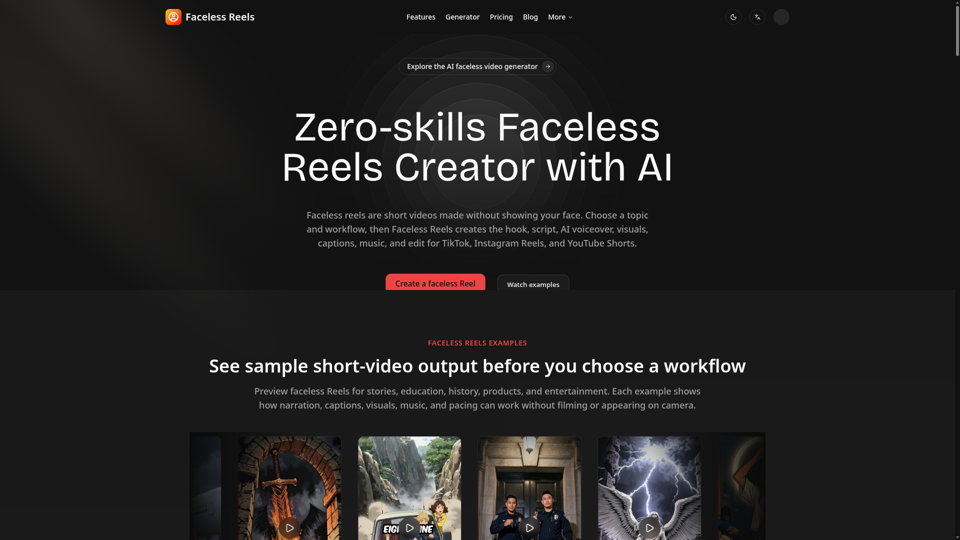
Faceless Reels is an AI faceless Reels maker that automatically creates scripts, voiceovers, visuals, captions, music, and videos for TikTok, Instagram, and YouTube Shorts.
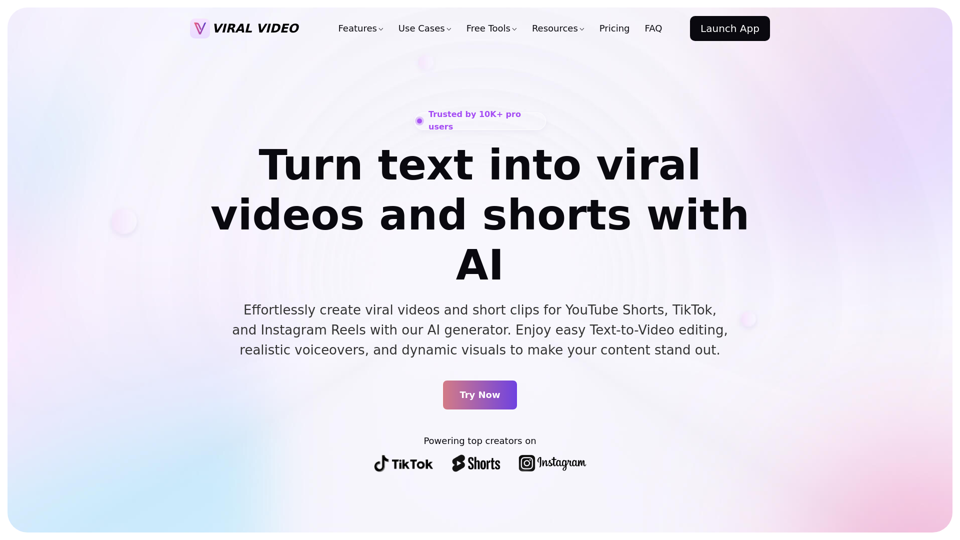
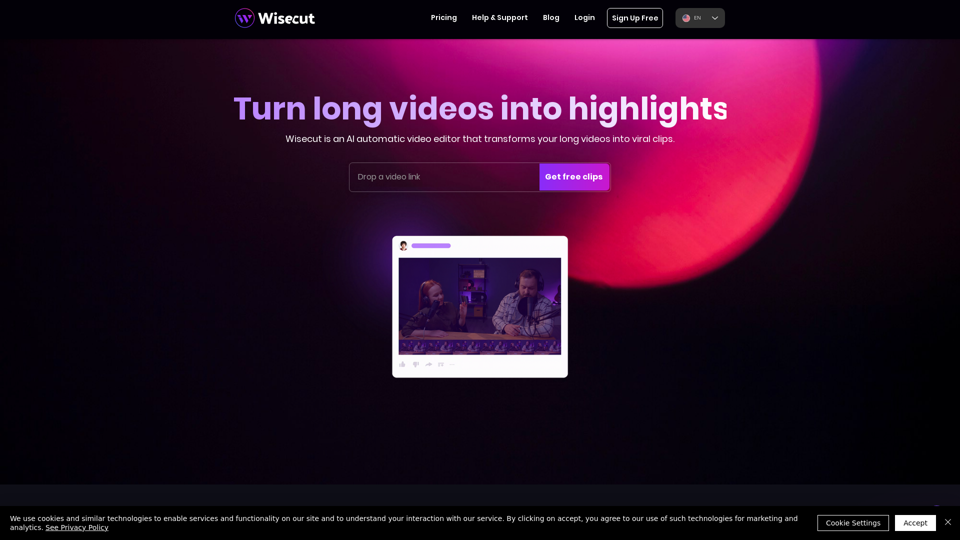
Unleash the power of AI-driven video creation for YouTube Shorts, TikTok, and Instagram Reels, effortlessly generating viral videos and short clips that captivate audiences.
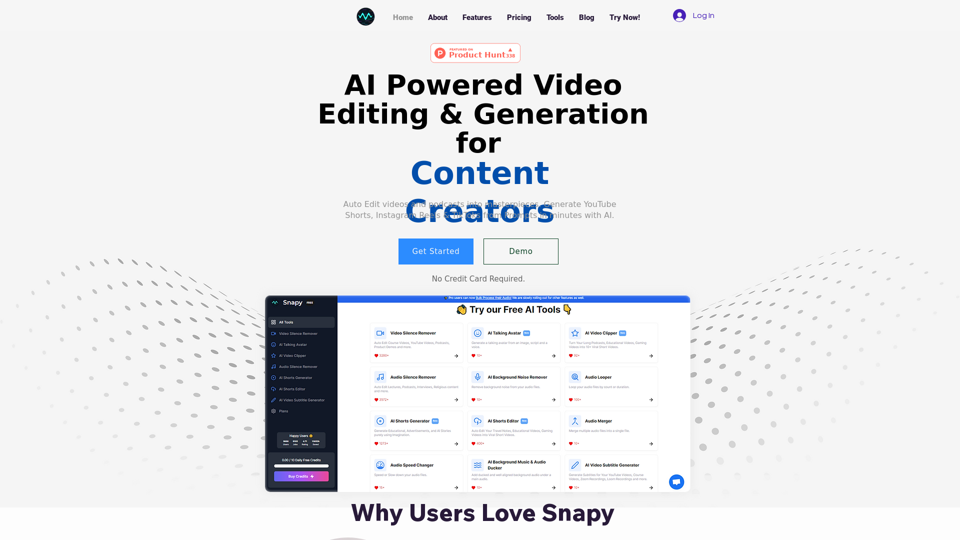
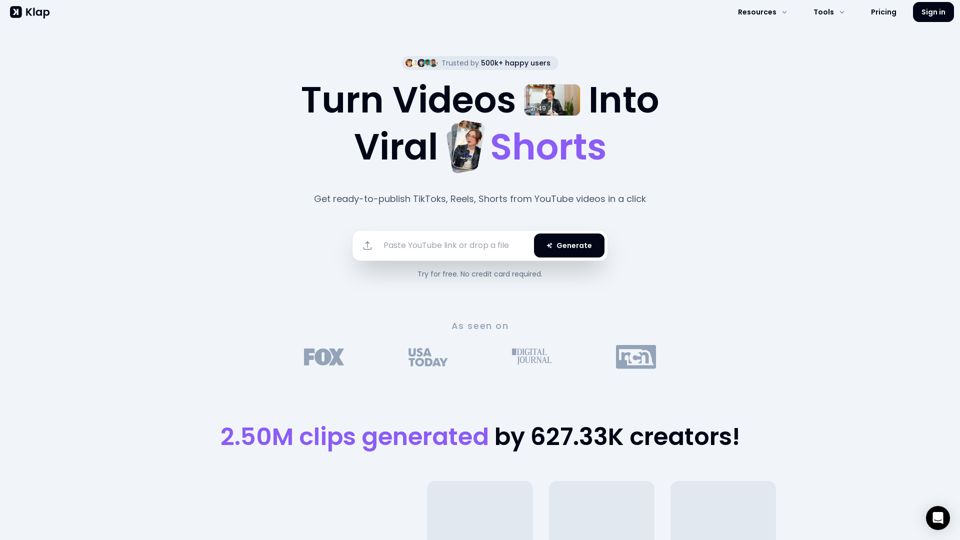
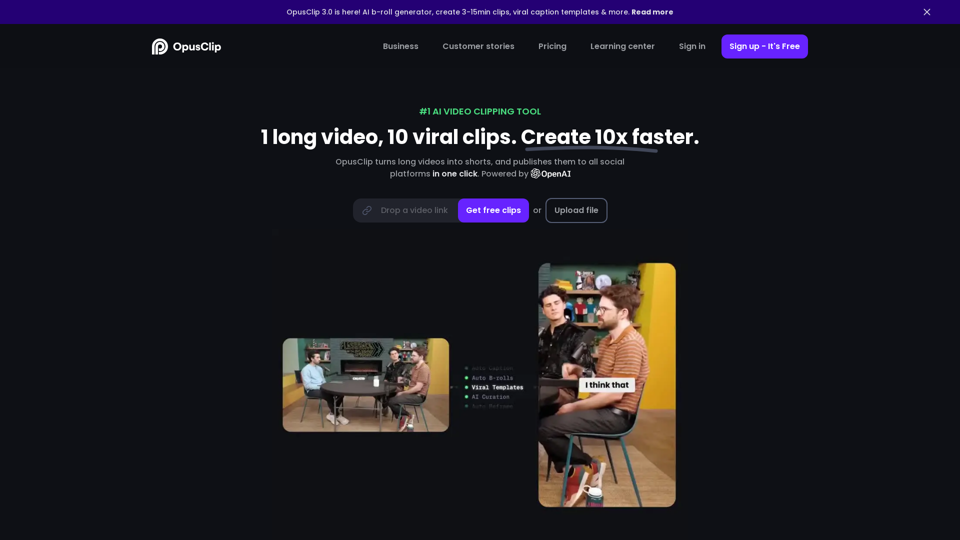
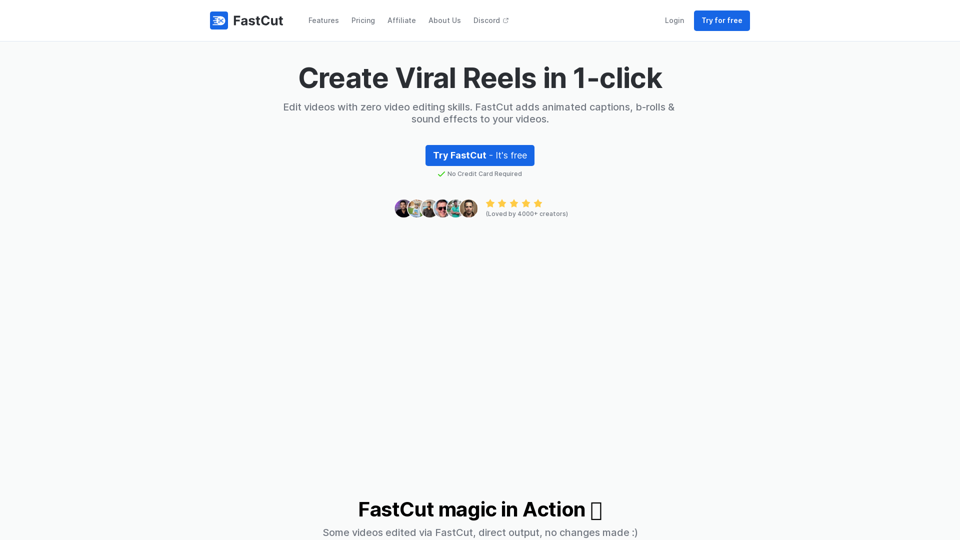
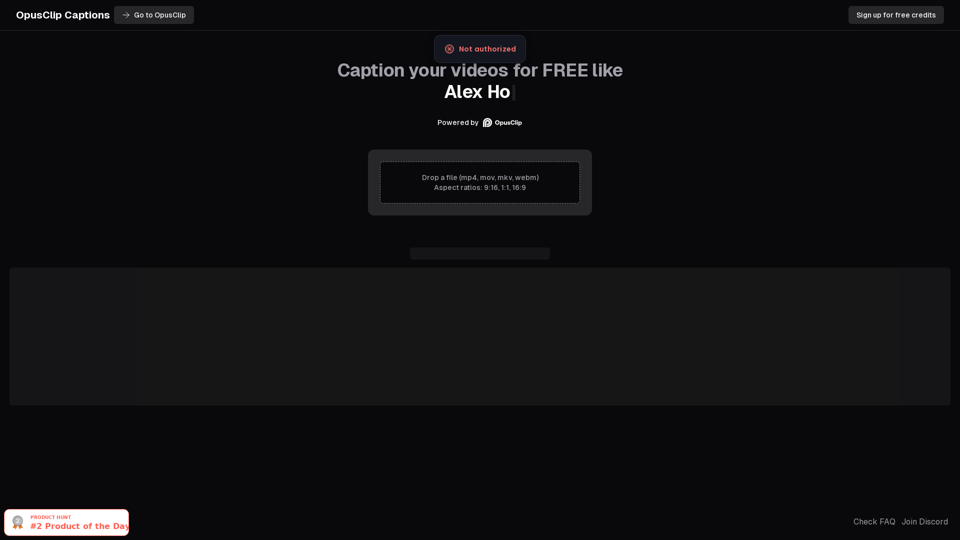
FastCut helps create engaging short-form videos with features like auto-brolls, animated captions, transitions, emoji animations, and more in the style of top content creators like Ali Abdaal, Alex Hormozi, MrBeast, etc. in just one click.