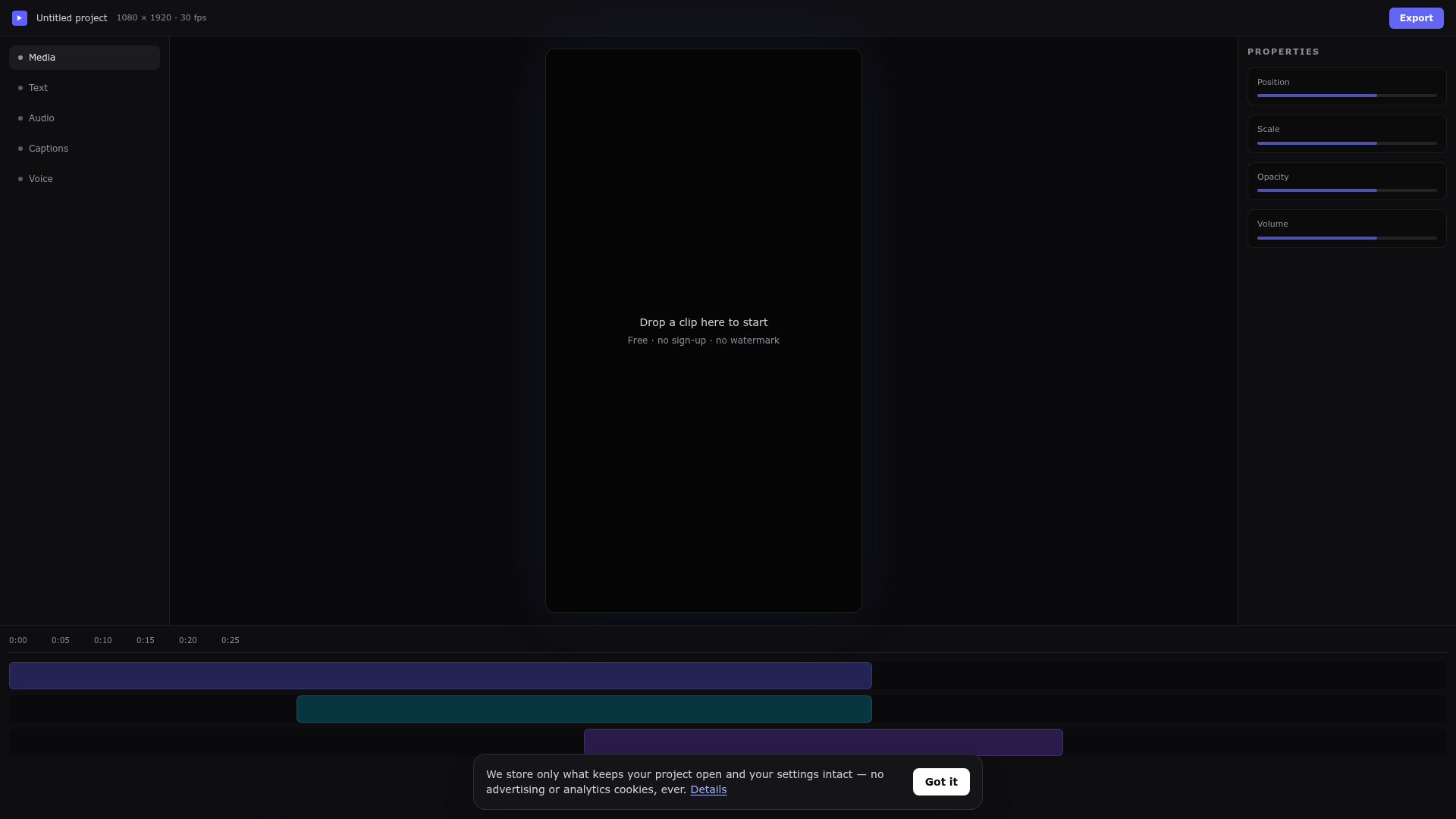
What is Free Online Video Editor?
Free Online Video Editor is a browser-based multi-track video editor that runs without a download, an account or a watermark. It covers cutting, automatic captions, AI voiceover, one-click background removal and MP4 export in a single tab, aimed at people who need to post a finished video this week. Rendering happens on the user's own machine, so footage is not queued on a render farm.
Key features
- Multi-track timeline
- Split at the playhead, drag clips between layers and trim to the frame, stacking video, text, music and voice as high as the story needs.
- Automatic captions
- Turns speech into word-by-word captions that can be restyled all at once without retyping a single line.
- AI voiceover
- Write the line, choose a voice and drop the narration onto the timeline, with 54 voices across 9 languages.
- One-click background removal
- Lifts a person or product off whatever was behind them, with no green screen, masking or plugin.
- Keyframes and transitions
- Animate position, scale, opacity and volume, add transitions between clips, and see a preview that matches the export.
- Shaped exports
- Outputs MP4 in vertical, square or widescreen formats for Reels, TikTok, Shorts, the Instagram grid and YouTube.
- Browser-only operation
- Nothing to install, no account required, no watermark on any export and no advertising or analytics trackers.
How to use Free Online Video Editor
- Open the editor at the top of the page — nothing to install and no sign-up.
- Drag a clip onto the editor, or start an empty project in the shape you are posting to.
- Trim the dead air, layer your B-roll, caption the talking, and add music or an AI voiceover.
- Pick a quality and hit export.
- Download the watermark-free MP4 and upload it to YouTube, TikTok, Instagram or LinkedIn as-is.
Use cases
- Shorts, Reels and TikTok creators who need a hook, captions, quick cuts and a vertical export.
- YouTube and long-form editors working with multi-track sound, B-roll layers and clean titles.
- Product and demo clips where the subject is cut out and placed on a different background.
- Courses and explainers that are scripted, read by an AI voice and captioned throughout.
- Quick single-task jobs such as pulling the MP3 out of a video, compressing a file or generating subtitles with the site's separate tools.
Pricing
The website does not list any paid plans or prices. It states that cutting, captions, AI voices and MP4 export are free to use, with no watermark, no per-export cap and no daily quota; check the official site for current details.
FAQ
Is Free Online Video Editor really free to use?
Yes. Cutting, captions, AI voices and MP4 export are free, with no card, no trial countdown and no watermark on the file you download.
Do I need to sign up to use Free Online Video Editor?
No. The editor opens as soon as you click it and a private session starts when you begin editing. Signing in with Google is optional and only means your projects are waiting for you next time.
Does Free Online Video Editor add a watermark to exported videos?
Never. The MP4 you download is exactly what you built on the timeline, at the quality you picked, with no logo, badge or overlay added anywhere in the frame.
Which video formats does Free Online Video Editor support?
It accepts MP4, MOV, WebM, MKV and AVI video, MP3, WAV and M4A audio, and PNG, JPG and WebP images. Everything exports as an MP4.
Can Free Online Video Editor run on a phone or tablet?
The quick tools work fine on a phone, but the timeline editor expects a mouse or trackpad and a reasonably wide screen, so a laptop or desktop is the better place for real cutting work.
What happens to the files I upload to Free Online Video Editor?
They stay private to your session or account. Quick-tool uploads are deleted as soon as the job finishes, the download expires after 24 hours, and nothing is handed to advertising or analytics companies.
Free Online Video Editor
Edit videos online free in your browser. A real multi-track online video editor with auto captions, AI voiceover and background removal — no download, no sign up, no watermark.
 HTTP/3
 Nginx
Free AI anime and manga generator. Turn text into anime episodes, manga, comics, webtoons and comic shorts in any art style — no drawing or animation skills needed.
Translate image text across 70+ languages with our advanced AI Image Translator to help you better expand your products globally to various countries
Advertised Here
Reach thousands of visitors daily. Get your spot now!
Tools similar to Free Online Video Editor
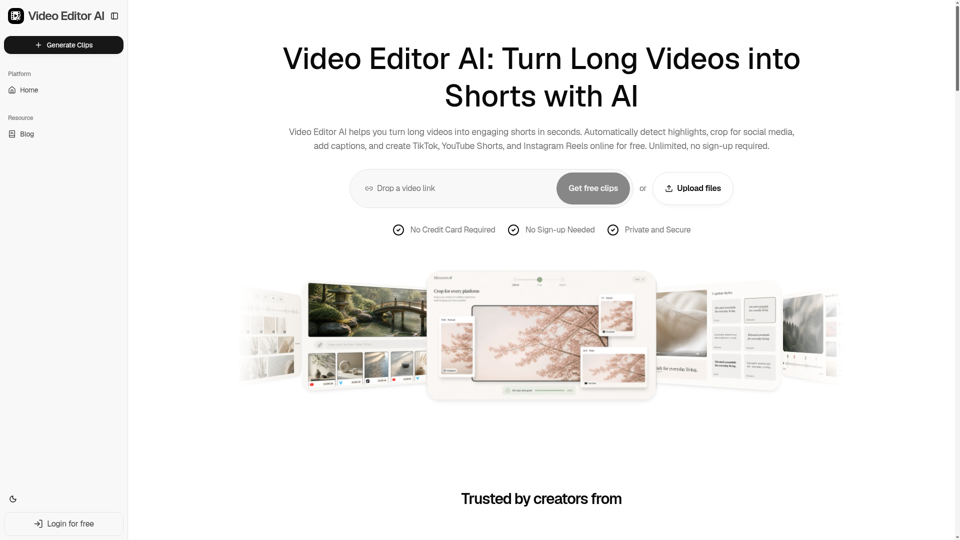
Video Editor AI helps you turn long videos into engaging shorts in seconds. Automatically detect highlights, crop for social media, add captions, and create TikTok, YouTube Shorts, and Instagram Reels online for free. Unlimited, no sign-up required.
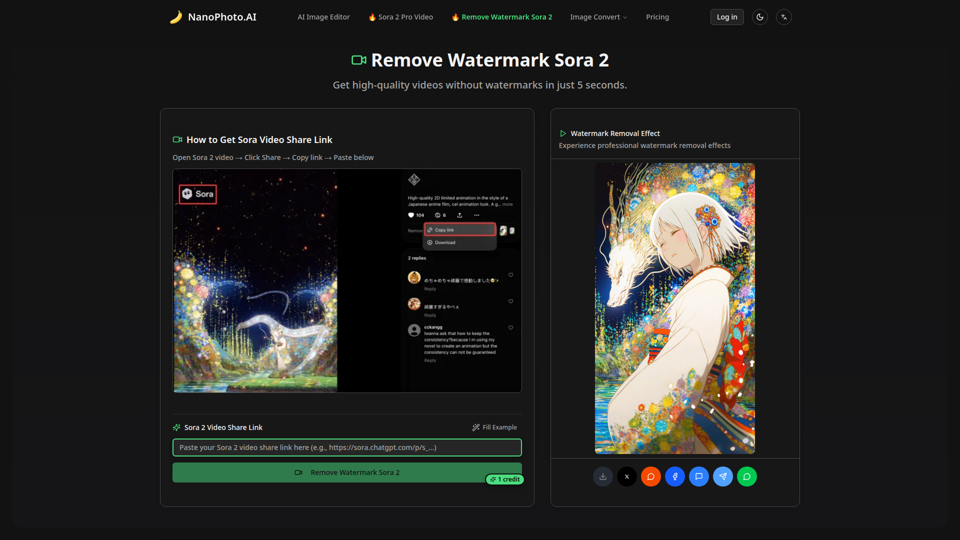
Remove watermarks from Sora 2 videos in just 5 seconds. High-quality, fast, and affordable - only 1 credit per removal.
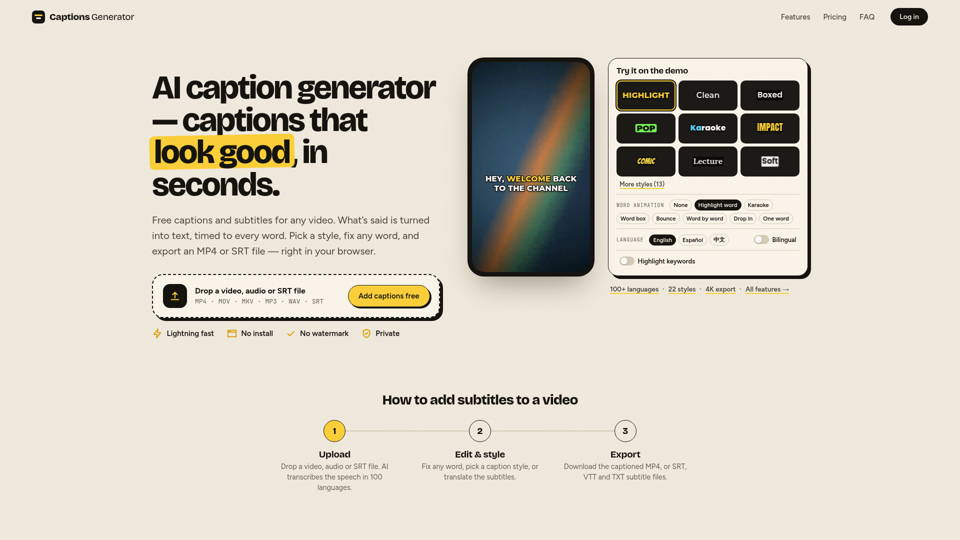
Free AI caption generator with no watermark: add subtitles to any video in seconds. Auto captions in 100 languages, free translation and SRT/VTT downloads.
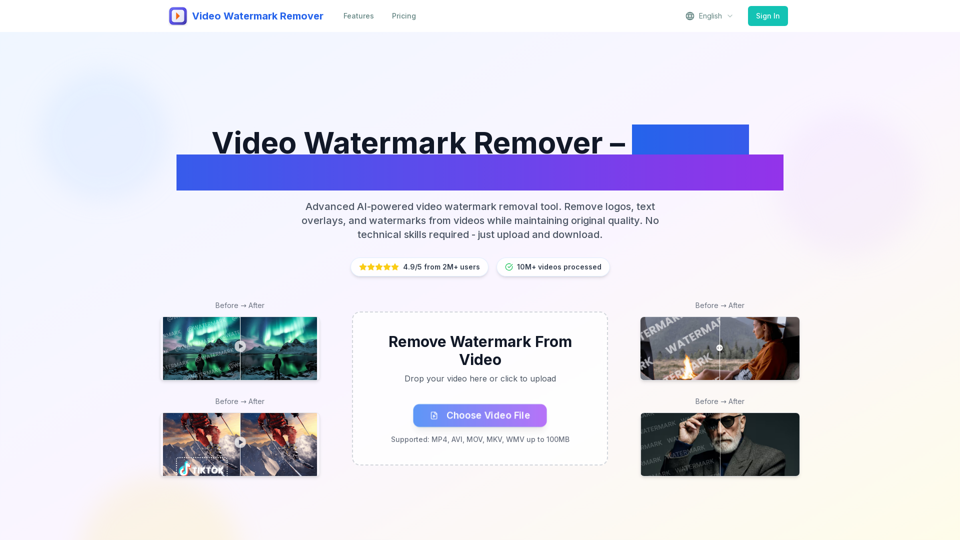
video watermark remover tool removes watermark from video online for free. Upload any video format and get watermark-free video in 2 minutes with AI-powered technology. Support MP4, AVI, MOV formats.
Edit and subtitle videos using AI for free. Our online video processing SaaS tool makes video editing easy and efficient. Join over 10,000 happy users.
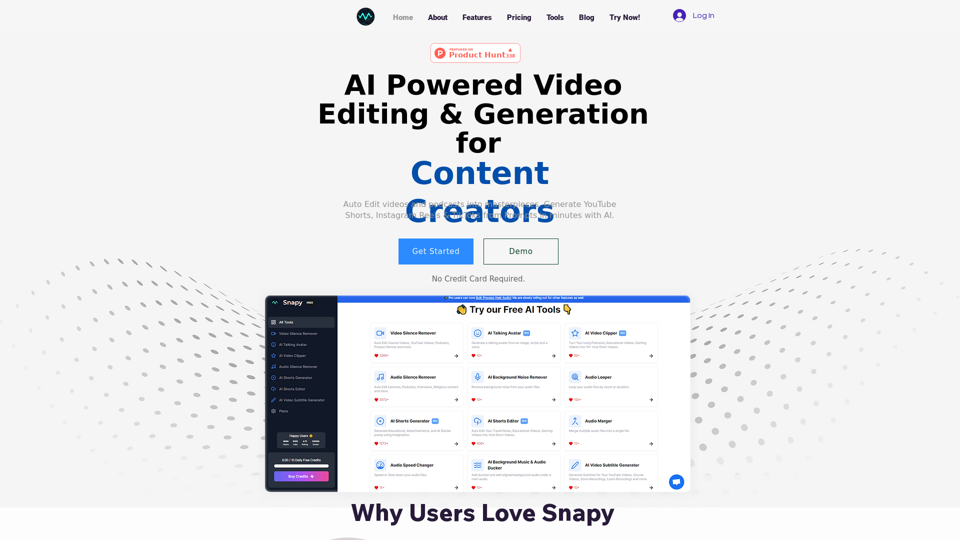
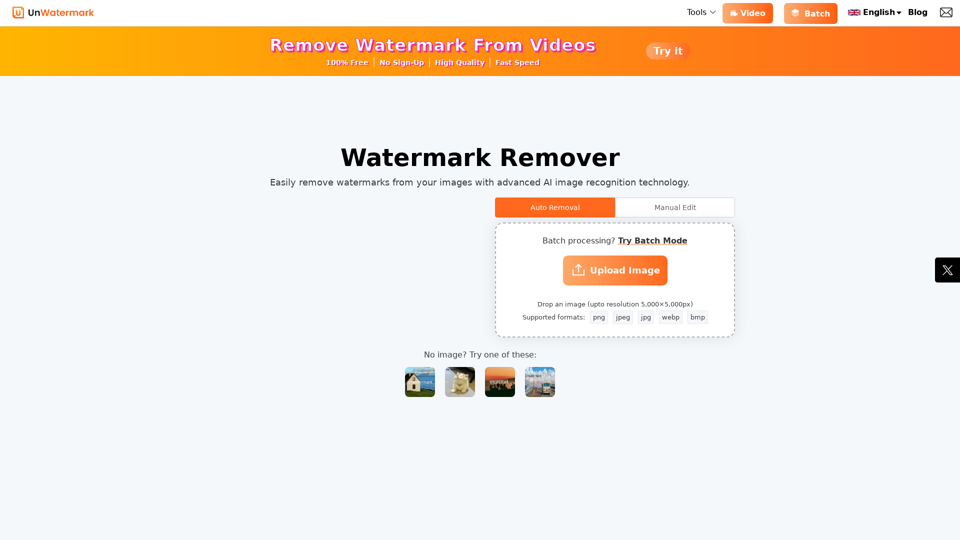
Remove watermarks from photos and videos instantly with Unwatermark.AI. Our free AI-powered tool ensures your images and videos are watermark-free online.
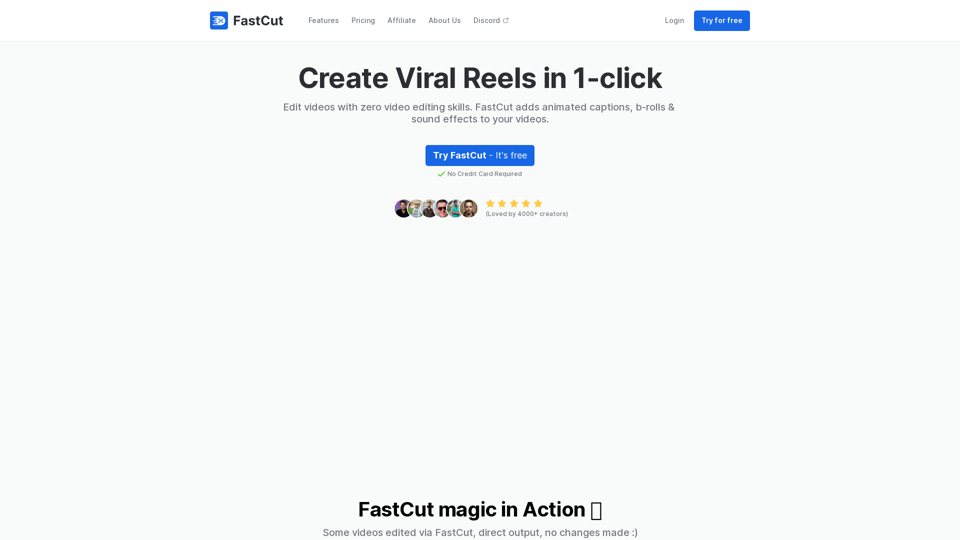
FastCut helps create engaging short-form videos with features like auto-brolls, animated captions, transitions, emoji animations, and more in the style of top content creators like Ali Abdaal, Alex Hormozi, MrBeast, etc. in just one click.