AI Image Editor
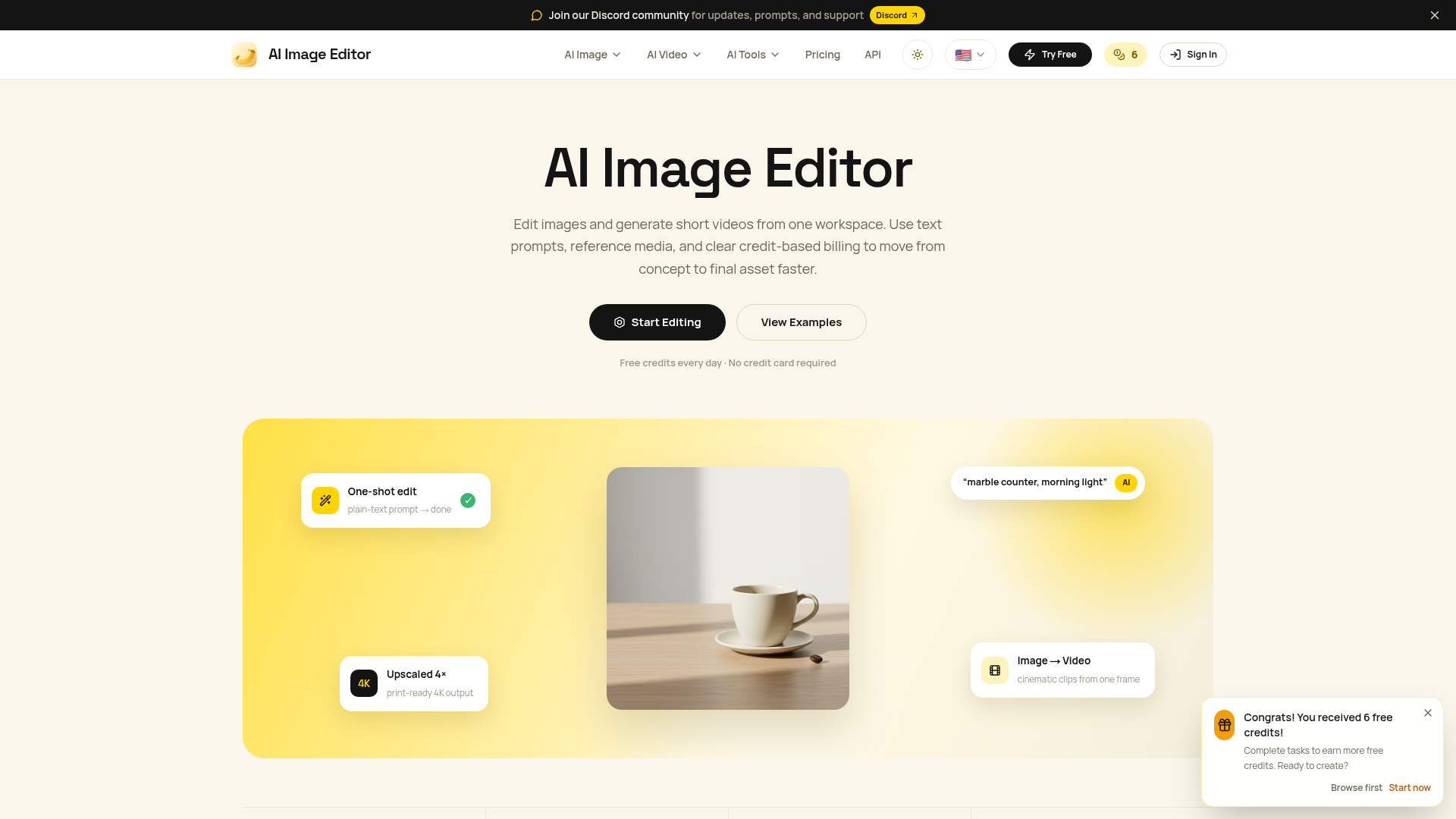
Edit photos with natural language using our free AI image editor. Transform, retouch, and enhance any photo with simple text prompts—fast and easy.
What is AI Image Editor?
AI Image Editor, operated by LOGICTECH PTE. LTD., is an advanced AI creation workspace designed to streamline digital media production. It integrates editing, generation, and short video creation into a single, intuitive platform. Users can transform concepts into polished assets using text prompts and reference media, supported by a transparent, credit-based billing system. This tool is ideal for rapid prototyping, content creation, and professional-grade media output, making it a powerful alternative to traditional design software.
Feature
AI Image Editor is engineered for creators and teams prioritizing speed, consistency, and control. Its standout features include:
- Multi-Model Integration
- Access over 6 AI image models and 10 AI video models, enabling diverse creative outputs from a single interface.
- Advanced Character Consistency
- Maintain up to 5 character identities across multiple edits, blending up to 14 reference images without losing detail—a breakthrough for series and branded content.
- Natural Language Editing
- Edit through conversational prompts. Instruct changes to lighting, style, or scene composition as simply as describing them.
- Precision Control Tools
- Exercise studio-grade control over elements like lighting, weather, facial expressions, and attire, with fine-tuning akin to Photoshop layers.
- High-Quality Text Rendering
- Generate crisp, accurate text within images—perfect for marketing materials, posters, and infographics.
- Multi-Image Fusion
- Seamlessly blend multiple reference images, product shots, or character sheets into a unified final output.
- Professional Output Resolution
- Support for up to 4K ultra-high-definition outputs, suitable for print, commercial displays, and large-scale projects.
- Global Accessibility
- Available in 13 interface languages, catering to a worldwide user base.
How to use AI Image Editor?
To start using AI Image Editor, follow these steps:
- Create an Account: Sign up to receive daily free credits—no credit card is required initially.
- Choose Your Task: Select between image editing, generation, or video creation from the workspace.
- Upload Reference Media: If applicable, upload any images or videos you want the AI to reference or edit.
- Craft Your Prompt: Enter a descriptive text prompt. For best results, structure prompts with clear details about the subject, scene, style, and composition.
- Review and Generate: The platform will display the selected AI model, estimated credit cost, and task status before processing. Once satisfied, proceed to generate.
- Edit and Export: Use the editing tools to refine the output, then export in your desired format and resolution.
Daily free credits allow for regular exploration. For extensive use, subscriptions provide additional credits and access to premium models.
Price
AI Image Editor employs a straightforward, credit-based pricing system. Credits are used across both image and video generation tasks. Plans include:
- Basic
- Priced at $15 per month, this plan includes 200 monthly credits (approximately 100 AI images). It offers access to all core models and editing tools, ideal for individuals and light users.
- Pro
- At $39 per month, the Pro plan is the most popular, providing 800 monthly credits (around 400 AI images). It unlocks subscriber-only AI models and is tailored for professional creators and teams.
- Max
- Designed for large enterprises and studios, the Max plan costs $160 per month, delivering 3600 credits (approximately 1800 AI images) with the highest usage limits for heavy-demand projects.
All users begin with free daily credits. Subscription upgrades are seamless and billed monthly, with detailed comparisons available on the pricing page.
Helpful tips
Maximize your experience with AI Image Editor using these strategies:
- Optimize Prompts
- Structure prompts clearly: define the ### Subject (e.g., "a futuristic cityscape"), ### Scene (e.g., "during a neon-lit rainstorm"), ### Style (e.g., "cyberpunk cinematic"), and ### Composition/Lighting (e.g., "wide-angle shot with dramatic shadows"). For edits, use direct commands like "make the background sunset orange."
- Leverage Character Consistency
- When creating character-based content, use the character consistency feature to maintain identity across multiple images—essential for comics, storyboards, or brand campaigns.
- Utilize Reference Images
- Upload high-quality reference images to guide the AI, especially for specific styles, products, or complex scenes, ensuring more accurate and desired outcomes.
- Start with Free Credits
- Use the daily free credits to experiment with different models and prompt techniques before committing to a subscription.
- Break Down Complex Edits
- For intricate changes, perform edits in multiple simple steps rather than one complex prompt to maintain image quality and detail.
- Explore Video Creation
- Try the image-to-video feature to transform single frames into cinematic clips, expanding your content possibilities.
Frequently Asked Questions
What is the relationship between AI Image Editor and the underlying AI models?
AI Image Editor serves as an independent platform that integrates various state-of-the-art AI models (like those for image and video generation). It provides a unified interface and toolset, while the underlying models power the core generation and editing capabilities.
How is AI Image Editor different from other AI drawing tools?
Unlike many standalone tools, AI Image Editor combines image editing, generation, and video creation in one workspace with advanced features like multi-image fusion, character consistency, and professional-grade output controls. Its credit system and model variety offer more flexibility and power for team and commercial use.
Does AI Image Editor require payment?
No, you can start for free with daily credits. Payment is only required if you need more credits via a subscription plan, which unlocks higher limits and premium features.
What image formats does AI Image Editor support?
The platform supports common formats like JPG, PNG, and WebP for uploads and exports, ensuring compatibility with most design and publishing workflows.
Can I use AI Image Editor on my phone?
Yes, AI Image Editor is accessible via mobile browsers, offering a responsive interface for on-the-go editing and generation, though for complex tasks, a desktop experience may be preferable.
How can I keep AI-drawn characters consistent across different images?
Use the character consistency feature: upload a reference image of your character, and the AI will preserve key identity traits (like facial features and style) across subsequent generations.
What resolution are generated images?
Images can be generated and upscaled up to 4K resolution, providing print-ready quality suitable for high-definition displays and commercial projects.
Can I use AI Image Editor generated images for commercial purposes?
Yes, commercial use is generally permitted, provided you comply with the platform's Terms of Service and Acceptable Use Policy, and ensure you have necessary rights for any input materials used.
Does AI Image Editor provide an API?
Currently, the platform focuses on its web interface; for API availability, check the official website or contact support for the latest updates on developer tools.
Why are my generated images blurry or low quality?
This can result from low-resolution source images, overly complex single-step prompts, or non-optimal export settings. To fix, use high-quality references, break edits into simpler steps, and select the highest quality export option.
Why didn't the AI follow my prompt exactly?
AI interpretation can vary. Improve accuracy by refining prompts with more specific, unambiguous language and using reference images to guide the model more precisely.
Why is image generation slow?
Generation speed depends on server load, task complexity, and selected model. During peak times or for high-resolution outputs, some delay may occur. The platform shows estimated times before generation.
What happens if image generation fails?
If a task fails, credits are typically refunded. Check your internet connection, prompt clarity, and file formats. Contact support if issues persist for assistance and troubleshooting.
AI Image Editor
Edit photos with natural language using our free AI image editor. Transform, retouch, and enhance any photo with simple text prompts—fast and easy.
 C3.js
C3.js Cloudflare
 HTTP/3
 Next.js
 Node.js
 React
React Render
 Webpack
Free AI anime and manga generator. Turn text into anime episodes, manga, comics, webtoons and comic shorts in any art style — no drawing or animation skills needed.
Translate image text across 70+ languages with our advanced AI Image Translator to help you better expand your products globally to various countries
Advertised Here
Reach thousands of visitors daily. Get your spot now!
Tools similar to AI Image Editor
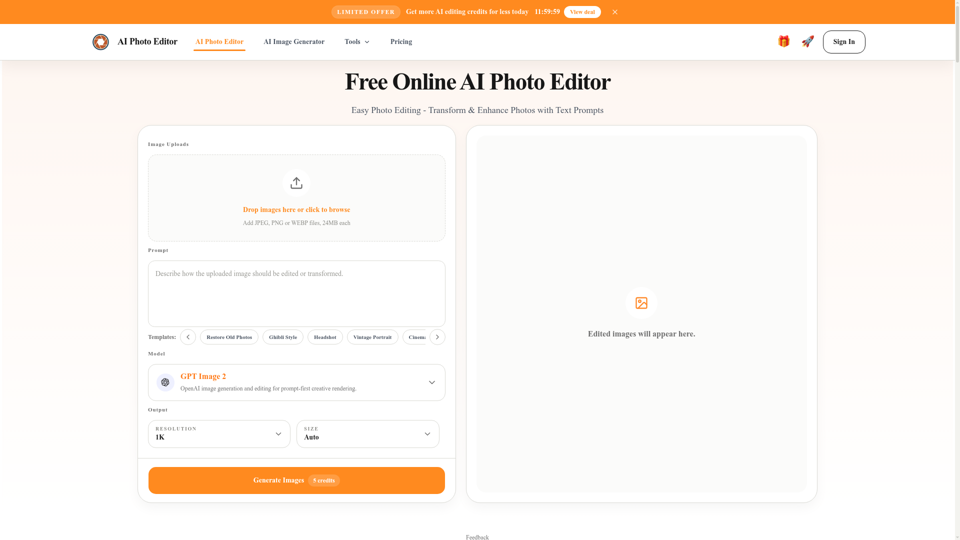
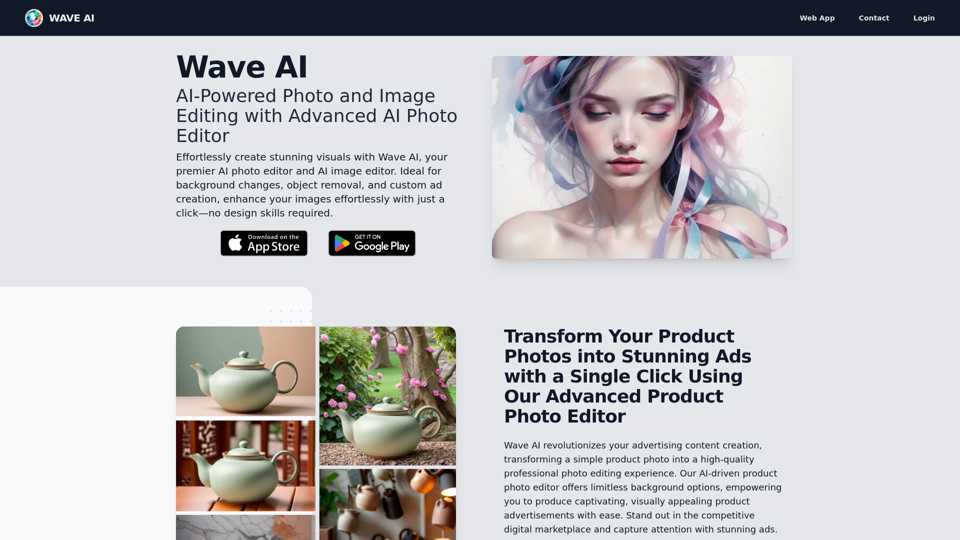
Free AI photo editor online for fast, simple photo edits. Remove, replace, enhance, and restyle images in seconds with an easy AI editor.
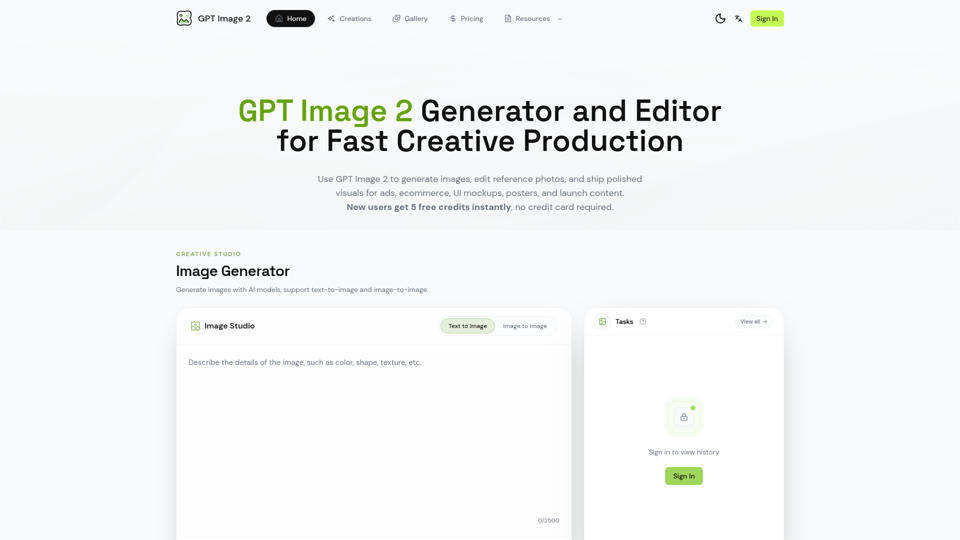

Generate and edit images with GPT Image 2 — AI image generation, reference-image editing, and asset creation for ads, ecommerce, UI mockups, posters, and production-ready visuals. Try free.
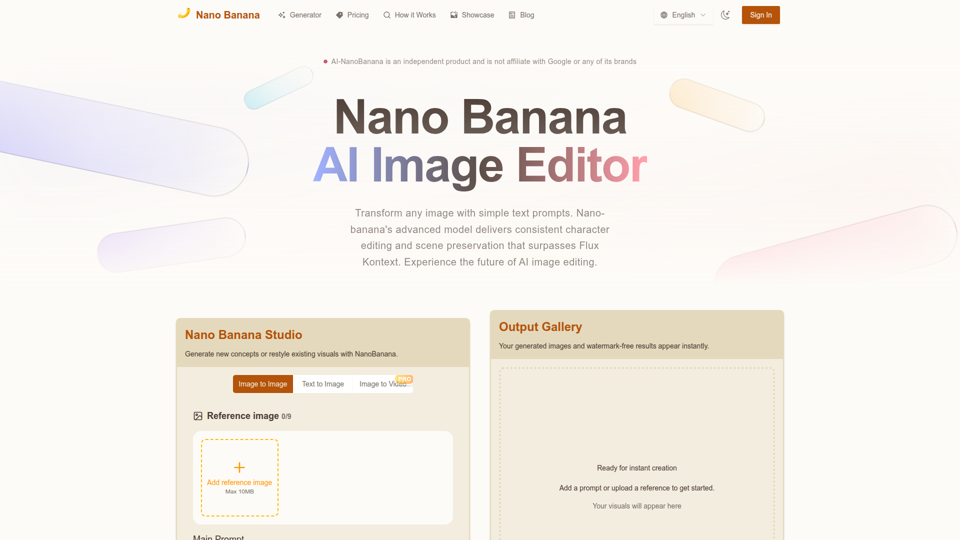
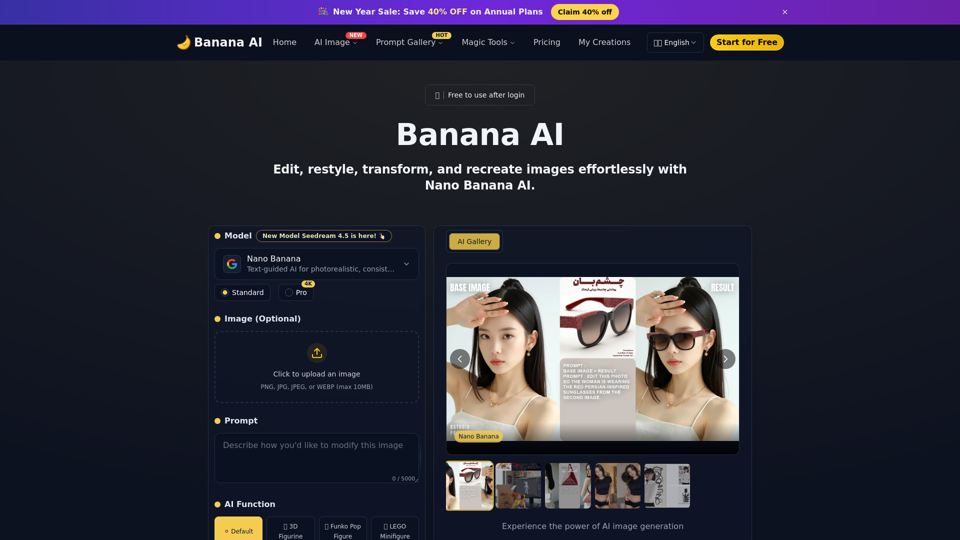
Nano Banana combines image-to-image and text-to-image so teams can ship polished visuals in seconds. Generate, edit, and clean assets in one intuitive workspace.
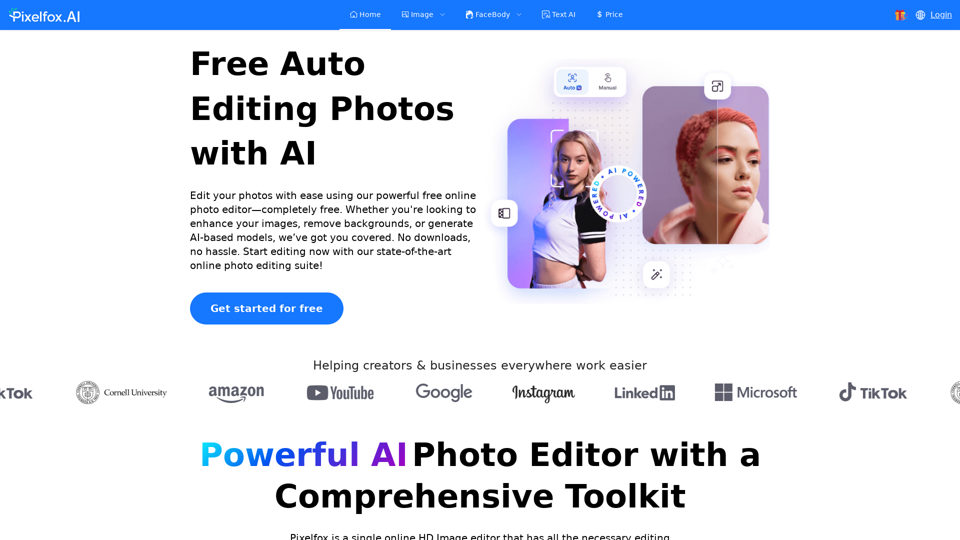
Pixelfox AI is one of the best free AI image editor tool, which is designed to auto edit images and photos. Start editing photos Now.
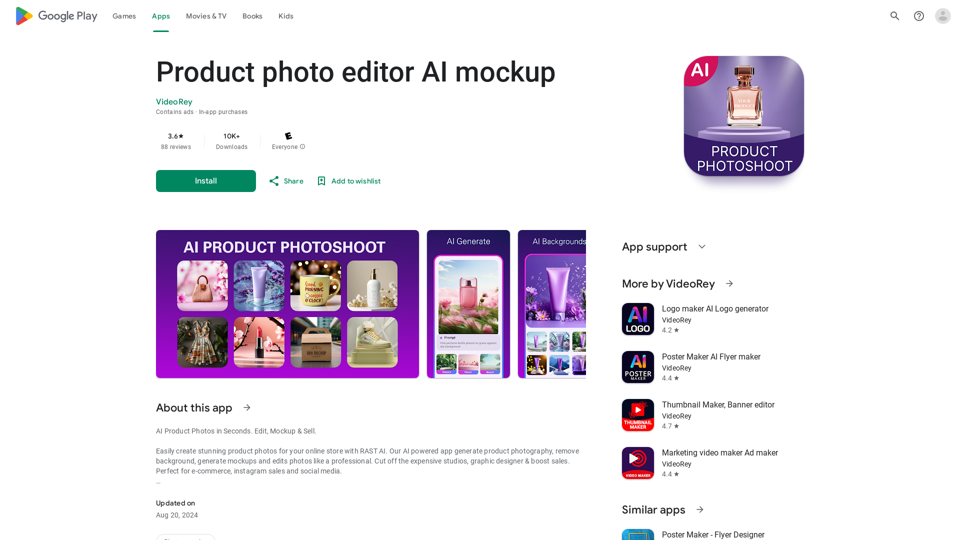
AI Product Photoshoot, ecommerce photo editor, background remover, mockup maker
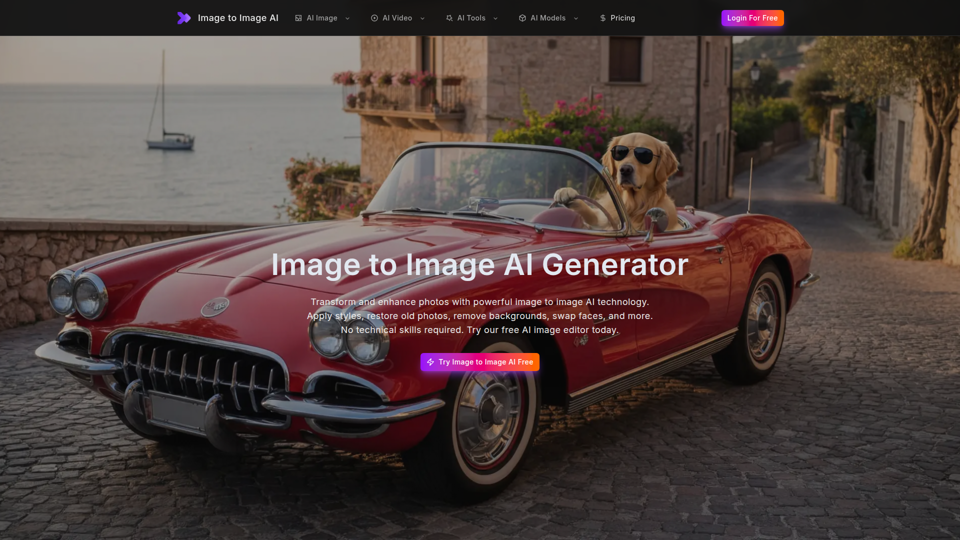
Free image to image AI generator and AI image editor online. Face swap, restore old photo, remove background, upscale, and transform photos with AI in seconds.