What is Rask AI?
Rask AI is an innovative platform that allows users to effortlessly translate any video content within minutes using advanced AI technologies. With a user base exceeding 2 million, Rask AI ensures high-quality translations and localization for various multimedia needs.
What are the main features of Rask AI?
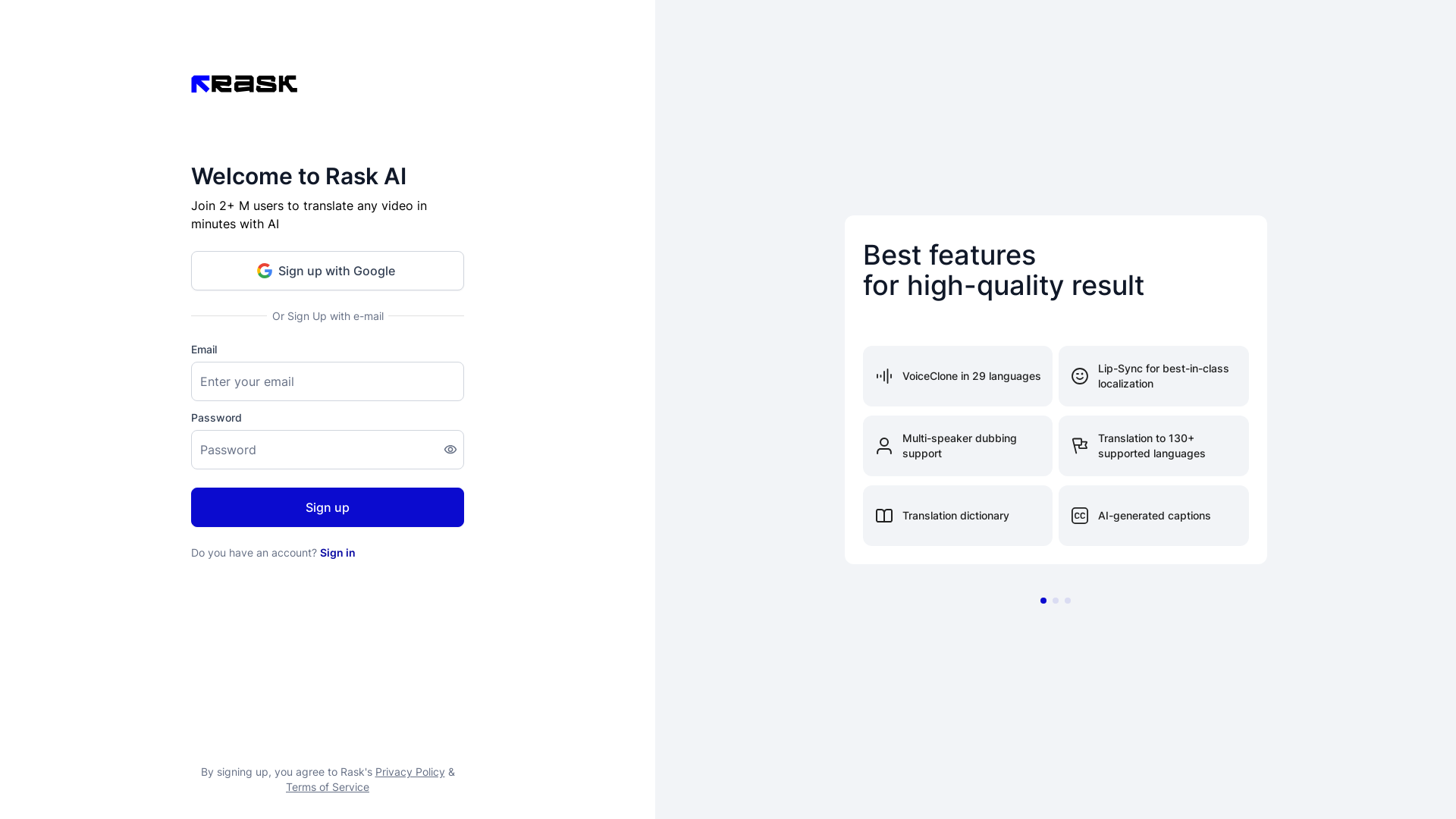
- VoiceClone in 29 Languages
- Perfectly replicate voices in multiple languages for authentic and localized dubbing.
- Lip-Sync for Best-in-Class Localization
- Achieve natural-looking lip-syncing that aligns perfectly with the translated audio.
- Multi-Speaker Dubbing Support
- Provide seamless dubbing for videos featuring multiple speakers, enhancing viewer experience.
- Translation to 130+ Supported Languages
- Access a wide range of language options to cater to global audiences.
- Translation Dictionary
- Utilize built-in dictionaries to ensure accuracy and context in translations.
- AI-Generated Captions
- Automatically generate captions to support viewers in understanding the video content better.
How to use Rask AI?
Getting started with Rask AI is straightforward. Simply sign up for an account using either your email or Google account. Once registered, you can upload your video content and select your desired language for translation. The AI will process your video, providing you with translated audio and captions in minutes.
What is the pricing for Rask AI?
Rask AI offers various subscription plans to cater to different user needs. While there might be free features available, subscribing to a premium plan will unlock additional benefits, including advanced translation capabilities and more frequent usage options. For detailed pricing information, please visit Rask's official website.
Helpful Tips for Maximizing Rask AI
- Use Supported Formats
- Ensure your video files are in supported formats to avoid any processing issues.
- Check for Quality
- Review and edit the automatically generated captions for enhanced accuracy.
- Explore Language Options
- Experiment with multiple languages to reach a broader audience.
- Utilize Multi-Speaker Features
- If your video contains several speakers, take advantage of the multi-speaker dubbing support for a professional touch.
- Stay Updated
- Regularly check for any updates or new features offered by Rask AI to maximize your translation experience.
Frequently Asked Questions
Do I need to create an account to use Rask AI?
Yes, creating an account is necessary to access Rask AI's features, but you can sign up easily using your email or Google account.
Can Rask AI translate all types of videos?
Rask AI can handle a variety of video formats, but ensure that your video adheres to the platform's supported formats for best results.
Is Rask AI suitable for professional use?
Absolutely! With its high-quality features and capabilities, Rask AI is ideal for businesses, content creators, and educators who require accurate translations for their videos.
Will my data be secure with Rask AI?
Yes, Rask AI prioritizes user privacy and data protection. You can review their Privacy Policy for specific details on data handling.
What should I do if I find errors in the translations?
You can manually edit the AI-generated captions and translations for accuracy and context. Rask AI provides tools to help you refine your content.
Login or Sign up
Rask
 Amazon CloudFront
 Amazon S3
 Amazon Web Services
 Clickbank
 Google Tag Manager
 Rewardful
Free AI anime and manga generator. Turn text into anime episodes, manga, comics, webtoons and comic shorts in any art style — no drawing or animation skills needed.
Translate image text across 70+ languages with our advanced AI Image Translator to help you better expand your products globally to various countries
Advertised Here
Reach thousands of visitors daily. Get your spot now!
Tools similar to Login or Sign up
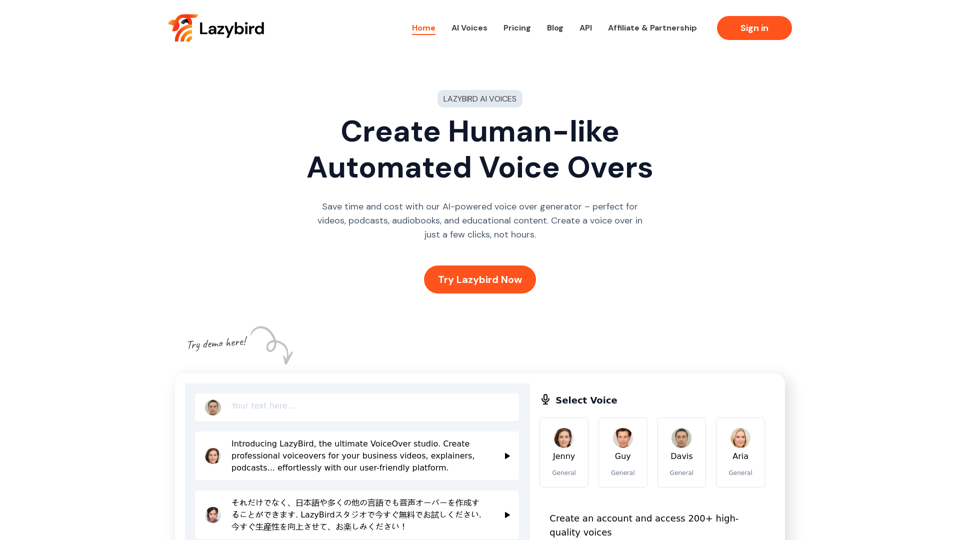
Lazybird offers an easy-to-use interface for generating high-quality automated voice overs for videos, podcasts, audiobooks, and educational content.
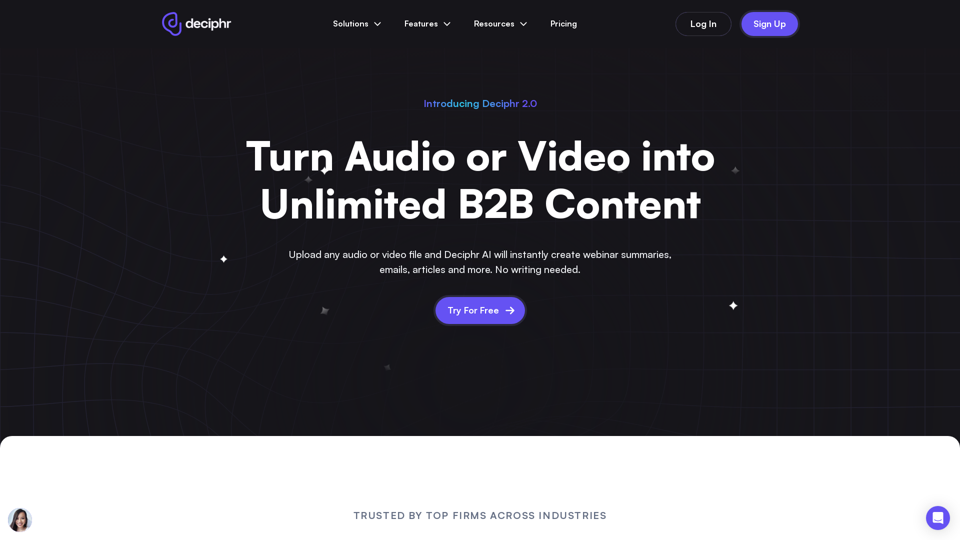
Effortlessly create podcast transcripts, concise summaries, show notes, and AI-generated audio and video reels in minutes, all at no cost. Join us today!
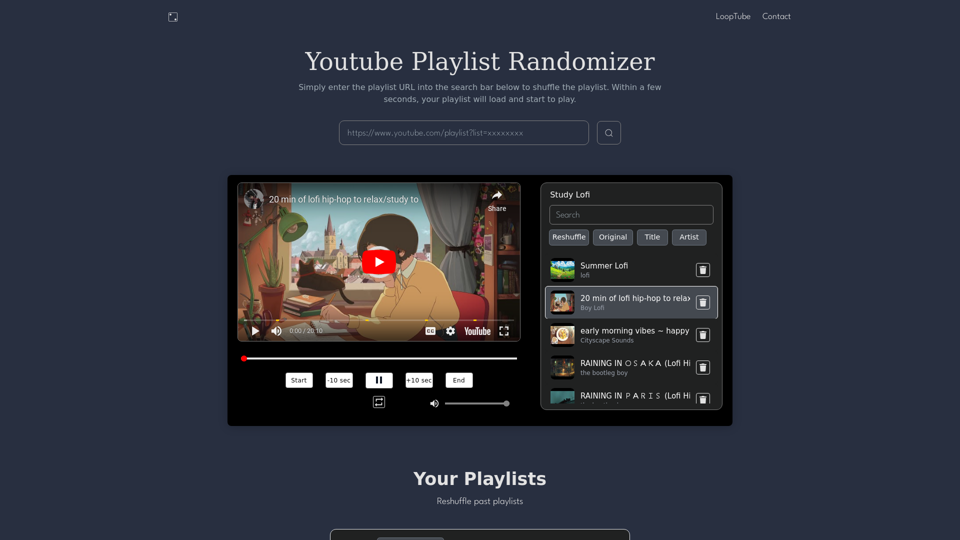
Playlist Randomizer lets you shuffle any youtube playlist online for free. Listen and loop your favorite playlists ad free and in background.
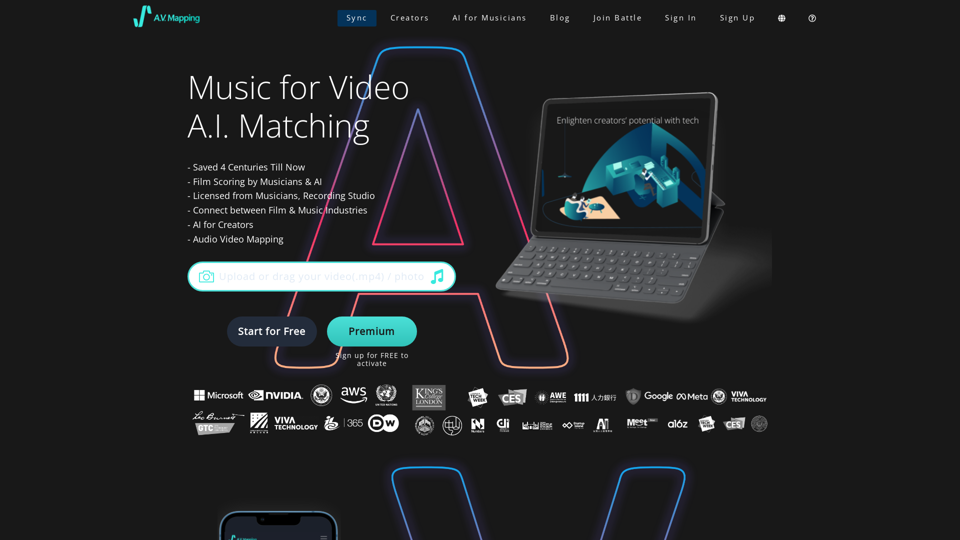
Get access to copyright free music, free sound effects, royalty free music. AI finds the perfect soundtrack for video today. Text to Music, all free to download and easy to use.
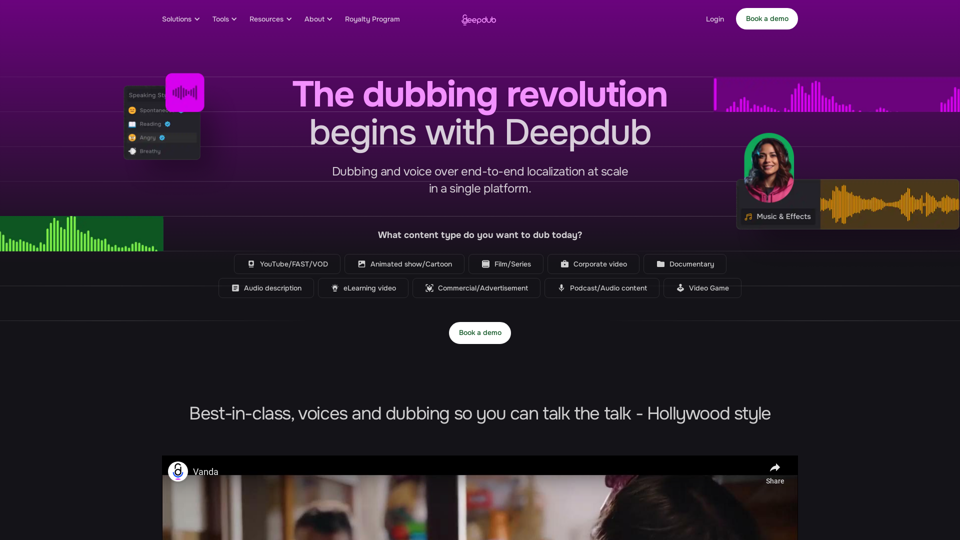
Scale up dubbing for your productions faster and more cost-efficiently than ever with the end-to-end localization platform made for voice production.